Category: Design & Technology - Page 7
Reducing AI Friction: One-Tap Corrections and Undo in Apple Interfaces


Discover how one-tap corrections and smart undo functions reduce AI friction in Apple interfaces. Learn why these design choices restore user control and boost trust in AI tools.
Liquid Glass UI: How Media Apps Use Dynamic Controls for Photos and Video
Discover how Liquid Glass UI transforms media apps. Learn about dynamic controls, refraction effects, and performance tips for photo and video editors.
Designing Empty States for Apple Apps: Clarity, Motivation, and Guidance
Learn how to design effective empty states for iOS apps. Discover strategies for clarity, motivation, and guidance that align with Apple's Human Interface Guidelines.
Apple Intelligence UX: Designing AI Features Without User Fatigue
Learn how to design AI features that feel natural and useful. Discover strategies to reduce cognitive load, build trust with on-device processing, and create seamless experiences across Apple's ecosystem.
Liquid Glass: How Apple's New Design Language Unifies Its Ecosystem
Discover how Apple's new Liquid Glass design unifies the look and feel across iPhones, Macs, and iPads. Learn about the technical changes, battery impacts, and practical benefits for users and developers.
Apple Watch Task Duration Design: Why Short Sessions Win
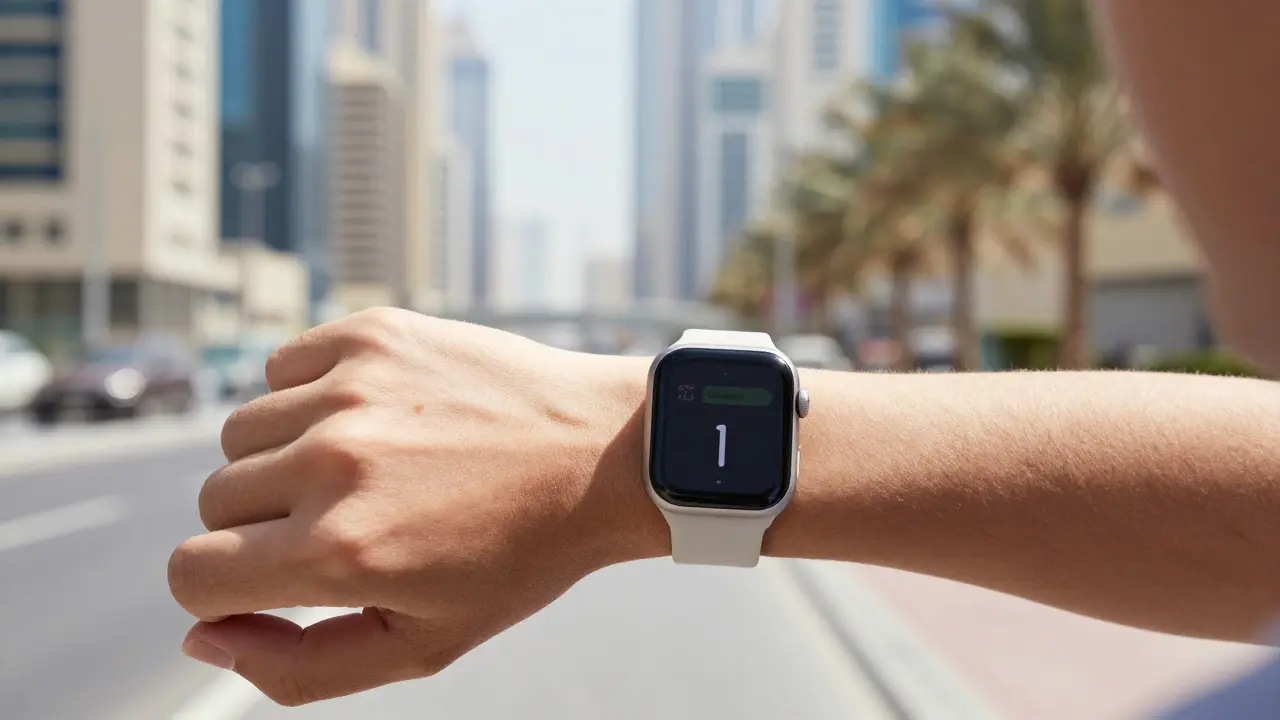
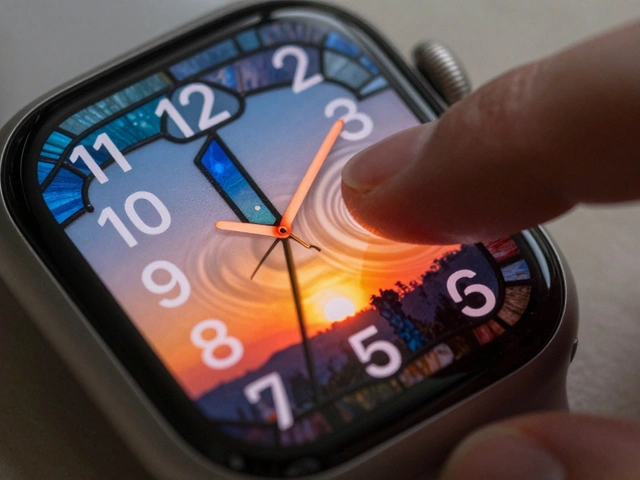
Discover why Apple Watch apps are designed for ultra-short sessions. Learn how task duration, cognitive load, and hardware constraints shape the unique UX of wearable devices.
Designing Context Menus on iOS and iPadOS: Power Without Clutter
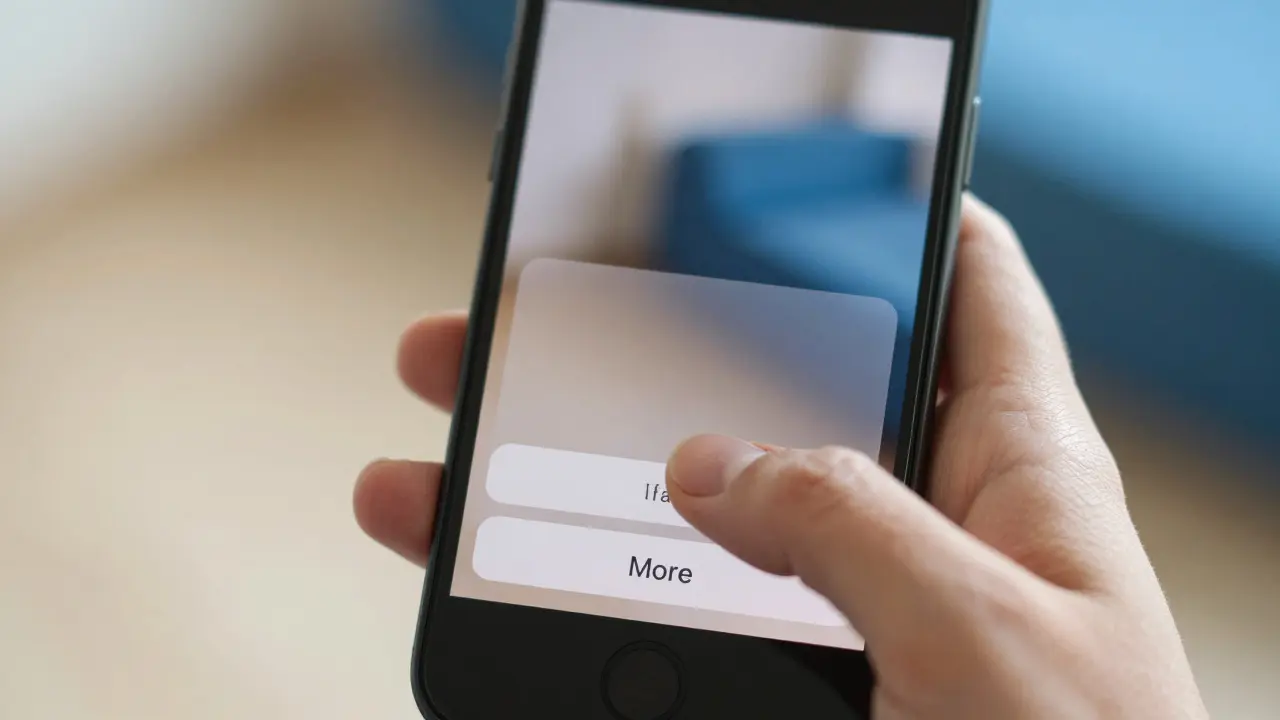
Learn how to design effective context menus for iOS and iPadOS apps. We cover HIG best practices, layout strategies, and accessibility tips to create powerful yet clutter-free interactions.
iPhone Navigation Design: Tab Bars, Sidebars & Context Controls
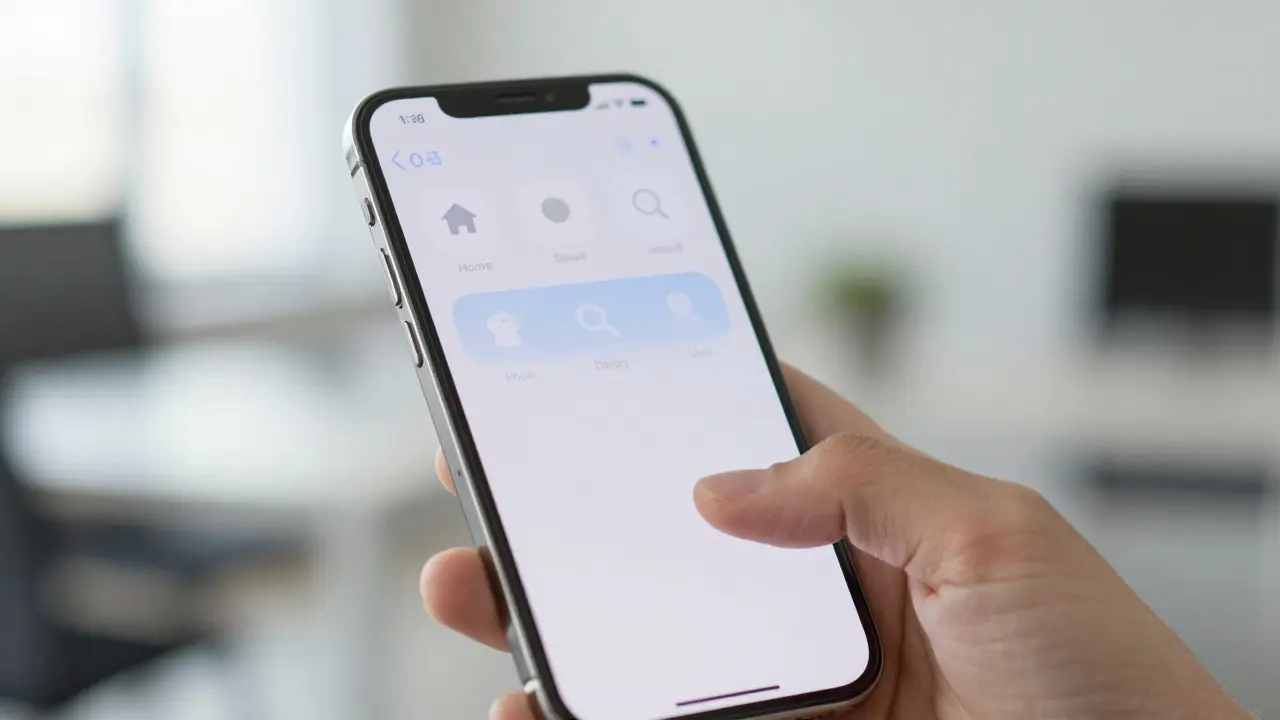
Learn how to design effective iPhone navigation using tab bars, sidebars, and context-aware controls. Get practical tips on hierarchy, device-specific layouts, and avoiding common mistakes.
How Architecture and Art Shaped Apple's Design Leadership

Explore how Apple blends architectural principles and art history to create iconic products. Learn about the impact of Bauhaus, Jony Ive, and minimalist design on the tech giant's success.
Macintosh 1984: The All-in-One Design That Changed Computing

Discover how the 1984 Macintosh changed computing with its all-in-one design and GUI. Learn about its engineering challenges, cultural impact, and lasting legacy in modern tech.
Liquid Glass Iconography: Mastering Depth, Reflection, and Dynamic Highlights

Discover how to master liquid glass iconography. Learn to apply depth, refraction, and dynamic highlights for immersive, physically accurate UI designs.
VoiceOver and Apple UI: Designing Interfaces That Read Clearly
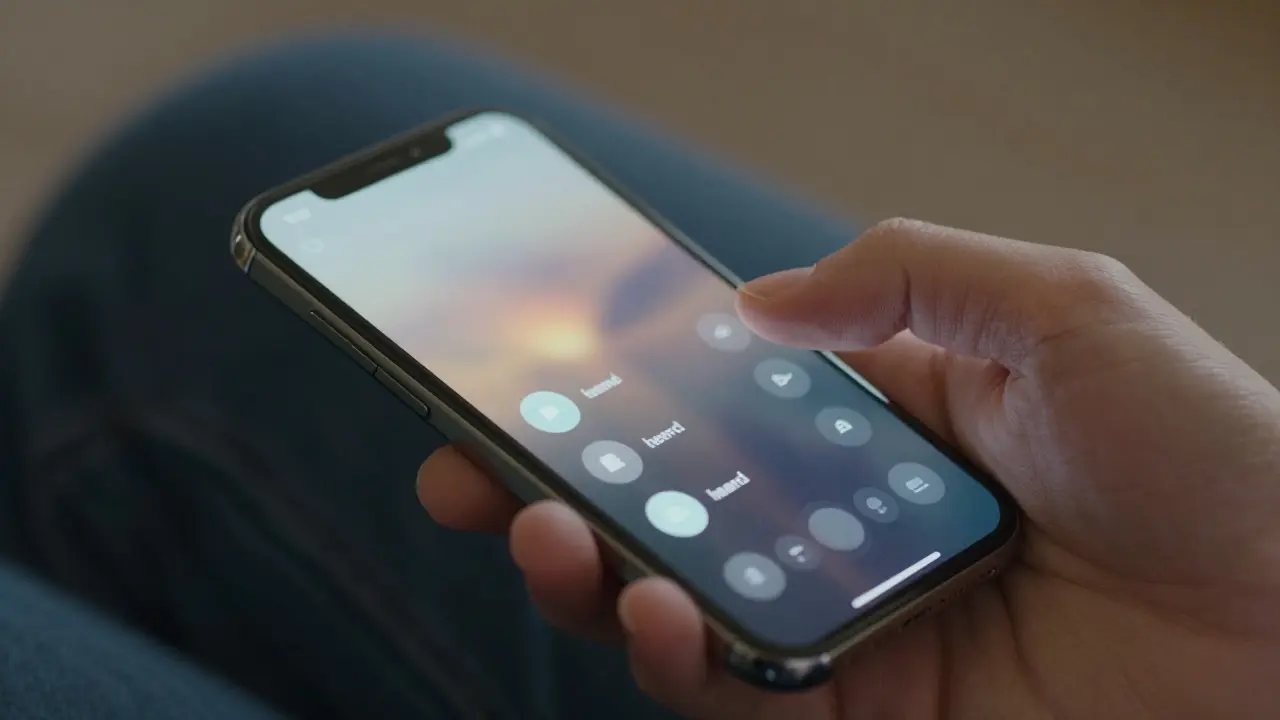
Learn how to design Apple interfaces that work seamlessly with VoiceOver. This guide covers logical reading order, custom controls, and practical testing tips for inclusive design.