Category: Design & Technology
Mastering SF Pro Text and Display: The Apple Typography Guide
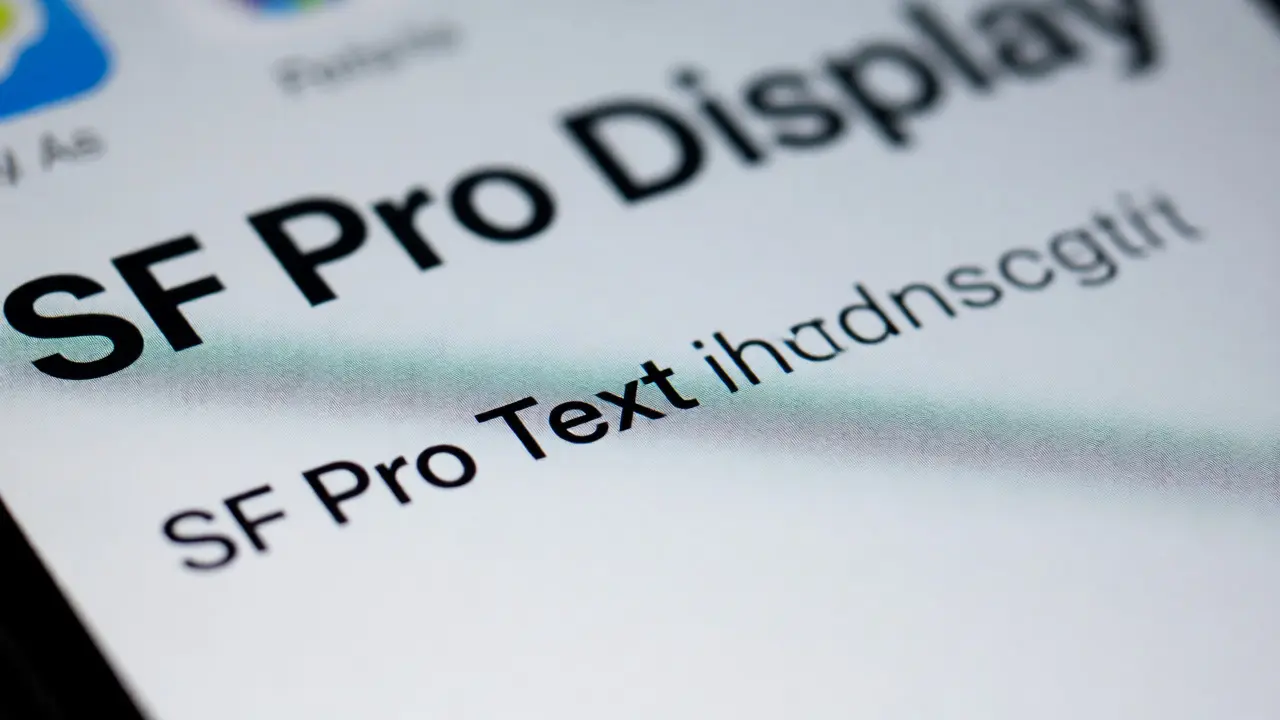

Discover how to properly pair SF Pro Text and Display for optimal UI clarity. Learn the 20pt rule, avoid common pitfalls, and master Apple's typography system.
Designing Apple Watch Faces: A Guide to Information Modularity and Custom Layers
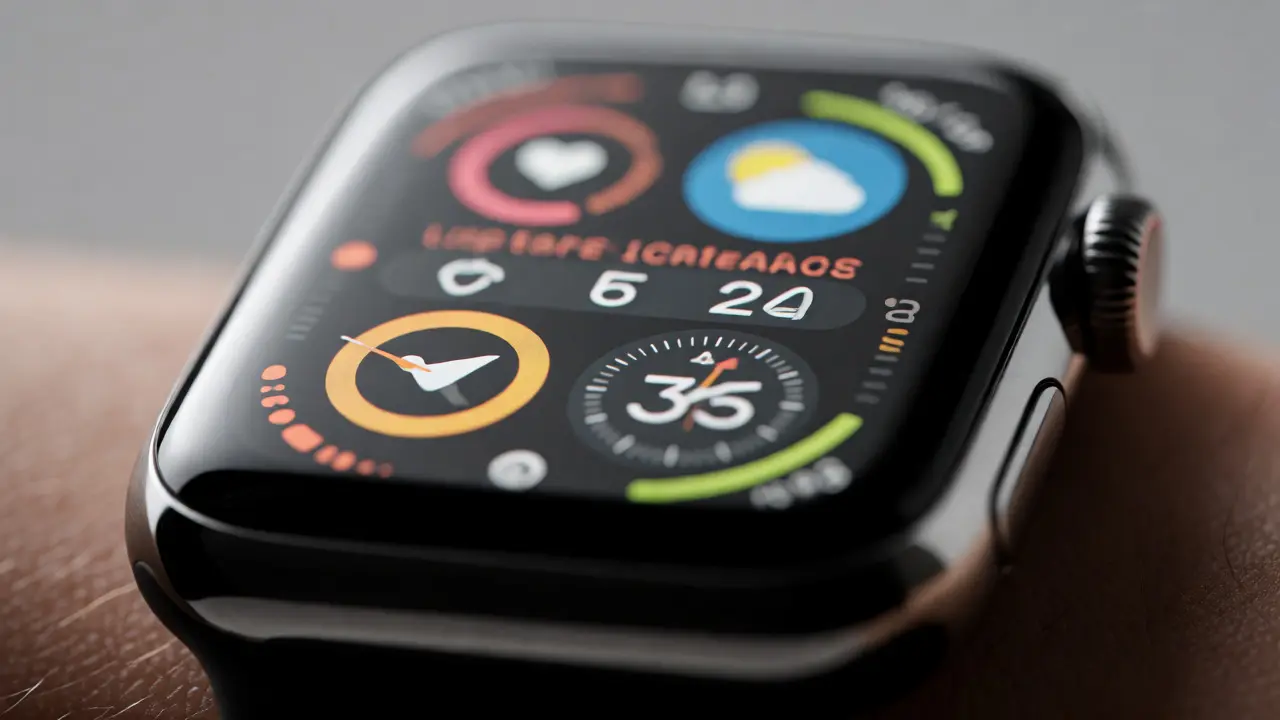
Master Apple Watch face design with information modularity. Learn how custom layers improve usability, reduce clutter, and enhance user control on small screens.
Offline and Online on Apple: Resilience and Caching as UX Foundations
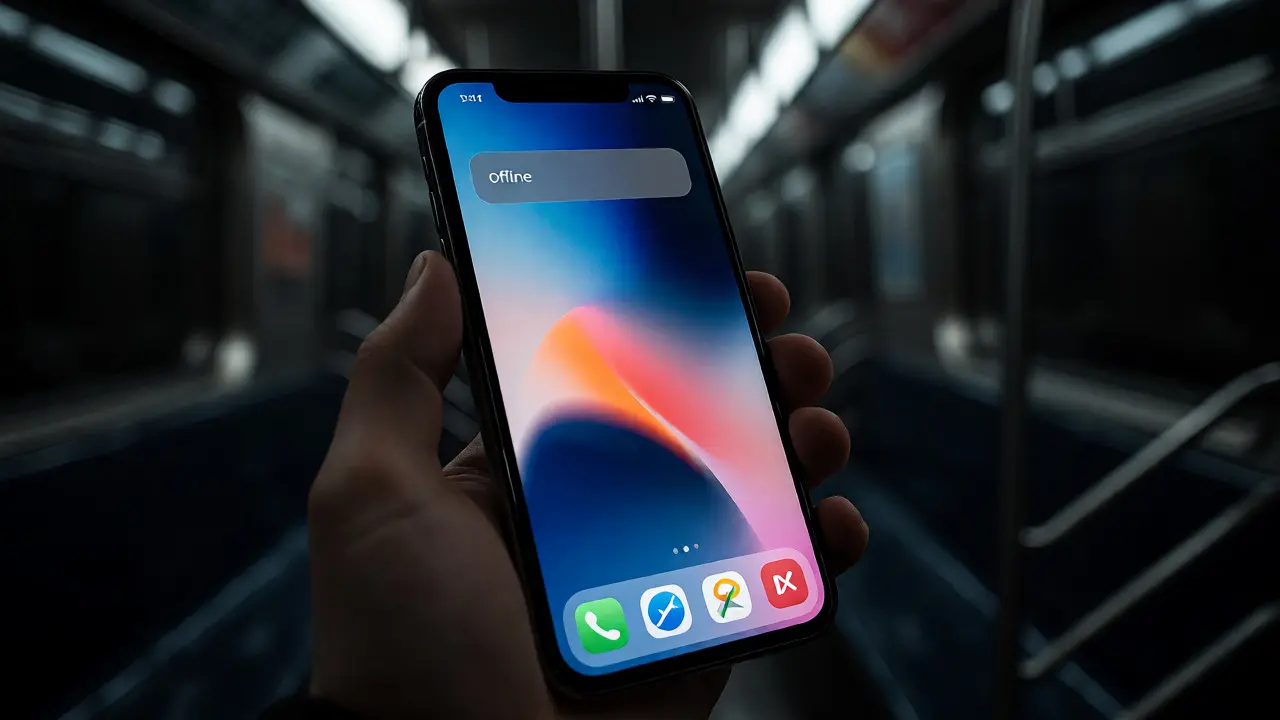
Discover why offline resilience and smart caching are critical UX foundations for Apple apps. Learn how to implement optimistic updates and graceful degradation to keep users engaged even when connectivity fails.
How Apple Handles Dissent in Design: Debate, Prototypes, and User Value

Discover how Apple turns design dissent into innovation. Learn their methods for resolving conflicts through prototyping and user value, and apply these lessons to your team.
Liquid Glass on Apple Platforms: A Unified Material for iOS 26, iPadOS 26, and macOS Tahoe 26
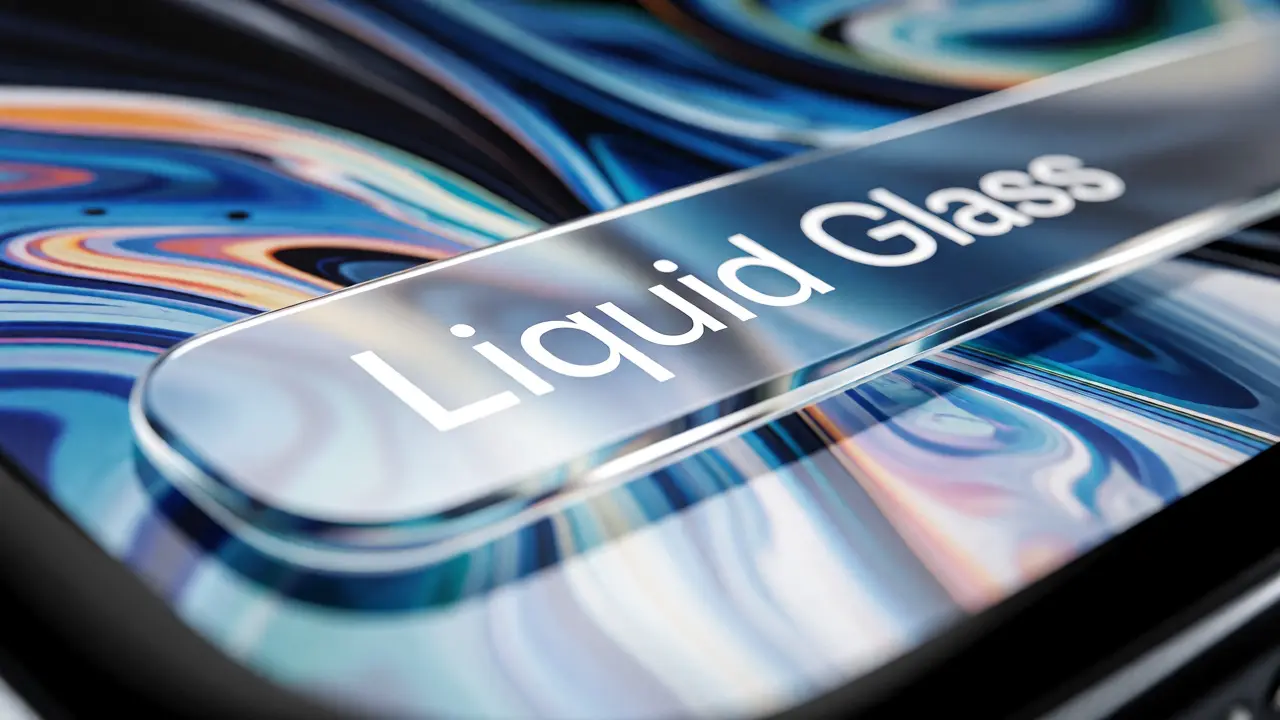
Discover how Apple's new Liquid Glass material transforms iOS 26, iPadOS 26, and macOS Tahoe 26. Learn about its technical foundations, cross-platform consistency, and essential design best practices for creating intuitive, depth-aware interfaces.
Touch ID on iPhone 5s: How Apple Merged Security and Industrial Design
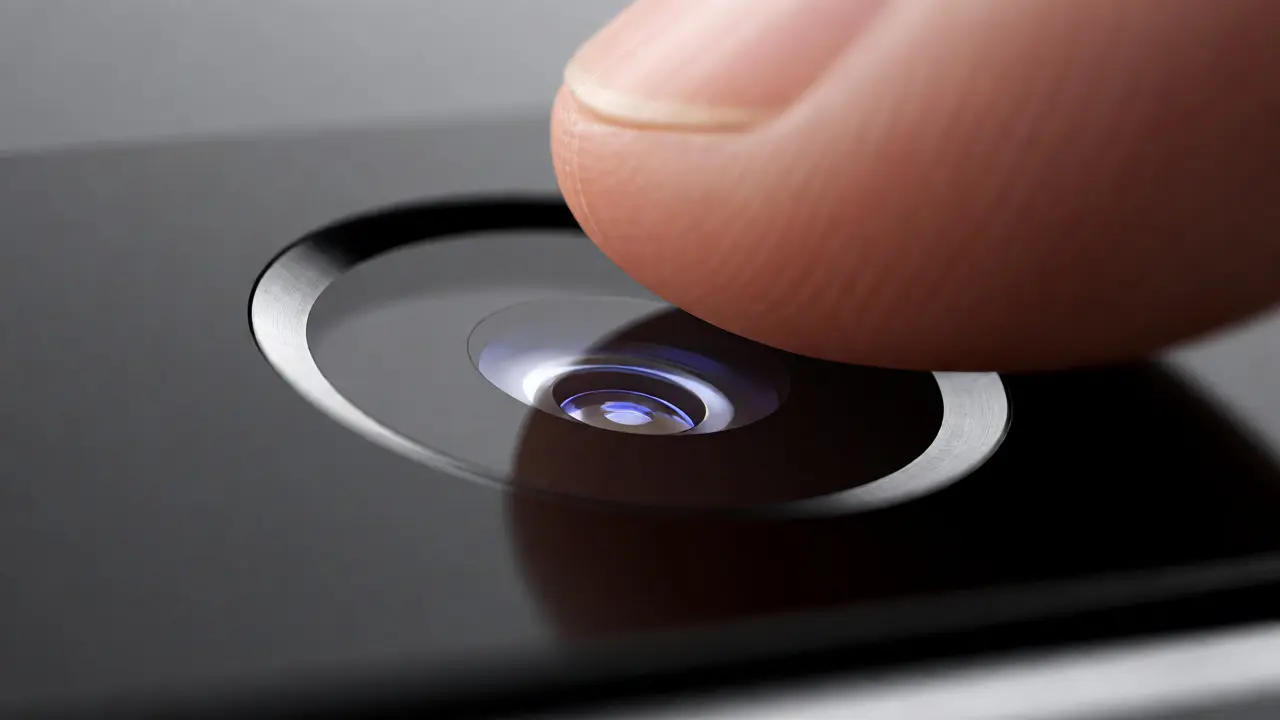
Discover how the iPhone 5s revolutionized mobile security by integrating Touch ID into its industrial design. Learn why sapphire crystal and capacitive sensing made biometrics seamless, durable, and user-friendly.
Snow White Design Language: How Apple’s 1980s Aesthetic Defined Tech
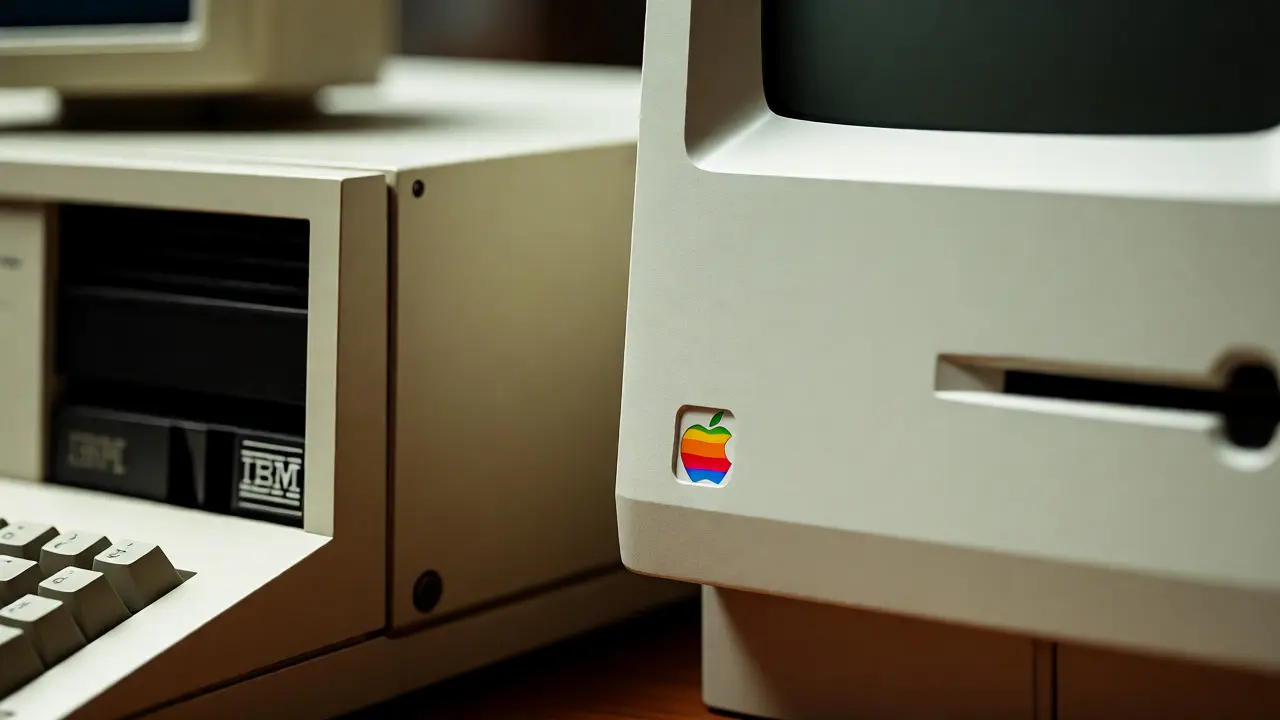
Discover how Apple's Snow White design language revolutionized tech aesthetics in the 1980s. Learn about Hartmut Esslinger's impact and the legacy of friendly, consistent industrial design.
Apple Watch Health UI: Designing for Safety and Medical Insights

Explore how Apple Watch UI patterns balance medical precision with user safety. Learn why haptics, passive interactions, and clear data abstraction are critical for health-focused wearable design.
iPhone Durability: Glass, Metal, and Drop Survival Guide
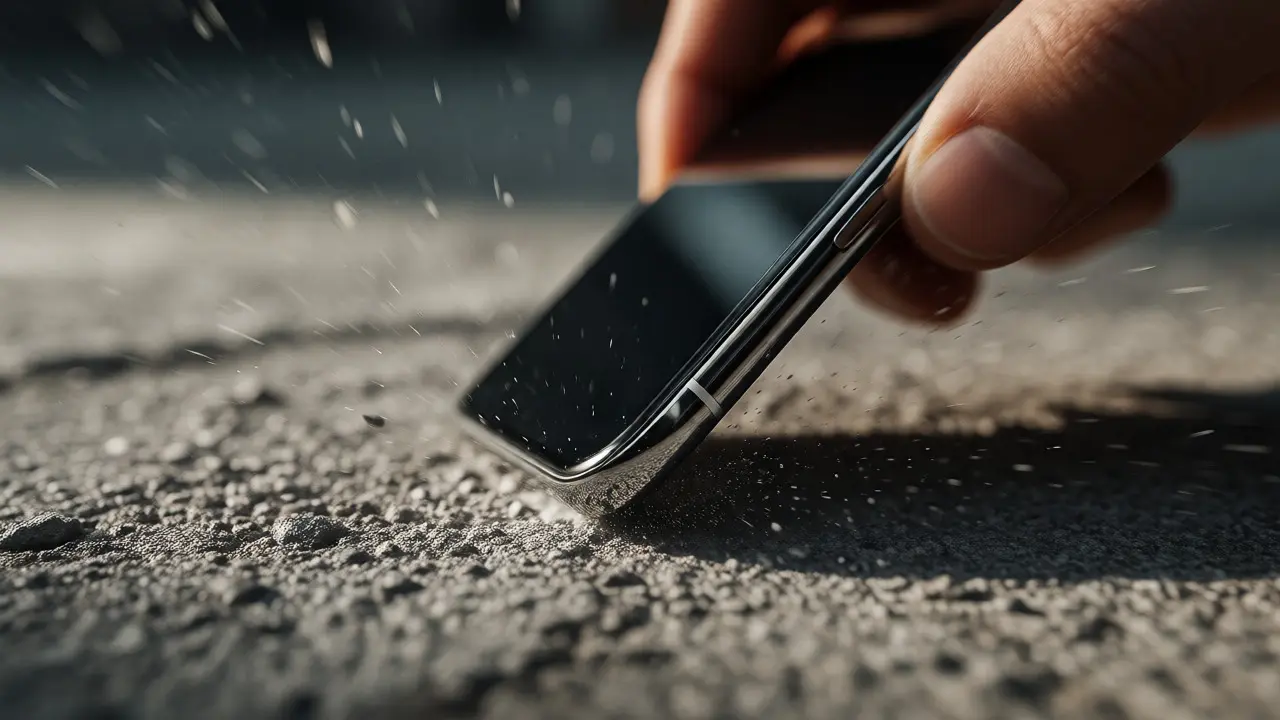
Discover how iPhone durability has evolved from fragile glass to robust Ceramic Shield and titanium frames. Learn why your phone breaks, how materials interact, and practical tips to survive drops without a bulky case.
Ecosystem Notifications: Consistent Priority and Privacy on Apple Devices

Discover how Apple's ecosystem manages notification priority and privacy. Learn to master Focus Modes, understand on-device intelligence, and reduce digital fatigue across your iPhone, Mac, and Watch.
Apple Product Design Philosophy: How Simplicity Wins
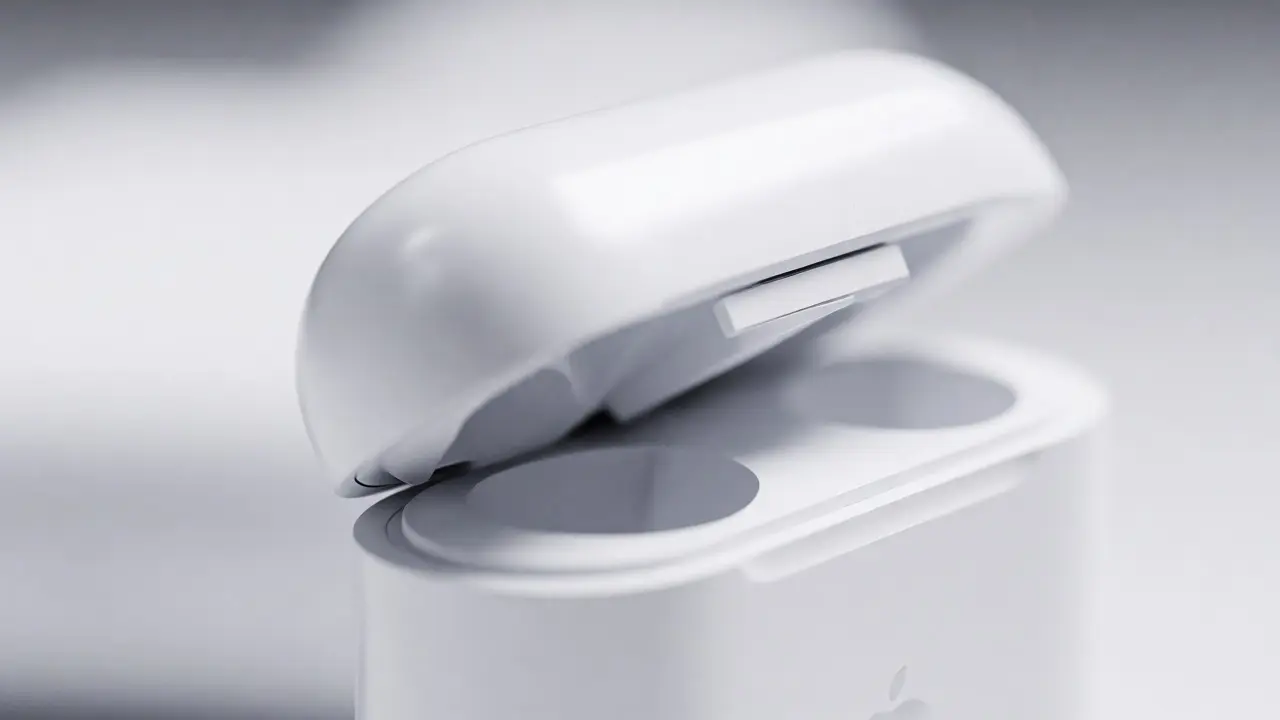
Discover how Apple transforms complex technology into intuitive experiences through rigorous simplicity. Learn why saying 'no' is harder than saying 'yes' and how to apply these design principles to your own projects.
MacBook Accessibility Guide: Mastering Keyboard Navigation, Contrast, and Voice Control

Unlock your MacBook's potential with essential accessibility features. Learn how to master keyboard navigation, adjust contrast for better visibility, and use voice control for hands-free efficiency.
Categories
Popular Articles