Wolf and Hare
MacBook Port Decisions: Minimalism vs. Usability in 2026
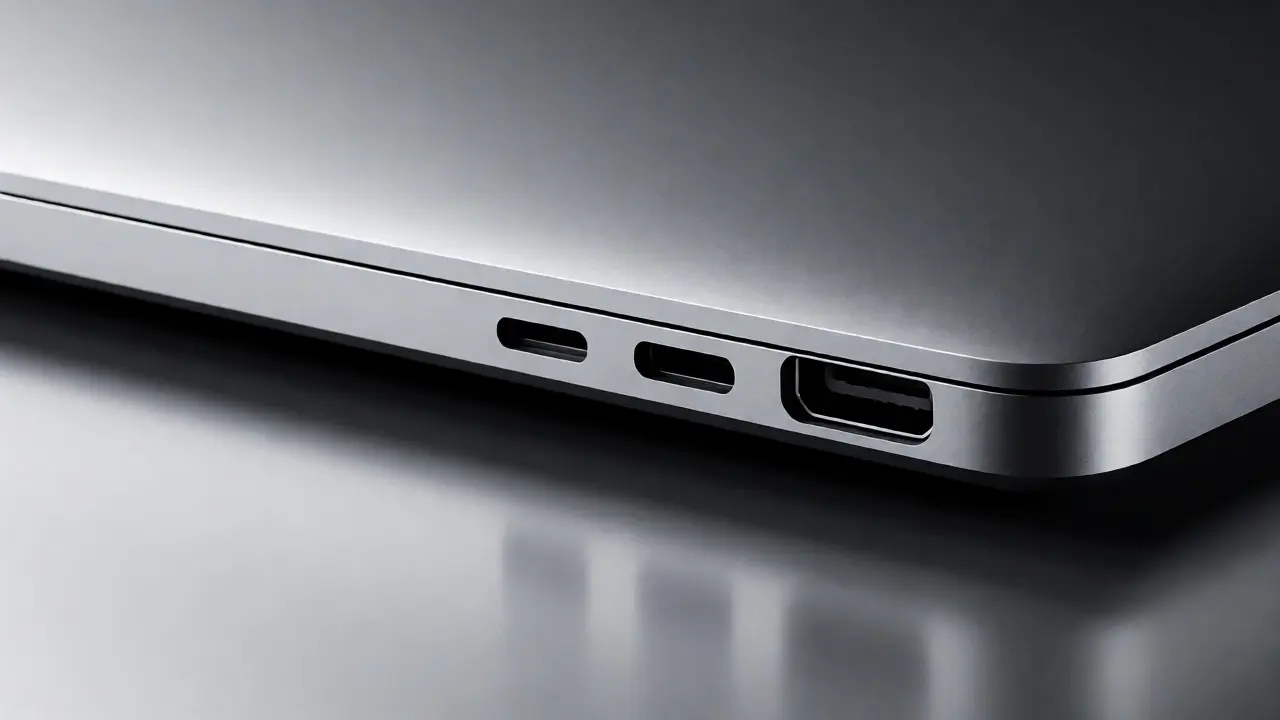

Explore the trade-offs between minimalist design and practical usability in modern MacBooks. Learn how port choices impact workflow and accessory needs.
Why iPad’s 9.7-Inch Origins Still Influence Tablet Interaction Models

Discover why the original iPad's 9.7-inch screen remains the blueprint for tablet design. Explore the ergonomics, cognitive benefits, and lasting impact of this iconic size.
Apple Accessibility and AI: Personalized Assistance Guide

Explore how Apple integrates AI into accessibility features like VoiceOver and Live Captions. Learn how personalized assistance respects user preferences while enhancing independence.
Testing Accessibility on Apple: Tools and Methods for Real-User Validation
Stop guessing if your iOS app is accessible. Learn how to use Apple's native tools like VoiceOver and Accessibility Inspector to catch real-user issues that automated tests miss.
Why iPhone Setup Feels Effortless: Onboarding Flows That Reduce Anxiety

Discover how Apple's iPhone onboarding flows minimize user anxiety through smart defaults, Quick Start migration, and intuitive design.
iPad Game Interfaces: Mastering Touch-First Controls

Discover how to design iPad game interfaces that balance touch-first controls with minimal on-screen clutter. Learn about thumb zones, haptic feedback, and gesture-based inputs to create immersive, user-friendly gaming experiences.
Apple Design Evolution: From Desktop Icons to Wearables

Explore how Apple's design philosophy shifted from realistic desktop icons to minimalist wearables. Discover the logic behind this evolution.
Steve Jobs’ Design Vision: Turning Elegance and Simplicity into Strategy

Discover how Steve Jobs used simplicity and elegance as core business strategies. Learn how cutting features, harmonizing hardware and software, and focusing on materiality transformed Apple into a design leader.
Apple Design Philosophy: Balancing Aesthetics and Function
Explore how Apple balances visual restraint with rich functionality. Learn why simplicity drives better user experiences and how to apply these design principles.
How iPhone Display, Sensors, and Software Are Co-Designed for Responsiveness
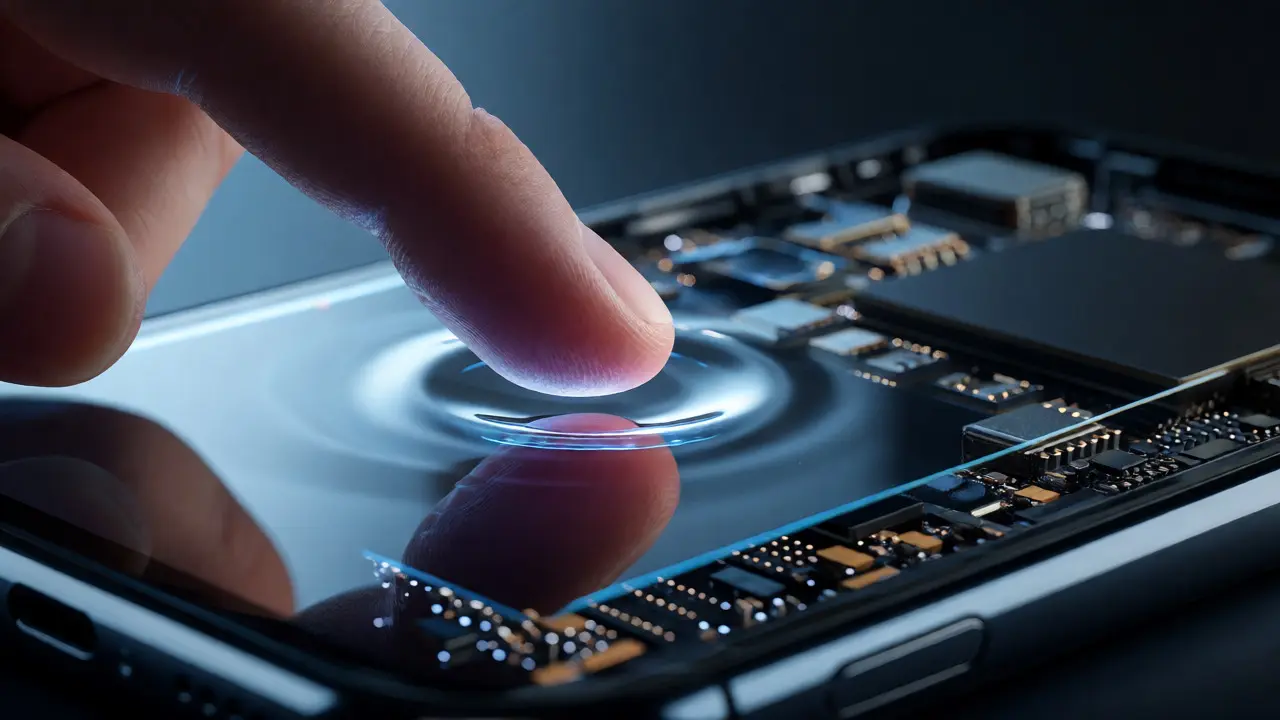
Discover how Apple's vertical integration creates seamless iPhone responsiveness. Learn how ProMotion displays, sensor fusion, and iOS physics work together to minimize latency and maximize perceived speed.
AI in Apple Interfaces: Contextual Prompts and Clear Capability Boundaries
Explore how Apple balances AI utility with privacy through contextual prompts and strict capability boundaries. Learn why on-device processing and transparent UI design are key to trustworthy AI interfaces.
Inside Apple’s Industrial Design Group: Culture, Secrecy, and Craft

Discover how Apple's Industrial Design Group maintains its culture of secrecy and craft. Learn about their leadership, process, and impact on modern tech.