Category: Design & Development
Accessibility APIs for Apple Developers: A Practical Guide to Inclusive Design

Learn why integrating Accessibility APIs from day one saves time and improves UX. Discover key techniques for VoiceOver, Dynamic Type, and contrast in SwiftUI and UIKit.
Progress Indicators in Apple Interfaces: Spinners, Bars, and Subtle Transitions
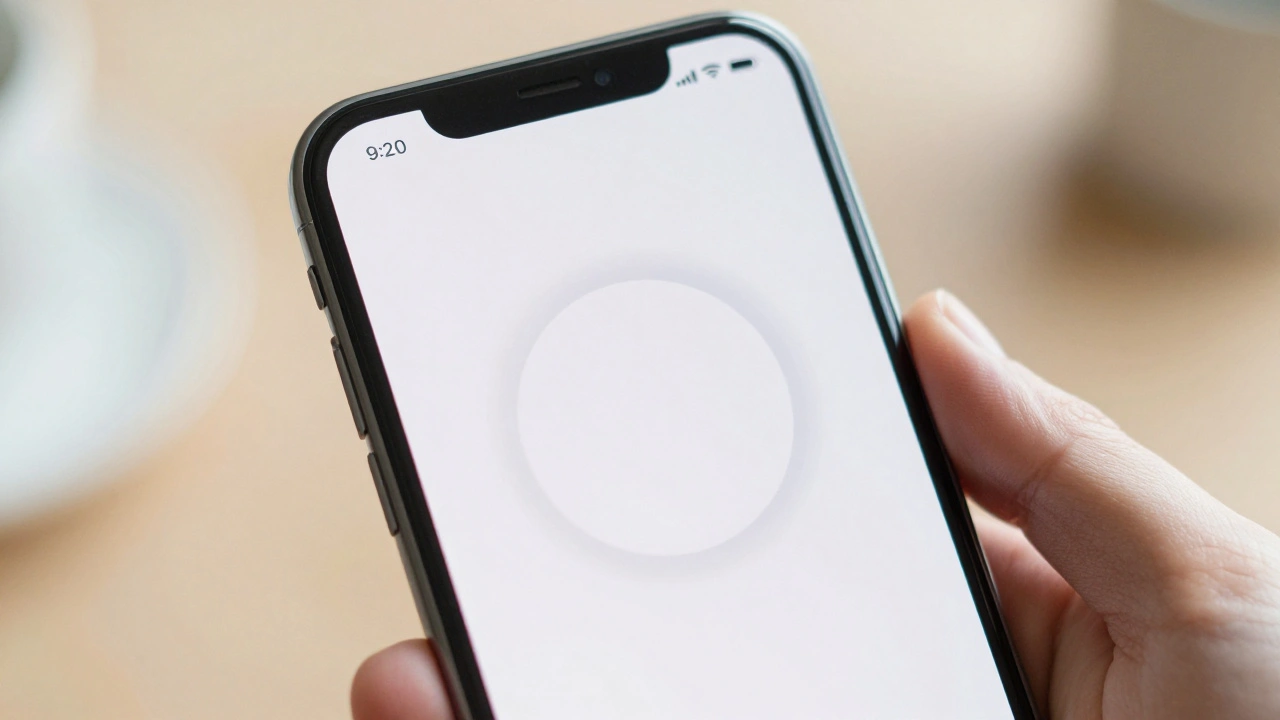
A guide to implementing progress indicators in Apple interfaces, covering SwiftUI, UIKit, and AppKit. Learn when to use spinners vs bars, handle accessibility, and improve UX.
AI and Accessibility APIs on Apple: Making Intelligence Reachable for All

Explore how Apple combines Apple Intelligence and Accessibility APIs to create an inclusive, private, and AI-driven ecosystem for users of all abilities.
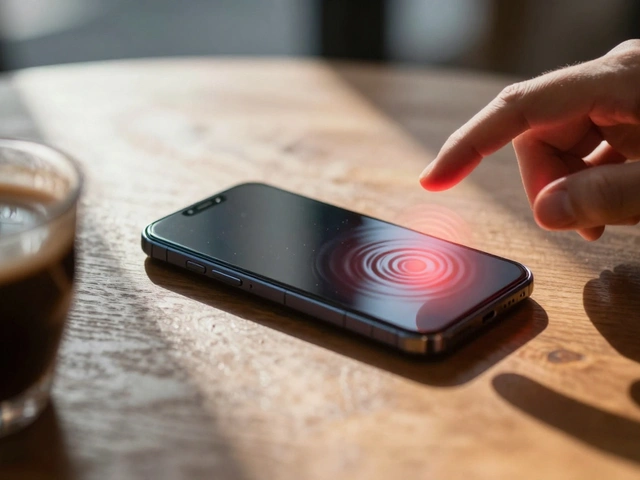
Haptic Feedback in Apple UI: Improving User Experience and Reducing Errors
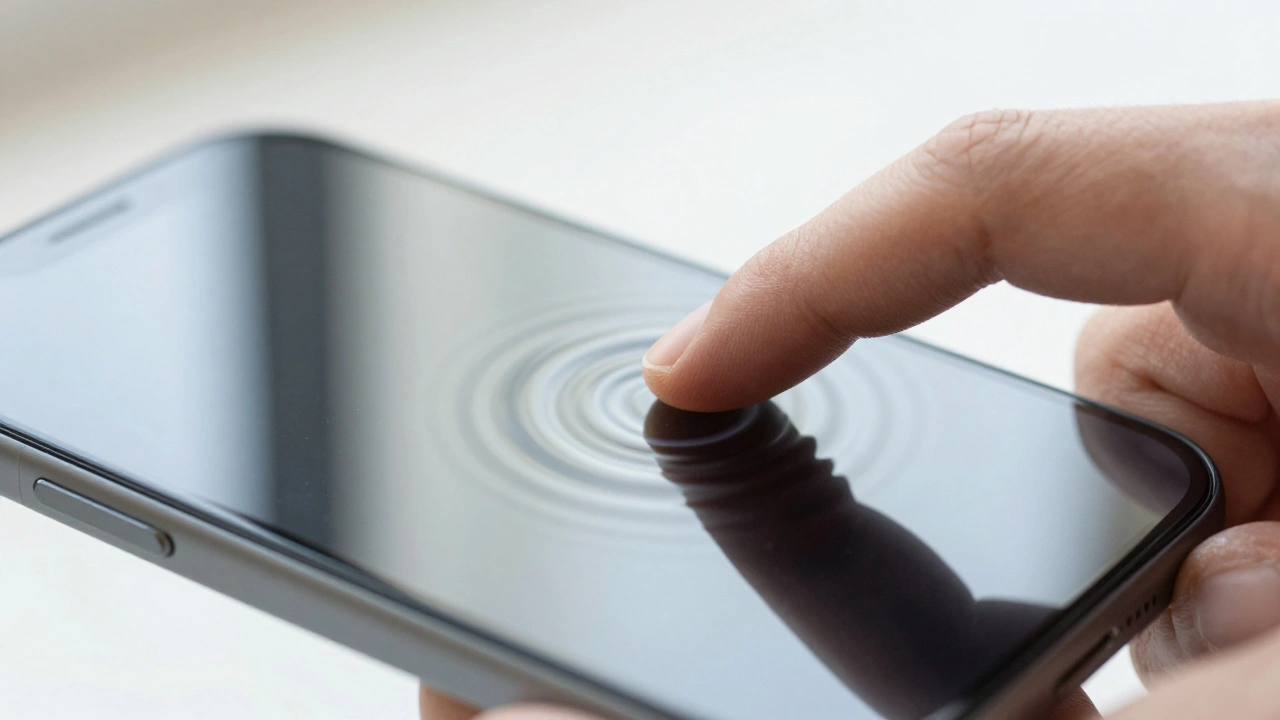
Explore how Apple uses haptic feedback and the Taptic Engine to reinforce user actions and prevent errors in iOS and macOS interfaces.
Mastering Design Handoff for Apple Teams: Specs, Redlines, and Naming
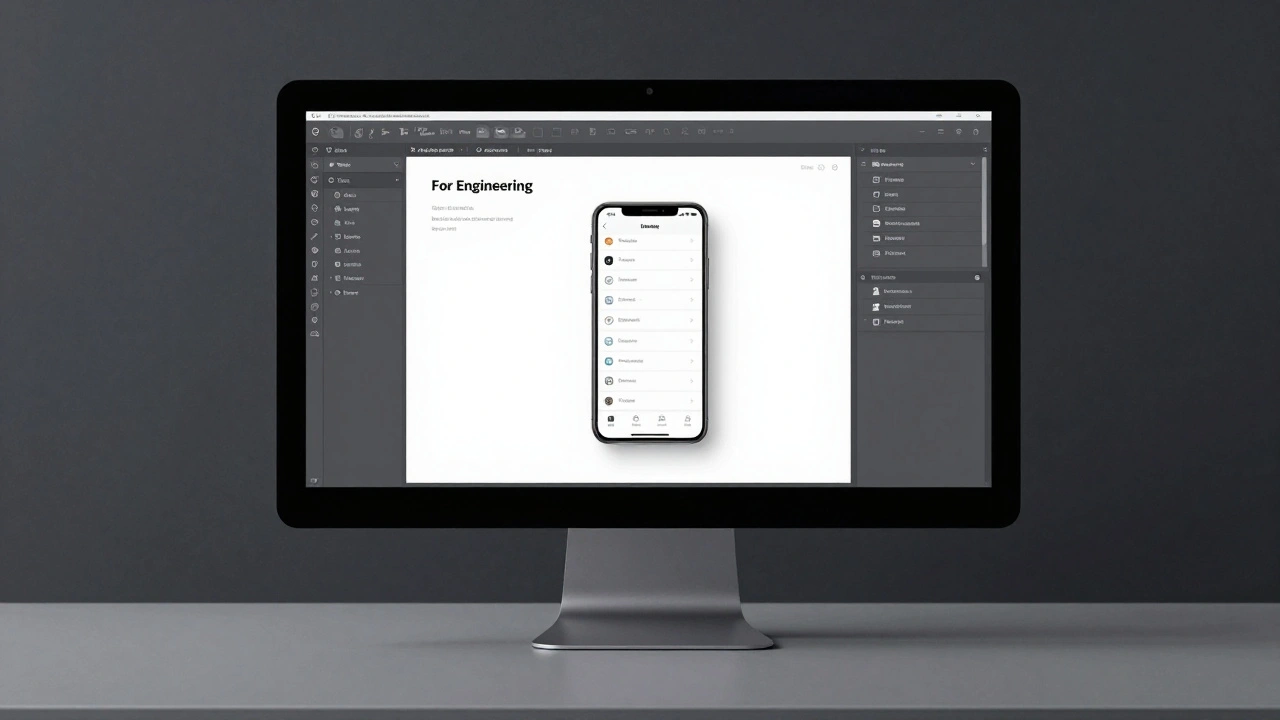
Learn how to streamline design handoff for Apple teams using a 8px spacing system, Dynamic Type specs, and Figma's "For Engineering" page to eliminate guesswork.
Mastering Keyboard Navigation on macOS: Focus Order and Visual Cues

Learn how to optimize keyboard navigation on macOS, from enabling system settings to designing logical focus orders and visible cues for inclusive software.
Typography Testing on Apple Devices: Contrast, Crispness, and Rendering

Learn how Apple's San Francisco font system ensures crisp, readable text across all devices. Discover essential testing methods for contrast, rendering, and accessibility on iOS, iPadOS, and macOS.