Tag: inclusive design
Accessibility APIs for Apple Developers: A Practical Guide to Inclusive Design
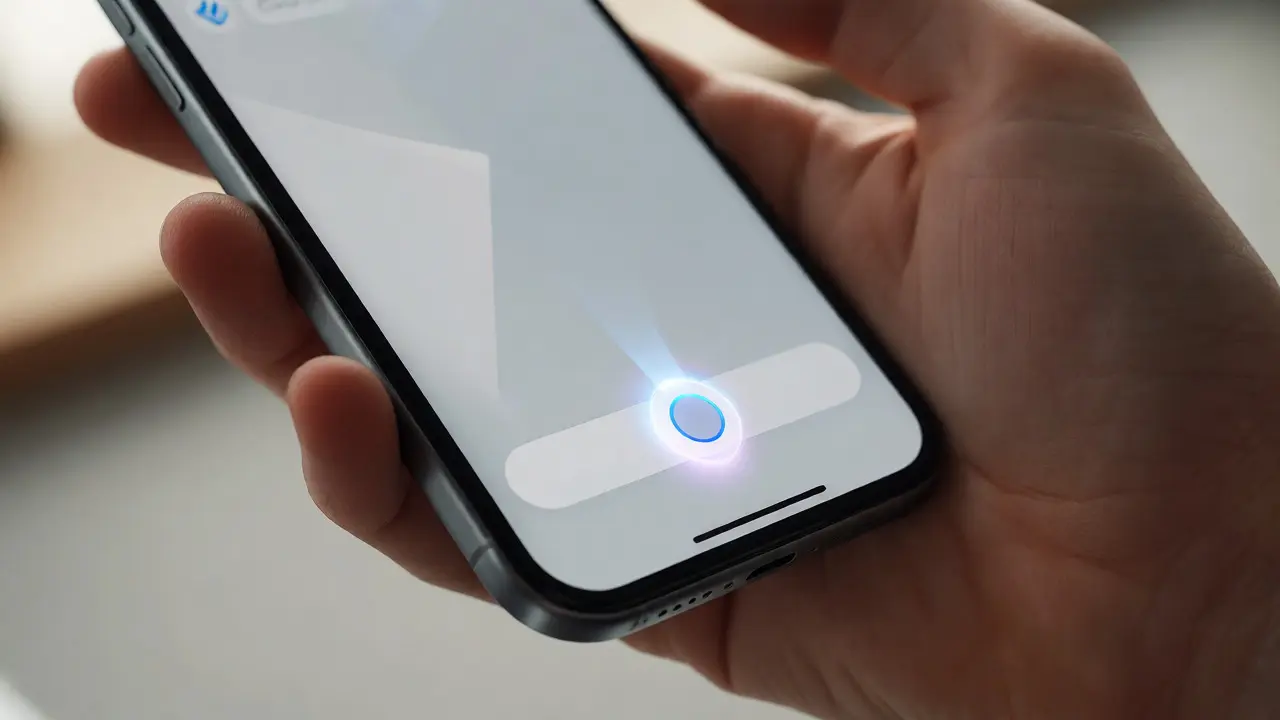

Learn why integrating Accessibility APIs from day one saves time and improves UX. Discover key techniques for VoiceOver, Dynamic Type, and contrast in SwiftUI and UIKit.
Inclusion Debt at Apple: Closing UX Gaps in 2026
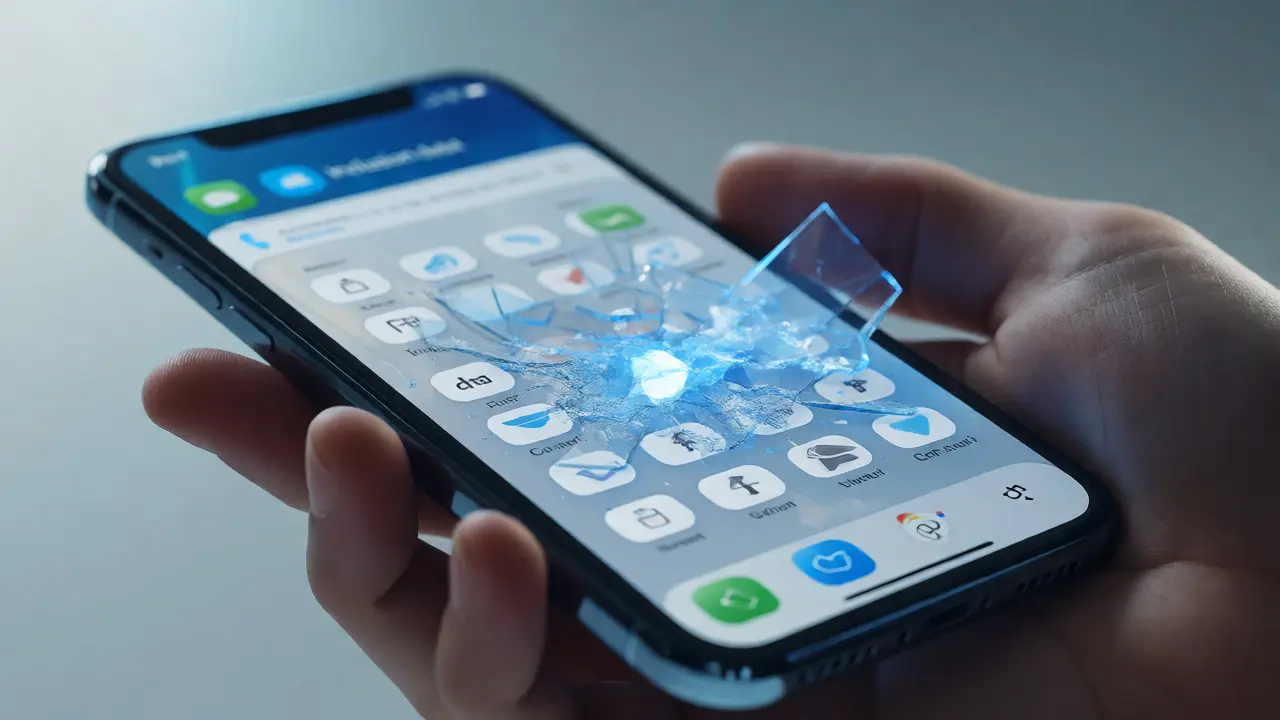
Discover what inclusion debt is and how it impacts Apple's ecosystem. Learn practical strategies to identify and close UX gaps for a more accessible future.
Color Blindness in Apple Apps: Semantic Tints and Pattern Design

Discover how semantic tints and patterns enhance color blindness accessibility in Apple apps. Learn practical strategies for inclusive UI design.
Apple Retail Accessibility: Inclusive Navigation and Interaction Design Guide
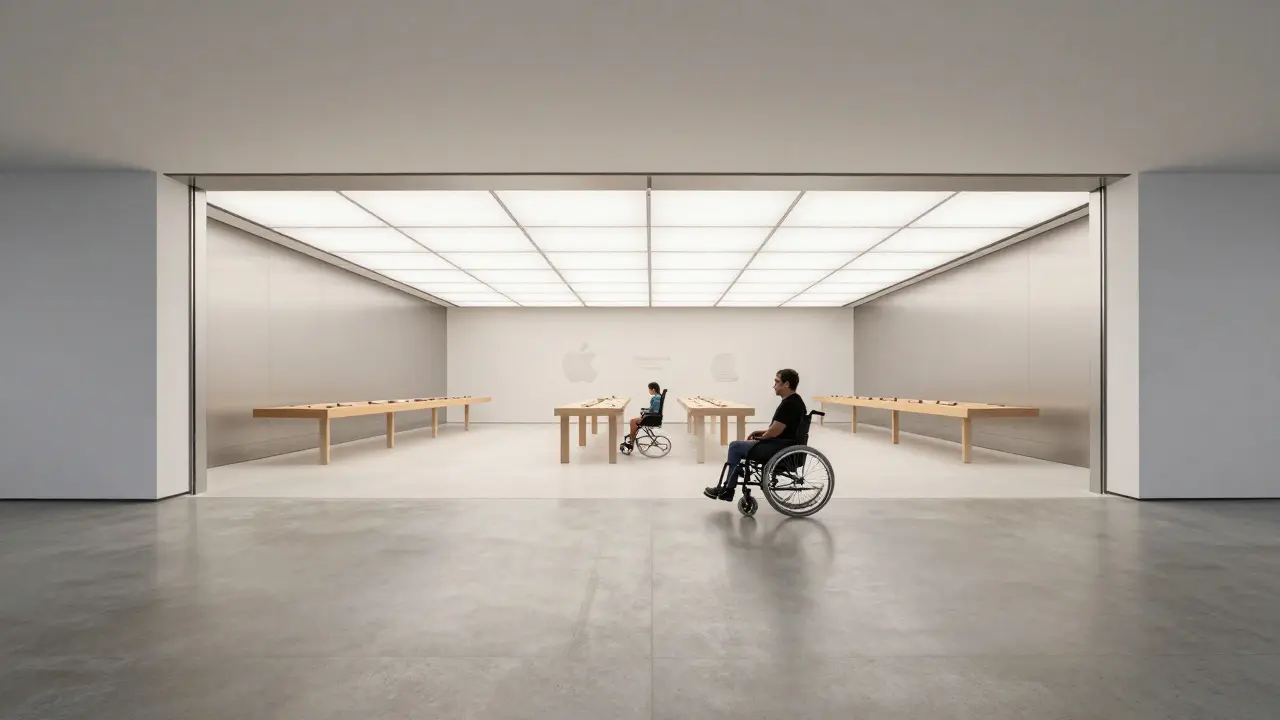
Discover how Apple Retail integrates inclusive navigation and interaction design to create accessible spaces. Learn about architectural choices, tactile wayfinding, and the role of staff in enhancing the customer experience.
VoiceOver and Apple UI: Designing Interfaces That Read Clearly
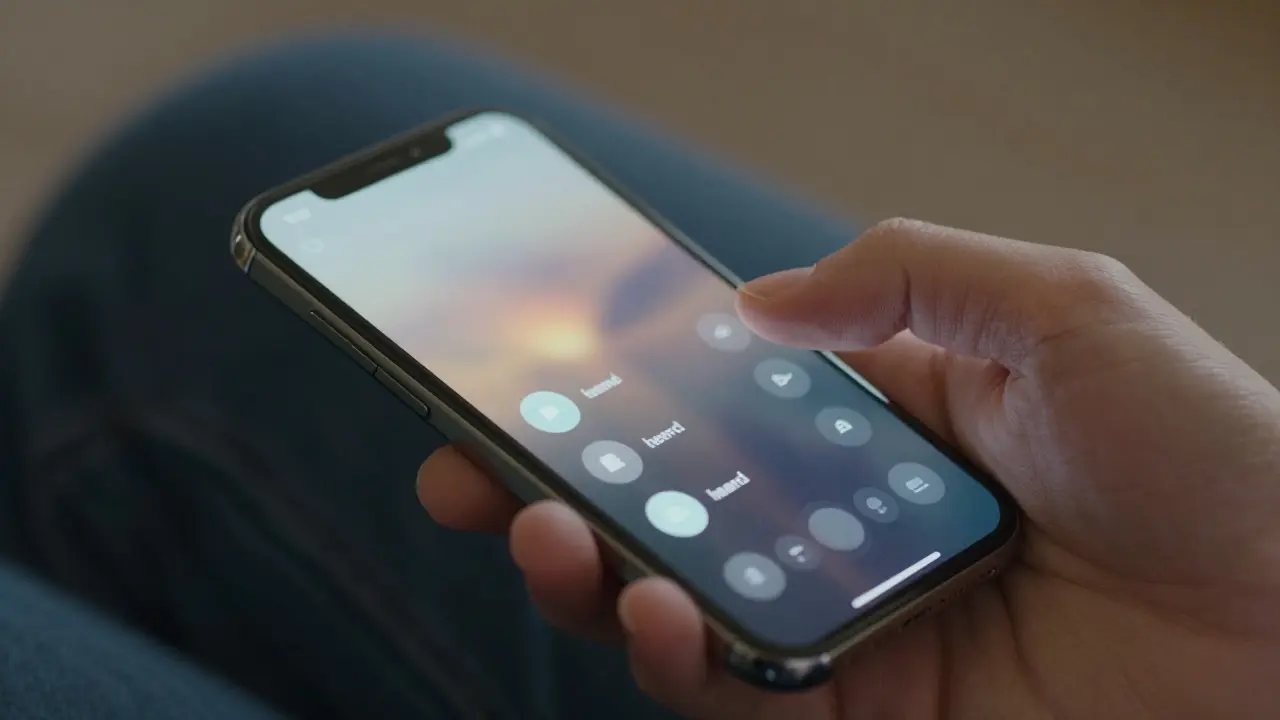
Learn how to design Apple interfaces that work seamlessly with VoiceOver. This guide covers logical reading order, custom controls, and practical testing tips for inclusive design.
Apple Touch Target Design: The 44-Point Rule for Comfortable Taps
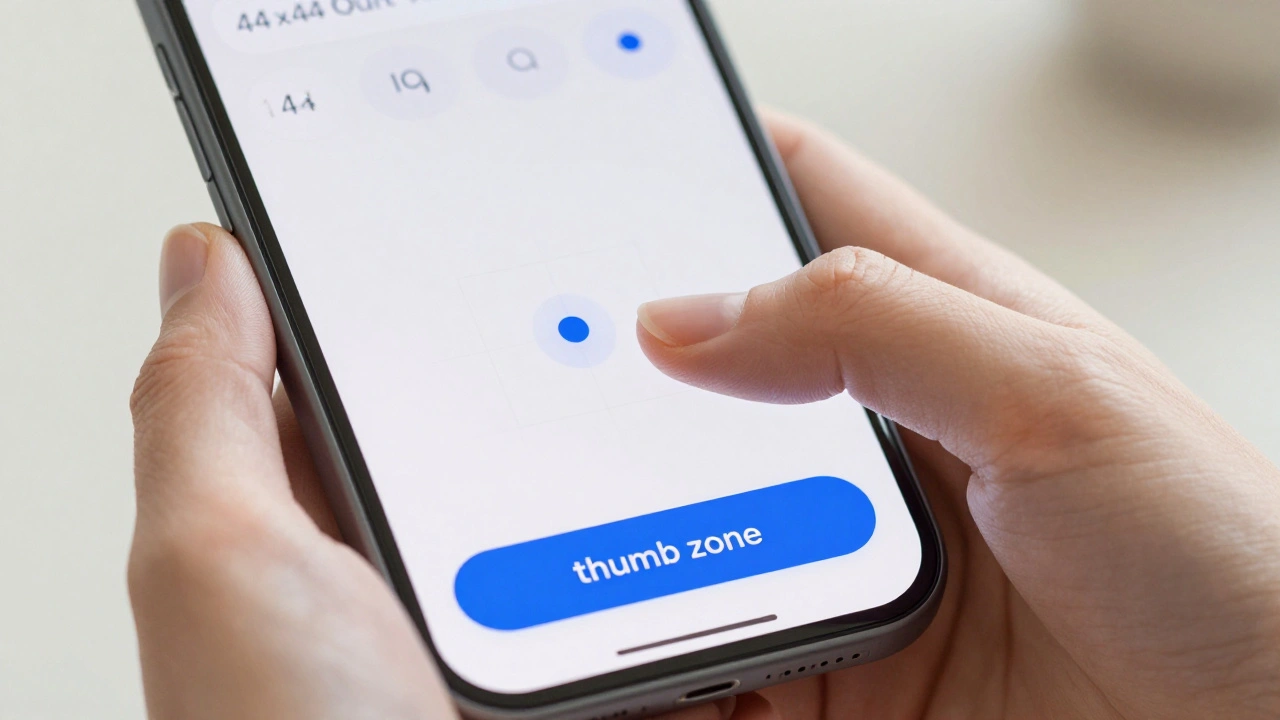
Master Apple touch target design with the 44-point rule. Learn how to create comfortable, inclusive taps for every hand using iOS accessibility best practices.
Accessibility in Liquid Glass: Mastering Transparency Controls and Contrast Checks
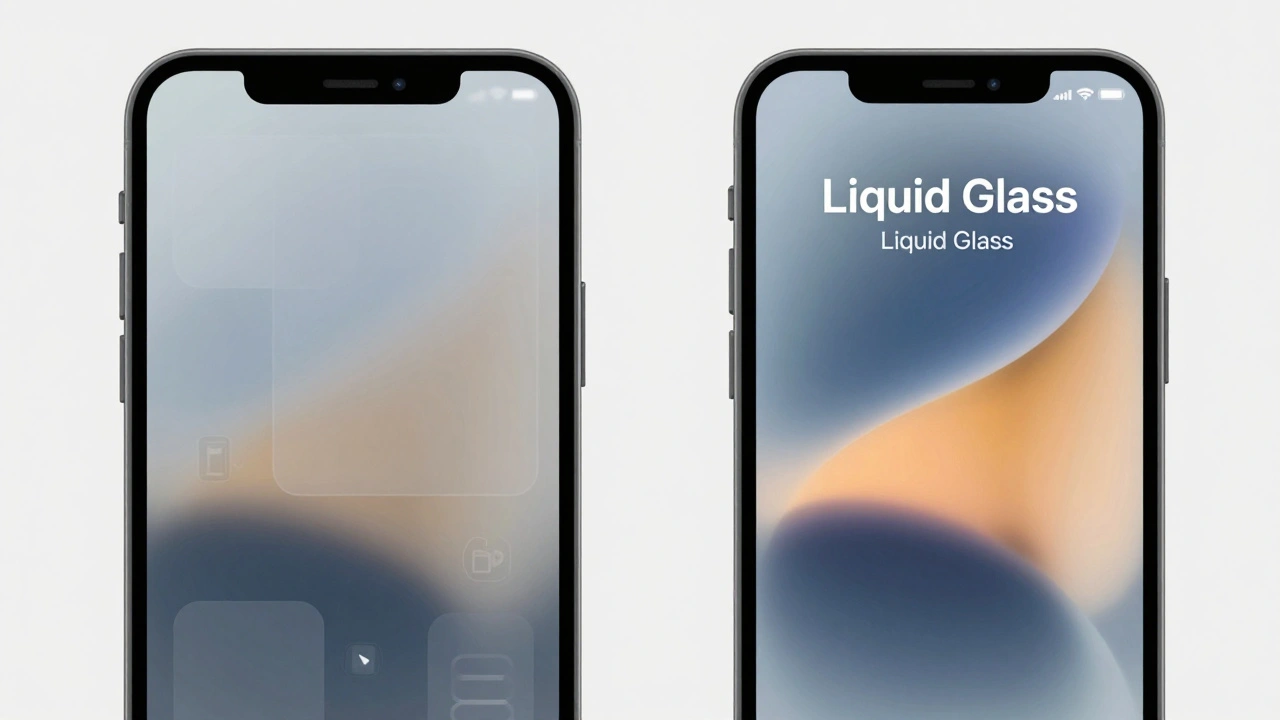
Explore how to manage accessibility in iOS 26's Liquid Glass design. Learn to use transparency controls and contrast checks to improve readability for low-vision users.
Accessibility APIs on Apple: Building Inclusive Interactions by Default
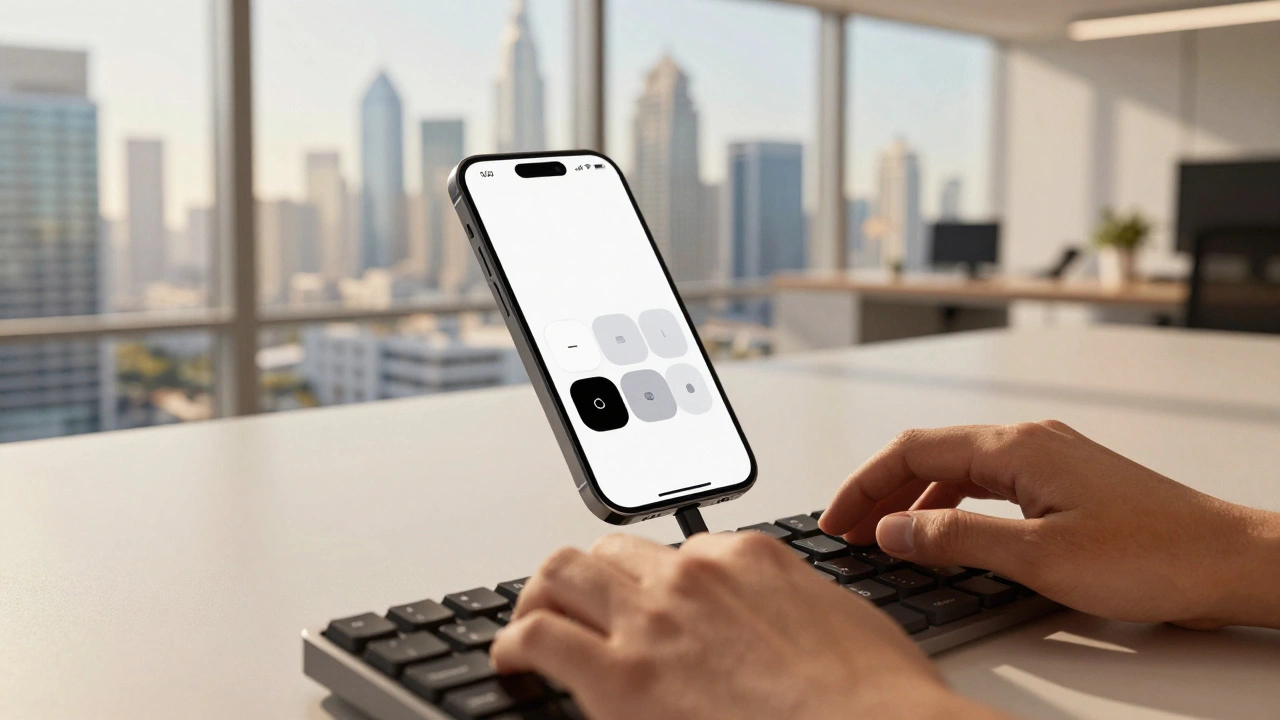
Learn how to leverage Apple Accessibility APIs to build inclusive apps by default. Explore UIAccessibility, Dynamic Type, and App Store declarations to ensure your software works for everyone.
Globalization by Design: How Apple Balances Consistency with Local Relevance
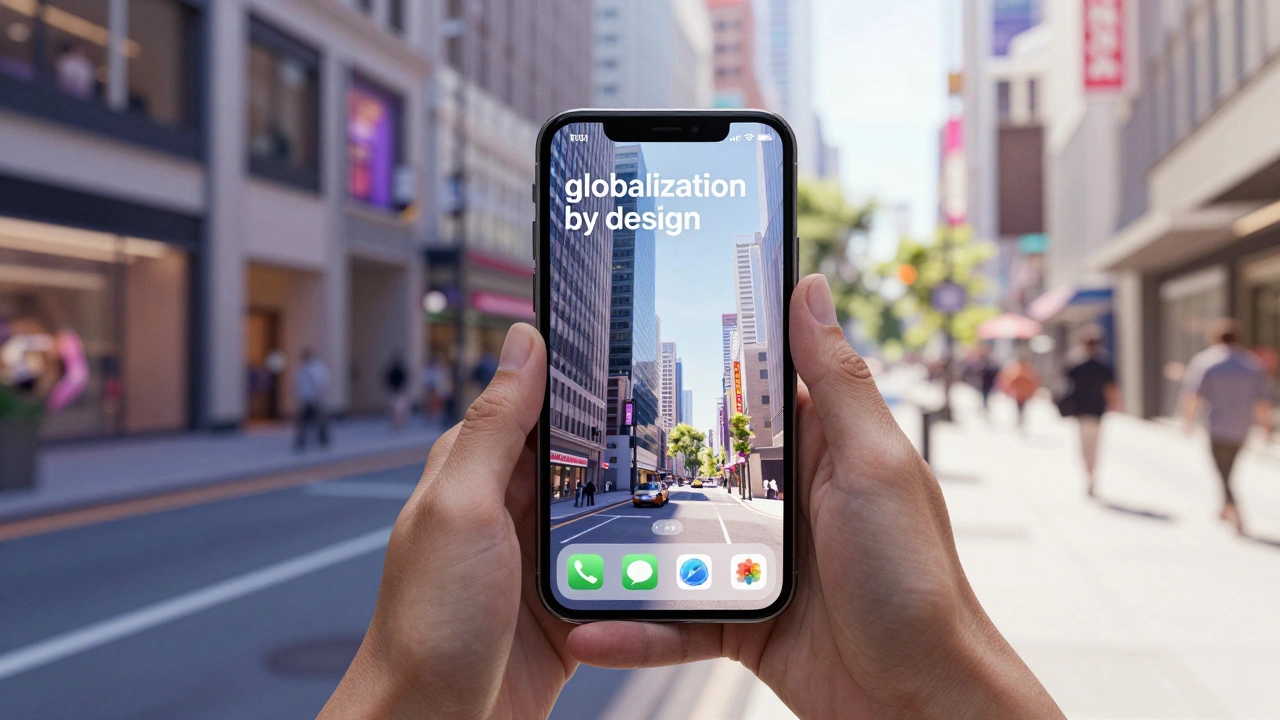
Explore how Apple balances global brand consistency with local market adaptation through its 'globalization by design' strategy, covering hardware, software, marketing, and retail.
Why Apple’s Accessibility Features Make UX Better for Everyone
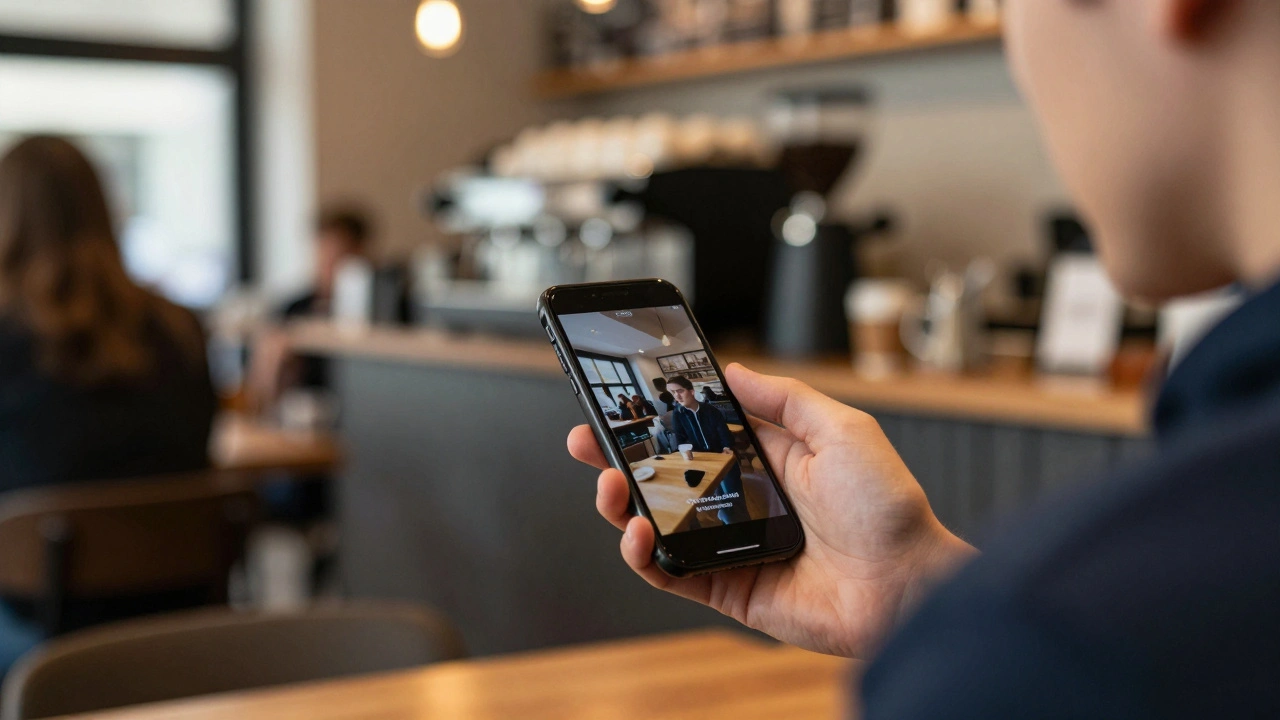
Discover how Apple's accessibility features like captions, contrast controls, and Guided Access improve user experience for everyone-not just those with disabilities.
Mastering Keyboard Navigation on macOS: Focus Order and Visual Cues

Learn how to optimize keyboard navigation on macOS, from enabling system settings to designing logical focus orders and visible cues for inclusive software.
Haptic Alternatives on Apple: Non-Visual Feedback That Communicates

Apple is replacing physical buttons with haptic feedback to create inclusive, non-visual interfaces that communicate through touch. This isn’t just about sleek design - it’s about making technology work for everyone, regardless of sight or ability.