Tag: Apple Human Interface Guidelines
Apple Design Resources for Figma and Sketch: Official Templates and Components

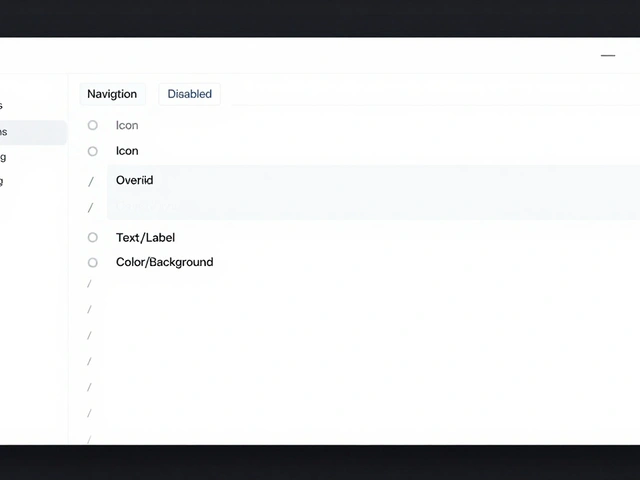
Discover how to leverage Apple Design Resources for Figma and Sketch. Learn installation tips, component organization, and best practices for efficient iOS and macOS UI design.
Mastering Motion Principles for Apple Apps: Duration, Easing, and Directional Cues
Learn how to master motion principles in Apple apps. Discover optimal durations, easing curves, and directional cues to create fluid, intuitive iOS interfaces.
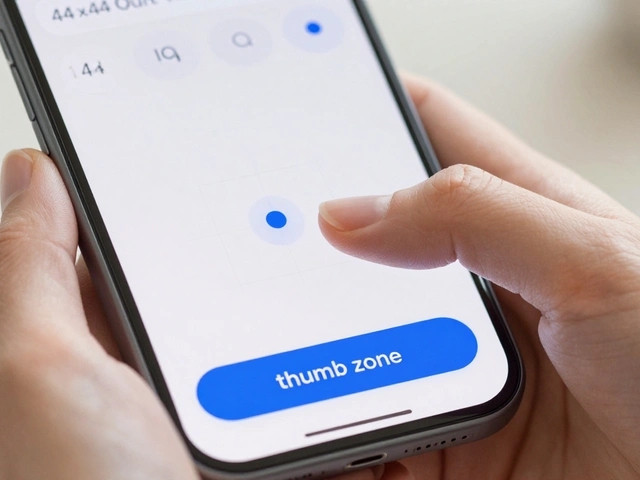
Apple Touch Target Design: The 44-Point Rule for Comfortable Taps
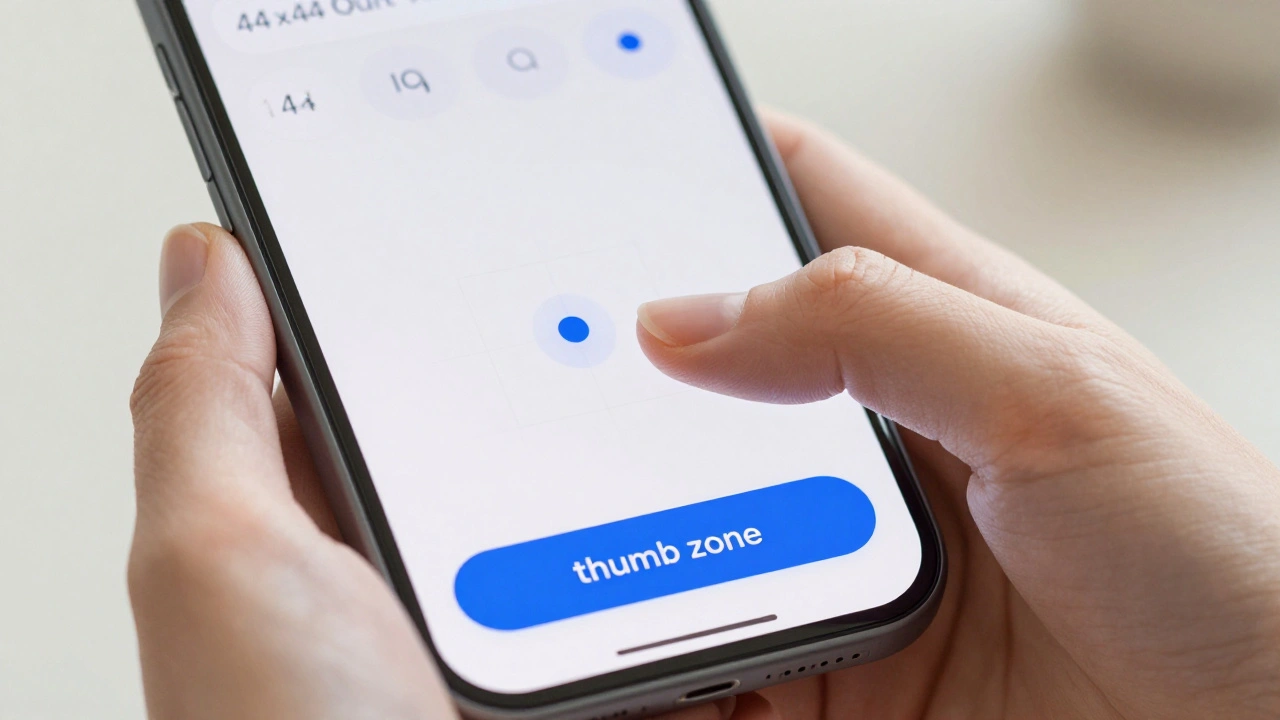
Master Apple touch target design with the 44-point rule. Learn how to create comfortable, inclusive taps for every hand using iOS accessibility best practices.
Mastering Liquid Glass: Solving Busy Wallpaper & Content Edge Cases
Struggling with Liquid Glass on busy wallpapers? Learn how to fix flickering, contrast issues, and performance hits in iOS 19 apps with expert tips and best practices.
Mastering Apple UI Controls: Buttons, Sliders, Switches, and Steppers Guide

A practical guide to designing buttons, sliders, switches, and steppers on Apple platforms. Learn HIG best practices, touch target sizes, and SwiftUI implementation tips for intuitive UI.
iOS, iPadOS, and macOS Navigation Guide: Tabs, Sidebars, and Toolbars in 2026
Master adaptive navigation in iPadOS 18 and macOS Sequoia. Learn to implement seamless tabs, sidebars, and toolbars using SwiftUI and UIKit for optimal user experience.
Creating Accessible Color Systems for Apple: Contrast Ratios and System Tints
Learn how to build accessible color systems for Apple platforms using WCAG contrast ratios, system tints, and the Human Interface Guidelines for iOS and visionOS.
Apple HIG Checklist: Master iOS Navigation and Gestures
Learn how to use Apple's Human Interface Guidelines as a practical design checklist. Master iOS navigation, gesture design, and the 44-point touch rule.
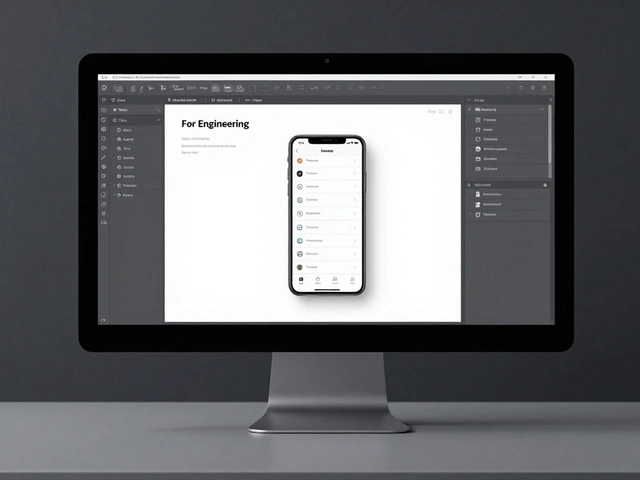
Mastering Design Handoff for Apple Teams: Specs, Redlines, and Naming
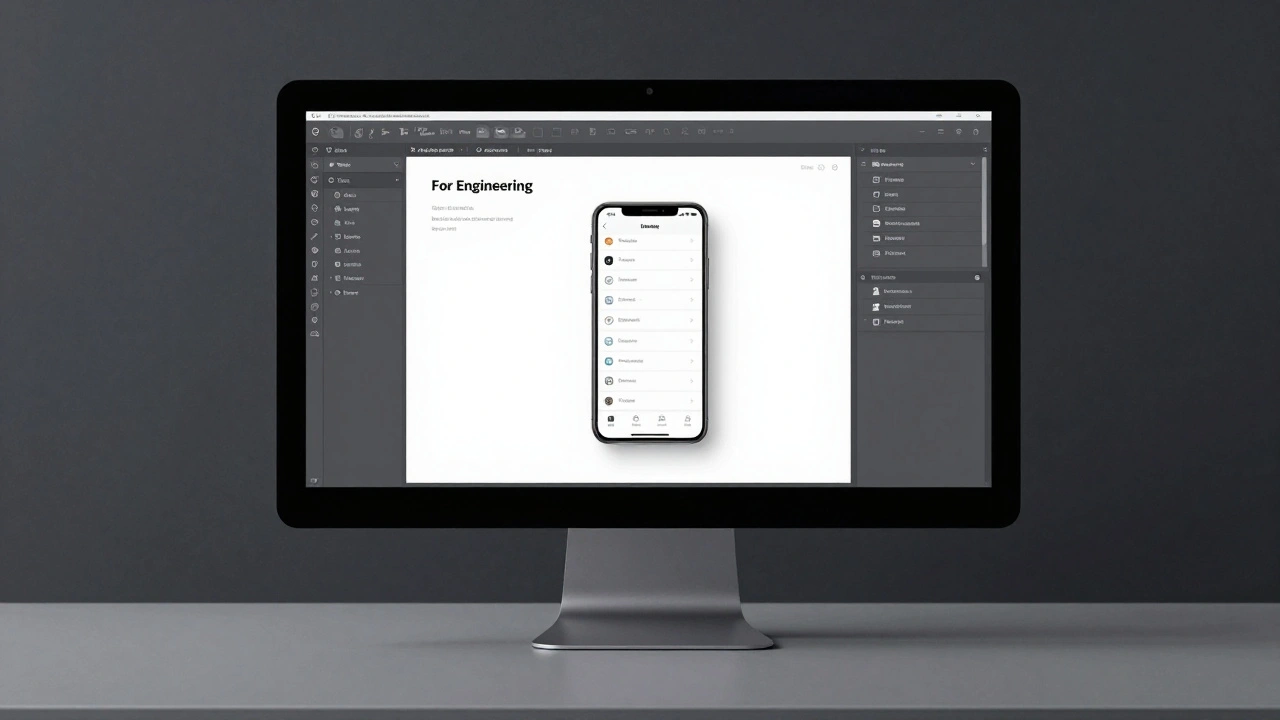
Learn how to streamline design handoff for Apple teams using a 8px spacing system, Dynamic Type specs, and Figma's "For Engineering" page to eliminate guesswork.
iPad Design Principles: Bridging Phone Simplicity and Computer Capability
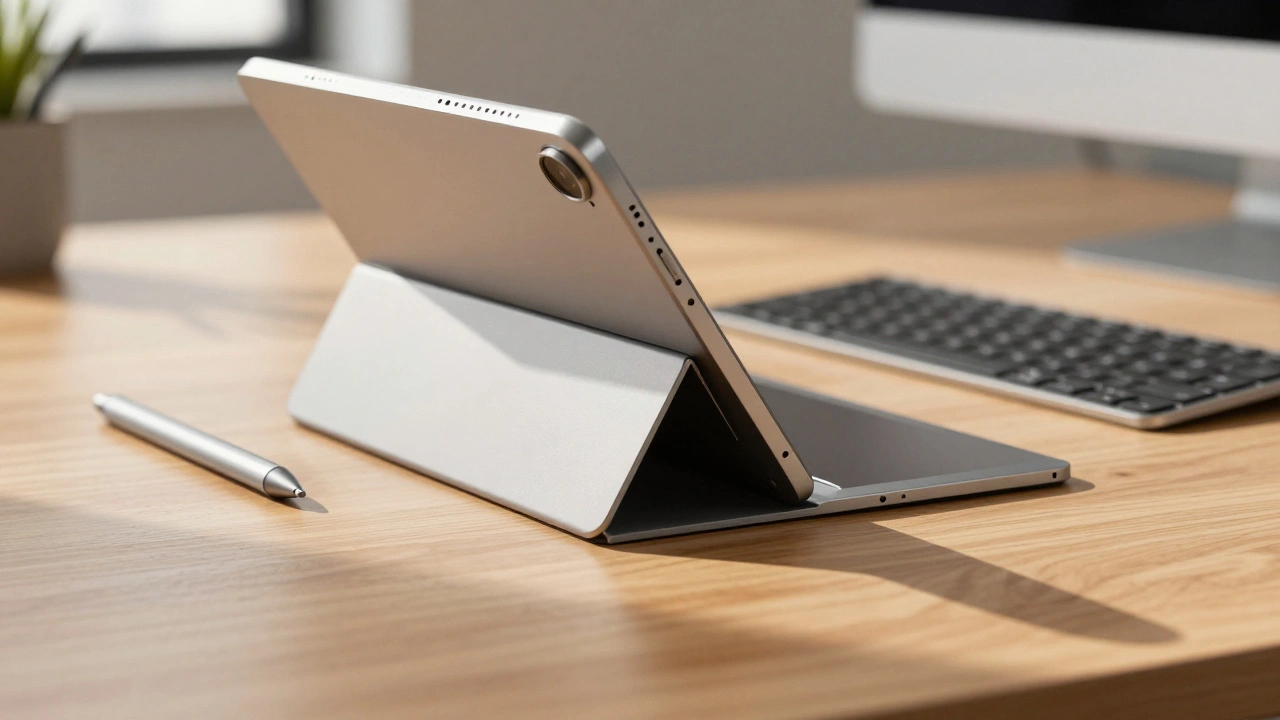
Master the art of balancing simplicity and power. This guide explores Apple's iPad design principles, covering navigation strategies, adaptive layouts, and input methods for developers.
Iconography and Labels for AI on Apple: Clarity Without Hype
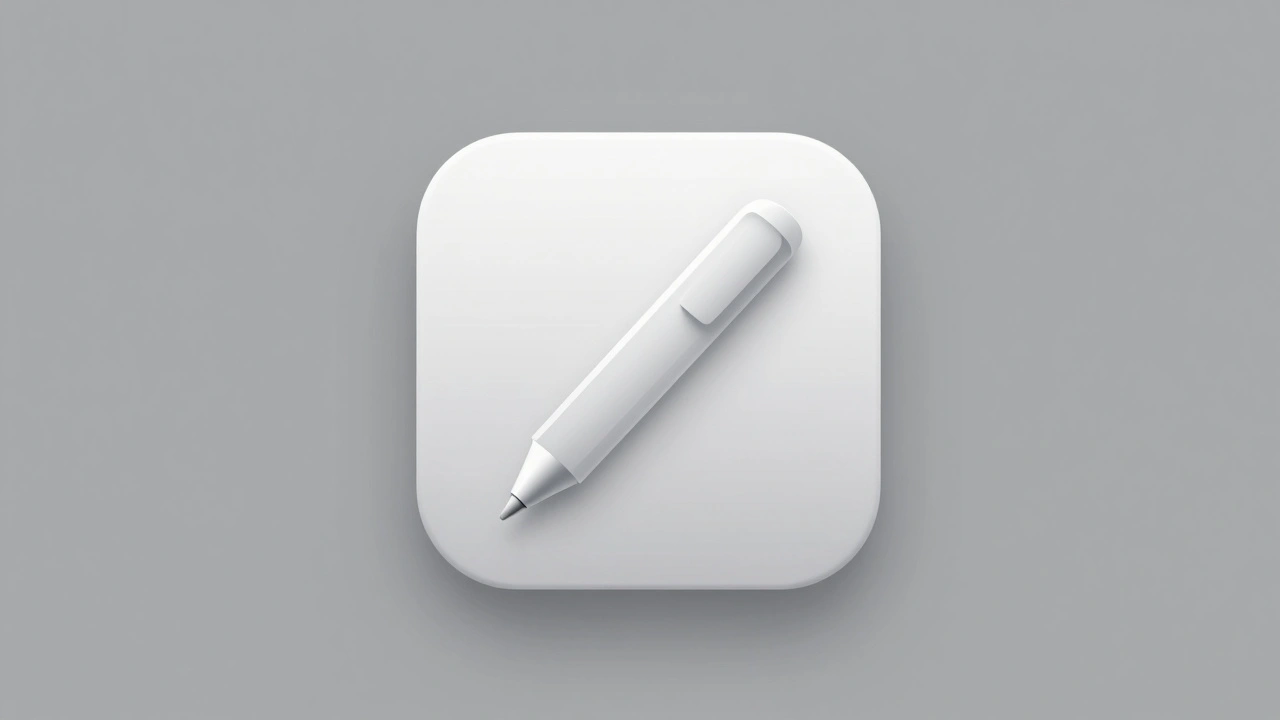
Apple’s AI icons avoid hype with clean designs, no text, and simple metaphors. Learn how to design AI apps that feel helpful-not flashy-using Apple’s 2025 guidelines.
How Apple Uses Motion and Depth to Show Interface Hierarchy
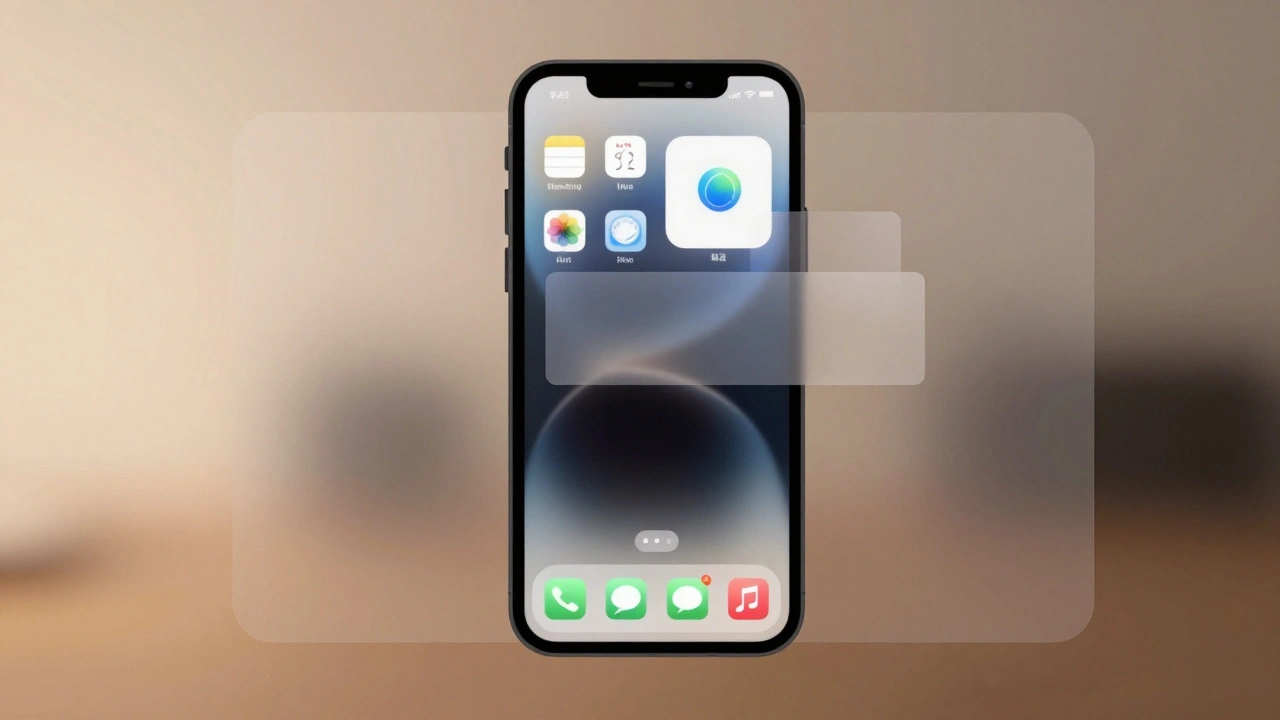
Apple uses motion and depth-not color or size-to silently guide users through interfaces. By blending subtle shadows, fluid transitions, and translucent layers, Apple makes hierarchy feel intuitive, not forced. This approach reduces clutter and keeps focus on content.