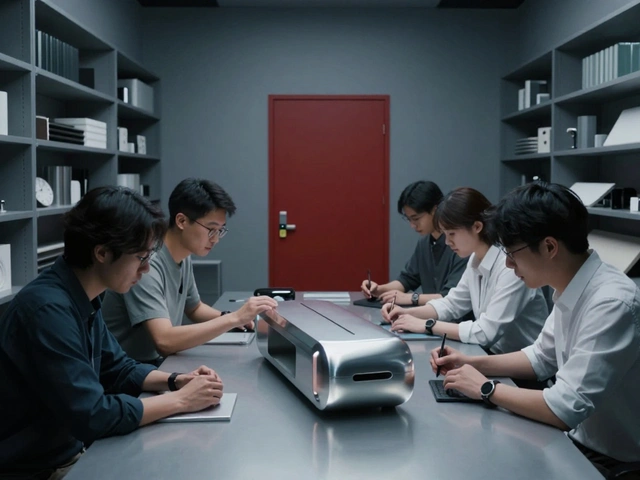

When you’re editing 8K video, compiling large codebases, or rendering 3D scenes on a MacBook, performance isn’t just about the chip-it’s about how heat moves through the machine and how your interaction with it affects that process. Apple markets the MacBook Pro as a professional tool, but what actually makes it work under heavy load isn’t just the M5 chip. It’s the quiet, unseen dance between the device’s thermal design and its physical interface. And if you’re hitting slowdowns during critical tasks, it’s likely not because your software is bloated-it’s because the system can’t manage heat the way it needs to.
Thermal Design Isn’t an Afterthought-It’s the Foundation
Apple doesn’t build cooling systems as an add-on. They design them from the ground up. The 2021 14- and 16-inch MacBook Pros were the first to show this clearly. Apple’s team didn’t just shrink the fan or add more heat pipes. They redesigned the entire chassis around a thermal system that moves 50% more air at lower fan speeds. The result? For most daily tasks, the fans don’t spin at all. That’s not marketing fluff-it’s intentional. When you’re in the middle of a tight deadline, you don’t want to hear the fan ramp up. You want silence. And that silence only happens when thermal design is built into the interface, not bolted on.
But here’s where things get messy. The M5 MacBook Pro, released in early 2025, shows a crack in that design philosophy. Under sustained load in Cinebench 2024 tests, the M5 chip hit 99°C. That’s not dangerous-it’s within spec. But it’s also the same temperature where performance starts to drop. The M4 chip, with the exact same cooling solution, hit 114°C under the same test. The M5 runs cooler? Yes. But only by 1-2°C. That’s meaningless in real-world terms. The real issue? Power draw. The M5 pulls 21.8W on average. The M4 pulled 18.4W. More power. More heat. Same cooling. That’s a recipe for throttling during long renders or exports.
Apple’s response? They’re moving to dual-fan systems for the M5 Pro and M5 Max models. That’s not a minor tweak-it’s an admission that the single-fan design, which worked fine for M1 and M2, can’t handle the M5’s sustained output. Professionals don’t need a laptop that works for 10 minutes. They need one that works for 10 hours. And right now, the base M5 MacBook Pro doesn’t deliver that.
The Interface You Touch Is the Interface That Cools
Think about how you use your MacBook. Do you work on your lap? On a desk? With a stand? Each choice changes how heat escapes. The M4 MacBook Air, for example, has a deliberate air gap between the motherboard and the bottom case. Why? To keep the surface warm but not hot. That’s great for comfort. But here’s the tradeoff: when you use it on your lap, heat can’t escape efficiently. In tests, the system dropped power from 18W to 7W halfway through a Lightroom batch export. That’s not a software bug-it’s thermal throttling caused by poor airflow.
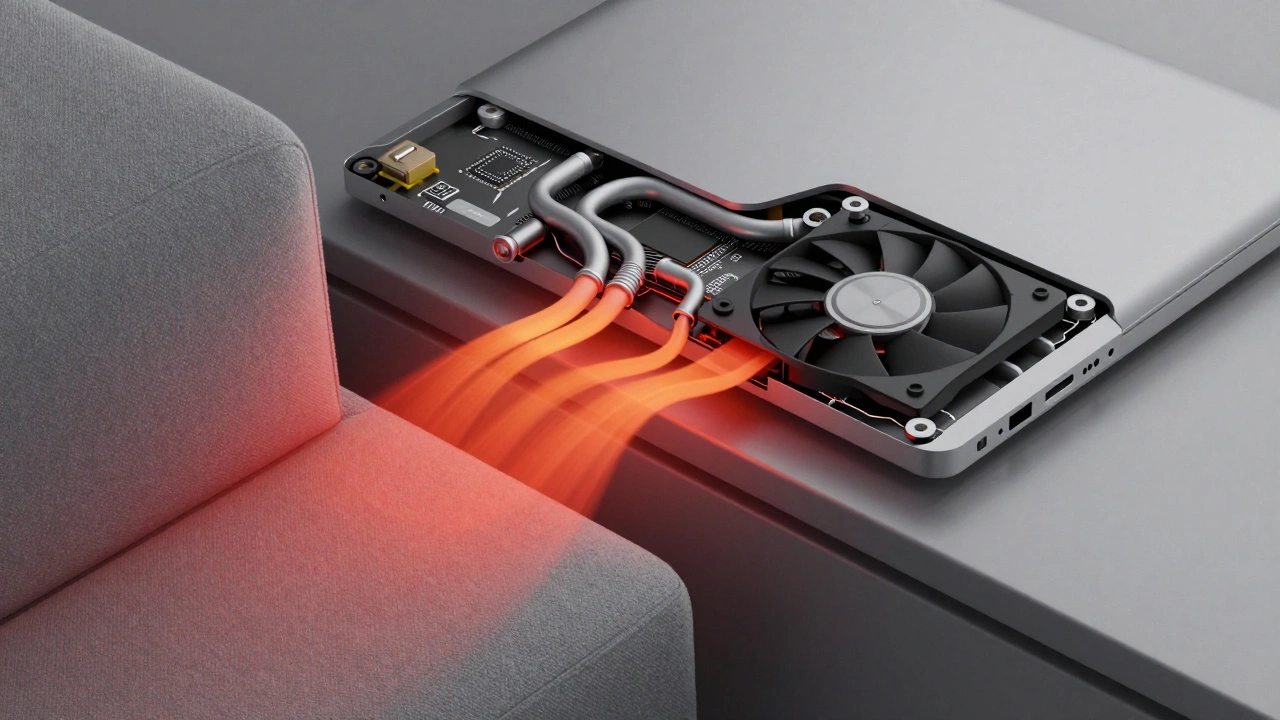
But when someone added thermal pads to bridge the gap between the motherboard and the case, power draw stayed steady at 17-18W. The export finished faster. No software changes. No new hardware. Just better heat transfer. That’s the power of interface-level thermal design. The same logic applies to the MacBook Pro. If you’re working on a soft surface-bed, couch, pillow-you’re blocking the vents. Even if the fan is spinning, the heat has nowhere to go. Apple tells you to use it on a hard, flat surface. That’s not a suggestion. It’s a requirement for sustained performance.
What Happens When Thermal Design Fails
Back in 2013, a MacBook Pro 13-inch with an Intel i5 processor couldn’t maintain video encoding speeds. Why? The thermal paste was too thick. It dried out. It didn’t transfer heat from the CPU to the heat pipes. The chip would boost to 2.9GHz, then drop to 2.4GHz, then boost again. It was a seesaw of performance. Users thought their software was glitching. It wasn’t. It was the interface between the chip and the cooling system failing.
Today, it’s not thermal paste. It’s the gap between performance and cooling capacity. The M5 chip is faster. But the cooling system didn’t scale. That’s why professionals are seeing slowdowns during long exports, renders, or compiles. It’s not the software. It’s the heat. And heat doesn’t care how powerful your chip is-it only cares how well it can escape.
Professional Workflows Need Stable Power, Not Peak Speed
Here’s a truth most reviews ignore: you don’t need a chip that hits 5GHz for 30 seconds. You need one that holds 4.2GHz for 90 minutes. That’s what professional workflows demand. Video editors don’t care if their render finishes in 12 minutes instead of 10. They care if it crashes halfway through. Developers don’t care if their build is 10% faster. They care if it stalls because the CPU throttled after 20 minutes.
The M1 Pro and M1 Max chips were built for this. They used low power, generated less heat, and kept fans quiet. The M4 improved on that. But the M5? It’s pushing more power through the same chassis. And that’s the problem. Apple’s thermal design for the base M5 MacBook Pro was optimized for portability, not endurance. That’s fine if you’re a student. It’s not fine if you’re editing 4K footage on a deadline.
What You Should Do Right Now
- If you’re using a base M5 MacBook Pro for heavy work, get a cooling pad. Not because it’s trendy-because it’s necessary. Even a $20 pad with two fans can drop temperatures by 8-10°C.
- Never use your MacBook on your lap during intensive tasks. Use a desk. Use a stand. Use anything that lets air flow under the device.
- Check Activity Monitor during heavy loads. If your CPU usage drops below 90% while the fan is screaming, you’re throttling. That’s a thermal issue, not a software one.
- If you’re buying a new MacBook Pro for professional work, skip the base model. Go for the M5 Pro or M5 Max with the dual-fan system. The price difference is worth the performance stability.
- Keep your vents clean. Dust builds up fast. A compressed air blast every 3 months keeps airflow moving.

Why Apple Won’t Fix This Soon
Apple’s design philosophy is built on tradeoffs. They choose thinness over cooling. Silence over power. Portability over endurance. That’s why the M5 MacBook Pro with a single fan still exists. It’s not a mistake. It’s intentional. They’re targeting users who need a powerful laptop for occasional heavy tasks-not 8-hour render sessions.
But if your workflow demands constant, uninterrupted performance, you’re not in that group. And Apple knows it. That’s why they offer the dual-fan models. They’re not trying to fix a flaw. They’re giving professionals a choice. And if you’re serious about your work, that choice should be obvious.
It’s Not Just About the Chip
People talk about the M5 chip like it’s magic. But magic doesn’t work when it’s buried under heat. The interface-the shape, the vents, the fan placement, the material under the keyboard-is what turns raw power into real performance. And if you’re not paying attention to that, you’re leaving performance on the table.
Professional tools don’t just need speed. They need consistency. And consistency comes from heat management. Not just the system inside-but how you use it, where you place it, and what you expect from it.
Why does my MacBook Pro slow down during long renders?
It’s thermal throttling. When the chip hits its max temperature (usually around 95-100°C), the system reduces power to avoid damage. This drops performance. The M5 chip in the base MacBook Pro generates more heat than the cooling system can handle during sustained loads, causing slowdowns even if the fan is running.
Does using a cooling pad help with MacBook performance?
Yes, especially for base models. A cooling pad improves airflow under the laptop, lowering CPU temperatures by 8-10°C. This prevents throttling and keeps your MacBook running at full speed longer. It’s not a luxury-it’s a necessity for heavy workflows.
Should I buy the M5 Pro or M5 Max instead of the base M5 MacBook Pro?
If you do professional work-video editing, 3D rendering, software compilation-yes. The M5 Pro and M5 Max models have dual-fan cooling systems designed to handle sustained loads. The base M5 model uses the same single-fan system as older chips, despite a hotter, more powerful chip. The performance difference isn’t just about speed-it’s about consistency.
Is it normal for my MacBook to get hot on my lap?
It’s designed to be warm, but not hot. Apple intentionally leaves an air gap in models like the M4 MacBook Air to prevent discomfort on your lap. But if it’s too hot to touch, you’re blocking airflow. Use it on a desk. If you must use it on your lap, use a hard surface like a book or lap desk to allow airflow.
Can I improve my MacBook’s thermal performance without buying new hardware?
Yes. Clean the vents with compressed air every 3 months. Use a hard, flat surface. Avoid soft fabrics or beds. Close background apps. Monitor CPU usage in Activity Monitor. If the fan runs constantly and performance drops, you’re hitting thermal limits. That’s not a bug-it’s a design constraint.