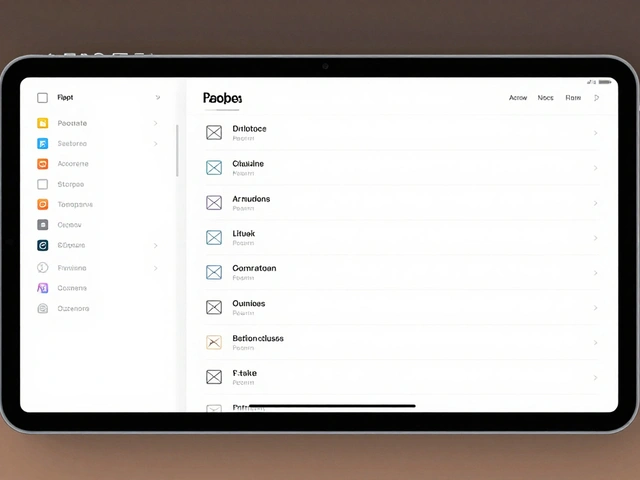
Tag: Liquid Glass
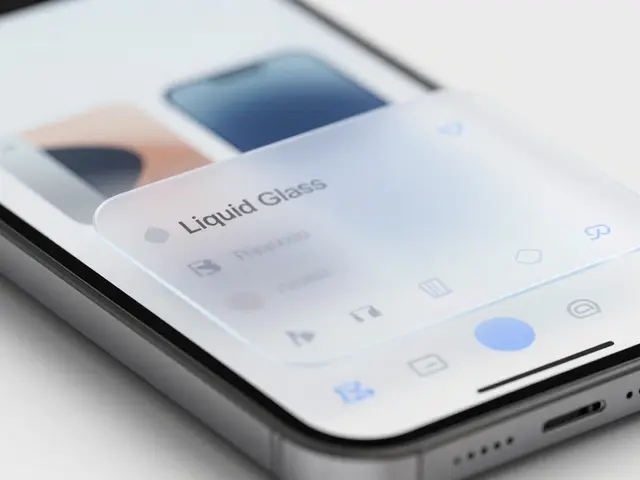
Liquid Glass Sidebars on iPadOS and macOS: Design Deep Dive
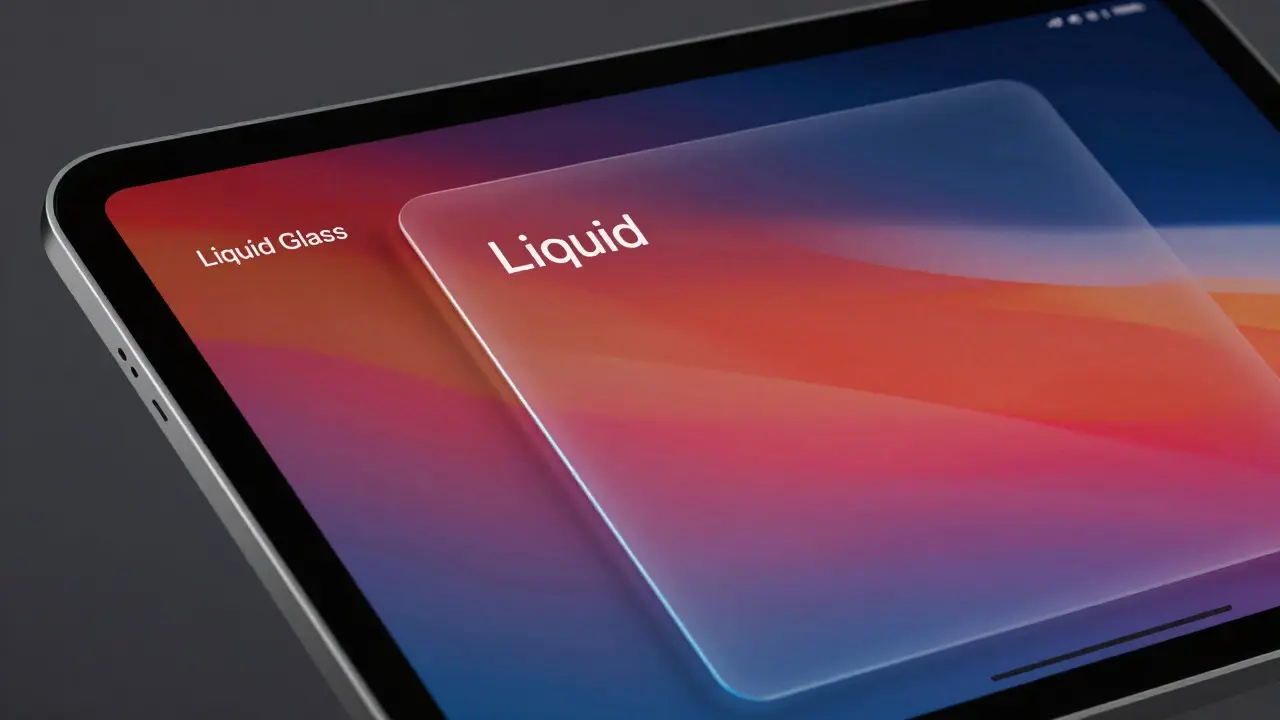

Explore how Liquid Glass sidebars on iPadOS and macOS use dynamic refraction to enhance context awareness. Learn about the technical mechanics, performance impacts, and design implications for developers.
Liquid Glass: How Apple's New Design Language Unifies Its Ecosystem
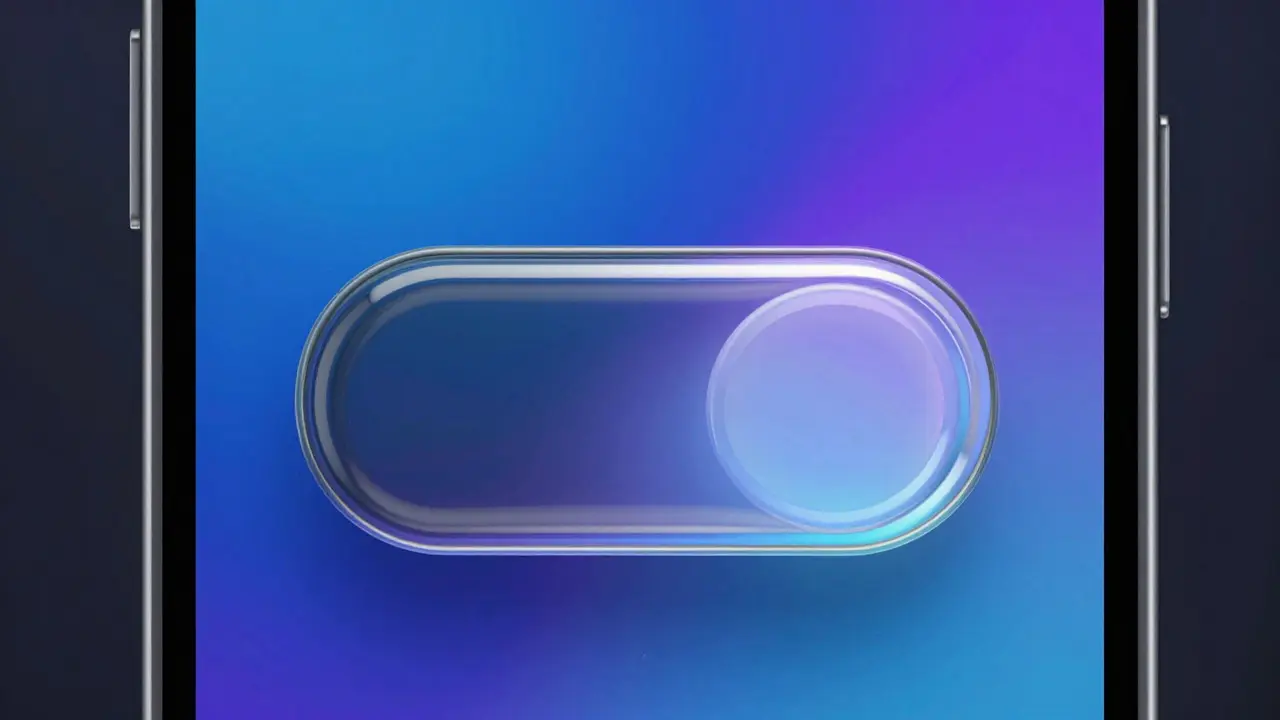
Discover how Apple's new Liquid Glass design unifies the look and feel across iPhones, Macs, and iPads. Learn about the technical changes, battery impacts, and practical benefits for users and developers.
Designing Third-Party Apps for Liquid Glass: A Developer's Guide
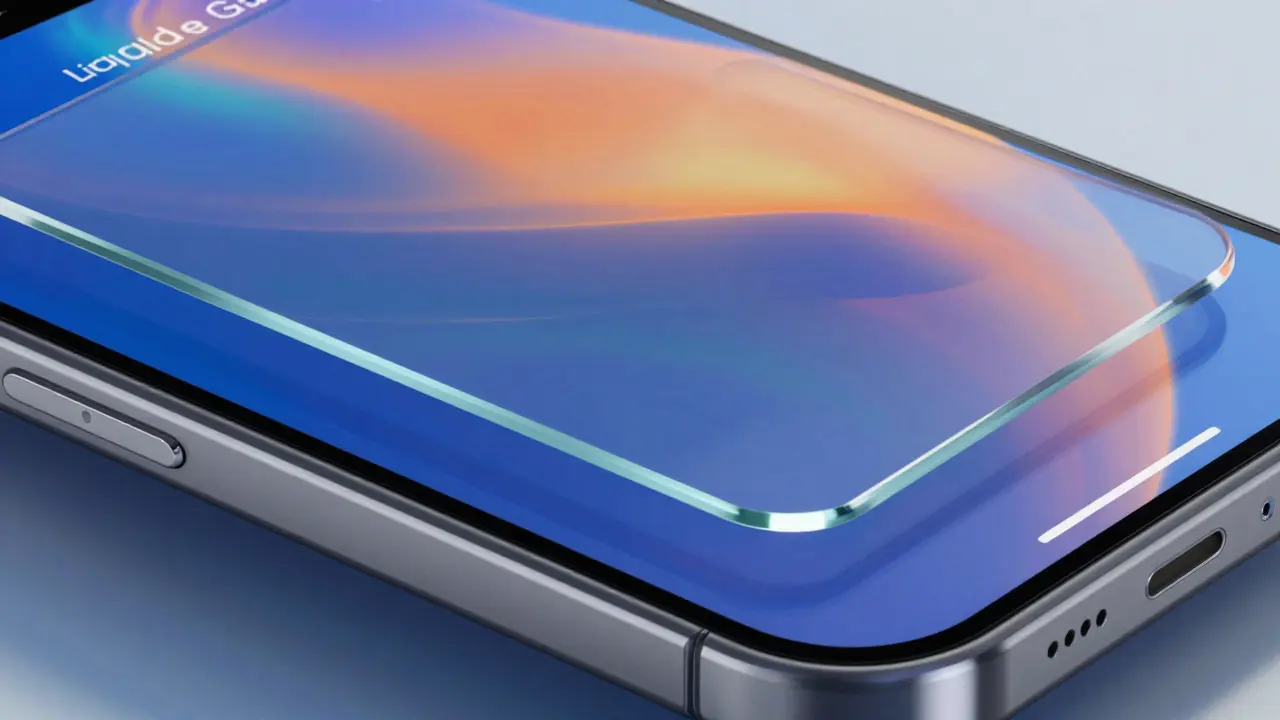
Learn how to design third-party apps for Apple's new Liquid Glass aesthetic. We cover technical tips, common pitfalls, and accessibility best practices for developers.
Mastering Liquid Glass: Solving Busy Wallpaper & Content Edge Cases
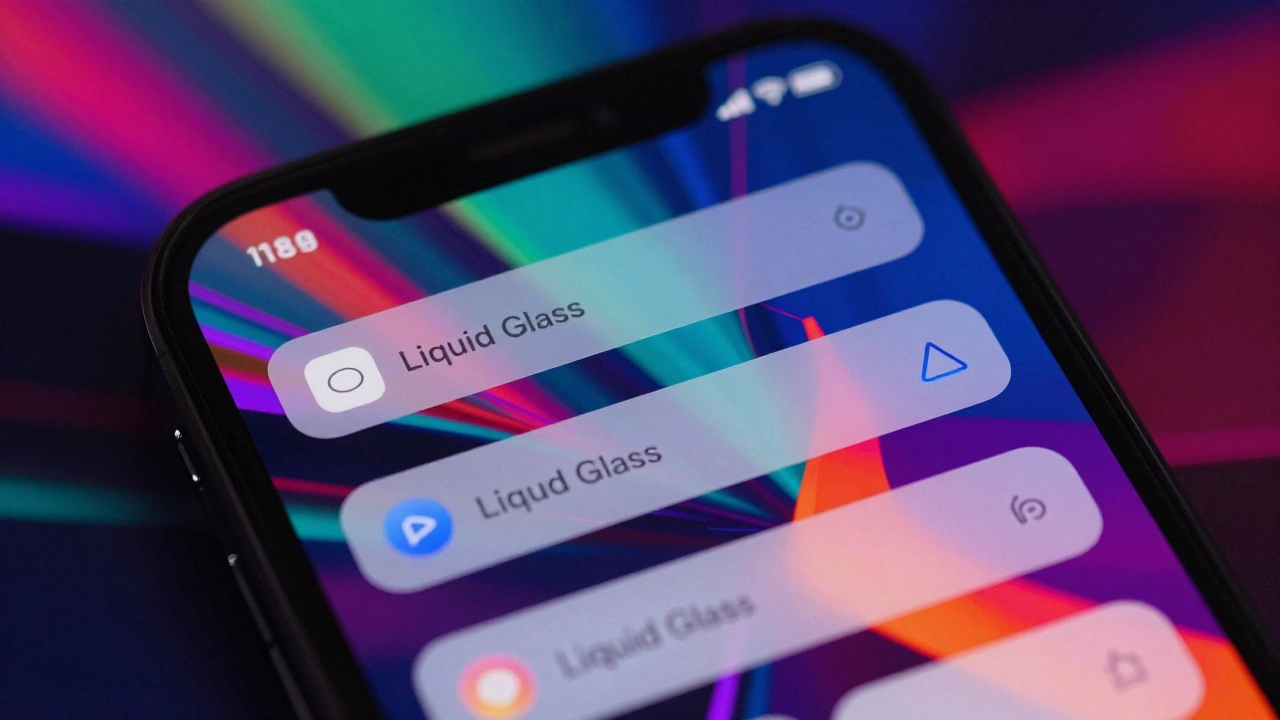
Struggling with Liquid Glass on busy wallpapers? Learn how to fix flickering, contrast issues, and performance hits in iOS 19 apps with expert tips and best practices.
Accessibility in Liquid Glass: Mastering Transparency Controls and Contrast Checks
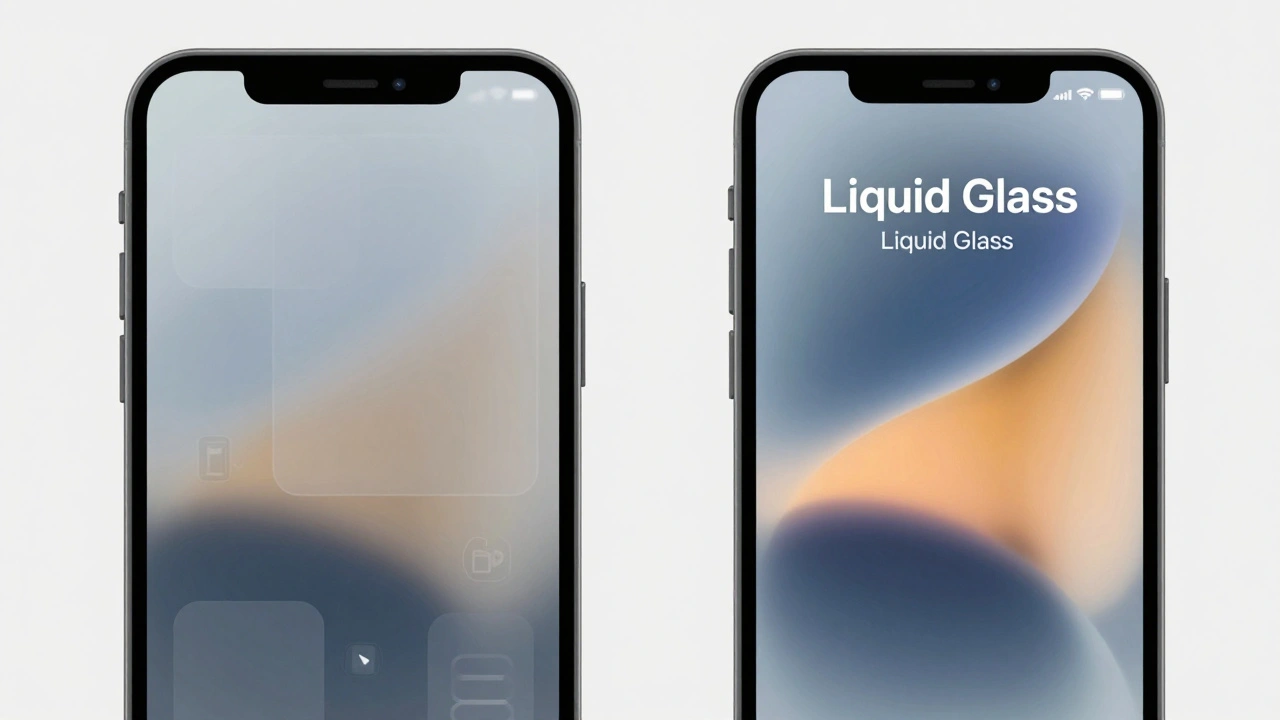
Explore how to manage accessibility in iOS 26's Liquid Glass design. Learn to use transparency controls and contrast checks to improve readability for low-vision users.
Performance Considerations: Rendering Liquid Glass Materials at 120Hz on Apple Displays
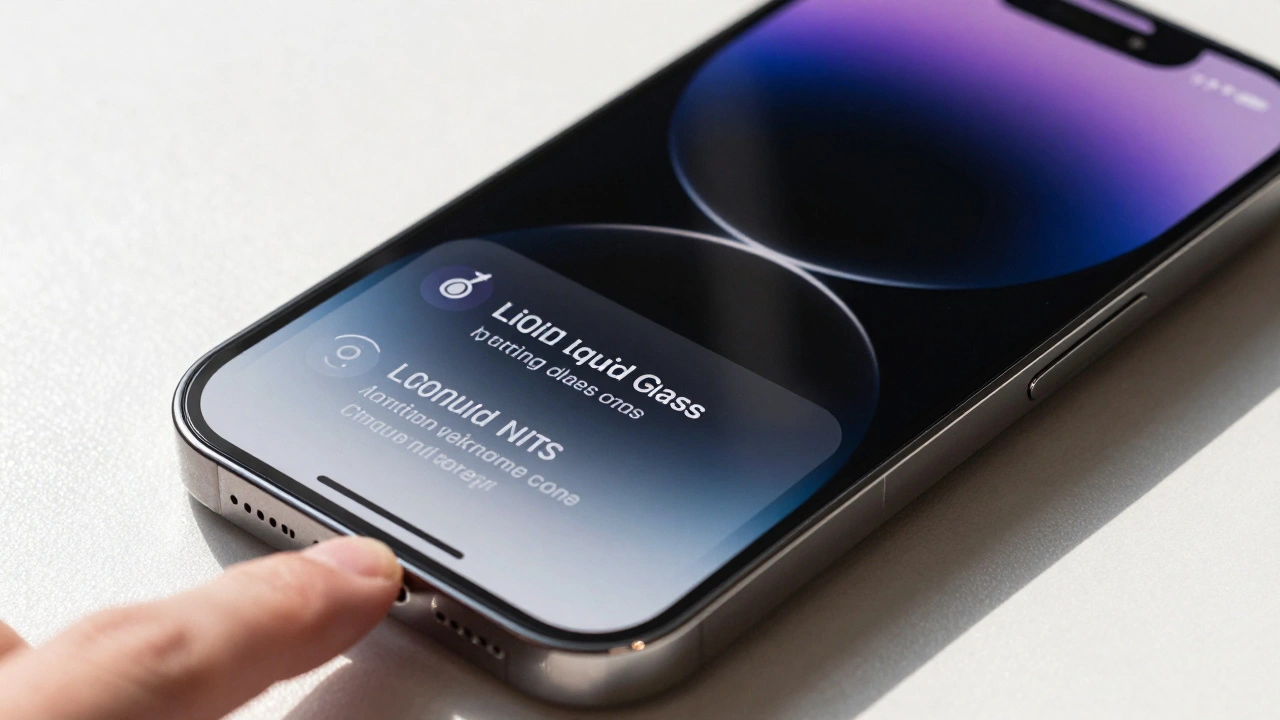
Apple's Liquid Glass material brings real-time, physics-based rendering to iOS 26 and beyond, demanding 120Hz displays and custom silicon to deliver fluid, adaptive visuals that respond to light, motion, and touch. This is UI design reimagined.
Testing Liquid Glass in Prototypes: Blur Layers and Parallax Simulation
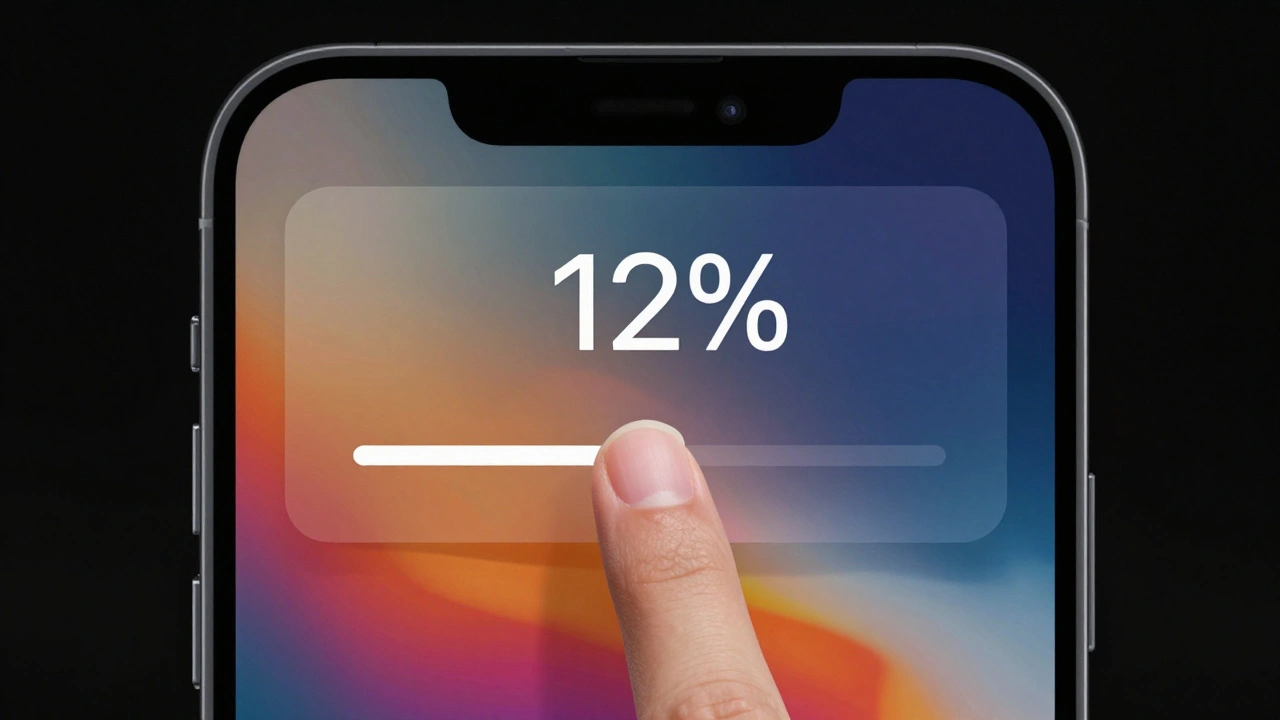
Testing Liquid Glass in prototypes reveals how blur layers and parallax effects create spatial depth in Apple's new design language-but accessibility risks demand careful, data-driven testing before rollout.
Cross-Platform Consistency at Apple: How iPhone and Mac Now Feel Like the Same System
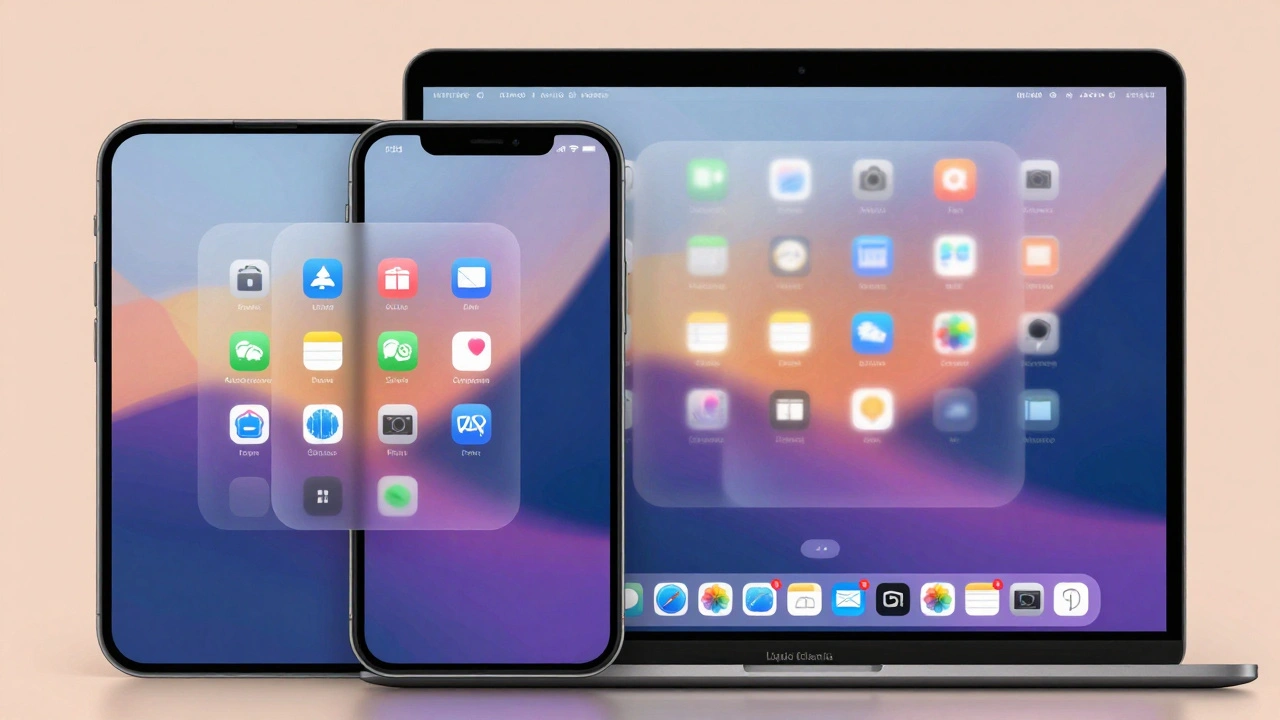
Apple’s 2025 redesign unifies iPhone, Mac, and other devices under a single visual and behavioral system called Liquid Glass, making cross-platform transitions feel seamless and intuitive. No more learning new interfaces - just one Apple.
How Liquid Glass Scales: From Apple Watch Controls to Mac Sidebars
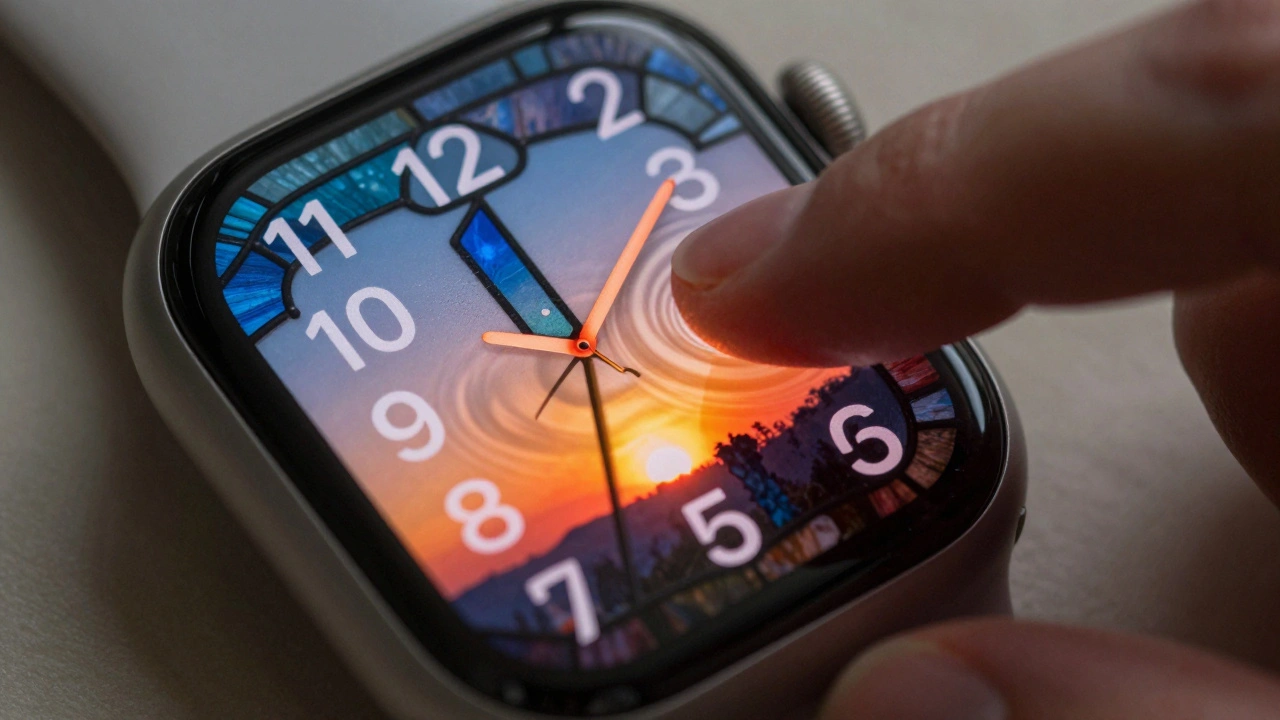
Liquid Glass is Apple's new dynamic design material that scales seamlessly from Apple Watch to Mac, blending transparency, light, and motion into a unified interface. Learn how it works, where it shines, and why accessibility makes it truly revolutionary.
Design Tokens for Liquid Glass: Color, Blur, and Lighting Parameters on Apple
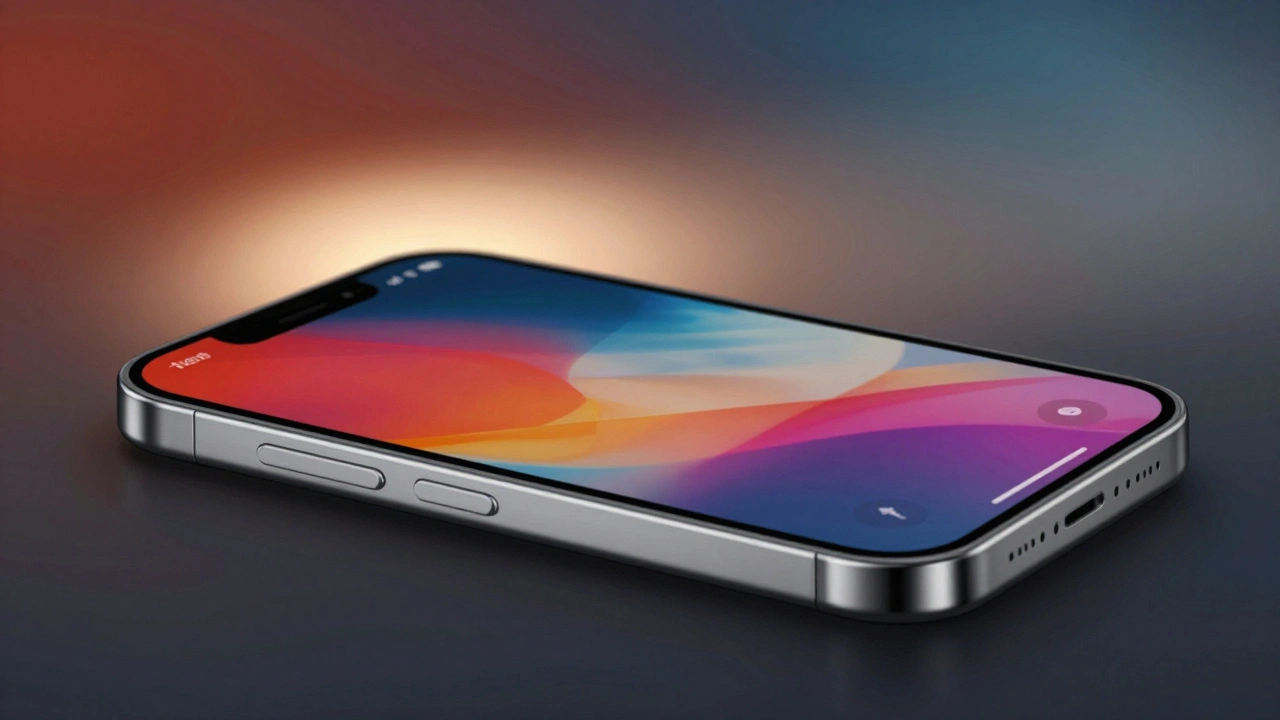
Apple's Liquid Glass is a dynamic design system that adapts color, blur, and lighting based on content and user settings. Learn how design tokens make it work across iOS, macOS, and more - and why ignoring them breaks the experience.
Ecosystem Branding: How Apple Uses Visual Signals to Connect Its Products
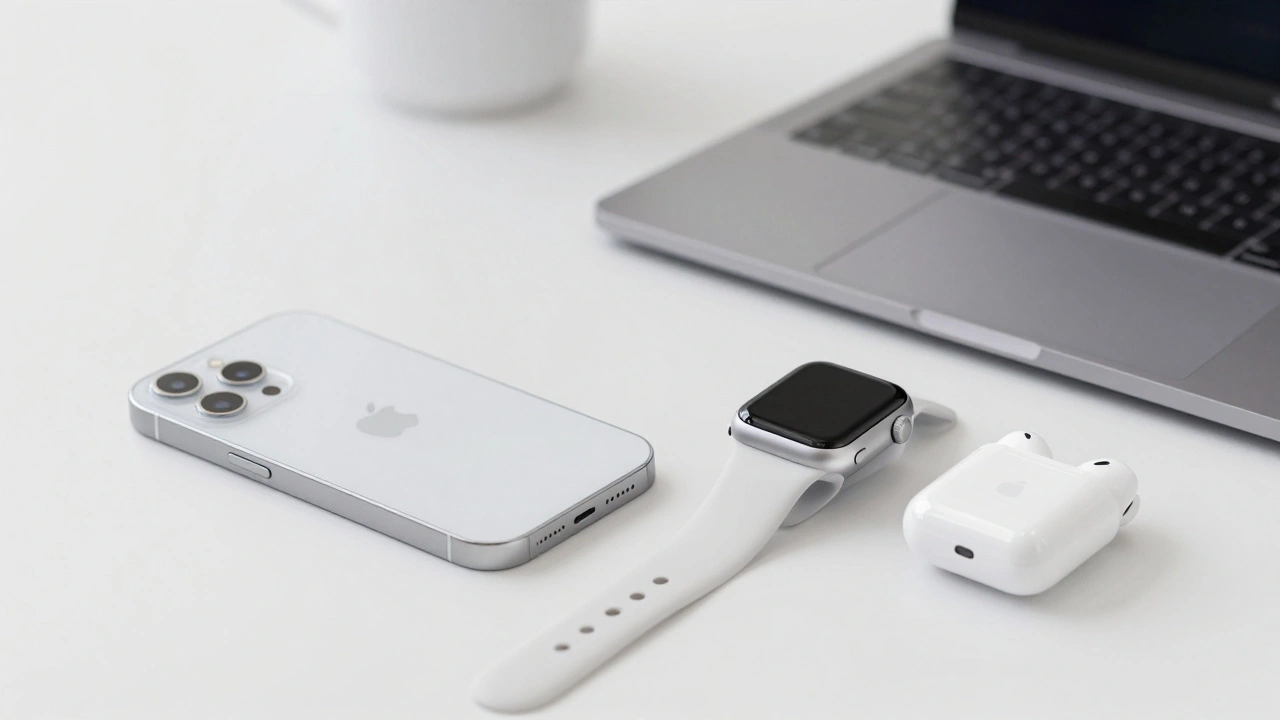
Apple connects its products through invisible visual signals-logo, color, typography, and Liquid Glass UI-that create a seamless, consistent experience across devices. This ecosystem branding builds loyalty by making every interaction feel familiar and unified.
Translucent Plastics at Apple: How Material Design Communicates Approachability and Playfulness
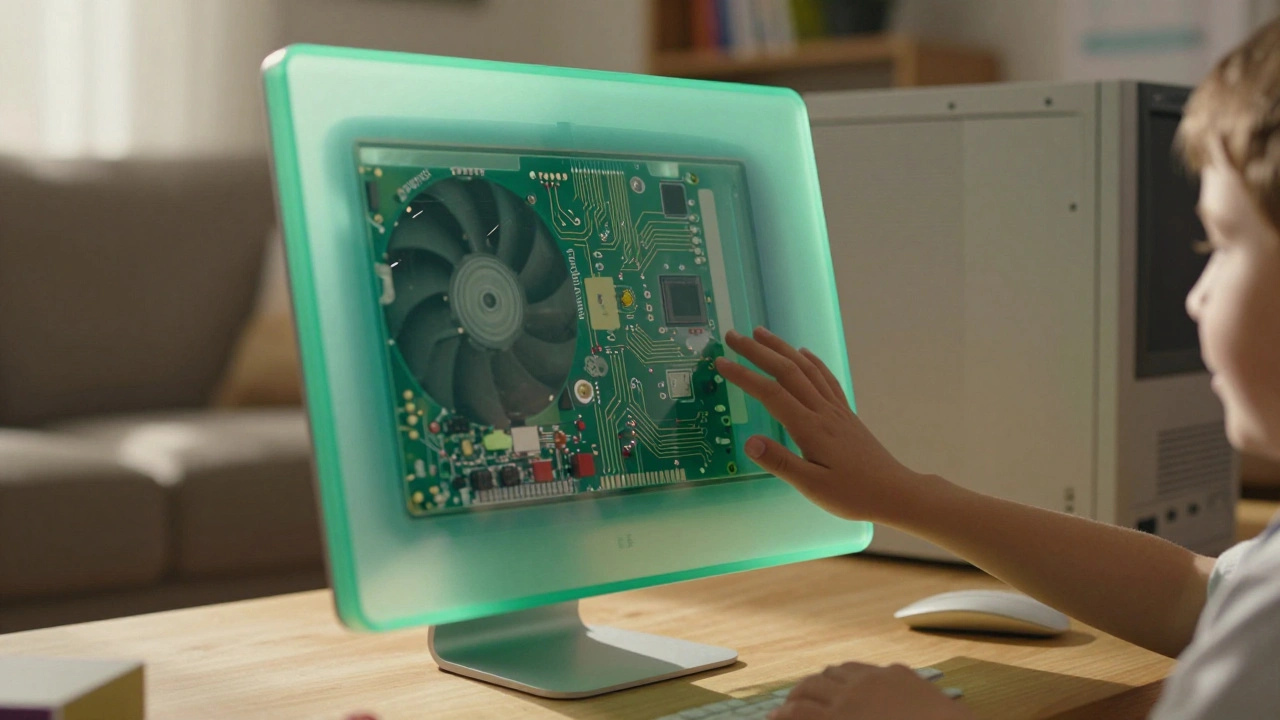
Apple’s translucent plastics and Liquid Glass aren’t just aesthetics-they’re emotional design tools that make technology feel approachable, playful, and alive. From the iMac to iOS 26, transparency has been a quiet revolution.