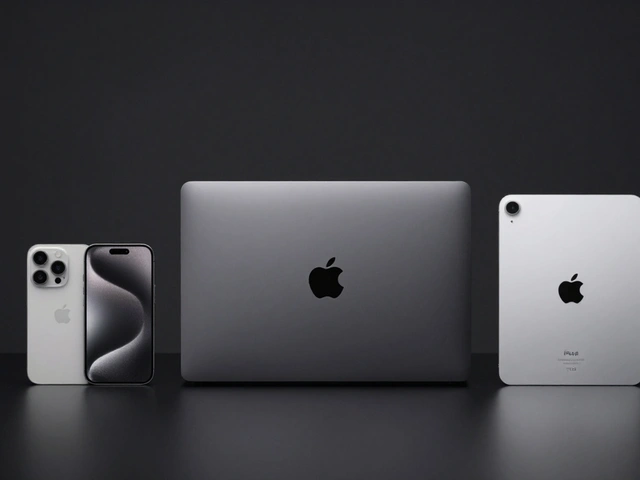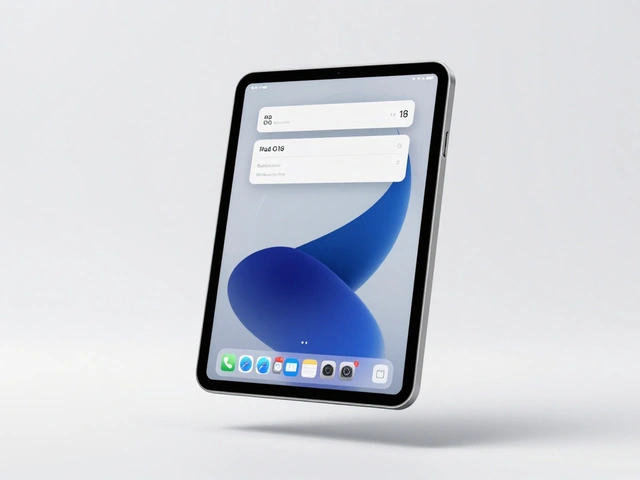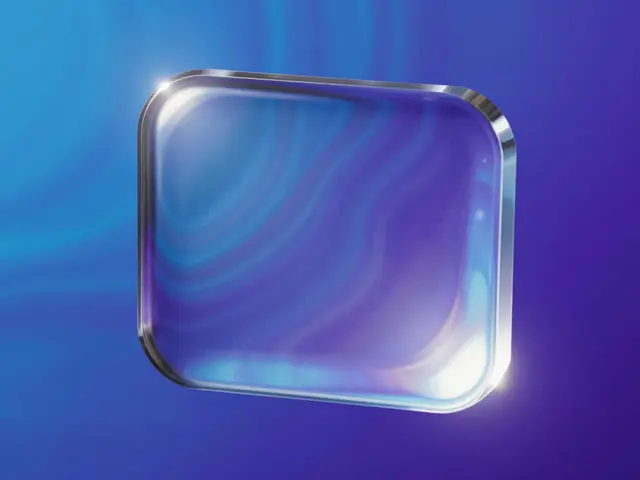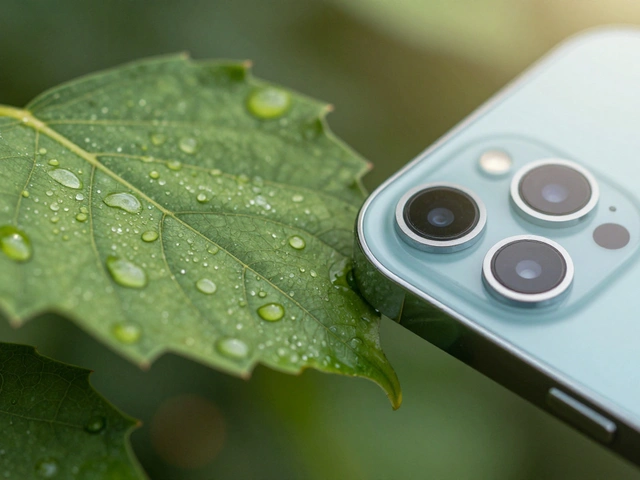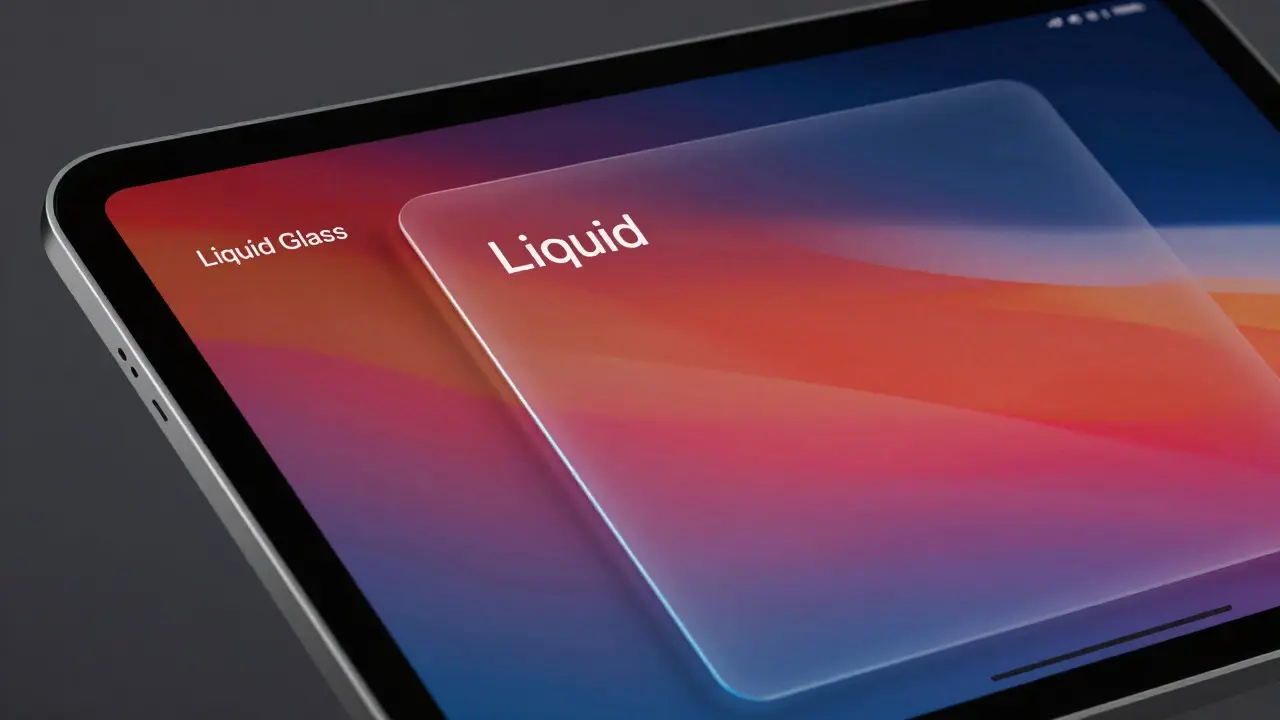

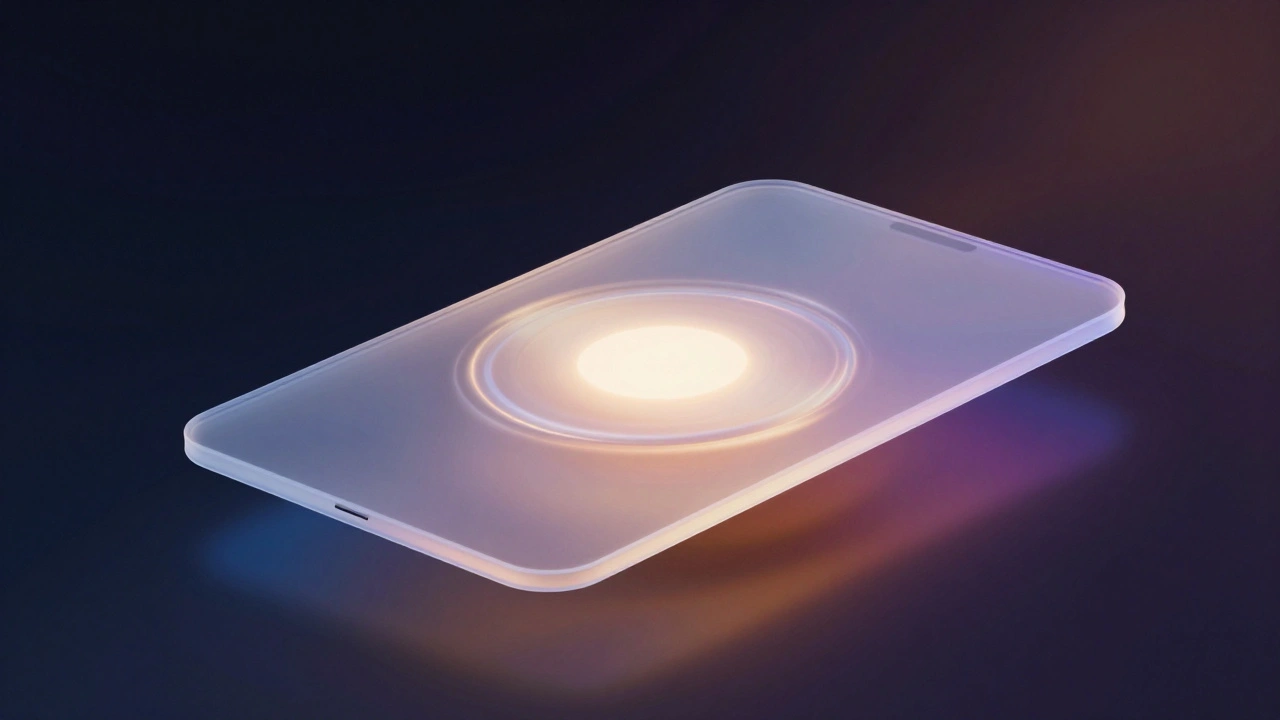
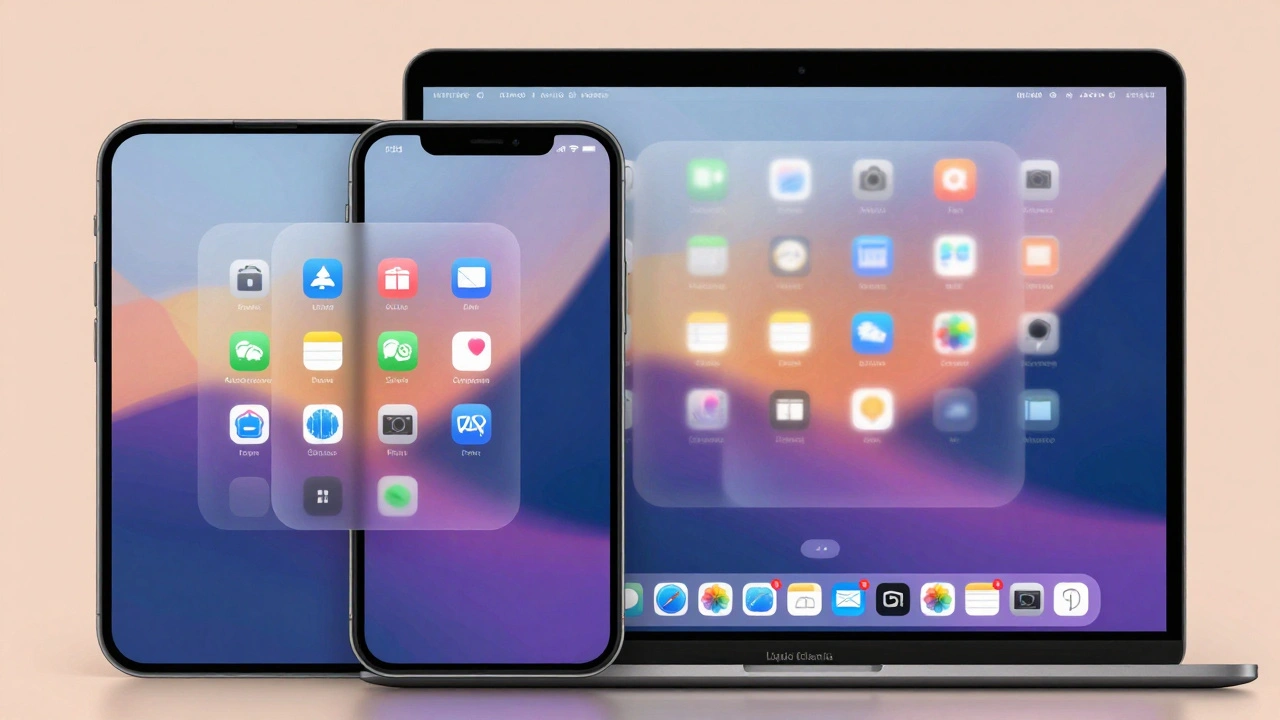
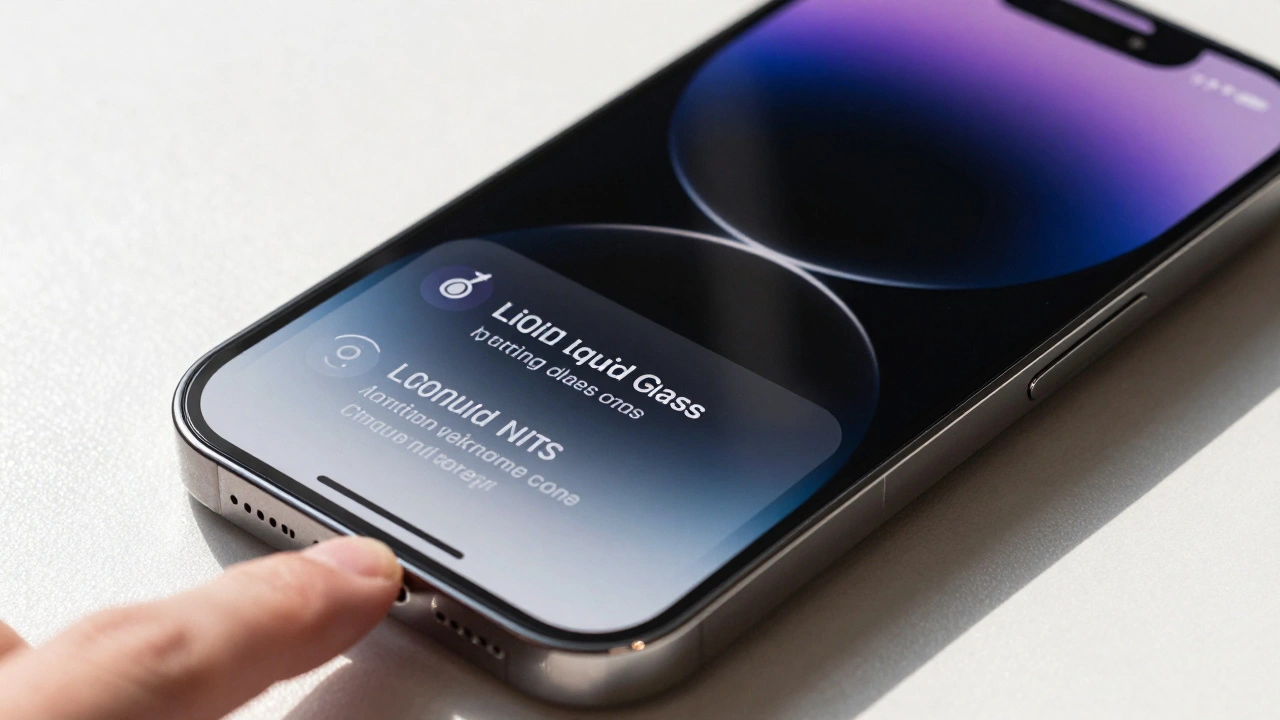
Apple’s latest interface shift isn’t just a cosmetic tweak; it’s a fundamental change in how we perceive depth and focus on our screens. With the introduction of Liquid Glass, a new visual language that blends translucency with dynamic refraction, Apple is moving beyond simple frosted glass effects. This approach specifically targets the sidebar experience on iPadOS and macOS, aiming to keep users anchored in their current task while maintaining awareness of surrounding content.
The core promise here is context awareness. Traditional opaque sidebars create a hard boundary between navigation and content. Liquid Glass, however, acts as a semi-permeable membrane. It allows light and color from the active window to bleed through, subtly shifting the sidebar’s appearance based on what you’re doing. If you’re working on a dark code file, the sidebar darkens slightly. If you’re viewing a bright photo, it lightens. This isn’t magic; it’s calculated optical physics applied to user interface design.
How Refraction Works in the Sidebar
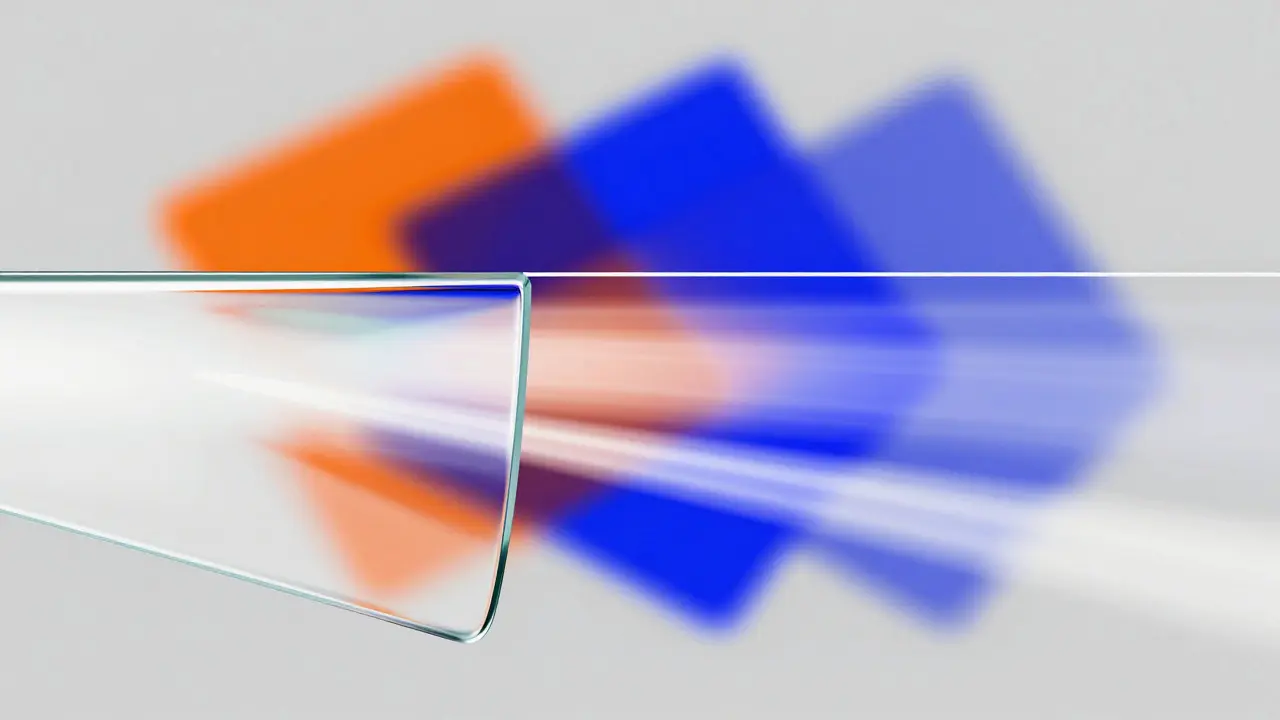
To understand why this feels different, you have to look at the mechanics of refraction. In optics, refraction is the bending of light as it passes from one medium to another. In digital design, Apple simulates this by sampling the pixels behind the sidebar and applying a blur and distortion effect that varies based on the intensity and hue of those pixels.
- Dynamic Blur: The blur radius adjusts in real-time. High-contrast backgrounds result in tighter blurs to maintain readability, while low-contrast areas allow for softer, more diffuse edges.
- Color Grading: The sidebar doesn’t just gray out; it picks up ambient colors. A red document might cast a faint warm tint on the left edge of the sidebar, creating a subtle visual link between the two zones.
- Edge Highlighting: Thin lines of light appear where the glass meets the content, mimicking the way light reflects off the edge of physical glass. This creates a sense of volume without adding heavy shadows.
This technique requires significant GPU power, which is why it runs smoothly on devices equipped with Apple Silicon chips like the M1, M2, or M3 series. On older Intel Macs, the effect may be simplified or disabled to preserve battery life and frame rates.
Context Awareness in Practice
Why does this matter? Because multitasking is messy. When you switch between a spreadsheet, a browser tab, and a chat window, your brain has to constantly reorient itself. Opaque sidebars force a mental reset every time you click a new icon. Liquid Glass reduces this cognitive load by keeping a visual thread connected to your previous state.
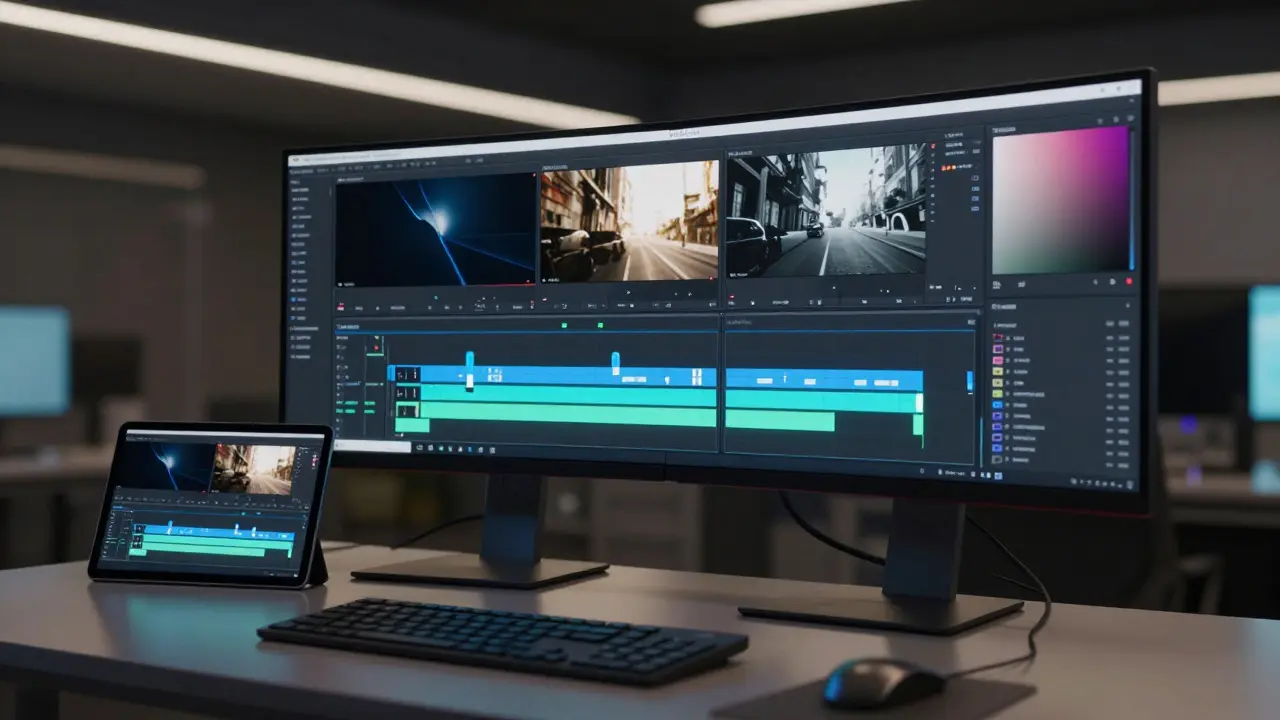
Imagine you are editing a video in Final Cut Pro. The timeline is complex, with multiple tracks and clips. As you scrub through the footage, the background changes rapidly from dark scenes to bright ones. The Liquid Glass sidebar reacts instantly. You don’t need to look away to know where the sidebar ends and the canvas begins; the contrast shifts naturally with the content. This keeps your eyes focused on the work rather than hunting for UI boundaries.
On iPadOS, this is particularly effective because the screen is often used in portrait mode or split view. The sidebar can collapse or expand, and the refractive effect helps indicate its state. When collapsed, the glass becomes more opaque to hide clutter. When expanded, it becomes more transparent to invite interaction.
Performance and Battery Implications
Every pixel on the screen costs energy. Dynamic effects like Liquid Glass consume more resources than static interfaces. However, Apple has optimized this heavily using the Metal graphics API. The calculations happen on the GPU, leaving the CPU free for other tasks.
| Rendering Style | GPU Load | Battery Impact | Visual Clarity |
|---|---|---|---|
| Opaque Solid | Low | Minimal | High (Static) |
| Static Frosted Glass | Medium | Moderate | Medium |
| Liquid Glass (Dynamic) | High | Higher | High (Adaptive) |
If you notice increased heat or faster battery drain during long sessions, you can reduce the effect intensity in System Settings under Accessibility > Display & Text Size. Turning off "Reduce Motion" also helps, as it minimizes the animation transitions when the sidebar expands or collapses.
Design Principles for Developers
For developers building apps for these platforms, adapting to Liquid Glass means designing for transparency. Your app’s background shouldn’t rely on high-contrast borders to define sections. Instead, use spacing and typography hierarchy. If your app uses custom views, ensure they support alpha blending so the sidebar’s refraction looks natural.
Key considerations include:
- Color Palette: Avoid pure white or pure black backgrounds if possible. Mid-tone colors provide better data for the refraction algorithm to sample.
- Iconography: Icons within the sidebar should remain legible against varying background hues. Use vector assets with sufficient stroke weight.
- State Management: Define clear states for your sidebar (collapsed, expanded, hover). The transition between these states should be smooth, leveraging the built-in spring animations provided by the OS.
Future Implications for Interface Design
Liquid Glass is not just an Apple feature; it signals a broader trend toward immersive, context-aware interfaces. As hardware improves, we will see more sophisticated environmental effects. Think of AR headsets where the UI literally floats in space, refracting actual room lighting. The principles established in iPadOS and macOS today are the foundation for that future.
For now, this design language offers a tangible improvement in usability. It makes the interface feel less like a rigid grid and more like a living surface. Whether you are a designer tweaking a mockup or a developer shipping a new app, understanding how light and context interact is no longer optional-it’s essential.
Does Liquid Glass work on all iPads?
No, the full dynamic refraction effect requires an A12 Bionic chip or newer. Older models may display a static frosted glass effect instead to maintain performance.
Can I turn off the Liquid Glass effect?
Yes. Go to Settings > Accessibility > Display & Text Size and toggle off "Reduce Transparency" or adjust the motion settings to minimize dynamic changes.
Is Liquid Glass available in third-party apps?
Mostly yes, but only if the developer adopts the new UI kit components. Legacy apps using custom drawing code may still display opaque sidebars unless updated.
How does this affect accessibility for users with visual impairments?
The system automatically increases contrast when necessary. Users can enable high-contrast modes which override the transparency effects to ensure maximum legibility.
Will Liquid Glass slow down my device?
On modern Apple Silicon devices, the impact is negligible. On older Intel Macs, you might notice slight lag during rapid window resizing, but normal usage remains smooth.
Categories
Popular Articles