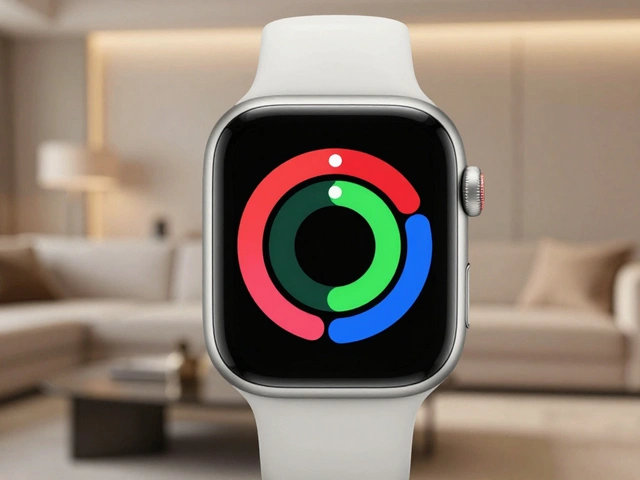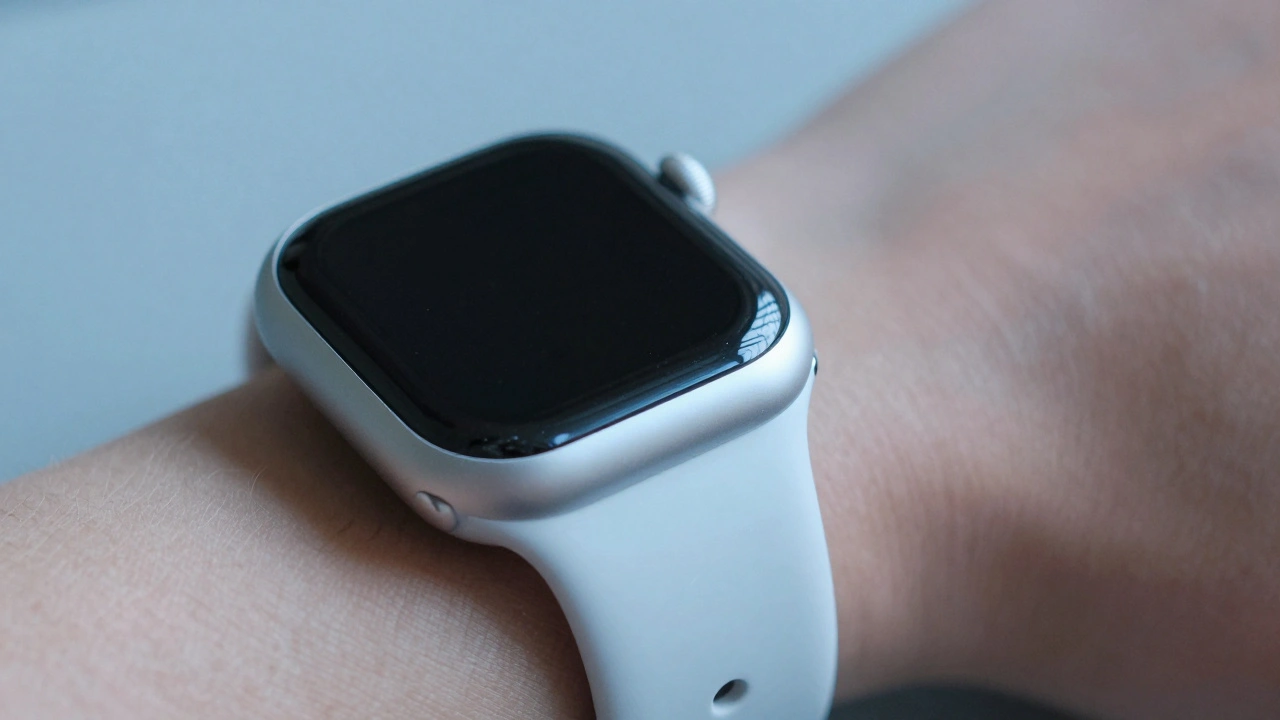

Think about the last time your Apple Watch buzzed on your wrist - not loudly, not obtrusively, but just enough to let you know something mattered. No screen glance. No sound. Just a quiet tap, a gentle pulse, or a series of quick taps that felt like someone lightly tapping your arm. That’s haptics. And it’s not just a feature. It’s a language.
What Haptics Really Feel Like
Haptics on the Apple Watch isn’t just vibration. It’s precision. The device doesn’t shake like an old phone. It taps. It pulses. It whispers. That’s thanks to the Taptic Engine is a tiny, high-precision actuator inside the Apple Watch that creates finely tuned vibrations to mimic real-world touch sensations. Unlike the clunky, uneven rumbles of early smartphones, the Taptic Engine uses electromagnetic forces to generate controlled, directional pulses. You feel them as distinct taps, not a buzz. That’s why a message from your partner feels different from a calendar reminder. One is two quick taps. The other is a longer, steady hum.It’s not magic. It’s engineering. Apple spent years refining this. They didn’t just want to vibrate. They wanted to communicate. And they succeeded. People who use the Apple Watch daily often say they stop noticing the screen - they start feeling the watch. It becomes an extension of their body, not just a device on their arm.
How Haptics Guide You Without Words
Ever used Maps on your Apple Watch while walking? You don’t need to look at the screen. When you need to turn left, you feel three sets of two quick taps. Turn right? Twelve steady taps in a row. Arrive at your destination? One long, slow pulse. No voice. No screen. Just your wrist telling you what to do.This isn’t random. Each pattern is designed to be intuitive. Two taps feel like a nudge. A long pulse feels like a signal. Apple tested dozens of patterns with real users. They found that sharp, rhythmic taps work best for directional cues. Longer, sustained vibrations feel more like an alert. It’s psychology disguised as engineering.
And it works. People who rely on this for navigation - runners, cyclists, commuters - say they’re less distracted. They don’t have to stop and stare at a tiny screen. Their wrist tells them. It’s faster. Safer. More natural.
Customizing Your Own Haptic Language
You don’t have to accept Apple’s defaults. Go into Settings > Sounds & Haptics on your Apple Watch. You’ll see three main options: Haptic Alerts, Crown Haptics, and System Haptics.- Haptic Alerts control how your watch vibrates for messages, calls, and apps. You can turn them off entirely - then your watch only rings. Or crank it up to Prominent for constant vibration until you acknowledge it.
- Crown Haptics is the subtle magic of the Digital Crown. When you turn it, you feel tiny clicks. Not sound. Not a physical bump. Just a vibration in your fingertip. It’s like the crown is a mechanical gear, not a touchscreen. Apple designed this to mimic the feel of winding a classic watch. It’s quiet. It’s satisfying. And it’s unique to the Apple Watch.
- System Haptics gives feedback for everything else: scrolling through lists, selecting a time, adjusting your watch face. These are the tiny taps you feel when you swipe or tap. Turn them off, and the interface feels flat. Turn them on, and everything snaps into place.
Most users leave these on. Why? Because once you feel them, you notice when they’re gone. It’s like losing the click of a mechanical keyboard. You didn’t realize you needed it - until it was missing.
The Accessibility Revolution
Haptics didn’t just improve convenience. It changed lives.For people with visual impairments, the Apple Watch became one of the first wearables that could be fully navigated without sight. With AssistiveTouch is a feature on Apple Watch Series 4 and later that lets users control the device using gestures, with haptic feedback confirming each action., you can tap your wrist twice to open the app menu, swipe up to scroll, or double-tap to select. No screen needed. Just your fingers and the watch’s quiet feedback.
One user in Portland told me: "I used to rely on voice commands. But in noisy places - coffee shops, buses - they failed. Now, I just feel the taps. I know when I’ve selected the right thing. It’s the first time I’ve felt truly independent with a smart device."
Apple didn’t design this for a niche. They designed it for everyone. And it became essential for some.
Why Haptics Feel More Personal Than Sound
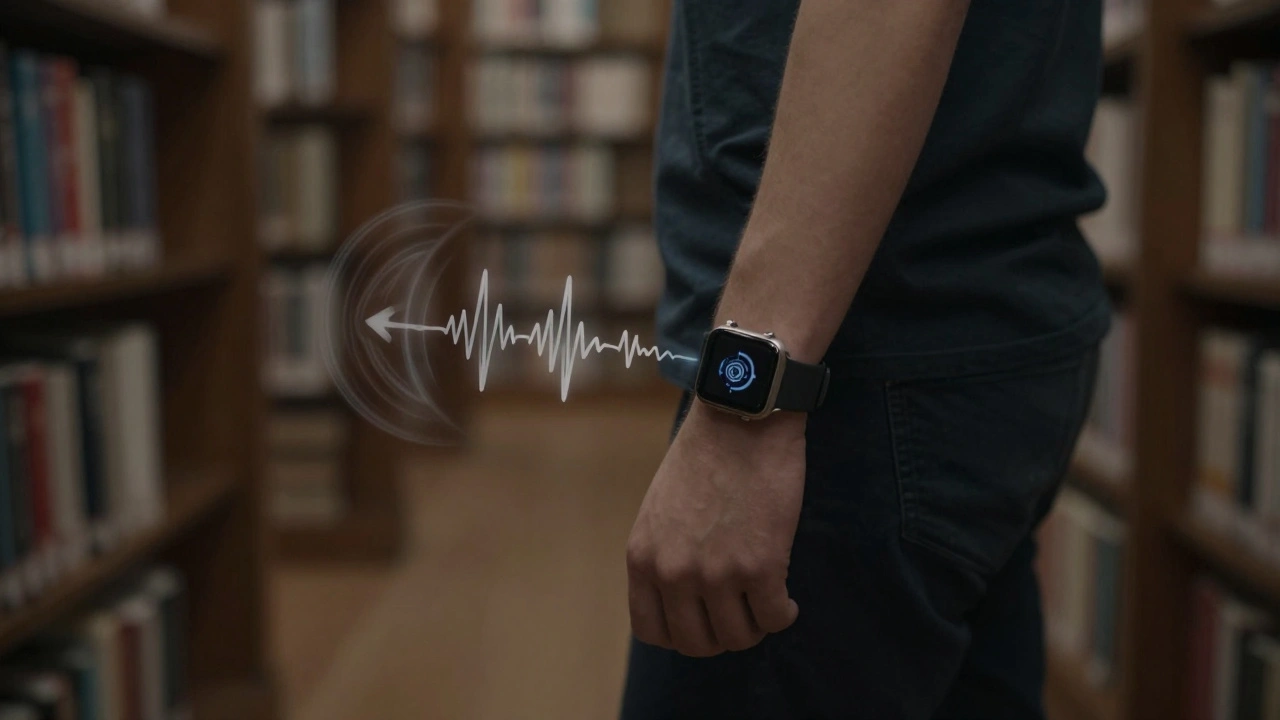
Sound is public. Vibration is private.A phone ringing in a meeting? Awkward. A watch buzzing under your sleeve? Invisible. That’s why haptics work so well in places where noise is rude - hospitals, libraries, theaters, classrooms. You get the alert. No one else does.
And it’s not just about silence. It’s about intimacy. The way your watch taps you when your partner sends a message - just one quick pulse - feels personal. It’s not a notification. It’s a connection. You don’t need to see the screen. You just need to feel it.
Apple’s Core Haptics framework, introduced at WWDC 2019, lets developers sync haptics with audio. A drumbeat? Match it with a sharp tap. A soft piano note? Pair it with a slow, rising pulse. This isn’t just feedback. It’s emotional design.
Think of it this way: your phone tells you. Your watch feels with you.
The Bigger Picture: Touch in a Digital World
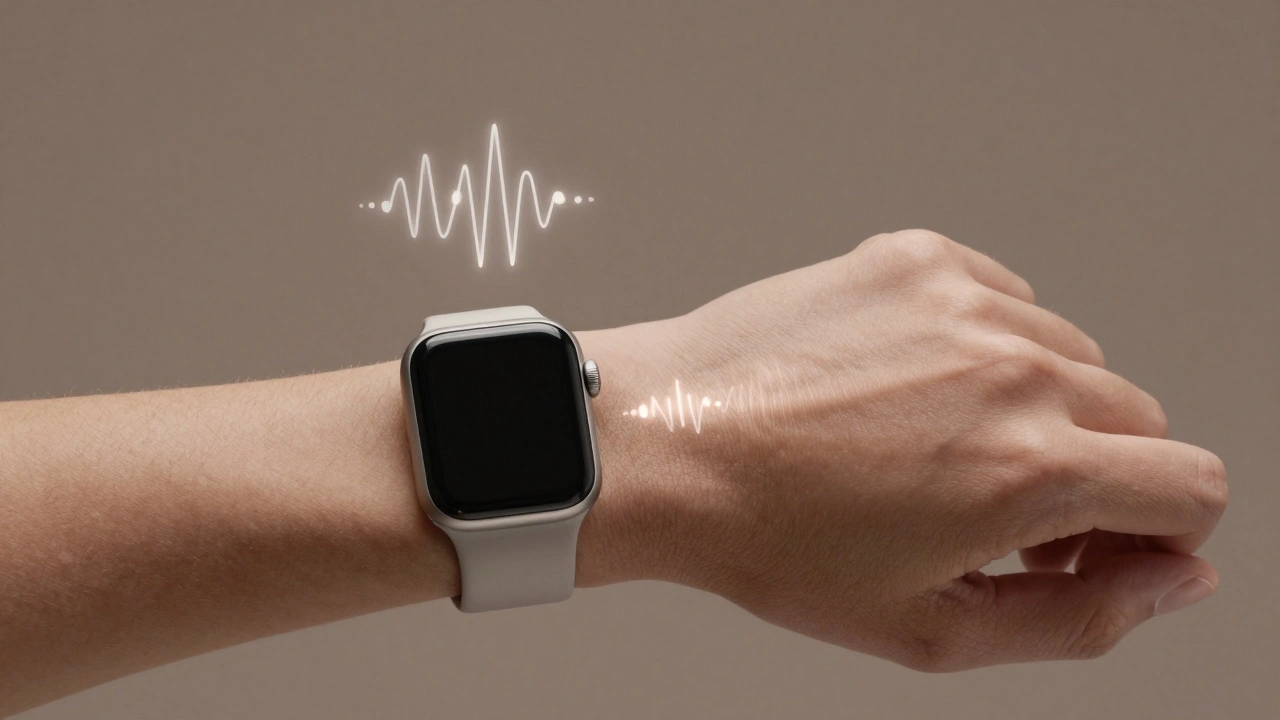
We live in a world of screens. We stare at them. We tap them. We scroll endlessly. But we rarely feel them.The Apple Watch flips that. It brings touch back into digital interaction. It reminds us that technology doesn’t have to shout to be heard. Sometimes, it just needs to whisper.
That’s why haptics matter. Not because they’re new. But because they’re human. They turn data into sensation. Alerts into intuition. Notifications into connection.
It’s why people who switch from other smartwatches to Apple Watch often say the same thing: "I didn’t realize how much I missed feeling it."
Can I turn off haptics on my Apple Watch completely?
Yes. Go to Settings > Sounds & Haptics on your Apple Watch, then toggle off "Haptic Alerts." This stops all vibrations for notifications. You can also disable "System Haptics" to turn off feedback for scrolling and tapping. But if you turn off all haptics, you’ll lose the subtle cues that make the watch feel responsive. Most users keep at least some on.
Why does my Apple Watch vibrate differently for different apps?
Apple assigns unique vibration patterns to different notification types. Messages, calls, and calendar alerts each have their own rhythm. Third-party apps can also define their own patterns - but they’re limited to Apple’s predefined templates. You can’t create custom vibrations, but you can choose which apps send haptics at all in the Watch app on your iPhone under Notifications.
Do all Apple Watches have the same haptic feedback?
No. The Taptic Engine improved significantly with the Series 4. Earlier models (Series 1-3) have weaker, less precise vibrations. Series 4 and later add crown haptics, which weren’t possible before. If you want the best tactile experience, you need Series 4 or newer. The difference is noticeable - especially when scrolling or using the Digital Crown.
Can I use haptics without sound?
Absolutely. That’s the whole point. In Settings > Sounds & Haptics, you can turn off sound and leave haptics on. Your watch will still tap you for calls, texts, and alerts - silently. This is perfect for meetings, workouts, or sleep. Many users set their watch to silent mode with haptics enabled as their default.
Why do I feel vibrations in my finger when I turn the crown?
That’s Crown Haptics. Apple designed it to simulate the feel of a mechanical watch crown. Instead of a physical click, it uses tiny, precise vibrations in your fingertip as you rotate the crown. It’s meant to feel natural - like turning a real gear. It’s quiet, smooth, and unique to Apple Watch Series 4 and later. You can turn it off, but most users find it makes scrolling feel more satisfying and precise.
What’s Next?
Apple is still refining haptics. Rumors suggest future models could deliver more complex patterns - maybe even directional feedback that feels like a tap moving across your wrist. Imagine feeling a notification slide from left to right, or a pulse that grows stronger as you get closer to a meeting.For now, the current system is already one of the most thoughtful implementations of touch in consumer tech. It doesn’t try to replace screens or sound. It complements them. It makes the digital world feel more human.
And that’s why, after all these years, people still say: "I didn’t know I needed this… until I felt it."
Categories
Popular Articles