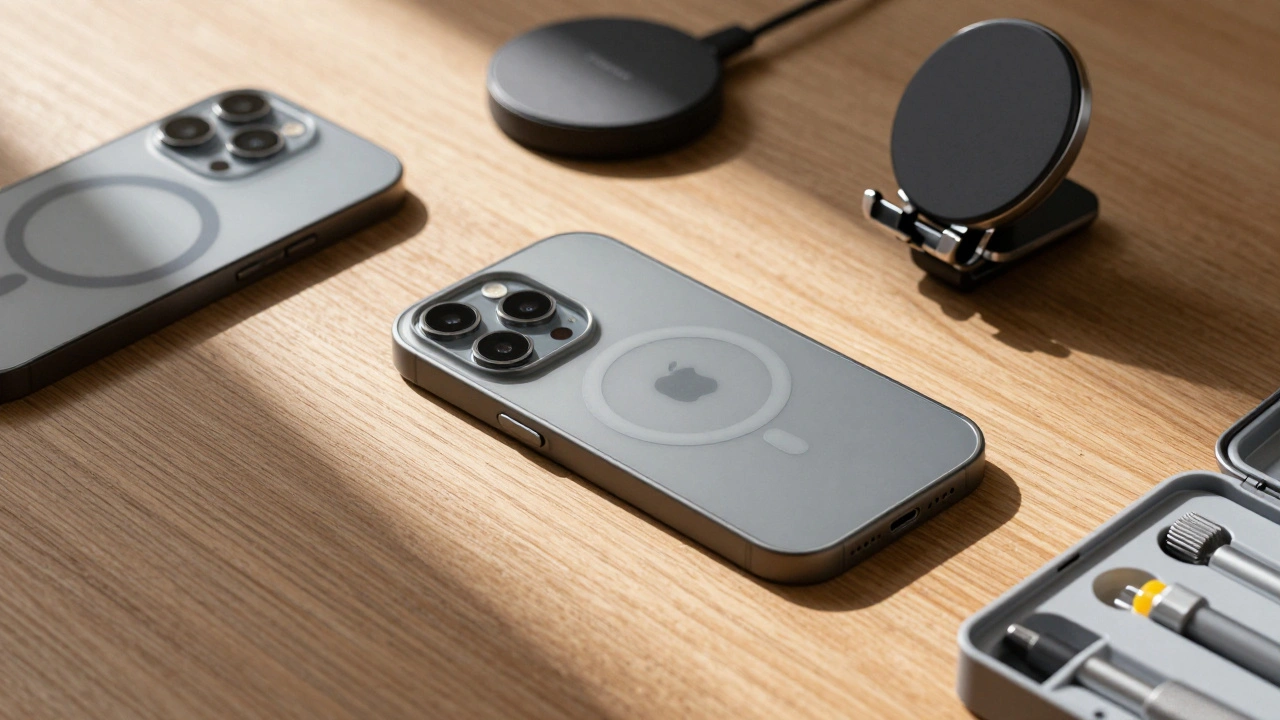

Most people don’t think about their iPhone after the first year. They upgrade, toss the old one, and buy the next model. But what if your iPhone could last six years - not just as a backup phone, but as your main device? What if the case you bought in 2023 still worked perfectly with your iPhone 16 in 2029? That’s not fantasy. It’s Apple’s design reality.
The truth is, Apple doesn’t just design phones. They design ecosystems. And the accessories you use - cases, chargers, mounts, wireless pads - are just as critical to the experience as the phone itself. If a case blocks your microphone during a call, or a magnet interferes with your compass, or a charger overheats after two years, it’s not just annoying. It breaks the promise of a device meant to last.
Why Your iPhone Lasts Longer Than Other Phones
Let’s start with the numbers. iPhones hold 40% more resale value than comparable Android phones after five years. That’s not luck. It’s design. Since the iPhone 7, accidental damage repairs have dropped by 44%. Liquid damage repairs? Down 75%. Why? Because Apple stopped treating water resistance as a marketing gimmick and started engineering it into the core.
The iPhone 16 is the most repairable model ever. Eleven key modules are designed to be swapped out - battery, camera, screen, speaker, antenna, logic board, and more. That’s not just for Apple technicians. It’s for users who want to keep their device alive. And when you can replace a worn-out battery without replacing the whole phone, you’re not just saving money. You’re changing how you think about ownership.
But here’s the kicker: Apple supports each iPhone with security updates for up to six years. That’s longer than most laptops. That means your iPhone 14 in 2029 still gets critical patches. No other major phone maker does that. So if your accessories still work with it - and they should - why replace the phone at all?
How Accessories Are Designed to Last With Your iPhone
Apple doesn’t just release an iPhone and say, "Good luck finding a case." They publish 350 pages of official Accessory Design Guidelines. Every third-party manufacturer - from OtterBox to a small Etsy shop - must follow them. Why? Because Apple knows that a bad case can ruin your experience.
Let’s say you buy a thick case. Sounds protective, right? But if it covers the microphone, your calls sound muffled. If it blocks the speaker, you can’t hear the person on the other end. If it covers the ambient light sensor, your screen stays too bright in a dark room. Apple’s guidelines say: no obstruction. Every sensor, port, button, and camera must function exactly as if the phone were bare.
Then there’s radio frequency (RF) performance. Magnets in MagSafe cases? Fine. But if they’re too strong or placed wrong, they can mess with the phone’s GPS, Wi-Fi, or cellular signal. Apple measures this using something called Effective Isotropic Sensitivity (EIS). Every accessory, in every position - open, closed, attached, detached - must pass RF tests. No exceptions.
Even audio matters. A case that changes the frequency response of your speakers? That’s a violation. So is a car mount that echoes your voice back to you during a call. These aren’t minor quirks. They’re design failures. And Apple tests them rigorously.
Compatibility Across Generations - The Real Challenge
Here’s where most accessory makers fail. They design for one iPhone model. Then the next one comes out. The camera bump shifts. The ports change. The sensors move. And suddenly, your case doesn’t fit. Or your wireless charger doesn’t align.
Apple solves this by designing accessories to work across generations. A case made for the iPhone 12 should still fit the iPhone 15. Why? Because Apple maintains consistent dimensions, button placements, and sensor layouts across models. The Home button on the iPhone 7? Gone. But the iPhone 8? Still there. So accessories for both had to adapt - and Apple’s guidelines helped manufacturers do it right.
Today, the iPhone 16’s modular design means accessories might need to accommodate repairable modules. A case that’s too rigid could make it harder to swap out a battery. A magnetic mount that blocks access to a repair port? That’s a problem. Apple expects accessory makers to think ahead - not just about today’s phone, but about the phone you’ll be repairing two years from now.
The Ecosystem Matters - It’s Not Just About the iPhone
Your iPhone doesn’t live alone. It connects to your Apple Watch, your iPad, your Mac. And your accessories should too. A wallet that holds your Apple Watch band? A car mount that works for both your iPhone and iPad? That’s the goal.
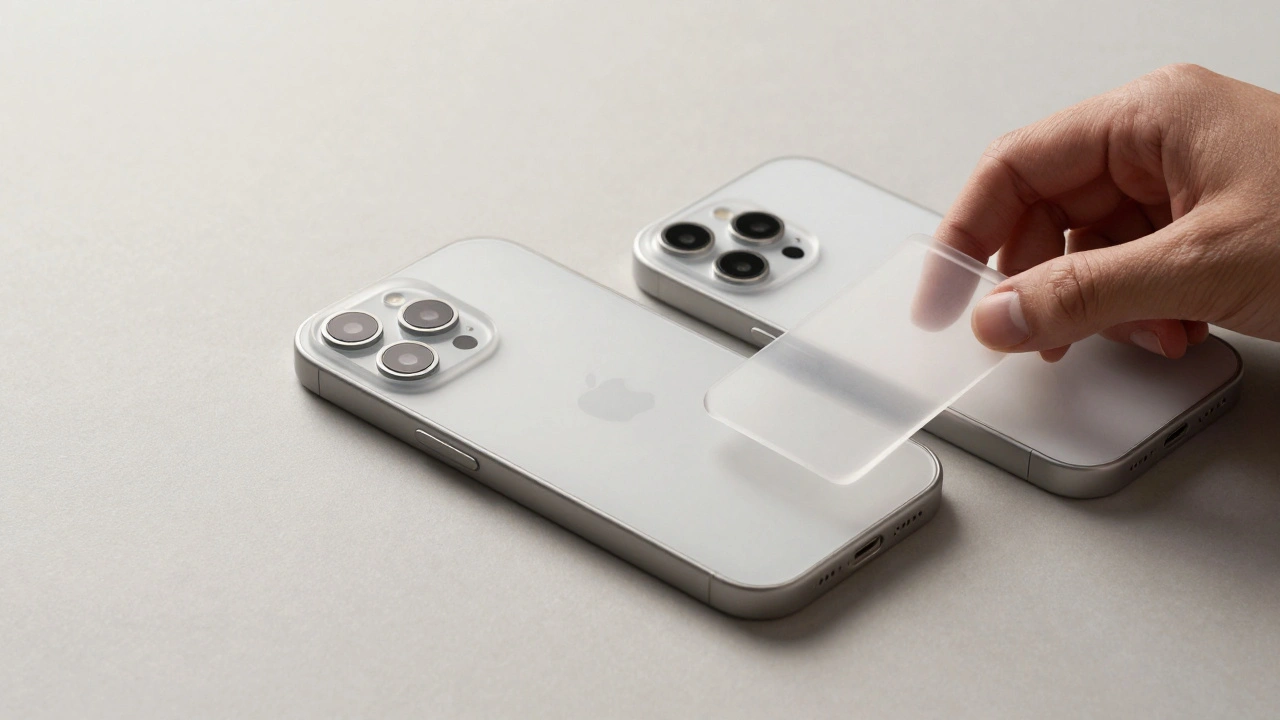
Apple uses shared symbols, consistent textures, and predictable placements across all devices. Your iPhone case should feel like it belongs with your AirPods case. Your charger should look like it was meant to sit next to your MacBook. This isn’t just about looks. It’s about reducing cognitive load. When everything feels familiar, you don’t have to relearn how to use your gear.
That’s why third-party accessories that follow Apple’s guidelines feel seamless. They use the same matte finishes. The same rounded corners. The same subtle branding. They don’t try to stand out. They blend in. And that’s the mark of great design.
Repairability Changes Everything - Even for Accessories
Before the iPhone 16, most cases were designed around a sealed, unrepairable device. You cracked the screen? Buy a new phone. But now? You open the back, swap the screen module, and keep going. That changes how accessories are made.
A case that’s too tight around the edges? It could make it harder to remove the screen module. A magnetic mount that covers the repair port? It becomes useless after the first repair. Apple’s guidelines now require accessories to accommodate repair access. No more hiding screws. No more blocking service panels.
Even adhesives matter. Apple uses special adhesives that hold strong but release cleanly when pulled in the right direction. That means your case shouldn’t stick so hard that it damages the phone when you remove it. And it shouldn’t leave residue after six months. These are the details most people never think about - until they try to peel off a case and crack the screen.
Environmental Design - Longevity as a Responsibility
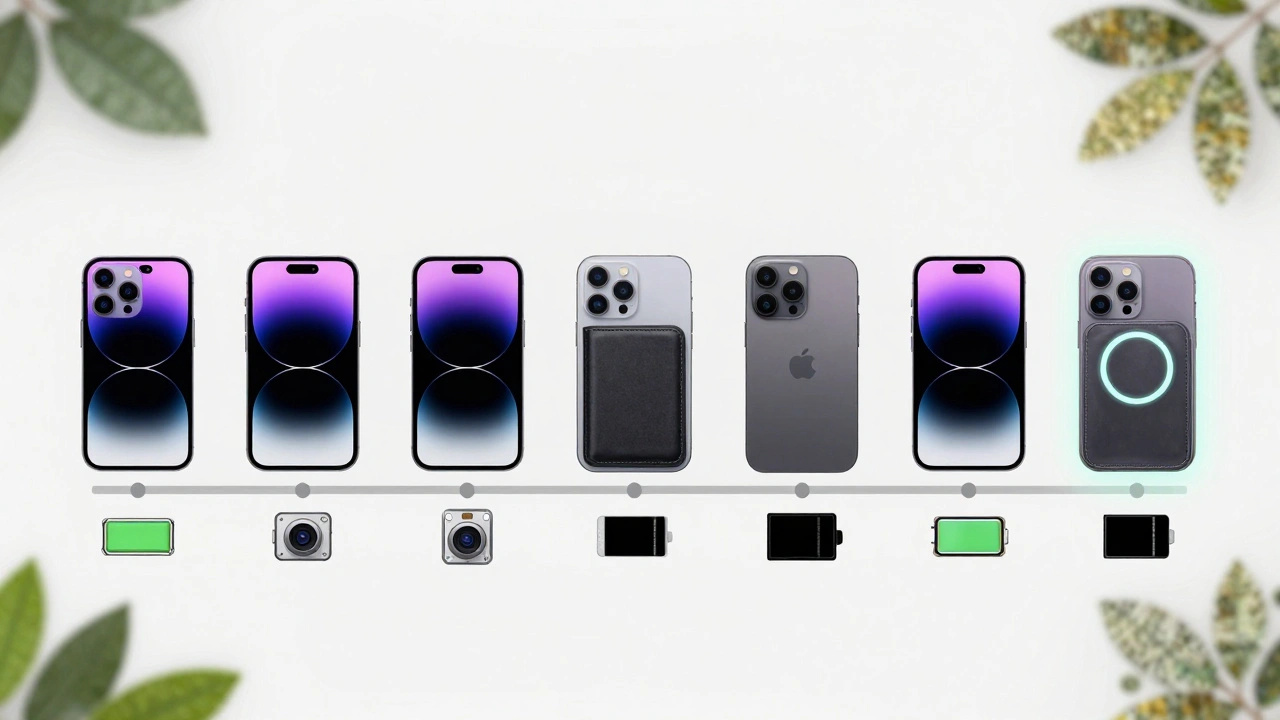
Apple doesn’t just say "be sustainable." They design for it. Every material choice, every packaging decision, every accessory design is measured for environmental impact. That’s why most official cases now use recycled aluminum, recycled plastics, or plant-based materials. Why? Because a phone that lasts six years creates less waste than three phones that last two.
And it works. Since 2015, out-of-warranty repairs have dropped by 38%. That’s not because people are more careful. It’s because the phones are built to last. And the accessories help. A good case prevents drops. A quality charger prevents battery degradation. A well-designed mount keeps your phone from overheating in the sun.
Apple’s goal isn’t to sell more phones. It’s to keep you using the one you have. And that’s why their accessories are designed to grow with you - not replace you.
What This Means for You
Here’s the practical side. If you’re buying an accessory today, ask yourself:
- Does it block any sensors or ports?
- Does it interfere with wireless charging or MagSafe?
- Will it still fit if I upgrade to the next iPhone?
- Is it made with recycled materials?
- Does it have a clear return policy if it doesn’t work?
Don’t buy the cheapest case. Don’t buy the flashiest one. Buy one that follows Apple’s principles - even if it’s not made by Apple. Look for brands that list compliance with Apple’s Accessory Design Guidelines. That’s your signal that it’s been tested, not guessed.
And if you’re holding onto an older iPhone? Don’t feel behind. You’re not stuck. You’re ahead. With six years of software updates and accessories that still work, your phone is more capable than most new ones.
Designing for iPhone lifecycles isn’t about making phones last longer. It’s about making your life simpler. Less upgrading. Less waste. Less frustration. And more trust in the devices you use every day.
Can I use an old case with a new iPhone?
Yes - but only if the dimensions, button placements, and sensor locations match. Apple keeps design consistency across models, so cases made for iPhone 12 or 13 often fit iPhone 14 and 15. But the iPhone 16 has a new camera module layout and repairable modules, so older cases may block access or interfere with repairs. Always check Apple’s official compatibility chart before assuming.
Why do some MagSafe accessories cause signal problems?
Magnets in MagSafe accessories are powerful, and if they’re too close to the phone’s internal antennas, they can interfere with cellular, Wi-Fi, or GPS signals. Apple’s guidelines require all MagSafe accessories to pass RF sensitivity tests across all operating bands. If a third-party accessory doesn’t list compliance, it may degrade your signal - especially in weak coverage areas.
Do I need to buy Apple-certified accessories?
Not necessarily. Apple doesn’t require certification for all accessories - only for those that connect to the Lightning or USB-C port (like chargers). For cases, mounts, and wireless chargers, look for brands that explicitly state compliance with Apple’s Accessory Design Guidelines. That’s a better signal than "MFi certified," which only applies to wired accessories.
How do I know if my iPhone case is affecting battery life?
A case itself doesn’t drain the battery. But if it traps heat - especially during charging or heavy use - it can accelerate battery wear. If your phone gets unusually hot in the case, or if battery health drops faster than normal after a few months, the case might be blocking airflow. Try using the phone without the case for a few days and compare battery drain.
Will Apple stop supporting accessories for older iPhones?
No. Apple doesn’t disable accessories. They design them to work across generations. Even if you’re using an iPhone 11 in 2026, your MagSafe charger, wireless case, or car mount will still function. The only thing that changes is software support - and even that lasts six years. As long as your accessory meets Apple’s design guidelines, it will keep working.