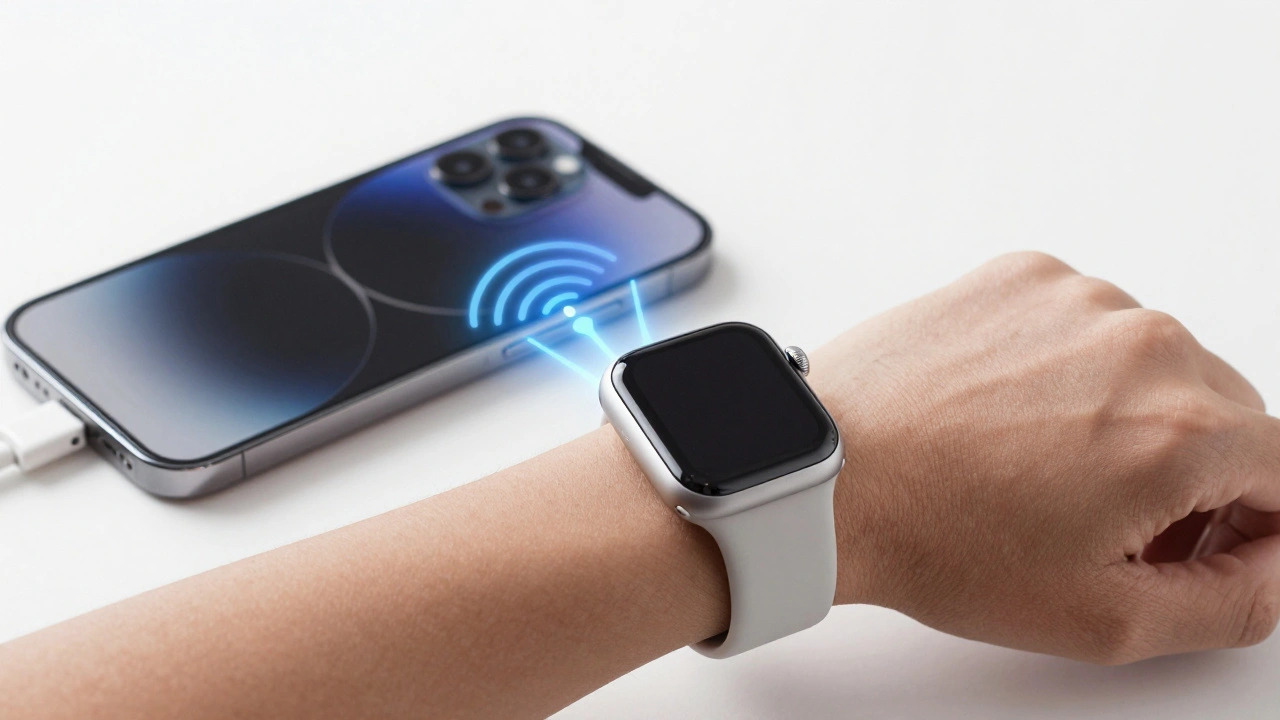

The Apple Watch doesn’t work alone. Not really. Even if you’ve got a cellular model that can make calls without your phone nearby, it still needs an iPhone to unlock its full potential. This isn’t a flaw-it’s the whole point. Apple designed the Apple Watch and iPhone to be a dynamic duo, not two separate gadgets. They talk to each other constantly, quietly, and intelligently. It’s not magic. It’s engineering. And it’s why millions of people wear an Apple Watch every day.
How They Talk: Bluetooth, Wi-Fi, and Cellular
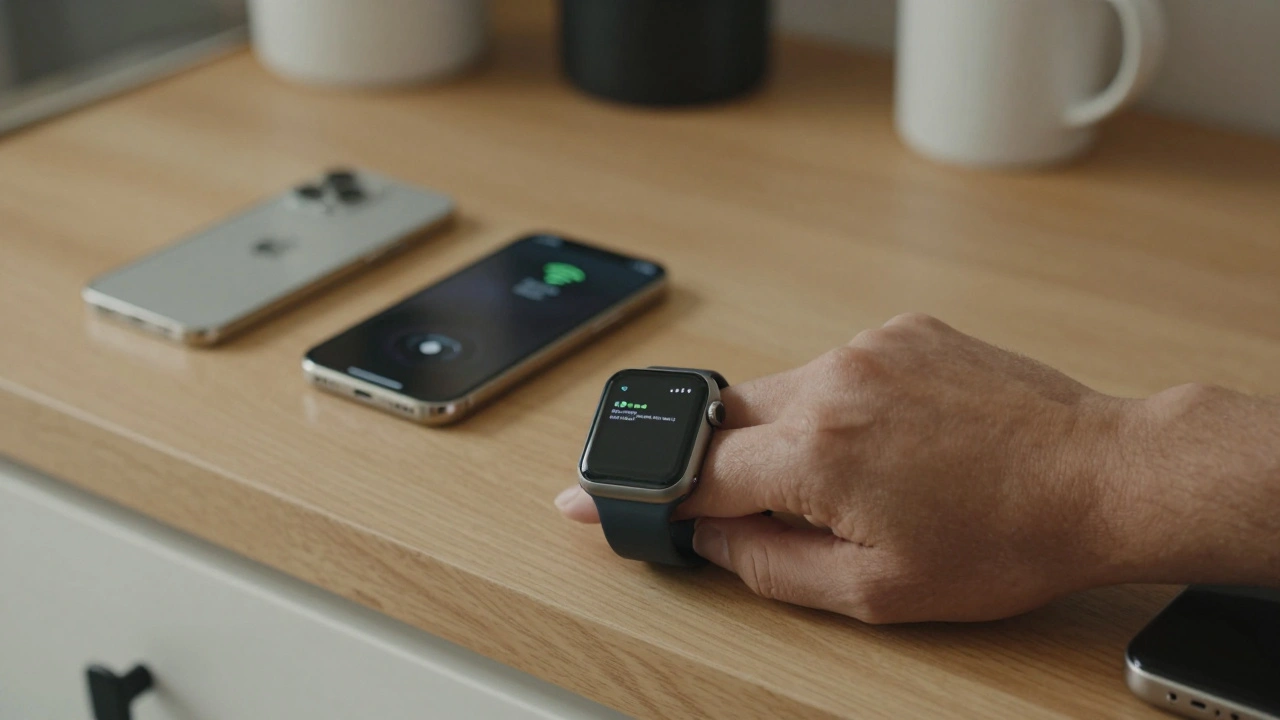
Your Apple Watch doesn’t just ping your iPhone once in a while. It’s always listening. When you’re walking around, the watch uses Bluetooth to stay connected. It’s low-power, fast, and perfect for short distances. If you step out of Bluetooth range-say, you leave your phone on the kitchen counter-the watch automatically switches to Wi-Fi. No action needed. No alerts. Just seamless.Cellular models take it further. If you’ve got an Apple Watch Series 6 or later with LTE, it can connect directly to a mobile network. But even then, it still prefers to lean on your iPhone. Why? Because your phone has a bigger battery, better signal, and handles the heavy lifting. The watch just needs to stay in the loop. Apple calls this "intelligent connectivity." It’s not random. It’s designed to save battery while keeping you connected.
The Setup: It Has to Be an iPhone
You can’t pair an Apple Watch with an Android phone. Or a Windows laptop. Or a tablet. It has to be an iPhone. And not just any iPhone. You need an iPhone 6s or later running iOS 11 or higher. That’s not a suggestion. It’s a requirement. During setup, the Apple Watch app on your iPhone scans for the watch, pairs it, and syncs your settings, apps, and health data. Without this step, you’re stuck with a fancy pedometer.Try using an Apple Watch without an iPhone. You can track workouts. You can play music stored on the watch. You can check the time. That’s it. No notifications. No messages. No Apple Pay. No Siri replies. No unlocking your Mac. The watch becomes a standalone device with limited utility. Apple didn’t build it to work alone. They built it to work with your phone.
Notifications: Your Wrist Is Your Second Screen
Think about how many times you pull out your phone to check a text, a calendar alert, or a delivery update. Now imagine you never have to. Your Apple Watch vibrates softly on your wrist. You glance down. Done. It’s faster than unlocking your phone. And it’s smarter than you think.The watch doesn’t just mirror every notification from your iPhone. You choose what shows up. You can silence emails from your work account but keep texts from family. You can mute app alerts but keep calls from your spouse. The iPhone acts as the control center. You set the rules on your phone, and the watch follows them. It’s not a copy. It’s a filter.
Health and Fitness: Synced Data, Deeper Insights
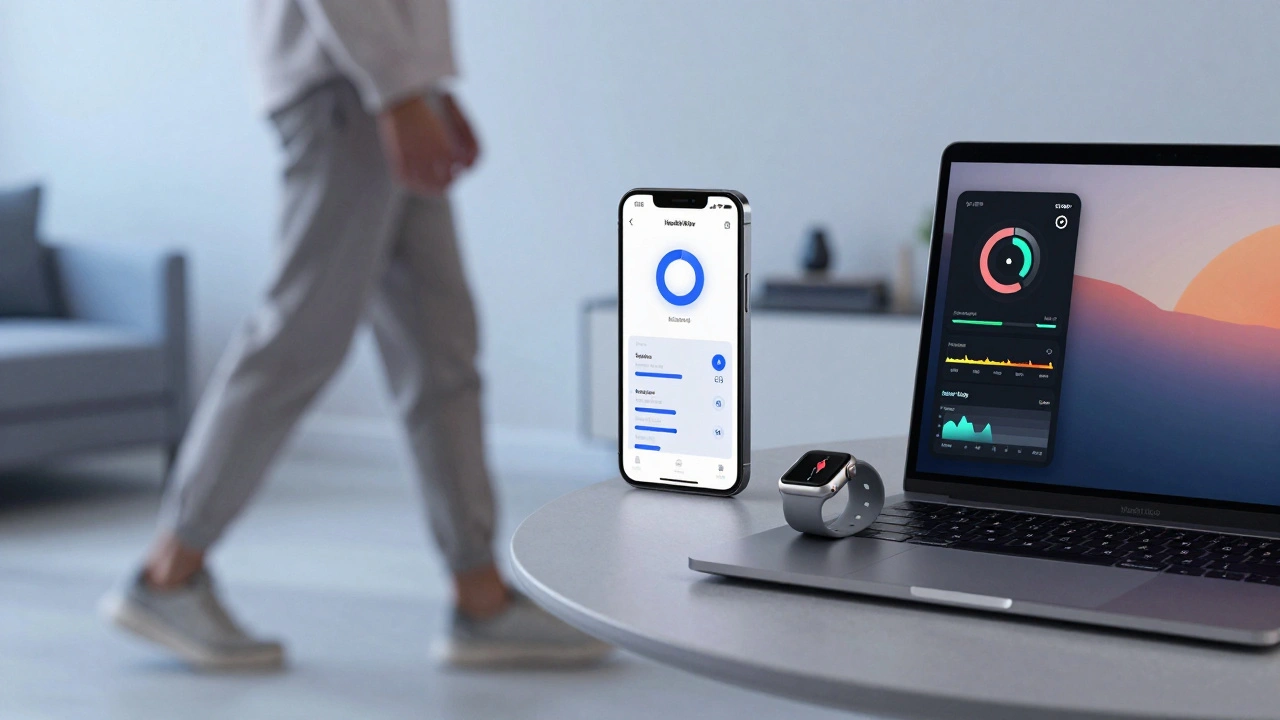
Your Apple Watch tracks your heart rate, steps, sleep, and even your blood oxygen levels. But the real power comes when that data flows to your iPhone. On your watch, you see your daily activity rings. On your iPhone, you see trends over weeks and months. You can spot that your resting heart rate went up last month. Or that you’ve been sleeping 45 minutes less on work nights.ECG readings? They’re taken on the watch. But the analysis, the history, the doctor-ready reports? All stored and managed on your iPhone. HealthKit, Apple’s health data framework, pulls everything together. Your watch collects. Your phone analyzes. Together, they give you insights neither could alone.
Apple Pay, Find My, and Unlocking Your Mac
You can pay for coffee with your Apple Watch. No phone needed. But how did that payment method get there? You set it up on your iPhone. Same with Apple Card. You see transaction alerts on your watch, but you manage budgets, categorize spending, and view monthly summaries on your phone.Find My works both ways. If you lose your watch, you can ping it from your iPhone. If you lose your phone, you can make your watch play a sound-even if the phone is on silent. And here’s one most people overlook: your Apple Watch can unlock your Mac. Walk up to your laptop with your watch on your wrist, and it unlocks automatically. No password. No fingerprint. Just your presence. It’s a small thing. But it’s seamless. And it only works because your watch and phone are paired.
Handoff and Continuity: Move Between Devices Without Breaking Flow
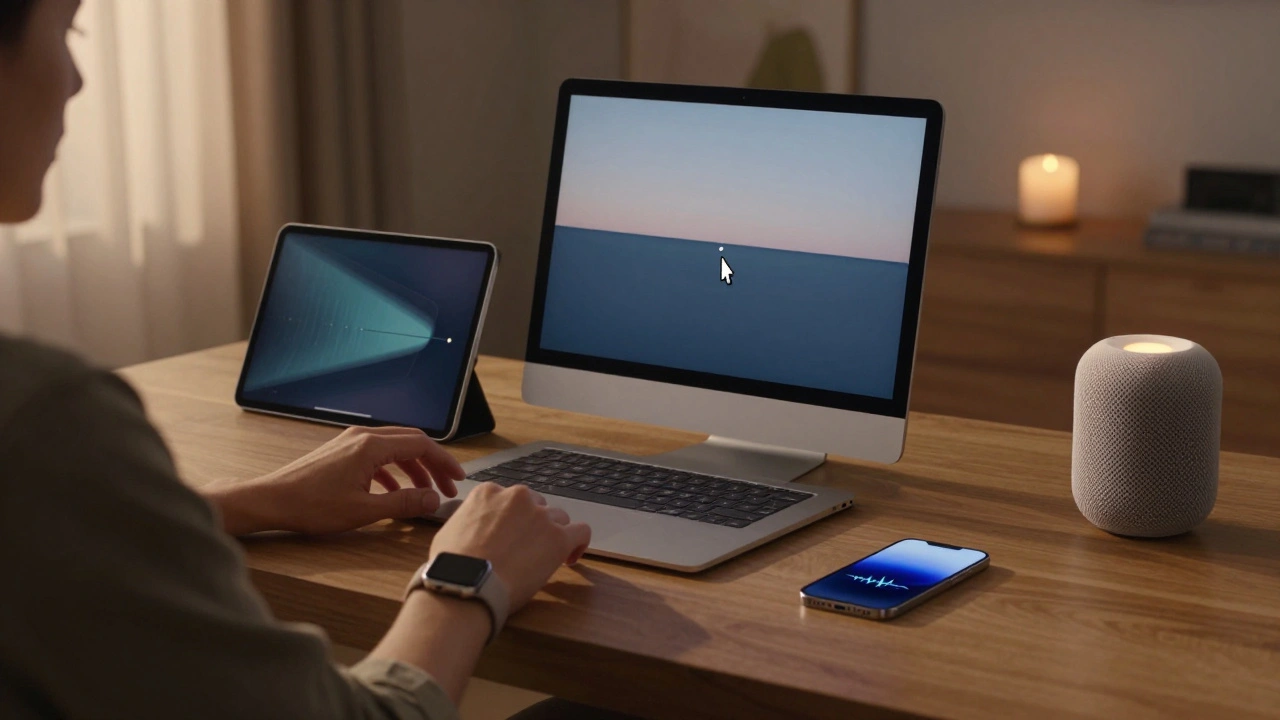
You start a workout on your watch. Midway, you open your iPhone and see live stats-pace, elevation, heart rate-updating in real time. You begin typing a message on your iPhone. Pick up your watch, and the keyboard pops up. You finish the message with your voice. You start a podcast on your phone. Walk away, and it continues playing on your watch. No reconnection. No fumbling. Just continuity.This isn’t new. Apple’s Handoff feature has been around since iOS 8. But it’s still the gold standard. Other smartwatches try to mimic it. None do it as smoothly. Because Apple controls both the hardware and the software. The watchOS and iOS share the same core architecture. They speak the same language. That’s why transitions feel natural.
Why This Matters: The Ecosystem Lock-In
Apple doesn’t sell watches. They sell ecosystems. The Apple Watch is a gateway. Once you’re wearing one, you start using Apple Music, Apple Pay, Apple Health, Apple Fitness+, and Apple Home. You unlock features you didn’t even know you needed. And once you’re in, leaving becomes hard.Compare this to Samsung or Fitbit. Their watches can work with Android phones. But they don’t integrate like this. Notifications are delayed. Health data is fragmented. You can’t unlock your laptop with your watch. You can’t answer calls without your phone. Apple’s integration isn’t just convenient. It’s addictive. And that’s by design.
What’s Next? Updates That Deepen the Bond
Every year, Apple releases new watchOS updates that make the watch even more useful with the iPhone. In 2025, watchOS 11 added Live Activities that show real-time updates-like your ride’s ETA or your food delivery status-right on the watch face. These updates sync with the iPhone. You see the same info, just in a different form.Future updates will likely add more health sensors. Better AI-driven insights. More seamless transitions between devices. But the core idea won’t change: the Apple Watch is an extension of the iPhone. Not a replacement. Not a competitor. A handoff.