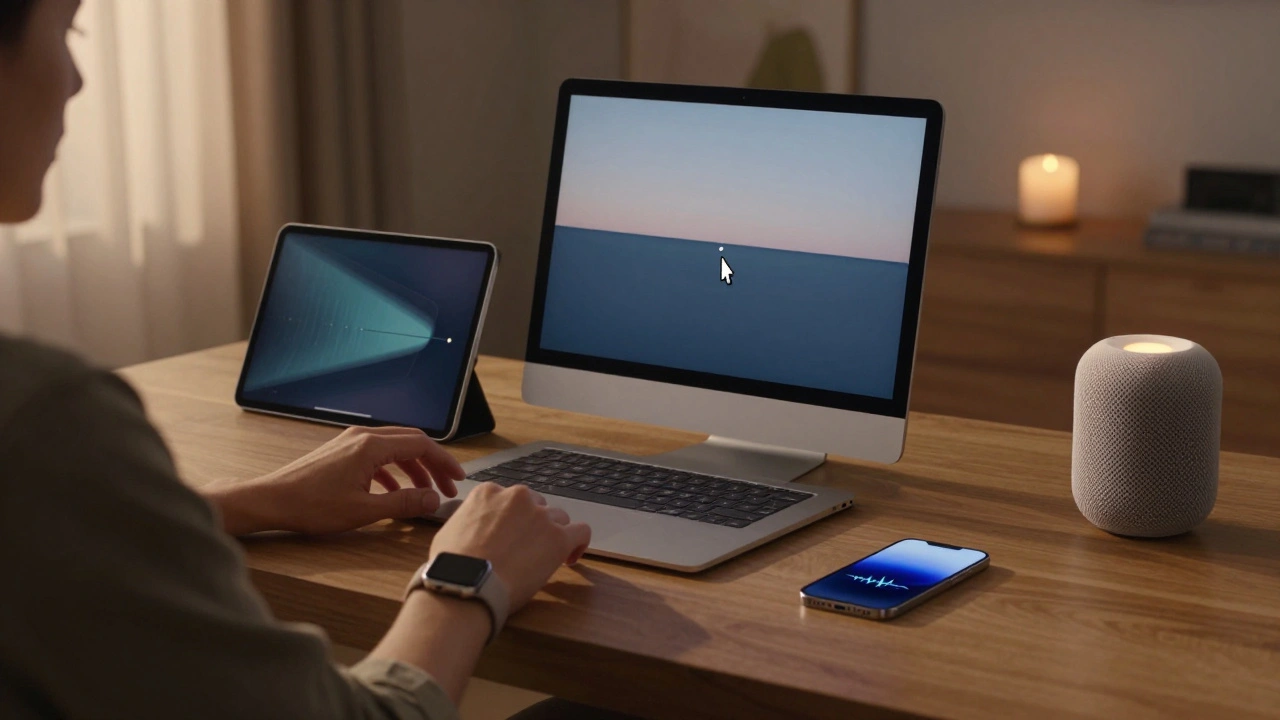

When you unlock your iPhone and your Mac wakes up automatically, or when you start a video on your iPad and it continues playing on your Apple TV without a single tap-that’s not magic. It’s the result of years of deliberate design, tight hardware-software control, and a quiet obsession with removing friction. The Apple ecosystem in 2026 isn’t just a collection of devices. It’s a single, unified experience stretched across your life-your phone, your watch, your laptop, your home, even your car.
How the Ecosystem Works: More Than Just Bluetooth
People think Apple’s seamless experience is about Bluetooth pairing or Wi-Fi syncing. It’s not. The real magic happens in the background, powered by Private Cloud Compute and a secure, on-device AI architecture that only uses the cloud when absolutely necessary. Unlike Google or Microsoft, Apple doesn’t send your photos, messages, or health data to public clouds. Instead, it processes sensitive tasks like facial recognition, voice commands, and photo editing right on your device using Apple silicon chips. When more power is needed-say, generating a summary of your week in Notes-it shifts to a dedicated Apple server that’s isolated, encrypted, and never tied to your identity.This isn’t just about privacy. It’s about speed. Your iPhone knows you’re heading home because your Apple Watch detected your heart rate spiking after a workout, your calendar shows a 6 p.m. meeting, and your car’s CarPlay just pinged that you’re 10 minutes away. All of that data stays on-device, processed in real time, and only the result-"Your coffee’s ready, and your lights are on"-gets sent to your HomePod.
Universal Control: One Cursor, Many Screens
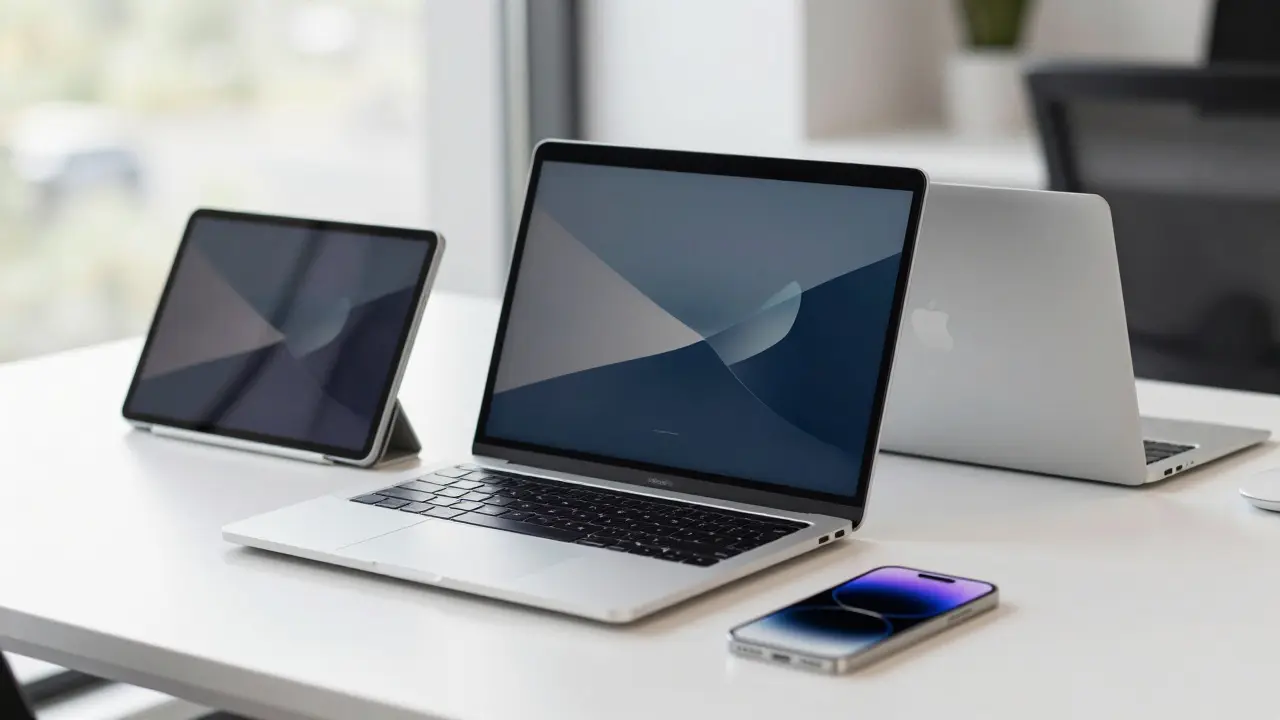
If you’ve ever tried to drag a file from your iPad to your Mac using AirDrop, you know how clunky it can be. Universal Control fixes that. In 2026, you can move your mouse or finger from your Mac screen to your iPad screen as if they’re one extended desktop. No settings menus. No pairing prompts. Just slide your cursor over the edge of your Mac, and it appears on the iPad. You can drag files, copy text, even type on the iPad while using your Mac’s keyboard. It works across multiple Macs and iPads at once. I’ve seen someone edit a video on their Mac, then drag a clip to their iPad for quick trimming-all without saving, uploading, or switching apps.It’s not just about productivity. It’s about flow. You’re not jumping between devices-you’re moving through one continuous workspace.
Apple Intelligence: AI That Knows You, Not Just Your Data
Apple’s AI isn’t about chatbots. It’s about context. In iOS 26, the Photos app doesn’t just tag faces-it understands relationships. If you take a photo of your daughter with her grandparents, it automatically creates a memory labeled "Grandma’s Birthday," even if you never tagged anyone. It reconstructs backgrounds if you remove an object, not with blurry filters, but by analyzing the lighting, shadows, and textures from surrounding pixels-all done on-device.Keynote and Pages now suggest layouts based on your writing style. If you’ve been using bullet points in past presentations, it’ll recommend them again. If you write a long paragraph about project timelines, it’ll turn it into a Gantt chart. These aren’t random suggestions. They learn from your habits, not from cloud databases.
But here’s the catch: Siri still isn’t where it should be. Apple promised in 2024 that Siri would understand when your kid’s flight lands or when your partner’s meeting ends. It should be able to say, "Text Mom I’m running late," and actually do it inside the Messages app. As of early 2026, those features are still missing. Apple’s AI is powerful-but it’s cautious. It’s not rolling out everything at once. It’s waiting until it’s flawless.
Device Handoff: Your Phone Doesn’t Leave You
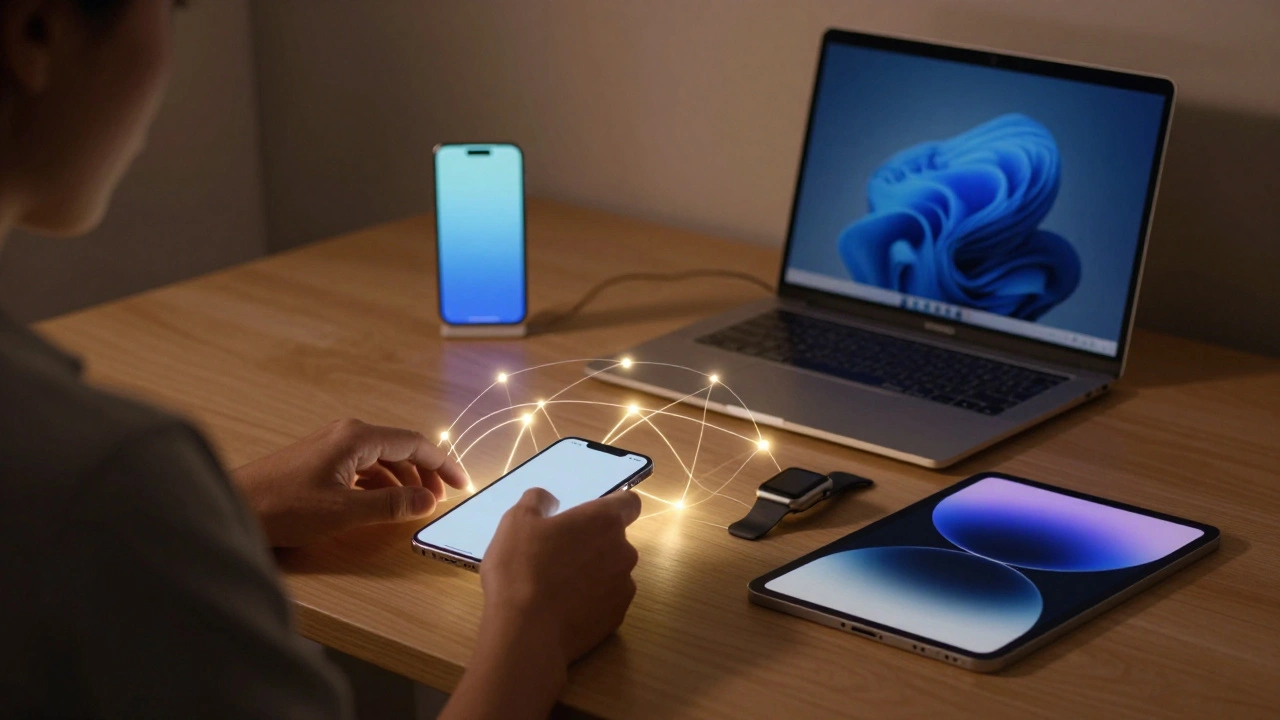
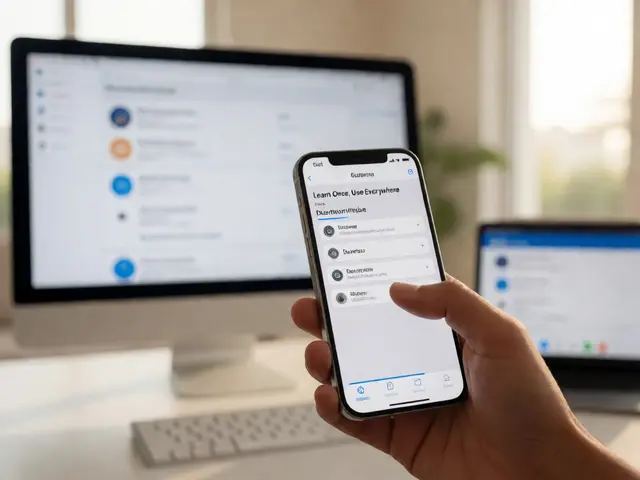
Think about how often you switch devices. You start a podcast on your iPhone during your commute, then switch to your Mac at your desk. You pause a video on your iPad, then pick it up on your Apple TV. In 2026, this happens without you doing anything. The AirPods automatically connect to whichever device you’re using. Your Apple Watch unlocks your Mac the moment you sit down. Your iPhone detects when you’re near your Apple TV and offers to send the current video over.Even better: Focus Mode. If you turn on "Do Not Disturb" on your iPhone, it turns on everywhere. If you set a timer on your iPad, it shows up on your Apple Watch and your HomePod. It’s not syncing settings. It’s syncing your state. Your focus, your mood, your workflow-all preserved across devices.
Services: The Real Profit Engine
Apple doesn’t make money by selling phones anymore. It makes money by keeping you inside its ecosystem. In Q1 2026, services brought in $30 billion-up 14% from last year. That’s not just Apple Music or iCloud. It’s Apple One, the bundled subscription that includes TV+, Arcade, Fitness+, and iCloud+. People who subscribe to Apple One use 40% more devices than those who don’t.Apple Pay has become a full digital wallet. You can tap to pay at stores, split bills with friends, use it as transit card in 30 cities, and even pay rent through the Wallet app. Apple Fitness+ doesn’t just show workouts-it adapts them to your Apple Watch data. If your heart rate spikes during a run, it suggests a cooldown. If your sleep data shows you’re tired, it recommends a yoga session.
And then there’s HomeKit Secure Video. Security cameras now store footage locally on your HomePod, encrypted and private. You can review it on your iPhone, but Apple can’t see it. Not even if they wanted to.
What’s Next: Foldables, Glasses, and the HomeOS Hub
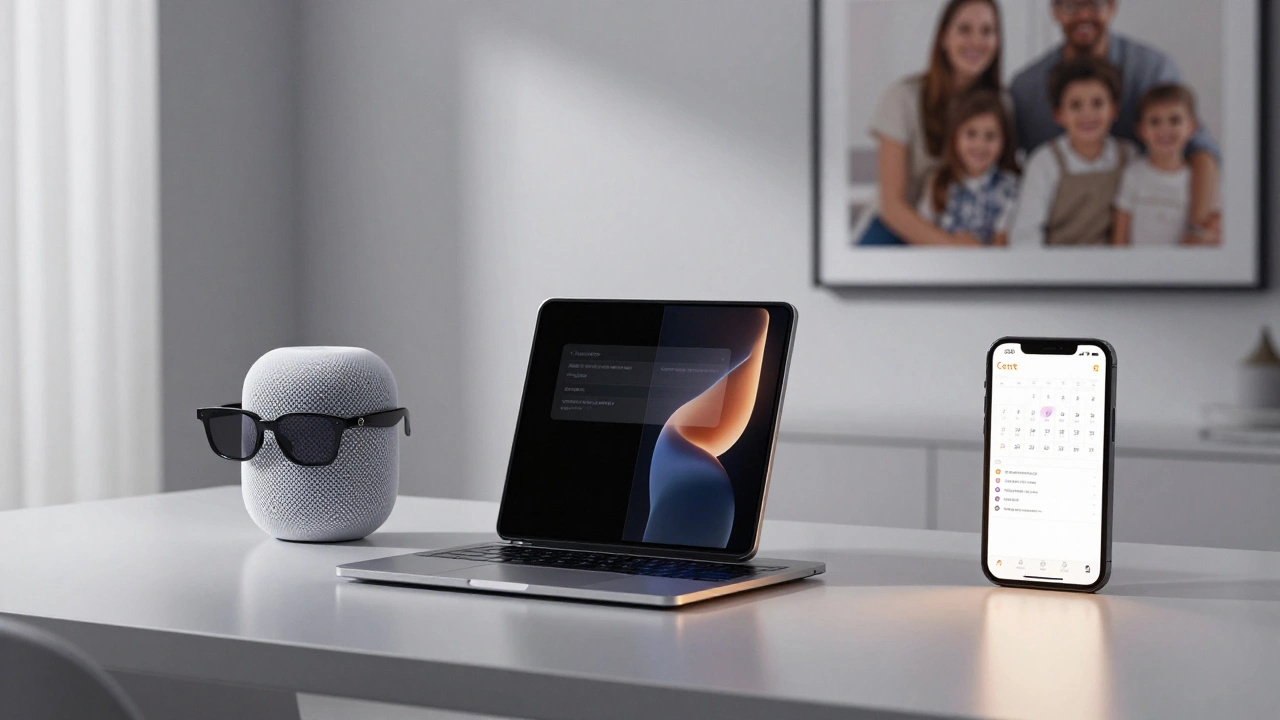
2026 is the year Apple bets big on new form factors. The foldable iPhone isn’t a gimmick-it’s designed to work with Universal Control. Open it halfway, and it becomes a second screen for your Mac. Close it, and it snaps back to phone mode. No clunky app switching.Apple Glasses are closer than ever. They won’t have a screen. Instead, they’ll project subtle information onto your field of vision-notifications, directions, even live translations during conversations-all synced to your iPhone and Watch. No headset. No buttons. Just a whisper of information when you need it.
And then there’s the HomePod with display. It’s not just a speaker. It’s a homeOS central hub with Safari, Calendar, and Notes built in. You can check your schedule, video call a family member, or control your lights-all without touching your phone. It’s like an iPhone, but always on, always in the center of your home.
Why It Works: Control Over Choice
Android lets you customize everything. Apple lets you do nothing. And that’s the point.Most tech companies try to give you options: different apps, different cloud services, different ways to do the same thing. Apple removes those choices. You don’t pick between iCloud and Google Drive. You get iCloud. You don’t choose between Spotify and Apple Music. You get Apple Music. You don’t decide whether to use AirPods or Sony headphones. You get AirPods.
This isn’t about limiting freedom. It’s about removing decision fatigue. When every device works together without setup, without syncing, without troubleshooting-you stop thinking about technology. You just use it.
That’s why people stay. Not because Apple is perfect. But because it’s predictable. Reliable. Quietly brilliant.
What’s Missing
The ecosystem isn’t flawless. Siri’s delays are frustrating. The foldable iPhone could be too expensive. Apple Glasses might feel invasive. And if you’re not already in the ecosystem-say, you use an Android phone-it’s nearly impossible to join halfway.But here’s the truth: you don’t need to switch everything at once. Start with one thing. Buy an AirPods Pro. Use iCloud Photos. Turn on Universal Control. Then see how your workflow changes. You won’t notice the difference until you try to go back.
Can I use Apple’s ecosystem if I have an Android phone?
You can use some parts-like iCloud for photos or Apple Music-but you won’t get the full seamless experience. Features like Universal Control, AirDrop, and device unlocking only work between Apple devices. If you’re serious about the ecosystem, you need to start with an iPhone.
Is Apple’s ecosystem more private than Google’s?
Yes. Apple processes most data on your device and uses end-to-end encryption for iCloud. Google often sends data to the cloud for AI training. Apple’s Private Cloud Compute ensures your health, messages, and photos stay private-even from Apple itself.
Do I need all Apple devices to benefit?
No. Even having just an iPhone and an Apple Watch gives you automatic unlocking, fitness tracking, and seamless music playback. Adding a Mac or iPad unlocks more, but you don’t need to buy everything at once.
Why does Apple delay features like advanced Siri?
Apple waits until features work reliably. In the past, rushed AI features led to embarrassing failures. Now, Apple prioritizes trust over speed. If Siri can’t accurately understand your request, it won’t act on it-until it’s confident.
Is the Apple ecosystem worth the cost?
If you value time, simplicity, and privacy over customization, yes. You’re paying for a system that works without thinking. For many, that’s worth more than the price tag.