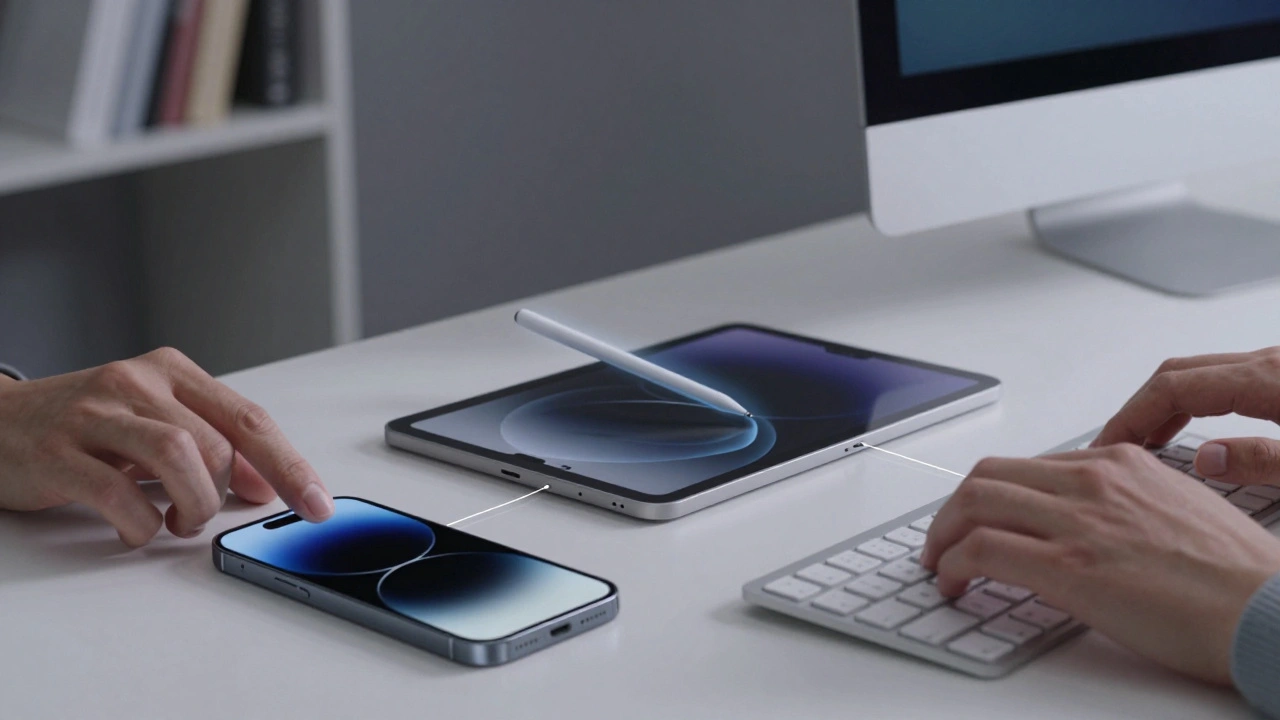

Your hand knows more than you think when you reach for a device. Every tap, swipe, stroke, and word you speak sends a complex signal to your screen. By March 2026, the way we interact with Apple devices technology company specializing in consumer electronics, software, and online services has evolved far beyond simple button presses. We moved from rigid interfaces to fluid ecosystems.
This isn’t just about typing faster or drawing better lines. It is about how different physical actions translate into digital intent. Whether you are using an iPad for art or a Mac for code, understanding the input method determines your efficiency.
The Foundation of Digital Interaction: Touch
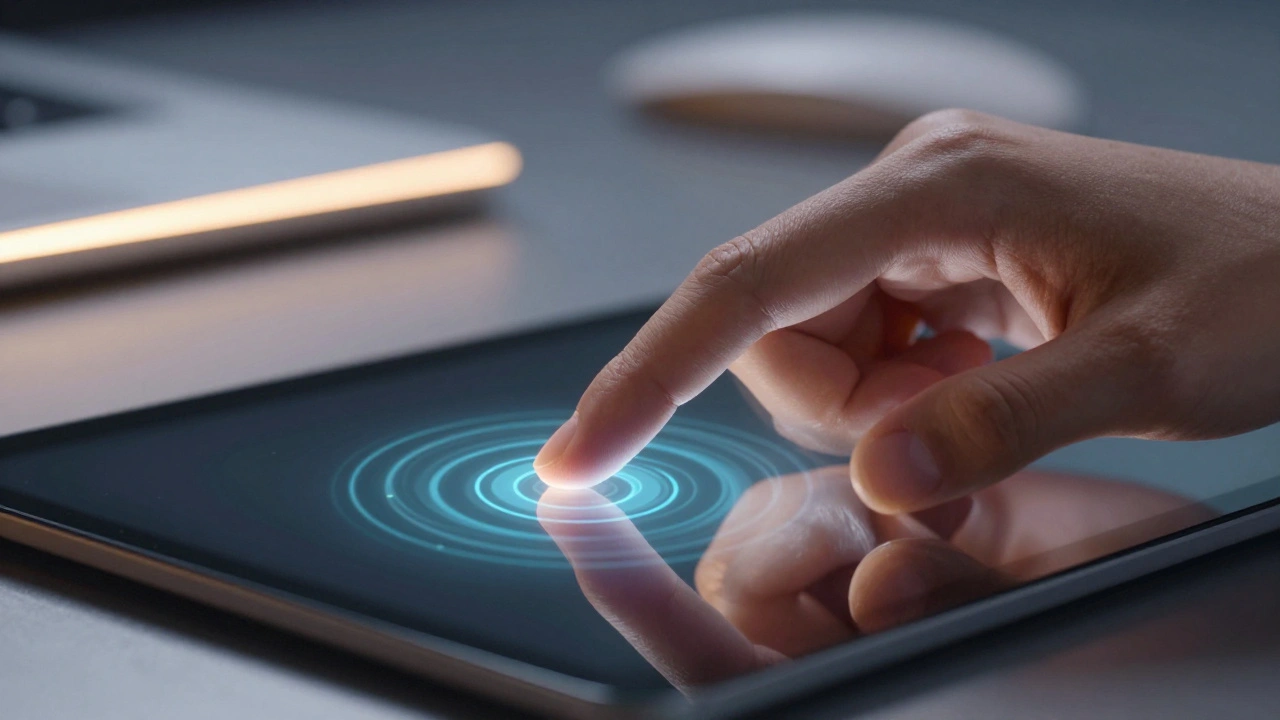
Multi-Touch is a gesture recognition interface allowing multiple fingers to control input simultaneously remains the baseline. You might think it is old news, but the 2026 standard relies heavily on haptic feedback loops. When you squeeze a trackpad or press firmly on a glass surface, the device registers force levels that change the menu options.
Designers focus on latency here. If the delay between finger contact and screen reaction exceeds fifty milliseconds, the connection breaks. Apple reduced this gap significantly in recent OS updates. The Haptic Engine now provides physical resistance for virtual buttons, making them feel real without plastic moving parts.
However, touch has limits. Fine motor skills vary widely. A child trying to select a tiny icon struggles more than selecting a large button. That is why accessibility settings matter. VoiceOver and Zoom features adjust the visual target size. The system scales touch regions automatically if motion detection slows down.
Precision Layer: The Apple Pencil Experience
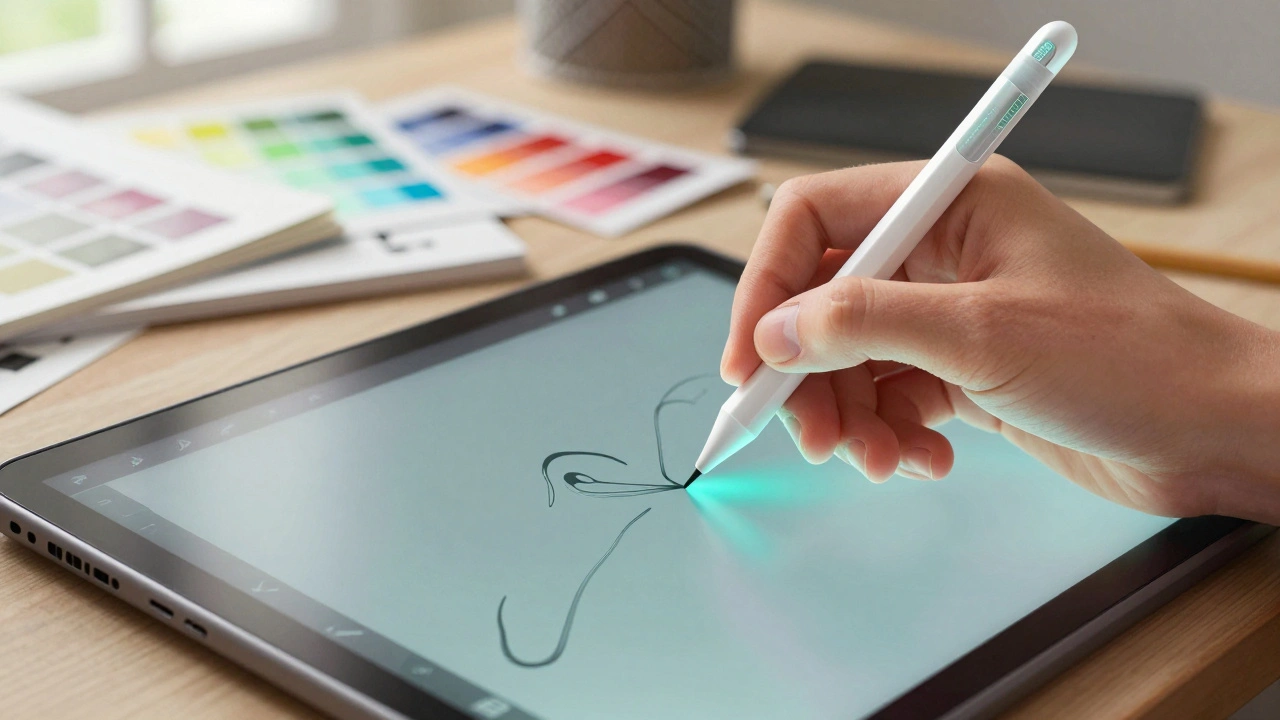
When touch becomes too blunt, you need a stylus. Apple Pencil is a wireless stylus used to draw, write, and mark up documents on iPad screens bridges that gap. It offers pressure sensitivity and tilt recognition. Unlike generic capacitive pens, the Active Electrode technology detects proximity before contact.
In 2026, side-swipe gestures allow tool switching instantly. Tap the barrel twice, and you switch from brush to eraser. Hold the tip, and you see a magnifier. These gestures reduce menu diving. You stay in the flow state longer because the tool follows your hand logic.
Consider the battery life trade-off. Wireless charging adds convenience but requires frequent dock alignment. Some users prefer wired models for marathon sketching sessions. Procreate and GoodNotes utilize this precision for vector graphics and handwritten notes alike. The digitizer layer runs parallel to the display, ensuring zero lag even at high refresh rates.
Voice Control and Siri Evolution
Voice was once a gimmick; now it is a primary input channel. Siri is a personal assistant built into Apple devices providing voice interaction capabilities handles tasks previously reserved for keyboards. Dictation converts speech to text with high accuracy, handling punctuation commands like "period" or "new paragraph."
Context matters immensely. If you are in a message app, the software suggests names from your contacts. In a note-taking app, it focuses on vocabulary formatting. Modern processing allows offline requests to bypass the cloud, improving response time and privacy.
Noise cancellation hardware helps here. Devices distinguish your voice from background traffic. This separation prevents accidental triggers. Developers design apps to accept voice commands directly. You don’t just talk to the phone; you talk to the application. For example, saying "Send this email" works inside Mail immediately without opening the global assistant first.
Keyboard Dynamics: Physical vs. Virtual
The debate continues: do we still need physical keys? On mobile, space is tight. On desktop, muscle memory wins. Magic Keyboard is Apple’s proprietary scissor-switch mechanical keyboard sold for Mac computers stays the gold standard for wireless typing on Mac. Scissor mechanisms provide short key travel, reducing fatigue.
Virtual keyboards on iOS is mobile operating system developed by Apple Inc for the iPhone, iPad, and iPod Touch have changed drastically. Smart prediction processes text three times faster now compared to older versions. Applications detect context. Typing in WhatsApp triggers casual slang suggestions. Switching to Gmail shifts tone to professional language.
Third-party options offer customization. SwiftKey increases average typing speed by 38%. Other alternatives claim up to 45% improvement through predictive engine training. However, privacy varies. CleverType AI Keyboard fixes 94% of grammar errors in real-time testing according to recent benchmarks. Gboard maintains an 89% user satisfaction rating among iOS users as of 2026.
Privacy-conscious users often choose specialized tools. FlekSy implements a zero data collection policy earning a 10 out of 10 privacy rating. Conversely, other apps show lower ratings ranging from 4 out of 10 to 6 out of 10. Battery impact ranges from +3.2% to +6.3% depending on the keyboard application running background services.
| Input Type | Primary Use Case | Latency | Precision Level |
|---|---|---|---|
| Touch | Navigation, Selection | <50ms | Low |
| Apple Pencil | Drawing, Annotation | <9ms | Very High |
| Voice | Dictation, Commands | Variable | N/A |
| Keyboard | Coding, Writing | <10ms | High |
Hardware keyboards also face regional constraints. Apple devices sometimes limit regional layout options compared to PC keyboards. There is often only one English Mac keyboard option in North America versus multiple PC alternatives. Users who type in multiple languages must configure input sources manually in system settings.
Integration Challenges and Solutions
Connecting these methods creates complexity. Continuity lets you copy on iPhone and paste on Mac. But glitches happen. Users report input method failures when using iPhone Mirroring features. Troubleshooting attempts including device reboots and account re-authentication prove ineffective in some cases.
Software architecture plays a role here. Bluetooth stacks manage connections between peripherals and host devices. Interruption occurs when interference spikes. Updating firmware often resolves handshake protocols between the keyboard controller and the device driver.
Accessibility features bind everything together. Switch Control lets users navigate without direct touch. Head tracking replaces mouse movement. These tools ensure input methods work for every physical ability. The design goal is universal access regardless of hardware preference.
Future Proofing Your Workflow
As spatial computing emerges, hand tracking might replace the cursor entirely. Gestures in mid-air could mimic keyboard shortcuts. Until then, a hybrid setup works best. Keep a physical keyboard for heavy text work. Use the stylus for markup. Rely on voice for quick commands. Mix and match based on the task duration.
Optimization means matching the tool to the environment. Noise makes voice unreliable. Crowds make touch difficult. Dark rooms challenge camera-based controls. Understanding these environmental variables prevents frustration. Plan your workflow around stable conditions.