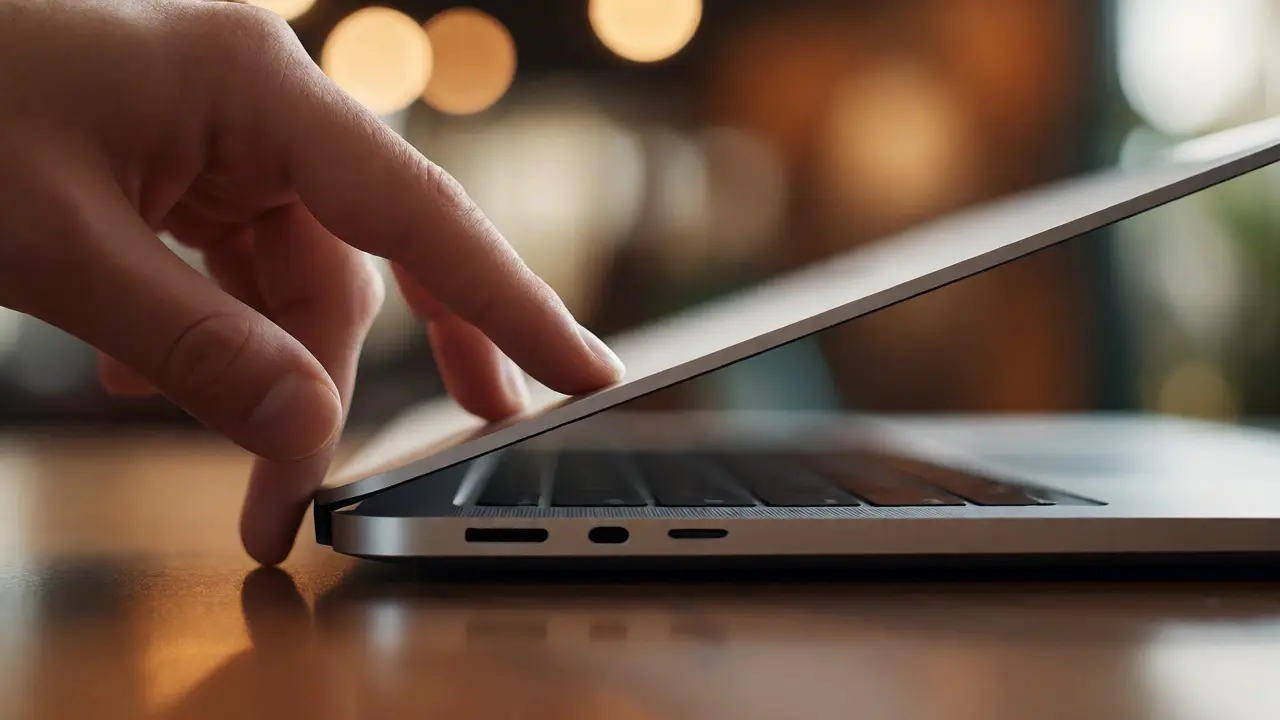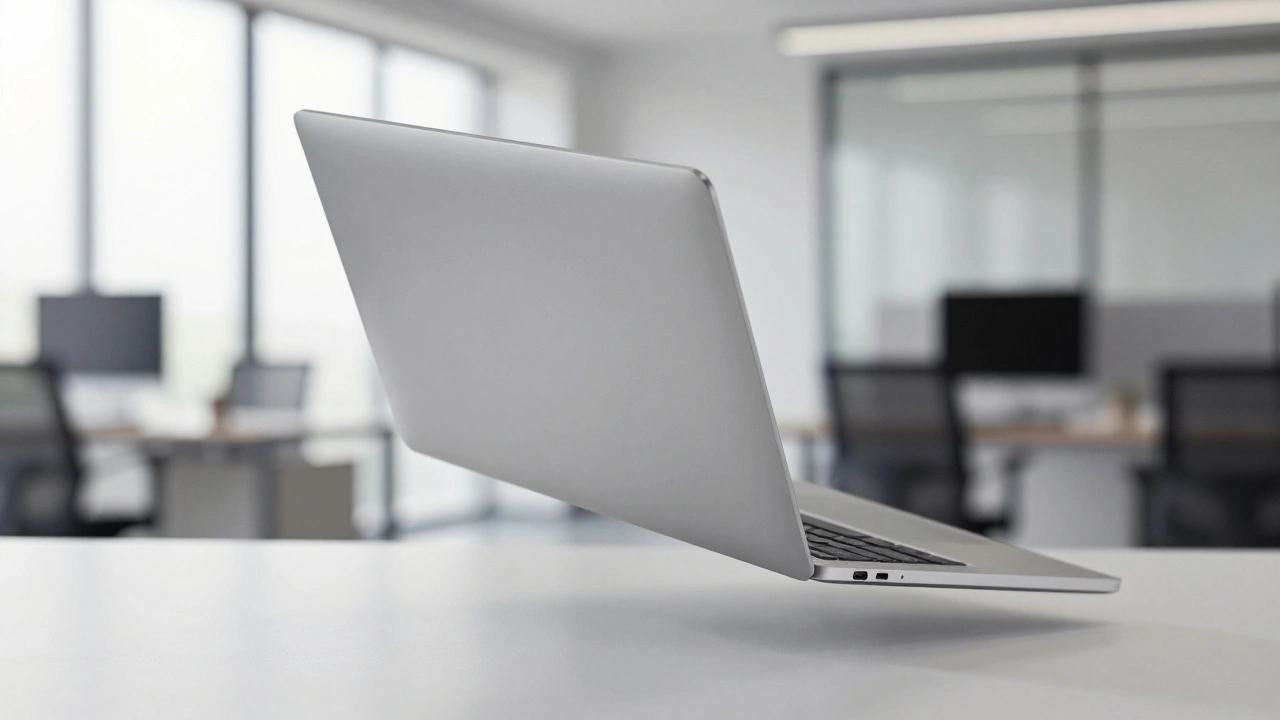

Have you ever watched your MacBook slip from a desk or tumble off a coffee table? Your heart probably stopped for a second. You know that moment when you rush to pick it up, praying the screen isn’t shattered and the hinge still works. Most of us assume our laptops are built like tanks because they cost a premium price. But the truth about MacBook durability is more complex than just "it survived" or "it broke." It comes down to how Apple engineers balance rigidity, flexibility, and real-world chaos.
We often judge a laptop’s toughness by its look. The sleek aluminum unibody feels solid. It doesn’t creak when you open it. That confidence can be misleading. Modern MacBooks are designed with specific failure points in mind. They are engineered to bend rather than break in critical areas. This article breaks down what actually happens inside those labs, what independent tests show, and how wear affects your device over time.
The Science Behind the Bend: Why Flex Matters
You might think a rigid box is the strongest shape. In structural engineering, that’s not always true for consumer electronics. Apple’s durability strategy relies on controlled deformation. When a MacBook hits the ground, the chassis is designed to absorb impact energy through slight flexing. This sounds counterintuitive. You want your laptop to stay stiff, right?
Here is why flex is smarter. A completely rigid frame transfers all shock directly to internal components. Think of dropping an egg in a hard plastic shell versus a soft foam case. The hard shell protects against scratches but shatters the egg on high-impact hits. The foam absorbs the blow. Similarly, the aluminum alloy used in MacBook Air and MacBook Pro models is tuned to flex microscopically. This movement dissipates kinetic energy away from the logic board and display connectors.
This design choice prioritizes function over cosmetics. If you drop your MacBook, you might see a dent on the corner. That dent is actually a good sign. It means the chassis did its job. It absorbed the force so your SSD didn’t disconnect and your screen didn’t crack. Older designs that were overly rigid often suffered internal damage even if they looked fine on the outside.
Drop Testing Protocols: Lab vs. Real World
Apple doesn’t just guess how strong their devices are. They have dedicated durability laboratories where robots drop thousands of units daily. These aren’t random drops. Engineers use precise angles and surfaces. They drop closed laptops, open laptops, and devices balanced on corners. The surfaces vary from carpet to granite to asphalt. Each surface reacts differently upon impact.
Regulatory bodies require standard tumble tests for certification. These tests ensure basic safety. However, Apple goes further. They analyze actual customer damage reports. If many users report hinge failures after dropping their laptop from a bed, engineers simulate that exact scenario. They look at height, angle, and landing orientation. This data-driven approach helps them reinforce weak spots in subsequent generations.
Independent testers provide another layer of validation. Tech reviewers often drop MacBooks from heights like three feet (about one meter) or five feet (1.5 meters). In these tests, MacBooks frequently remain functional despite visible dents. One notable test showed a device surviving a three-foot drop onto a hard floor. The battery temporarily dislodged, causing a brief system crash, but it booted back up normally. At five feet, cosmetic damage increased significantly, but core functionality remained intact. These results align with Apple’s goal: keep the computer working, even if it looks beat up.
Environmental Stress and Long-Term Wear
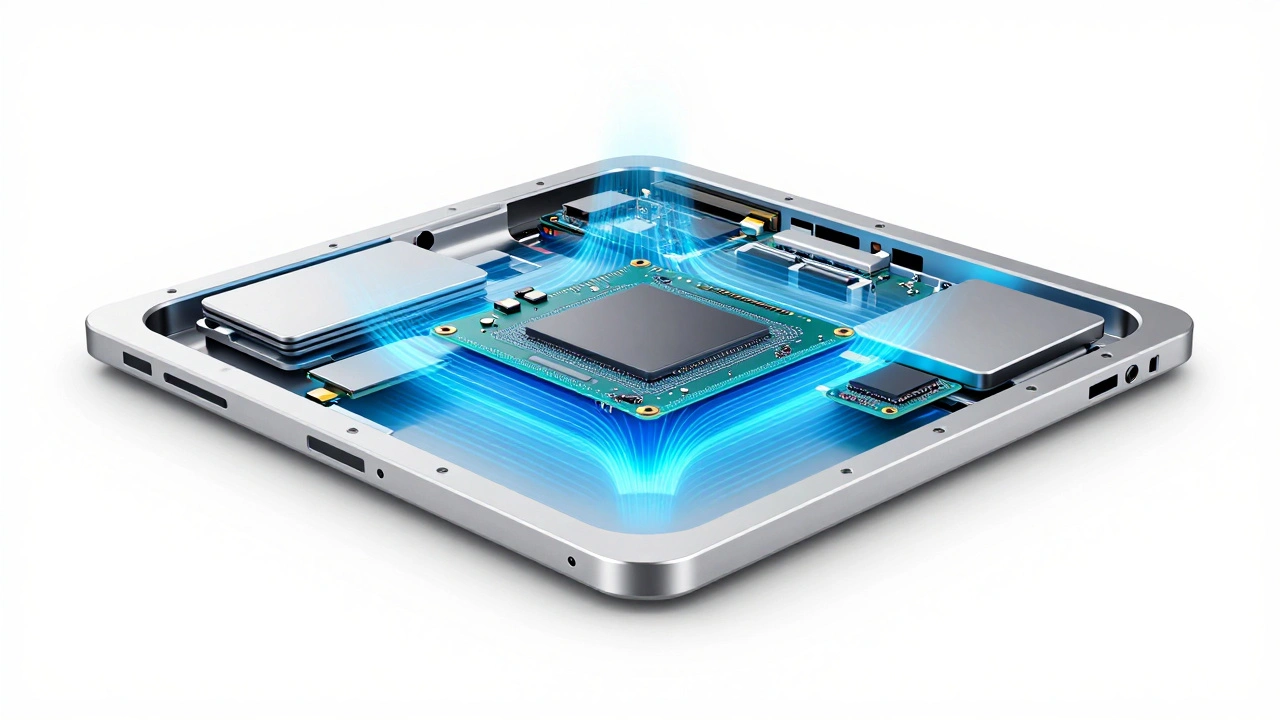
Drops are sudden events. Wear is slow and silent. Environmental testing subjects MacBooks to extreme conditions long before they reach stores. Devices sit in chambers that cycle through freezing temperatures, boiling heat, and high humidity. They endure sustained vibration that simulates years of travel in a car or backpack. This accelerated life testing predicts component fatigue.
Two components suffer most from environmental stress: hinges and batteries. Hinges undergo tens of thousands of open-close cycles in testing. Engineers check for metal fatigue and cable strain. If a hinge stiffens or makes noise after simulation, the design fails. Batteries face thermal stress. Lithium-ion cells degrade faster in heat. Apple’s testing ensures thermal management systems keep batteries within safe operating ranges during heavy workloads.
Keyboard mechanisms also get scrutinized. Mechanical switches wear out over time. Dust and debris accumulate under keys. Testing protocols include simulated typing millions of times. They check for key stickiness and sensor failure. This is why newer MacBook models feel responsive even after years of use. The tolerances are tight, and materials are chosen for resistance to friction and corrosion.
Repairability as Part of Durability
A durable product isn’t just one that survives a drop. It’s one you can fix when it does break. For years, Apple faced criticism for making repairs difficult. Glued batteries and proprietary screws meant minor issues required full replacements. That philosophy has shifted. Since 2021, repairability has become a core part of durability strategy.
Newer MacBook models feature easier access to internal parts. Batteries are now replaceable without destroying the chassis. Display cables are reinforced and routed to prevent tearing during hinge movement. iFixit scores have improved for recent models. This change acknowledges that no device lasts forever without maintenance. Extending lifespan through repair is more sustainable than replacing entire units.
This shift benefits you directly. If your trackpad fails, you can swap it out instead of buying a new laptop. If your battery swells, replacement is straightforward. Apple sells genuine parts to independent shops now. This "right to repair" initiative reduces electronic waste. It also means your investment holds value longer. A repairable MacBook is a durable MacBook.

Real-World Limits: What Can Break?
No engineering solution is perfect. There are hard limits to MacBook durability. Extreme drops from heights above ten feet usually result in catastrophic failure. Screens shatter. Logic boards crack. Internal connections snap. These scenarios fall outside normal use cases. They represent abuse, not accidental mishaps.
Even within normal use, certain actions cause damage. Closing the lid on a USB-C dongle or a charging cable will destroy ports instantly. The chassis cannot protect against foreign objects trapped inside. Liquid spills remain a major threat. While some components resist moisture, circuits short out quickly. Water damage voids warranties and often requires complete motherboard replacement.
Hinge stress is another common issue. Opening the laptop by grabbing only the screen edge puts uneven pressure on the hinge mounts. Over time, this can loosen screws or crack the aluminum base. Always lift by the keyboard area or both sides of the screen. Small habits make a big difference in longevity.
| Factor | Risk Level | Prevention Tip |
|---|---|---|
| Drop Impact | Moderate | Use a sleeve; avoid sharp edges |
| Hinge Strain | High | Lift by base, not screen edge |
| Liquid Spills | Critical | Keep drinks away; use spill-proof caps |
| Port Damage | Moderate | Check for obstructions before closing lid |
| Battery Degradation | Inevitable | Avoid extreme heat; optimize charging cycles |
Comparing Materials and Generations
Not all MacBooks are built equally. The transition from mechanical hard drives to solid-state drives (SSDs) was a game-changer for durability. Hard drives had moving parts that failed easily upon impact. SSDs have no moving parts. They survive drops that would destroy older storage systems. All modern MacBooks use SSDs, eliminating this risk entirely.
Material choices also evolve. Early unibody MacBooks used thicker aluminum. Newer models prioritize thinness while maintaining strength. The M-series chips generate less heat, allowing for smaller cooling solutions. This changes internal layout and stress distribution. Engineers must retest every generation. A design that worked for Intel MacBooks might fail for Silicon-based models due to different weight distributions.
Competitors use different approaches. Some Windows laptops emphasize military-grade ruggedness with reinforced frames. Others focus on lightweight portability. Apple sits in the middle. Their goal is premium aesthetics with sufficient resilience for daily office and creative work. They don’t build construction-site laptops. They build tools for professionals who carry devices between meetings, cafes, and studios.
How high can a MacBook survive a drop?
Most MacBooks survive drops from three to five feet (one to 1.5 meters) onto hard surfaces with minimal functional damage. Cosmetic dents may appear. Drops above ten feet usually cause irreversible hardware failure including screen cracks and logic board damage.
Why does my MacBook flex when I press the palm rest?
Slight flex is intentional. The chassis is designed to absorb impact energy through controlled deformation. This protects internal components from shock during accidental drops. Excessive flex beyond normal tolerance may indicate structural weakness or damage.
Are newer MacBooks more repairable than older ones?
Yes. Models released from 2021 onward feature improved repairability. Batteries are user-replaceable, and displays use standardized connectors. Apple provides parts and documentation to independent repair shops, extending device lifespan.
Does Apple test MacBooks for water resistance?
MacBooks are not rated for water resistance. While some internal components have protective coatings, liquid exposure typically causes immediate failure. Avoid placing drinks near your device and clean spills immediately.
How do I extend my MacBook's lifespan?
Handle the hinge gently, avoid closing the lid on objects, keep the device cool, and use a protective sleeve for transport. Regular software updates optimize performance. Replace the battery every three to four years if heavily used.