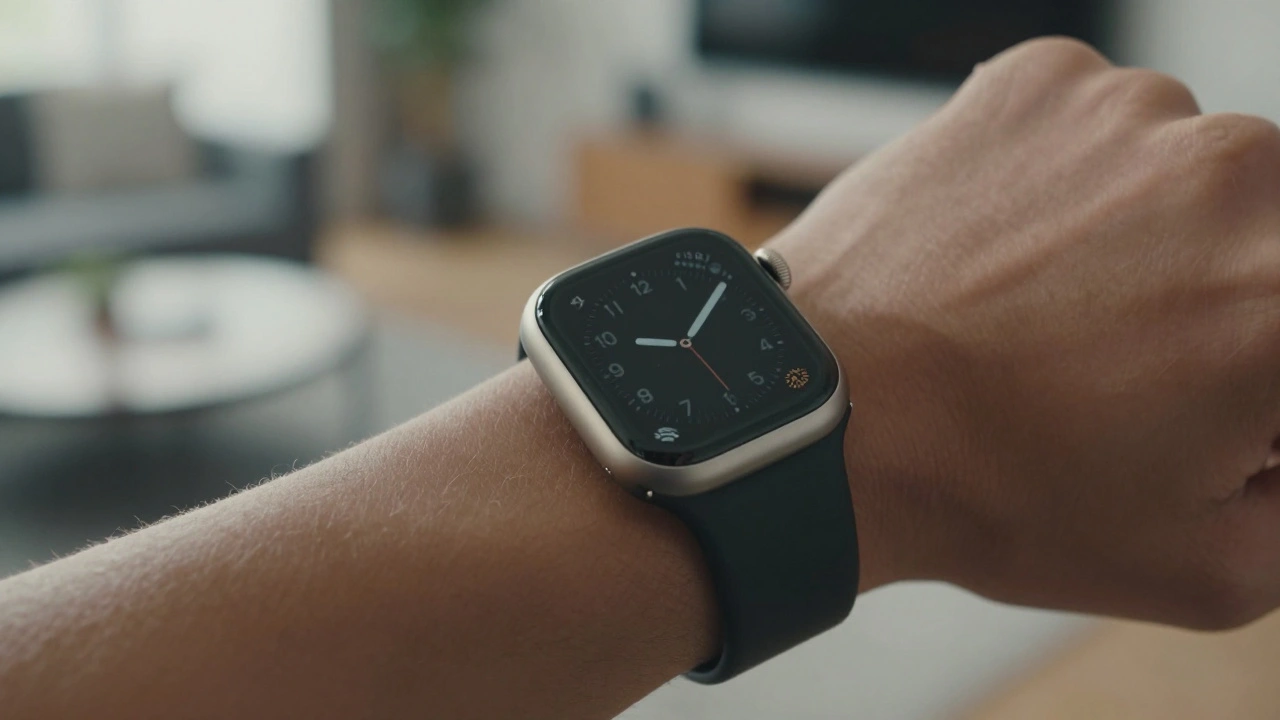

When Apple launched the first Apple Watch in 2015, most people thought it was just another gadget trying to copy the iPhone. But what made it stick wasn’t the tech-it was the design. Not just how it looked, but how it fit-into your life, your outfit, your daily rhythm. Today, over a decade later, the Apple Watch isn’t just a tool. It’s a personal accessory. And that balance between style and function is what keeps it on millions of wrists.
The Shape That Stuck
Early smartwatches tried everything: round faces, weird buttons, touch-only controls. Apple went the opposite way. They stuck with a simple rectangle. Not because it was revolutionary, but because it was familiar. It looked like a watch. It felt like a watch. And that consistency became its superpower.
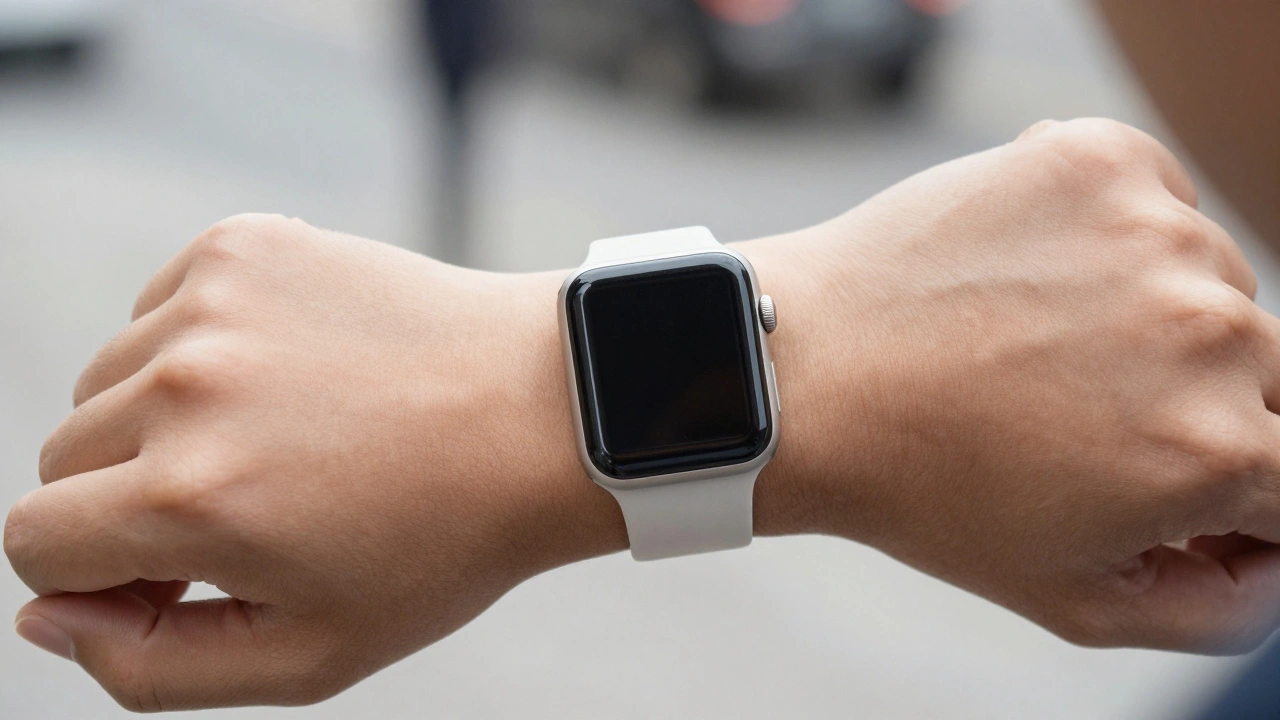
From the original model to the Series 9 in 2023, the shape barely changed. The screen got bigger, the bezels got thinner, but the core form stayed. Why? Because people got used to it. They learned where the Digital Crown was. They knew how the side button felt. They trusted that the watch would work the same way every day. That familiarity is a hidden design win. You don’t have to relearn your device every time you upgrade.
Even when Apple introduced the Ultra in 2023, they didn’t abandon the rectangle. They just made it tougher-thicker edges, a more aggressive crown, a brighter screen. The shape stayed. The utility changed. The style adapted. That’s the trick: keep the foundation, upgrade the features.
Bands Are the Real Customization
Here’s the truth: no one buys an Apple Watch for the case alone. You buy it for the band.
Apple didn’t just make a watch. They built a band ecosystem. Sport bands. Leather loops. Milanese mesh. Hermès collaborations. Titanium links. Silicone in neon green, matte black, deep navy. You can go from a boardroom meeting to a trail run without changing watches-just swap bands.
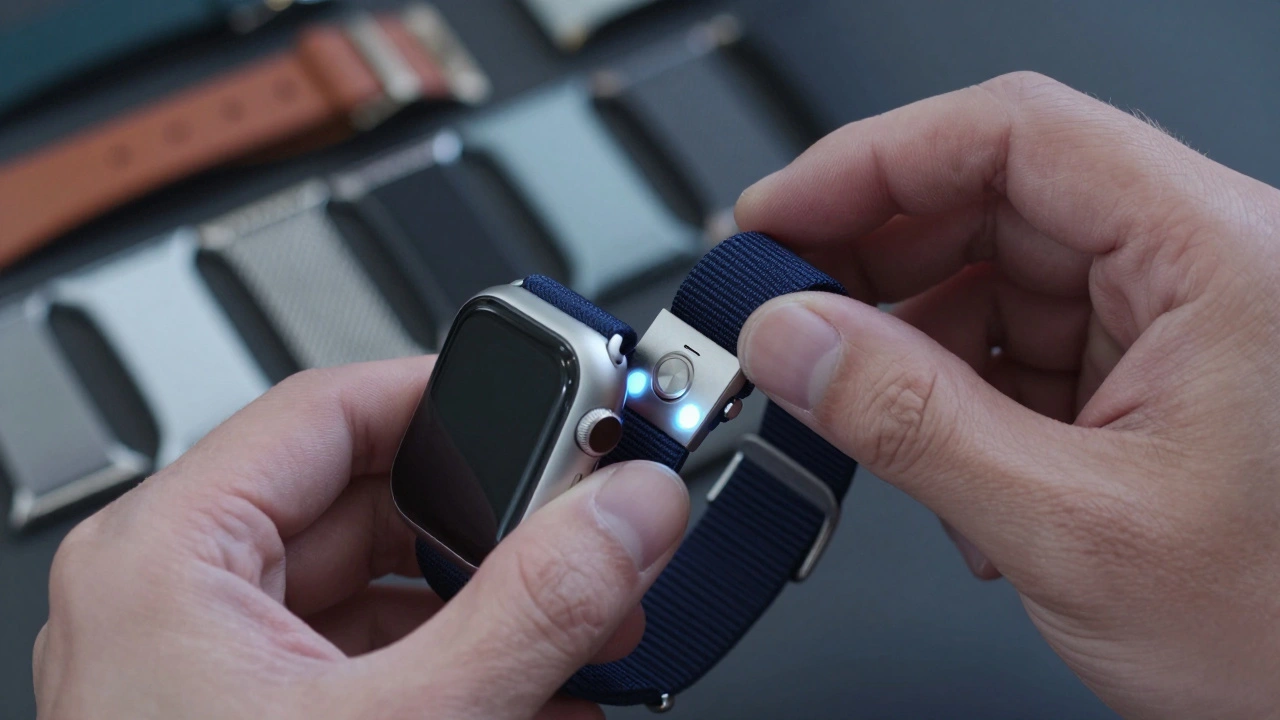
Before Apple Watch Studio launched in 2019, you had to pick your band separately. Now, when you order a watch, you can mix and match case color and band material on the spot. Want a silver case with a black sport band? Done. A gold case with a woven nylon loop? Easy. That’s not just convenience-it’s personal expression.
And here’s the smart part: Apple controls the ecosystem. Third-party bands exist, but they’re clunky. Apple’s magnetic attachment system is smooth, secure, and simple. You don’t need tools. You don’t need to fiddle. One click, and it’s done. That’s utility wrapped in elegance.
Screen Tech That Works Without Draining
Early smartwatches had screens that died by lunchtime. Apple fixed that with a quiet revolution: the always-on display.
The Series 5 in 2019 introduced LTPO screens-technology that drops the refresh rate to 1Hz when you’re not looking, then jumps to 60Hz the moment you lift your wrist. It sounds technical, but the effect? You see your watch face without tapping. No more fumbling to wake it up. You glance. You know. You move on.
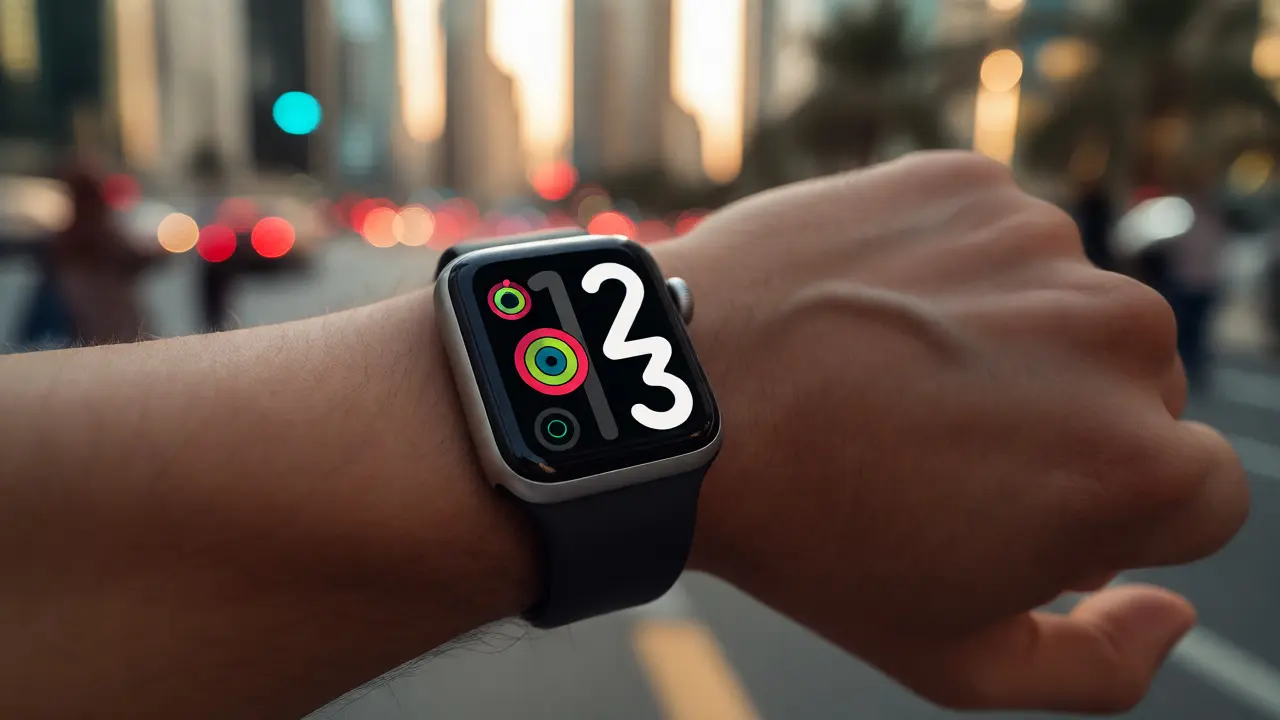
By Series 7 in 2021, Apple squeezed the screen even further, eliminating black borders. The display now runs edge to edge. The watch didn’t get bigger, but it felt bigger. That’s design psychology. Your eyes don’t register the case. They see the screen. And that screen shows you the time, your heart rate, your calendar, your messages-all without pulling out your phone.
Utility isn’t about having more apps. It’s about having the right info, at the right time, without interrupting your day.
Gesture Control: Less Touch, More Doing
In 2023, Apple introduced Double Tap. You tap your thumb and index finger together-like a quick click-and the watch responds. No screen. No voice. Just motion.
It’s not a gimmick. It’s a solution. Ever tried to pause your music while jogging? Or silence an alarm with sweaty fingers? Or check your steps while holding a coffee? These are real moments. The watch used to force you to touch the screen. Now, you don’t even need to look at it.
Double Tap works because it’s natural. Your hand moves the way it always does. The watch just listens. That’s the kind of utility that fades into the background-because it works so well, you forget it’s there.
And it’s powered by the S9 chip. Not because Apple needed faster processing. But because they needed enough power to run machine learning on-device. Your watch doesn’t send data to the cloud. It learns your habits. It knows when you’re walking, sleeping, or stressed. And it responds without asking.
The Ultra: When Utility Demands a Different Shape
Not everyone wants a sleek, thin watch. Some people climb mountains. Swim in open water. Run ultramarathons. For them, the standard Apple Watch felt too delicate.
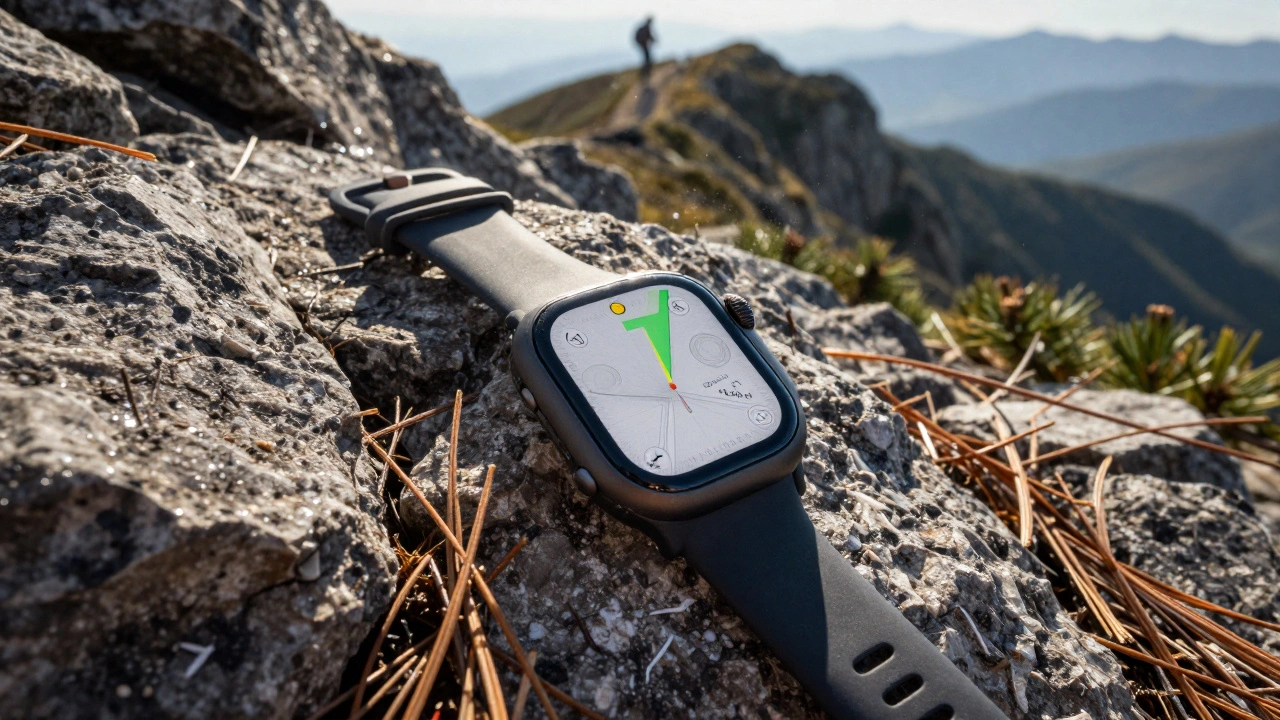
So Apple made the Ultra. Thicker case. Sapphire glass. A crown with ridges you can feel even with gloves on. A louder speaker. A 36-hour battery. A dive meter. A built-in GPS that tracks your route in real time.
It looks different. It feels different. And that’s the point. Apple didn’t try to make the Ultra look like the Series 9. They made it look like a tool. Because for some users, style means ruggedness. Utility means reliability in extreme conditions.
The Ultra isn’t just a variant. It’s proof that Apple understands: one design doesn’t fit all. You can’t make a watch that’s both a fashion statement and a survival tool. So they made two.
Carbon Neutral, But Not Compromised
Series 9 was the first Apple Watch to be carbon neutral. That doesn’t mean it’s made from recycled plastic. It means Apple tracked every step-mining materials, shipping parts, assembling devices-and offset the emissions. They still use aluminum and titanium. They still use glass. But they made sure the cost to the planet was balanced.
This isn’t just greenwashing. It’s design responsibility. Apple didn’t sacrifice performance. They didn’t cut corners. They just changed how they measured success. A watch that lasts longer, works better, and harms less-that’s the future.
Why This Balance Works
Apple didn’t win because they had the best specs. They won because they understood that people don’t want a device. They want a companion.
A companion that fits your wrist like jewelry. That tracks your sleep like a doctor. That reminds you to breathe like a coach. That lets you answer a text without digging through your pocket.
The magic is in the layers. The rectangle stays. The bands change. The screen gets smarter. The gestures get faster. The battery lasts longer. And every year, Apple adds a little more-without breaking what already works.
That’s the real design win. Not bold new shapes. Not flashy features. But the quiet consistency of a product that grows with you-without asking you to change.
Can I use third-party bands with my Apple Watch?
Yes, you can use third-party bands, but they often don’t fit as smoothly or securely as Apple’s official bands. Apple’s magnetic attachment system is designed for precision-third-party bands may feel loose, wobble, or not latch cleanly. For daily use, especially during workouts or swimming, Apple’s bands are more reliable. Third-party options are great for style variety, but they lack the seamless integration Apple built into its ecosystem.
Why doesn’t Apple make round Apple Watches?
Apple tested round designs early on, but users kept choosing the rectangular shape. Why? It matched the way people naturally look at their wrists. The rectangular face showed more information without crowding. It also made it easier to place the Digital Crown and side button in intuitive spots. Round watches looked traditional, but they forced compromises in screen layout and button placement. Apple chose function over nostalgia.
Is the Apple Watch Series 9 worth upgrading from Series 7?
If you’re on a Series 7 or earlier, the Series 9 brings two real upgrades: Double Tap gestures and the S9 chip. The S9 chip makes Siri faster, improves health metrics, and cuts battery drain. Double Tap lets you control your watch without touching the screen-useful when your hands are full or wet. If you care about these features, it’s worth it. If you just want to check the time and steps, your Series 7 still works perfectly.
How long does an Apple Watch battery last?
Apple designs all models to last 18 hours on a single charge. That includes 100+ notifications, 60+ minutes of app use, 90+ minutes of GPS workouts, and always-on display enabled. Most users charge overnight, which is intentional. Apple prioritized daily usability over multi-day battery life. The Ultra models extend this to 36 hours for extreme use cases, but even those are meant to be charged after a long day.
What’s the difference between Apple Watch SE and the standard model?
The Apple Watch SE skips advanced sensors like ECG and blood oxygen monitoring. It uses an older chip (S8 instead of S9), so features like on-device Siri and Double Tap aren’t available. But it still has core fitness tracking, GPS, and water resistance. It’s designed for users who want the Apple Watch experience without paying for premium health features. It’s not a downgrade-it’s a different focus: simplicity and value.
Categories
Popular Articles