
| Feature | The 'Magic' | Primary Benefit |
|---|---|---|
| Universal Clipboard | Copy on one, paste on another | Eliminates manual data transfer |
| Handoff | Start a task here, finish it there | Fluid movement between devices |
| Continuity Camera | iPhone becomes a Mac webcam | Better video quality instantly |
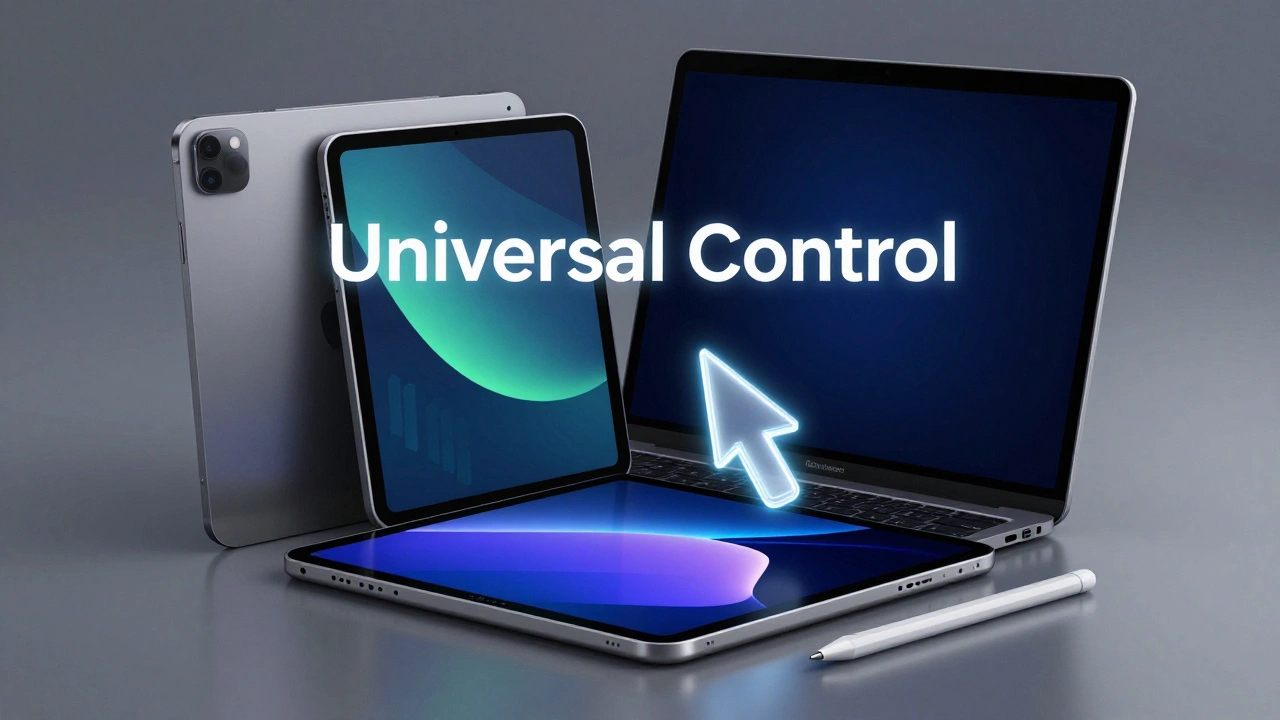
| Universal Control | One mouse/keyboard for Mac and iPad | Reduced mental context-switching |
The Invisible Glue: Apple ID and Vertical Integration
To understand why this works, we have to look at the foundation. Everything starts with the Apple ID is the central authentication hub that links a user's identity across all hardware and services. It's not just a username and password; it's the key that unlocks iCloud, which keeps your photos, files, and settings in a constant state of sync.
Because Apple controls the hardware (the chips and boards), the software (iOS, macOS, watchOS), and the services, they can implement features that a company like Google or Microsoft-which rely on various hardware partners-simply can't execute with the same fluidity. This vertical integration allows them to treat a group of devices as a single distributed system. If you're using Family Sharing, this integration extends to up to six people, making the 'garden' feel welcoming rather than restrictive.
The Art of the 'Magic Moment'
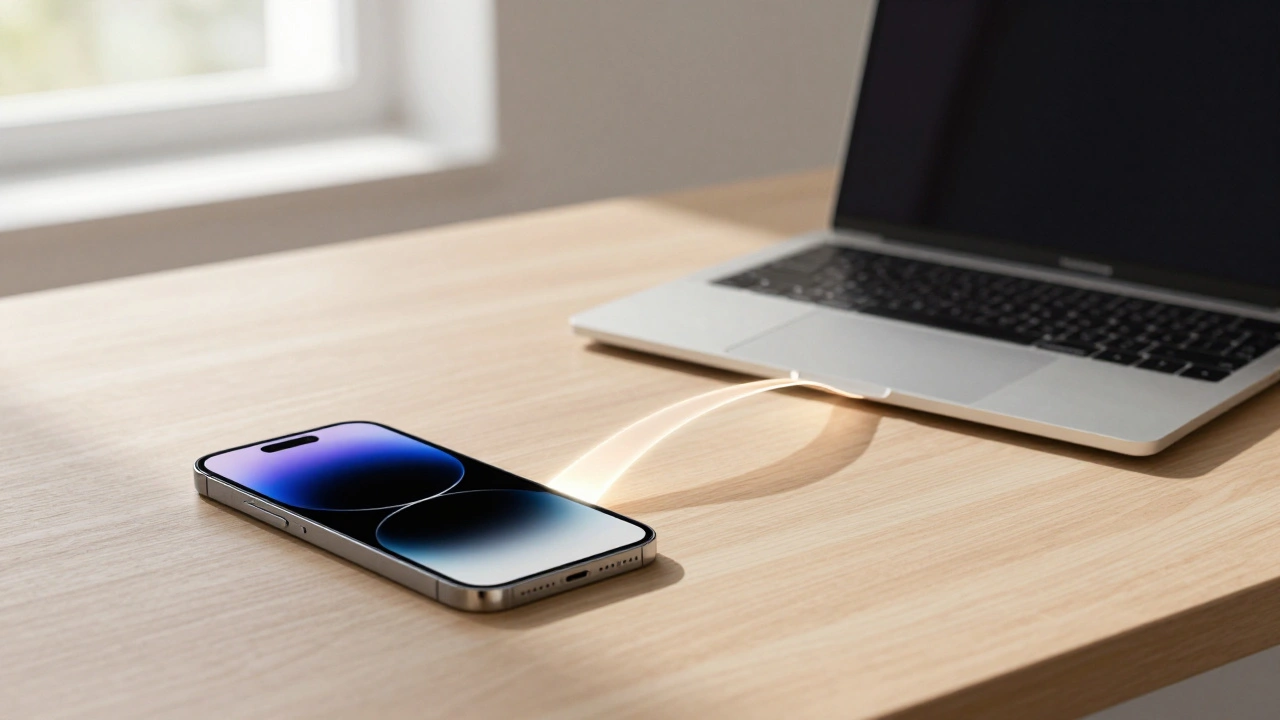
In design terms, a 'magic moment' is a small interaction that solves a friction point so elegantly it surprises the user. Take Universal Clipboard, for example. In a fragmented world, moving a snippet of text from a phone to a computer involves emailing yourself or using a third-party app. Apple removes the middleman. You copy on the iPhone, and the data is essentially 'hovering' in the cloud, ready to be dropped onto your Mac.
Then there's Handoff. Imagine you're drafting a quick email on your iPhone while walking to your desk. The second you sit down, a small icon appears on your Mac's dock, inviting you to pick up exactly where you left off. This creates a sense of continuity that makes the device you're using feel secondary to the work you're doing. It's about reducing the cognitive load-you aren't 'switching devices,' you're just continuing your flow.
Creative Workflows and Hardware Synergy
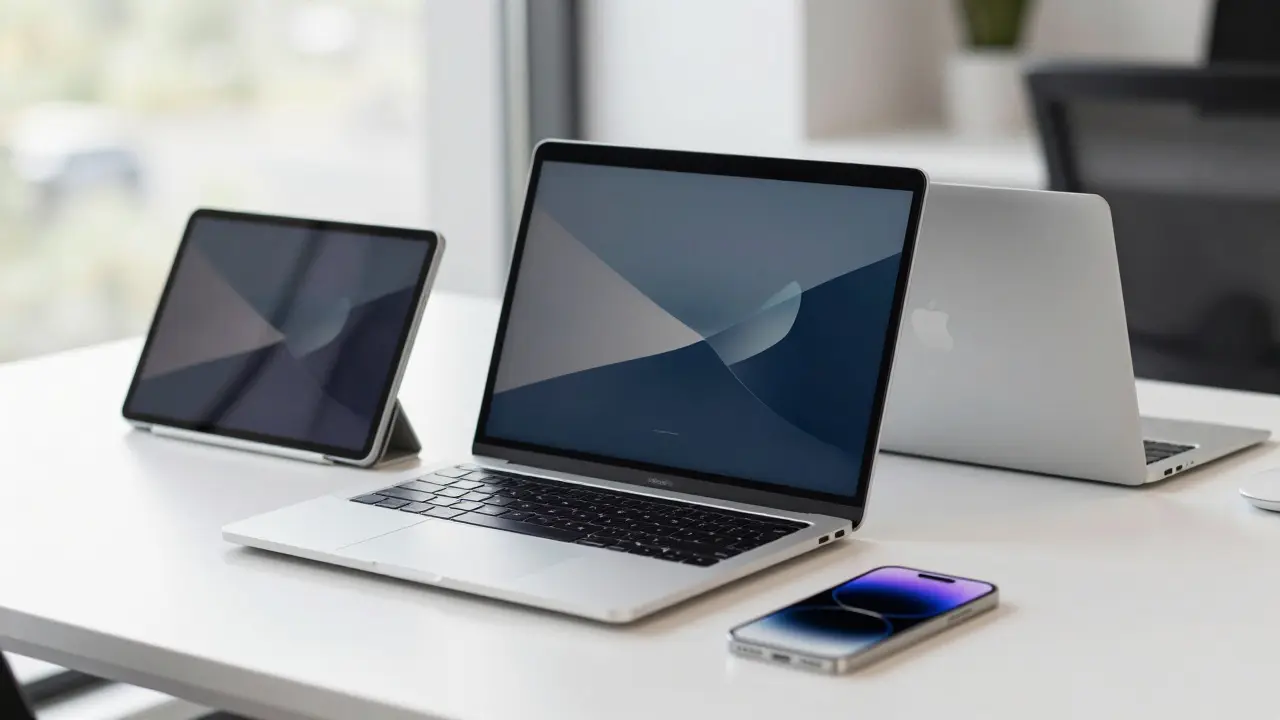
The real power shows up when you combine different hardware types. One of the best examples is the interplay between the Mac and the iPad using an Apple Pencil. You can take a screenshot on your Mac, open it on your iPad, scribble a few notes with the pencil, and the changes are instantly reflected back on the Mac.
This isn't just a cool trick; it's a workflow optimization. It recognizes that different tasks are better suited for different inputs-typing for the Mac, drawing for the iPad. By bridging the two via Universal Control, you can move your cursor across the edge of your Mac screen and have it land right on your iPad. No pairing, no Bluetooth menus, no fuss. It just works.
Sensory Integration: AirPods and the Apple Watch
The ecosystem extends into the wearables, where the design focus shifts to automation. AirPods are perhaps the best example of device-agnostic connectivity. They don't just connect; they intelligently switch. If you're watching a movie on your iPad and a call comes in on your iPhone, the audio shifts automatically. You don't have to dive into settings to tell the headphones which device to prioritize-the ecosystem makes that decision for you based on the context of the interaction.
The Apple Watch acts as a persistent bridge. It handles the quick-glance notifications and health tracking, keeping you connected without forcing you to pull out your phone every thirty seconds. When these devices talk to each other, they create a safety net of convenience. If you lose your keys, the Find My network uses this same interconnectedness to pinpoint the location of your tags or devices across the entire global web of Apple hardware.
Reducing Friction with iPhone Mirroring
One of the newer additions, iPhone Mirroring, solves the 'distraction' problem. We've all been there: you're deep in a project on your Mac, your phone buzzes, and the moment you pick it up to check a text, you fall down a social media rabbit hole for twenty minutes. Mirroring puts your iPhone screen directly on your Mac. You can respond to messages and use your phone's apps without ever leaving your workstation. It acknowledges that while the devices are separate, our digital life is unified.
The Philosophy of Clarity, Deference, and Depth
Why does this all feel so intuitive? Apple follows three core design principles: clarity, deference, and depth. Clarity means the interface is always legible and the content is the hero. Deference means the UI (the buttons and menus) stays out of the way until you need it. Depth provides visual cues-like layers and shadows-that tell you where you are in the system.
Because these principles are applied across the board, an app on an iPhone feels like a sibling to the app on a Mac. You don't have to relearn how to use the software when you change devices. This consistency is the secret sauce that makes the 'Walled Garden' feel like a luxury suite rather than a prison. You stay in the ecosystem not because you're locked in, but because the cost of leaving-losing all these tiny, effortless moments-is too high.
Do I need all Apple devices to experience these features?
No, you don't need every single product. Most 'magic moments' happen in pairs. For example, Universal Clipboard works between any two devices signed into the same Apple ID, such as an iPhone and a Mac. The more devices you have, the more these intersections occur, but even a two-device setup provides significant value.
Does this integration compromise my privacy?
Apple uses vertical integration to bake privacy into the hardware and software. Because they control the entire stack, they can encrypt data between devices (end-to-end encryption) more effectively than companies that rely on third-party hardware. Most ecosystem features happen locally or via secure iCloud channels.
What is the difference between Sidecar and Universal Control?
Sidecar turns your iPad into a second monitor for your Mac, effectively extending your screen real estate. Universal Control, however, lets you use a single mouse and keyboard to control both your Mac and your iPad as independent devices. Sidecar is for extra space; Universal Control is for multi-device productivity.
Why is this called a 'Walled Garden'?
The term describes a closed ecosystem where the manufacturer controls all the software and hardware. While this can make it harder to switch to Android or Windows, the 'garden' part refers to the highly curated, polished, and seamless experience that is only possible because the walls keep the variables controlled.
How does Continuity Camera improve video calls?
Standard Mac webcams are often mediocre. Continuity Camera allows your Mac to use the high-quality lens system of your iPhone. It recognizes the iPhone's proximity and switches the feed automatically, giving you professional-grade video without needing to buy a dedicated DSLR or expensive webcam.
Next Steps for Power Users
If you're just starting to explore these features, start by ensuring iCloud is fully synced across your devices. Enable 'Handoff' in your General settings on both iOS and macOS. If you're a creative, try using the iPad as a dedicated annotation station for your Mac screenshots. For those who struggle with focus, set up iPhone Mirroring to keep your phone in your pocket while still staying responsive to important notifications on your desktop.