
When you ask Siri to summarize an email or ask Visual Intelligence to describe a photo, you might not think about what’s happening behind the scenes. But Apple is quietly building a system that doesn’t just respond-it explains. Not with long manuals or legal jargon, but with real-time, user-accessible logs that show exactly what data left your device, where it went, and what happened after.
What Apple Intelligence Can and Can’t Do
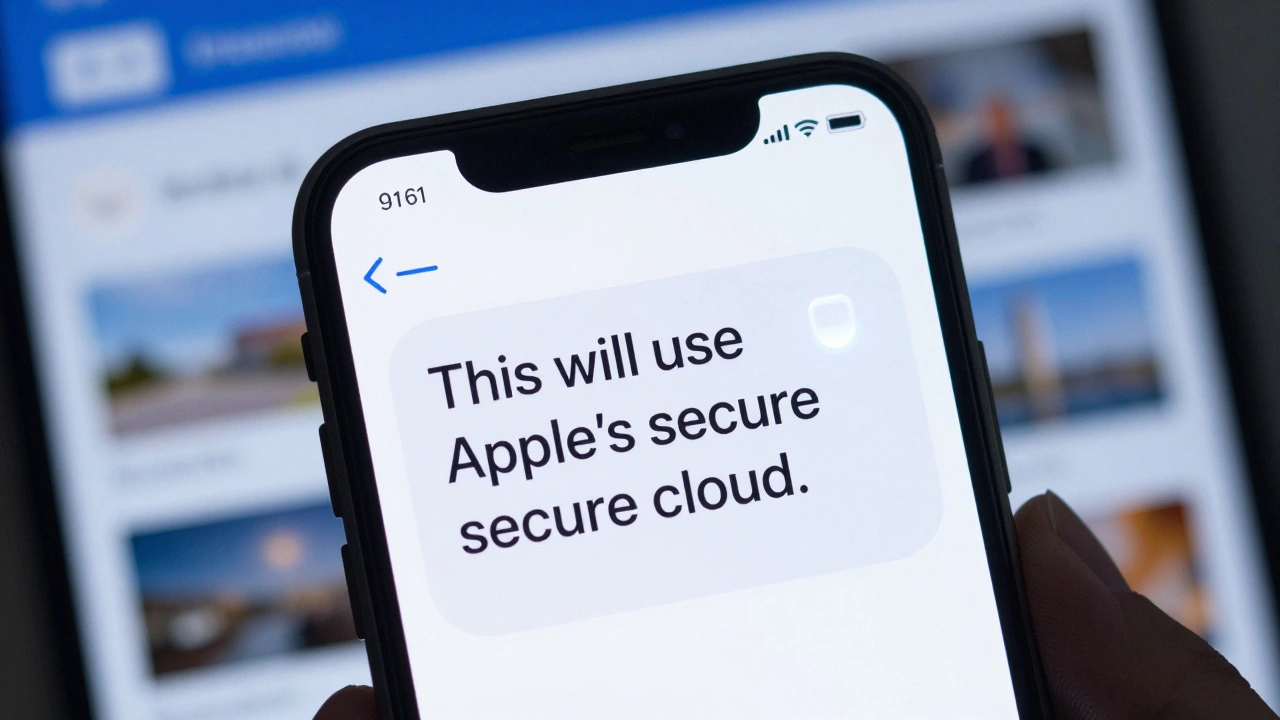
Apple Intelligence isn’t one big brain in the cloud. It’s split. Most of the time, your requests are handled right on your iPhone, iPad, or Mac using on-device models. That means your messages, photos, and calendar entries never leave your phone. This isn’t just a privacy feature-it’s a performance one. On-device processing is faster, more responsive, and doesn’t need an internet connection. But sometimes, you ask for something too complex. Maybe you want to rewrite a 10-page document or analyze a high-resolution video. That’s when Apple switches to its Private Cloud Compute infrastructure. Here’s the key part: the system tells you. When you trigger a task that needs cloud help, your device shows a small indicator. It doesn’t hide it. It doesn’t sneak it in. It says, “This will use Apple’s secure cloud.” And here’s what Apple says Private Cloud Compute cannot do:- It cannot store your data after the task is done.
- It cannot link your request to your Apple ID.
- It cannot see the content of what you sent.
The Transparency Log: Your Personal AI Audit Trail
This is where Apple goes further than any other tech company. Go to Settings > Privacy & Security > Apple Intelligence Report on your iPhone. Tap “Export Report.” In seconds, you get a plain-text file listing every request sent to the cloud over the past week, month, or year. Each entry shows:- What feature was used (Siri, Writing Tools, Visual Intelligence)
- When the request was made
- Whether it went to Private Cloud Compute or ChatGPT (if you’ve enabled it)
- That no content was stored
What Apple Won’t Tell You (And Why)
Transparency isn’t about showing everything. It’s about showing what matters. Apple won’t tell you the exact size of its AI models. It won’t release its training datasets. It won’t list every single limitation of its visual recognition system. Why? Because those are trade secrets. If Apple published every detail, competitors could copy its work. Worse-they could find ways to break it. But here’s the balance Apple strikes: it tells you what happens to your data, not how the model works. It tells you when something leaves your device, not how it was processed. This follows the CLeAR Framework-Comparable, Legible, Actionable, and Robust. Apple’s logs are legible: you can read them. They’re actionable: you can export them. They’re robust: they’re backed by verifiable infrastructure. And they’re comparable: you can see exactly what other services like Google or Microsoft do (or don’t do) in contrast.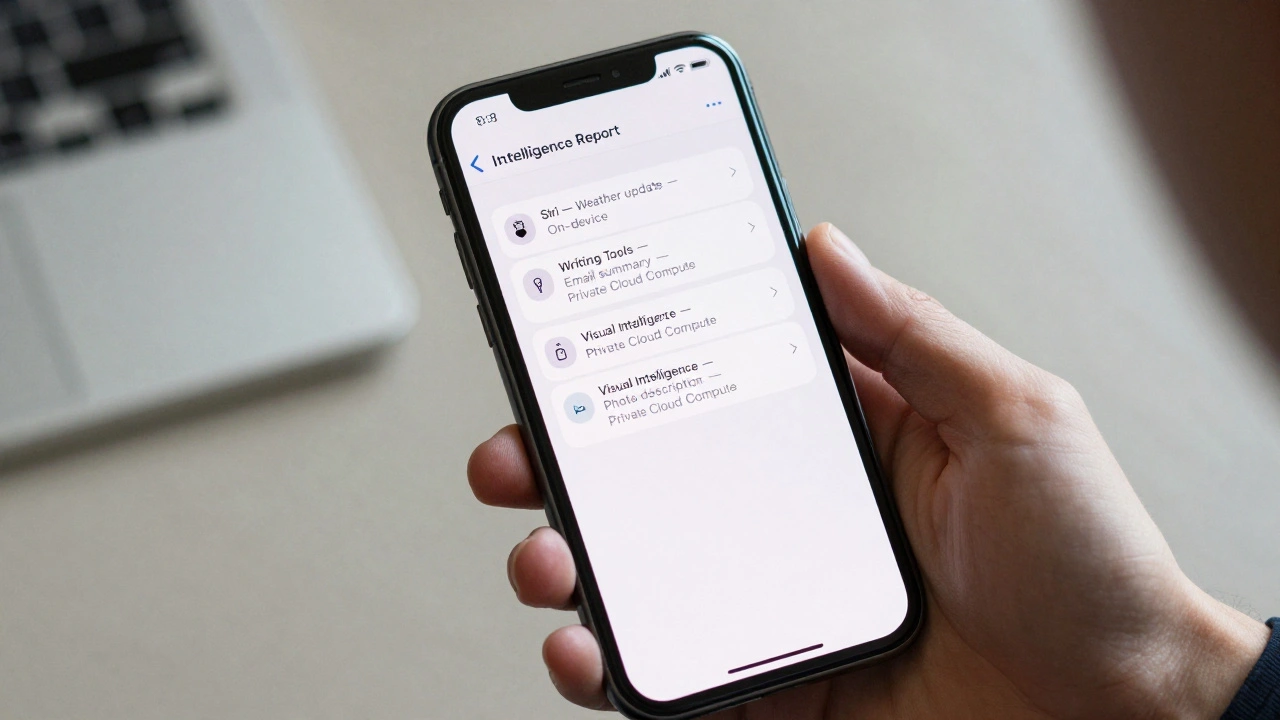
How Apple Compares to Other AI Systems
Most AI systems don’t give you logs. They don’t tell you when they’re using the cloud. They don’t say if your data is kept. You just get an answer-and hope for the best. Google’s Gemini? It stores your conversation history unless you turn it off. Microsoft’s Copilot? It may use your data to improve its models. Amazon’s Alexa? It records voice snippets by default. Apple’s approach is different. It assumes you don’t want to be tracked. It assumes you want control. And it builds tools to prove it.| Feature | Apple | Microsoft | |
|---|---|---|---|
| On-device processing | Yes, for most tasks | Limited | Limited |
| Cloud processing transparency | Yes, with visual indicator | No | Partial |
| User-accessible activity log | Yes, exportable | No | No |
| Data retention after processing | No | Yes, unless manually deleted | Yes, for model improvement |
| Third-party verification | Yes, via Private Cloud Compute code inspection | No | Partial |
What’s Still Missing
Apple’s transparency is advanced-but not perfect. You won’t find a clear list of what Apple Intelligence can’t do. For example: can it recognize a person’s emotion from a photo? Can it detect a fake document? Can it handle medical or legal jargon accurately? Apple doesn’t say. There’s no public dashboard showing accuracy rates, failure modes, or bias testing. No public report on how often Siri misunderstands non-native speakers. No breakdown of how often the system refuses a request because it’s unsure. In 2023, shareholders pushed Apple to release an official AI ethics report. Apple hasn’t done it yet. That’s a gap. Users aren’t asking for code. They’re asking for honesty about what the system doesn’t do well.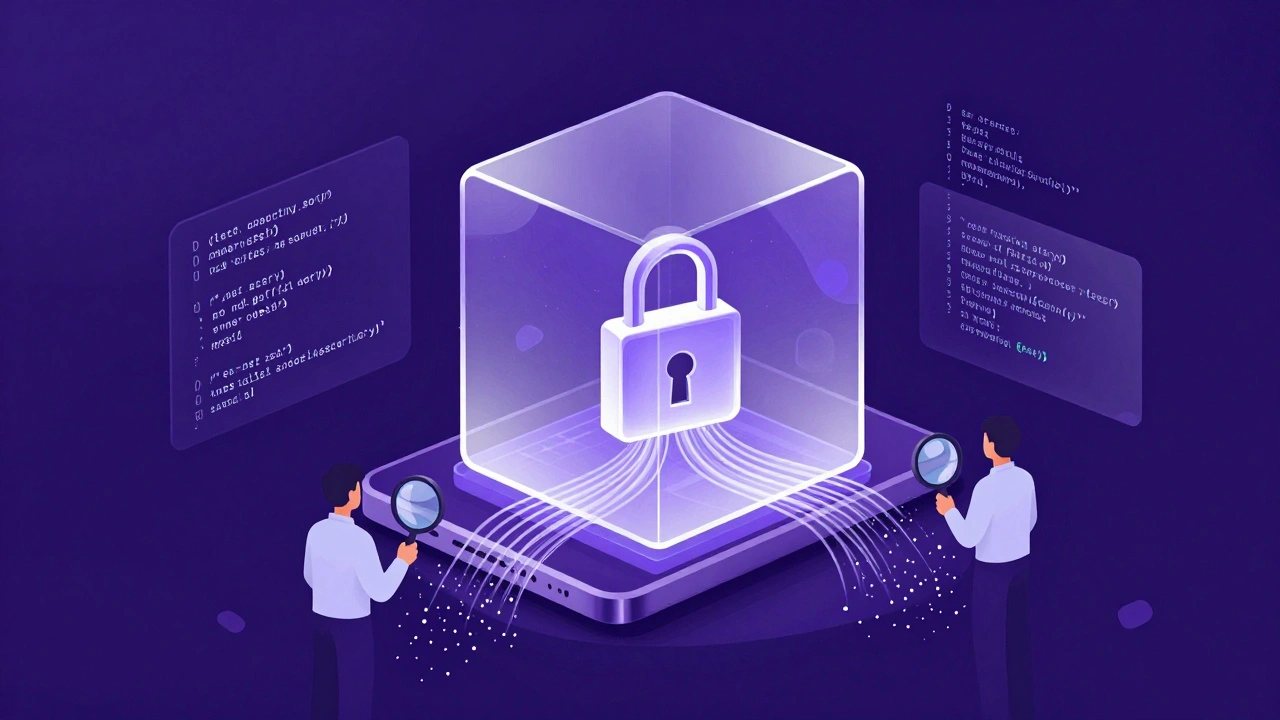
Why This Matters
AI isn’t magic. It’s software. And software has limits. When an AI gives you a wrong answer, you need to know why. Was it a mistake? Was it trained on bad data? Was it never meant to handle that kind of question? Apple’s transparency tools don’t just protect privacy. They build trust. They turn users from passive recipients into informed participants. When you know your data isn’t stored, when you can see what was sent, and when you can verify the system’s claims-you’re not just using an app. You’re collaborating with it. This is the future of AI: not bigger models, not faster chips, but clearer communication. Apple isn’t leading because it has the smartest AI. It’s leading because it’s the only one asking: “Do you want to know what’s happening?”What You Can Do Today
You don’t need to wait for Apple to change. You can act now:- Go to Settings > Privacy & Security > Apple Intelligence Report on your iPhone or iPad.
- Turn on transparency logging.
- Export the report for the last 30 days.
- Check what requests were sent. Look for anything unexpected.
- Disable ChatGPT integration if you don’t want your prompts sent to OpenAI.
Can I turn off Apple Intelligence completely?
Yes. Go to Settings > Privacy & Security > Apple Intelligence and toggle off all features. This stops all on-device and cloud processing. Siri will still work for basic commands, but advanced features like Writing Tools, Summarize, and Visual Intelligence will be disabled.
Does Apple Intelligence use my data to train its models?
No. Apple states that data processed through Private Cloud Compute is not used to train its AI models. Even when you use features like Siri or Writing Tools, your inputs are not stored or linked to your identity. This is different from companies like Google or Microsoft, which use user data to improve their models.
What’s the difference between Private Cloud Compute and regular cloud servers?
Regular cloud servers store data, can be accessed by employees, and may retain logs. Private Cloud Compute is designed to process data in a secure, encrypted environment that deletes everything after the task finishes. It runs on Apple-designed silicon with verified software, and its code is open for inspection by security researchers.
Why doesn’t Apple tell us what its AI models can’t do?
Apple avoids publishing detailed limitations to protect its intellectual property and prevent misuse. However, this creates a gap in user understanding. For example, Apple doesn’t say whether its image recognition can detect fake IDs or medical conditions. This lack of public documentation is one reason shareholders have called for a formal AI transparency report.
Can I see if Apple Intelligence made a mistake?
Not directly. Apple doesn’t provide error logs or accuracy reports. But if you use transparency logging, you can see what you asked for and what the system returned. If the result seems wrong, you can compare it to your original input. This lets you detect errors on your own-even if Apple doesn’t tell you they happened.