
Most companies talk about design like it’s a nice-to-have. Apple doesn’t. At Apple, design isn’t just about looks-it’s a core driver of revenue, retention, and long-term loyalty. But how do you prove that? How do you show that a rounded corner, a subtle animation, or a redesigned button actually moves the needle? The answer isn’t in focus groups or pixel-perfect mockups. It’s in data. And Apple built a system to measure it-not with jargon, but with the language business leaders already speak.
Design Isn’t Just About Usability
In 2009, Apple faced a problem. Designers were making decisions that shaped entire products. But no one in finance, operations, or marketing could see how those decisions connected to the numbers they cared about: sales, support calls, feature usage, or churn. The design team had great intuition. But intuition doesn’t convince a CFO. So one designer, working with leadership including then-COO Tim Cook, built something new: a scorecard. Not a fancy dashboard. Not a research report. A two-minute summary that showed how design affected real business outcomes. This scorecard didn’t invent new metrics. It translated existing ones. Instead of asking, “Is the interface intuitive?” it asked: “Do users complete their tasks faster? Do they make fewer mistakes? Do they keep using the feature after the first week?” These weren’t design questions-they were business questions. And that’s what made the difference.The Four Pillars of Apple’s Design Measurement
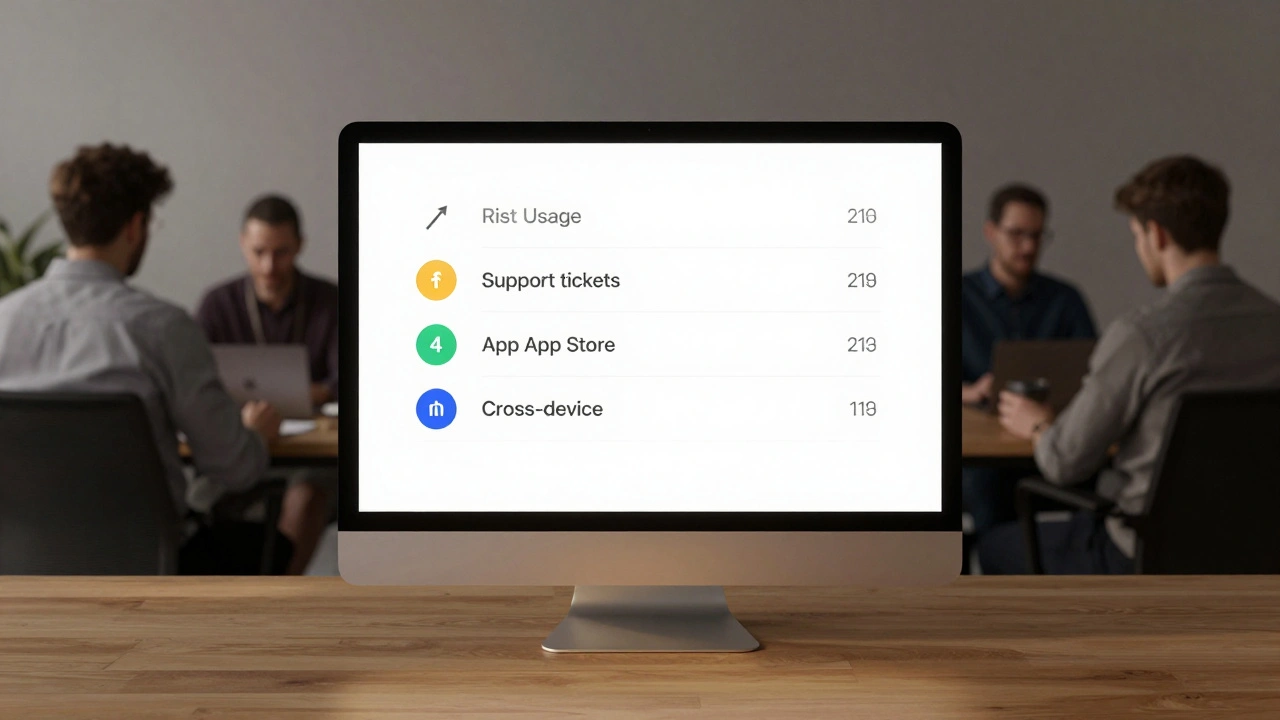
Apple’s framework breaks design impact into four measurable categories:- Business Performance: Can users actually do what they need to do? If a feature is meant to help people track their workouts, does it get used daily? Does it reduce friction compared to the old version?
- Technical Performance: Are users making errors? Are they confused? Are they forced to restart the app or lose data? Apple tracks error rates, crash logs, and help-desk tickets tied to specific features. A single UI change that cuts support calls by 15% is a win.
- Adoption: Do users even know the feature exists? And do they understand how to use it? This isn’t about downloads-it’s about engagement. If a new Health feature isn’t being used after 30 days, it doesn’t matter how elegant it is.
- Communication: Did users hear about the update? Was the message clear? Apple monitors App Store product page views, push notification opens, and even in-app tutorial completion rates. If people don’t know a feature exists, design failed before it even started.
These aren’t theoretical. They’re tracked for every major iOS update, every new Apple Watch feature, every redesign of the App Store. And they’re reviewed quarterly-not by designers, but by product leads, marketing teams, and executives.
Why Existing Metrics Failed
Apple tested traditional tools like the System Usability Scale (SUS) and Net Promoter Score (NPS). They were accurate. But they didn’t move the needle internally. Why? Because they were too abstract. SUS tells you a system is “usable.” But what does that mean for sales? NPS says users are “likely to recommend.” But which feature caused that? No one could connect the dots. Apple’s breakthrough was realizing the problem wasn’t measurement-it was translation. Designers weren’t failing to measure impact. They were failing to speak the language of the people who approved budgets. So they stopped building new metrics. They started mapping design outcomes to existing business KPIs. A 10% drop in support tickets? That’s cost savings. A 20% increase in feature usage? That’s retention. A 30% rise in App Store conversion after a product page redesign? That’s revenue.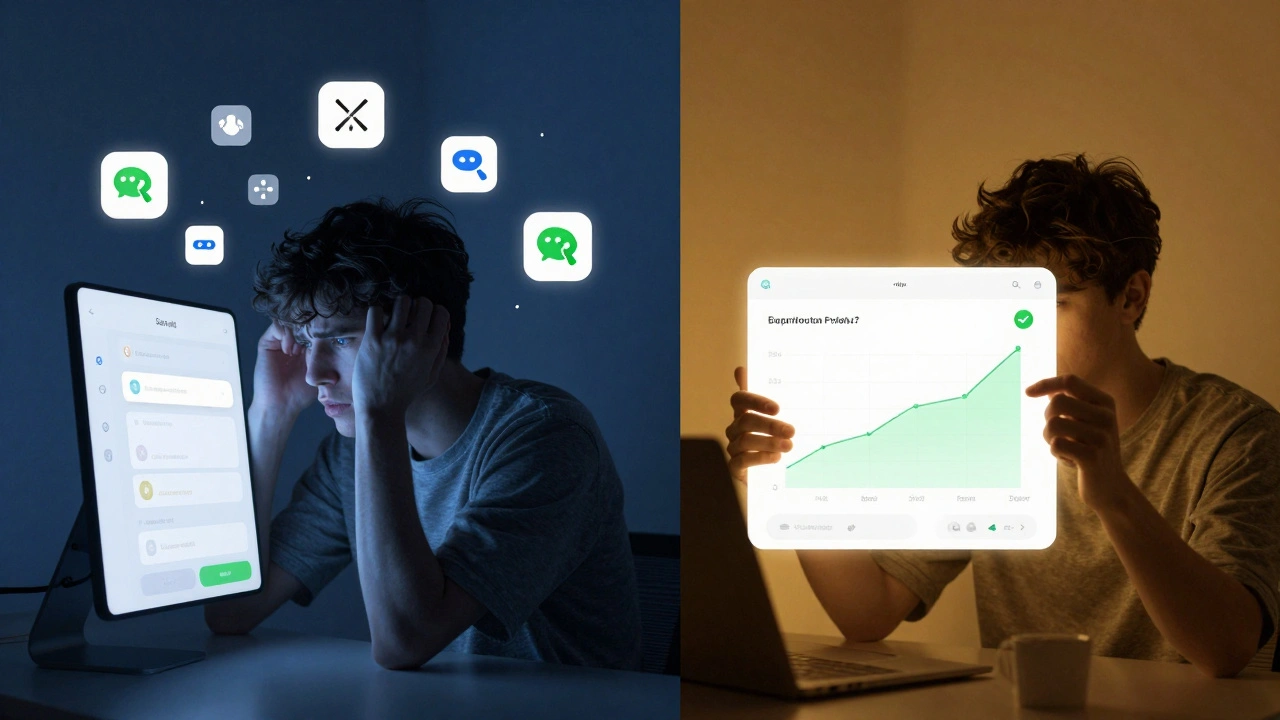
How Apple Measures Ecosystem Fit
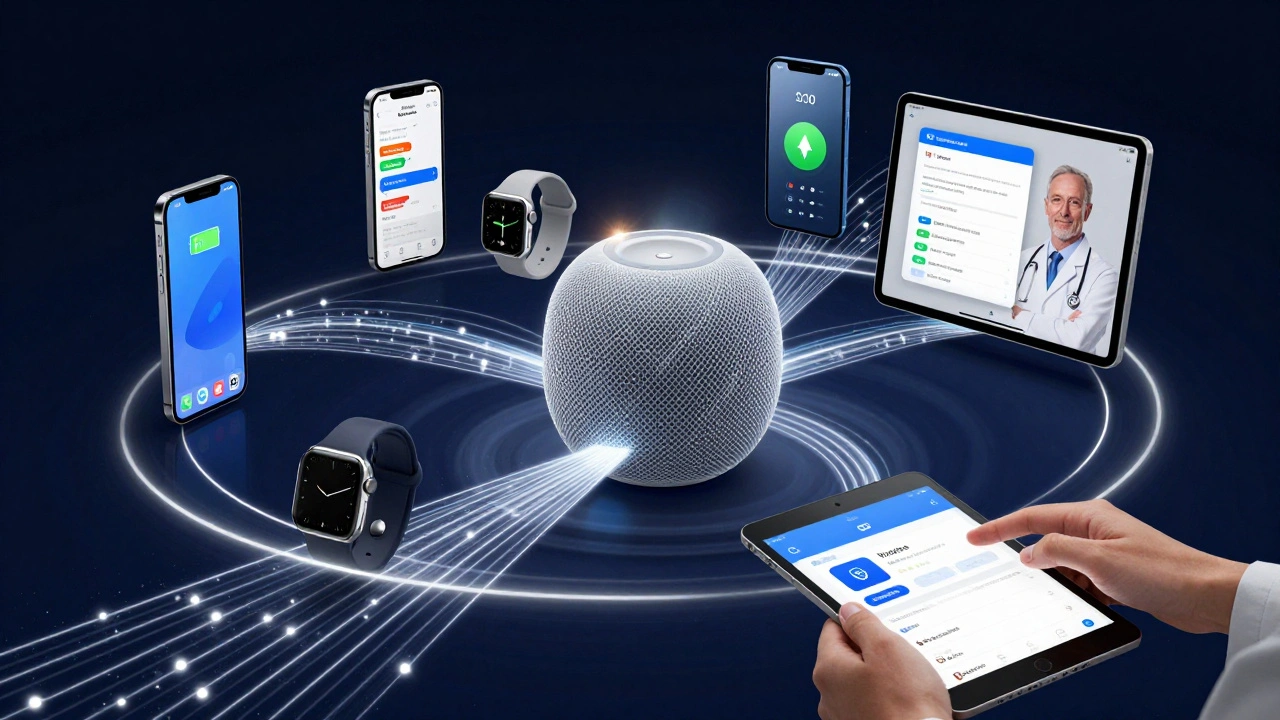
Design at Apple doesn’t live in isolation. A new feature on the iPhone has to work with the Apple Watch. The Health app has to sync with the HomePod. The Apple Watch must respond to changes in iOS. That’s ecosystem fit-and it’s measured just as rigorously. For example, when Apple introduced Apple Walking Steadiness in iOS 15, they didn’t just release it. They tracked:- How many users enabled the feature
- How often it triggered alerts
- Whether users shared results with doctors (via Health app exports)
- How many support calls dropped after the feature launched
The goal wasn’t just to collect data-it was to prove the feature improved real-world health outcomes. And that’s what made it stick. Apple doesn’t ship features that don’t integrate cleanly across devices. If a feature only works on one product, it’s not a win. It’s noise.
App Analytics: Measuring Design Beyond Hardware
For third-party apps on Apple’s ecosystem, the company provides App Analytics a toolset that tracks how users discover, install, and interact with apps on the App Store. Developers can see:- Unique impressions: how many different users saw their app icon
- Product page views: how many people clicked into their app’s store page
- Conversion rate: how many of those viewers actually downloaded the app
- In-app events: how often users open the app, complete tasks, or make purchases
Apple doesn’t just give developers data-they give them benchmarks. A fitness app can compare its retention rate to other apps in the health category. A productivity app can see how its daily active users stack up against competitors. This turns design decisions into competitive advantages. If your onboarding flow has a 40% drop-off and the category average is 25%, you know where to fix it.
Even power usage matters. Through Xcode, developers can measure how much battery their app drains. If an app causes excessive power consumption, Apple flags it-not just for user experience, but for ecosystem health. A battery-hogging app hurts the iPhone’s reputation. That’s design failure.
Feedback Loops That Shape Products
Apple doesn’t wait for surveys. They collect feedback continuously. Every time someone calls Apple Support about a feature, every time a user skips an update, every time a store employee logs a common customer question-it’s all logged. That data flows into design teams. For example, complaints about iPhone battery life in 2020 led to changes in display optimization algorithms. The result? iPhone 13 models saw a 20% increase in battery life over the previous generation, directly tied to user feedback. In retail, Apple tracks how long customers spend in each section of the store. If people linger at the Watch display but leave quickly at the AirPods station, the team adjusts lighting, product placement, or staff training. Design isn’t just digital-it’s physical. And every touchpoint is measured.The Bigger Picture: Design as a Business Lever
Apple’s approach reveals something deeper: design impact isn’t measured in pixels or awards. It’s measured in dollars, time saved, support costs cut, and features adopted. The scorecard didn’t just help designers explain their work-it changed how Apple thinks about innovation. Now, every major design initiative must answer: Which business metric does this improve?This is why Apple doesn’t have a “design team” separate from product teams. Designers sit next to engineers, marketers, and operations leads. They don’t pitch aesthetics. They present data. And because they speak the same language, design becomes a decision-not a suggestion.
Other companies try to copy Apple’s UI. But they miss the real lesson: design impact is proven through outcomes, not opinions. If you want to make design matter in your organization, stop asking if it’s beautiful. Start asking: What number did it change?
How does Apple measure if a design change improved user experience?
Apple tracks specific behavioral data: task completion rates, error rates, feature adoption over time, and support ticket volume. If a redesign reduces the number of times users get stuck or call support, it’s considered a success. They don’t rely on surveys-they watch what users actually do.
Why doesn’t Apple use Net Promoter Score (NPS) to measure design?
NPS tells you if users like something, but not why or how it affects behavior. Apple needs to know if a design change increased usage, reduced errors, or lowered support costs. NPS can’t answer those questions. That’s why they focus on direct behavioral metrics tied to business outcomes.
Can third-party apps use Apple’s design measurement tools?
Yes. Through App Analytics and Xcode, developers get access to metrics like impressions, conversion rates, in-app events, and power usage. They can also compare their app’s performance against category benchmarks. This helps them optimize design decisions based on real user behavior, not guesses.
What role does Tim Cook play in Apple’s design measurement?
Tim Cook pushed for data-driven decisions across Apple. He required every design initiative to have a clear business case-showing how it affected revenue, costs, or retention. This forced the design team to build metrics that connected to financial outcomes, not just usability. His leadership made design accountability non-negotiable.
How does Apple ensure design doesn’t become too data-driven and lose creativity?
Apple uses data to validate ideas, not to generate them. Designers still lead with intuition, empathy, and experimentation. But before scaling a feature, they test it with real users and measure its impact. Data doesn’t replace creativity-it protects it by ensuring only the best ideas get resources.