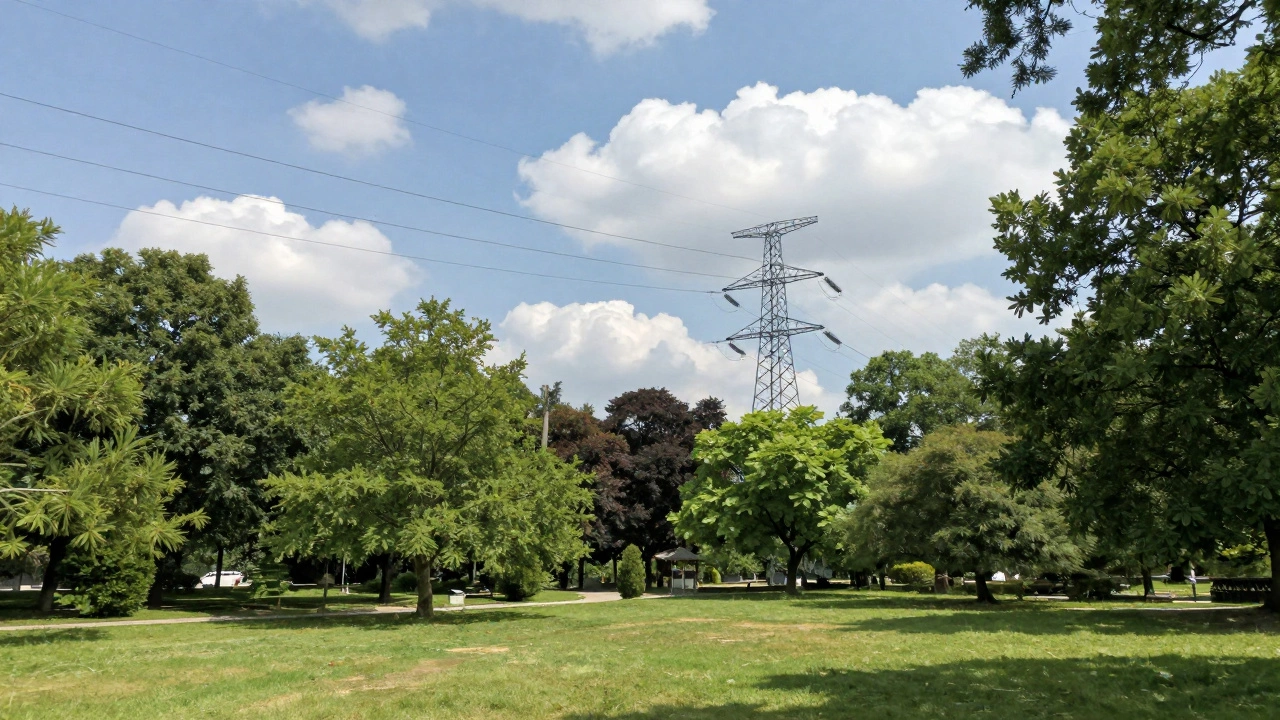

When you take a photo on your iPhone and later notice a stray power line or a distracting trash can in the background, you don’t want to lose the moment trying to fix it. You want the photo to look like it always should have - natural, clean, and untouched. That’s exactly what Apple’s AI does in Photos: it fixes problems without making you feel like anything was fixed at all.
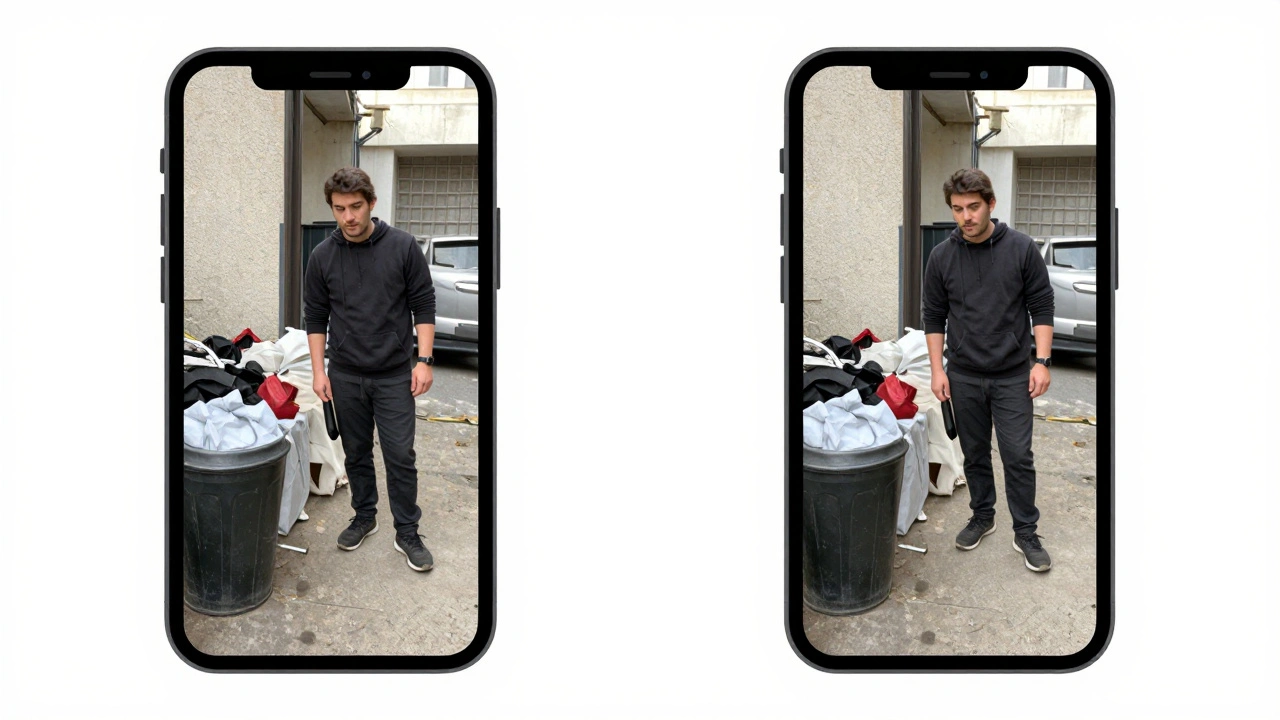
Unlike other platforms that aggressively sharpen, over-smooth, or add surreal filters, Apple’s approach is quiet. It doesn’t shout. It doesn’t turn your cousin’s birthday photo into a painting. It just removes the noise. The Clean Up feature, introduced in iOS 18, uses on-device machine learning to analyze pixels around unwanted objects - a power cord, a photobomber, even a reflection in a window - and replaces them with content that matches the surrounding texture, lighting, and depth. No halos. No ghosting. No unnatural gradients. It works because Apple’s AI doesn’t guess. It observes.
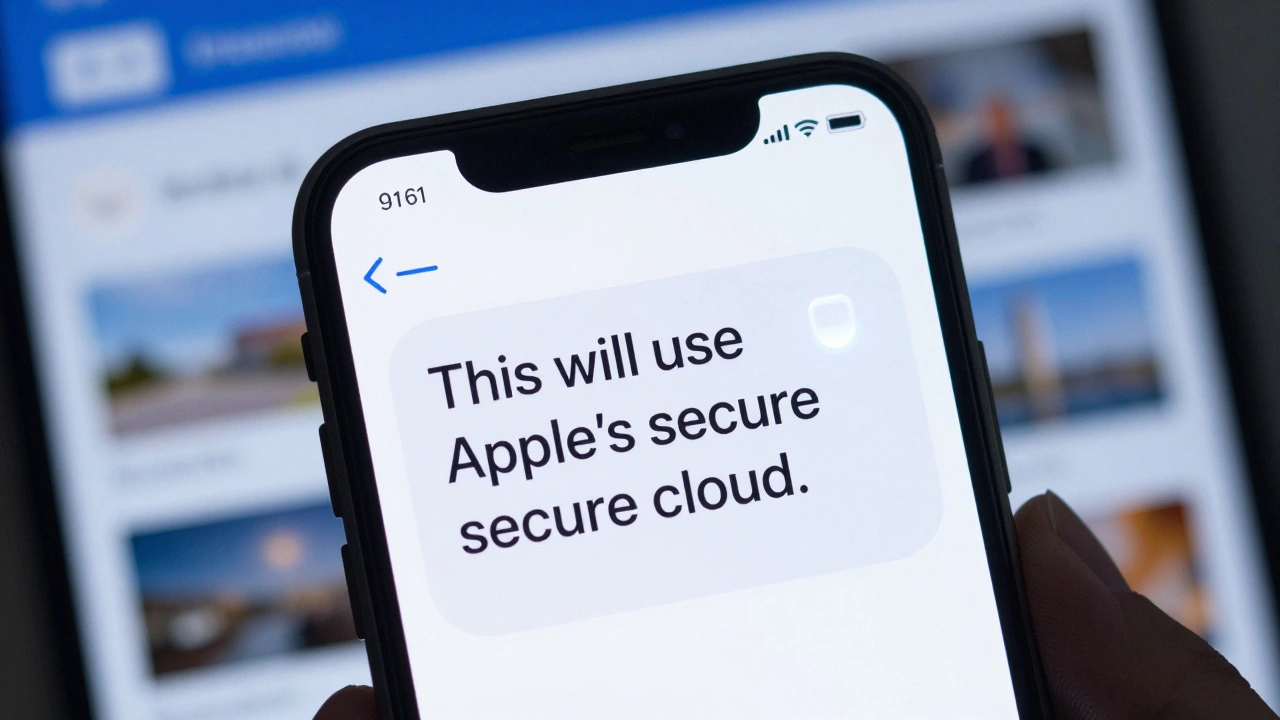
How? The system runs entirely on your device. Your photos never leave your iPhone, iPad, or Mac. Apple calls this Apple Intelligence a privacy-first AI framework that processes visual data locally using neural engines built into A17 and M4 chips. This isn’t just about security - it’s about accuracy. When AI has to send your image to a cloud server, it often compresses it to save bandwidth. Compression creates artifacts: blocky patches, color bleeding, unnatural edges. Apple avoids this by never sending the image out. The AI works with the full-resolution file, pixel by pixel, right where it was captured.
Take Image Playground a tool that lets users generate new artistic styles from photos using prompts like "oil painting" or "vector art". It’s tempting to think this would distort your original image. But it doesn’t. The AI doesn’t overwrite your photo. It creates a new version based on your description, then lets you choose whether to keep it. The original stays untouched. And if you use the Image Wand a feature that turns rough doodles into polished illustrations in Notes, it doesn’t force a style. It adapts. A scribbled circle becomes a realistic apple. A jagged line turns into a mountain ridge. The AI understands context - not just shapes, but intent.
Even more subtle is how Apple uses AI to understand what’s in your photos without asking. Visual Intelligence a real-time camera-based system that identifies objects, locations, and events in photos and screenshots can recognize a restaurant sign, a landmark, or a calendar invite embedded in a screenshot. It doesn’t tag your photo with metadata. It doesn’t store a database of your faces or places. It simply offers you a button: "Add to Calendar" or "Search on Google." You control what happens next. The AI doesn’t decide. You do.
This is where Apple’s real innovation lies: it doesn’t try to replace your judgment. It enhances it. While other companies automate everything - auto-cropping, auto-coloring, auto-tagging - Apple leaves the final call to you. The AI suggests. It doesn’t impose. That’s why you don’t see the telltale signs of AI tampering: unnaturally smooth skin, warped backgrounds, or surreal lighting. Apple’s system is trained on millions of real-world photos, but it’s designed to respect the original. It learns what natural looks like - the way shadows fall, how light reflects off wet pavement, how a tree’s texture changes with distance - and then mimics that, not overrides it.
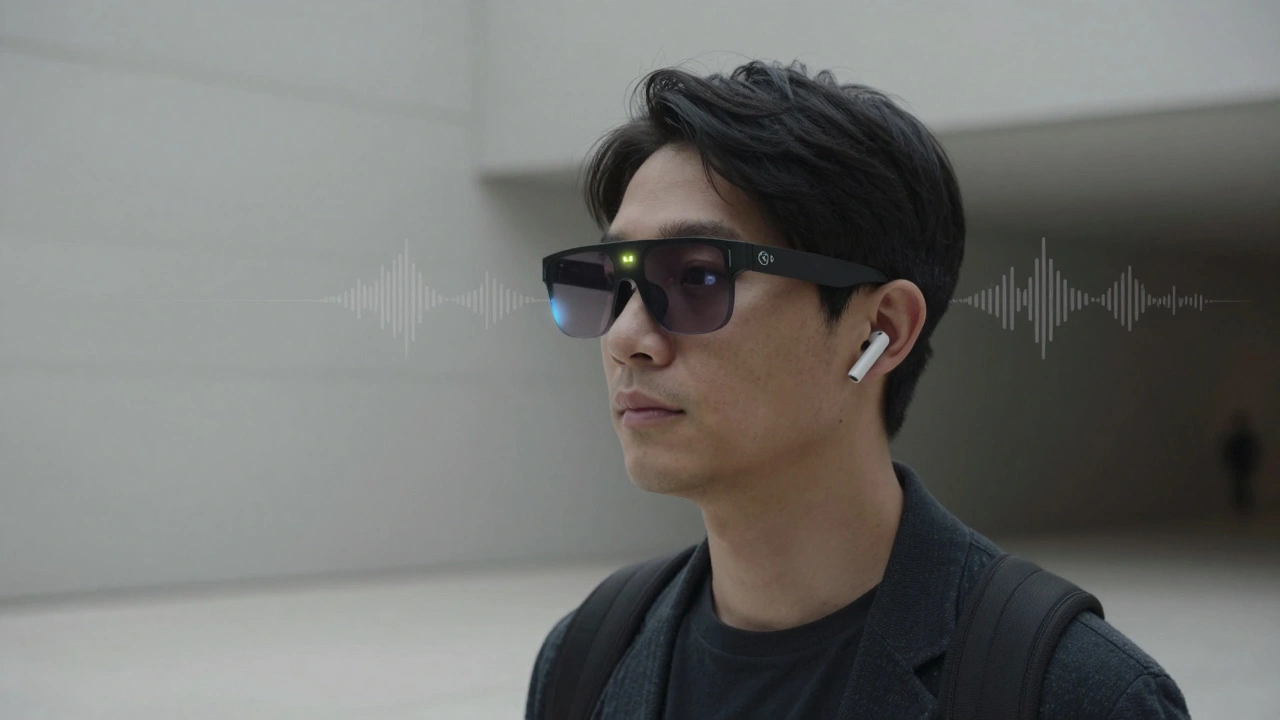
And it’s not just phones. Apple is building this same philosophy into wearables. By late 2026, smart glasses with dual cameras - one for capturing, one for depth sensing - will bring Visual Intelligence to your eyes. These glasses won’t overlay AR icons or floating menus. They’ll quietly recognize that you’re standing in front of a museum and offer a short audio description through AirPods. The camera doesn’t record. It observes. The AI doesn’t store. It understands. And it only acts when you ask.
Even AirPods are getting smarter. A new model, expected in 2027, includes a tiny camera embedded in the stem. It won’t take pictures. It’ll detect hand gestures - a wave, a point - and use that to control your phone. The AI behind this isn’t trained on millions of videos. It’s trained on a few hundred thousand real human motions, captured in controlled lighting, with zero external data sent to Apple’s servers. The model is small. Precise. Efficient.
Why does this matter? Because when AI becomes too obvious, it breaks trust. If your vacation photo suddenly looks like a Pixar render, you feel tricked. If your face gets smoothed into plastic, you feel violated. Apple’s answer is simplicity: fix what’s broken, preserve what’s real. Their AI doesn’t try to make your photos better than they were. It makes them what they should have been.
There’s no magic filter. No "enhance" button that turns your child’s blurry selfie into a portrait. Instead, there’s a quiet tool that removes a cluttered background. A smart search that finds your photo of "the red bike near the fountain" without you ever tagging it. A system that learns your habits - the way you photograph sunsets, the angle you hold your phone when taking food - and subtly improves exposure, contrast, and focus without asking.
Apple’s AI in photos isn’t about power. It’s about restraint. It doesn’t need to be the loudest. It just needs to be right.
How Apple Avoids Common AI Artifacts in Photos
Most AI photo tools create artifacts because they’re trained on low-quality data or forced to compress images for speed. Apple sidesteps both problems.
- No upscaling artifacts: Instead of stretching pixels to make a small image larger, Apple’s AI uses depth maps and lighting models to reconstruct missing details based on surrounding context.
- No color banding: The system preserves tonal gradients by analyzing natural lighting patterns - not applying flat filters. Shadows stay soft. Highlights stay dynamic.
- No texture distortion: When removing an object, the AI doesn’t just copy nearby pixels. It understands surface type: grass, brick, water, fabric - and reproduces the texture with accurate micro-details.
- No halo effects: Many AI tools leave glowing edges around removed objects. Apple’s algorithm uses edge-aware blending, matching brightness and color at the boundary with sub-pixel precision.
This level of detail only works because Apple controls the entire stack: the chip, the operating system, the camera hardware, and the AI model. No third-party plugins. No cloud dependencies. Just a tightly integrated system built for one goal: make the photo feel real, even after it’s been edited.
What Happens When You Use Clean Up
Here’s how it works in practice:
- You open a photo in the Photos app.
- You tap the Edit button, then select Clean Up.
- You circle the unwanted object - a person, a wire, a sign.
- The AI analyzes the area around the circle, using depth data from the original capture.
- Within seconds, the object vanishes. The background fills in naturally.
- You tap Done. The original remains saved in your library.
No preview. No sliders. No "strength" setting. Just one tap. And if you’re not happy? Undo. The system doesn’t lock you in. It gives you control - not because it’s limited, but because it trusts you.
Why Apple’s AI Feels Different
Think about how other apps handle photo editing. You upload a photo. It gets processed on a server. You get back a version that’s "enhanced." But something’s off. The sky looks too blue. The grass looks like plastic. Your dog’s fur has a weird shimmer.
Apple’s system doesn’t do that. Why? Because it doesn’t treat your photo as data to be optimized. It treats it as a memory. And memories aren’t meant to be perfect. They’re meant to be true.
Apple’s AI doesn’t try to make your photos look like professional shots. It tries to make them feel like the moment you lived. That’s why you don’t notice it working. It doesn’t need to.
What’s Coming Next
By 2027, Apple’s AI will be in your glasses, your AirPods, and your watch. Each device will have a camera. Each will understand your surroundings. But none will record. None will upload. None will push edits on you.
The next evolution isn’t more AI. It’s less noise. Fewer buttons. Smarter silence.