

When you upgrade your phone, you don’t expect your old apps to stop working. Same goes for software. If a new version of your app breaks how customers use it, they won’t upgrade-they’ll stick with what works. That’s why backward compatibility isn’t just a technical detail. It’s the quiet force that makes adoption happen.
What Backward Compatibility Really Means
Backward compatibility means: old clients keep working exactly as they did before. No surprises. No broken workflows. No angry support tickets.
This isn’t about keeping old code around. It’s about designing changes so they don’t break what already exists. Think of it like upgrading a highway: you don’t tear down the old lanes until everyone’s switched to the new ones. You build the new lanes beside the old ones, let traffic flow naturally, and only remove the old lanes when it’s safe.
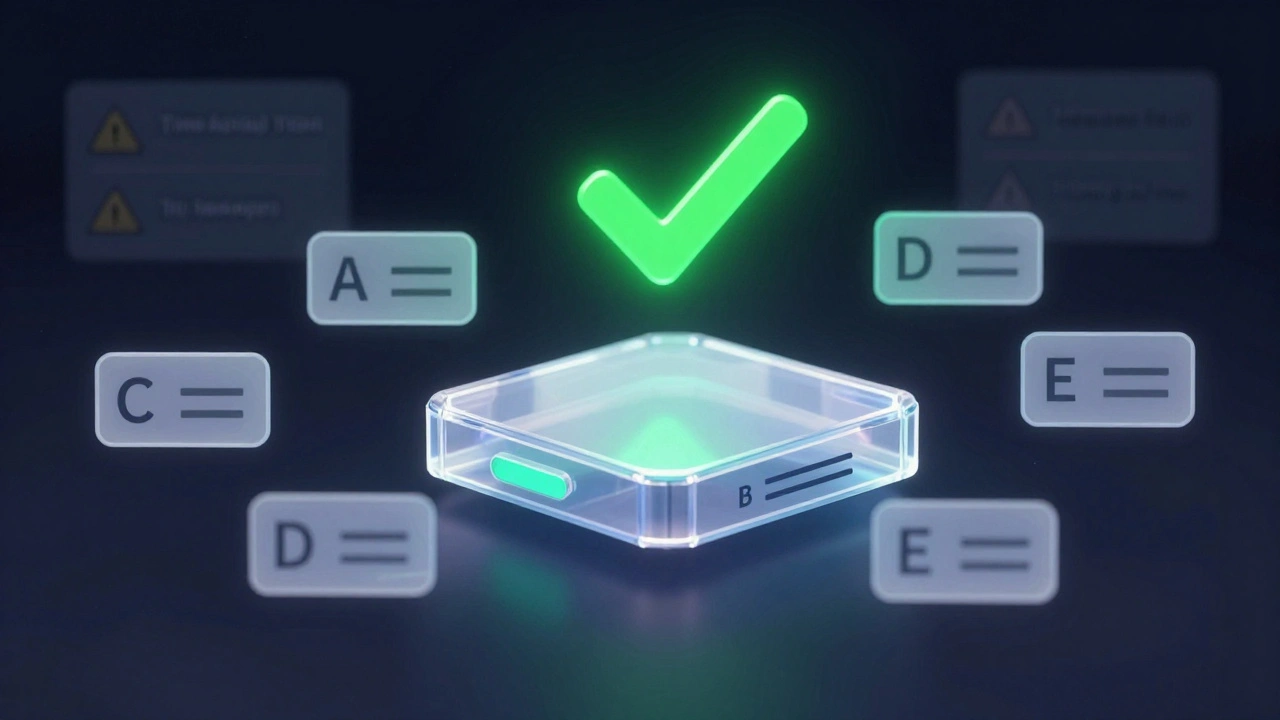
In APIs, this means if a client sends a request with fields A, B, and C, and you add field D in version 2, the client shouldn’t care. It should still work. The server ignores field D if the client doesn’t send it. That’s the rule. Simple. Non-negotiable.
The Hidden Contracts That Break Systems
Most teams think backward compatibility is about not changing field names or removing endpoints. But the real killers are the unspoken rules-contracts clients rely on without knowing it.
- Ordering of JSON fields
- Default casing (e.g., "firstName" vs "first_name")
- How empty strings or null values are handled
- The exact format of timestamps (e.g., "2025-03-12T14:30:00Z" vs "2025-03-12 14:30:00")
One company changed the time format in their API from local time to UTC. Old clients started showing events at midnight instead of 9 AM. No one noticed until support flooded in. The change was "technically correct." But it broke real users.
Document these hidden contracts. Write them down. Treat them like laws. If you change them, you’re breaking compatibility-even if you didn’t rename a single field.
What Counts as a Breaking Change
Here’s the hard list: if you do any of these, you’ve broken backward compatibility.
- Renaming or removing a field
- Making an optional field required
- Changing the meaning of a value (e.g., status="closed" now excludes archived items)
- Switching HTTP status codes (e.g., 404 → 400 for a missing resource)
- Changing the structure of error responses
- Reordering response fields that clients parse by position
These aren’t "nice-to-have" rules. They’re survival rules. One breaking change in a microservice can cascade into outages across ten other services.
What You Can Add Without Breaking Anything
Good upgrades don’t force change. They invite it.
- Add optional fields
- Add new enum values (clients should ignore ones they don’t recognize)
- Add new endpoints without touching old ones
- Improve performance (faster response times, better caching)
- Add pagination links or metadata
- Include new headers (like
api-supported-versions)
These changes are safe because they’re additive. Old clients don’t even notice them. New clients can use them. No migration required.
Versioning That Actually Helps Users
Versioning isn’t just about putting a number in the URL. It’s about communication.
Use HTTP headers to tell clients what’s happening:
api-supported-versions: 1.0, 2.0, 3.0- shows what’s still aliveDeprecation: true- signals an endpoint is on its way outSunset: Wed, 01 Oct 2025 00:00:00 GMT- tells users exactly when it’ll disappear
Don’t just announce deprecation. Explain it:
- What changed
- What users must do
- What they can ignore
- What new features they gain
A well-written deprecation notice turns fear into action. A vague one turns users off forever.
Upgrade Sequencing: Do Consumers First
Most teams upgrade the provider first. Big mistake.
Instead: upgrade consumers before the provider changes.
Here’s how it works:
- Update your mobile app or frontend to handle new fields, even if they’re not yet being sent.
- Let it run for a few weeks. Test edge cases.
- Then, roll out the new API version that starts sending those fields.
This is the "robustness principle" in action: Be conservative in what you do, be liberal in what you accept.
Your API should accept unknown fields and ignore them. Your clients should be ready for them before they arrive. This reduces risk. It gives users confidence.
Database Upgrades Without Breaking Things
Many teams think database changes are safe. They’re not.
Adding a new table? Fine. Safe.
Adding a new column? Also fine-if you do it right:
- Add it to the end of the table
- Use a default value (don’t leave it NULL if the app expects data)
- Always use named columns in queries:
SELECT name, email FROM users- neverSELECT * FROM usersor use column index
Why? Because if you use index-based selects, adding a new column shifts everything. Your app suddenly reads "phone" as "email" and vice versa. It’s silent. It’s deadly.
Also, avoid foreign keys between services. If Service A depends on Service B’s database table, you’re coupling them. Break that dependency. Use events or APIs instead.
Testing What You Can’t See
You can’t test backward compatibility by just running your app. You need to test against old versions.
- Use Pact.NET to write consumer-driven contracts. Run them in your CI pipeline.
- Freeze API responses as JSON snapshots. Compare every build against them.
- Keep separate smoke tests for each API version.
- Use semantic versioning:
1.2.3- patch = bug fix, minor = backward-compatible feature, major = breaking change.
One team used Approvals.VerifyJson() to auto-check that every API response matched a known good version. They caught a breaking change in a CI build before it ever reached production.

Feature Toggles and Gradual Rollouts
Not every change needs to be backward compatible. Some are experimental.
Use feature toggles to control rollout:
- Toggle on for 1% of users
- Monitor errors, performance, support tickets
- If all looks good, roll to 10%, then 50%, then 100%
But here’s the catch: toggle checks must be fast. Don’t hit a database every time. Load toggle state at startup. Cache it. Use a message bus to push updates. Slow toggles kill performance.
The Three Ns Principle
When Service B breaks, should Service A also break? No.
The "three Ns" principle says: No dependency, No rollback, No cascade.
- If you roll back Service B, Service A should keep working.
- Services should be independently deployable.
- Changes should not force others to change.
This isn’t easy. It means giving up tight coupling. It means accepting that some data might be stale for a few seconds. But it’s the only way to scale without chaos.
Observability: Know What’s Happening
How do you know if your upgrade is working? You can’t guess.
Log everything by version:
- Track errors per API version
- Measure latency for v1 vs v2
- Monitor usage trends
Use tools like Serilog and OpenTelemetry to tag logs and traces with version numbers. Set up alerts if v1 usage spikes after a v2 release-means something broke.
And don’t forget Swagger UI. Show separate endpoints for v1 and v2. Let users explore both. Transparency builds trust.
Why This All Matters
Backward compatibility isn’t about being safe. It’s about being respected.
When users trust that your updates won’t break their workflows, they’ll upgrade faster. They’ll recommend your system. They’ll give you time to evolve.
When you break things, they leave. Not because your new features are bad. But because you made them work harder than they should.
Good design doesn’t force change. It invites it. Quietly. Reliably. Consistently.