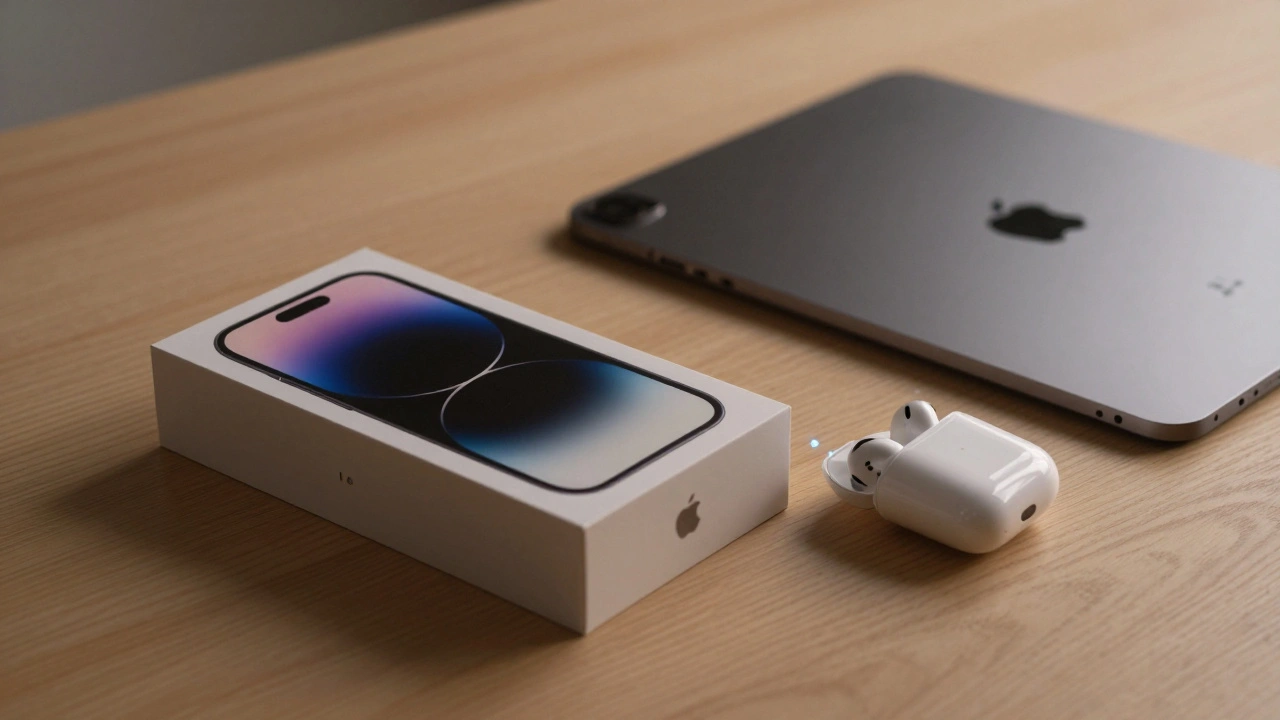

Have you ever unboxed a new Apple device and felt like it just knows what you need? No manuals. No confusing menus. No Bluetooth pairing codes. Just a gentle vibration, a pop-up on your iPhone, and suddenly your AirPods are playing music, your Apple Watch is tracking your heart rate, and your iPad is ready to pick up where your Mac left off. That’s not luck. That’s ecosystem onboarding - and Apple has turned it into something that feels like magic.
It Starts Before You Even Turn It On
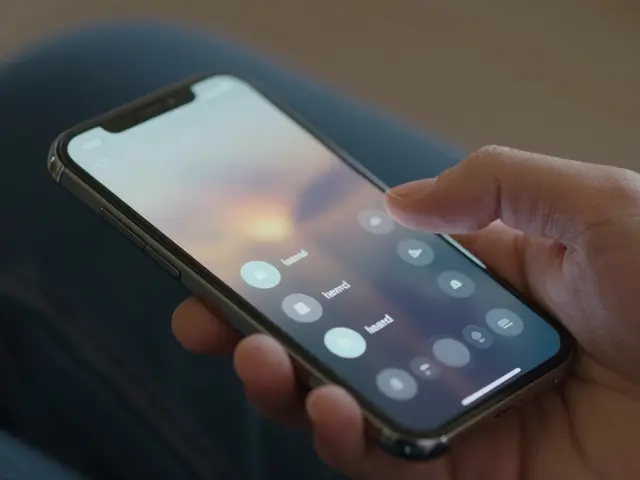
Apple’s onboarding process doesn’t begin when you press the power button. It starts the moment you open the box. The device is already awake. It’s searching. It’s listening. It’s looking for your other Apple devices nearby. This isn’t just convenience - it’s design philosophy made physical. When you bring a new iPhone near your iPad, the setup screen appears instantly. No tapping. No searching. No "pair this device" prompts. It just shows up, like it was waiting. This works because Apple treats devices as parts of a single system, not standalone gadgets. Your Apple Watch doesn’t need its own login. Your AirPods don’t ask for a password. They recognize your iCloud account, your Apple ID, and your biometric signature - all before you’ve typed a single character. The setup flow isn’t a checklist. It’s a conversation.Bluetooth Pairing That Doesn’t Feel Like Bluetooth
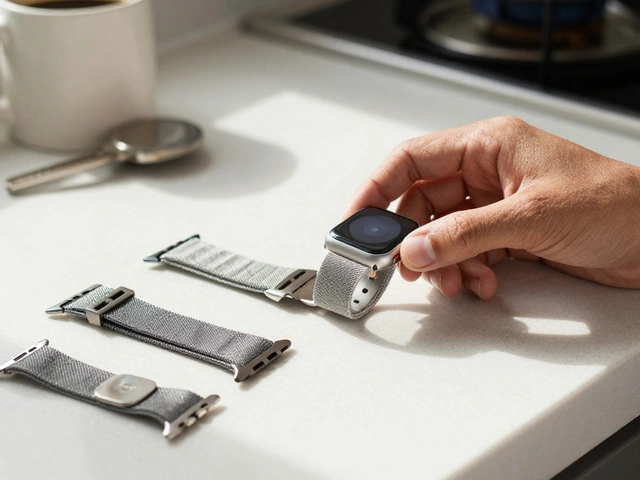
In 2026, Apple refined its Bluetooth pairing system for third-party accessories. Forget the old days of holding buttons for 10 seconds and hoping for a blinking light. Now, when you open the case of a compatible smartwatch or earbud, your iPhone detects it automatically. A simple animation appears: "Set up your new device." Tap it. Wait three seconds. Done. This isn’t just faster. It’s psychologically smoother. Apple removed the friction of technical steps - the "enable Bluetooth," "put in pairing mode," "enter code" nonsense - and replaced it with context. The system knows you’re setting up a new device because you just opened the box. It knows your phone is nearby because it’s always listening. It knows you’re likely to want to use this device with your other Apple gear because you already own them. Even better: if you’ve got an older Apple device, like an iPhone 12, and you’re adding a new Watch Series 9, the setup flow adjusts. It doesn’t push you toward features your old phone can’t support. It adapts. It says, "You can still track workouts, but full heart health monitoring requires an iPhone 14 or later." That’s not just helpful - it’s respectful.Services Are the Real Magic
Most people think of Apple’s ecosystem as hardware. But the real glue? Services. And in 2026, Apple made them impossible to ignore during setup. Take Fitness+. Before 2026, you needed an Apple Watch to even see the app. Now, if you’ve got an iPhone, you can start a workout. The app uses your phone’s sensors to track movement. You can log reps, calories, duration - manually, if you want. No watch? No problem. The setup flow doesn’t lock you out. It invites you in. And it’s not just fitness. During iPhone setup, you’re not just asked to sign in to iCloud. You’re shown how your photos will sync across devices, how your notes will follow you to your iPad, how your reminders will pop up on your Apple Watch. It’s not "Do you want this?" It’s "Here’s what happens when you do." The rumored Health+ platform - an AI-powered health coach - takes this even further. During setup, you’re not just enabling data sharing. You’re being guided through what kind of insights you’ll get: sleep trends, activity patterns, even stress markers from your watch and phone. The onboarding flow doesn’t just ask for permission. It shows you the value first.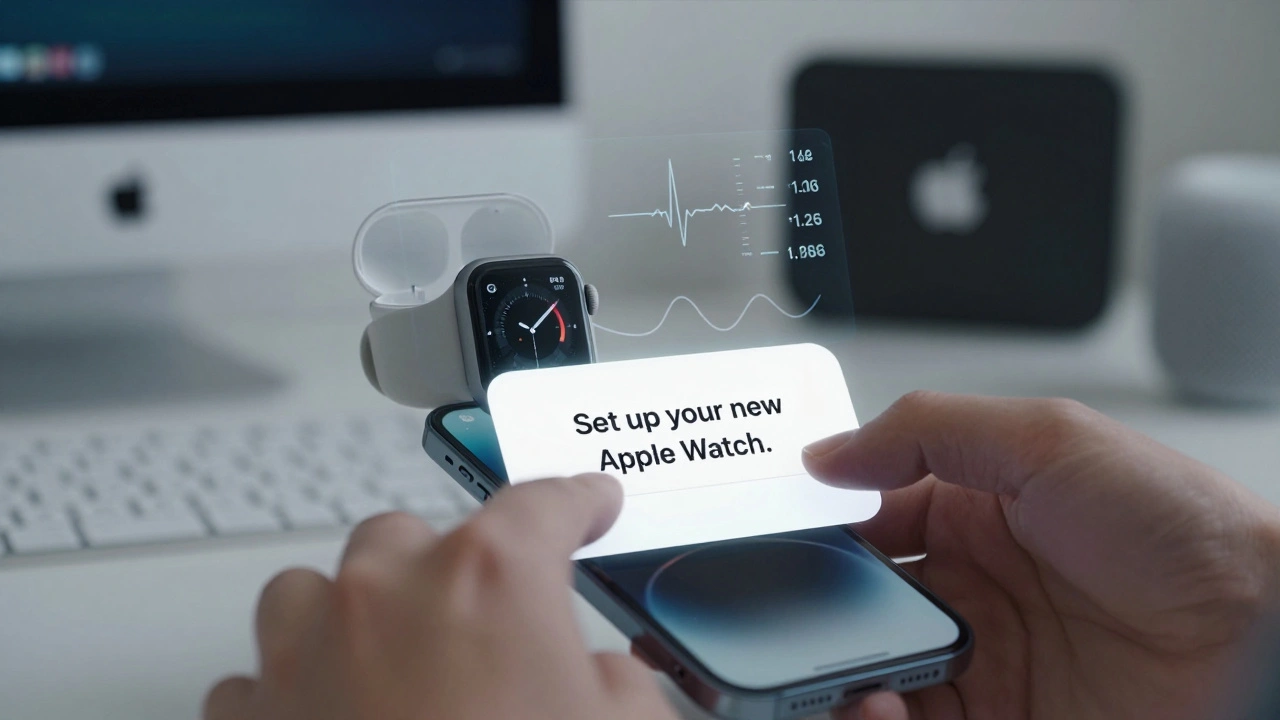
One Size Doesn’t Fit All - And Apple Knows It
Apple doesn’t treat every user the same. A first-time buyer gets a different setup flow than someone upgrading from an iPhone 13 to an iPhone 16. The system detects your existing devices and tailors the experience. If you’ve got an Apple TV, HomePod, and Mac, the setup flow says: "We see you use Apple at home. Want to extend your music, photos, and screen sharing to all your devices?" If you’ve only got an iPhone, it says: "Let’s get you set up with AirPods, Apple Watch, and iCloud so everything stays in one place." This matters because it removes overwhelm. You’re not being sold every product at once. You’re being shown what makes sense for you. Apple’s 2026 product roadmap includes over 20 new or updated devices - from smart home sensors to new iPad models. Without smart onboarding, users would be drowning in options. Instead, the system gently guides you toward the next logical step.Accessibility Isn’t an Add-On - It’s Built In
Apple’s onboarding doesn’t assume you can see, hear, or move the same way as everyone else. VoiceOver guides you through setup with clear, spoken instructions. If you’re using a screen reader, the flow adapts. If you can’t tap quickly, the system waits. If you’re setting up a device for someone else, you can do it remotely via Family Setup - no physical access needed. The Fitness+ expansion to users without an Apple Watch is more than a feature. It’s a statement: if you want to track your health, Apple will meet you where you are. You don’t need to buy a watch. You don’t need to upgrade your phone. You just need to want to move. This philosophy extends to color options, too. New iPhone finishes like Coffee Brown and Burgundy aren’t just aesthetic. They’re emotional triggers. During setup, when you pick your color, the system subtly reinforces your choice - "This looks great with your existing devices," it might say - making the experience feel personal, not clinical.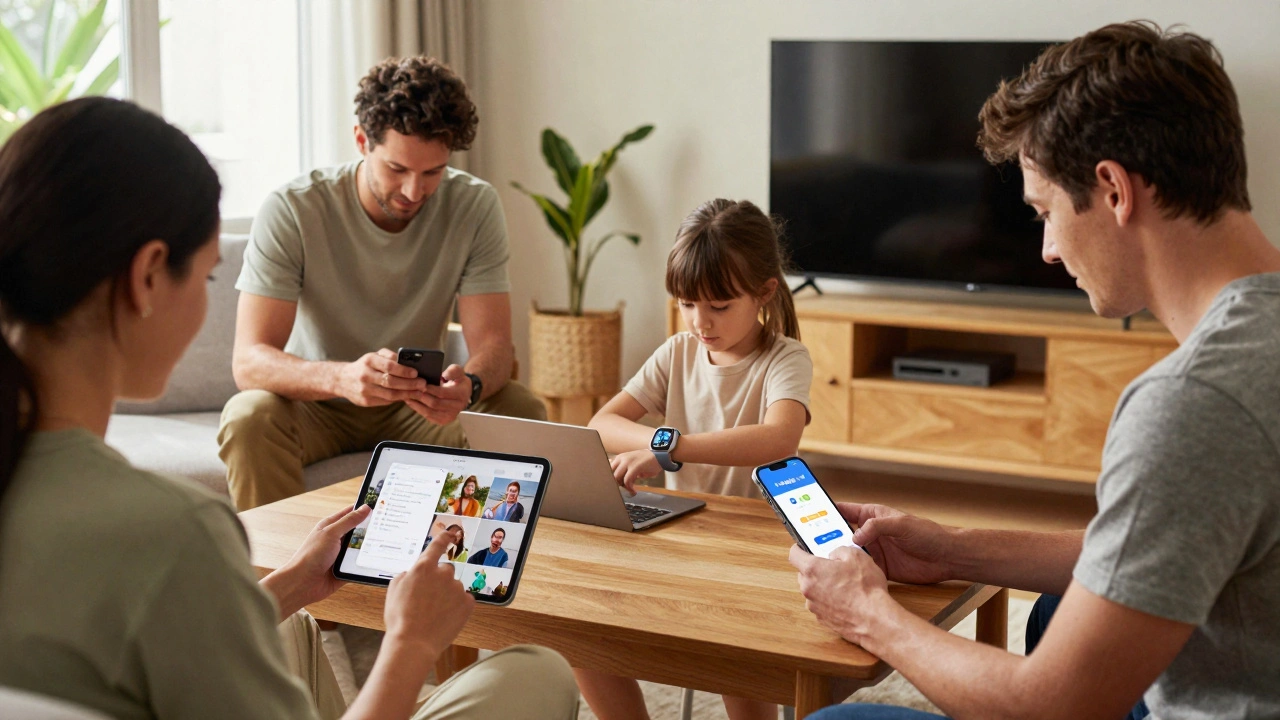
The Hidden Infrastructure: iOS 27 and What’s Coming
The magic you see today is built on invisible foundations. iOS 27, expected at WWDC 2026, isn’t about flashy new features. It’s about polish. AirPods pairing gets smoother. The Photos app starts recognizing faces and places without you asking. And behind the scenes, Apple is testing something called "World Knowledge Answers" - an AI-powered search engine that understands not just what you’re looking for, but how it connects to your life. That means future onboarding won’t just set up your device. It might say: "I see you took a lot of photos at the park last week. Want to turn them into a slideshow on your Apple TV?" Or: "Your Apple Watch noticed you’ve been sleeping less. Want to try a wind-down routine?" This isn’t sci-fi. It’s the natural evolution of a system that learns from behavior, not just commands.Why This Matters More Than You Think
Most companies see onboarding as a hurdle. Apple sees it as the first impression - and the most important one. A smooth setup means you’re more likely to keep using the device. You’re more likely to buy another. You’re more likely to trust the brand. In 2026, Apple’s ecosystem isn’t just about having more devices. It’s about having a system that works together so well, you stop thinking about it. You don’t ask, "How do I get my notes to my iPad?" You just open it. And they’re there. That’s the real magic. Not the tech. Not the hardware. It’s the feeling that your devices know you - better than you know them.Why does my new Apple device ask to set up with my iPhone even if I don’t have one?
It doesn’t - unless you’re near one. Apple’s setup flow only suggests pairing with other Apple devices if they’re physically nearby and signed into the same iCloud account. If you don’t have an iPhone, you’ll go through a standard setup using your Apple ID, Wi-Fi, and Apple’s guided steps. The system adapts to what’s around you.
Can I set up an Apple Watch without an iPhone?
No. Apple Watch requires an iPhone to set up because it relies on the phone for initial activation, cellular plan setup (if applicable), and syncing core data like contacts and apps. However, once set up, you can use many features independently - including cellular models that can make calls or stream music without the phone nearby.
How does Apple know which services to suggest during setup?
Apple uses your existing device history, location, and usage patterns - all synced through iCloud - to suggest relevant services. For example, if you’ve used Apple Music on your Mac, it’ll prompt you to activate it on your new iPad. If you’ve never used Fitness+, it won’t push it. The system learns what matters to you, not what it thinks you should want.
Is Apple’s onboarding better than Android’s?
It’s different. Android’s setup is more flexible - you can choose your apps, cloud services, and device pairing manually. Apple’s is more guided. It assumes you want everything to work together and removes choices to reduce friction. For new users or those with multiple Apple devices, Apple’s flow feels faster and more reliable. For power users who want control, Android gives more options. Neither is universally "better" - it depends on what you value: simplicity or customization.
What happens if I set up a new device but don’t sign in to iCloud?
You can skip iCloud during setup, but you’ll miss out on core features: photo syncing, notes, reminders, Find My, and backup. Apple doesn’t block you, but it does highlight what you’re giving up. For example: "Your photos won’t appear on your iPad," or "You won’t be able to find this device if it’s lost." The system makes the trade-off clear without pressure.