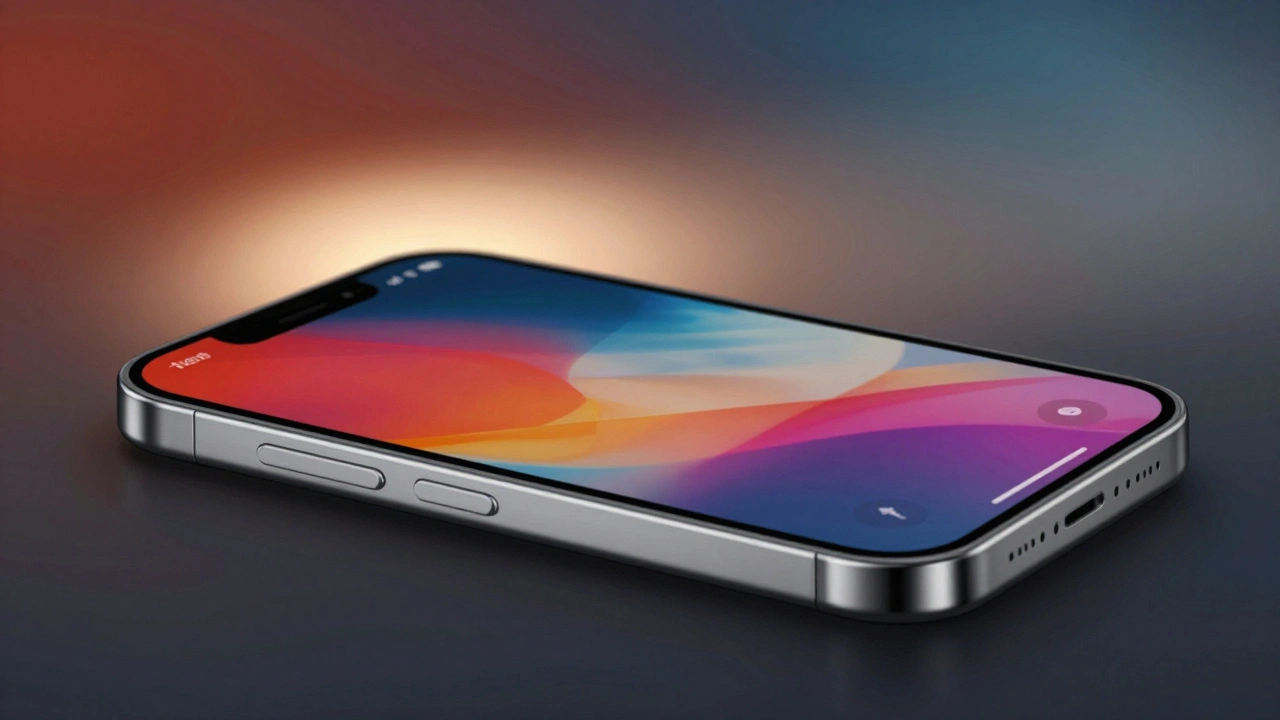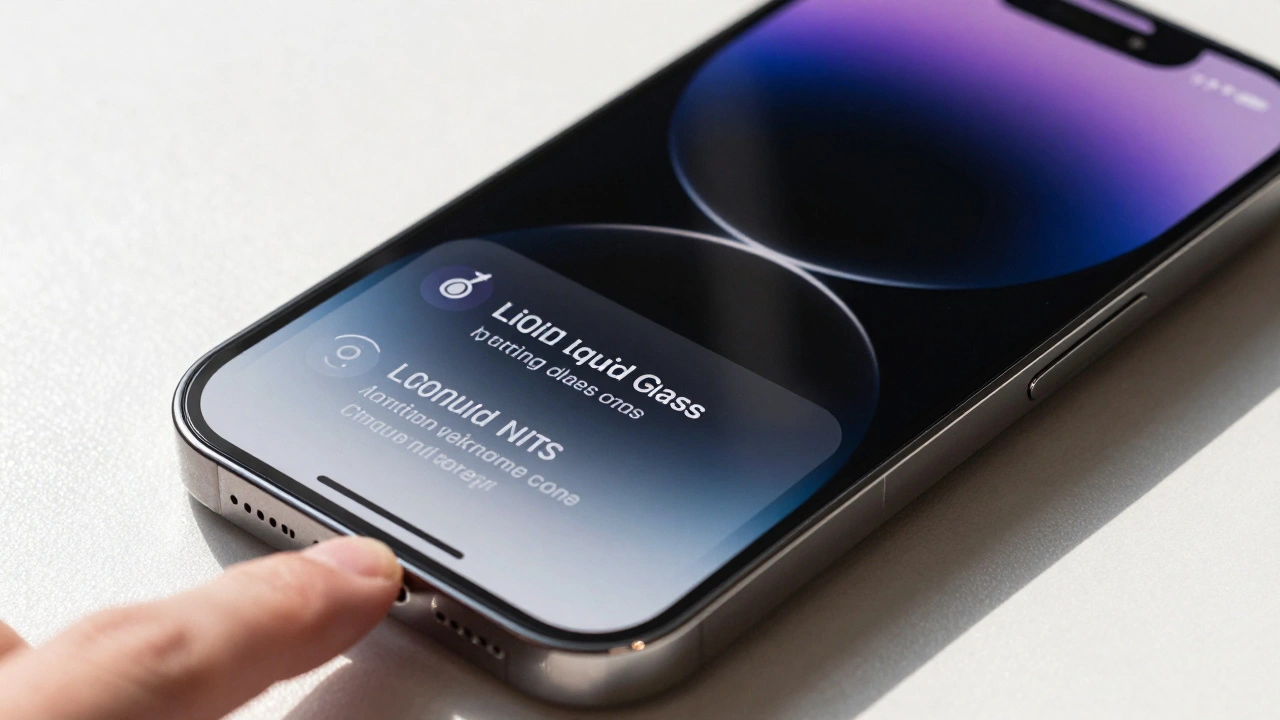

Apple’s new Liquid Glass material isn’t just another visual trend-it’s a complete rethinking of how interfaces behave, react, and feel. Introduced in June 2025 as the core of Apple’s unified design language across iOS 26, iPadOS 26, macOS Tahoe 26, watchOS 26, and tvOS 26, Liquid Glass doesn’t sit on top of your screen. It interacts with it. And to make that work smoothly at 120Hz, Apple had to rebuild how graphics are rendered, frame by frame, across every device.
What Exactly Is Liquid Glass?
Liquid Glass is a dynamic, translucent material that mimics how real glass behaves under light-bending, refracting, and reflecting in real time. Unlike static frosted glass effects from earlier versions of iOS, Liquid Glass doesn’t use pre-rendered textures. Every highlight, shadow, tint, and distortion is calculated live, based on what’s underneath it. That means if you scroll text under a notification panel, the glass doesn’t just blur it-it adjusts its tint, shadow depth, and light refraction each frame to keep the content readable while preserving its glassy appearance.
This isn’t a filter. It’s a physics-based rendering layer. When you tap a button wrapped in Liquid Glass, the material doesn’t just press down-it flexes, thickens slightly, and deepens its shadows as if responding to pressure. The effect is subtle, but it’s why the interface feels alive. And that’s only possible because Apple’s latest chips and displays are built to handle it.
Why 120Hz? It’s Not Just About Smoothness
Most phones run at 60Hz. Even high-end devices rarely pushed past 90Hz until now. Apple’s ProMotion displays, first seen in the iPad Pro and now standard on the iPhone 17, iPhone 17 Pro, iPhone 17 Pro Max, and iPhone Air, all run at 120Hz. That’s not just for smoother scrolling. It’s a requirement for Liquid Glass to work naturally.
At 60Hz, you have about 16.7 milliseconds per frame. At 120Hz, you have just 8.3 milliseconds. Liquid Glass needs every millisecond. Why? Because it’s recalculating:
- Specular highlights that shift as you tilt the device
- Light bending and lensing effects that warp based on content movement
- Dynamic tinting that adapts to brightness levels under the glass
- Shadow depth that changes in real time as text scrolls beneath
- Morphing geometry when menus expand or collapse
Each of these changes must be computed, rendered, and displayed within 8.3ms. Miss one frame, and the illusion breaks. The glass looks sluggish. The light doesn’t flow right. The whole experience feels off.
How Apple Makes It Work: The Layered Architecture
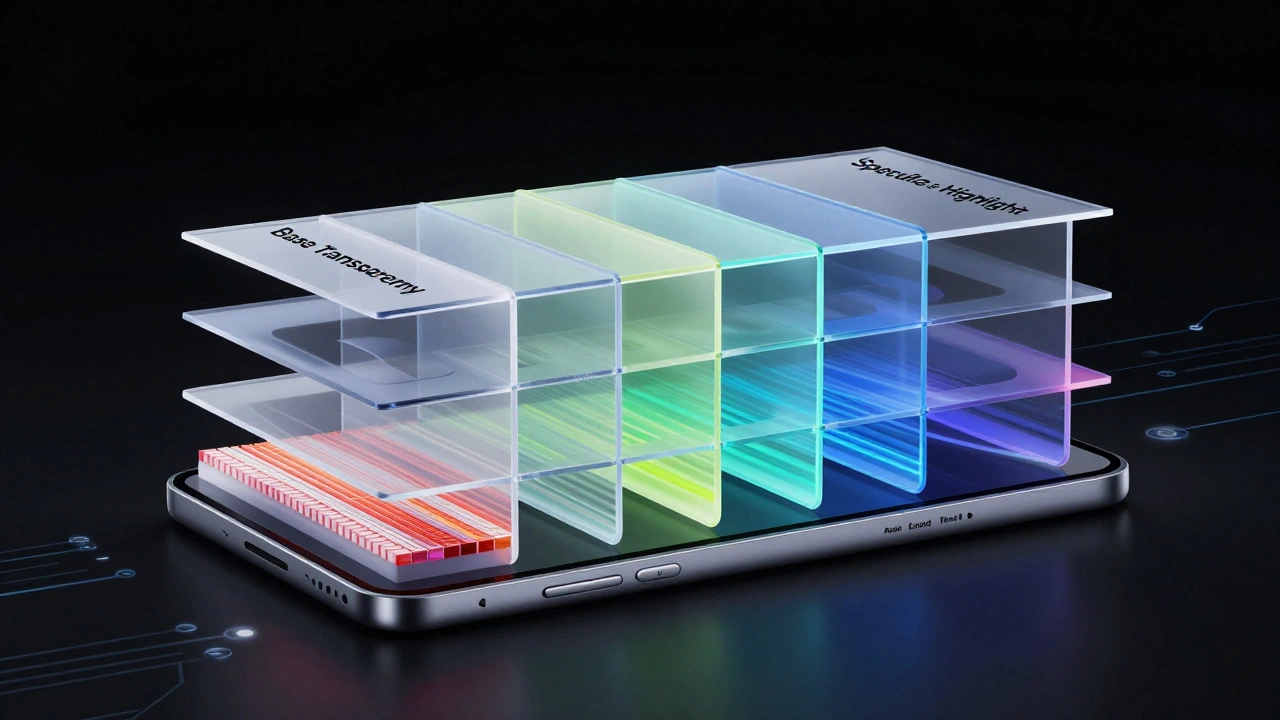
Liquid Glass isn’t one effect-it’s a stack of four core layers working together:
- Base Transparency Layer: The foundation. It’s not opaque, not blurred-it’s a precise, dynamic transparency that allows underlying content to show through while maintaining depth.
- Dynamic Tint Layer: This layer analyzes the brightness and color of content beneath it, then applies a subtle, adaptive tint. No fixed color. No presets. It shifts frame by frame.
- Lensing & Refraction Layer: This simulates how light bends as it passes through glass. It’s not a static blur-it warps pixels in real time, creating subtle optical distortions that mimic real glass.
- Specular Highlight Layer: This tracks device motion using accelerometer and gyroscope data. As you move your phone, highlights slide and shift across the surface, just like real glass catching sunlight.
All four layers update independently, but they must stay perfectly synchronized. If the tint layer lags behind the highlight layer by even 10ms, the glass looks broken. That’s why Apple’s A18 Pro chip-used in the iPhone 17 Pro and Pro Max-is built around a dedicated rendering co-processor. It handles the math for Liquid Glass in parallel, freeing up the main GPU for apps and games.
Performance Trade-Offs: What Apple Sacrificed
Rendering Liquid Glass at 120Hz isn’t free. It demands serious processing power. Apple didn’t just optimize the software-they redesigned the hardware.
On the iPhone 17 Pro and Pro Max, the Super Retina XDR display now hits 3000 nits peak brightness. That’s not just for sunlight visibility. It’s because Liquid Glass needs high dynamic range to create convincing reflections. A dimmer screen would make the glass look flat, lifeless.
And the battery? It’s 12% smaller than the iPhone 16 Pro’s. Why? Because Apple moved power from battery capacity to silicon efficiency. The A18 Pro chip uses 25% less energy per frame than the A17 Pro when rendering Liquid Glass. That’s not a coincidence-it was the goal.
On older devices running iOS 26 (like the iPhone 15 Pro), Liquid Glass still works-but it’s capped at 60Hz. The visual effects are there, but the fluidity isn’t. Apple made that trade-off on purpose: if the hardware can’t sustain 120Hz, the experience isn’t worth delivering.
Developer Rules: What You Can’t Do
Apple didn’t just build Liquid Glass-they wrote strict rules for how developers can use it. You can’t just slap a glassy overlay on your app and call it done.
There are two official variants: Regular and Clear. You can’t mix them. Regular has subtle tinting and depth. Clear is nearly transparent, with minimal tint and almost no shadow. Use Clear for overlays over dark content. Use Regular for lighter backgrounds.
And here’s the kicker: solid fills break Liquid Glass. If you use a solid white or black background behind a glass element, you kill the effect. The system sees it as a performance trap. It disables the dynamic tinting and refraction, falling back to a static blur. Apple’s own apps don’t do it. And if you do it in your app, your UI will look outdated next to system elements.
Apple’s developer tools now include a real-time performance monitor that shows you how many frames you’re dropping while rendering Liquid Glass. If you’re consistently below 115fps, your app gets flagged in App Store reviews.
Real-World Impact: Where You Notice It Most
You don’t notice Liquid Glass when it’s working. You notice it when it’s not.
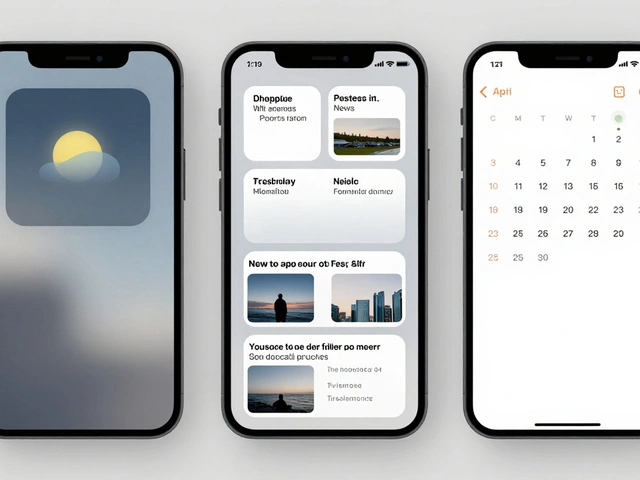
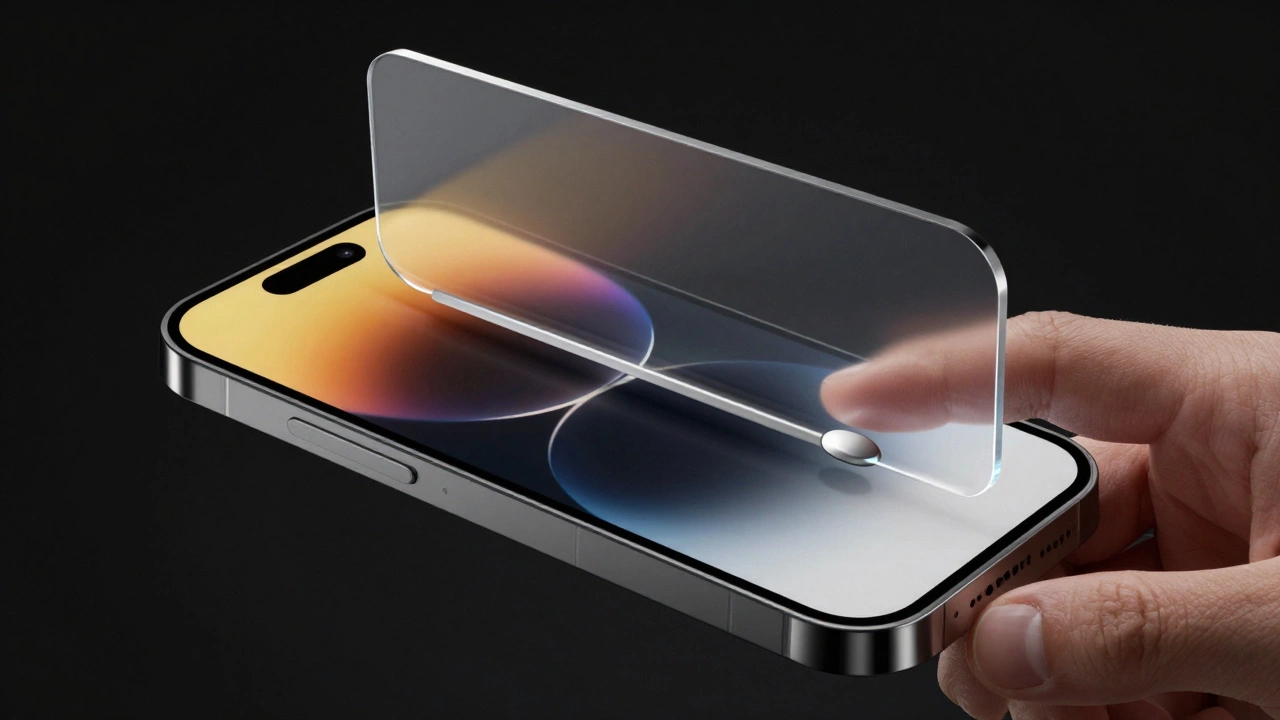
On the Lock Screen, when you swipe up, the time and widgets don’t just slide-they ripple. The glass flexes, the highlights shift, and the tint darkens slightly as if reacting to your finger’s movement. It’s not animation. It’s physics.
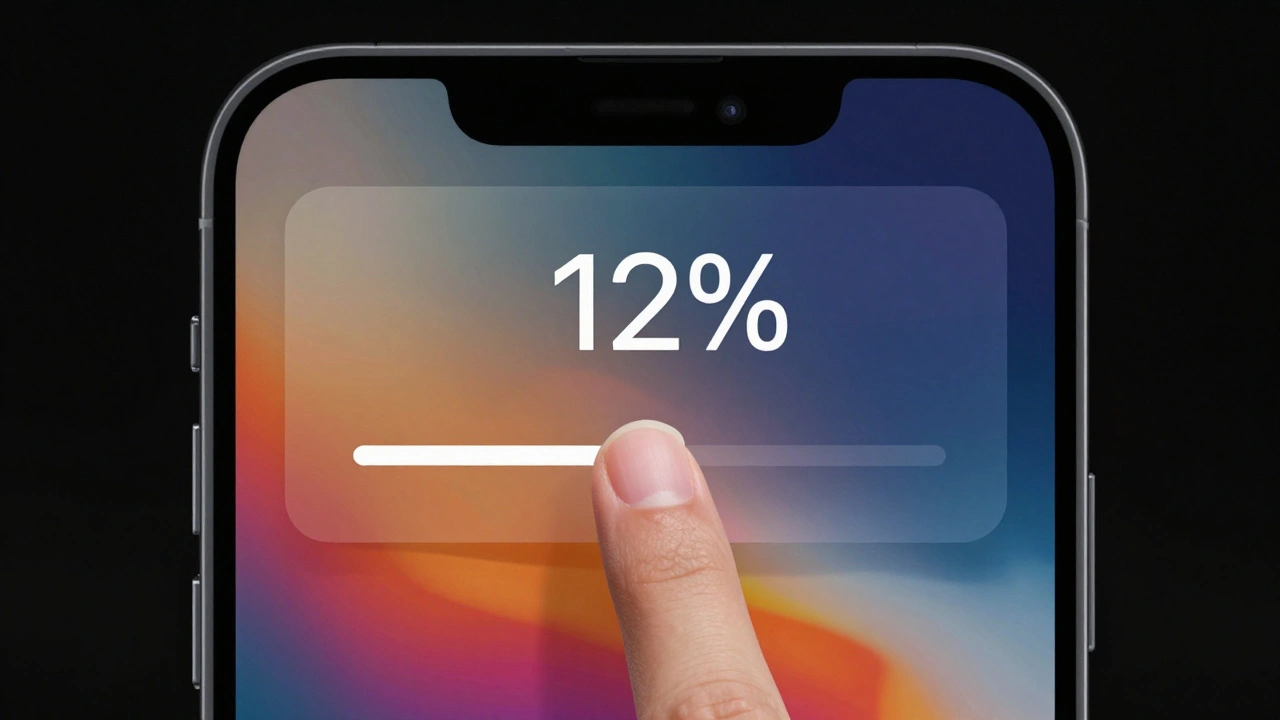
In Control Center, when you tap a slider, the glass behind it thickens, the shadow deepens, and the tint shifts to match the color of the control. All of this happens in under 8ms. You feel it as a natural response, not a programmed animation.
Even app icons are affected. In Light Mode, they glow with soft internal highlights. In Dark Mode, they dim and deepen. In the new Clear look, they almost vanish, letting the wallpaper shine through. Each state is rendered live, not pre-animated.
Why This Matters Beyond Apple
Liquid Glass at 120Hz isn’t just a feature. It’s a new standard. For the first time, a major platform has proven that real-time, physics-based UI rendering can be done at scale-on phones, tablets, watches, and TVs-with consistent performance.
Other companies have tried glassy interfaces. None have made them feel this alive. Why? Because they used pre-rendered assets. Apple built a system that thinks as you interact with it.
That’s why developers are watching closely. If Liquid Glass can run this well on Apple’s hardware, it will force everyone else to rethink how they approach UI rendering. The days of static blur effects and fixed transparency are ending. The future is dynamic, adaptive, and frame-perfect.
What’s Next?
Apple hasn’t stopped here. Rumors suggest Liquid Glass 2.0 is already in development for 2027, with support for variable refresh rates down to 10Hz for low-power modes and even more complex light interactions. But for now, this is the most advanced UI material ever shipped at consumer scale.
If you own an iPhone 17, iPhone 17 Pro, or iPhone Air, you’re seeing what the next decade of interface design looks like. It’s not about pixels. It’s about light. And it’s moving at 120 frames per second.
Does Liquid Glass work on older iPhones?
Yes, but only at 60Hz. Devices like the iPhone 15 Pro and iPhone 16 Pro can run iOS 26 with Liquid Glass, but they lack the ProMotion display and A18 chip needed for 120Hz rendering. The visual effects are still present, but the fluid motion and real-time light calculations are reduced. Apple prioritizes performance over visual fidelity on older hardware.
Can third-party apps use Liquid Glass?
Yes, but with strict rules. Apple provides a system API called LiquidGlassKit that lets developers apply Regular or Clear variants to UI elements. However, mixing variants, using solid fills, or forcing custom transparency values will disable the dynamic effects. Apple’s own apps use it everywhere, and third-party apps that follow the guidelines look more integrated and perform better.
Why doesn’t Liquid Glass work on iPadOS 26 with older iPads?
Because Liquid Glass requires both the ProMotion display (120Hz) and the A16 or A18 chip to render in real time. iPads with A14 or earlier chips (like the iPad Air 4 or iPad mini 6) can’t maintain consistent 120Hz performance with Liquid Glass enabled. Apple disabled the effect on those devices to avoid stuttering. Only iPad Pro (2025) and iPad Air (2025) support full Liquid Glass rendering.
Does Liquid Glass drain battery faster?
On devices with ProMotion displays, yes-but Apple minimized the impact. The A18 Pro chip uses 25% less power per frame than the A17 Pro when rendering Liquid Glass. On average, battery life is only 5-7% shorter than on the same device without Liquid Glass. For most users, the trade-off is worth it. On devices without ProMotion, Liquid Glass is disabled, so there’s no battery impact.
Is Liquid Glass the same as blur or frosted glass?
No. Traditional blur effects are static, pre-rendered, and don’t change based on content or motion. Liquid Glass recalculates light refraction, tint, and highlights every frame based on real-time input-touch, device movement, and underlying content. It’s not an effect. It’s a dynamic, physics-based rendering system. The difference is noticeable in motion: Liquid Glass flows. Blur just sits there.