
Most companies treat accessibility as a checkbox. Apple treats it as a design principle. While others add features after launch, Apple builds them in from day one - not because it’s required, but because it’s better. And the results aren’t just for people with disabilities. They’re for everyone.
It Starts with Policy, But Doesn’t End There
Apple didn’t wake up one day and decide to make its products more inclusive. This wasn’t a marketing campaign or a PR move. It was a policy decision - backed by shareholders, enforced by leadership, and embedded into every team’s workflow. In 2025, 97% of Apple shareholders voted to keep its Diversity, Equity, and Inclusion (DEI) programs intact. That’s not a coincidence. It’s a signal: inclusive design is non-negotiable. This policy isn’t buried in a PDF no one reads. It’s written into job descriptions, project timelines, and performance reviews. Teams are measured not just on how fast they ship features, but on how many users they’ve included. That’s rare. Most companies still treat accessibility as a legal obligation. Apple treats it like innovation.The Four Pillars of Apple’s Inclusive Design Framework
At WWDC25, Apple laid out its operational model in four clear pillars. These aren’t vague ideals. They’re concrete practices every developer and designer follows.- Support multiple senses. Not everyone sees the same way. Not everyone hears the same way. Apple’s tools let users adjust contrast, switch to grayscale, enable sound alerts for visual notifications, or turn screen reader cues into haptic feedback. It’s not about one solution - it’s about options.
- Let users customize. One size doesn’t fit all. Apple’s San Francisco font includes high-legibility character variants. Text size? Adjustable from 12pt to 36pt. Colors? Swap themes. Reading mode? Turn on read-along audio. These aren’t hidden settings. They’re front and center, built into the OS, not bolted on.
- Use Accessibility APIs. Developers don’t need to reinvent the wheel. Apple provides tools like VoiceOver, Switch Control, and Assistive Access APIs that work across all apps. If you build with these, your app just works - no extra coding required.
- Track inclusion debt. This is the game-changer. Apple doesn’t wait for complaints. Teams track gaps in real time - what features were left out? What assumptions broke down during testing? This debt is logged like a bug. It’s prioritized. It’s fixed.
Designing With, Not For
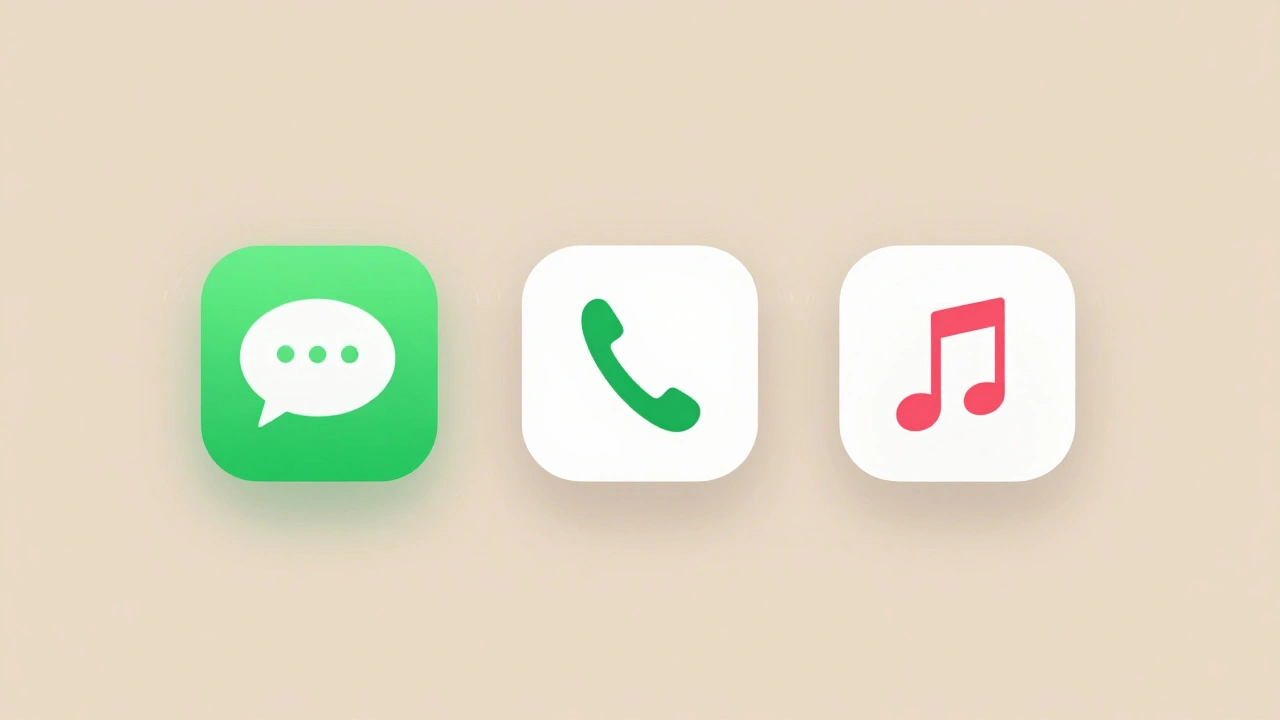
The biggest shift Apple made? Stopping the assumption that designers know what users need. When building Assistive Access, Apple didn’t ask disability advocates for feedback on a prototype. They asked people with cognitive disabilities: Which apps do you open every day? The answer wasn’t what they expected. It wasn’t the camera, the calendar, or the weather app. It was Messages, Phone, and Music. So those became the only icons on the home screen. Everything else was hidden - until you needed it. That’s the difference. Most companies test with a handful of users after the fact. Apple brings real people into the room from the start. Not as consultants. As co-designers.
Intersectionality Isn’t a Buzzword - It’s a Design Requirement
Apple doesn’t design for "blind users" or "deaf users" in isolation. It designs for the overlap. When creating image descriptions for visually impaired users, the team didn’t just say "a woman in a red dress." They asked: What if she’s Black? What if she’s using a wheelchair? What if she’s holding a guitar, not a purse? The result? Descriptions that reflect real diversity - gender, race, ability, culture - without requiring extra work. This isn’t about political correctness. It’s about accuracy. And accuracy leads to better experiences. If you’re designing for a single axis of identity, you’re designing for a fraction of the world.Accessibility Benefits Everyone
You’ve probably used something Apple built for disabled users - and didn’t even realize it. Voice Control? Originally for people with limited mobility. Now millions use it to set alarms, send texts, or navigate their homes hands-free. Live Captions? Designed for deaf and hard-of-hearing users. Now used in noisy cafes, during Zoom calls, and in quiet libraries. Curb cuts? Not invented by Apple, but the same logic applies. A ramp for wheelchairs helps parents with strollers, travelers with suitcases, and delivery workers with carts. Apple’s approach proves something simple: when you design for the edges, you improve the center.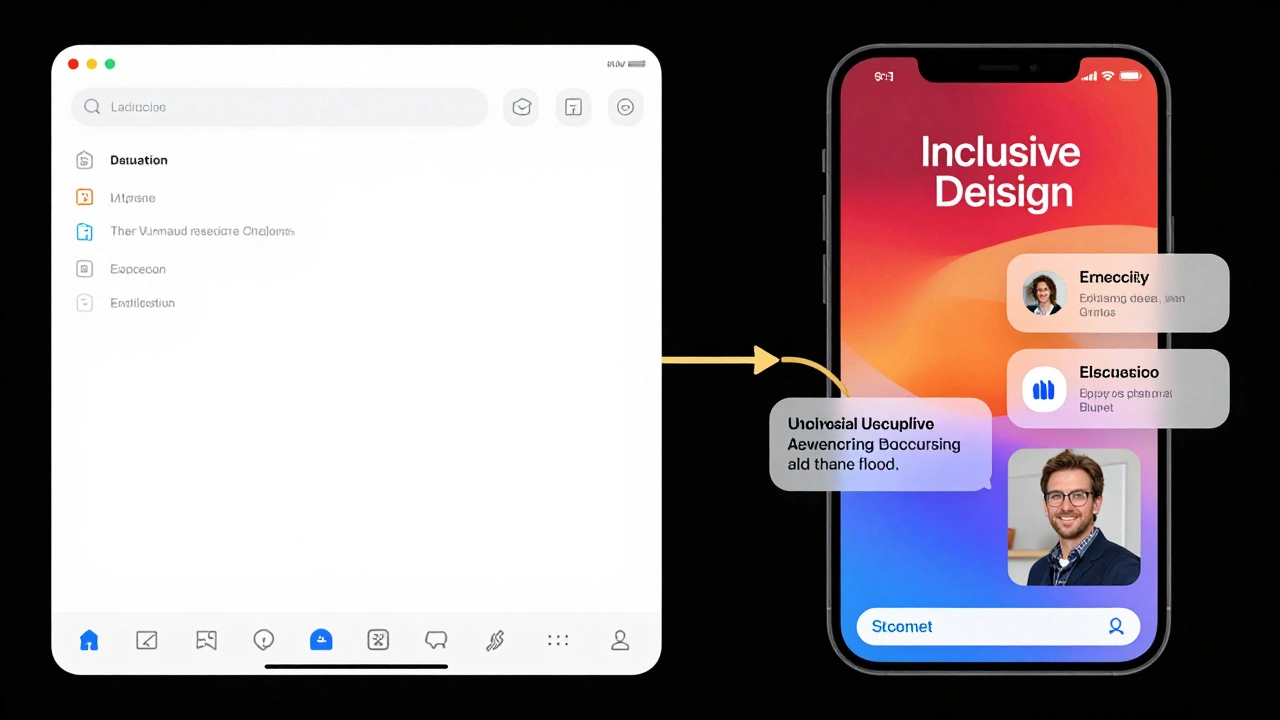
Tools That Make It Real
You don’t need a big team or a huge budget to build inclusively. Apple gives developers everything they need.- Accessibility Reader lets users personalize text, audio, and visuals - all without installing plugins.
- Image Description tools let developers write simple, human-readable captions - no AI training required.
- Testing labs in Cupertino include participants with a wide range of physical, cognitive, and sensory differences. Every new feature is tested here before release.
- Inclusion KPIs are tracked alongside engagement and retention. If a feature excludes a group, it gets flagged - even if it’s popular with others.
Why This Works When Other Companies Fail
Many companies say they care about inclusion. But they treat it as a side project. Apple makes it core. They don’t outsource accessibility to a single team. They embed it in product design, engineering, marketing, and even retail. Store employees are trained to help customers adjust settings. Support agents know how to troubleshoot Switch Control. Developers get paid bonuses for fixing inclusion debt. And they measure it. Not with surveys. With usage data. If a feature is rarely used by a certain group, they dig in. Why? Was it too complex? Was it buried? Was it not needed at all? That’s how you turn policy into practice. Not with posters on the wall. With systems that force you to care.What This Means for Other Companies
You don’t need to be Apple to do this. But you do need to stop thinking of accessibility as a feature. Start by asking: Who are we leaving out? Not in theory. In practice. Look at your user data. Who’s not using your product? Why? Then go talk to them - not to fix them, but to learn from them. Build customization in from day one. Don’t wait for complaints. Track your gaps like bugs. And measure inclusion like revenue. Because here’s the truth: inclusive design isn’t charity. It’s strategy. The people you’re designing for today? They’re the users of tomorrow. And they’re not a niche. They’re millions.What is Assistive Access and how does it work?
Assistive Access is a simplified interface on iPhone and iPad designed for people with cognitive and developmental disabilities. It reduces clutter by showing only the apps and functions users say they use daily - like Messages, Phone, and Music. Everything else is hidden until needed. The design was shaped by direct feedback from users, not assumptions. It’s not a separate app - it’s a mode you can turn on in Settings.
Does Apple’s inclusive design only help people with disabilities?
No. Features built for accessibility often become essential for everyone. Live Captions help in noisy environments. Voice Control lets you text without typing. High-contrast modes improve readability in sunlight. Apple designs for the edges because those solutions improve the center - making products easier, more flexible, and more usable for all users.
How does Apple ensure its design teams include diverse perspectives?
Apple doesn’t rely on surveys or focus groups after a product is built. Instead, it embeds people with disabilities into design teams from the start. Teams include users with cognitive, visual, motor, and hearing differences who help shape prototypes, test features, and give feedback during development. These contributors are treated as experts, not subjects.
What is "inclusion debt" and why does Apple track it?
Inclusion debt is the gap between what a product could be for all users and what it currently is. Apple tracks it like a software bug. If a feature works well for most people but excludes a group - say, users who can’t tap small buttons - that’s inclusion debt. Teams log it, prioritize it, and fix it before release. This turns accessibility from an afterthought into a continuous improvement loop.
Can smaller companies adopt Apple’s approach?
Yes. You don’t need Apple’s budget. Start by asking: Who are we missing? Talk to real users with different abilities. Build in customization - like text size or contrast options. Use free accessibility tools Apple provides for developers. Track how many users from underrepresented groups engage with your product. If usage is low, don’t assume they don’t care - find out why. Inclusion isn’t about scale. It’s about intention.