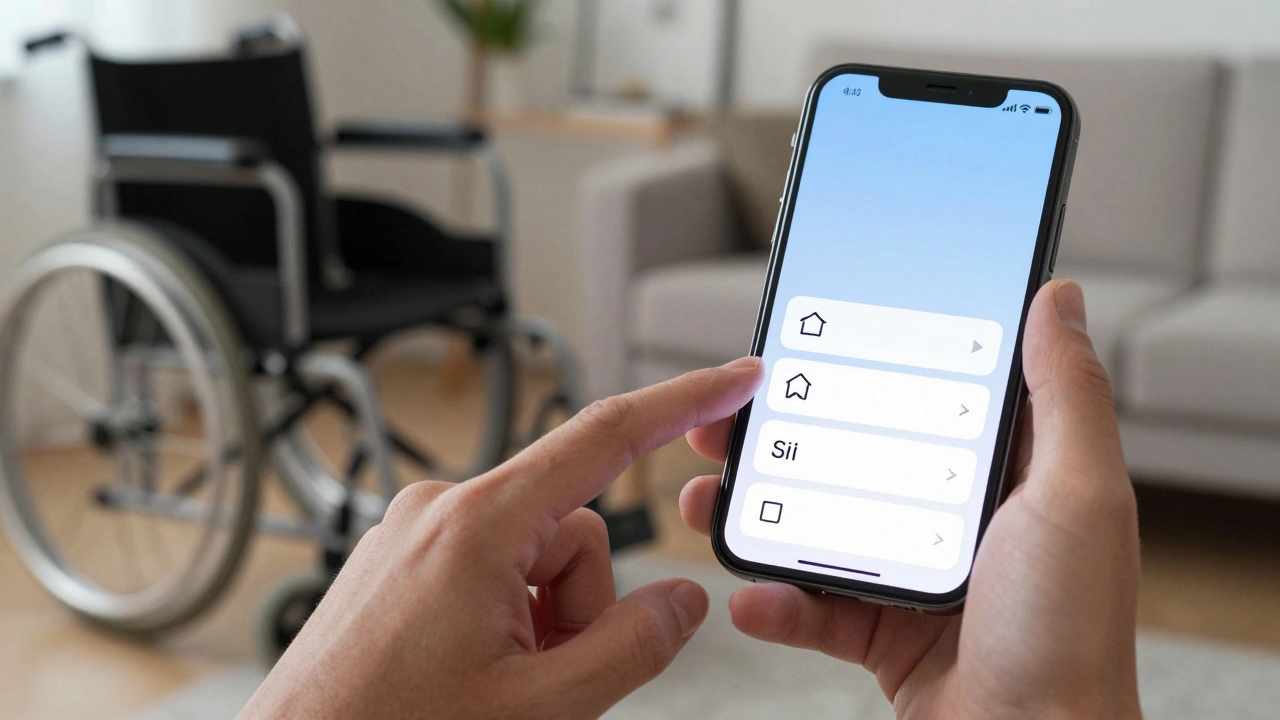

You know that feeling when you open a new iOS update, excited to try the latest features, only to realize your favorite third-party app has broken its VoiceOver support? Or maybe you’re trying to navigate a complex banking interface with limited motor control, and suddenly the buttons are too small, too close together, or just plain invisible to your switch controls. This isn’t just a bug; it’s what we call inclusion debt. It’s the accumulated cost of skipping accessibility checks during rapid development cycles. At Apple, where hardware and software integration is usually seamless, these gaps stand out like sore thumbs. But why do they persist in 2026? And more importantly, how can designers and developers actually close them without halting innovation?
Think about the last time you saw an Apple event. The marketing highlights AI-driven photo editing, spatial computing in visionOS, and lightning-fast M-series chips. Rarely do they spend five minutes explaining how a user with low vision navigates the new Spatial Photo viewer. That silence creates a vacuum. Developers fill it with assumptions. They assume standard touch targets work for everyone. They assume color contrast ratios are "good enough." These assumptions pile up. Over time, this accumulation becomes technical debt, but specifically, inclusion debt. It’s harder to pay off than code refactoring because it requires empathy, testing with real users, and often, architectural changes.
What Is Inclusion Debt and Why Does It Matter Now?
In simple terms, inclusion debt is the gap between a product’s current accessibility state and its potential inclusive state. It’s not just about compliance with WCAG (Web Content Accessibility Guidelines) standards, though those are the baseline. It’s about the lived experience of users who rely on assistive technologies. When Apple releases a feature like Live Speech, which converts typed text into spoken words, it’s brilliant. But if a third-party app doesn’t expose its custom UI elements properly to the system API, Live Speech fails. The user hears nothing. That failure is inclusion debt.
Why does this matter in 2026? Because the ecosystem is more fragmented than ever. We have iPhone, iPad, Mac, Apple Watch, Vision Pro, and CarPlay all running different versions of OSes, yet sharing data and interfaces. A designer optimizing for Vision Pro’s eye-tracking might forget that the same logic needs to work via Voice Control on an iPhone. The complexity multiplies. If you ignore accessibility early, you’re borrowing time. Eventually, the bill comes due, usually in the form of angry users, lost market share, or costly emergency patches.
Identifying the Hidden UX Gaps
Finding these gaps isn’t always obvious. You can’t just run an automated scanner and call it a day. Automated tools catch maybe 30% of issues-things like missing alt text or poor color contrast. They miss context. For example, an image might have alt text, but if that text says "image" instead of describing the content, a screen reader user learns nothing. That’s a semantic gap.
To truly identify inclusion debt, you need to audit three specific areas:
- Semantic Structure: Are your UI elements labeled correctly? Does a button say "Submit" or "Send Message"? Vague labels create confusion for screen reader users who can’t see the visual context.
- Interaction Models: Do all actions available by touch also work via keyboard navigation or Voice Control? If a drag-and-drop feature has no alternative input method, you’ve excluded users with motor disabilities.
- Cognitive Load: Is the interface overwhelming? Complex animations, auto-playing videos, or cluttered layouts can be barriers for users with cognitive disabilities or attention deficits. Apple’s Reduce Motion setting helps, but apps must respect it.
A common pitfall is assuming that because Apple provides the accessibility APIs, the job is done. It’s not. Apple gives you the tools, like Accessibility Inspector in Xcode, but you have to use them. Many developers skip this step because it feels tedious compared to adding flashy new features. This laziness-or rather, prioritization error-is the root cause of most inclusion debt.

The Cost of Ignoring Assistive Technologies
Let’s look at the business case. Ignoring accessibility isn’t just a moral failing; it’s a financial risk. Consider the Vision Pro. Its primary interaction model relies heavily on gaze and hand gestures. For users with limited mobility, this might seem inaccessible. However, Apple introduced Pinch-to-Tap alternatives and head-tracking adjustments. If a developer builds an app that only works with precise finger pinches, they exclude a significant demographic. In a market as niche as spatial computing, every user counts.
Moreover, regulatory pressure is mounting. The European Accessibility Act, fully enforced by mid-2025, mandates strict compliance for digital products sold in the EU. Apple devices are global. If your app breaks accessibility rules, you might face legal challenges or removal from the App Store in key markets. Inclusion debt becomes a liability on your balance sheet, not just a UX annoyance.
| Debt Type | Symptom | Affected Users | Remediation Effort |
|---|---|---|---|
| Semantic | Missing or incorrect ARIA labels / SwiftUI accessibility modifiers | Screen reader users (VoiceOver) | Low - Code updates |
| Visual | Insufficient color contrast, reliance on color alone for meaning | Color-blind, low-vision users | Medium - Design system updates |
| Motor | Small touch targets, lack of switch control support | Users with tremors, paralysis | High - Layout restructuring |
| Cognitive | Auto-play media, complex navigation paths | ADHD, dyslexia, autism spectrum | Medium - UX flow redesign |
Closing the Gap: Practical Strategies for Designers
So, how do you pay down this debt? Start small. You don’t need to rebuild your entire app overnight. Here are actionable steps for designers working within the Apple ecosystem:
- Test with Dynamic Type: iOS allows users to scale text size significantly. If your layout breaks when text doubles in size, you have a problem. Use Auto Layout constraints that adapt, not fixed heights. Test your designs at the largest accessibility font sizes first, then scale down. This forces flexibility.
- Leverage System Colors: Don’t hardcode hex codes for colors. Use semantic system colors provided by UIKit or SwiftUI. These automatically adjust for High Contrast modes and Dark Mode, ensuring readability across different visual needs.
- Provide Text Alternatives: Every non-text element needs a text alternative. For icons, use SF Symbols where possible, as they come with built-in accessibility descriptions. For custom graphics, write clear, concise alt text. Avoid "decorative" unless it truly adds no information.
- Respect User Preferences: Check settings like Reduce Motion, Increase Contrast, and On/Off Labels. Your app should react to these. If a user turns on Reduce Motion, disable parallax effects and large transitions. It’s a one-line check that makes a huge difference.
Developers play a crucial role here too. Using SwiftUI simplifies some aspects, as many components are accessible by default. But custom views require manual implementation of accessibility traits. Remember, SwiftUI is powerful, but it doesn’t read minds. Explicitly define what an element is (button, image, static text) and what it does.

The Role of AI in Bridging Accessibility Gaps
By 2026, AI has become a double-edged sword in accessibility. On one hand, machine learning models can now generate alt text for images automatically. This reduces the burden on content creators. On the other hand, AI-generated interfaces can sometimes be unpredictable. If an AI dynamically changes the layout based on user behavior, it might confuse screen readers if the focus order shifts unexpectedly.
Apple’s integration of Core ML into accessibility features offers hope. Features like Sound Recognition help deaf users detect doorbells or alarms. Future iterations could analyze UI layouts in real-time to suggest accessibility improvements to developers. Imagine an IDE plugin that flags low-contrast combinations before you even build the app. This proactive approach prevents debt from accumulating in the first place.
Building a Culture of Inclusive Design
Tools and tactics are useless without culture. If your team treats accessibility as a final checklist item, it will fail. It needs to be part of the design sprint from day one. Include users with disabilities in your usability testing phases. Not just once a year, but regularly. Their feedback is invaluable. They’ll find edge cases you never imagined.
Consider forming an internal accessibility guild. Share knowledge about new OS features. Celebrate wins when you fix a major barrier. Make it visible. When leadership sees that inclusive design drives better UX for everyone-like captions helping people watch videos in noisy environments-they’ll invest more resources. Inclusion isn’t a niche feature; it’s a quality metric.
Ultimately, closing inclusion debt at Apple means shifting from a mindset of "compliance" to one of "care." It’s about recognizing that every user, regardless of ability, deserves a seamless experience. The technology is there. The guidelines are clear. What’s needed now is consistent execution. Start auditing your apps today. Pick one screen. Test it with VoiceOver. See what breaks. Fix it. Then move to the next screen. Small steps add up. Before long, you’ll have paid off the debt and created a product that truly welcomes everyone.
What is inclusion debt in UX design?
Inclusion debt refers to the accumulated negative impact on user experience resulting from delayed or skipped accessibility efforts during product development. Like technical debt, it grows over time, making future fixes more expensive and difficult. It manifests as barriers for users with disabilities, such as incompatible screen reader labels or unresponsive touch targets.
How does VoiceOver help identify UX gaps?
VoiceOver is a screen reader that reads aloud what is on the screen. By navigating an app using only VoiceOver, designers can hear exactly how the interface sounds to blind or low-vision users. It reveals missing labels, confusing focus orders, and unclear descriptions that visual inspection might miss.
Why is Dynamic Type testing important for Apple apps?
Dynamic Type allows users to change text size system-wide. Testing ensures that app layouts adapt gracefully to larger fonts without cutting off text or breaking alignment. Failure to support Dynamic Type excludes users with low vision who rely on enlarged text to read content comfortably.
Can automated tools replace human accessibility testing?
No. Automated tools can detect around 30-40% of accessibility issues, such as color contrast errors or missing alt attributes. However, they cannot judge semantic clarity, logical flow, or user intent. Human testing, especially with assistive technology users, is essential for identifying contextual barriers.
How does the European Accessibility Act affect Apple developers?
The European Accessibility Act mandates that digital services and products meet specific accessibility standards. For Apple developers targeting the EU market, non-compliant apps may face legal risks or removal from distribution channels. This regulation accelerates the need to address inclusion debt proactively rather than reactively.