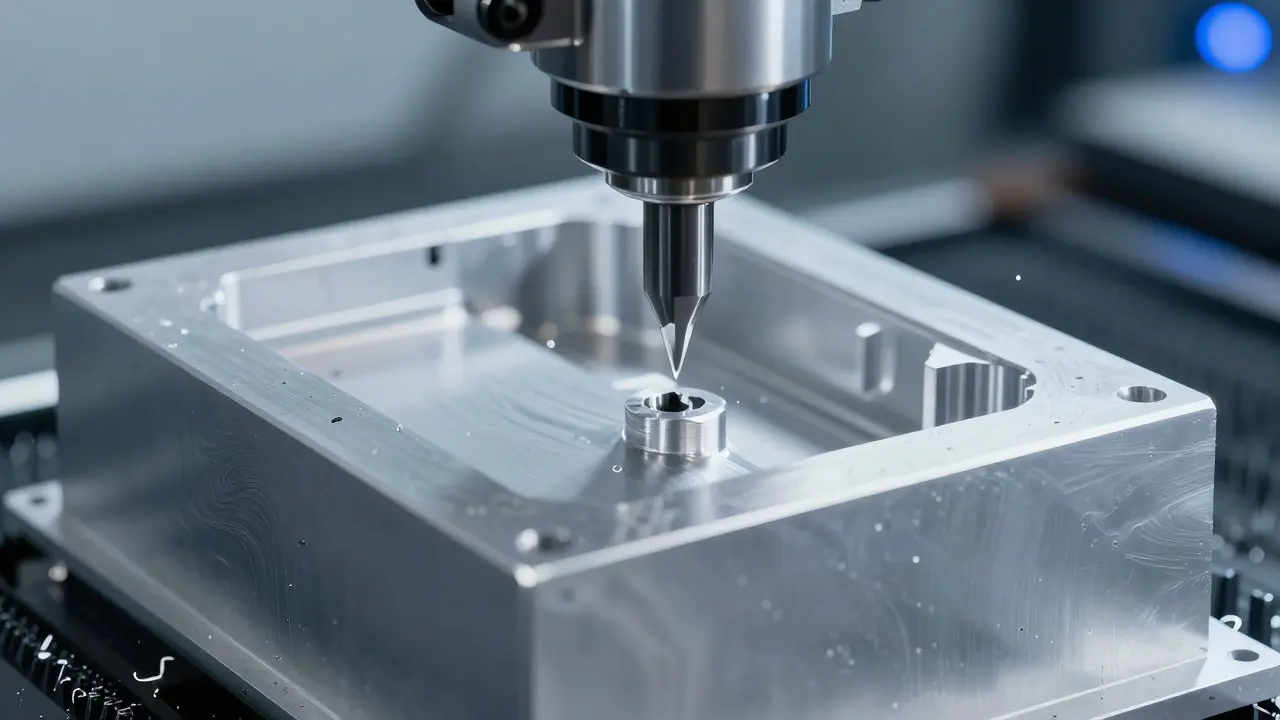

Ever held a new MacBook and immediately felt that solid, almost heavy presence in your hands? That specific weight isn't an accident. It’s the direct result of aluminum unibody construction, a manufacturing process that turned a thin sheet of metal into a rigid structural frame without screws or plastic filler. While most laptops rely on internal chassis to hold components together, Apple’s approach uses the exterior shell as the primary skeleton. This single-piece design fundamentally changes how the device feels, how it resists bending, and how long it lasts under daily wear.
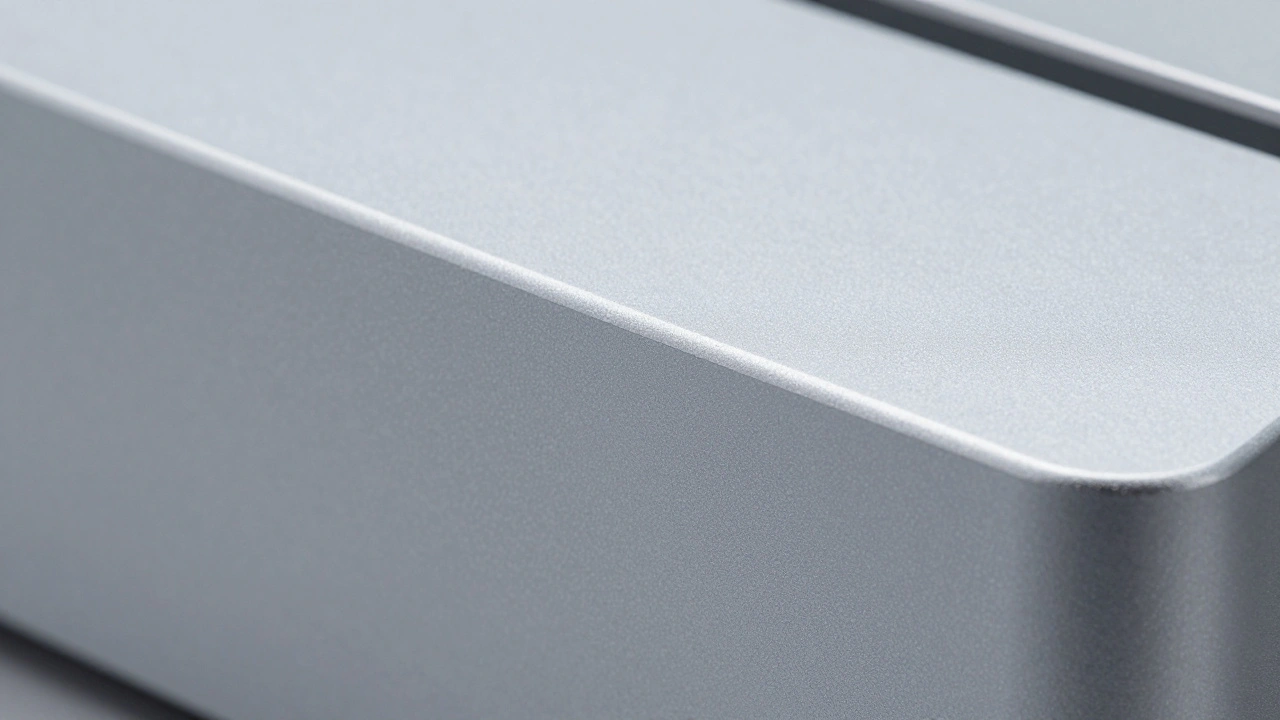
The core idea is simple but technically demanding: cut one block of aluminum into the shape of the entire computer case. Before this method became standard for consumer electronics, manufacturers would assemble cases from multiple pieces of stamped metal or plastic, joined by rivets or adhesives. Those joints are weak points. They rattle, they flex, and they eventually crack. By eliminating seams, the unibody design removes the weakest links in the laptop’s physical structure. The result is a device that feels like a monolith rather than a collection of parts glued together.
The Precision Behind CNC Machining
To create a unibody, you can’t just bend a sheet of metal. You have to remove material from a solid billet using Computer Numerical Control (CNC) milling machines. This process involves high-speed cutting tools carving away up to 90% of the raw aluminum block to leave only the necessary walls and structures. It’s expensive and time-consuming compared to stamping, but the payoff is precision. Tolerances are measured in microns, ensuring that ports align perfectly and hinges sit flush with the body.
This level of precision matters because a laptop is a mechanical system where small gaps cause big problems. If the hinge area is off by even a fraction of a millimeter, the screen might not close properly, leading to stress fractures over time. CNC machining allows engineers to integrate heat sinks, battery wells, and screw bosses directly into the main structure. There’s no separate frame to attach; everything is carved out of the same piece of metal. This integration reduces part count, which statistically lowers the chance of assembly errors and improves long-term reliability.
Why Aluminum Over Magnesium?
You might wonder why companies don’t use lighter materials like magnesium alloys, which are common in some ultrabooks. Magnesium is indeed lighter, but it has a lower elastic limit. In plain terms, it bends more easily before snapping. For a laptop that gets shoved into bags, knocked against desks, and opened thousands of times, stiffness is crucial. Aluminum offers a superior strength-to-weight ratio for this specific application. It provides the rigidity needed to protect delicate internal components like SSDs and logic boards without requiring thick, bulky walls.
Furthermore, aluminum is highly recyclable and resistant to corrosion when properly anodized. The anodization process creates a hard oxide layer on the surface that protects the base metal from scratches and oxidation. This layer also allows for consistent color rendering across millions of units. When you buy a silver MacBook, every unit looks identical because the anodizing bath deposits the color uniformly. With painted plastics or dyed magnesium, slight variations in thickness can lead to visible color inconsistencies. The uniformity of aluminum contributes significantly to the perceived quality of the product.
| Material | Density (g/cm³) | Stiffness (GPa) | Corrosion Resistance | Typical Use Case |
|---|---|---|---|---|
| Aluminum Alloy | 2.7 | 69-73 | High (with anodization) | Premium consumer laptops, MacBooks |
| Magnesium Alloy | 1.8 | 45 | Moderate | Ultralight gaming laptops, budget business PCs |
| Polycarbonate Plastic | 1.2 | 2.4-3.5 | Very High | Entry-level laptops, tablets |
| Titanium | 4.5 | 110 | Excellent | Aerospace, niche luxury devices |
The Impact on Daily Durability
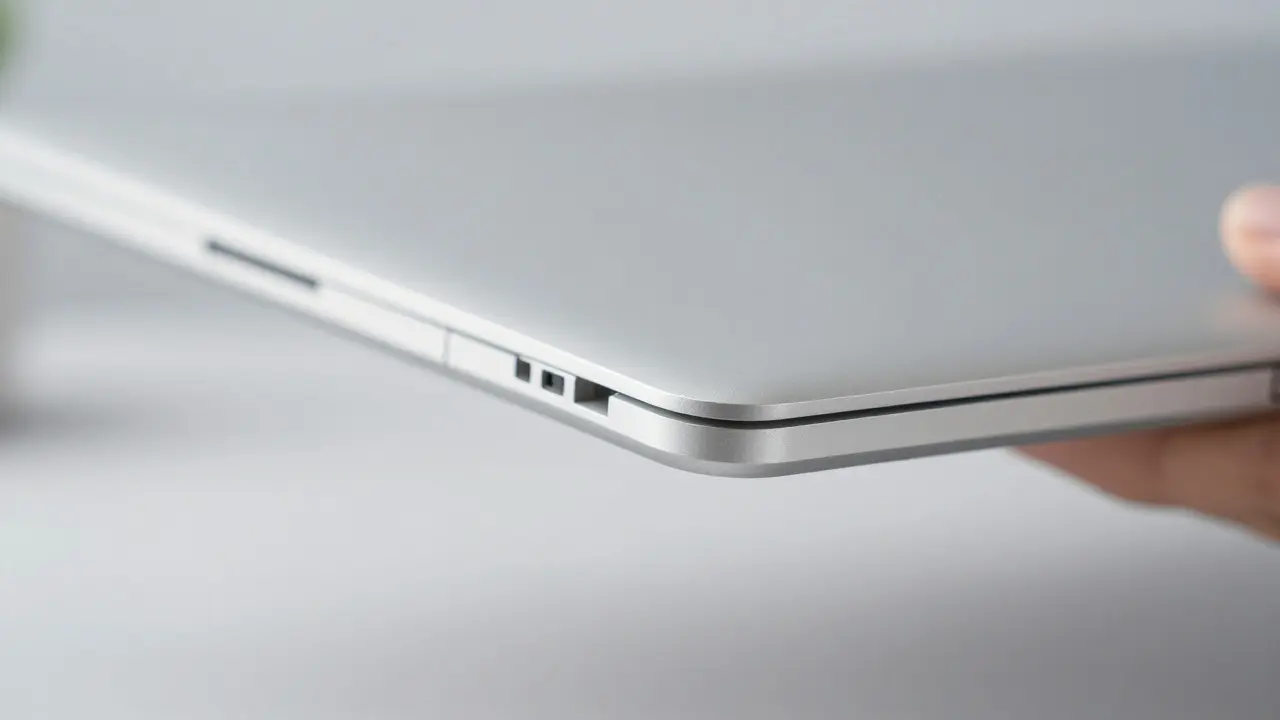
How does this translate to real-world usage? Think about the last time you grabbed your laptop by the corner to lift it out of a bag. On a plastic-bodied machine, that point becomes a lever, stressing the internal mounting points. On a unibody aluminum device, the force is distributed across the entire rigid frame. The metal doesn’t flex locally; it resists deformation until a much higher threshold is reached. This means fewer cracked corners and less creaking after two years of use.
Another critical aspect is thermal management. Because the aluminum body acts as a heatsink, heat generated by the processor can dissipate through the chassis itself. This allows for fanless designs in certain models or quieter operation in others. When the body stays cooler, internal components experience less thermal cycling, which extends their lifespan. Electronics fail faster when they constantly expand and contract due to heat spikes. The thermal mass of aluminum helps smooth out these temperature fluctuations, keeping the internal environment stable.
However, there is a trade-off. Aluminum is conductive. If you’re working near strong magnetic fields or handling static-sensitive components without proper grounding, the metal body can become a pathway for interference. But for the average user, this is negligible. The bigger downside is repairability. Since the body is one piece, replacing a damaged section often requires replacing the entire top or bottom case. This contrasts with modular designs where you can swap out individual panels. For consumers, this usually means higher repair costs if the chassis gets dented severely.
Perception vs. Reality: The Weight Factor
There’s a persistent myth that heavier means better. In the context of portable computers, weight is a double-edged sword. A 1.2-kilogram laptop is easier to carry all day than a 1.6-kilogram one. Yet, users consistently associate the heft of aluminum with premium quality. Why? Because lightness is easy to achieve with cheap plastics. Heft requires engineering. To make a heavy-feeling yet thin device, you need dense, high-strength materials and precise manufacturing. The tactile feedback of touching a cold, smooth metal surface triggers a psychological response associated with solidity and longevity. It signals that the object was built to last, not just to be sold.
This perception drives purchasing decisions. Studies on consumer behavior in electronics show that haptic qualities-how something feels in the hand-are weighted heavily in brand loyalty. Once you’ve used a unibody MacBook, switching back to a hollow-sounding plastic laptop often feels like a downgrade, even if the specs are similar. The 'feel' is part of the product value proposition. It’s not just about what the computer does; it’s about how it sits on your desk and how it responds to your touch.
Long-Term Structural Integrity
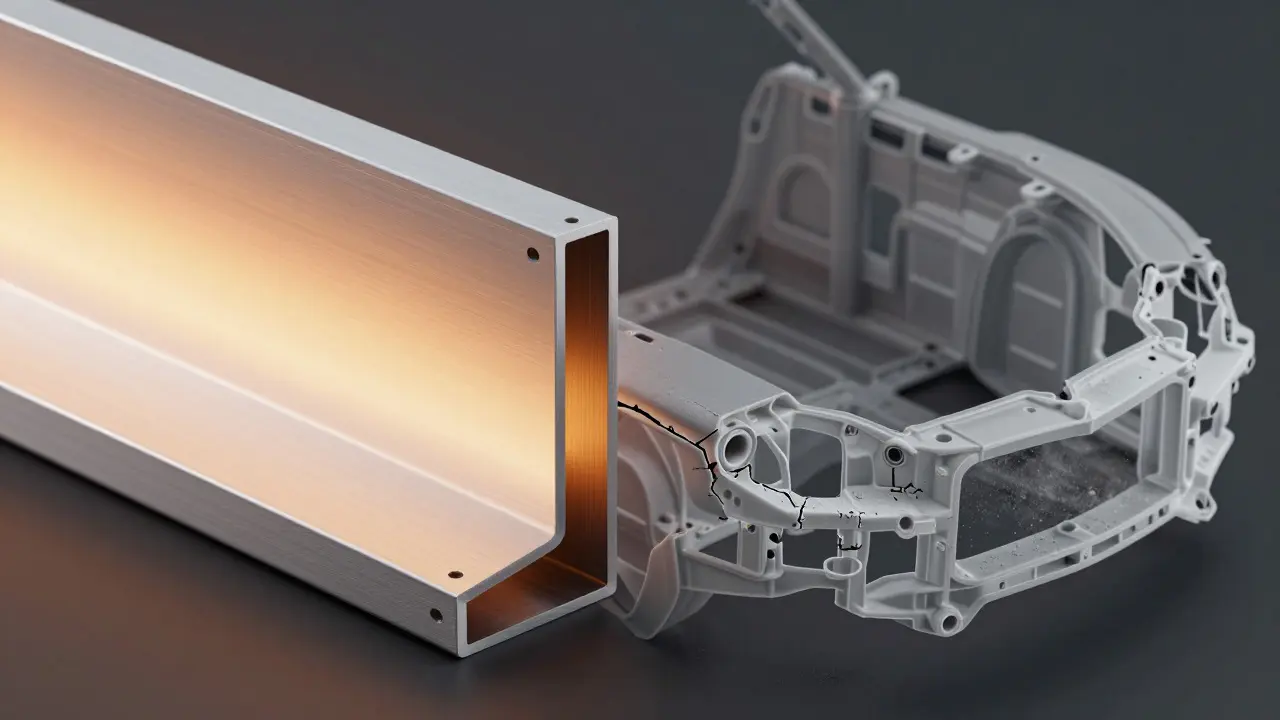
Over five or ten years, the differences between construction methods become stark. Plastic bodies tend to develop micro-cracks at stress points, especially around hinges and ports. These cracks allow dust to enter and moisture to seep in, leading to corrosion of internal contacts. Aluminum, while susceptible to dents, doesn’t crack in the same way. A dent is cosmetic; a crack is structural. As long as the aluminum frame remains intact, the laptop’s ability to protect its internals stays high. The lack of seams also means there’s no gap for debris to accumulate. Dust doesn’t get trapped between two separate pieces of metal; it either sits on the surface or falls inside through vents, where it can be managed by airflow.
Maintenance is simpler too. Cleaning an aluminum surface is straightforward. You don’t have to worry about solvents eating away paint or causing discoloration. The anodized layer is chemically stable. This makes the device easier to keep looking new over time. Resale value is another factor. Used MacBooks retain their value partly because buyers trust the build quality. The condition of the chassis is a clear indicator of how well the previous owner treated the device. A scratched but straight unibody is worth more than a pristine-looking plastic shell that feels flimsy.
FAQ
Is aluminum unibody construction stronger than plastic?
Yes, generally speaking. Aluminum has a much higher modulus of elasticity than plastic, meaning it resists bending far more effectively. While plastic can absorb impacts by deforming, aluminum distributes stress across a larger area. For a laptop that needs to maintain precise alignment of internal components, this rigidity is superior. However, aluminum is more prone to visible dents, whereas plastic might hide minor impacts better.
Why do MacBooks feel so heavy compared to other laptops?
The density of aluminum is roughly twice that of polycarbonate plastic. To achieve the same thickness and rigidity, you need more mass in aluminum. Additionally, the unibody design uses solid metal blocks rather than hollow shells, adding further weight. This mass is intentional, providing thermal dissipation and a premium tactile experience that lighter materials struggle to replicate.
Does the aluminum body interfere with Wi-Fi or Bluetooth?
Minimal interference occurs because antennas are strategically placed in areas where the metal coverage is reduced or shielded appropriately. Modern radio frequency engineering accounts for metallic enclosures by routing signal paths through non-metallic zones or using specialized antenna designs. Users rarely notice any performance drop compared to plastic-bodied devices, provided the device is designed correctly.
Can you repair a dented MacBook unibody?
Minor dents can sometimes be smoothed out with professional heat and pressure techniques, but significant damage usually requires replacing the entire top or bottom case. Because the chassis is a single integrated piece, localized repairs are difficult. This is a key difference from modular laptops where you might just replace a side panel. Always check warranty coverage before attempting third-party repairs on unibody devices.
Is unibody construction used in other brands’ laptops?
Yes, several premium competitors use similar CNC-machined aluminum unibodies. Brands like Dell (XPS line), Lenovo (ThinkPad X1 Carbon variants), and HP (Spectre series) employ comparable techniques. However, Apple was among the first to popularize this approach for mainstream consumer laptops, setting a benchmark for build quality that others now strive to match. The specific tolerances and finish quality still vary between manufacturers.