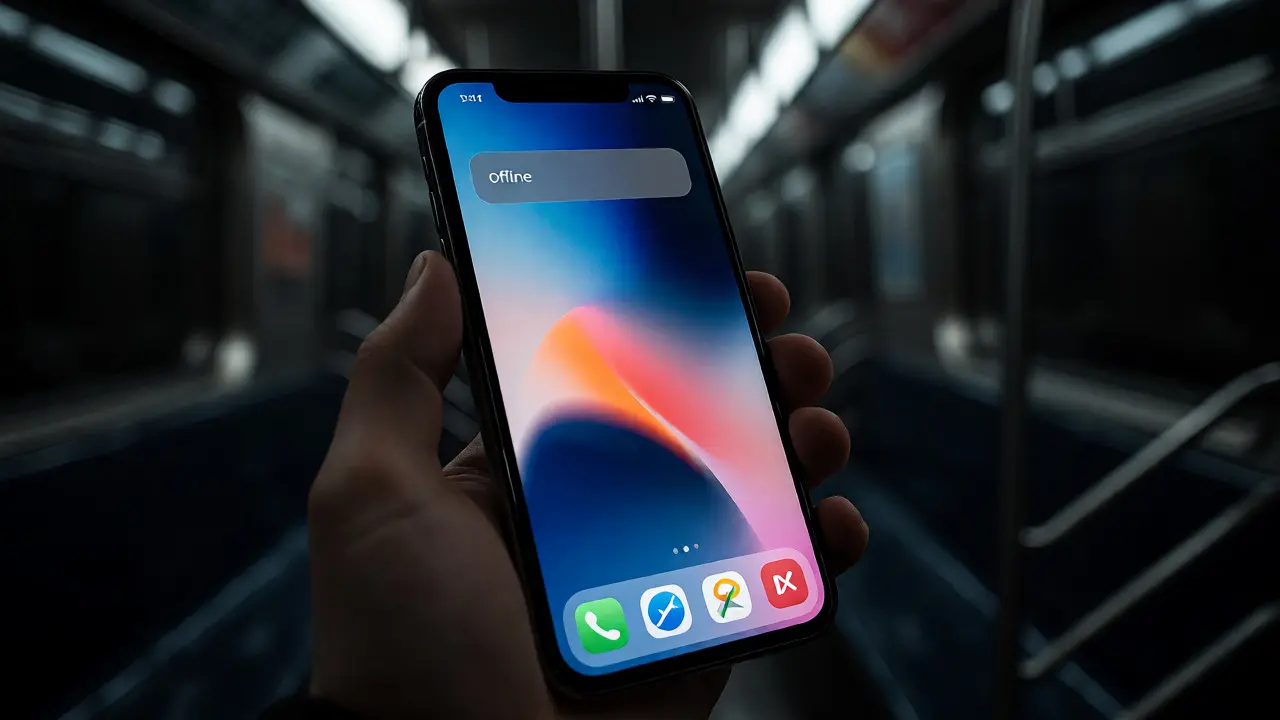

You know that sinking feeling when you're halfway through a form submission or trying to load a critical piece of content, and the signal drops? It’s not just an inconvenience; it’s a broken promise. For years, developers treated offline mode as a nice-to-have feature, something to tack on at the end of the sprint if time allowed. But in the modern ecosystem, especially within Apple's ecosystem, treating connectivity as binary-either fully online or completely dead-is a design failure. The reality is messy. You have spotty subway connections, airplane mode during flights, or simply a server hiccup. If your app crashes or shows a blank white screen because it couldn't fetch data from the cloud, you’ve failed the user. True resilience means designing for the gray areas, where the network is slow, flaky, or nonexistent.
This isn’t just about technical implementation; it’s a fundamental shift in how we approach User Experience (UX) on iOS. When you build with resilience in mind, you stop fighting the network and start working with it. This involves smart caching strategies, optimistic UI updates, and graceful degradation. Let’s break down why this matters and how you can actually implement it without turning your codebase into spaghetti.
The Myth of Always-On Connectivity
We live in an era where we assume high-speed internet is everywhere. But look around Portland, or really any major city, and you’ll see plenty of dead zones. Basements, elevators, rural highways, and even crowded stadiums during halftime. Users don’t care about your backend architecture. They care that their app works when they need it to work. If you require a constant connection to view previously loaded data, you’re creating friction. Think about reading an article on Medium or checking your bank balance on Chase. Do those apps fail instantly when you lose Wi-Fi? Ideally, no. They show you what you already have, maybe with a subtle indicator that new data isn’t loading. That’s resilience.
On Apple platforms, the expectations are higher. The Human Interface Guidelines emphasize clarity and continuity. A jarring transition from content to error state breaks that continuity. Instead, the interface should remain stable. The content might be stale, but it’s present. This psychological comfort is huge. It tells the user, "I still have your back, even if the internet doesn't."
Caching Is Not Just Storage
Most developers think of caching as a performance optimization tool. Make things load faster. While that’s true, its role in UX is far more profound. Caching is your safety net. When you store data locally, you’re decoupling the user experience from network latency. On iOS, you have several layers to consider, from simple key-value storage to complex databases. Using Core Data or SwiftData allows you to persist complex object graphs. But having the data isn’t enough; you need a strategy for keeping it fresh.
A common mistake is assuming cache equals truth. If you show old data without context, users might make decisions based on outdated information. Imagine showing a flight status from two hours ago while the plane has already landed. You need metadata. Every cached item should carry a timestamp and a validity window. Your UI needs to communicate this state. A small "Updated 10 minutes ago" label changes everything. It manages expectations. If the data is older than a certain threshold, perhaps you dim the text slightly or add a refresh icon. This transparency builds trust.
Optimistic Updates: The Illusion of Speed
Nothing feels slower than waiting for a server response before updating the UI. We’ve all been there: tap a button, watch a spinner, wait three seconds, then see the change happen. Optimistic updates flip this script. When a user likes a post or sends a message, you update the UI immediately, assuming the action will succeed. Then, you fire off the network request in the background. If it succeeds, great. If it fails, you revert the change and show an error.
This technique is powerful because it makes the app feel instantaneous. However, it requires careful handling. You need a robust rollback mechanism. What happens if the user navigates away before the request completes? What if they perform multiple actions quickly? Managing these edge cases is where good engineering meets good design. On iPhone, haptic feedback can play a role here too. Give immediate tactile confirmation of the action, reinforcing the sense of responsiveness even before the server agrees.
| Strategy | Perceived Latency | Data Accuracy | Complexity | Best Use Case |
|---|---|---|---|---|
| Pessimistic | High (User waits) | High (Server confirms first) | Low | Financial transactions, irreversible actions |
| Optimistic | Zero (Instant UI) | Medium (May revert) | Medium | Social media, chat, preferences |
| Stale-While-Revalidate | Low (Show cache, fetch async) | Medium (Updates after load) | Medium | News feeds, product catalogs |
| Cache-First | Zero (Immediate render) | Low (May be outdated) | Low | Static content, help articles |
Graceful Degradation vs. Failure States
When things go wrong-and they will-how does your app react? Many apps default to a full-screen error page with a generic "No Internet Connection" message. This is lazy design. It stops the user dead in their tracks. Graceful degradation means allowing partial functionality. If you can’t load new comments on a blog post, can the user still read the article? Can they scroll? Can they bookmark it for later?
Consider the Notes app by Apple. It works perfectly offline. You can create, edit, and organize notes anywhere. When you reconnect, it syncs silently in the background. There’s rarely a blocking modal saying "Syncing..." unless there’s a conflict. This seamless integration is the gold standard. To achieve this, you need to separate your data layer from your presentation layer. Your views shouldn’t directly depend on network calls. They should observe local data sources. When the network recovers, it pushes updates to the local store, which triggers the UI to refresh automatically.
Error messages should also be helpful, not just descriptive. Instead of "Error 503," say "We couldn’t reach our servers. Try again in a minute." Even better, provide a retry button right there. Don’t force the user to kill the app and restart it. Small touches like this reduce frustration significantly.
Implementing Resilience in Swift
Technically, building this resilience requires discipline. In Swift, using Combine or Async/Await helps manage asynchronous flows cleanly. A typical pattern involves fetching from the cache first, rendering it, then initiating a network fetch. If the network call succeeds, you update the cache and notify the observers. If it fails, you check if the cached data is still valid. If yes, you stay put. If no, you show an error state specific to the component, not the whole app.
Another critical aspect is background tasks. iOS limits background execution time, so you can’t always rely on the app being open to sync data. Use BGTaskScheduler to queue up sync operations. When the device connects to Wi-Fi and charges, it processes the queue. This ensures that when the user opens the app next, their data is likely fresh, even if they didn’t use the app while offline.

Testing Offline Scenarios
How do you test this stuff? You can’t just rely on Wi-Fi toggling in settings. Xcode provides excellent tools for simulating network conditions. You can set profiles to simulate 3G, Edge, or complete disconnection. More importantly, you should write unit tests that mock network failures. Inject a fake repository that throws errors randomly. Does your UI handle it gracefully? Does it crash? Does it leave the user stuck in a loading spinner forever? These are bugs that only appear in production if you don’t test them now.
Also, consider real-world testing. Take your phone into a tunnel. Go to a basement. Turn on Airplane Mode mid-session. Watch how your app behaves. Does it freeze? Does it consume excessive battery trying to reconnect? Battery drain is a silent killer of offline features. If your retry logic is too aggressive, you’ll kill the user’s battery in minutes. Implement exponential backoff. Wait 1 second, then 2, then 4, then 8. Don’t hammer the server.
The Business Case for Resilience
You might wonder if this effort pays off. Absolutely. Retention rates drop sharply when apps feel unreliable. Users delete apps that waste their time or battery. By investing in offline resilience, you increase engagement. People use your app more often because they know it will work when they need it. It also reduces support tickets. Fewer complaints about "app not loading" means less time spent debugging vague reports from the field.
In competitive markets, resilience becomes a differentiator. If your competitor’s app hangs in low-signal areas, but yours keeps scrolling, you win. It’s subtle, but users notice. They might not articulate why they prefer one app over another, but they feel the difference. That feeling is loyalty.
What is the best caching strategy for news apps?
The Stale-While-Revalidate strategy is typically best for news apps. It displays cached content immediately for fast perceived load times, then fetches fresh data in the background. Once the new data arrives, the UI updates seamlessly. This balances speed with accuracy, ensuring users aren't blocked by network latency while still getting current headlines.
How do I handle data conflicts when syncing offline changes?
You need a conflict resolution policy. Common approaches include Last Write Wins (LWW), where the most recent timestamp takes precedence, or merging fields if possible. For complex objects, you might prompt the user to choose between versions. Always keep a history of changes locally so you can detect conflicts accurately when reconnecting.
Does offline mode drain battery on iOS?
It can if implemented poorly. Aggressive polling or retry loops without exponential backoff will keep the radio active, draining battery. Use BGTaskScheduler for background syncs and ensure your app pauses network activity when suspended. Efficient caching reduces the need for frequent network requests, which generally saves battery compared to constantly fetching data.
Should I show a banner when the user is offline?
Yes, but keep it subtle. A small, non-intrusive indicator at the top or bottom of the screen informs the user that data may be stale. Avoid modal dialogs that block interaction unless absolutely necessary. The goal is awareness, not interruption. Users should be able to continue browsing or editing content despite the lack of connectivity.
What tools help test offline behavior in Xcode?
Xcode's Hardware Performance Profiler and Network Link Conditioner allow you to simulate various network conditions, including high latency, packet loss, and complete disconnection. Additionally, writing unit tests with mocked network responses that throw timeouts or errors helps verify that your UI handles failures gracefully without crashing.