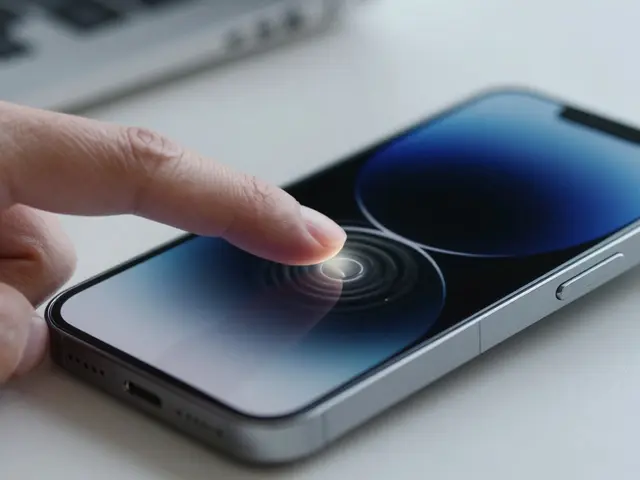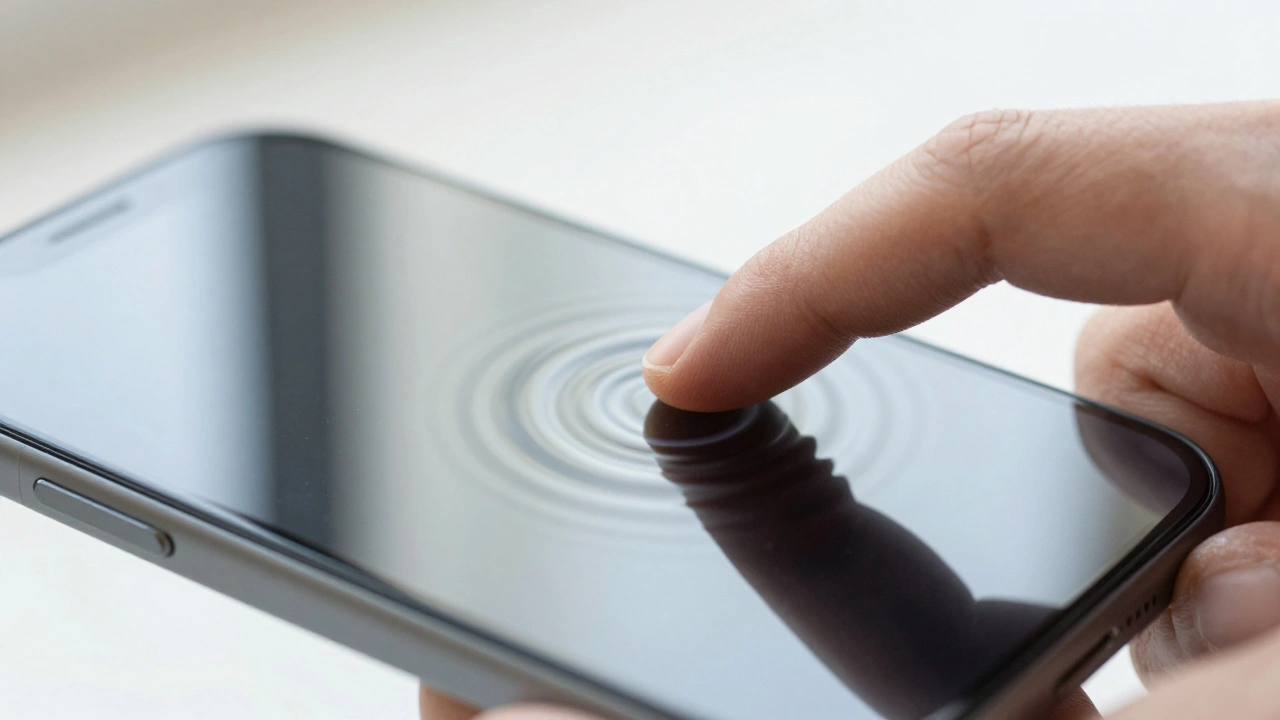

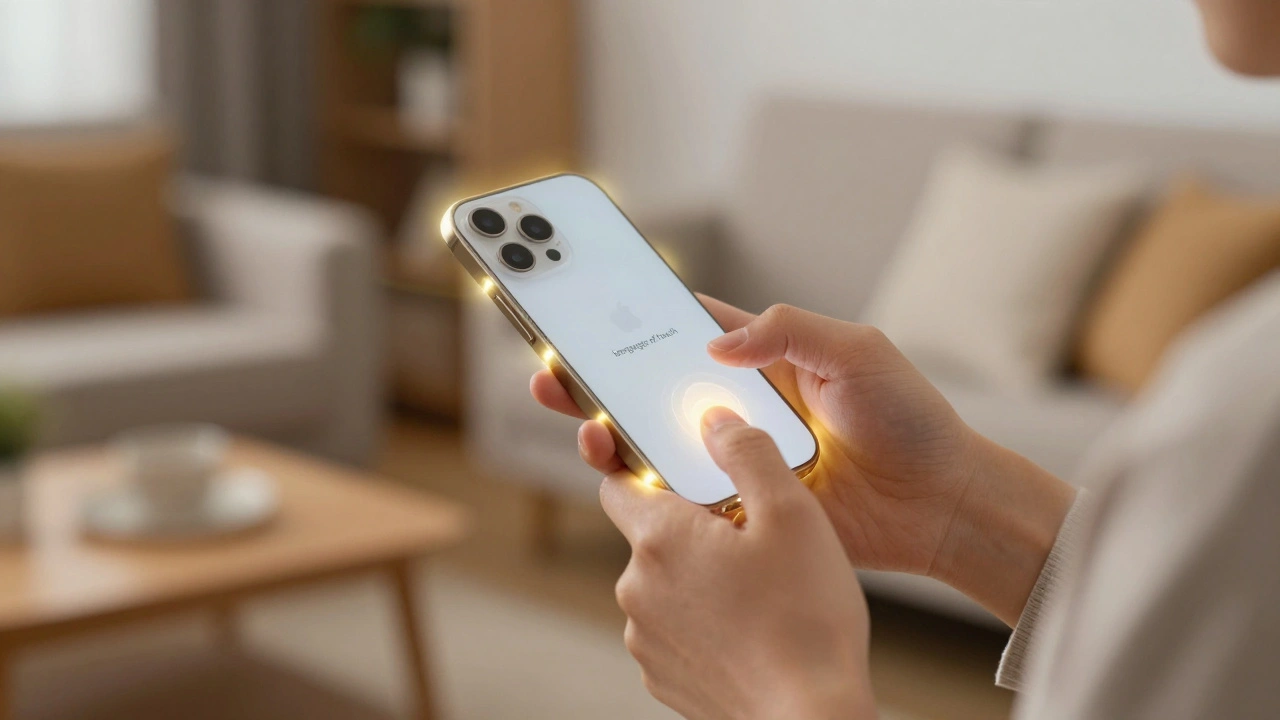
Ever felt that tiny, satisfying click when you toggle a switch on your iPhone, even though there's no physical button moving? That's not magic; it's a carefully engineered sensory experience. In the world of modern interfaces, haptic feedback is the use of tactile sensations, like vibrations or pulses, to communicate information to the user. By engaging the sense of touch, Apple transforms a flat piece of glass into a responsive tool that confirms actions and warns users before they make a costly mistake.
Why Touch Matters More Than Pixels
Visuals are great, but they require your full attention. If you're walking and quickly checking a notification, you might not notice a small red error message. However, a sharp, double-pulse vibration in your palm is impossible to ignore. This multi-sensory approach ensures that the user receives a "handshake" from the device, confirming that the system heard them.
Think about the psychological relief of a "success" haptic when a mobile check deposit goes through. Without that tactile confirmation, users often double-tap or repeatedly press a button, leading to duplicate transactions or system lag. By reinforcing actions, haptics reduce the cognitive load on the user; they don't have to squint at the screen to know if a process worked-they can feel it.
The Engine Under the Hood
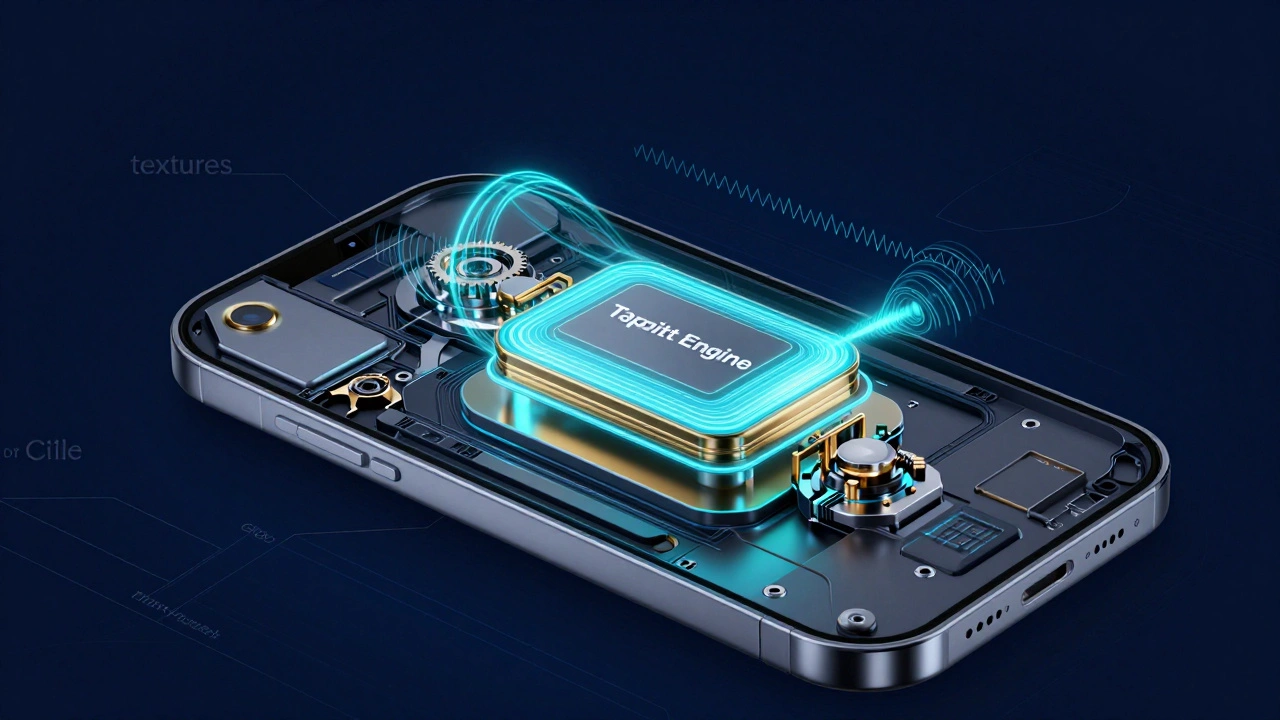
All of this is powered by the Taptic Engine is Apple's custom linear actuator that produces precise vibrations by moving a mass back and forth rapidly. Unlike old-school vibration motors that just shook the whole phone, the Taptic Engine can create distinct "textures." It can mimic the feeling of a gear clicking or the subtle pop of a bubble.
For developers, the way to trigger these sensations has evolved. In the early days, the UIFeedbackGenerator is the foundational abstract class used to generate haptic responses in iOS. Developers use specific versions of this, like UINotificationFeedbackGenerator for alerts (success/error) and UISelectionFeedbackGenerator for things like scrolling through a date picker.
If a developer needs something more bespoke-like a heartbeat effect for a fitness app-they move to the Core Haptics API. Introduced in iOS 13, this framework allows for total control over intensity and sharpness, treating haptics almost like audio files that can be played back with precision.
Modern Implementation with SwiftUI
The latest leap came with iOS 17 and the introduction of the .sensoryFeedback modifier. This SwiftUI-native tool makes adding tactile responses as simple as adding a line of code to a view. Instead of manually managing generators, developers can now link a haptic trigger to a specific state change.
Imagine a shopping cart in an app. A developer can set a trigger so that the moment a user adds an item, a subtle "impact" haptic triggers. Or, if the user tries to checkout with an empty cart, a "warning" haptic-a series of quick, jarring pulses-alerts them to the error before they even read the popup. This is where haptics transition from a "nice-to-have" feature to a critical error-prevention tool.
| Haptic Type | Feel | Best Use Case | User Outcome |
|---|---|---|---|
| Impact | Sharp, single tap | Button presses, collisions | Physicality/Confirmation |
| Success | Smooth, positive pulse | Payment completed, File saved | Relief/Certainty |
| Warning | Jarring, rapid pulses | Invalid input, Low battery | Immediate Attention |
| Selection | Light, subtle tick | Wheel scrolling, Sliders | Precision/Granularity |
Design Principles: The Art of Moderation
The biggest mistake a designer can make is adding haptics to everything. If every button click triggers a vibration, the user becomes numb to the sensation-a phenomenon known as haptic fatigue. Apple's Human Interface Guidelines are the official set of design standards provided by Apple to ensure consistency and usability across its platforms. The core rule here is utility: haptics should only be used when they add clear value.
Effective haptic design follows a three-pronged approach:
- Consistency: A "success" pulse should feel the same in a banking app as it does in a productivity app.
- Layering: Haptics should never be the only signal. They must work in tandem with visual changes (like a green checkmark) and auditory cues (a ding).
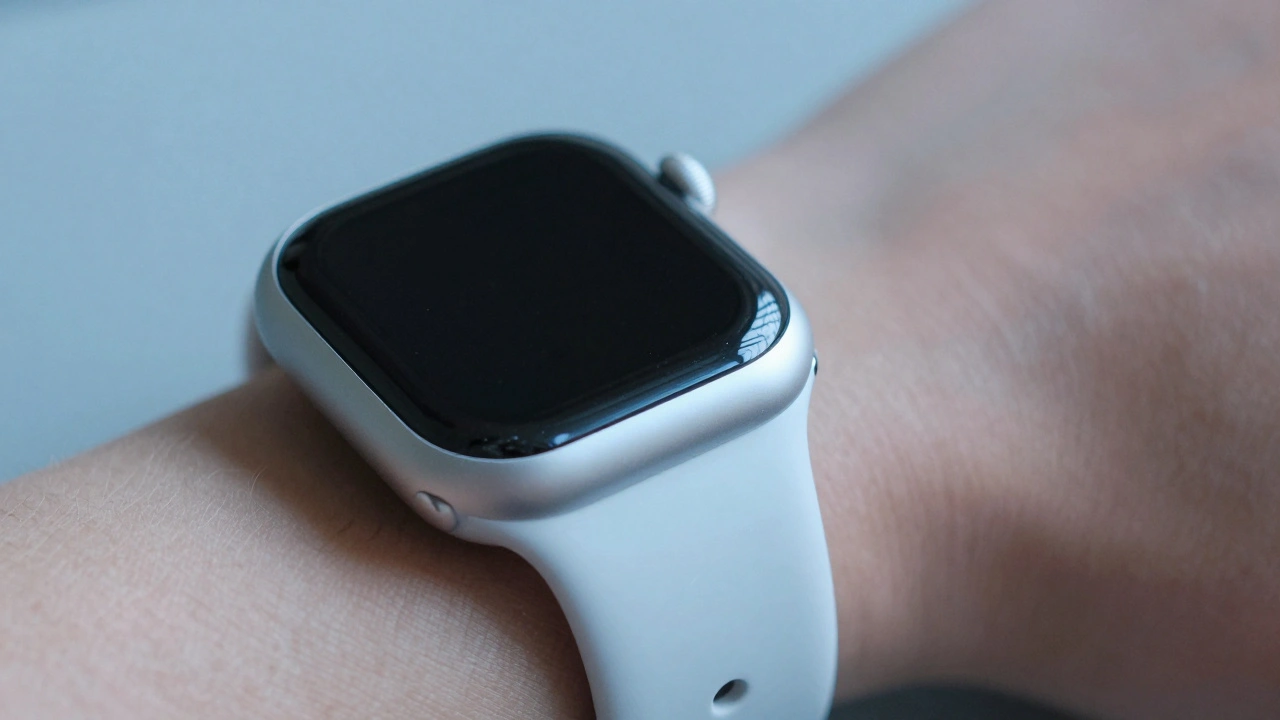
- Context: On a macOS trackpad, haptics are used for "alignment" (feeling a window snap into place), whereas on an Apple Watch, they might signify the start or stop of a workout.
Breaking Barriers with Accessibility
Haptics aren't just about "feel-good" polish; they are a lifeline for accessibility. For users with visual impairments, a screen is a silent void. Haptic feedback provides a non-visual channel of communication. When a blind user interacts with a UI, the Taptic Engine can signal that they've reached the end of a list or that a toggle has been flipped.
This transforms the device from a visual-first machine into a tactile one. By leveraging different intensities and patterns, Apple creates a language of touch that allows anyone, regardless of their sight, to navigate an interface with confidence and autonomy.
Putting it into Practice: The Developer Workflow
Implementing a professional haptic experience usually follows a strict two-step dance. First, the developer must prepare the engine. This wakes up the Taptic Engine from its low-power state so there is no perceived lag when the action happens. Second, they trigger the specific haptic event.
If you're building an app today, start by identifying the "critical moments." Is there a point where a user might be confused? Is there a high-stakes action, like deleting a folder, that needs a distinct "warning" feel? By mapping these moments, you create a tactile map that guides the user safely through your app.
Do haptics drain the battery faster?
While the Taptic Engine does require power to move the internal mass, the impact on battery life is negligible in standard use. Apple optimizes the engine to fire only in extremely short bursts, and the use of the .sensoryFeedback API ensures that haptics are handled efficiently by the system.
Can users turn off haptic feedback?
Yes. In the Settings app under Accessibility or Sounds & Haptics, users can disable system haptics. Respecting this user choice is a key part of the Human Interface Guidelines; developers should not attempt to override these system-level preferences.
What is the difference between Core Haptics and UIFeedbackGenerator?
UIFeedbackGenerator provides "canned" responses-predefined patterns like success or selection that are consistent across iOS. Core Haptics is for advanced developers who want to design their own custom waveforms, controlling the exact timing, intensity, and sharpness of the vibration.
How does Apple Watch haptics differ from iPhone?
Because the watch is in constant contact with the skin, it can use a wider variety of "taps." It includes specific feedback types for "start" and "stop" events, and the haptics are generally more subtle to avoid being intrusive on the wrist.
Why use haptics if you already have a sound effect?
Many users keep their devices on silent. Haptics ensure the user still gets the necessary feedback without needing to turn on the volume. Furthermore, haptics provide a physical sensation that sound cannot, making the interface feel more tangible and real.
Troubleshooting and Next Steps
If you're a developer and your haptics aren't firing, check if the device is in "Low Power Mode" or if the user has disabled haptics in Settings. Also, ensure you are calling the prepare() method for UIFeedbackGenerator; otherwise, there might be a slight delay that makes the haptic feel disconnected from the action.
For those looking to deepen their expertise, the next logical step is exploring Taptic patterns through the Core Haptics Designer tool. Try experimenting with "transient" events (short pops) versus "continuous" events (sustained vibrations) to see how they change the user's emotional response to an action.