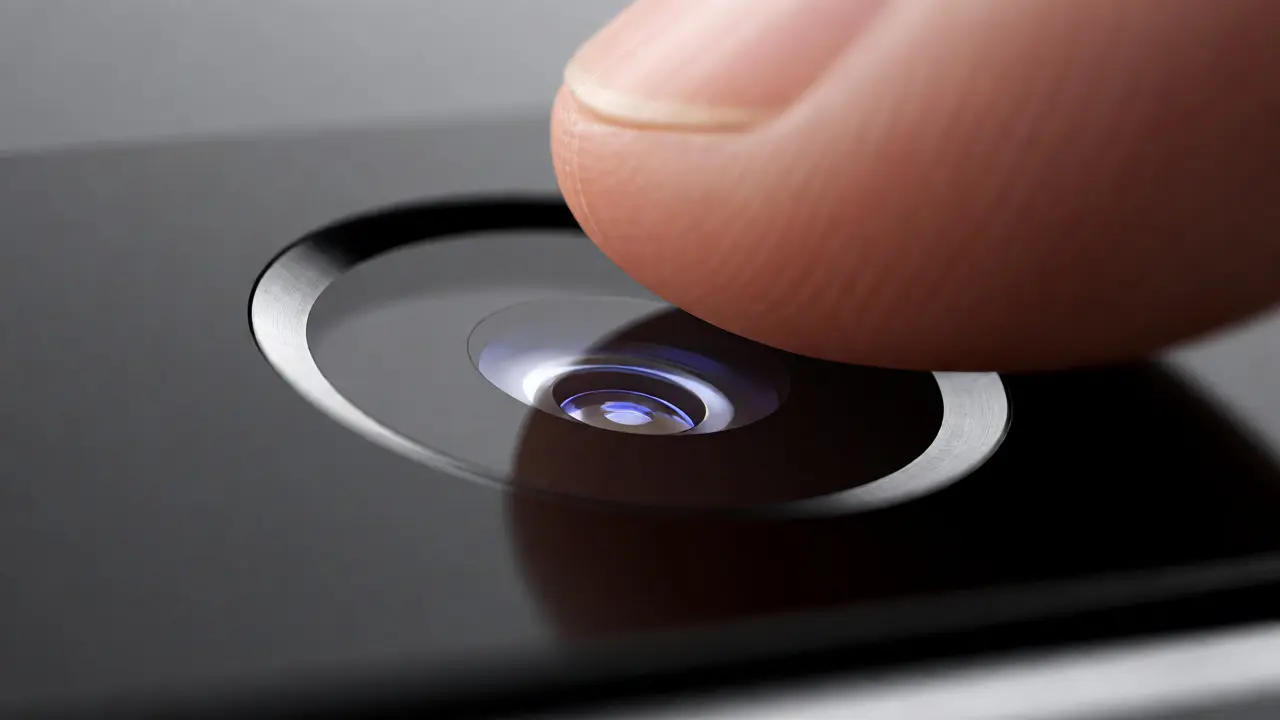

You press your finger to the home button. It feels like glass, but it’s actually a high-tech sensor hidden beneath a layer of sapphire crystal and stainless steel. In 2013, this wasn’t just a feature; it was a design triumph. The iPhone 5s didn’t just add fingerprint scanning-it integrated it so seamlessly that you forgot the technology existed until you needed it. This is the story of how Apple solved one of the hardest problems in consumer electronics: making security invisible.
The Problem with Passwords and Buttons
Before the iPhone 5s, unlocking a phone was a chore. You had to swipe, then type a four-digit code or a complex alphanumeric password. It broke the flow. It felt bureaucratic. Worse, people were bad at choosing secure passwords. They picked "1234" or their birthday. Hackers knew this. Apple realized that if they wanted mobile devices to handle banking and sensitive data, they needed a method that was both faster than typing and more secure than guessing.
But adding a scanner usually meant ruining the device’s aesthetic. Early Android phones with fingerprint sensors often looked bulky, with awkward ridges or separate buttons that disrupted the clean lines of the chassis. Apple’s challenge was different. They couldn’t add a new button. They couldn’t change the iconic circular home button’s size significantly without confusing users who had muscle memory for its location. The solution had to be elegant, durable, and imperceptible.
Hiding Tech Behind Glass: The Sapphire Advantage
The key to Touch ID’s success lay in material science. Apple used sapphire crystal for the outer layer of the home button. Why sapphire? It’s incredibly hard-second only to diamond on the Mohs scale. This means it resists scratches from keys in your pocket or sand on the beach. More importantly, sapphire is optically transparent. This allowed light to pass through to the capacitive sensor underneath while protecting it from physical damage.
Think about that trade-off. Most plastics would scratch easily. Glass might shatter. Sapphire offered the perfect balance of durability and clarity. But it wasn’t just about looking good. The sapphire lens acted as a prism, focusing light onto the sensor array below. This optical precision was critical because the sensor wasn’t taking a picture of your finger; it was mapping the sub-dermal layers of your skin using capacitive sensing.
How Capacitive Sensing Works (And Why It Beats Optical)
Many early fingerprint scanners used optical technology, similar to a photocopier. You placed your finger on a glass plate, and a camera took a photo of your ridge patterns. These systems struggled with dirty fingers, wet hands, or scars. If your finger was greasy after eating fries, the scan failed.
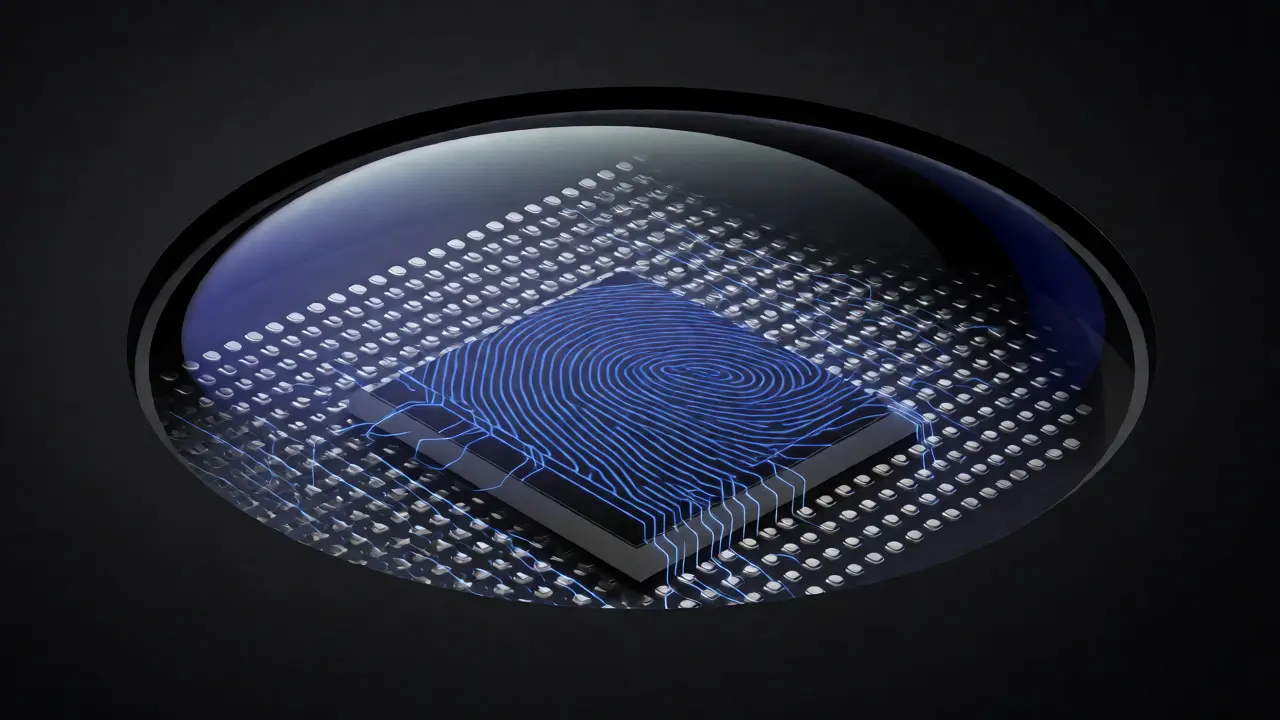
Apple’s A7 chip, introduced alongside the iPhone 5s, powered a capacitive sensor instead. This technology uses thousands of microscopic capacitors to detect the electrical charge differences between the ridges and valleys of your fingerprint. Because it measures electrical properties rather than visual patterns, it works even if your finger is slightly wet or oily. It also reads deeper into the skin, capturing sub-dermal details that are harder to fake with a simple latex mold.
This shift from optical to capacitive was a major engineering hurdle. Fitting these delicate components under a curved sapphire lens required precise alignment. Any air gap could distort the signal. Apple’s supply chain had to innovate rapidly to produce these modules at scale, ensuring consistency across millions of units.
The User Experience: Frictionless Security
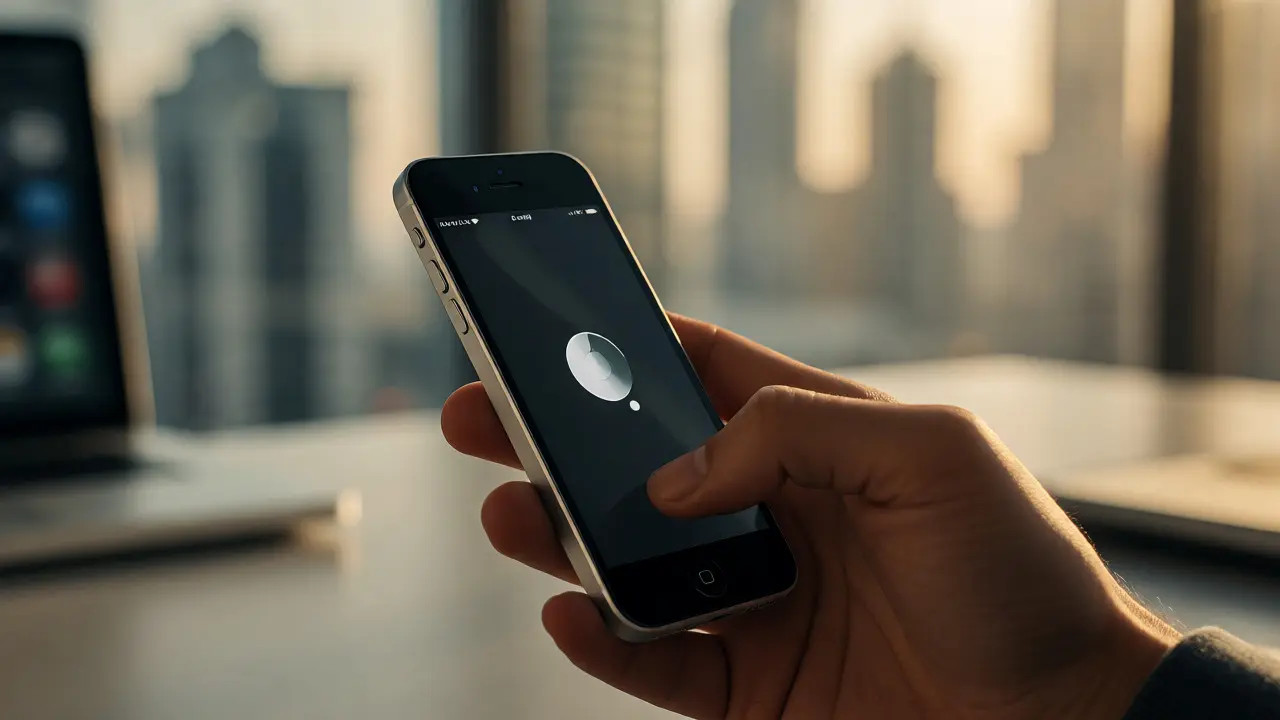
Design isn’t just about materials; it’s about interaction. Apple designed Touch ID to work naturally with how you already hold your phone. When you lift the iPhone 5s, your thumb or index finger naturally lands on the home button. There’s no extra step. No aiming. Just touch.
The feedback loop is instant. The vibration motor gives a subtle haptic bump, confirming recognition. This tactile response is crucial. Without it, users might doubt whether the scan worked. With it, the system feels responsive and trustworthy. Over time, this builds habit. Users stop thinking about security as a barrier and start seeing it as part of the interface.
Consider the impact on app adoption. Before Touch ID, logging into apps like banking or email meant typing passwords every time. Many users skipped two-factor authentication because it was too annoying. With Touch ID, enabling biometric login became effortless. Suddenly, security features that were previously ignored became standard practice. The design choice directly influenced user behavior and privacy standards.
Engineering Challenges and Trade-offs
Nothing comes free in product design. Integrating Touch ID added complexity and cost. The module itself was expensive to manufacture. It required a dedicated processor within the A7 chip called the Secure Enclave. This isolated area handles all biometric data, ensuring your fingerprint template never leaves the device or gets backed up to iCloud. This architectural decision was vital for trust. If your fingerprint data were stored on a server, a breach could compromise your identity forever. You can change a password; you can’t change your fingerprints.
There were also limitations. Early versions struggled with gloves. You couldn’t use Touch ID while wearing winter mittens. This was a significant pain point for users in colder climates, including here in Portland where rain and chill are common. Later iterations improved sensitivity, but the initial version demanded bare skin contact. Additionally, the sensor wore down over years of heavy use. Some long-term iPhone 5s owners reported reduced accuracy after three or four years, requiring re-enrollment or replacement.
Legacy: Setting the Standard for Biometrics
The iPhone 5s didn’t invent fingerprint scanning, but it normalized it. After its release, competitors rushed to adopt similar technologies. Samsung, Huawei, and others began integrating front-facing scanners. Within five years, biometric authentication became expected in mid-range smartphones, not just flagships.
More importantly, it changed how we think about security interfaces. We moved away from explicit actions (typing) toward implicit ones (touching). This philosophy paved the way for Face ID, which removed the button entirely. Yet, many designers argue that Touch ID remains superior for certain contexts. It works in pockets, doesn’t require eye contact, and functions reliably when masks obscure faces. The tactile nature of a physical button provides confirmation that a screen tap cannot replicate.
| Feature | Traditional Passcode | Optical Scanner (Early Android) | Capacitive Touch ID (iPhone 5s) |
|---|---|---|---|
| Speed | Slow (typing required) | Moderate (image capture delay) | Fast (<0.5 seconds) |
| Durability | N/A (software) | Low (glass scratches easily) | High (sapphire crystal) |
| Wet/Oily Finger Performance | Good | Poor | Excellent |
| Data Storage | iCloud/Local | Often Local | Secure Enclave (Local Only) |
| User Effort | High | Moderate | Low (natural gesture) |
Why Material Choice Matters in Consumer Electronics
The iPhone 5s teaches us that hardware design is inseparable from software experience. You can write the best algorithm in the world, but if the sensor sits behind cheap plastic that yellows over time, the user experience degrades. Apple’s choice of sapphire wasn’t just marketing; it was functional necessity. It ensured that the optical path remained clear for years.
This principle applies beyond phones. Think about smartwatches, car dashboards, or medical devices. The interface material determines longevity and reliability. In industrial design, selecting materials based solely on cost often leads to failure points. Selecting them based on performance and user interaction creates products that feel premium and last longer.
Furthermore, the integration of the sensor into the existing home button preserved brand continuity. Long-time iPhone users didn’t have to learn a new gesture. They pressed the same button they always had. This respect for existing habits is a hallmark of good design. Innovation should enhance familiarity, not disrupt it unnecessarily.
Final Thoughts on Invisible Tech
Touch ID on the iPhone 5s proved that security doesn’t have to be intrusive. By hiding sophisticated capacitive sensing behind a scratch-resistant sapphire lens, Apple created a feature that felt magical yet mundane. It became so reliable that we stopped noticing it. That invisibility is the highest form of design praise.
As we move toward under-display cameras and ultrasonic sensors, the lessons from the iPhone 5s remain relevant. Durability, speed, and natural interaction are non-negotiable. Technology should serve the user, not force the user to adapt to the technology. The next time you unlock your phone with a glance or a touch, remember the small sapphire circle that started it all.
Why did Apple choose sapphire for the Touch ID lens?
Sapphire is extremely hard, resisting scratches better than most materials, and it is optically transparent, allowing light to pass through to the sensor without distortion. This ensures durability and consistent performance over time.
Does Touch ID store my fingerprint image?
No. It stores a mathematical representation of your fingerprint in the Secure Enclave, a dedicated coprocessor within the A7 chip. This data never leaves the device and is not uploaded to iCloud.
Can I use Touch ID with wet fingers?
Yes, capacitive sensors generally perform well with slightly wet or oily fingers, unlike optical scanners which struggle with moisture. However, excessive water may still interfere with detection.
What happens if my finger changes due to injury?
If your fingerprint pattern changes significantly due to cuts or wear, you may need to re-enroll the finger. Touch ID allows multiple fingerprints to be registered, so you can use an alternate finger temporarily.
Is Touch ID less secure than Face ID?
Both are highly secure for general use. Face ID offers convenience in some scenarios, but Touch ID has advantages in others, such as working with masks or when the phone is in a pocket. Neither is infallible, but both are far stronger than typical passcodes.

Categories
Popular Articles