
When you hold an iPhone in your hand, you are not just holding a phone. You are holding a promise about how software will feel in the next decade. Apple’s hardware team has a secret weapon that most tech companies ignore: they build the physical object first to dictate the digital experience later. This isn’t just marketing fluff; it is a strategic design philosophy that has defined the company since the original Macintosh. By understanding how Apple hardware shapes user behavior, we can predict where software interaction is heading next.
The core idea is simple but powerful. If you change the shape of the device, the size of the screen, or the way you touch it, the software must adapt. Often, the hardware changes before the software catches up. This creates a gap where designers and developers must innovate to make the new form factor usable. Let’s look at how this dynamic works and what it means for the future of computing.
The Physical Form Dictates the Digital Canvas
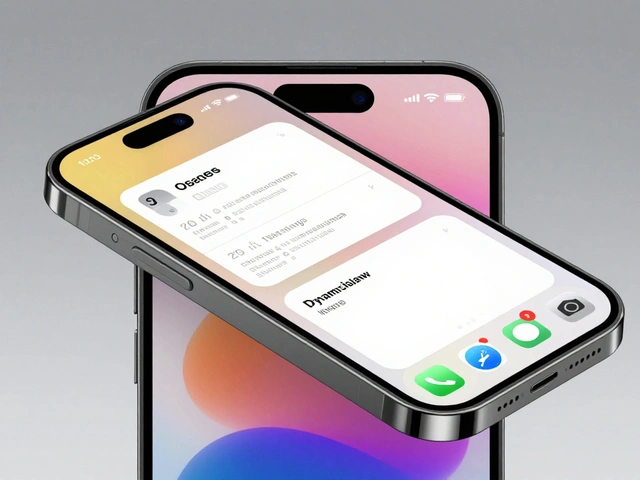
Every piece of Apple hardware comes with a specific set of constraints. These constraints force software to evolve. Take the transition from the iPod to the iPhone as a classic example. The iPod had a click wheel. It was a mechanical interface that dictated a linear, list-based navigation model. When Apple introduced the iPhone, they removed the physical buttons entirely. They replaced them with a multi-touch glass surface. This single hardware decision forced iOS to abandon keyboard-centric input and embrace gesture-based interaction. Swipe, tap, pinch-these were not just features; they were necessities born from the lack of physical keys.
This pattern repeats itself. When Apple made the iPad Pro thinner and added the Apple Pencil, the software had to support pressure sensitivity and tilt detection. Before the hardware existed, no one was designing apps for drawing on a tablet with high precision. The hardware created the demand. Today, we see this again with the MacBook Pro. The removal of the Touch Bar in favor of function keys was a hardware rollback, but it signaled a shift back toward reliability and standardization in professional workflows. The hardware choice told developers: stop relying on transient, context-dependent UI elements, and focus on stable, predictable inputs.
Spatial Computing and the Vision Pro
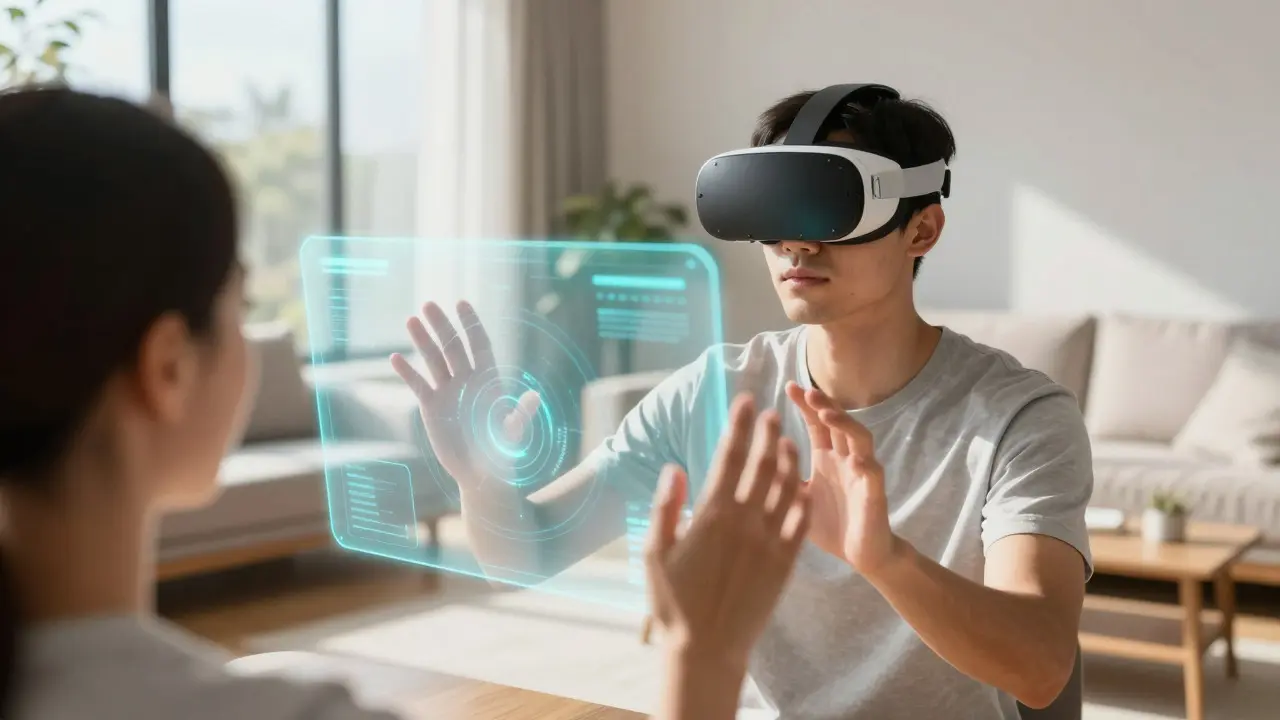
The most recent example of this strategy is the Apple Vision Pro. Launched in early 2024, this headset is not just a display; it is a spatial computer. Unlike traditional monitors that sit flat on a desk, the Vision Pro projects interfaces into your physical room. This hardware reality forces a complete rethink of software interaction. You cannot use a mouse and keyboard effectively when you are looking around a living room. So, Apple introduced eye tracking and hand gestures as primary inputs.
Here, the hardware defines the interaction model. Your eyes are the cursor. Your hands are the mouse. But because these inputs are less precise than a physical pointer, the software has to be more forgiving. Interfaces need larger hit targets. Animations need to be smoother to guide the user’s attention. The visionOS operating system was built specifically for this hardware constraint. It uses "volumes" instead of windows. A volume is a 3D space where content exists. This is a direct result of the headset’s ability to track depth and position. Without the hardware capability to map your room, the concept of a volumetric UI would be useless. The hardware anticipated the shift from 2D screens to 3D spaces, and the software followed suit.
Haptics and Tactile Feedback
Another area where hardware drives software is haptics. Apple has invested heavily in Taptic Engines, which provide precise tactile feedback. On the iPhone, the Home Button was replaced by a Force Touch sensor. It didn’t physically depress like old buttons; it simulated the click using vibration. This hardware innovation allowed software to create multi-level interactions. A light press did one thing, a deep press did another. This expanded the vocabulary of touch beyond simple taps.
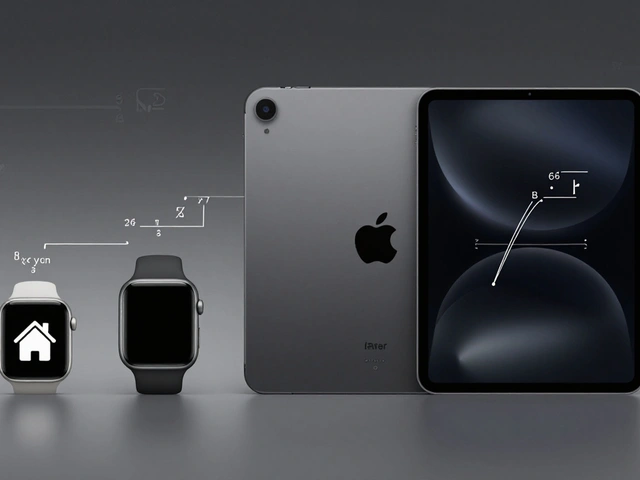
Now, look at the Apple Watch. The Digital Crown and the side button work together with haptic feedback to create a unique navigation system. You rotate the crown to scroll, and the watch vibrates subtly to let you know when you’ve reached the end of a list. This tactile cue reduces visual clutter. You don’t need to see the bottom of the list; you can feel it. As wearables become more common, expect this trend to grow. Future smart glasses might use bone conduction audio paired with micro-haptics on the temples to signal notifications without blocking your view. The hardware limitation (small screen) drives the software solution (tactile cues).
Thermal Constraints and Performance Management
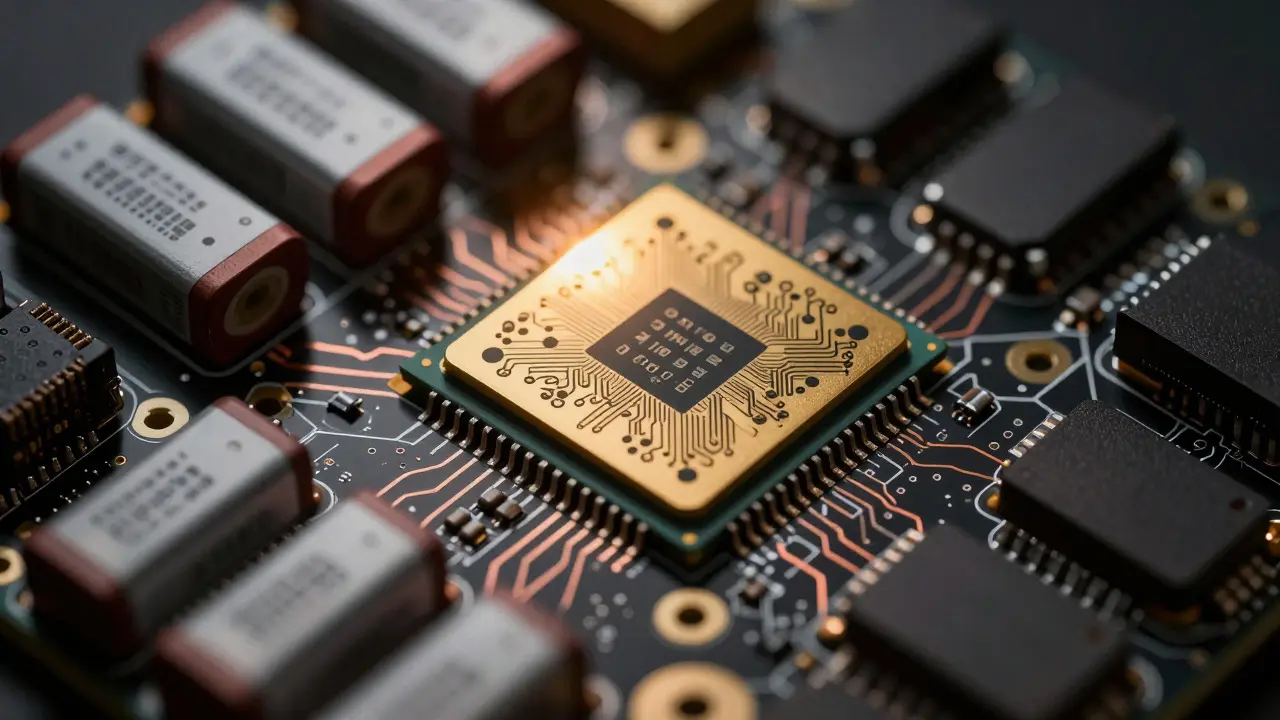
Hardware also limits software through physics. Heat is the enemy of thin devices. When Apple released the M1 chip, it wasn’t just about speed; it was about efficiency. The ARM architecture allowed the chip to run cooler and last longer on battery. This hardware characteristic enabled a new software paradigm: performance on battery power. Before the M1, laptops throttled their performance when unplugged to save energy. With the M1, the software could maintain full performance whether plugged in or not. This changed how developers optimized their apps. They no longer had to write separate code paths for AC and DC power states. The hardware’s thermal efficiency simplified the software complexity.
This relationship between hardware efficiency and software stability is crucial. As chips get smaller and denser, thermal management becomes a major design constraint. Future laptops might have variable refresh rate displays that lower the frame count automatically when the GPU gets hot. The software will handle this transition seamlessly, but the trigger is purely hardware-based. Understanding these physical limits helps us predict where software optimization efforts will focus.
Predicting the Next Shift: Modular and Sustainable Hardware
Where does this leave us for the next five years? Apple is increasingly focusing on sustainability and repairability. The iPhone 15 series introduced USB-C, a move driven by regulatory pressure and consumer demand. But there is a deeper hardware trend: modularity. While Apple has historically been closed off, the push for easier repairs suggests a shift in internal component design. If hardware becomes more modular, software might need to adapt to dynamic configurations. Imagine a laptop where you can swap out the battery or the storage drive without opening the case. The software would need to detect these changes instantly and adjust its resource allocation accordingly.
Furthermore, the rise of AI on-device is changing the game. Apple Intelligence relies on Neural Engine hardware built directly into the chip. This allows complex machine learning tasks to run locally, without sending data to the cloud. This hardware capability enables privacy-focused software features. Real-time translation, image generation, and email summaries can happen on your phone. The hardware anticipates a shift away from cloud-dependent services toward local, private processing. As neural engines get faster, expect software to become more proactive. Your phone might predict what you want to do based on local data analysis, rather than waiting for you to ask.
| Hardware Feature | Software Interaction Shift | Example Device |
|---|---|---|
| Multi-Touch Screen | Gesture-based navigation, replacing physical buttons | iPhone, iPad |
| Spatial Tracking Sensors | Volumetric UI, eye-tracking input | Apple Vision Pro |
| Taptic Engine | Haptic feedback for navigation and alerts | Apple Watch, iPhone |
| ARM Architecture (M-series) | Consistent performance on battery power | MacBook Pro, iPad Pro |
| Neural Engine | On-device AI processing, privacy-focused features | iPhone 15, M3 Chip |
The Role of Ecosystem Integration
It is not just about individual devices. Apple’s hardware ecosystem creates a network effect that influences software design across all products. The Continuity features, like Handoff and Universal Clipboard, rely on hardware proximity sensors and Bluetooth Low Energy. Because Apple controls both the hardware and the OS, they can create seamless transitions between devices. For example, if you copy text on your iPhone, you can paste it on your Mac. This works because the hardware identifies the other device quickly and securely. As hardware becomes more interconnected, software will likely become more context-aware. Your laptop might automatically adjust its brightness based on the ambient light detected by your phone’s camera. The hardware network acts as a shared sensory organ for the software.
This integration also hints at future shifts. If Apple introduces a ring or a bracelet with health sensors, the software on your watch or phone will update to include new biometric data. The hardware expands the range of data available to the software, which in turn enables new health and fitness applications. The cycle continues: new sensors lead to new data, which leads to new software features.
Challenges and Risks in Hardware-Driven Design
While this strategy is effective, it is not without risks. Relying too heavily on proprietary hardware can limit compatibility. Developers may hesitate to invest in features that only work on Apple devices. This creates a walled garden that protects users but restricts choice. Additionally, hardware failures can break software experiences. If a sensor malfunctions, the software feature that depends on it becomes useless. This requires robust error handling in software design. Developers must anticipate hardware variability and create fallback options. For instance, if eye tracking fails on the Vision Pro, the system should allow hand gestures as a backup. Balancing innovation with reliability is a constant challenge for hardware-driven software teams.
There is also the risk of obsolescence. If software is tightly coupled to specific hardware capabilities, upgrading the hardware often requires a significant software update. This can fragment the user base. Older devices may not receive the latest features, leading to dissatisfaction. To mitigate this, Apple maintains long-term support for older hardware, but this comes at the cost of development resources. As hardware evolves rapidly, keeping software compatible with multiple generations is a logistical hurdle.
What This Means for Designers and Developers
If you work in design or development, understanding this hardware-software dynamic is essential. Do not just design for the screen. Design for the body. Consider how the user holds the device, how they interact with it physically, and what limitations the hardware imposes. Use tools that simulate different hardware conditions. Test your apps on older devices to ensure graceful degradation. Keep an eye on Apple’s hardware announcements, as they often hint at upcoming software capabilities months or even years in advance. When Apple releases a new chip with a faster neural engine, start experimenting with on-device AI models. When they improve battery life, optimize your app for longer sessions.
Finally, think about the future. The next big shift might come from wearable technology that disappears into clothing or accessories. Imagine a shirt with embedded sensors that track posture. The software would need to interpret this data and provide real-time feedback. The hardware is invisible, but the interaction is constant. This represents the ultimate goal of hardware-driven design: making technology so integrated into our lives that we stop noticing it. By anticipating these shifts, you can stay ahead of the curve and create software that feels natural and intuitive.
How does Apple hardware influence software design?
Apple hardware sets physical constraints and capabilities that dictate how software must behave. For example, the removal of physical buttons on the iPhone forced the creation of gesture-based navigation. Similarly, the spatial sensors in the Vision Pro require software to use volumetric interfaces instead of traditional windows. The hardware defines the rules, and the software adapts to play within them.
What is the significance of the Apple Vision Pro for software interaction?
The Apple Vision Pro marks a shift from 2D screens to 3D spatial computing. Its hardware tracks eye movement and hand gestures, allowing users to interact with software without a mouse or keyboard. This forces software designers to create interfaces that exist in physical space, using volumes and depth cues rather than flat windows. It represents a fundamental change in how humans communicate with computers.
Why is haptic feedback important in modern device design?
Haptic feedback provides tactile confirmation of actions, reducing the need for visual cues. In devices like the Apple Watch, subtle vibrations indicate when a scroll reaches its limit or when a notification arrives. This makes interactions faster and more intuitive, especially in situations where looking at the screen is inconvenient, such as while walking or driving. It enhances the sense of connection between the user and the device.
How do thermal constraints affect software performance?
Heat buildup can cause devices to slow down to protect components. Efficient hardware, like Apple’s M-series chips, generates less heat, allowing software to maintain consistent performance on battery power. This simplifies software development by removing the need for complex power management logic. Developers can focus on functionality rather than worrying about thermal throttling issues.
What role does on-device AI play in future software shifts?
On-device AI, powered by dedicated neural engines, allows complex tasks to run locally without internet access. This improves privacy and reduces latency. Future software will likely become more proactive, predicting user needs based on local data. For example, real-time translation or image enhancement can happen instantly on the phone. This shift moves the center of gravity from cloud servers to the user’s own hardware.