
Buying a laptop is a two-to-three-year commitment for most people. You want it to look sharp when you open the lid at a coffee shop or in a meeting room. But after eighteen months of daily use, does your MacBook still look new, or has it started to show its age? The answer lies not just in the screen or the chip, but in the material choices Apple makes with the chassis. Specifically, the interplay between color, surface treatment, and durability determines how gracefully your device ages.
The core issue isn't just aesthetics; it's about how different finishes interact with fingerprints, scratches, and oxidation over time. A glossy black plastic might look sleek on day one, but it becomes a fingerprint magnet by week two. In contrast, matte metal surfaces hide imperfections far better. Understanding these material behaviors helps you choose a configuration that maintains its value and appearance long after the warranty expires.
Understanding Anodized Aluminum: The Workhorse Material
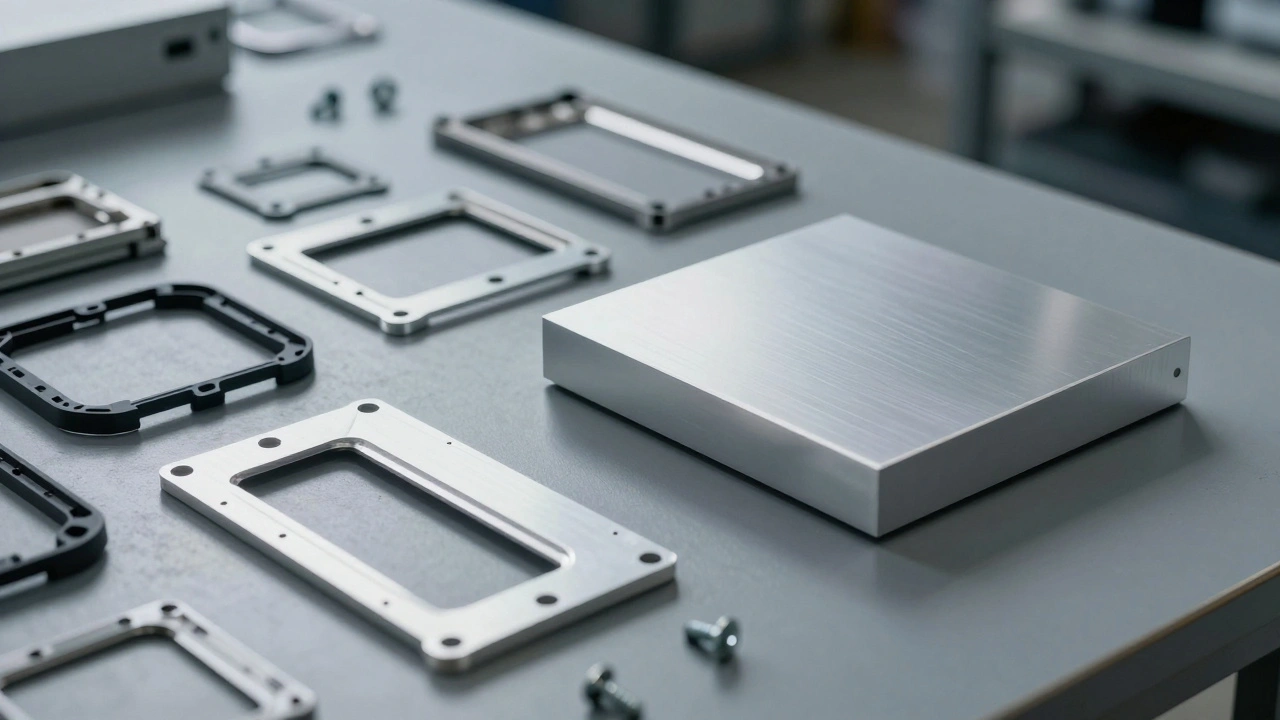
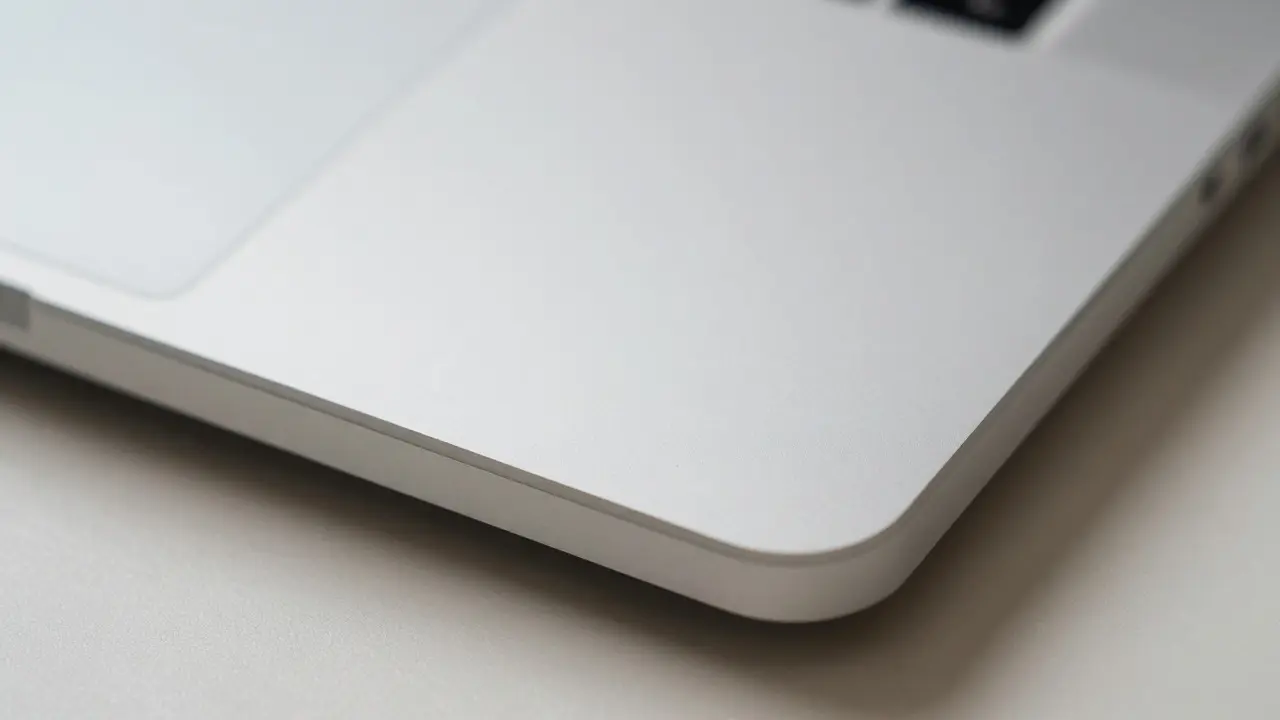
Since the original MacBook Pro in 2008, Anodized Aluminum has been the defining material of Apple’s laptop lineup. This isn't just painted metal. Anodizing is an electrochemical process that converts the metal surface into a durable, corrosion-resistant layer of aluminum oxide. This layer is integral to the metal itself, meaning it doesn't peel or chip like paint would.
There are two main types of anodizing used in consumer electronics: Type II (standard) and hard anodizing. Standard anodizing provides good scratch resistance and color retention, which is what you find on most current MacBooks. The process involves dipping the aluminum in an electrolytic bath where an electric current creates a porous oxide layer. This layer is then dyed with organic pigments and sealed with hot water. The result is a uniform, matte finish that feels smooth but has microscopic texture.
Why does this matter for aging? Because the color is trapped within the oxide layer, not sitting on top of it. If you get a minor scuff, you’re scratching the oxide, not removing a coating. This means the damage is often less noticeable than on painted plastics. However, deep gouges can expose the bare aluminum underneath, creating a white mark that contrasts sharply with darker colors like Space Gray or Midnight.
Color Psychology and Visual Wear
Not all colors age equally well. This is a subtle but critical factor in long-term satisfaction. Lighter colors tend to show dust, smudges, and micro-scratches more prominently than darker tones. Let’s break down the common options available in recent models:
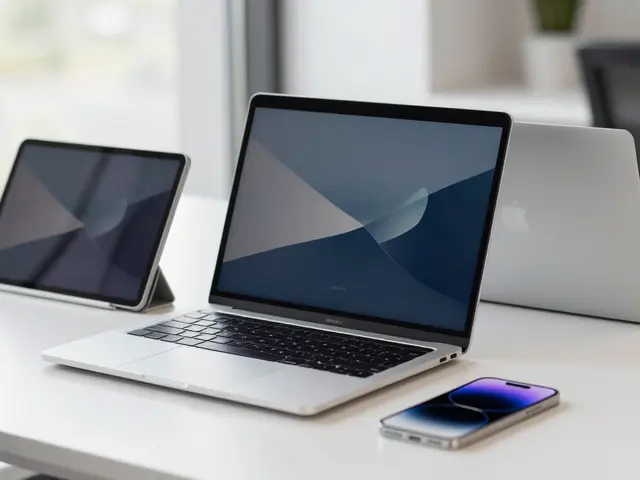
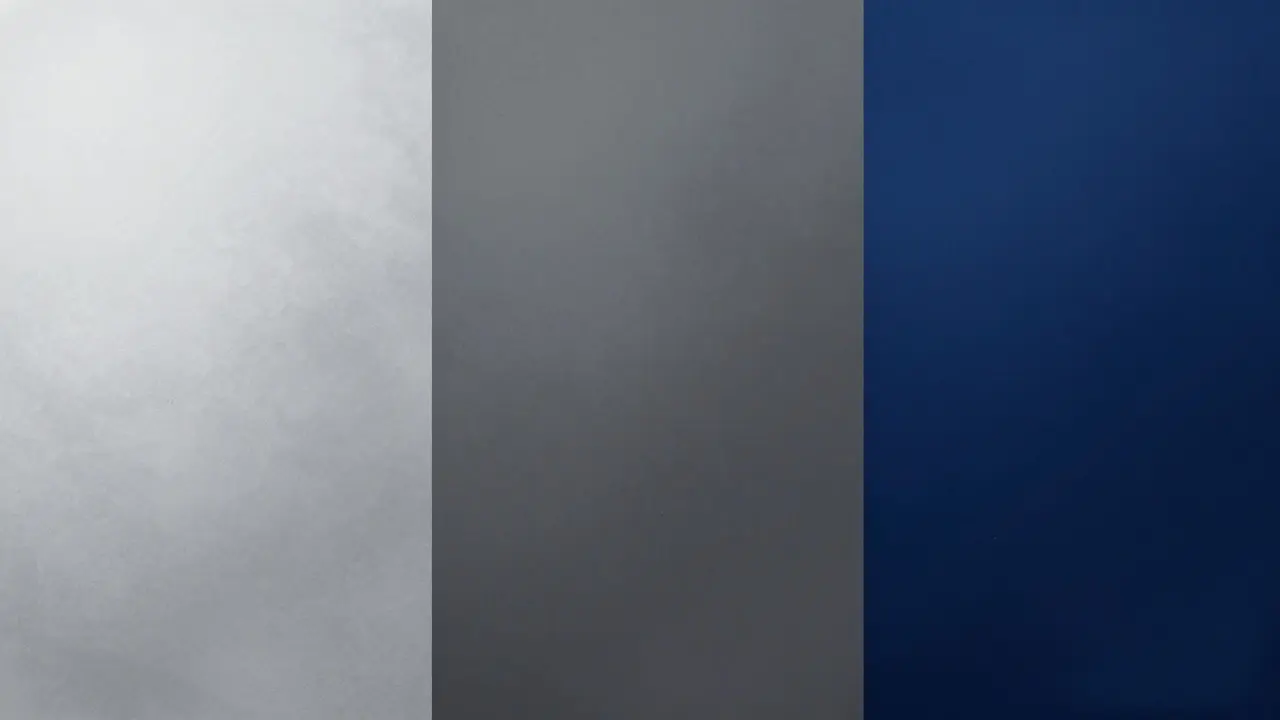
- Silver: The classic choice. It reflects light, which can make fingerprints appear as bright spots. However, because it’s light, minor scratches blend in rather than standing out as dark lines. It tends to look cleanest if you wipe it down regularly.
- Space Gray / Dark Silver: These mid-tone grays offer the best balance. They hide fingerprints better than silver due to lower reflectivity, yet they don’t show dust as starkly as black. They are generally considered the most “aging-friendly” neutral option.
- Midnight / Deep Blue: Introduced in newer Air models, this dark blue looks stunning initially. However, dark colors are notorious for showing every single speck of lint and dust. While the finish itself is durable, the visual perception of cleanliness drops faster compared to lighter shades.
- Starlight / Gold Tones: These warm hues are elegant but can be tricky. They may develop a slight yellowing tint if exposed to certain chemicals or extreme heat over many years, though this is rare with proper care. They also show sweat marks from palms quite clearly.
If you prioritize a laptop that looks fresh without constant cleaning, Space Gray or Silver are statistically safer bets. Midnight offers style but demands higher maintenance to maintain that pristine look.
Glossy vs. Matte: The Surface Treatment Debate
Beyond the base material, the surface finish plays a huge role in perceived quality over time. Apple has largely standardized on a matte finish for its aluminum bodies, but understanding why helps explain its longevity.
Glossy finishes, often found on older plastic laptops or some competitor devices, amplify reflections. This makes them look premium in photos but terrible in real life. Every fingerprint, hair strand, and dust particle is highlighted. Over time, glossy surfaces are also more prone to micro-abrasions that become visible swirls under direct light.
Matte finishes, achieved through the anodizing process mentioned earlier, diffuse light. This diffusion hides small imperfections. A tiny scratch on a matte surface scatters light rather than reflecting it back to your eye, making it nearly invisible unless you inspect it closely. This is why your three-year-old MacBook Pro still looks professional in a boardroom, even if it has seen heavy use.
| Finish Type | Fingerprint Visibility | Scratch Resistance | Dust/Lint Visibility | Long-Term Aesthetic Retention |
|---|---|---|---|---|
| Matte Anodized Aluminum (Silver) | Moderate | High | Low | Very High |
| Matte Anodized Aluminum (Space Gray) | Low | High | Moderate | Very High |
| Matte Anodized Aluminum (Midnight) | Low | High | High | High (with care) |
| Glossy Plastic (Legacy Models) | Very High | Low | High | Low |
Hidden Weak Points: Hinges, Ports, and Edges
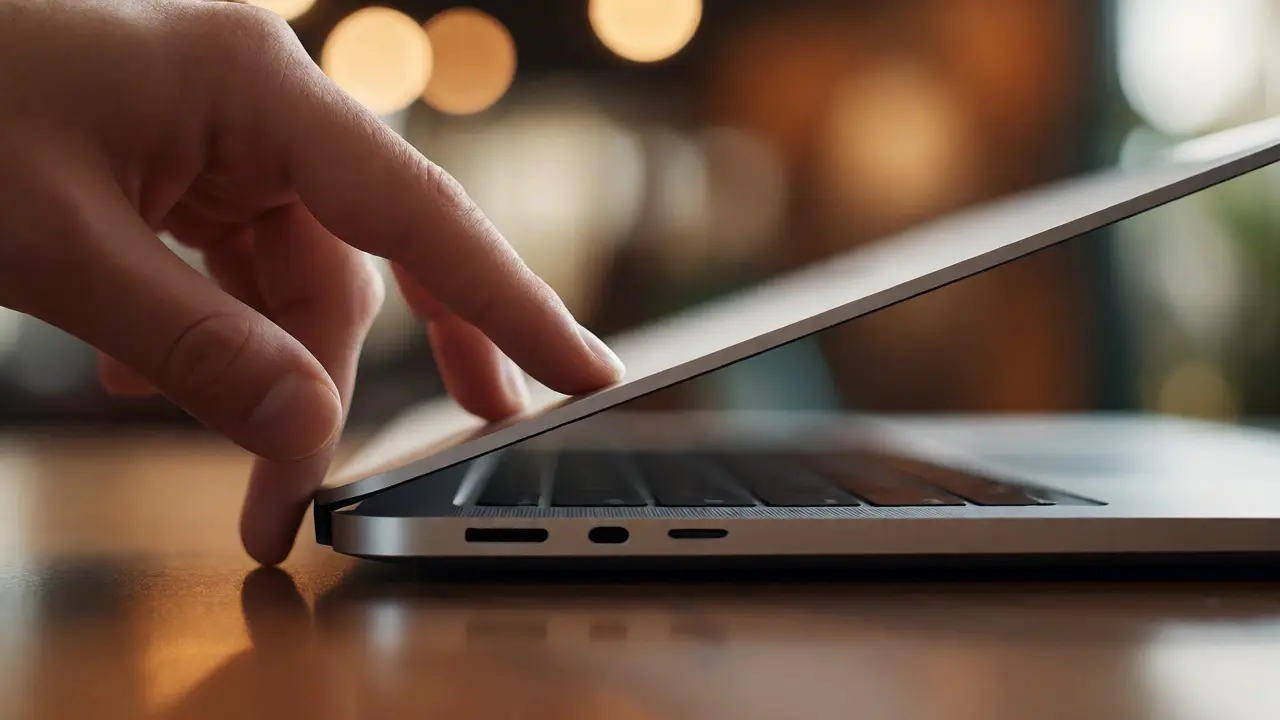
While the main body panels are robust, the edges and moving parts tell a different story. The hinge area on MacBooks is where stress concentrates. On older unibody designs, the hinge was integrated directly into the aluminum frame. On newer thin-and-light models, the hinge mechanism is partially covered by the display assembly.
Over time, repeated opening and closing can cause the paint or anodized layer around the hinge pivot points to wear down, revealing the raw metal beneath. This is particularly noticeable on Silver models, where the worn area appears darker than the surrounding body. It’s a functional failure point that affects aesthetics. Similarly, the USB-C/Thunderbolt ports and headphone jack (on models that have one) can accumulate debris. If you use cheap cables, the connectors can abrade the port housing, leading to a rougher feel and potential signal issues later.
To mitigate this, avoid using excessive force when opening the lid. Use high-quality, shielded cables for charging and data transfer. These small habits preserve the integrity of the high-wear zones.
Care Tips for Preserving Your Finish
You don’t need expensive products to keep your MacBook looking new. In fact, many commercial cleaners contain abrasives or solvents that can dull the anodized surface over time. Here is a simple, effective routine:
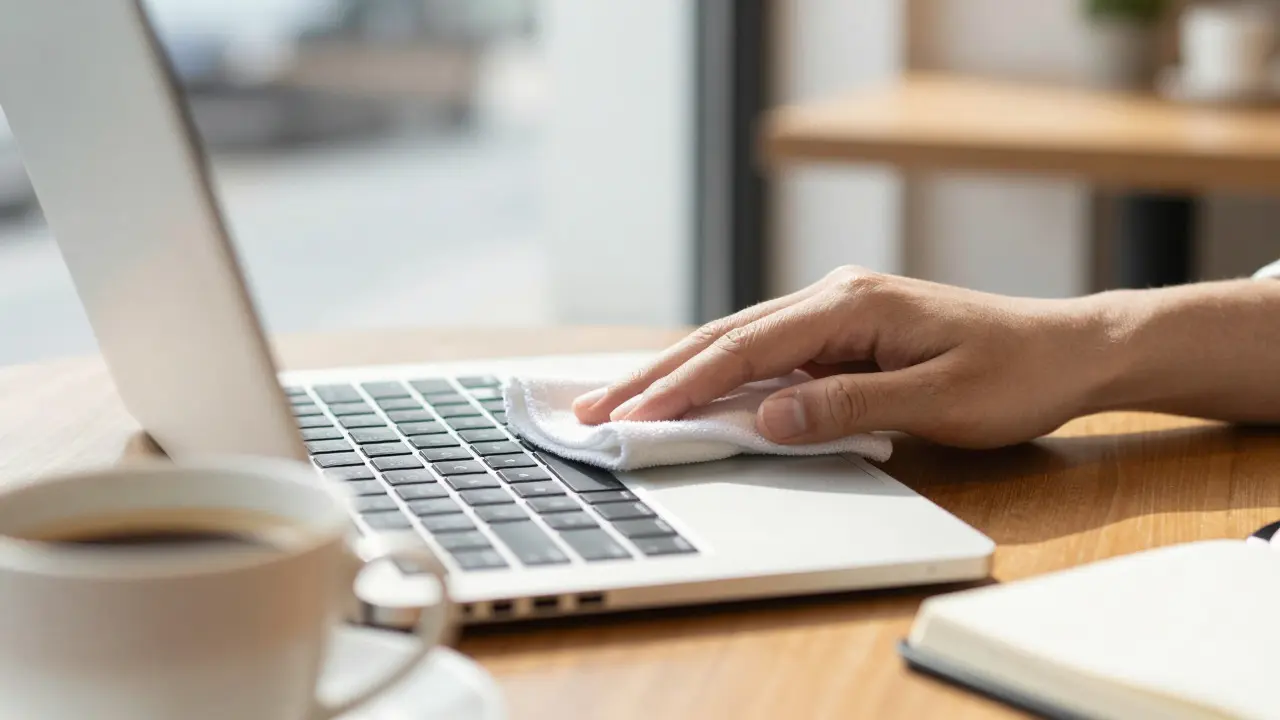
- Use Microfiber Only: Keep a clean microfiber cloth handy. Avoid paper towels or tissues, which can leave lint and cause micro-scratches.
- Water is Enough: For most smudges, a slightly dampened microfiber cloth works wonders. No soap, no alcohol wipes (unless specifically approved for electronics, as alcohol can dry out rubber seals over time).
- Wipe Down Weekly: Make it a habit to clean the keyboard and trackpad area once a week. This prevents oil buildup from skin oils, which can eventually eat into the matte texture if left for years.
- Check the Ventilation Grilles: Dust accumulates in the speaker grilles and bottom vents. Use a soft brush or compressed air gently to clear these areas. Clogged vents lead to overheating, which can warp components and affect the structural integrity of the case over time.
Avoid putting stickers on the lid. Adhesive residue is notoriously difficult to remove from anodized aluminum and can leave permanent cloudy patches. If you must personalize your device, use magnetic cases or sleeves instead.
Resale Value and Cosmetic Condition
Your choice of color and finish directly impacts resale value. When selling a used MacBook, buyers judge the device by its cosmetic condition first. A Silver or Space Gray model with minor, barely visible scratches will fetch a higher price than a Midnight model with visible dust or a Silver model with a large, obvious scuff on the lid.
Marketplace listings consistently show that “Like New” condition commands a 15-20% premium over “Good” condition. Since the aluminum body is the largest visible component, its state dictates the overall grade. Choosing a color that hides wear naturally helps you maintain that “Like New” status longer, preserving your investment.
Frequently Asked Questions
Does the color of a MacBook fade over time?
Generally, no. Because the color is embedded in the anodized oxide layer, it is highly resistant to UV fading and chemical degradation. However, extreme exposure to direct sunlight for years while the laptop is idle could theoretically alter the polymer binders in the dye, but this is extremely rare in normal usage scenarios.
Is Midnight blue more prone to scratching than Silver?
The physical scratch resistance is identical because both use the same anodized aluminum process. The difference is perceptual. Scratches on Midnight appear lighter against the dark background, making them more noticeable to the eye. Scratches on Silver appear darker but blend in more easily due to the high-key lighting reflection.
Can I repair a deep scratch on my MacBook lid?
Officially, Apple replaces the entire top case assembly, which is expensive. Third-party services offer sandblasting and re-anodizing, but matching the exact shade is difficult. For minor scratches, polishing compounds designed for aluminum can help reduce visibility, but they won't erase deep gouges.
Do matte finishes ever become glossy with age?
Rarely. Usually, the opposite happens-matte surfaces can become slightly rougher or lose their uniformity if abrasive materials are used for cleaning. However, if you apply a protective film or use a silicone-based protectant, it might create a temporary sheen, but this is not a natural aging process of the anodized layer itself.
Which MacBook color holds its value best on the secondary market?
Space Gray and Silver typically hold value best. They are neutral, appeal to a wider audience, and show less visual wear. Limited edition colors or very dark shades like Midnight may depreciate faster because they attract a narrower buyer pool and require more careful presentation to look appealing.