
When your iPhone suggests a route or summarizes an email, you might wonder how it decided that was the best answer. Most of us just tap "accept" and move on. But behind that simple interaction lies a complex web of probabilities, hidden logic, and privacy constraints. Explaining AI decisions in Apple apps is the process of making machine-learning outputs understandable to users through confidence scores, alternative suggestions, and interactive learning loops. It’s not just about showing a result; it’s about building trust so you feel comfortable letting the technology help you.
For years, Apple has kept its AI engine running quietly in the background. With the arrival of Apple Intelligence a suite of generative AI features integrated into iOS, iPadOS, and macOS, that silence is breaking. You are now seeing more active assistance, from rewriting texts to prioritizing notifications. The question isn't just what the AI does, but why it does it-and how sure it is. Understanding this shift helps you use these tools more effectively and spot when they might be wrong.
The Shift From Silent Logic to Visible Confidence
In the early days of Siri, back in 2011, the experience was binary. Siri either understood you, or she said, "I'm sorry, I didn't quite get that." There were no shades of gray. If you asked for a restaurant, you got one answer or none at all. This lack of transparency forced users to repeat themselves until the system guessed right.
Today, the approach is different, though still subtle. Modern AI models don't just give answers; they calculate probabilities. When Photos identifies a face, it doesn't just say "This is Mom." Internally, it assigns a high probability score based on visual data stored on your device. However, Apple rarely shows you that number directly. Instead, they rely on implicit cues. For example, if the model is unsure, it might not label the person at all, waiting for you to provide context.
This strategy stems from research into human-AI interaction. Studies show that displaying raw confidence numbers-like "90% sure"-can actually confuse users or make them over-rely on the system. If a model says it is 90% confident but is wrong, the user loses trust faster than if they had never seen a number at all. Apple prefers to let the UI speak through action rather than statistics. They hide the math to keep the experience clean, but this leaves many users wondering why certain suggestions appear.
Why Alternatives Matter More Than Single Answers
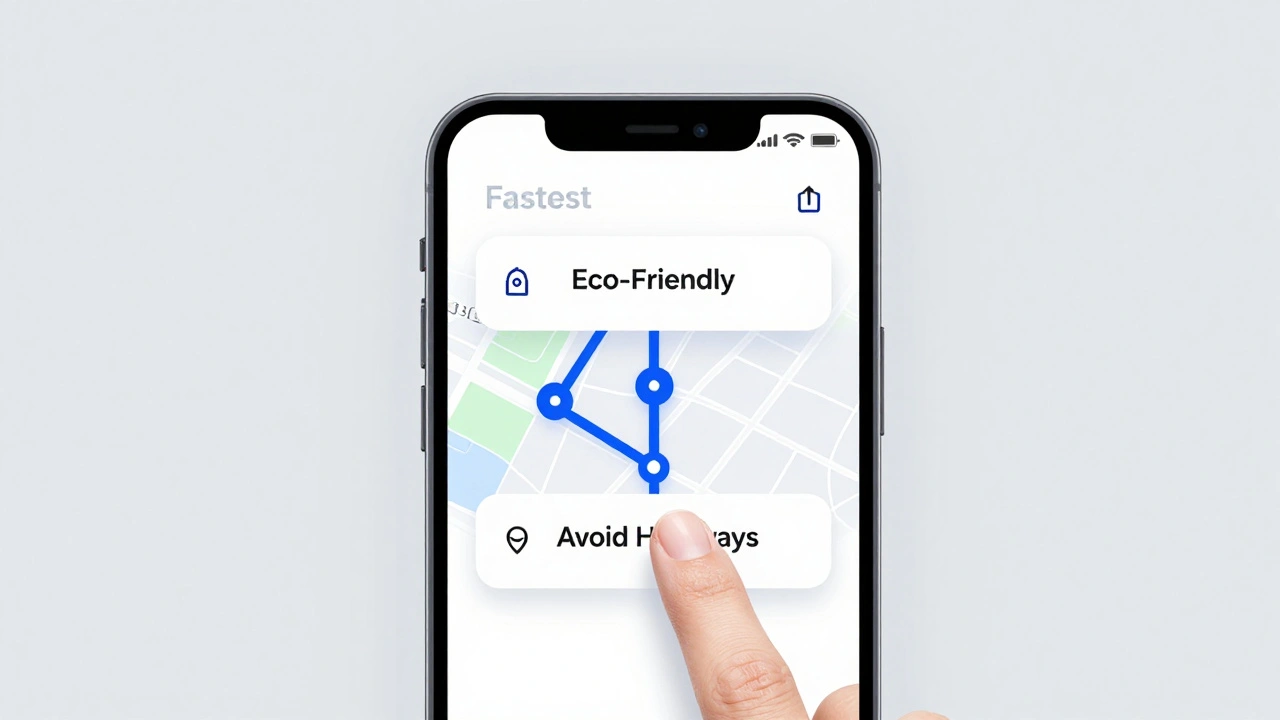
One of the most effective ways to explain an AI decision without using technical jargon is to offer alternatives. When Maps suggests a route, it often shows three options: Fastest, Avoid Highways, and Eco-Friendly. By presenting choices, the app implicitly explains its logic. You see that the "Fastest" route takes a toll road, while the other avoids traffic but adds ten minutes.
Siri Suggestions context-aware recommendations for apps, contacts, and actions based on user behavior work similarly. If you frequently open a specific project file every morning at 8 AM, Spotlight will surface that file at that time. It doesn't say, "Because you opened this file 5 times last week." It just puts the file there. The explanation is the pattern itself. You recognize your own habit, and the AI mirrors it.
Research supports this approach. A study by Kulesza et al. found that users who saw multiple options with brief reasons built better mental models of the system. They understood *how* the AI worked because they could predict its future behavior. In contrast, single-answer systems felt like magic tricks-impressive once, but frustrating when they failed. By showing alternatives, Apple allows you to correct the AI. If you pick the second route suggestion, you teach the system that speed wasn't your priority today.
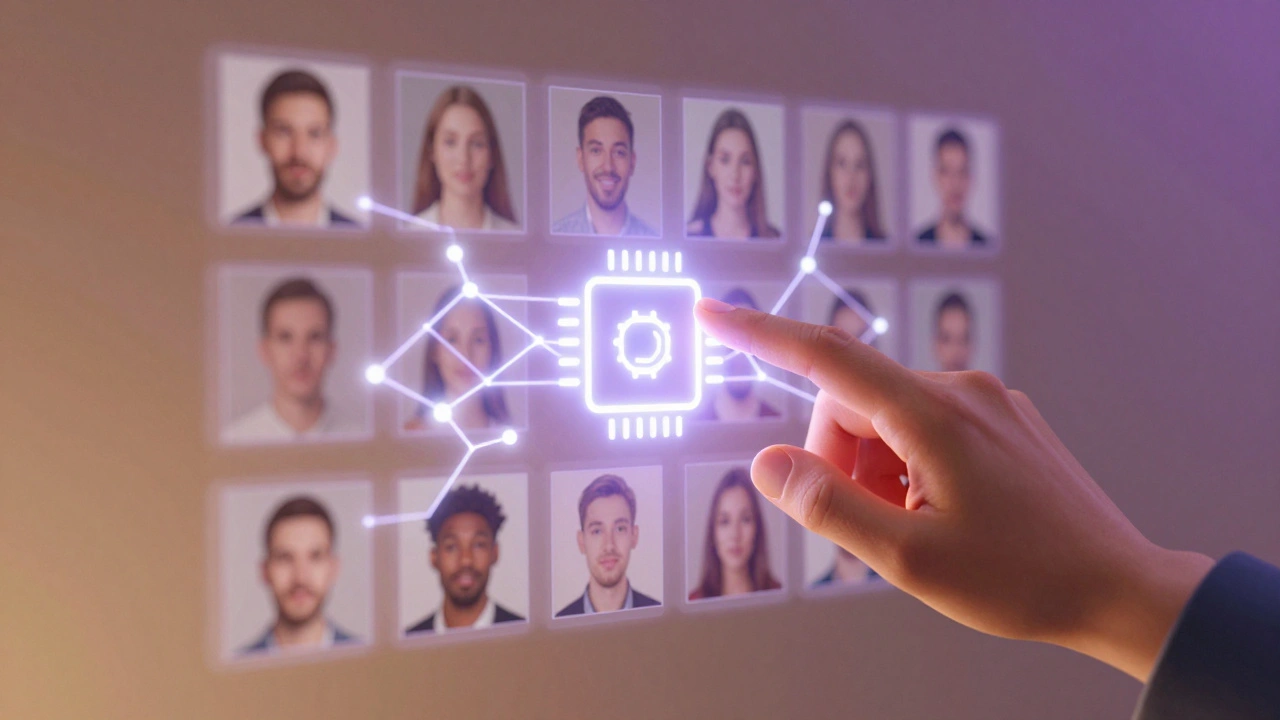
Learning Through Correction: Interactive Machine Teaching
The best way to understand an AI's decision is to change it. This concept, known as interactive machine teaching, turns you into the teacher. Apple uses this heavily in the Photos app. When the system groups photos into "Memories," it relies on facial recognition and location data. Sometimes it gets it wrong, grouping a friend with a stranger.
When you correct a face label in Photos, you aren't just fixing one photo. You are updating the local model on your device. The next time that person appears, the AI recognizes them correctly. This loop creates a feedback mechanism where the AI learns from your corrections. It explains its initial mistake by allowing you to fix it, and it demonstrates improvement over time.
Keyboard predictions work the same way. If QuickType suggests a word you never use, you can swipe past it. Over time, the language model adapts to your vocabulary. This is a form of silent explanation: the AI shows you what it thinks, and your reaction tells it whether it was right. It’s a continuous conversation between you and the software, driven by your daily habits.
Privacy Constraints and On-Device Processing
A major factor shaping how Apple explains AI decisions is privacy. Unlike some competitors that send vast amounts of user data to cloud servers, Apple processes much of its AI locally on the chip. The Neural Engine a dedicated hardware component in Apple Silicon chips designed for machine learning tasks handles everything from face detection to text prediction without leaving your phone.
This on-device processing limits what the AI can explain. It cannot say, "I suggested this contact because you emailed him yesterday," if that email data is locked in a separate, secure container. Privacy frameworks prevent the AI from accessing cross-app data unless you explicitly grant permission. As a result, explanations are often vague. You might see a suggestion labeled "Frequent Contact," but you won't know exactly which interactions triggered it.
With the introduction of Private Cloud Compute for more complex tasks, Apple attempts to balance power with privacy. These servers process requests temporarily and delete the data immediately after. While this allows for smarter responses, it also means the AI cannot build a long-term profile of your preferences to explain its reasoning later. The trade-off is clear: you get robust privacy, but less personalized insight into why the AI made a specific choice.

The Limits of Reasoning Models
Not all AI decisions are created equal. Simple classification tasks, like identifying a dog in a photo, are reliable. Complex reasoning tasks, like solving a multi-step logic puzzle or summarizing a nuanced legal document, are prone to error. Apple’s own research highlights this limitation. Their paper on reasoning models notes that performance can collapse completely once problem complexity crosses a certain threshold.
This means that when Apple Intelligence generates a summary or rewrites a message, it is not "thinking" in the human sense. It is predicting the next likely word based on patterns. If you ask it to reason through a complex scenario, it might hallucinate details. Because of this, Apple avoids claiming absolute certainty in its generative features. The UI remains neutral, avoiding phrases like "This is definitely correct."
Understanding this limit is crucial for users. You should treat AI-generated summaries as drafts, not facts. The lack of explicit confidence scores in these areas is a protective measure. It reminds you that the output is probabilistic, not guaranteed. Always double-check critical information, especially when dealing with financial or medical advice generated by AI tools.
| Feature | Explanation Method | User Control | Confidence Display |
|---|---|---|---|
| Photos Memories | Implicit grouping by face/location | High (manual correction) | None (hidden) |
| Siri Suggestions | Contextual ranking | Medium (ignore/select) | None (hidden) |
| Maps Routes | Alternative options with labels | High (choose route) | Time estimates only |
| Apple Intelligence Summaries | Generative text output | Low (edit text) | None (no score) |
What Developers Can Do Better
If you build apps for iOS, you have more control over how AI decisions are explained. Core ML a framework that allows developers to integrate machine learning models into iOS apps provides access to probability scores for classification models. You can choose to display these scores to users, but you must do so carefully.
Don't just show a percentage. Context matters. If your app identifies a skin condition, showing "85% confidence" might cause unnecessary anxiety if the model is uncertain. Instead, use qualitative labels like "Likely" or "Possible," and always include a disclaimer. Provide alternatives whenever possible. If your app recommends a product, show two others with similar traits. This gives users a sense of agency and helps them understand the criteria behind the recommendation.
Also, consider adding a "Why this?" button. Even a simple tooltip explaining the key factors-such as "Recommended based on your recent searches"-can significantly improve trust. Transparency doesn't require exposing the entire algorithm. It just requires acknowledging that the decision was made by a machine and giving the user a way to verify or adjust it.
Does Apple show confidence scores for AI decisions?
Generally, no. Apple hides numeric confidence scores in consumer-facing UIs to avoid confusing users or creating false trust. Instead, they use implicit cues like grouping, ranking, and labeling to indicate certainty.
How does Apple Intelligence explain its summaries?
Apple Intelligence does not currently provide detailed rationales or confidence scores for its summaries. It presents the output as a draft, relying on the user to review and edit the content. The explanation is functional rather than analytical.
Can I train my iPhone's AI to make better decisions?
Yes, through interactive correction. Correcting face labels in Photos, dismissing unwanted Siri Suggestions, and selecting alternative routes in Maps all update the local models on your device, improving future accuracy.
Why doesn't Siri tell me why it chose a specific contact?
Privacy restrictions prevent Siri from revealing specific data points across different apps. It can suggest a contact based on frequency or context, but it cannot cite exact emails or messages due to sandboxing and security protocols.
Is Apple's AI reasoning reliable for complex tasks?
Apple's research indicates that reasoning models can fail abruptly on complex problems. Users should treat AI-generated reasoning as probabilistic heuristics rather than guaranteed logical derivations, especially for high-stakes decisions.