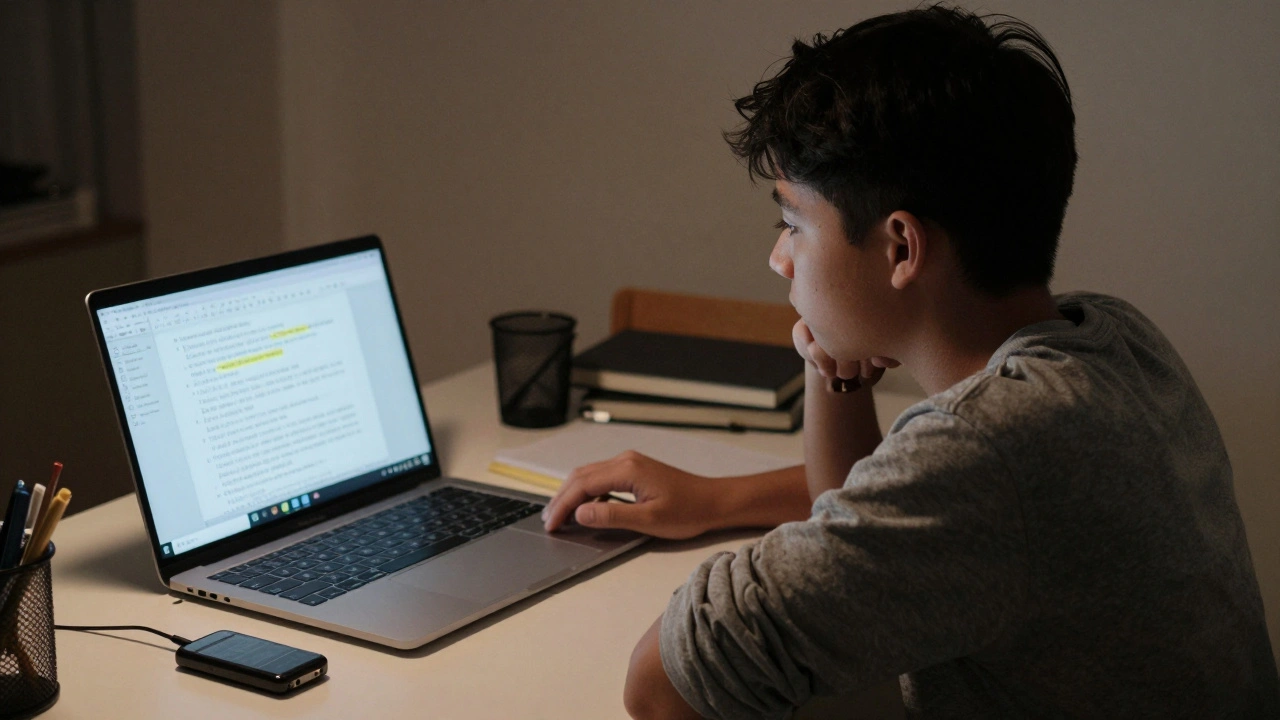

Most companies measure AI performance with numbers: how fast it responds, how accurate its answers are, how much power it uses. But Apple doesn’t care about those numbers as much as you think. In February 2026, Apple researchers published a study that flipped the script. Instead of asking, "How well does this model score on ImageNet?", they asked, "What happens when a student tries to use AI to compare their lecture notes to an audio recording and spots what they missed?" That’s the difference between benchmarking and real-world usability.
Why Benchmarks Lie About Real AI Experience
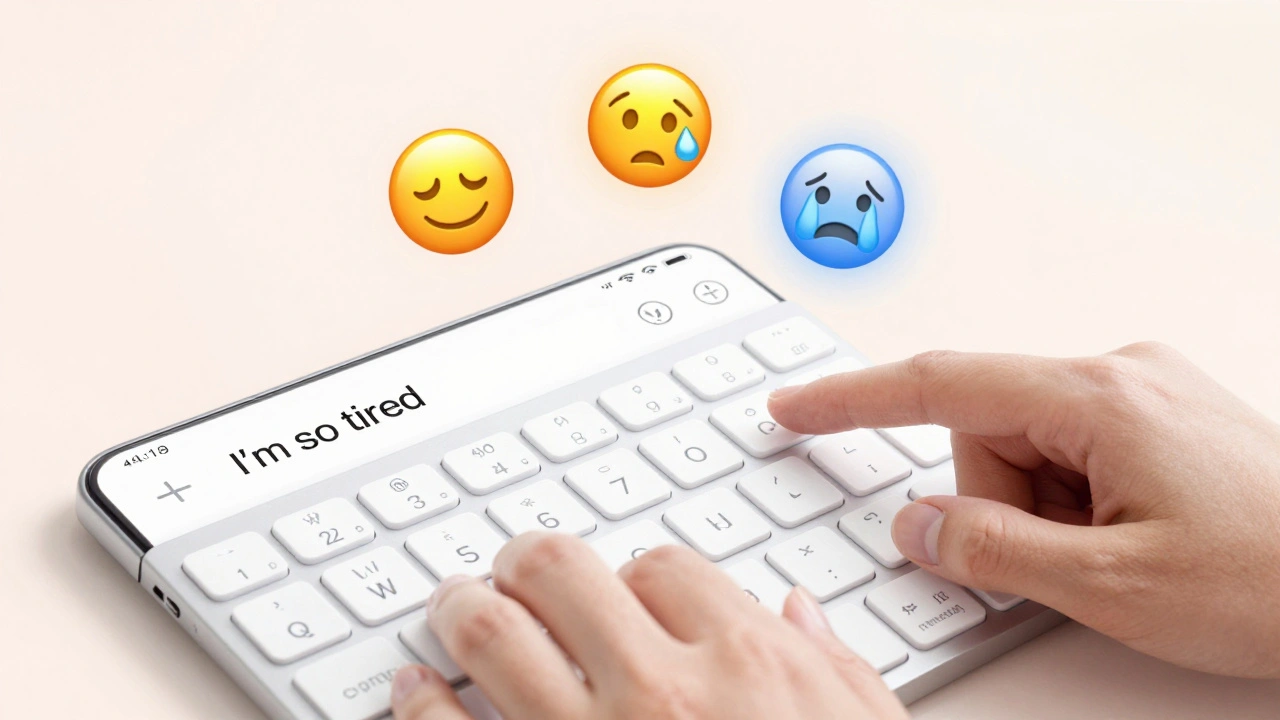
Benchmarks are great for engineers. They give clear targets: reduce latency by 15%, increase accuracy to 94.3%. But users don’t care about 94.3%. They care about whether the AI understood their half-sentence, if it interrupted them at the wrong time, or if it made a suggestion that felt creepy instead of helpful. Apple’s research found that users don’t want AI to be "smart"-they want it to be predictable.Take Genmoji, for example. A benchmark might measure how many emoji variations it can generate in a second. Apple’s real-world test? They watched how people typed "I’m so tired" and then picked the emoji that matched their mood. Did the AI suggest a crying face? A sleeping face? A face with sweat? Turns out, users didn’t want the most popular emoji-they wanted the one that felt true to their moment. That insight came from watching real users, not from running tests on a server farm.
How Apple Tests AI Like a Human, Not a Machine
Apple’s team used something called the Wizard of Oz method. It sounds like magic, but it’s simple: users think they’re talking to an AI, but a researcher is secretly typing the responses behind the scenes. This lets Apple test how users react to different designs without building the full AI first.In one test, users were asked to summarize a long email. The "AI" responded with a draft, then asked, "Should I make this more formal?" Users didn’t know the researcher was typing that. What Apple learned? People hated being asked for permission at every step. They wanted the AI to make a smart guess, then say, "I made this more professional-want to undo it?" That’s not something you’d find in a latency chart.
They also tested how users responded when the AI made a mistake. Most AI systems just say, "I’m sorry, I don’t understand." Apple found users got frustrated not because the AI failed-but because it didn’t explain why. When the AI said, "I couldn’t find the meeting time because your calendar was private," users were 70% more likely to keep using it. Transparency builds trust. Benchmarks don’t measure trust.
The Four Pillars of Apple’s Real-World AI Design
From hundreds of real user sessions, Apple distilled four core needs that every AI interface must satisfy:- User Query - How do people actually speak to AI? Not "Find my flight details," but "Hey, when’s my flight again?" Natural language, not commands.
- Explainability - Users need to know what the AI did, not just what it gave them. "I pulled your last two emails and noticed you always reply to this person on Fridays. I made a draft for you."
- User Control - The ability to stop, edit, or undo without jumping through menus. Apple added a "Pause Agent" button that interrupts the AI mid-task. Users felt in charge.
- Mental Model - People need to know what the AI can and can’t do. If you think it can read your private notes and it can’t, you’ll stop trusting it. Apple now shows users a simple "What this can do" screen before enabling features.
These aren’t engineering specs. They’re human behaviors. And you can’t measure them with a stopwatch.
Privacy Isn’t a Feature-It’s Part of the Usability
Apple’s approach to privacy isn’t just ethical-it’s smart design. For Genmoji, they use differential privacy. That means when you use the feature, your device sends a noisy, randomized signal to Apple: "Someone typed this emoji prompt." But no one can tell if it was you. It takes hundreds of people using the same phrase before Apple even notices it’s popular.This isn’t about hiding data. It’s about making users feel safe enough to use AI daily. In Apple’s tests, users who knew their prompts were private were 3x more likely to try new features. If you have to choose between a faster AI and a private AI, users pick private every time. That’s a usability win no benchmark can capture.
Real Devices Matter More Than Simulators
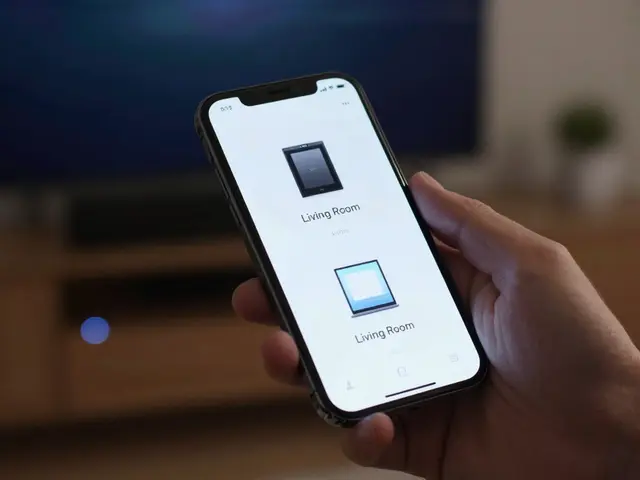
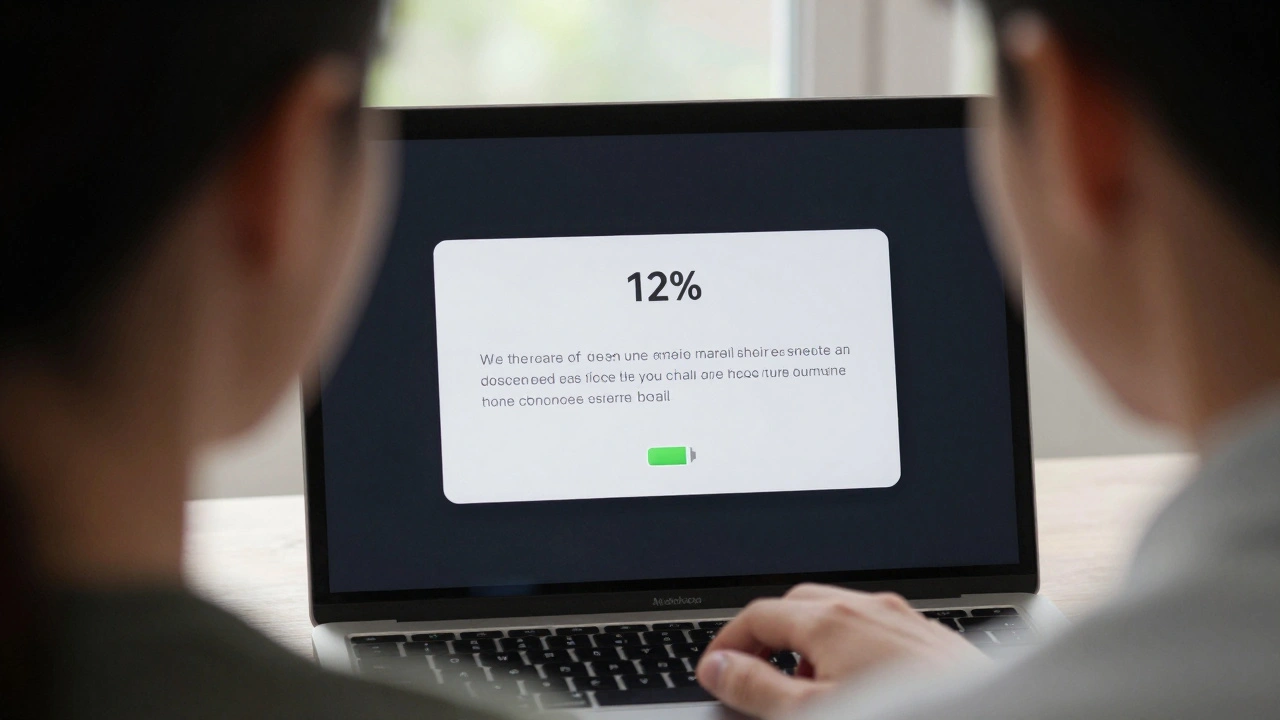
Apple doesn’t test AI on simulators. They use real iPhones, iPads, and Macs. Why? Because real devices have real quirks. A notification pops up. The battery dips. The screen dims. The network stutters. Simulators don’t do that.One team tested Apple Intelligence’s writing tool on a device with low battery. The AI slowed down. Users didn’t blame the battery-they blamed the AI. "It’s being lazy," one said. That’s not a performance issue. It’s a perception issue. Apple now adjusts how the AI behaves based on battery level, not just speed.
They also test on devices with different languages, time zones, and regional settings. An AI that works perfectly in English might confuse someone using Spanish-English code-switching. Real-device testing catches those edge cases. Benchmarks assume everything is perfect. Real users aren’t.
Private Cloud Compute Changes the Game
Most AI benchmarks assume everything runs on-device. Apple knows that’s not true. Sometimes, you need a bigger model. That’s where Private Cloud Compute comes in. It’s not just faster-it’s smarter about when to use the cloud.Apple’s usability tests showed users didn’t want to choose between "on-device" and "cloud." They wanted the AI to decide. If you’re typing a long email, it uses the local model. If you’re asking for a detailed summary of a 30-page PDF, it quietly switches to the cloud. No pop-up. No "loading" spinner. Just results.
This is the future: AI that adapts to your context, not your settings. Benchmarks can’t simulate context. Real users can.
What Apple’s Approach Teaches Everyone Else
Apple isn’t trying to build the smartest AI. They’re trying to build the most usable one. That means:- Letting users speak naturally, not like command-line users
- Explaining failures instead of hiding them
- Letting users stop the AI with one tap
- Protecting privacy so users feel safe
- Testing on real devices with real interruptions
- Letting the system choose when to use the cloud
These aren’t fancy features. They’re basic human needs. And if you’re building AI that ignores them, you’re building something that looks smart but feels cold.
What Comes Next
Apple is rolling out this approach to Image Playground, Image Wand, Memories Creation, and Visual Intelligence. Each one will be tested not by how many images it generates, but by how many users feel like it "got them." The lesson? Stop chasing benchmark scores. Start watching real people. The best AI doesn’t win competitions. It wins trust.Why does Apple avoid using benchmarks to test AI?
Apple avoids benchmarks because they measure technical performance-like speed or accuracy-but not how users actually feel. A model might answer 95% of questions correctly, but if it interrupts users, hides mistakes, or feels invasive, people stop using it. Apple’s research shows that usability-trust, control, and clarity-matters more than raw numbers.
What is the Wizard of Oz method in AI testing?
The Wizard of Oz method is a usability test where users think they’re interacting with an AI, but a human is secretly controlling the responses. This lets researchers test how people react to different AI behaviors-like explanations, interruptions, or suggestions-without building the full AI first. Apple used this to discover that users prefer subtle, transparent interactions over robotic perfection.
How does Apple use differential privacy in AI testing?
Apple uses differential privacy to learn what users are typing-like emoji prompts-without knowing who typed them. Devices send random, noisy signals that only reveal patterns when hundreds of people use the same phrase. This lets Apple improve features like Genmoji while guaranteeing individual prompts stay private. Users trust the system more because they know their data won’t be tracked.
Why does Apple test AI on real devices instead of simulators?
Simulators can’t replicate real-world interruptions: low battery, spotty Wi-Fi, sudden notifications, or language switches. Apple found that users blamed the AI when it slowed down on low battery-even though it was the device, not the AI. Testing on real devices reveals these hidden usability issues that benchmarks and simulators miss entirely.
What is Private Cloud Compute and why does it matter for usability?
Private Cloud Compute lets Apple run heavier AI tasks on secure cloud servers instead of your device. But usability isn’t about which one is faster-it’s about when to use each. Apple’s tests showed users prefer the AI to switch automatically: local for quick tasks, cloud for heavy ones. No pop-ups. No choices. Just smooth, context-aware help. That’s usability designed around behavior, not specs.