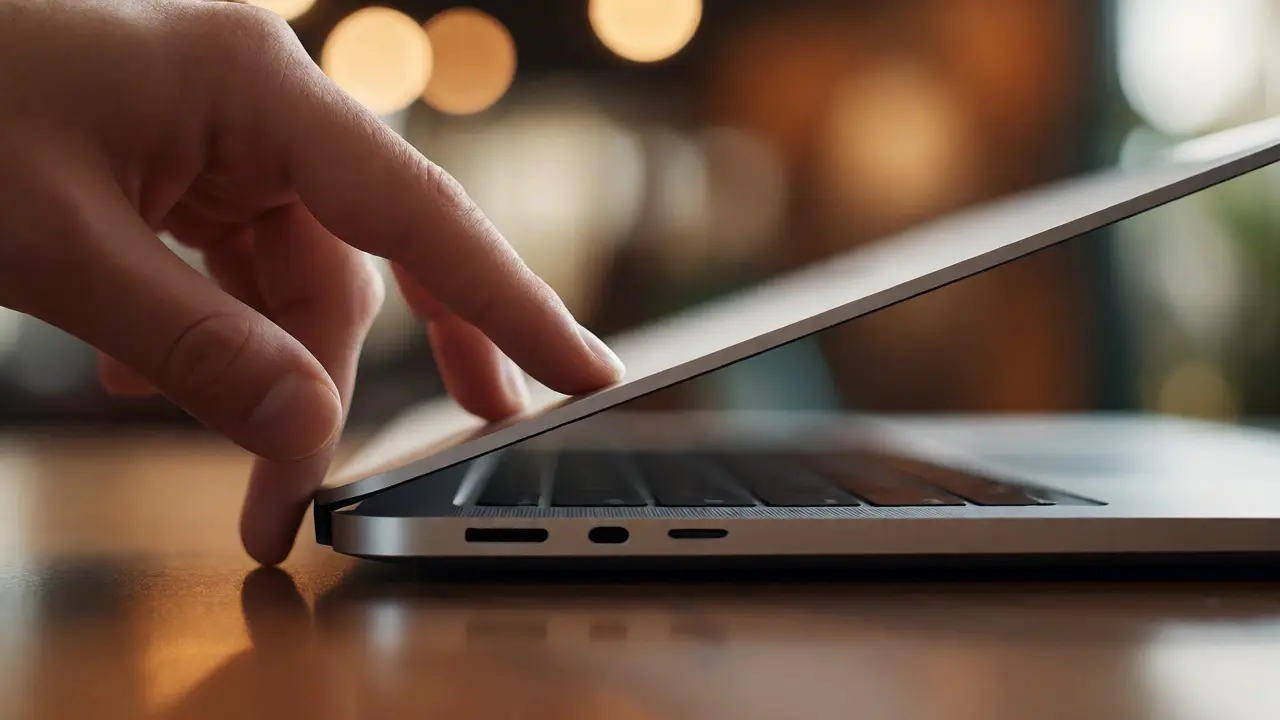

You know the move. You’re sitting in a coffee shop, laptop closed on the table. Without looking, you place two fingers on the front edge of the lid and lift. It rises smoothly, stops exactly where you want it, and stays there. No wobble, no sudden drop, no grinding noise. That specific feeling-the one-hand lift-isn’t magic. It’s the result of decades of obsessive refinement in mechanical engineering.
For most users, a laptop hinge is just a piece of metal that lets the screen open. But for Apple, the hinge is the primary interface between the user and the device. It dictates how the machine feels when you pick it up, how stable it looks on a desk, and whether your video call freezes because the camera angle shifted by three degrees. If you’ve ever wondered why older laptops feel loose or new ones feel impossibly precise, the answer lies in the delicate balance of resistance, material science, and geometry.
The Physics of Friction Torque
At its core, a laptop hinge manages friction torque. This is the rotational force required to move the lid. Too little torque, and the screen flops forward like a dead fish when you type. Too much, and you need two hands to open the lid, risking damage to the chassis if you pull too hard. The goal is "static friction" that holds the screen at any angle but allows smooth movement when intentional force is applied.
Apple achieves this through a complex internal mechanism hidden inside the aluminum extrusion. Unlike simple barrel hinges found in cheaper devices, modern MacBook hinges use a system of cams and springs. As the lid rotates, the cam profile changes the pressure applied to the friction surfaces. This creates a non-linear resistance curve. Opening from 0 to 90 degrees requires more force than holding it at 120 degrees. Why? Because gravity pulls harder on the center of mass when the lid is low. The hinge compensates automatically.
| Hinge Type | Mechanism | User Experience | Common Issue |
|---|---|---|---|
| Classic Barrel | Simple pivot pin with nylon washers | Inconsistent tension; loosens over time | Screen drift during typing |
| Butterfly Hinge | Plastic ribbon cable integrated into hinge | Thin profile, fragile cable | Cable failure due to debris |
| Scissor Mechanism (Pro) | Steel arms with silicone membrane | Precise key travel, separate from hinge | Not applicable (keyboard focus) |
| Modern Aluminum Extrusion | Integrated steel rods with polymer bearings | Smooth, silent, consistent torque | Rare; requires high manufacturing precision |
Material Science: Steel Meets Polymer
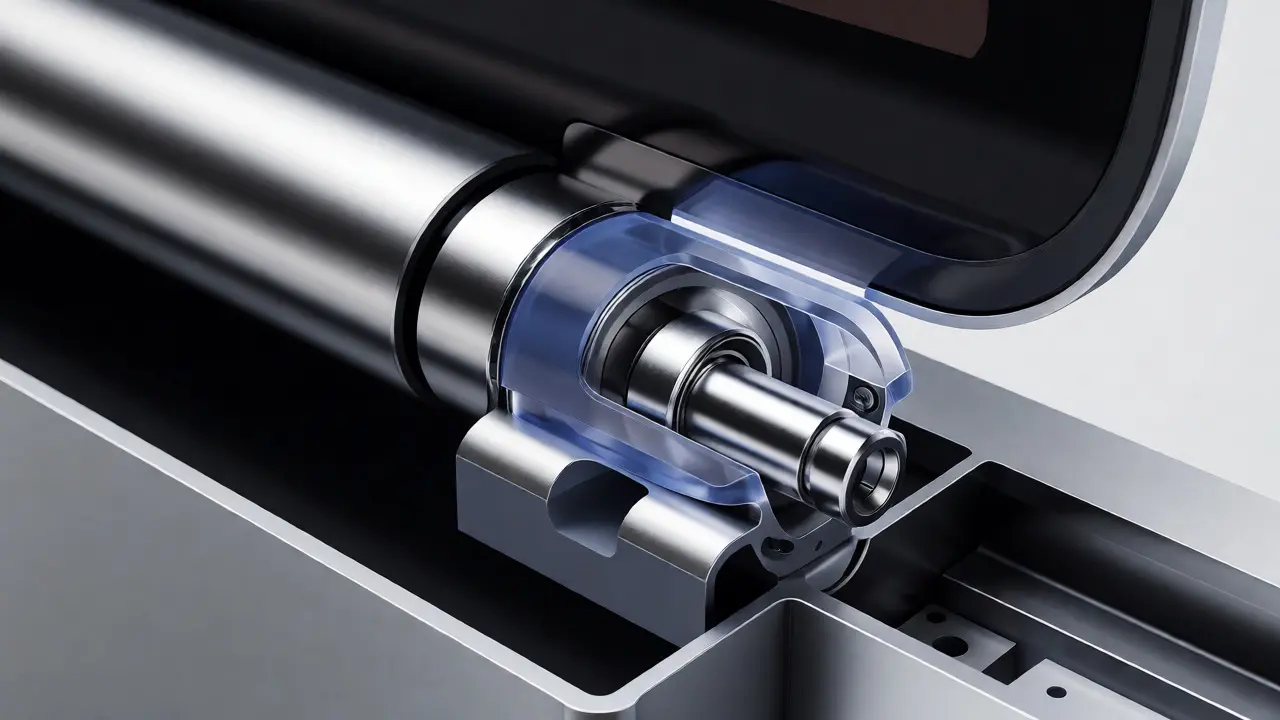
You can’t get smooth motion out of metal-on-metal alone. It grinds. It squeaks. It wears down. The secret ingredient in modern MacBook design hinges is a specialized polymer bearing. These are not standard plastic bushings. They are engineered composites, often involving PTFE (polytetrafluoroethylene) or similar low-friction materials, embedded within stainless steel sleeves.
When you rotate the lid, the steel rod spins inside this polymer sleeve. The polymer provides the "grip" needed for static hold, while the steel provides the structural integrity to support the weight of the display assembly. Over thousands of cycles, the polymer compresses slightly, maintaining consistent tension. In contrast, older designs used grease-filled bearings. Grease dries out. Dust gets in. Suddenly, your five-year-old MacBook starts making a clicking sound every time you adjust the screen.
Apple also uses a technique called "interference fit" for the mounting points. The hinge barrels are pressed into the aluminum unibody chassis under extreme pressure. There are no screws visible from the outside. This eliminates flex points. When you push on the corner of the keyboard deck, the entire structure moves as one rigid unit. If the hinge were bolted on separately, you’d see micro-movements that translate to screen shake.
The Geometry of Balance
A hinge doesn’t work in isolation. It works with the center of gravity. Engineers position the hinge axis relative to the display’s center of mass. If the hinge is too far back, the lid wants to fall backward. If it’s too far forward, it falls onto the keyboard. The sweet spot is calculated so that the gravitational moment arm is nearly zero at typical viewing angles (around 100-110 degrees).
This geometric balance is what enables the one-hand lift. When you lift the front edge, you’re applying torque against gravity. Because the center of mass is aligned closely with the hinge axis, the force required drops dramatically once the lid clears the base. You aren’t lifting the whole weight of the screen; you’re just overcoming the initial static friction. Once moving, momentum helps carry it up.
Consider the MacBook Pro versus an older generic laptop. On many budget models, the hinge is mounted near the rear vents. This pushes the center of mass forward. To keep the screen upright, the hinge must provide constant high resistance. Result? Harder to open, louder operation, and faster wear on the plastic chassis mounts. Apple’s approach shifts the visual weight and physical mass distribution to align perfectly with the rotation point.
Manufacturing Precision and Tolerances
How do they make millions of these identical? CNC machining and laser welding. The hinge barrels are machined from solid blocks of stainless steel, then coated for corrosion resistance. The polymer inserts are molded with tolerances measured in microns. During assembly, automated robots press these components together. There is no hand-fitting here. Consistency is king.
If you disassemble a MacBook, you’ll notice the hinge cover is part of the top case molding. It’s seamless. This isn’t just aesthetic. It protects the internal mechanics from dust and crumbs. In a traditional design, the gap between the lid and base exposes the hinge mechanism. Crumbs get in, jam the gears, and destroy the smoothness. By enclosing the hinge within the aluminum shell, Apple creates a sealed environment. The only entry point is the tiny slot where the lid meets the base, which is too narrow for most debris to cause immediate harm.
Tight tolerances also mean less play. Play is the enemy of stability. Even 0.5 millimeters of lateral movement in the hinge can cause the webcam image to jitter during a Zoom call. Apple tests each unit for angular deviation. If the lid tilts left when opened straight, it’s rejected. This level of quality control drives up cost but defines the premium feel.
Evolution: From Plastic Clips to Integrated Metal
It wasn’t always this way. Early PowerBooks used external plastic clips that snapped onto the chassis. They broke easily. Then came the era of the "unibody," introduced in 2008. This changed everything. Instead of attaching a hinge to a plastic shell, the hinge became integral to the aluminum frame. The strength of the aluminum allowed for thinner walls around the hinge barrels, reducing weight without sacrificing rigidity.
The introduction of the Retina display added another layer of complexity. Thinner screens meant less mass to counterbalance, requiring adjustments to the spring tension. Then came the butterfly keyboard era, which demanded even thinner profiles. This led to controversial designs where the display cables ran directly through the hinge. While sleek, it proved fragile. Debris could sever the connection, leading to flickering screens.
Today’s Apple Silicon MacBooks have returned to robustness. The thermal efficiency of M-series chips allows for better heat dissipation paths, freeing up space for more reliable hinge structures. The current generation prioritizes longevity and tactile feedback over sheer thinness. The result is a device that feels solid, substantial, and effortless to operate.

Why It Matters for Daily Use
You might think, "Who cares about hinge physics? I just use my laptop." But consider the scenarios. You’re in a crowded train, opening your laptop on your lap. A loose hinge means the screen bounces with every jolt. A tight hinge means you struggle to open it with one hand while holding a coffee cup. The ideal hinge solves both problems simultaneously.
Moreover, the hinge affects ergonomics. If the screen tends to lean forward, you hunch your shoulders to look down. If it leans back, you strain your neck to look up. A balanced hinge keeps the screen vertical or slightly tilted back, promoting a neutral spine posture. This subtle ergonomic benefit accumulates over years of daily use.
Finally, there’s the psychological aspect. High-quality hardware signals reliability. When you open a MacBook and it glides silently into position, it reinforces trust in the brand. It suggests that every component, even the invisible ones, was considered. That perception of quality influences purchasing decisions more than raw specs sometimes do.
Frequently Asked Questions
Why does my MacBook hinge feel looser after a year?
The polymer bearings inside the hinge undergo microscopic compression and wear over time. While Apple designs them to last the life of the product, heavy usage can reduce static friction slightly. This is normal and usually results in easier opening rather than instability.
Can I fix a loose MacBook hinge myself?
Generally, no. Modern MacBook hinges are integrated into the unibody chassis and require specialized tools and adhesives to replace. Attempting to tighten them yourself often leads to cracking the aluminum casing or damaging the display cables.
What causes the clicking sound in some laptop hinges?
Clicking usually indicates dry lubrication or worn-out plastic gears in non-premium hinges. In MacBooks, it can sometimes signal debris trapped in the hinge barrel or a failing internal spring mechanism. Cleaning with compressed air is the first step before seeking professional repair.
Does the hinge affect battery life?
Indirectly, yes. A well-designed hinge ensures proper alignment of the display and sensors. Misalignment can cause the ambient light sensor to misread lighting conditions, forcing the screen to stay brighter than necessary, thus draining the battery faster.
Are MacBook hinges waterproof?
No. While the seal is tight enough to keep out dust, it is not water-resistant. Spilling liquid near the hinge area can seep into the mechanism, causing corrosion on the steel rods and failure of the polymer bearings. Always clean spills immediately.