
You know that feeling when you hold a device and it just works? Not because of some hidden software trick, but because the glass meets your finger exactly where you expect, and the weight balances perfectly in one hand? That’s not magic. That’s the result of over fifteen years of relentless iteration on iPad, a line of tablet computers designed and marketed by Apple Inc.. Before 2010, "tablets" were either clunky netbooks with swivel screens or stylus-heavy devices that felt like medical equipment. Apple didn’t just enter the market; they redefined what a personal computing surface could be.
Let’s be real for a second. The iPad wasn’t the first tablet. Microsoft had been pushing Windows XP Tablet PC Edition since 2002. Nokia tried the Internet Tablet. But those devices failed to stick because they treated tablets as shrunken laptops. Apple flipped the script. They asked a different question: What if the computer disappears, leaving only the interaction? This article breaks down how the iPad’s physical and digital design choices created a standard that competitors still struggle to match, and why, even in 2026, the category remains dominated by its original blueprint.
The Original Blueprint: Why Form Followed Function (And Feel)
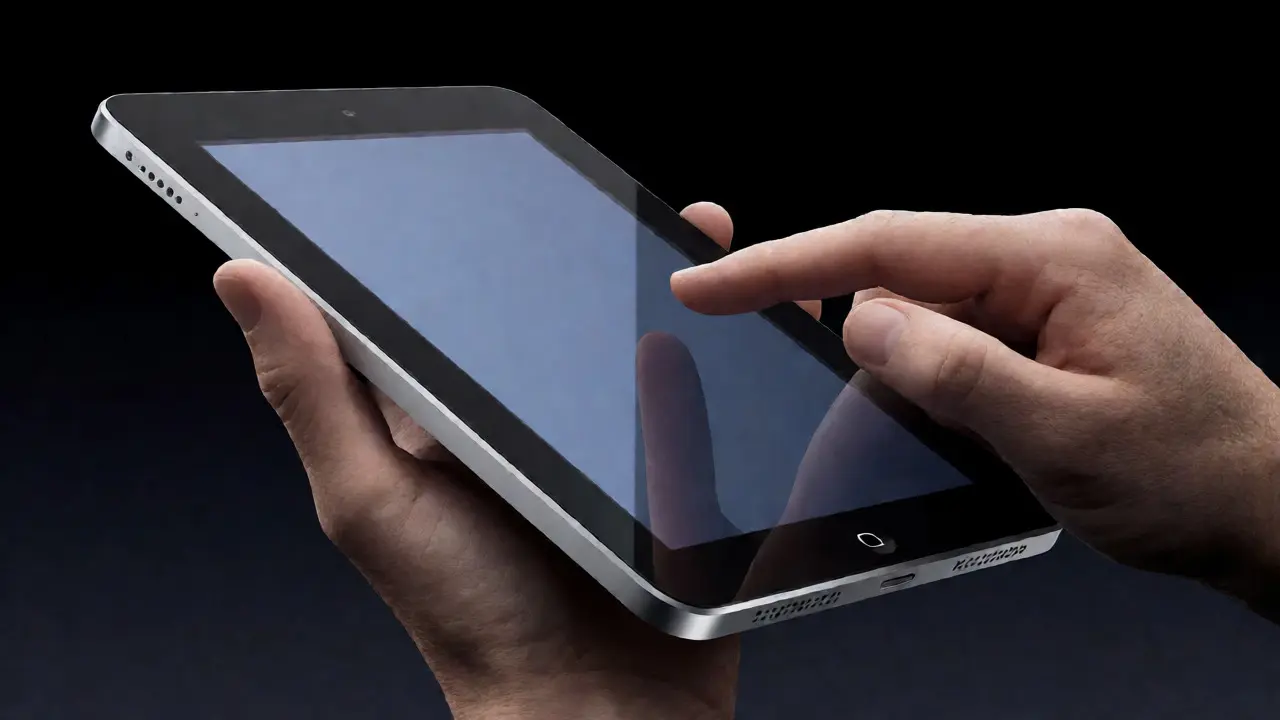
When Steve Jobs pulled the first-generation iPad out of his pocket in January 2010, the world saw a slab of aluminum and glass. But look closer at the engineering decisions. The device was thicker than modern standards-about 13.4mm-but this thickness served a purpose. It allowed for a battery life that actually lasted through a workday, something early Android tablets couldn’t promise. The rounded corners weren’t just aesthetic; they made the device comfortable to hold without digging into your palm during long reading sessions.
Apple’s approach to industrial design here was about reducing friction. There were no ports cluttering the sides except the necessary ones. No tiny buttons you’d accidentally press. The home button was a single, tactile anchor. This simplicity forced users to unlearn the habit of hunting for physical keys. Instead, you tapped. You swiped. You pinched. The hardware receded, letting the content take center stage. This philosophy is often summarized as "the best interface is no interface," but in practice, it meant every millimeter of the chassis had to justify its existence.
Consider the bezels. Early critics called them too wide. But those wide borders gave your thumbs a place to rest without triggering accidental touches on the screen. As display technology improved, Apple narrowed these bezels incrementally, always balancing screen-to-body ratio against usability. It’s a masterclass in compromise. They didn’t chase specs for spec’s sake; they chased comfort.
The Software-Hardware Symbiosis: iOS and the Touch Paradigm
You can’t talk about iPad design without talking about iOS, the mobile operating system developed by Apple. The OS wasn’t just running on the hardware; it was designed around the limitations and possibilities of the touch interface. Think about the concept of direct manipulation. When you drag an app icon, it moves with your finger. If you release it mid-drag, it snaps back. This physics-based feedback loop feels natural because it mimics how objects behave in the real world.
Compare this to early Android tablets. For years, Android relied on scaling up phone interfaces. Icons were huge, text was unreadable, and apps looked stretched. Apple built native tablet layouts from day one. Split-screen multitasking, picture-in-picture video, and sidebar navigation weren’t bolted-on features; they were core architectural elements. This tight integration means that when Apple changes a hardware feature, like adding Face ID, the software adapts instantly. When competitors try to copy this, they often face fragmentation issues because their hardware varies wildly across manufacturers.
One specific design win was the keyboard layout. On desktops, we use Ctrl, Alt, Shift. On iPadOS, Apple redesigned shortcuts to make sense for touch. Cmd+C works, but so does three-finger swipe to undo. These gestures reduce reliance on external accessories, keeping the tablet portable. It’s a subtle point, but it highlights how deeply the software respects the form factor.
Ecosystem Lock-In Through Design Consistency
Why do people keep buying iPads instead of switching to cheaper alternatives? Partly, it’s the ecosystem. But it’s also the consistency of design language across devices. Your iPhone, your Mac, and your iPad all speak the same visual dialect. Fonts, colors, and animations are synchronized. If you learn how to navigate an iPad, you already know how to navigate an iPhone. This cognitive ease is a massive design advantage.
Apple uses tools like SwiftUI, a declarative UI framework introduced in 2019, to ensure developers build apps that look and feel native on all devices. This reduces the "uncanny valley" effect where an app looks right on a phone but broken on a tablet. Competitors often have separate codebases for phones and tablets, leading to inconsistent experiences. Apple’s unified approach means that when you switch from writing notes on an iPad to editing them on a Mac, the transition is seamless. This continuity isn’t just convenient; it’s sticky. Once you’re in, leaving feels like losing a limb.
The Pro Pivot: Blurring the Line Between Tablet and Laptop
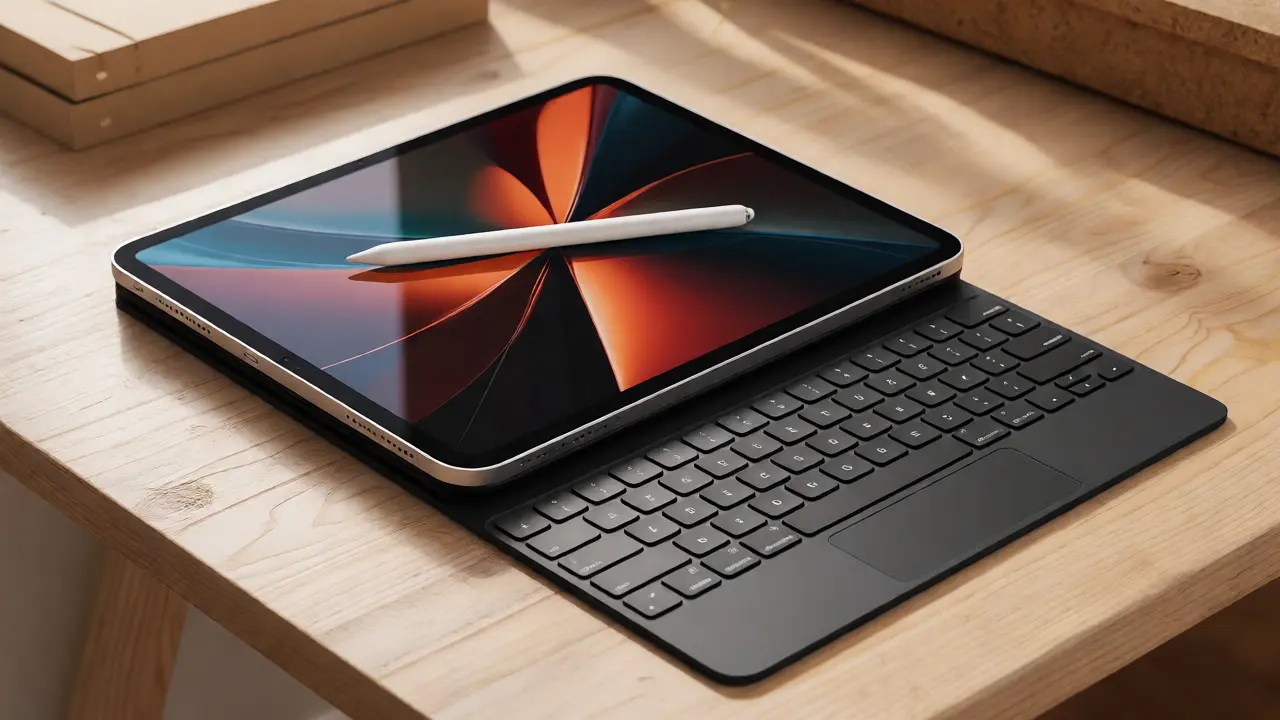
In 2015, Apple launched the iPad Pro, signaling a shift. Suddenly, the tablet wasn’t just for consumption; it was for creation. The addition of the Apple Pencil, a stylus designed specifically for iPad changed everything. Unlike generic capacitive styluses, the Apple Pencil offered pressure sensitivity and tilt detection. Artists who previously refused to touch a tablet started drawing on iPads. Why? Because the latency dropped below perceptible levels. You draw, and the ink appears instantly.
This pivot required new design considerations. The Magic Keyboard added a trackpad, turning the iPad into a laptop hybrid. Critics argued this defeated the purpose of a tablet. But Apple’s logic was clear: users want flexibility. Sometimes you want a slate; sometimes you need a keyboard. By making the keyboard detachable, they preserved the tablet identity while acknowledging professional needs. The Smart Connector, which powers accessories without batteries or Bluetooth pairing, is another example of elegant design solving a practical problem. No more charging your keyboard separately. Just snap it on, and it works.
Sustainability and Material Choices
As we move deeper into the 2020s, design isn’t just about looks; it’s about ethics. Apple has increasingly focused on using recycled materials. The current iPad Air and iPad mini models use 100% recycled aluminum in the enclosure. This isn’t just marketing fluff. It affects the supply chain and manufacturing processes. Producing recycled aluminum requires less energy than mining virgin ore. For designers, this constraint drives innovation. How do you maintain premium aesthetics with recycled inputs? Apple answers this by refining their anodization process, ensuring the color stays consistent despite material variability.
They’ve also removed plastic packaging. The box itself is now fiber-based, fully recyclable. Even the way the device sits in the tray has changed to minimize waste. These small details add up. When you unbox an iPad today, you’re participating in a circular economy model that many competitors are only beginning to adopt. This shift reflects a broader trend in tech design: sustainability is becoming a key feature, not just a footnote.
Comparison: iPad vs. The Rest
Let’s put the iPad against its main rivals. While Samsung makes excellent tablets with the Galaxy Tab series, and Microsoft offers Surface devices, the design philosophies differ significantly.
| Feature | Apple iPad | Samsung Galaxy Tab | Microsoft Surface |
|---|---|---|---|
| Primary Input | Touch + Apple Pencil | Touch + S Pen | Touch + Trackpad + Stylus |
| OS Integration | Tight (iOS/iPadOS) | Moderate (Android) | Full Desktop (Windows) |
| Material Focus | Recycled Aluminum/Glass | Gorilla Glass/Metal Mix | Magnesium Alloy/VaporMg |
| Accessory Ecosystem | Smart Connector (Proprietary) | USB-C/Pogo Pins | Surface Connectors |
| Software Updates | 5-7 Years | 3-4 Years | Varies by Model |
The table highlights a key truth: Apple controls both ends of the stick. They make the hardware and the software. This vertical integration allows for optimizations that open systems can’t easily replicate. For instance, the way iPadOS manages background tasks ensures smooth performance even on older models. A five-year-old iPad still feels snappy compared to a similarly aged Android tablet. This longevity is a direct result of design discipline in both silicon and code.

Future-Proofing: Where Does Tablet Design Go Next?
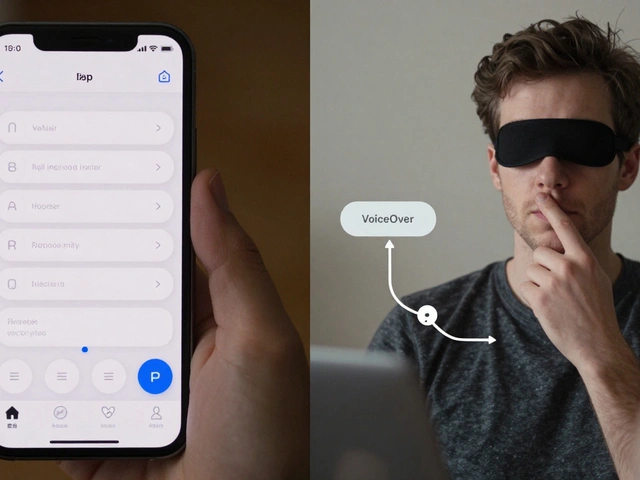
We’re seeing signs of change. Foldable screens are gaining traction, with devices like the Samsung Galaxy Z Fold offering larger canvases. But foldables come with trade-offs: visible creases, fragile hinges, and higher prices. Apple has remained cautious, sticking to rigid displays. Their bet seems to be on improving existing tech rather than chasing novelty. Maybe future iPads will integrate under-display cameras, eliminating the notch entirely. Or perhaps we’ll see haptic feedback evolve to simulate texture, allowing blind users to "feel" icons.
Another area of growth is spatial computing. With the release of visionOS and headsets like Vision Pro, Apple is exploring how tablets might interact with augmented reality. Imagine placing a virtual canvas next to your physical iPad, extending your workspace infinitely. This isn’t science fiction; prototypes exist. The iPad’s role may shift from being the primary screen to being a controller for immersive environments. Designers will need to rethink ergonomics for these hybrid interactions.
Key Takeaways
- Form Factor Discipline: Apple prioritized usability over thinness, proving that comfortable dimensions matter more than spec sheets.
- Software-Hardware Unity: iPadOS is engineered specifically for touch, creating a fluid experience that fragmented ecosystems struggle to match.
- Ecosystem Synergy: Consistent design language across iPhone, Mac, and iPad creates high switching costs and user loyalty.
- Professional Evolution: Accessories like the Apple Pencil and Magic Keyboard transformed the iPad from a media consumer to a production tool.
- Sustainable Materials: Recent shifts toward recycled aluminum and plastic-free packaging reflect a new era of ethical design responsibility.
Frequently Asked Questions
Why did early tablets fail before the iPad?
Early tablets, such as those running Windows XP Tablet PC Edition, failed because they treated tablets as miniature laptops. They relied heavily on styluses and complex menus, ignoring the intuitive nature of multi-touch. Additionally, battery life was poor, and software was not optimized for casual, on-the-go usage. Apple succeeded by focusing on a simple, touch-first interface and robust battery performance.
How does the iPad's design influence app development?
The iPad's large screen size encourages developers to create richer, more interactive applications compared to smartphones. Features like split-view multitasking and drag-and-drop functionality require apps to support flexible layouts. Apple's Human Interface Guidelines provide strict rules for spacing, typography, and gestures, ensuring that apps feel consistent and easy to use across the entire ecosystem.
Is the iPad considered a laptop replacement?
For many users, yes. With the introduction of the M-series chips, the iPad Pro delivers performance comparable to entry-level laptops. Combined with the Magic Keyboard and trackpad support, it handles document editing, email, and light creative work effectively. However, for heavy file management, complex coding environments, or specialized enterprise software, traditional laptops still offer advantages due to their full desktop operating systems.
What role does sustainability play in modern iPad design?
Sustainability has become a central pillar of Apple's design strategy. Current models utilize 100% recycled rare earth elements in magnets and 100% recycled tin in solder. The packaging is fiber-based and eliminates plastic wrap. These choices reduce carbon emissions and waste, appealing to environmentally conscious consumers while driving industry-wide changes in manufacturing practices.
How does the Apple Pencil enhance the tablet experience?
The Apple Pencil transforms the iPad from a passive viewing device into an active creation tool. Its low latency and pressure sensitivity allow for precise drawing, note-taking, and markup. Unlike generic styluses, it integrates deeply with iPadOS, supporting features like Scribble, which converts handwritten text to typed text automatically. This precision unlocks professional workflows for artists and students alike.