Author: Elias Voss
Ecosystem-Wide Usability at Apple: Shared Mental Models Across iOS, iPadOS, and macOS


Explore how Apple creates seamless usability across iOS, iPadOS, and macOS through shared mental models, consistent gestures, and continuity features.
Apple II vs Macintosh: How Design Philosophy Changed Personal Computing Forever

Explore how the Apple II's open hardware design clashed with the Macintosh's sealed user experience. Learn how these conflicting philosophies shaped the modern computer industry.
iPhone Safety Features by Design: Visual Cues for Emergency and Critical Alerts
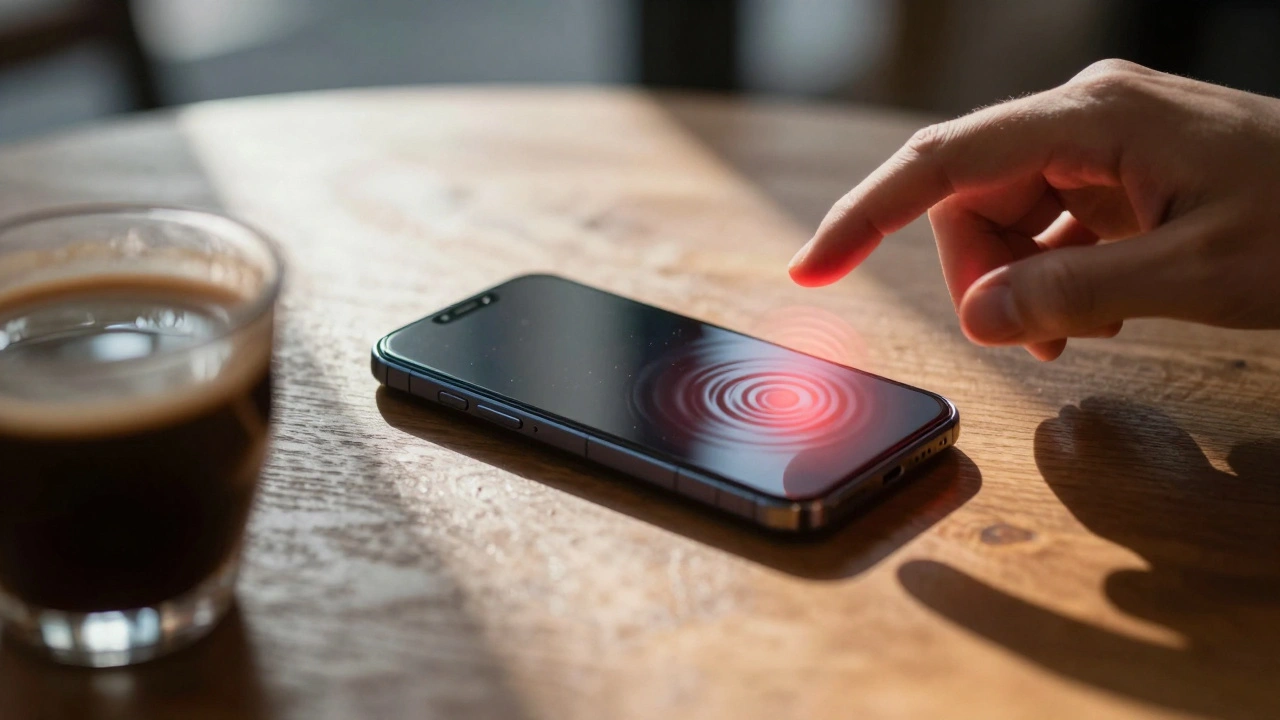
Understand how iPhone emergency alerts work through visual and auditory design. Learn the difference between Government and Enhanced Safety Alerts, how to manage settings, and why visual cues matter for your safety.
iPad Design Principles: Bridging Phone Simplicity and Computer Capability
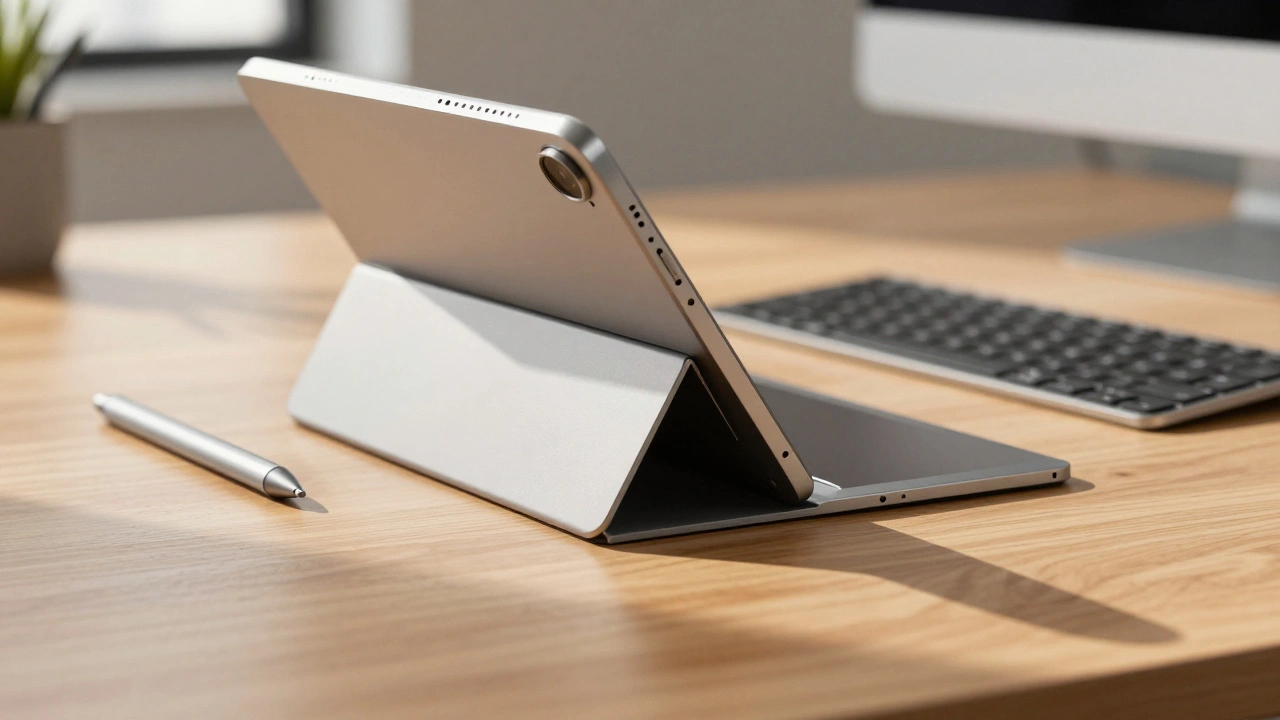
Master the art of balancing simplicity and power. This guide explores Apple's iPad design principles, covering navigation strategies, adaptive layouts, and input methods for developers.
Input Method Design: Touch, Pencil, Voice, and Keyboard Across Apple Ecosystem 2026

Explore how Apple designs touch, pencil, voice, and keyboard interactions in 2026. Learn about input latency, privacy trade-offs, and hardware compatibility.
How Apple's Focus on Essentials Guides Product Scope and Feature Prioritization
Discover how Apple's minimalist philosophy drives product development. Learn how focusing on essentials, rather than feature lists, creates superior user experiences and defines the company's unique market positioning.
Material Transitions in MacBook: Lessons from Unibody Manufacturing

Explore the 2008 shift to aluminum unibody manufacturing in MacBooks. Learn how CNC milling replaced multi-part assembly, improved durability, and set a new standard for premium laptop design.
Icon Labels and Captions in Apple: How SF Pro Delivers Micro-Scale Clarity
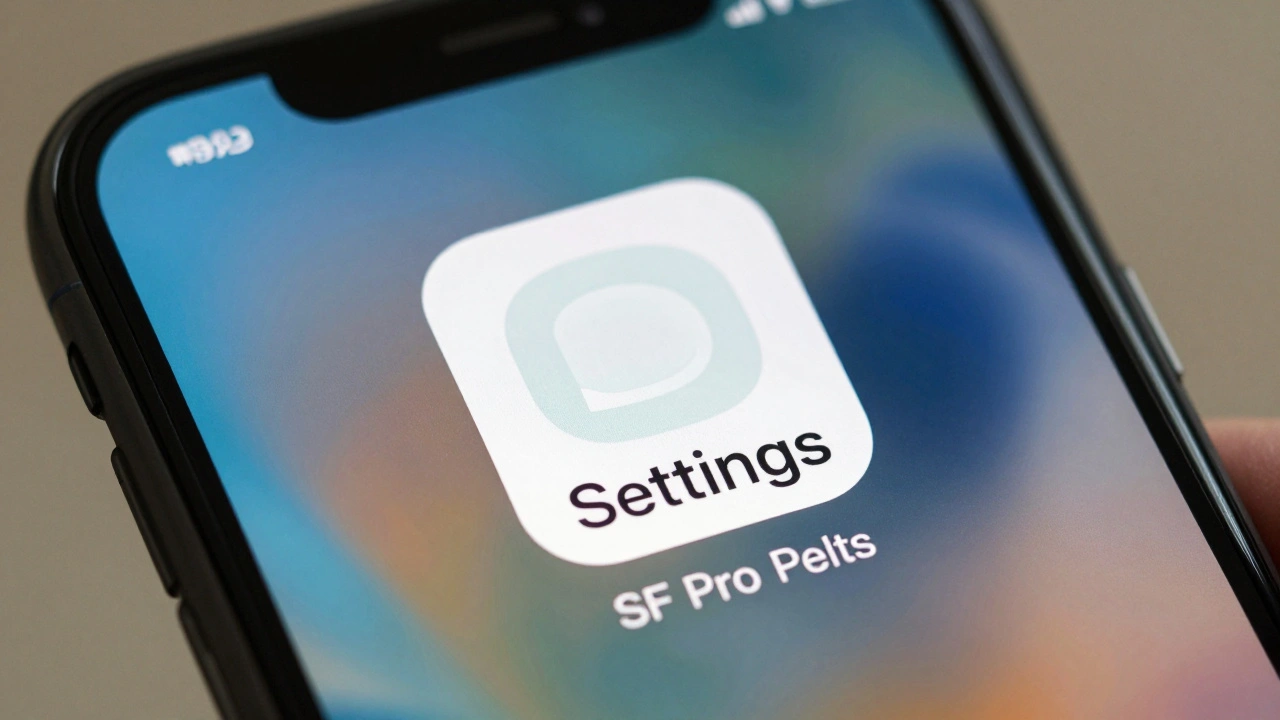
Apple's SF Pro font and SF Symbols work together to make tiny icon labels readable on every device. Learn how micro-scale typography, optical alignment, and Dynamic Type create clarity you never notice-until it's gone.
Material Choices in iPhone Design: Titanium Prestige vs. Aluminum Performance
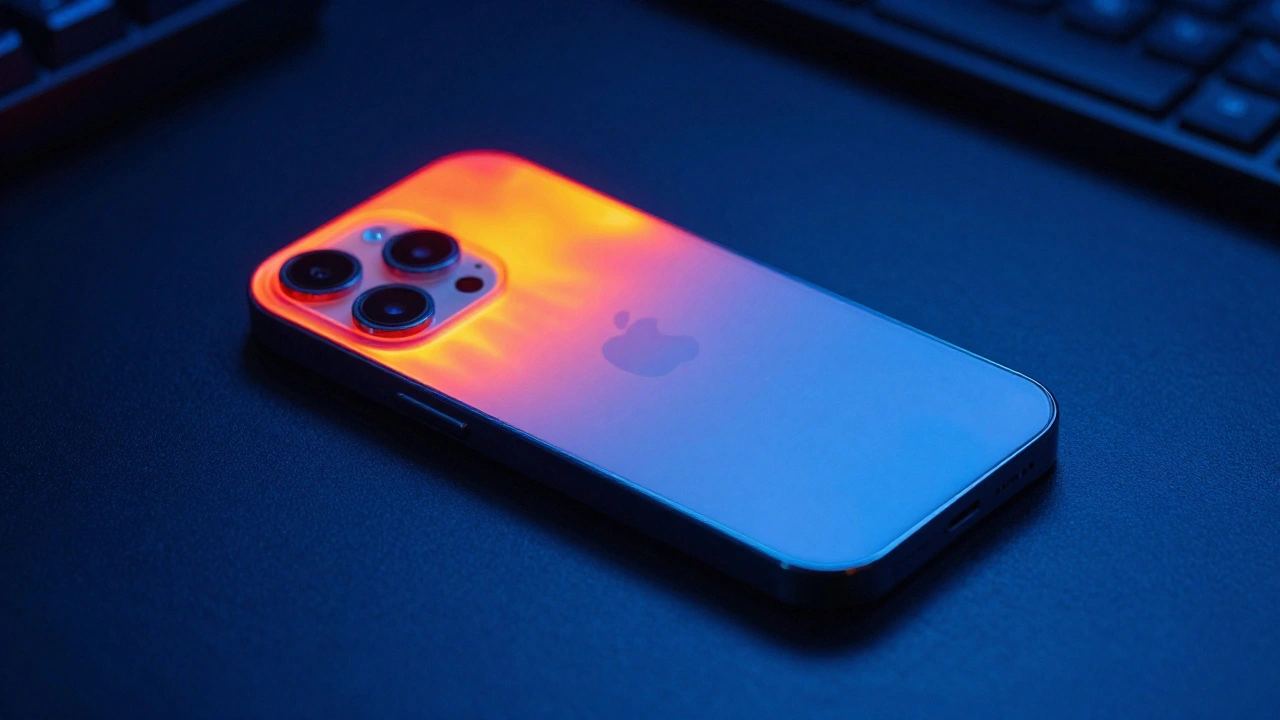
Apple switched from titanium to aluminum in the iPhone 17 Pro to fix overheating issues and improve thermal performance. The new aerospace-grade aluminum outperforms titanium in heat dissipation, durability, and weight-proving that real-world performance matters more than material prestige.
Testing AI Usability on Apple: Real-World Scenarios Over Benchmarks

Apple's AI testing doesn't rely on benchmarks-it watches real people. Learn how real-world scenarios, privacy, and user control shape the future of AI usability on iPhone, iPad, and Mac.
Community at Apple Retail: How Apple Designs Stores as Public Hubs for Learning and Connection

Apple stores are no longer just places to buy tech-they're community hubs designed for learning, connection, and creativity. From free coding workshops to open support zones, Apple's retail spaces are redefining what a store can be.
How iPad’s Aspect Ratio Shapes Split View and Stage Manager Interfaces
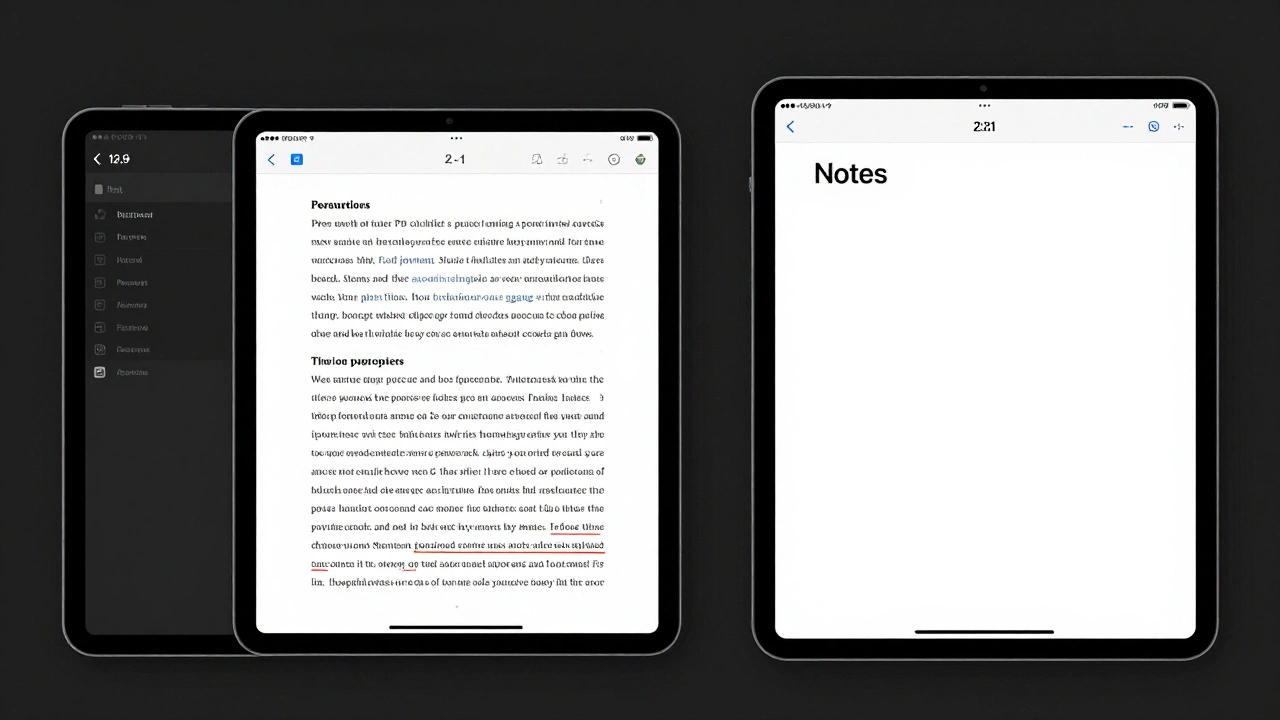
iPad multitasking depends entirely on aspect ratio-Split View and Stage Manager only work in landscape, with fixed window sizes. Screen size and Display Zoom settings determine how well you can use multiple apps at once.