Category: Design & Technology - Page 2
How Apple Builds Brand Trust Through Design Consistency
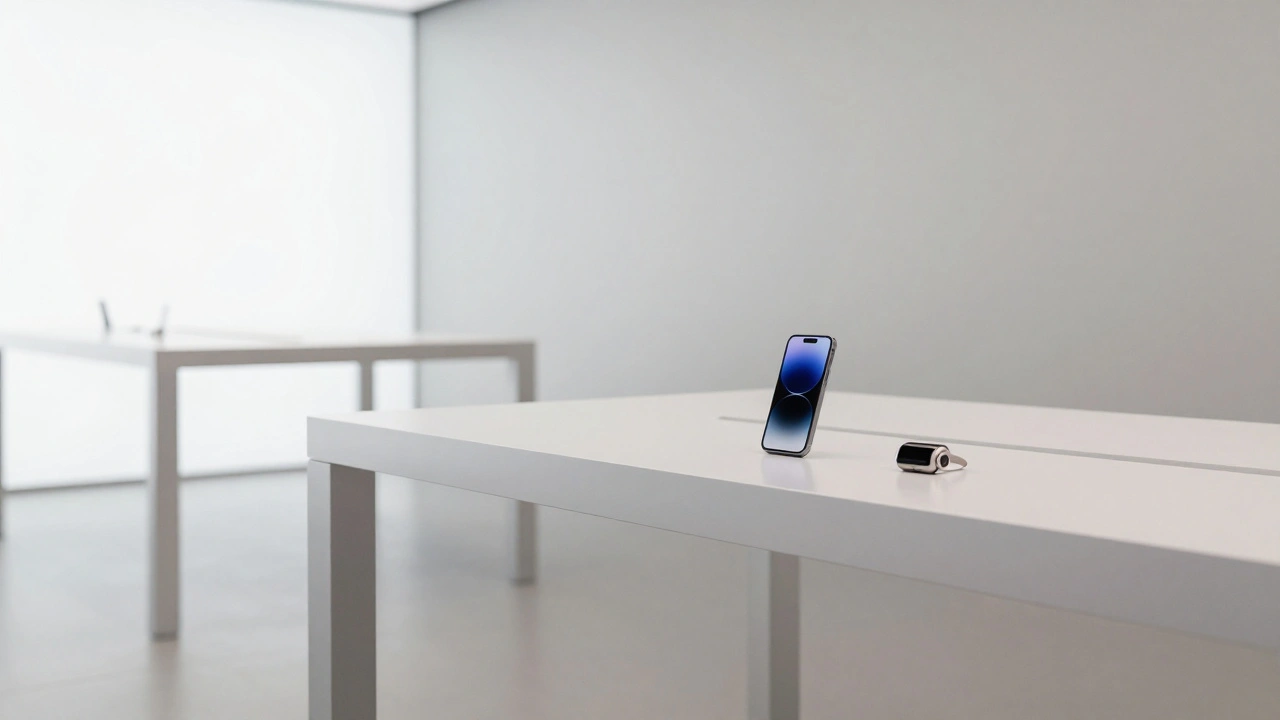

Apple builds unmatched brand trust not through flashy ads or discounts, but through relentless design consistency across products, retail, and services. This long-term approach turns users into loyal advocates.
Designing for Low Vision on Apple: High Contrast and Focus Indicators

Apple’s high contrast and focus indicator tools help people with low vision navigate their devices with clarity and control. From Invert Colors to Vision Pro’s real-world zoom, these features work seamlessly across all Apple products.
MacBook Audio Design: Speaker Placement for Rich, Directional Sound

MacBook speakers are surprisingly capable-but their sound only shines when placed correctly. Learn how to set up external speakers, use Audio MIDI Setup, and apply acoustic principles for rich, directional audio.
Personalization in Apple Interfaces: Customizing Input, Audio, and Visuals

Apple lets you customize input, audio, and visuals across all devices to match your needs - from voice commands and haptics to per-app settings and brain-controlled navigation. It’s not just accessibility - it’s personal control.
Designing the Apple Ecosystem: Seamless Experiences Across Devices and Services
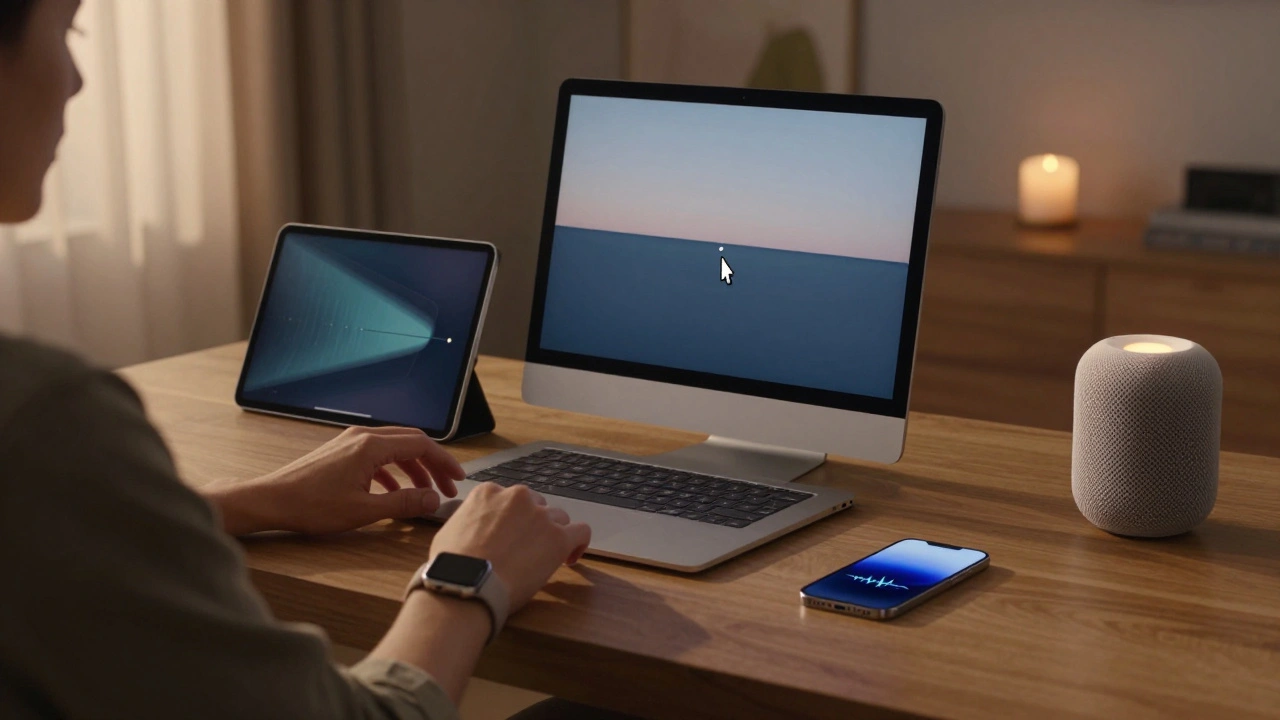
Apple's 2026 ecosystem blends hardware, AI, and services into a frictionless experience across devices. From Universal Control to Private Cloud Compute, it’s not about gadgets-it’s about workflow continuity, privacy, and quiet intelligence.
Motion and Depth in Apple Interfaces: How Spatial Design Communicates State Without Noise
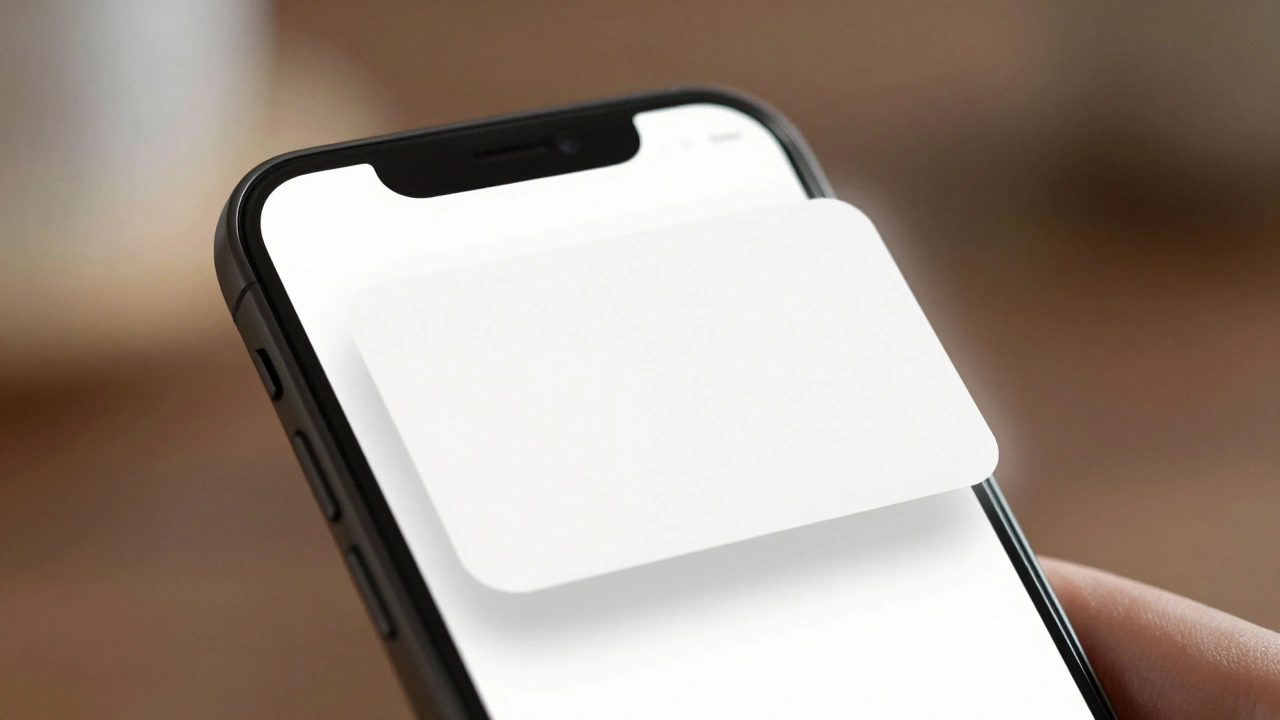
Apple uses motion and depth-not alerts or sounds-to communicate state in its interfaces. This quiet, spatial design reduces cognitive load, enhances focus, and feels intuitive by working with how human vision naturally perceives space and movement.
Family Sharing by Design: Permissions, Purchases, and Privacy on Apple
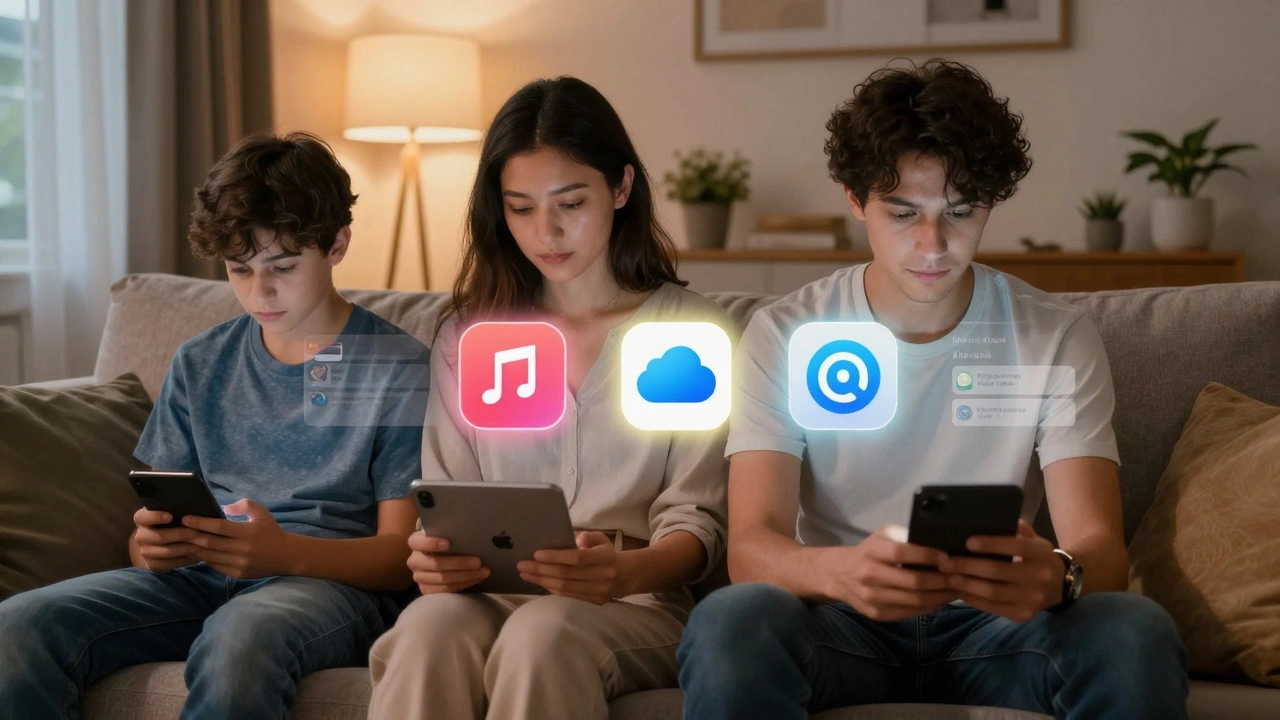
Apple Family Sharing lets up to six people share subscriptions, purchases, and iCloud storage without sharing accounts. It balances control, privacy, and simplicity-perfect for modern families.
Iconography and Labels for AI on Apple: Clarity Without Hype
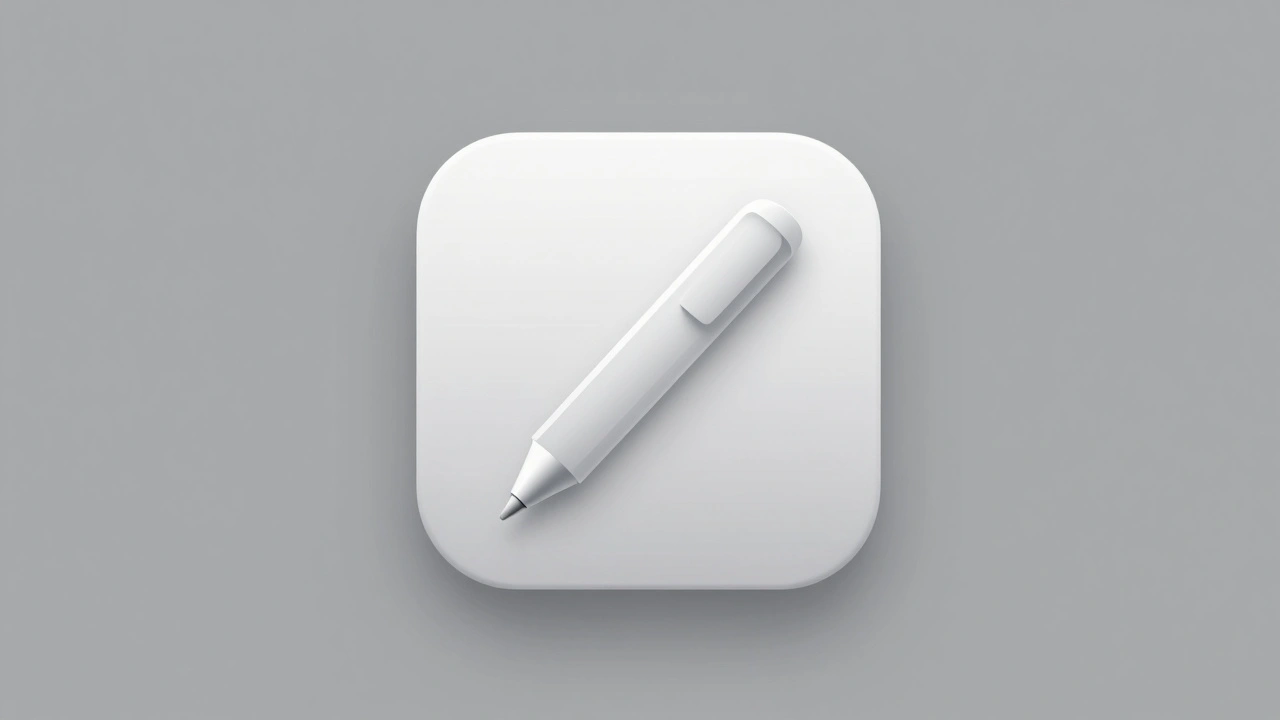
Apple’s AI icons avoid hype with clean designs, no text, and simple metaphors. Learn how to design AI apps that feel helpful-not flashy-using Apple’s 2025 guidelines.
Designing Apple Watch Straps: How Personalization Became a Core Hardware Feature
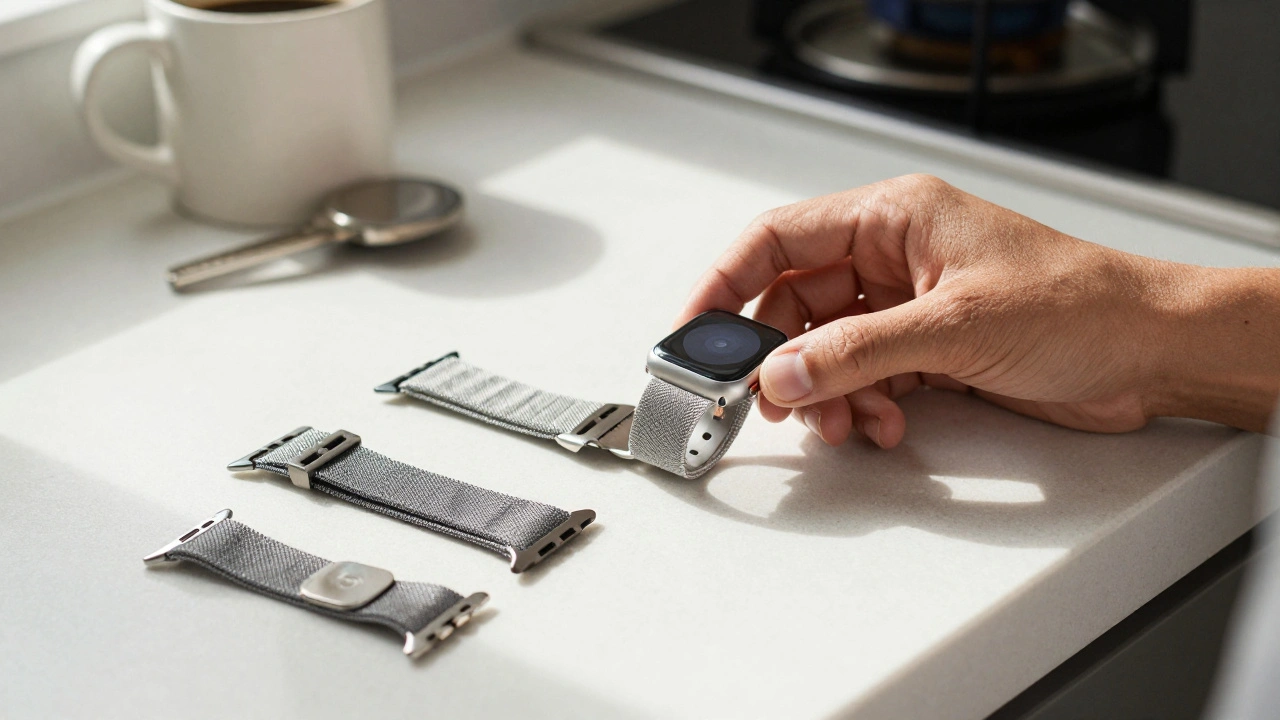
Apple Watch straps are more than accessories-they're a core hardware feature that lets you personalize your device for every part of life. From sport loops to titanium Milanese bands, material, fit, and style all impact function and form.
Design Governance at Apple: How Centralization Built Cohesive Product Families
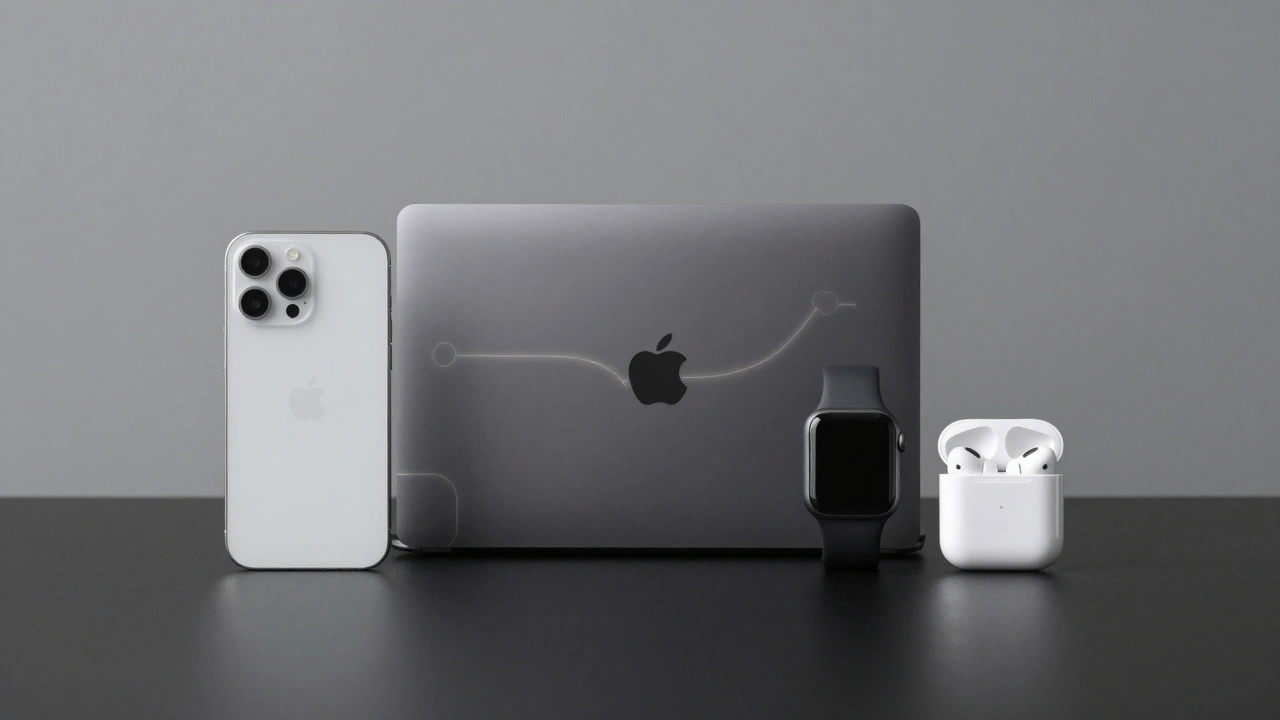
Apple’s centralized design governance ensures every product - from iPhone to AirPods - feels like part of the same family. Learn how strict control over design rules, not just talent, creates unmatched cohesion.
Color and Finish on Apple Packaging: How CMF Design Sets Product Expectations
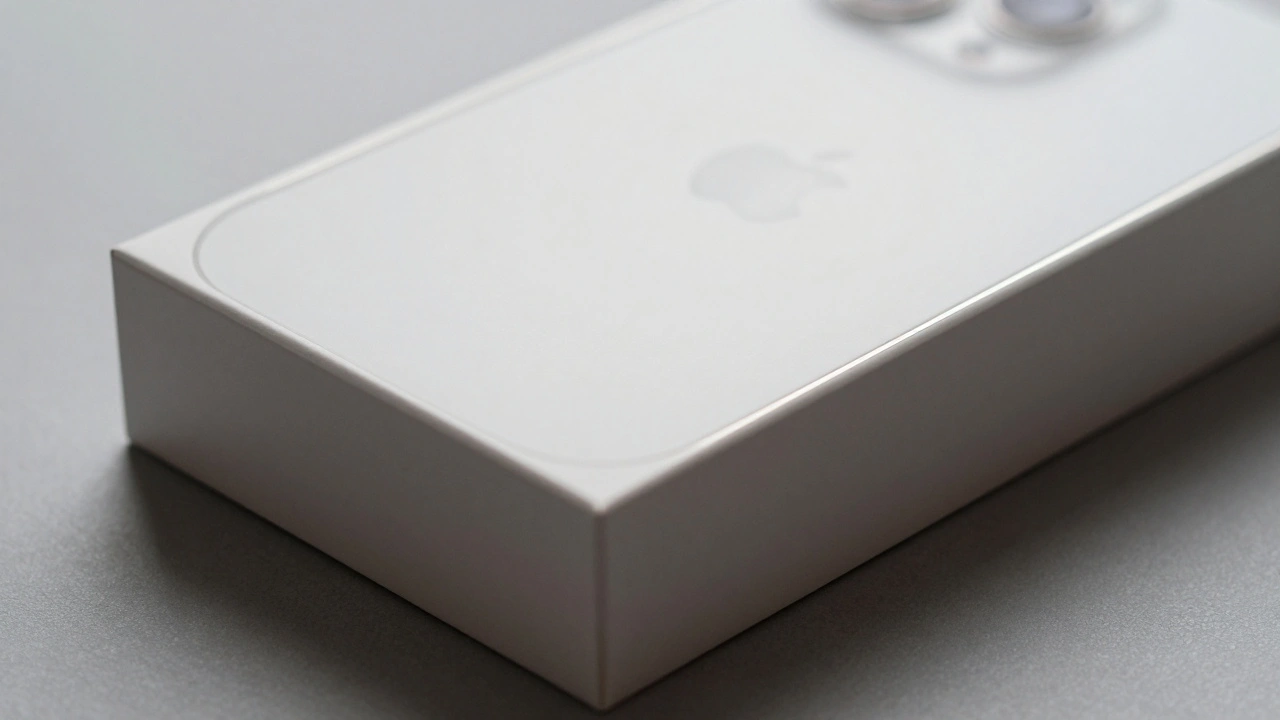
Apple's packaging uses color and finish to set premium expectations before you even open the box. Learn how white, matte textures, and material choices shape perception and define luxury in product design.
How Apple Balances Familiarity and Innovation in Design Rollouts

Apple keeps its product designs familiar while quietly innovating under the hood - making technology feel intuitive, reliable, and seamless. This balance between consistency and improvement is why users stay loyal.