
When you open an app on your iPhone and it just works-like it was built into the system itself-you’re experiencing Apple’s ecosystem at its best. Third-party apps that feel native don’t just look polished; they respond like they belong. They use system animations, respect your privacy settings, sync with your Apple ID, and adapt to your device’s hardware in ways that feel effortless. But building that kind of app isn’t about slapping on a pretty UI. It’s about understanding Apple’s DNA.
Native Isn’t Just a Word-It’s a Mindset
Many developers think "native" means using Swift or SwiftUI. That’s part of it, but not the whole story. Native means your app behaves like it was made by Apple. It doesn’t fight the system. It doesn’t force its own buttons, its own gestures, or its own navigation patterns. It listens.
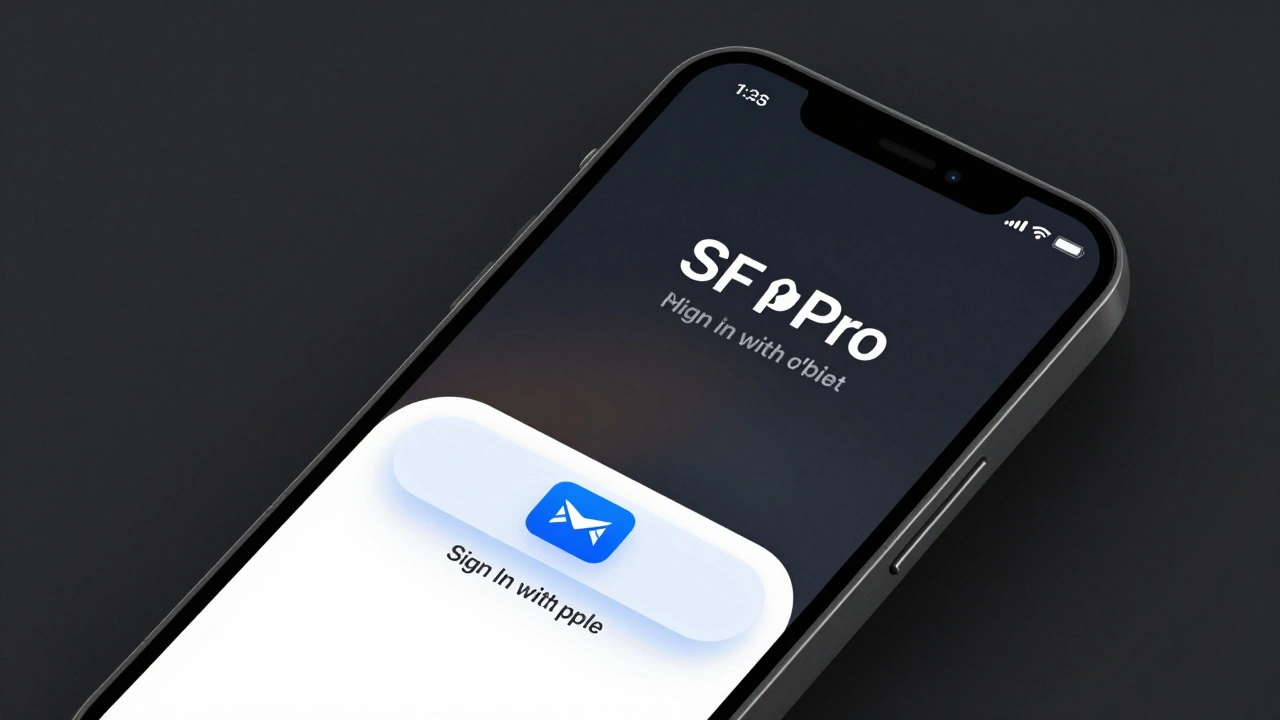
Take Sign In with Apple. If you use a third-party login button that looks like Google or Facebook, it sticks out like a sore thumb. Apple’s own button has a specific shape, color, and animation. It’s not just branding-it’s a system-level integration. When you tap it, the system handles authentication. No passwords. No redirects. Just a quick, secure login that feels like unlocking your phone.
That’s the standard. If your app uses Apple’s APIs directly-like HealthKit, Core Location, or Face ID-it doesn’t just work better. It feels more trustworthy. Users know their data isn’t being sent to some unknown server. They know Apple’s privacy rules are being followed. And that trust matters more than any fancy animation.
SwiftUI Is the New Foundation
Before SwiftUI, developers built iOS interfaces with UIKit, a complex system of views, controllers, and delegates. It worked, but it was verbose. Every button, every list, every screen required dozens of lines of code just to get started.
SwiftUI changed that. With SwiftUI, you describe what you want-not how to build it. You write:
Text("Hello World")
    .font(.largeTitle)
    .foregroundColor(.blue)
And the system figures out the rest. It handles layout, accessibility, dark mode, dynamic type, even localization. You don’t have to write separate code for iPhone, iPad, or Mac. SwiftUI adapts.
But here’s the catch: SwiftUI doesn’t mean you can copy-paste the same code everywhere. A watchOS app can’t have the same layout as an iPhone app. A Mac app needs menus. A visionOS app needs spatial UI. SwiftUI gives you a shared language, but you still need to tailor the experience. That’s where #if targetEnvironment(macCatalyst) and platform-specific modifiers come in. You don’t build one app for all devices-you build one codebase that adapts.
Apple’s Rules Are Not Suggestions
Apple’s App Store guidelines aren’t just about security. They’re about consistency. If your app auto-launches when you turn on your phone? Rejected. If it installs background services without asking? Rejected. If it tries to modify system files? Rejected.
These aren’t arbitrary rules. They’re designed to keep the ecosystem stable. Think of it like a highway. Everyone drives on the right. No one speeds. No one changes lanes without signaling. The system works because everyone follows the same rules.
That means your app must be self-contained. No external installers. No downloading code after install. No hidden processes. Even if you’re using React Native or Flutter, Apple still requires your app to be packaged as a single .ipa file built with Xcode. No workarounds. No shortcuts.
And then there’s privacy. Users can control exactly what your app accesses: location, photos, contacts, microphone. If your app asks for location access but doesn’t use it meaningfully? Users will deny it. And if they deny it, your app breaks. That’s why Apple pushes developers to be transparent. Explain why you need access. Show the benefit. Don’t just say "we need it for functionality."
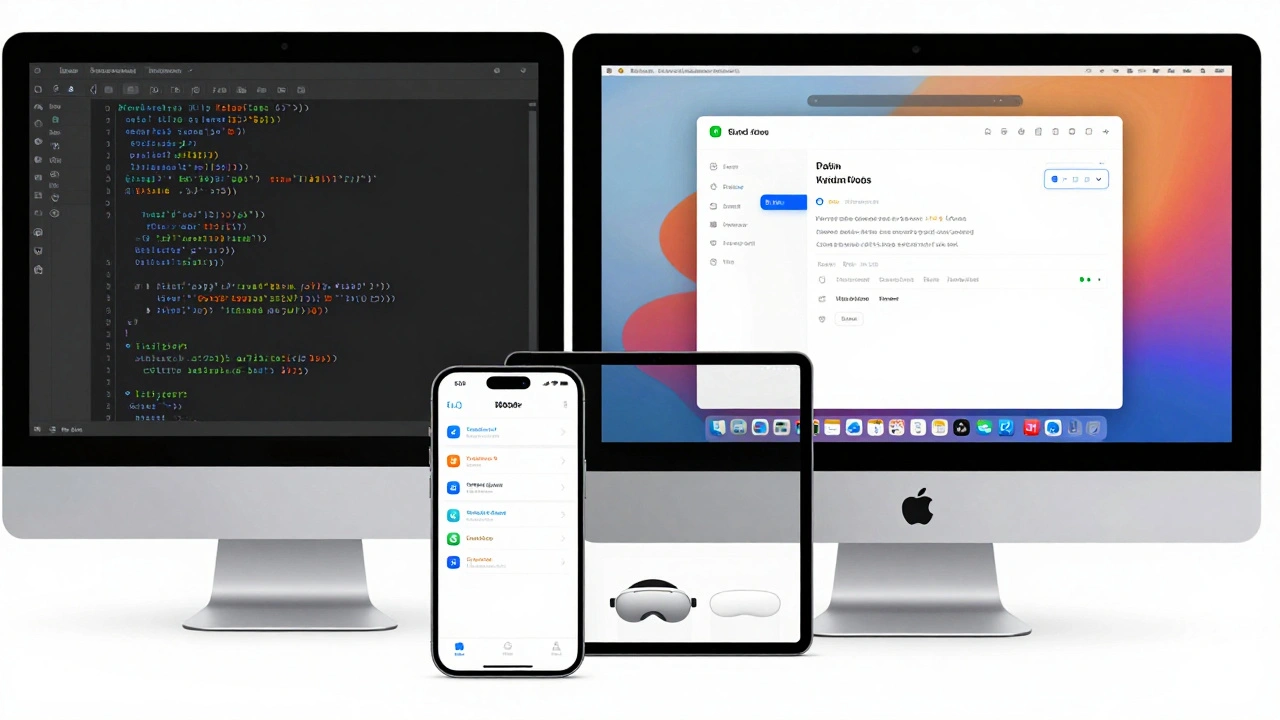
Design Language: Less Is More
Apple’s design language isn’t about minimalism for the sake of looks. It’s about clarity. Every element has a purpose. Every tap has feedback. Every transition has rhythm.
Look at the Mail app. When you swipe left to archive, the button slides in with a slight bounce. When you delete a message, it fades out-not instantly, but with a gentle curve. These aren’t just animations. They’re cues. They tell you what happened. They make the interface feel alive.
Third-party apps often miss this. They use sharp edges, rigid spacing, or inconsistent typography. They add too many buttons. They try to be "different" instead of "natural."
Apple’s Human Interface Guidelines aren’t just a document. They’re a philosophy. Use the system fonts (SF Pro). Stick to the color palette. Respect the safe areas. Let the system handle scrolling, zooming, and accessibility. Your job isn’t to reinvent the wheel. It’s to make sure your app rides smoothly on it.
Tools You Can’t Ignore
You can’t build a native Apple app without Xcode. It’s not just a code editor. It’s the entire pipeline. It compiles your code, runs simulators, connects to devices, signs your app, and submits it to the App Store. It even includes built-in previews of SwiftUI interfaces so you can see changes live.
You also need an Apple Developer account. It costs $99/year. Yes, it’s a cost. But it’s not a fee-it’s an investment. Without it, you can’t test on real devices. You can’t use Apple’s APIs. You can’t submit to the App Store.
And don’t forget the Apple Developer app. It’s where you watch WWDC videos, read documentation, and get alerts about beta OS updates. The best developers don’t just code-they learn. Every year, Apple introduces new frameworks. This year, it’s Universal Scene Description (USD) for immersive 3D content. Last year, it was Live Activities for real-time updates on the lock screen. If you’re not staying current, your app will feel outdated before it even launches.
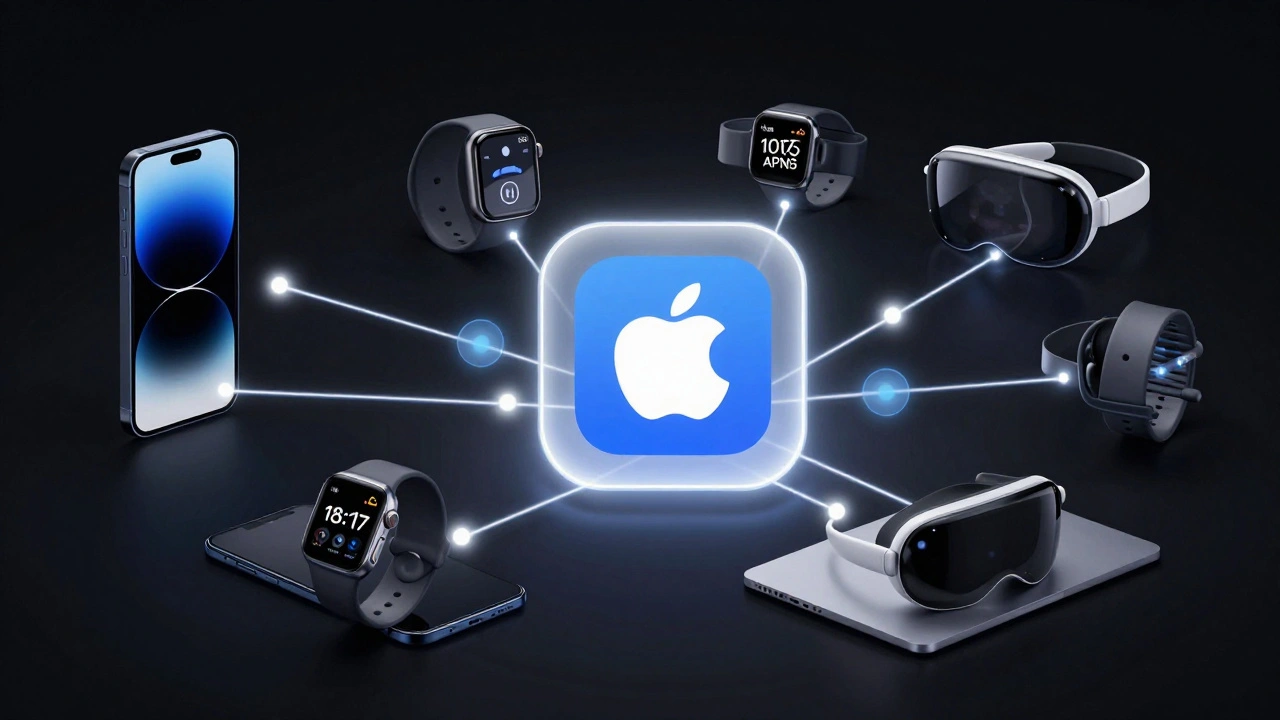
Monetization That Fits the Ecosystem
Apple’s App Store supports four models: free, freemium, paid, and paymium. But the key isn’t which one you choose-it’s how you implement it.
For example, if you use in-app purchases, Apple requires you to use StoreKit. No third-party payment systems. That means you can’t offer a subscription through PayPal or Stripe. You have to use Apple’s system. And yes, Apple takes 15-30%. But here’s the trade-off: users trust Apple’s billing. They know how to cancel. They know they won’t get charged without confirmation. Third-party billing? That’s a red flag.
Even free apps benefit from Apple’s ecosystem. If you use Sign In with Apple, you get verified users. If you use iCloud sync, users don’t lose their data when they switch devices. If you use Push Notifications via APNs, your messages arrive reliably. These aren’t just features-they’re trust builders.
What Happens When You Get It Right?
Look at apps like Notion, Figma, or Duolingo. They’re not Apple apps. But they feel like they could be. They use system fonts. They respect dark mode. They sync with iCloud. They use Face ID for login. They animate like they’re part of iOS.
That’s the goal. Not to be the biggest app. Not to have the most features. But to feel like it belongs.
When users open your app and say, "This just works," you’ve won. They don’t think about the code. They don’t care about Swift or SwiftUI. They just know it’s smooth. It’s fast. It’s quiet. It doesn’t ask for permission unless it needs to. And when it does, it explains why.
That’s ecosystem fit. And it’s the only thing that keeps users coming back.
Do I need to use Swift to build a native Apple app?
You don’t absolutely need Swift, but you’ll make your life harder without it. Objective-C still works, but Apple has shifted all new frameworks and tools to Swift. SwiftUI, Combine, and even new APIs like Live Activities are built for Swift. If you’re starting today, Swift is the only practical choice. It’s faster to write, safer to run, and easier to maintain.
Can I use React Native or Flutter for native Apple apps?
Yes, but with limits. Tools like React Native can build apps that run on iOS, but they rely on bridges to connect to native APIs. That means delays when Apple releases new features-you have to wait for the framework to update. You also lose fine-grained control over animations, system integrations, and performance. For simple apps, it’s fine. For apps that need to feel truly native, you’ll hit walls. SwiftUI + Swift gives you direct access to every Apple API, instantly.
Why does Apple require apps to be self-contained?
It’s about security and stability. If apps could install files in system folders or run background processes without permission, they could slow down your phone, steal data, or even crash the entire system. Apple’s sandboxing model ensures each app lives in its own space. It can’t touch other apps. It can’t modify system files. It can’t run when you’re not using it. This keeps the ecosystem clean and safe for everyone.
How do I handle privacy settings properly?
Always ask for permission only when the user takes an action that requires it. For example, if they tap "Find my location," then ask for location access. Don’t ask at launch. Explain why you need it in simple terms. Use Apple’s built-in permission prompts-they’re designed to be clear. And remember: users can change these settings later in Settings > Privacy. Your app should handle denied permissions gracefully. No crash. No pop-ups. Just a quiet fallback.
What’s the biggest mistake third-party developers make?
Trying to be different instead of being seamless. Too many apps add custom buttons, weird transitions, or non-standard navigation. They think standing out means breaking rules. But on Apple’s platform, standing out means working perfectly within the system. Users don’t want a flashy app. They want a reliable one. The best third-party apps feel invisible-because they just work.