Author: Elias Voss - Page 4
Designing Calm, Predictable Alerts for Neurodiversity on Apple Devices
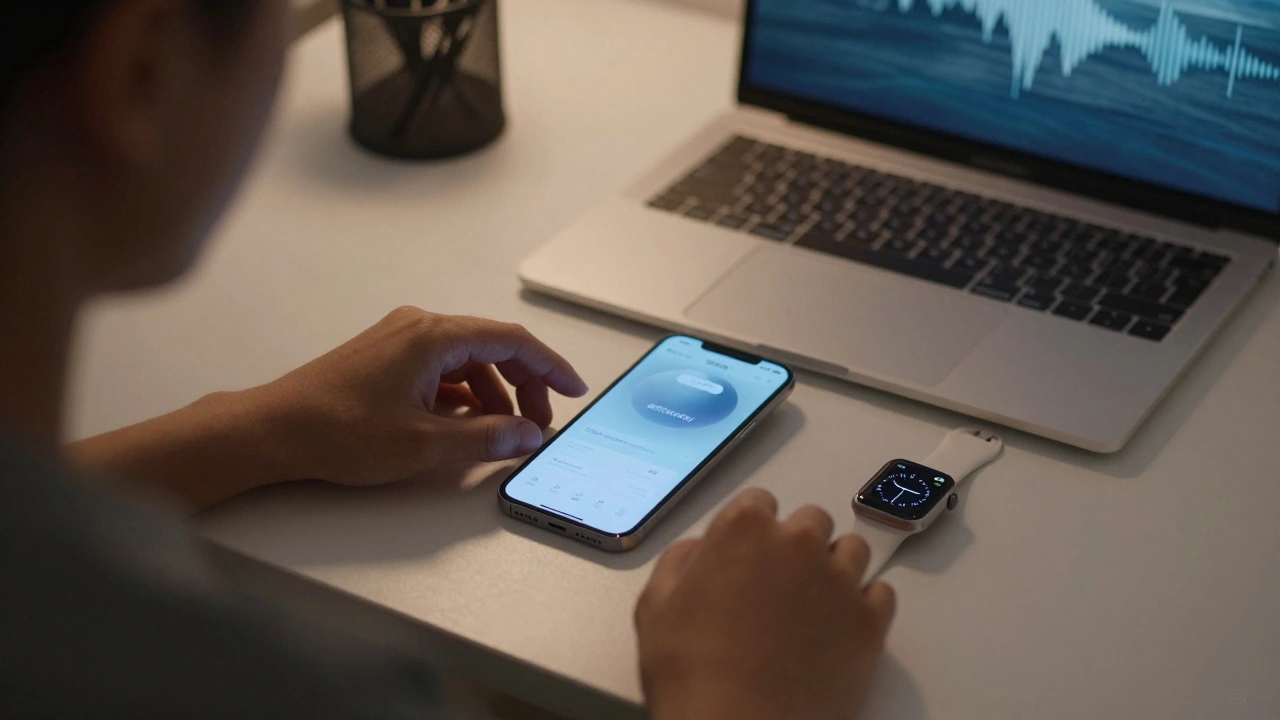

Apple’s alert system offers deep customization for neurodivergent users, letting people control how they receive notifications through sound, vibration, visuals, and voice. Learn how to build calm, predictable feedback that works for your brain.
Measuring Accessibility Success on Apple: Adoption and Task Completion
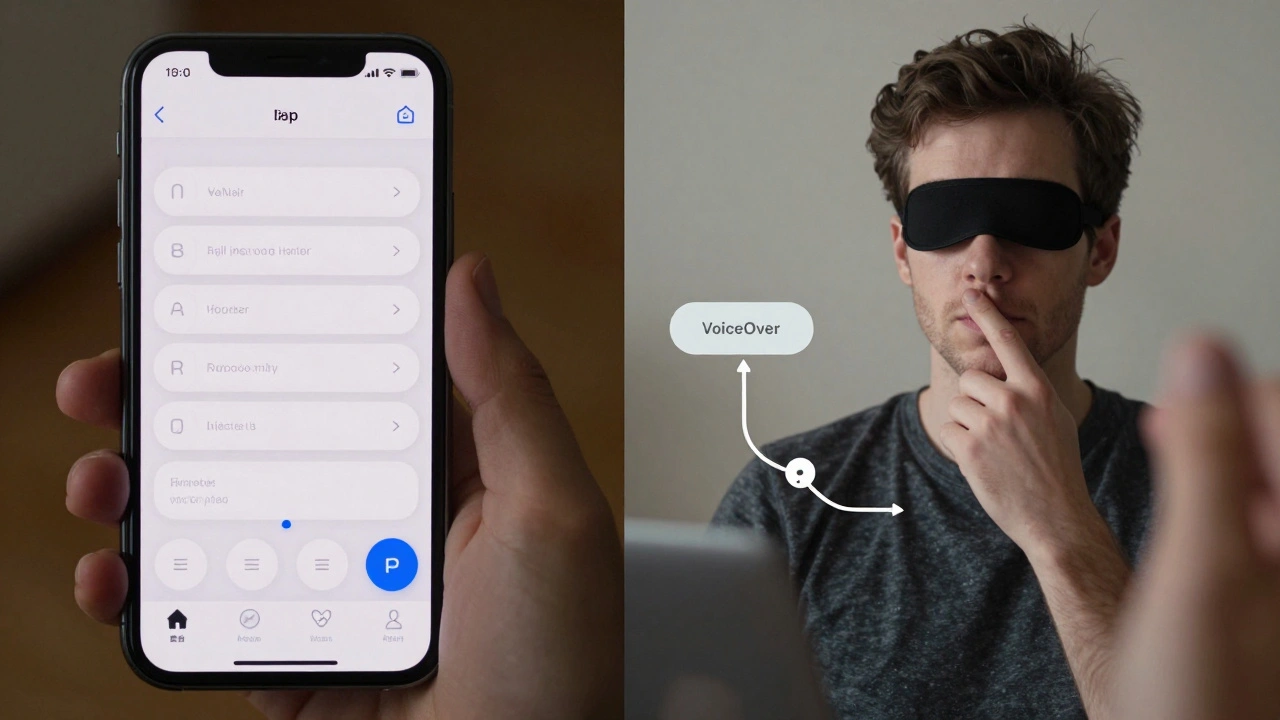
Most iOS apps fail accessibility tests, with 94% having at least one issue. Learn how Apple measures task completion success, why labels and contrast matter, and how to fix real-world accessibility problems - not just technical ones.
Performance Considerations: Rendering Liquid Glass Materials at 120Hz on Apple Displays
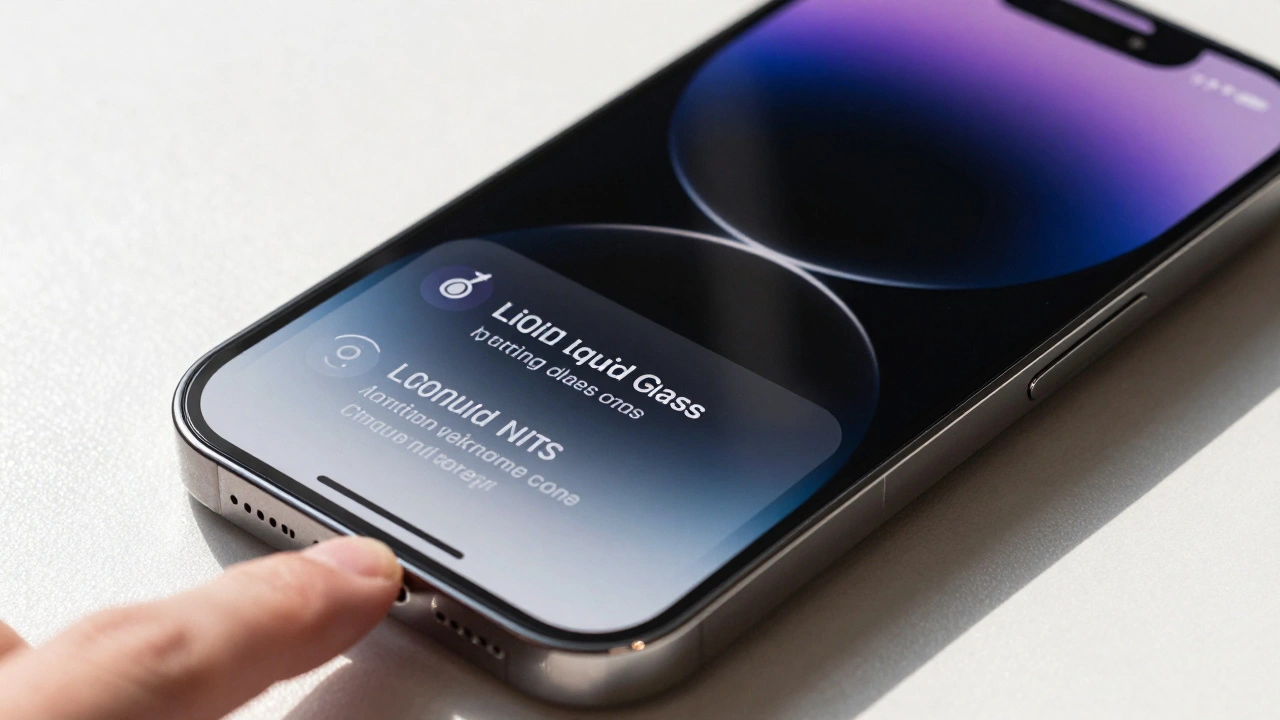
Apple's Liquid Glass material brings real-time, physics-based rendering to iOS 26 and beyond, demanding 120Hz displays and custom silicon to deliver fluid, adaptive visuals that respond to light, motion, and touch. This is UI design reimagined.
Designing for Input Diversity: Touch, Pencil, Keyboard, and Voice on Apple Devices
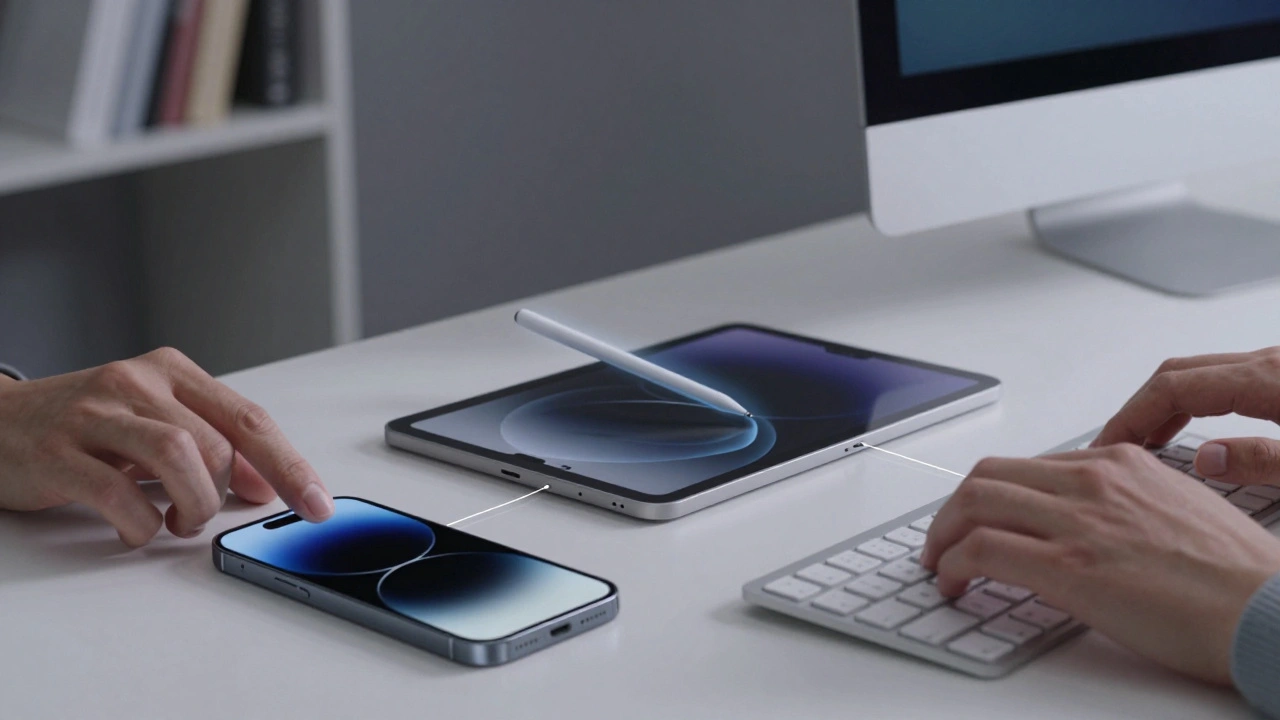
Apple's input methods-touch, Pencil, keyboard, and voice-work best together, not alone. Each device has its role, and continuity ties them into a seamless workflow that outshines single-device competition.
How Apple Builds Confidence Through Interface Clarity: Micro-Interactions That Reduce Cognitive Load
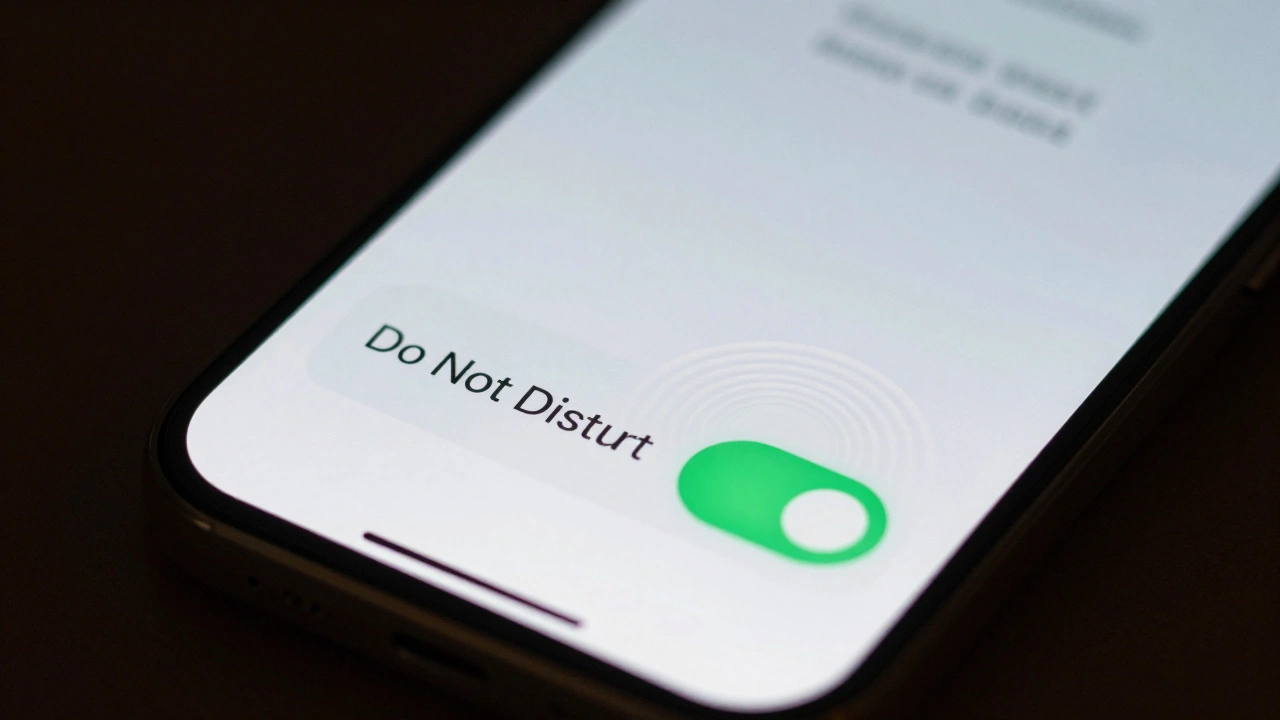
Apple builds user confidence not through flashy features, but through tiny, thoughtful interface details. These micro-interactions reduce mental strain, create trust, and make every tap feel intentional and reliable.
Pro-Level Workflows on MacBook: How Interface and Thermal Design Work Together
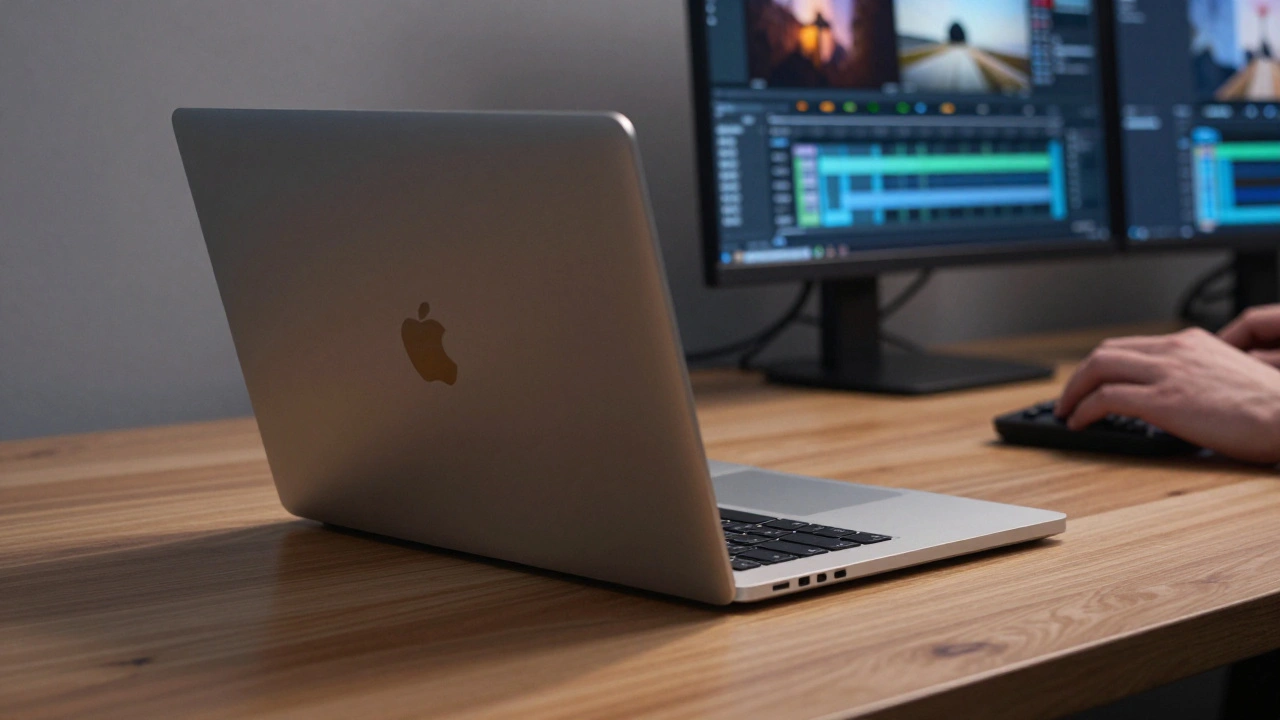
MacBook performance isn't just about the chip-it's about how heat moves through the device. Learn how interface design and thermal systems work together to make or break professional workflows.
Third-Party Ecosystem Fit: Making Apple Apps Feel Native with HIG
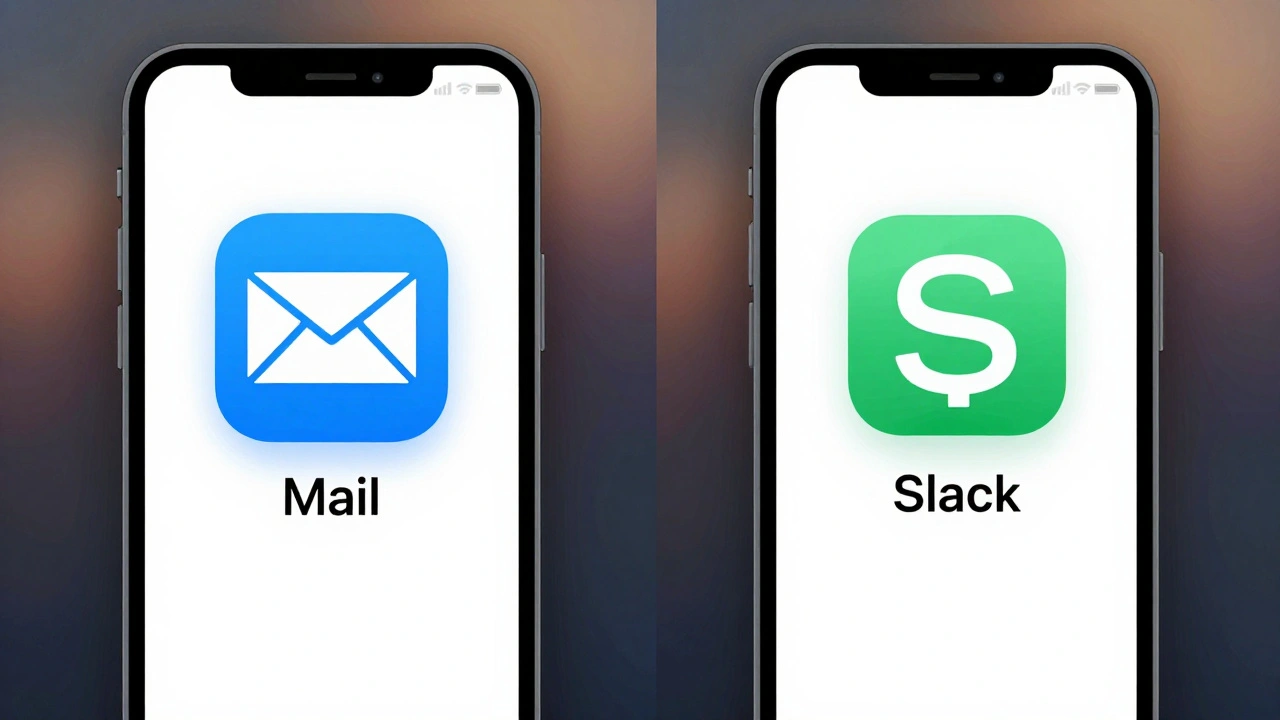
Third-party apps on Apple devices must align with Human Interface Guidelines to feel native, intuitive, and trustworthy. Learn why HIG isn’t about copying Apple-but about respecting user expectations across iOS, iPadOS, and macOS.
How iPhone Camera Image Pipeline Integration Creates a Seamless UX
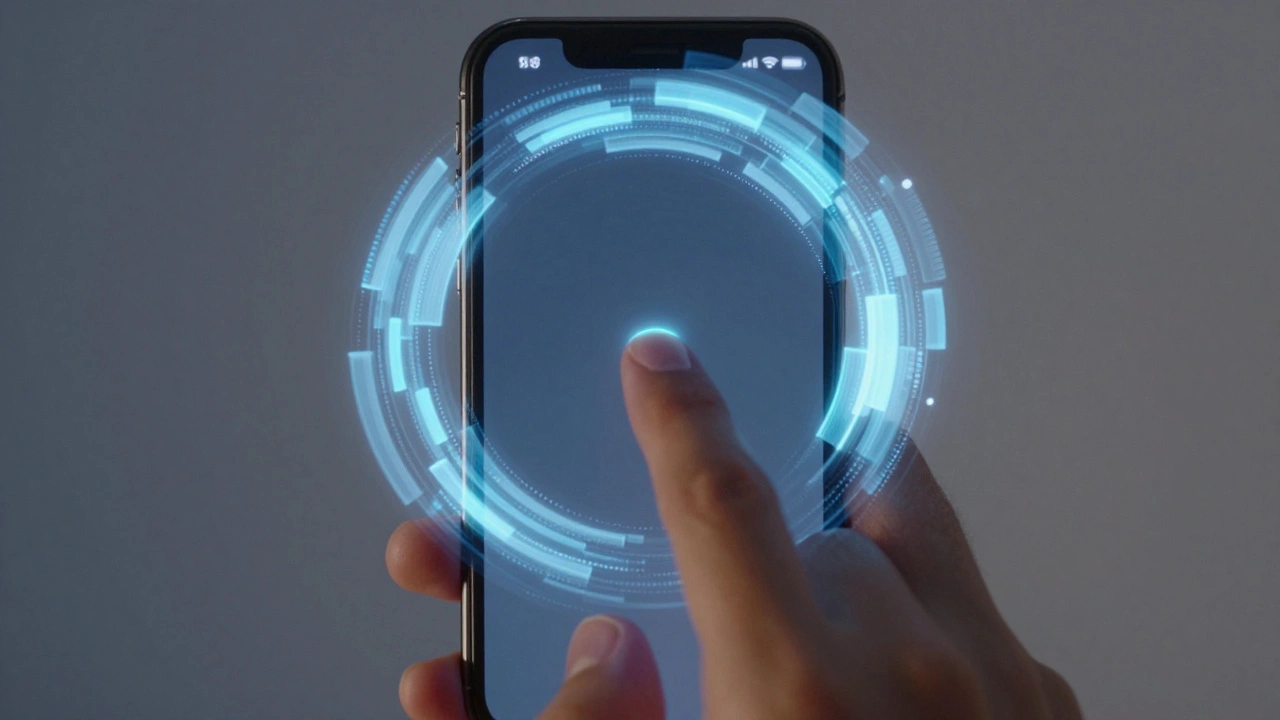
iPhone's camera doesn't just capture images-it anticipates them. Through Zero Shutter Lag, deferred processing, and custom silicon, Apple has turned the image pipeline into a seamless, invisible experience that makes photography feel instantaneous.
iPad Pro as a Production Tool: Interface Patterns for Professional Apps
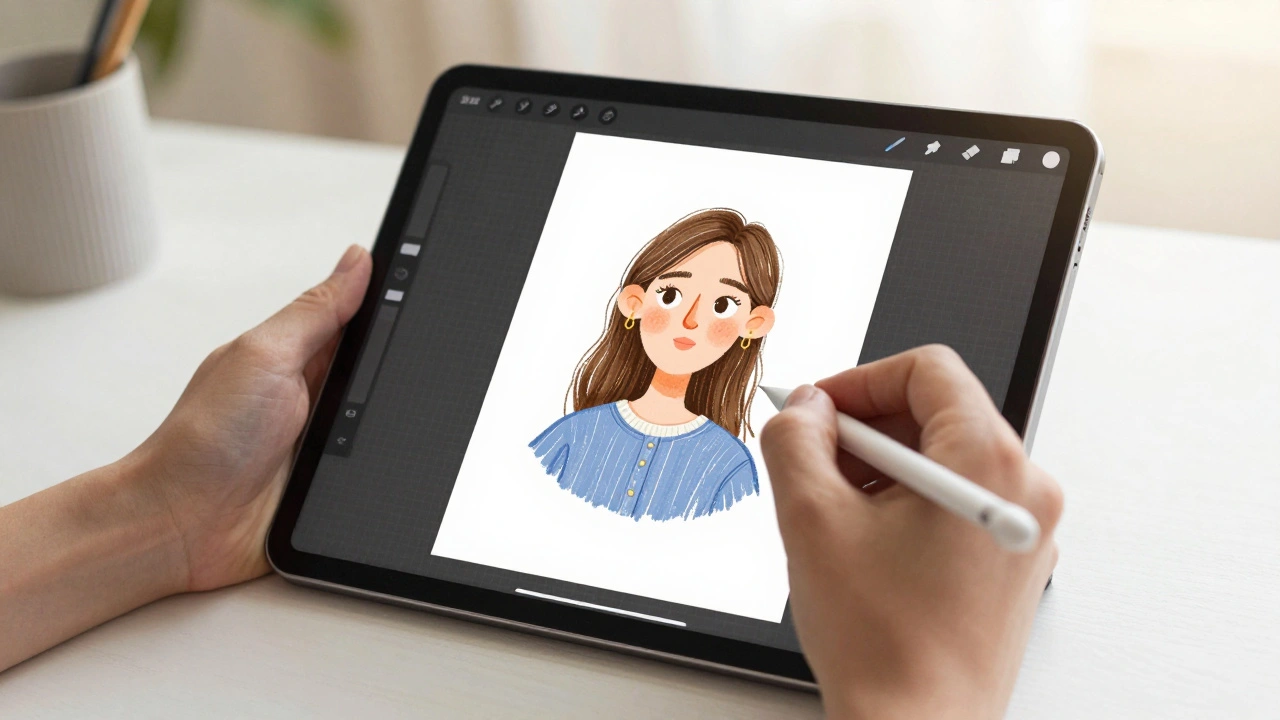
The iPad Pro is now a legitimate production tool for designers using apps like Procreate, Figma, and Affinity Designer. Learn the interface patterns that make professional workflows possible - and where the platform still falls short.
macOS Interaction Patterns: Precision Controls for Trackpad and Keyboard
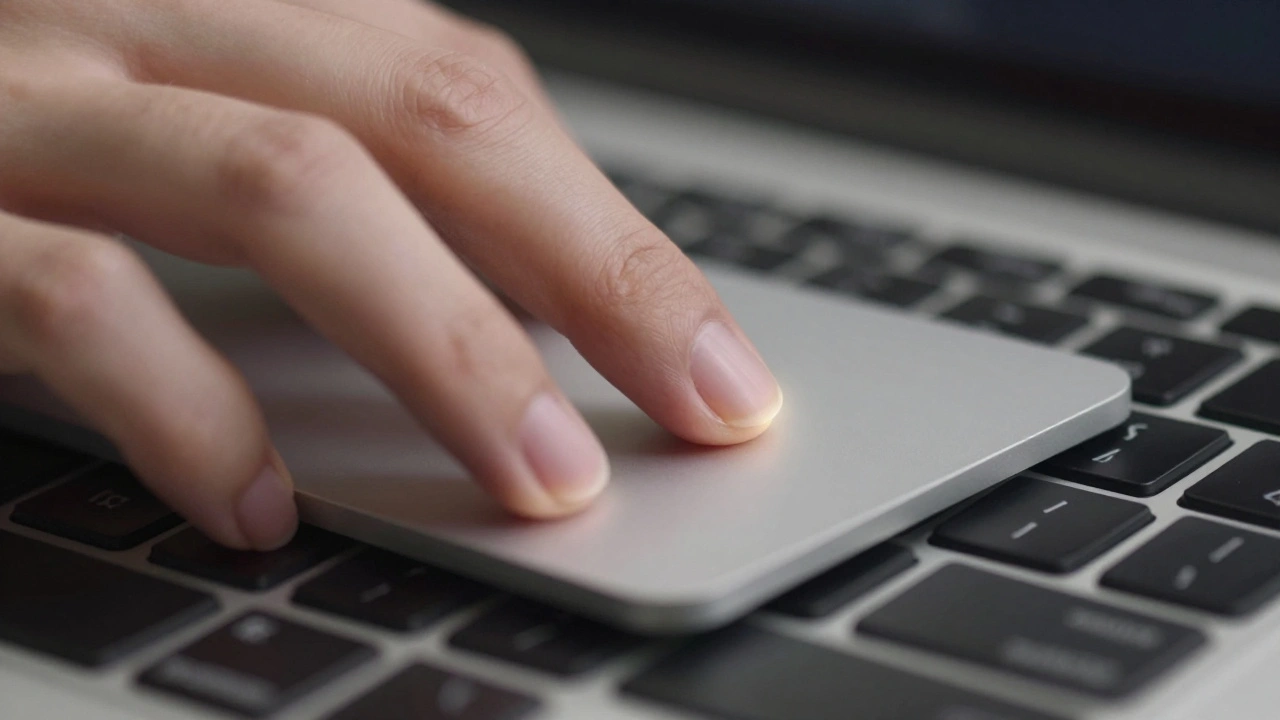
Learn how macOS trackpad and keyboard interactions work together to boost precision and productivity. Master gestures, modifiers, and settings most users never touch.
Strap Mechanisms by Design: Why Quick Release Is the New Standard in Watch Design
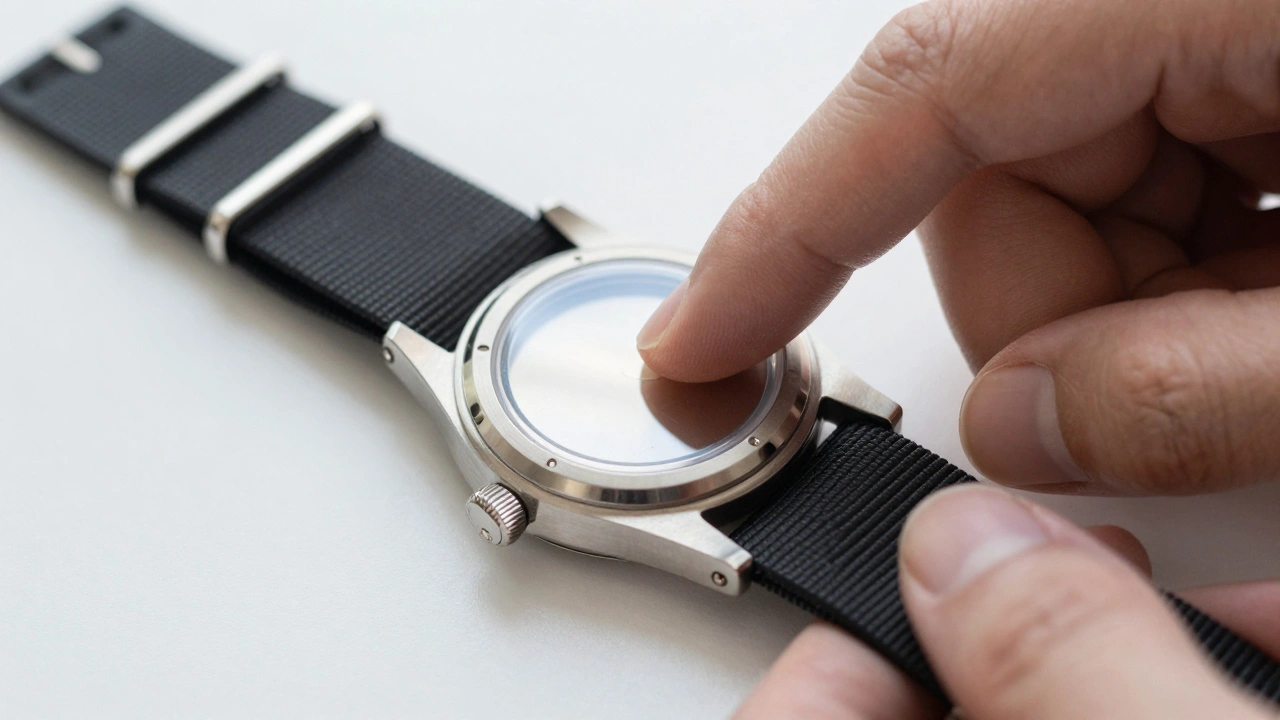
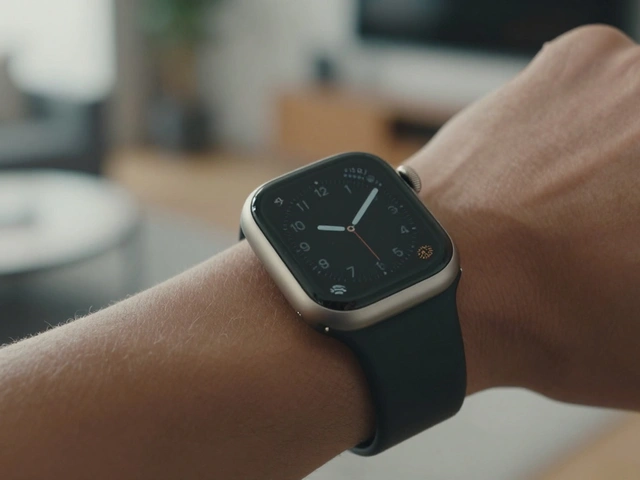
Quick-release watch straps eliminate tools, reduce wear, and make changing styles effortless. Learn how this smart design became the new standard - and why it matters for everyday wear.
iPad Keyboard and Trackpad Support: Desktop-Like Interactions by Design
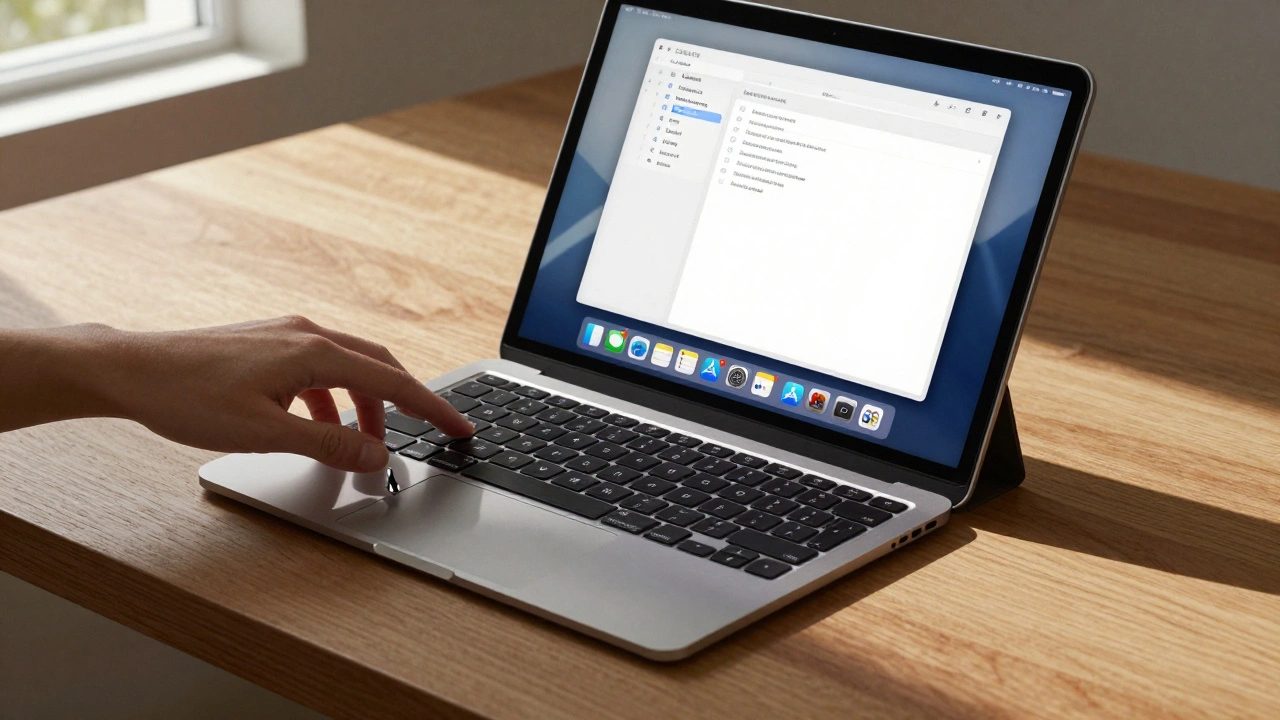
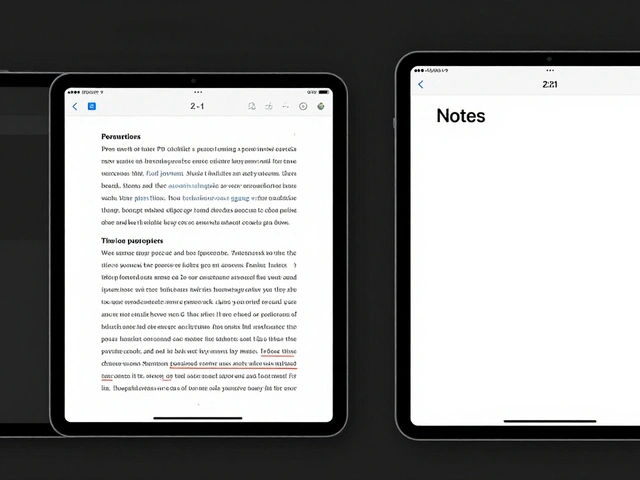
iPad keyboard and trackpad support, powered by iPadOS 26, transforms the tablet into a desktop-like productivity tool. With precise typing, gesture controls, and seamless integration, Apple's Magic Keyboard makes the iPad a true laptop alternative.