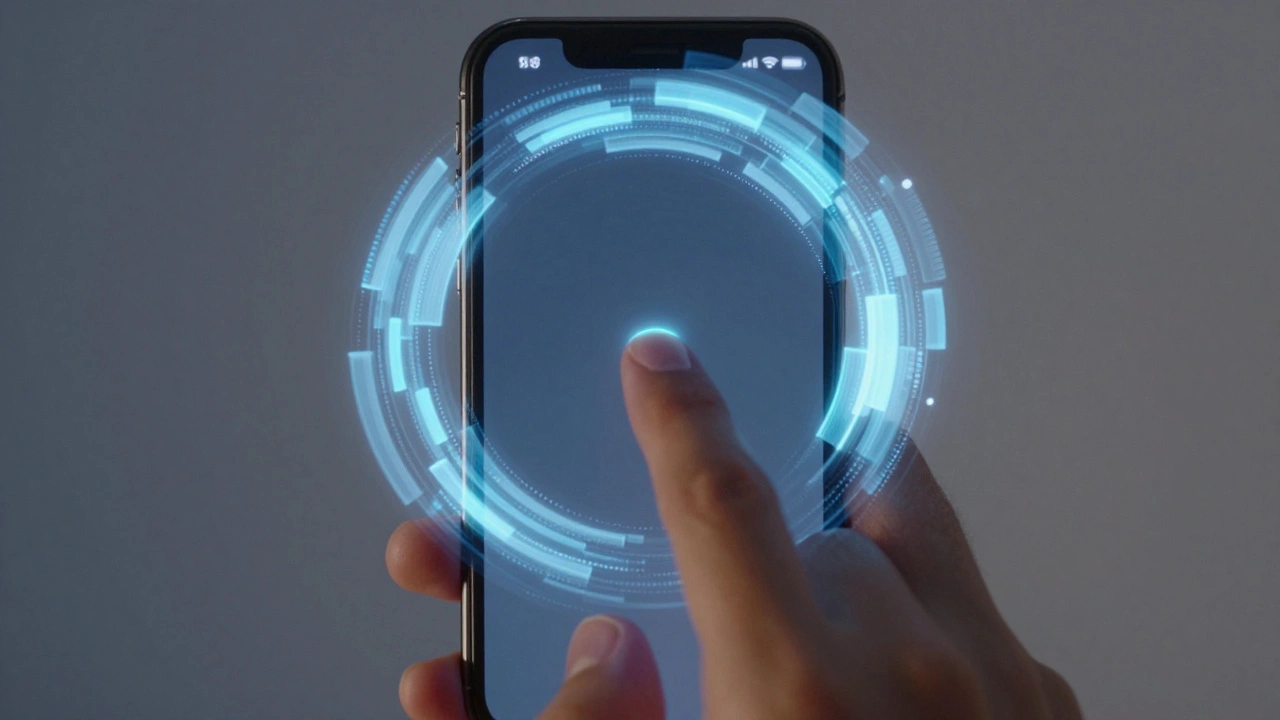

The iPhone camera doesn’t just take pictures. It anticipates them. That’s the real trick. When you tap the shutter button, the image you get isn’t the result of a single moment-it’s the product of a carefully orchestrated system working behind the scenes, blending hardware, software, and human perception into something that feels instantaneous. This isn’t magic. It’s image pipeline integration as user experience design.
What You See Isn’t What the Sensor Captured
Most people think the camera captures a photo the moment they tap. But that’s not how it works. The sensor is always recording. It’s not waiting. It’s constantly streaming frames-like a video-into a circular buffer. When you press the shutter, the system doesn’t start capturing. It looks back. It picks the best frames from the last few milliseconds and fuses them together. This is called Zero Shutter Lag is a technique that uses a rolling buffer of sensor frames to capture the exact moment the user intended, even before the tap completes. It eliminates the delay between intention and capture. You see your friend smile. You tap. The photo shows that smile-not the face half a second later.This isn’t just faster. It’s more human. Traditional cameras freeze time after the button press. iPhones reconstruct time before it. That’s why you never miss a shot anymore. You don’t have to anticipate the moment. The phone does it for you.
The Hidden Engine: The Image Signal Processor
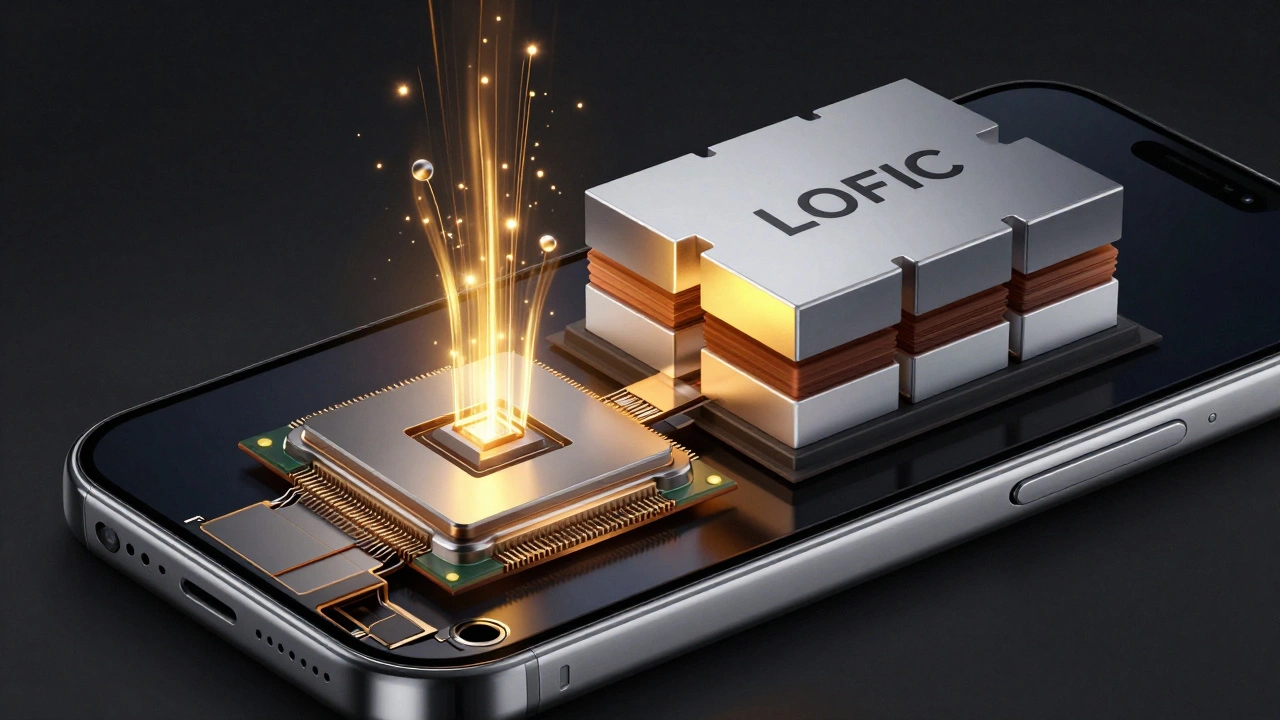
Behind every iPhone photo is a dedicated chip called the Image Signal Processor, or ISP. It’s not part of the main A-series chip. It’s a specialized processor built just for images. It handles the raw data from the sensor-the mosaic of red, green, and blue pixels-and turns it into a full-color photo. It removes noise, adjusts white balance, maps colors to the sRGB standard, and applies tone curves to make shadows and highlights look natural.Apple doesn’t make its own sensors yet-but it’s close. It’s developing custom stacked sensors with two layers: one to catch light, another to process it. This lets each pixel store multiple levels of brightness. In bright areas, light overflows into a larger capacitor. In dark areas, it stays in a smaller one. This is called the Lateral Overflow Integration Capacitor (LOFIC) is a pixel architecture that captures up to 20 stops of dynamic range by storing light in multiple charge levels within a single pixel. The result? A photo where the person in front of a window isn’t a silhouette, and the sky isn’t blown out. It’s detail where your eyes naturally look.
Deferred Processing: Don’t Wait for the Final Photo
Here’s where things get even smarter. Traditionally, when you took a photo, the phone had to: capture frames → process them → compress them → save them. That took time. And if you took another photo right after, you’d wait. Again.Apple changed that with Deferred Photo Processing is a system that delivers a lightweight proxy image immediately, then finishes high-quality processing in the background. The moment you tap, you get a usable version of the photo-just enough to see it, share it, or save it. The full, high-res version? It finishes later. In the background. While you’re scrolling, texting, or taking the next shot.
And if you open that photo later and it’s still processing? The system shows you a lower-quality version in the meantime. No waiting. No blank screen. Just seamless access. This is UX design at its best: managing perception, not just performance.
Overlapping the Pipeline: Capture While Processing
The Responsive Capture API is a framework that allows new photo captures to begin before previous ones finish processing, enabling true back-to-back shooting without delays takes this even further. It lets the system overlap phases. While one photo is being processed, another one starts capturing. This used to be impossible. Now, it’s standard. You can fire off five photos in a row, and the phone handles them all without slowing down. That’s why burst mode on newer iPhones feels so smooth. It’s not just faster. It’s architecturally designed to never interrupt.Portrait Without Multiple Cameras
Remember when iPhones needed three cameras to get good portrait mode? Now, the iPhone Air-released in September 2025-does it with one. How? The image pipeline now simulates depth and bokeh with computational precision. It doesn’t rely on multiple lenses. It uses the sensor’s dynamic range, the ISP’s noise handling, and machine learning trained on millions of real-world portraits to create depth maps from a single shot. The result? A portrait that looks like it was taken with a $2,000 camera, but without the bulk.This isn’t just an upgrade. It’s a philosophy. Apple stopped adding more hardware and started optimizing the pipeline instead. The camera isn’t about more lenses. It’s about smarter processing.
The Other Side: Process Zero
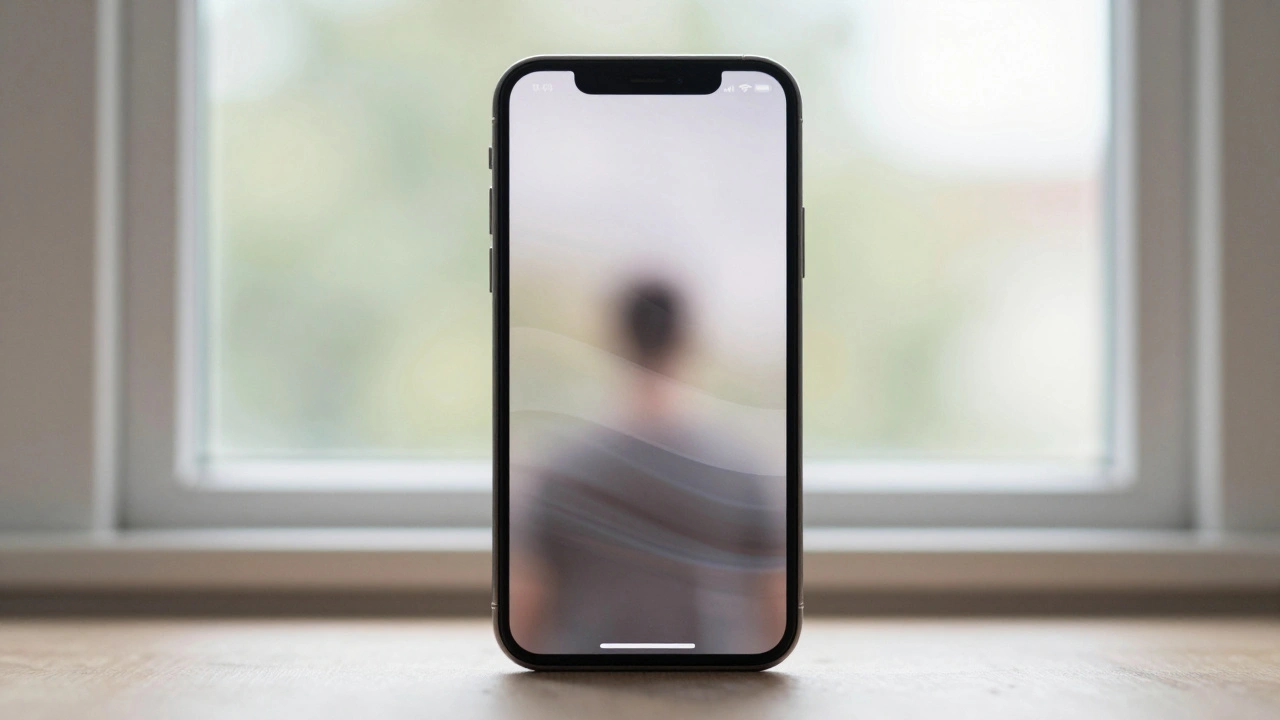
Not everyone wants this. Some photographers hate computational photography. They want raw, unaltered data. That’s where Process Zero is a photographic workflow that bypasses Apple’s computational pipeline entirely, preserving raw sensor data for manual editing with no AI enhancements comes in. It’s not a filter. It’s a different path. It strips away noise reduction, tone mapping, and color shifts. It gives you the raw sensor data-exactly what the camera saw. No auto-enhancements. No AI guesswork. Just light, shadow, and texture.It’s not for everyone. But its existence proves something important: the image pipeline isn’t just a technical feature. It’s a creative choice. Apple’s pipeline makes photos look polished. Process Zero makes them look real. The iPhone doesn’t force one. It lets you choose.
Why This Matters
Most phone companies treat the camera like a feature. Apple treats it like a core experience. Every component-from the sensor to the ISP to the software API-is designed to serve one goal: make photography feel instant, reliable, and intuitive. You don’t think about it. You just take the picture. And that’s the point.When a system works this well, you stop noticing it. That’s the highest form of design. The iPhone camera doesn’t ask you to learn anything. It just works. And that’s because Apple didn’t just build a better camera. They built a better experience-one where the pipeline isn’t hidden. It’s invisible.
Does Zero Shutter Lag mean my iPhone is always recording video?
No. The camera sensor is continuously streaming frames into a temporary buffer-like a short, rolling video-but it’s not saving or storing them as video. This buffer holds only the last few seconds of data, using minimal power and memory. It’s designed to be discarded unless a capture is triggered. The system only saves the final fused image, not the raw frames.
Can I turn off computational photography on my iPhone?
Not directly through settings, but you can bypass it. Using third-party apps like Lux Camera, you can enable Process Zero mode, which skips Apple’s automated enhancements and delivers raw sensor data. This gives you full control over exposure, color, and noise in post-processing, but you’ll need to edit the image yourself. The standard Camera app always applies computational adjustments.
Why does my iPhone sometimes take longer to save photos after a burst?
Because the phone is finishing deferred processing. After you take a burst, the first few photos appear instantly as proxies. The rest are processed in the background. If your phone is busy-running an update, syncing, or overheating-it may delay finalizing images. That’s normal. The system prioritizes performance over speed when resources are tight.
Do custom Apple sensors improve low-light performance?
Yes. The new stacked sensors include on-chip noise cancellation circuits that measure and cancel heat-related electronic noise in real time, before the image is even saved. This reduces grain in dark scenes without softening detail. Early tests show up to 40% better low-light clarity compared to current Sony sensors, especially in high-contrast environments like city nightscapes.
Is the iPhone camera better than a DSLR now?
For most people, yes-for everyday use. The iPhone matches or exceeds DSLRs in convenience, speed, dynamic range, and low-light performance. But DSLRs still win in manual control, lens variety, sensor size, and professional-grade RAW output. The iPhone doesn’t replace a studio camera. It replaces the need to carry one for 95% of shots.
What’s Next
Apple’s next leap isn’t more megapixels. It’s deeper integration. Imagine a camera that adjusts exposure based on your eye movement. Or one that predicts motion blur and corrects it before you even move. The pipeline is becoming smarter. More intuitive. More human. And it’s all happening under the hood-where you don’t have to think about it. That’s the real innovation.Categories
Popular Articles