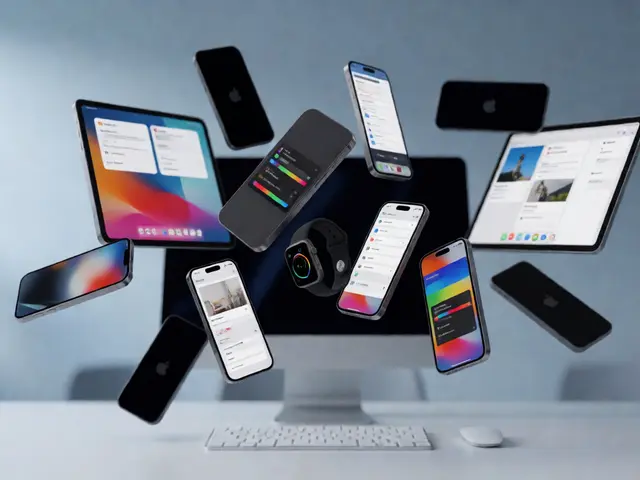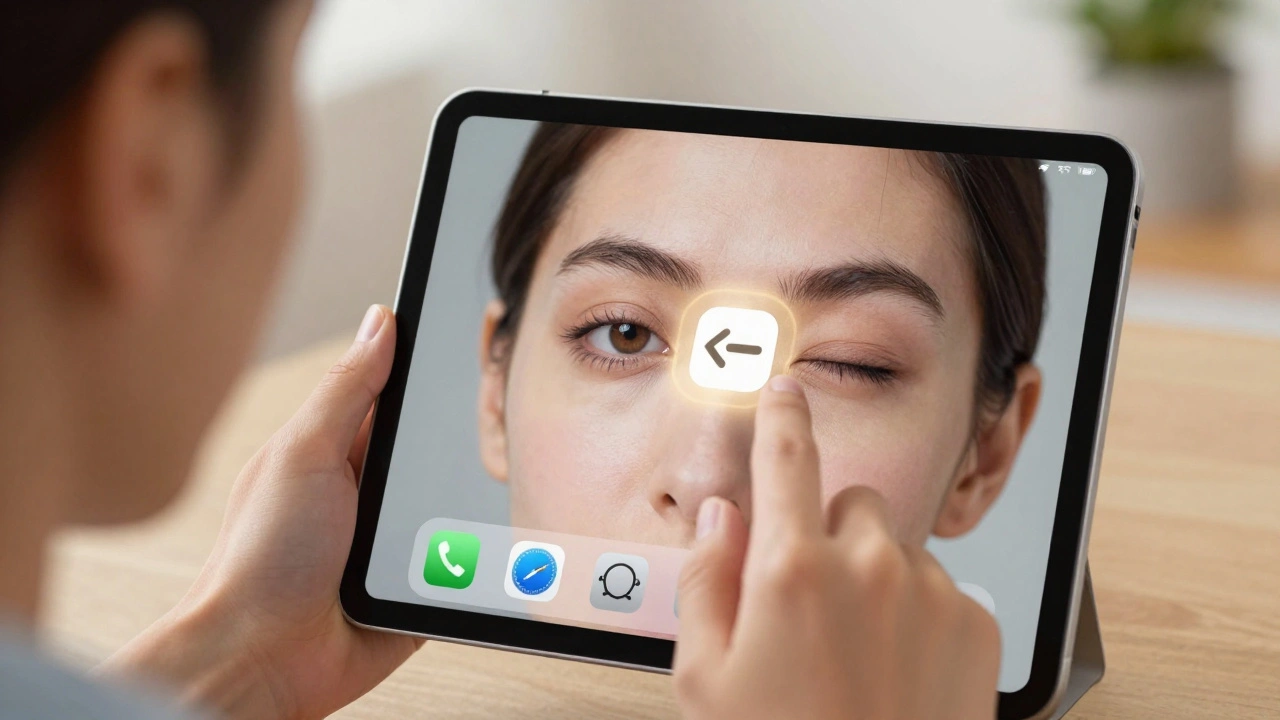

Apple doesn’t treat accessibility as an add-on. It never has. For nearly 40 years, the company has built features like VoiceOver, Switch Control, and Eye Tracking into the core of its hardware and software-not as afterthoughts, but as essential parts of how devices work. This isn’t about checking boxes. It’s about designing for real people, with real needs, from day one.
Accessibility Isn’t a Feature. It’s the Foundation.
Most companies wait until a product is almost done before they ask, "Can someone with a disability use this?" Apple asks that question before the first prototype is built. That’s why the same technology that powers VoiceOver on your iPhone also drives Switch Control and Voice Control. It’s not coincidence. It’s architecture.
Take VoiceOver. It’s not just a screen reader. It’s a full navigation system that lets blind users tap, swipe, and explore every app, every setting, every photo. And because it’s built into the operating system, it works everywhere-iPhone, iPad, Mac, even Apple Vision Pro. No extra downloads. No patchwork solutions. Just seamless access.
Eye Tracking: Controlling Devices Without Touch
For users with limited mobility, touching a screen isn’t always possible. That’s where Eye Tracking comes in. Announced in 2024 and fully integrated into iPad and Apple Vision Pro, this feature lets you control your device just by looking at it. Want to open an app? Look at it. Tap? Blink. Scroll? Move your gaze. No hands needed.
It works because Apple’s silicon chips process all the data on-device. Your eyes never leave your device. No cloud. No recording. No privacy risk. Just real-time, private control. And it’s not just for Vision Pro. On iPad, Eye Tracking works with the front camera, making it one of the most accessible tablets on the market.
Assistive Access: Reducing Cognitive Overload
For people with cognitive or developmental disabilities, modern interfaces can feel overwhelming. Too many buttons. Too many apps. Too much noise. Apple’s Assistive Access changes that.
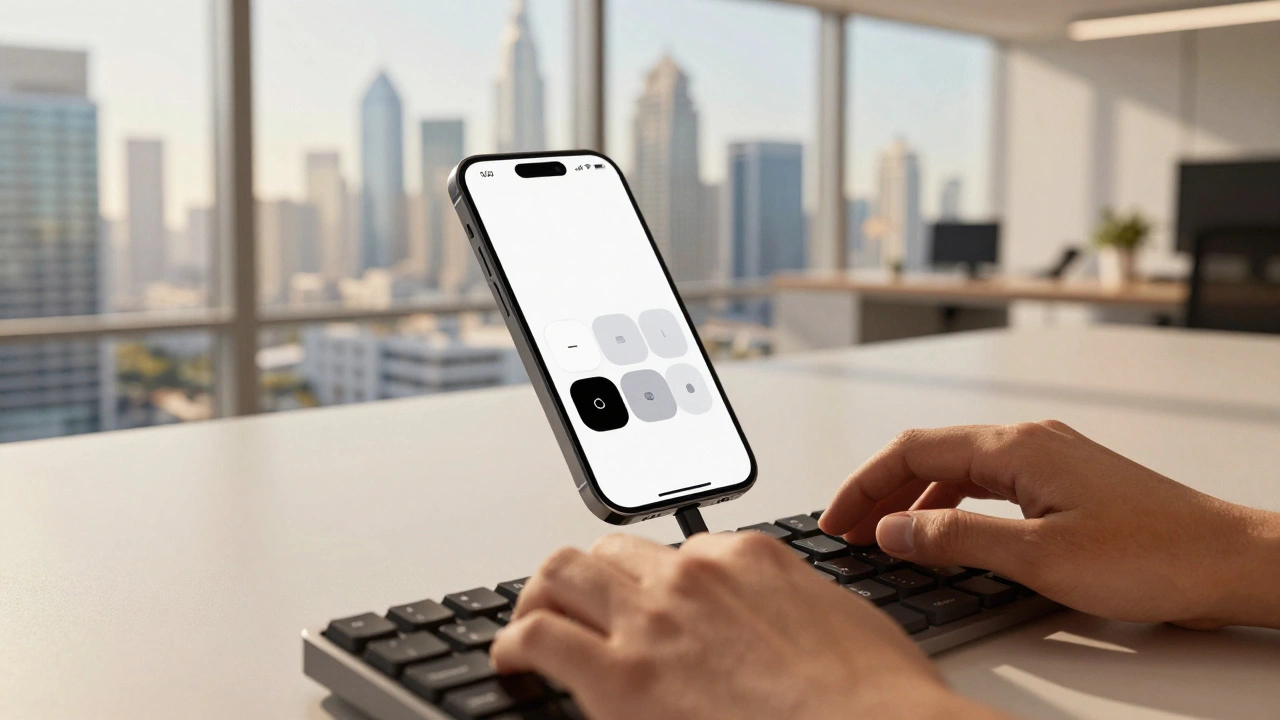
Launched in 2024 and expanded in 2025, Assistive Access strips down the device to only what matters: calling, texting, photos, music, and video. The interface uses high-contrast colors, large icons, and minimal text. No clutter. No confusion. Just clear, simple interactions.
And it’s customizable. You pick what apps stay. You set how long a button needs to be held. You choose whether to use voice, touch, or even custom sounds. Apple didn’t guess what users needed. They worked directly with disability communities-parents, educators, therapists-to design it. The result? A tool that actually fits real lives.
Accessibility Reader: Making Text Work for Everyone
Reading isn’t easy for everyone. Dyslexia, low vision, or just a brain that processes text differently can make reading a struggle. Apple’s Accessibility Reader, introduced in 2025, fixes that.
It’s not just a bigger font. It’s a full reading experience you can tweak. Choose a font designed for readability-the San Francisco font with adjusted spacing. Change the background color to reduce glare. Turn on audio so the text reads aloud while you follow along. Adjust line height, letter spacing, even the speed of the voice.
And it works everywhere: iPhone, iPad, Mac, Vision Pro. Open a PDF, a webpage, an email-it all adapts. No need to copy-paste into another app. No clunky third-party tools. Just your device, reading for you.
Personal Voice and Vocal Shortcuts: Speaking Your Way
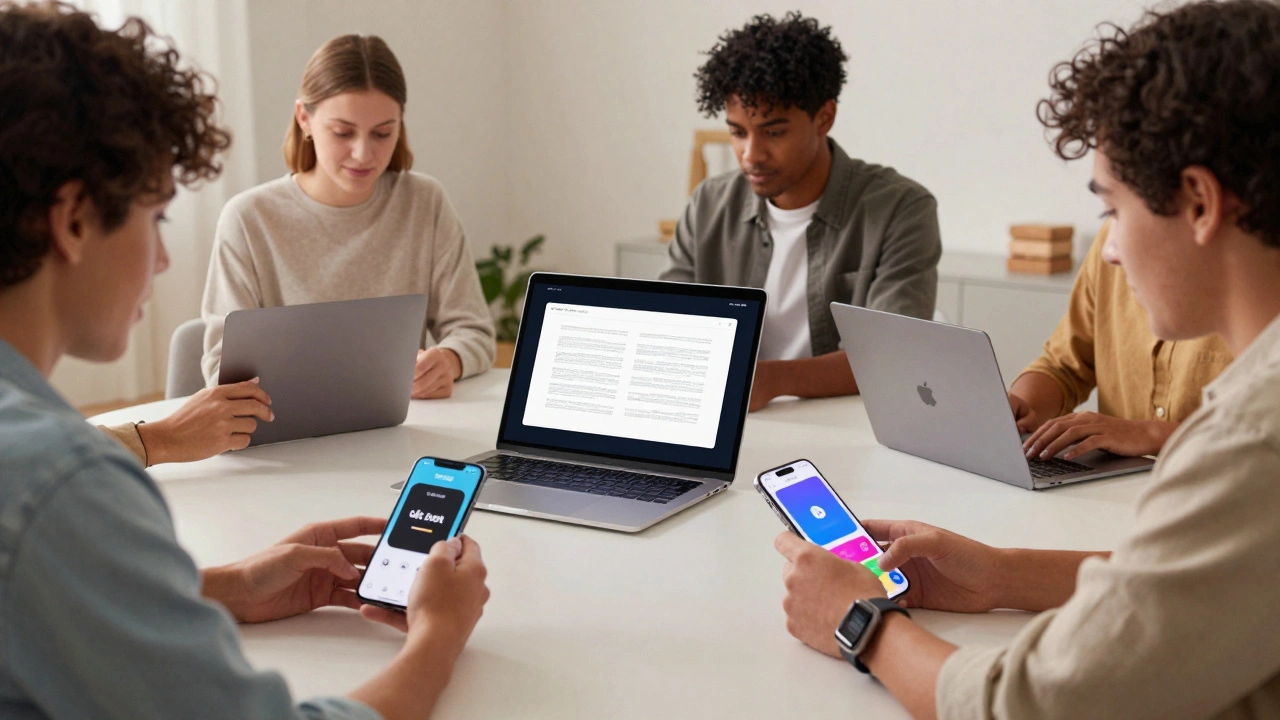
Not everyone can speak clearly. That doesn’t mean they shouldn’t be heard. Apple’s Personal Voice lets you create a digital version of your own voice using just 15 minutes of recorded speech. Record phrases. Let the system learn your tone, rhythm, pitch. Then use it to talk through Live Speech-on calls, in messages, in person.
And if speaking isn’t an option at all, Vocal Shortcuts let you trigger actions with custom sounds. A cough. A hum. A whistle. Set any sound to unlock your phone, send a text, or play music. No buttons. No taps. Just you.
Music Haptics: Feeling the Beat
Music isn’t just about sound. It’s about vibration. For users who are deaf or hard of hearing, Apple’s Music Haptics turns rhythm into touch. The Taptic Engine in your iPhone or Apple Watch pulses in time with the beat-deep bass thumps, snare cracks, synth swells.
It’s not just a gimmick. It’s a new way to experience music. People who’ve used it say it makes them feel connected to songs they’ve loved for years. And it works with any music app-Apple Music, Spotify, YouTube. No special files. No setup. Just turn it on and feel the rhythm.
Braille Access and Live Captions: Breaking Down Barriers
In 2025, Apple announced Braille Access-a feature that lets users who are blind take notes, do math, and navigate menus using a Braille display connected to their iPhone or iPad. No more relying on voice alone. Now you can read and write in Braille, right on your device.
And for conversations, Live Captions turn speech into text in real time. Whether you’re on a Zoom call, watching a video, or talking to a friend, captions appear instantly. Combine that with Live Speech, and you’ve got two-way communication without speaking or hearing.
Why This Matters: Inclusive Design Isn’t Charity. It’s Innovation.
Some people think accessibility is about helping a small group. That’s wrong. When Apple designs for someone who can’t see, they improve the experience for everyone. VoiceOver made it easier to use phones while driving. Eye Tracking helped people with temporary injuries. Assistive Access helped older adults with memory loss. Accessibility Reader made reading easier for students and non-native speakers.
Apple’s real breakthrough? They stopped treating accessibility as a niche category. They made it part of the product. Every feature is designed to be flexible, personal, and powerful. There’s no "accessibility mode." There’s just your device, working the way you need it to.
The Bigger Picture: Apple’s Ecosystem of Inclusion
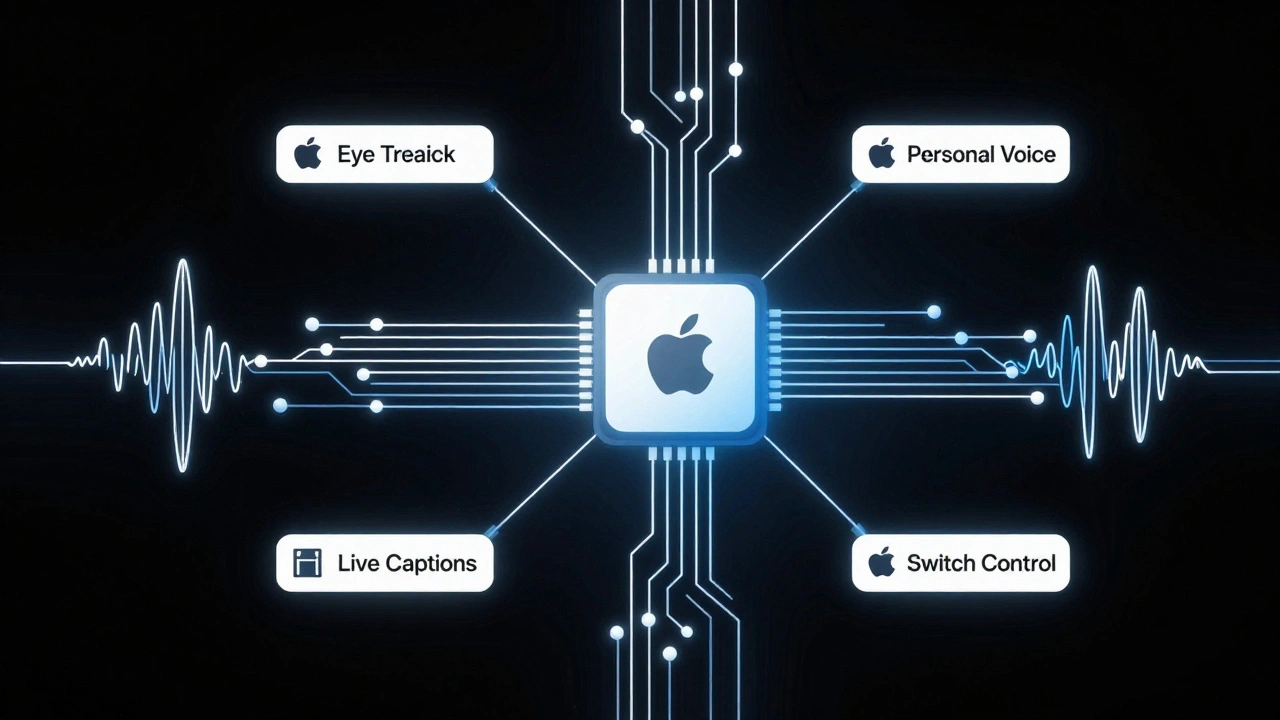
What makes Apple’s approach different isn’t just the features-it’s how they’re connected. The same AI that powers Eye Tracking also helps Switch Control recognize finger taps. The same chip that runs Personal Voice also handles Live Captions. Everything talks to everything else.
And it’s growing. In 2025, Apple introduced Accessibility Nutrition Labels on the App Store. Now you can see ahead of time if an app supports VoiceOver, has high-contrast mode, or works with Switch Control. No more downloading apps only to find they’re unusable.
Developers get tools too. Apple’s accessibility APIs are free, well-documented, and built into Xcode. Companies like Blackbox, a puzzle game designed for blind players, show what’s possible when accessibility is treated as core to the experience-not an afterthought.
It’s Not Just Technology. It’s Culture.
Apple doesn’t just build accessible products. They teach people how to use them. Free sessions at Apple Stores worldwide help customers learn about VoiceOver, Assistive Access, and Eye Tracking. Families, schools, and community groups book Today at Apple sessions to explore accessibility together.
And they don’t just talk about it. In Milan, Apple’s Piazza Liberty featured "Assume That I Can," a campaign by people with Down syndrome. It wasn’t a marketing stunt. It was a statement: inclusion isn’t something you do for people. It’s something you do with them.
What’s Next?
Apple is already working on brain-computer interfaces for Switch Control-technology that could let users control devices using only thought. That’s not science fiction. It’s in development. And it’s being built with the same principles: privacy, personalization, and power.
The message is clear: accessibility isn’t a side project. It’s the future of design. And Apple isn’t just keeping up. They’re setting the standard.
Does Apple’s accessibility work on older devices?
Yes, many accessibility features work on older devices. VoiceOver, Zoom, and AssistiveTouch have been around for over a decade and still function on devices as old as iPhone 6s. However, newer features like Eye Tracking, Accessibility Reader, and Braille Access require the latest hardware and software-typically iPhone 12 or newer, iPad Pro 2021 or later, and Macs with Apple silicon.
Can I use Apple’s accessibility features without an Apple ID?
Most accessibility features work without an Apple ID. VoiceOver, Switch Control, Live Captions, and Assistive Access don’t require signing in. However, Personal Voice and some cloud-based settings (like syncing Focus modes) do need an Apple ID. You can still use the core accessibility tools even if you don’t have an account.
Are Apple’s accessibility features free?
All accessibility features are built into iOS, iPadOS, macOS, and visionOS at no extra cost. There are no subscriptions, no paywalls, no premium tiers. If you own an Apple device, you have access to every accessibility tool Apple offers.
How does Apple ensure its features are truly inclusive?
Apple works directly with disability communities throughout development. They test prototypes with users who have visual, hearing, mobility, and cognitive disabilities. Sarah Herrlinger, Apple’s Senior Director of Global Accessibility, leads teams that include people with disabilities as co-designers-not just testers. This means features are shaped by lived experience, not assumptions.
Can third-party apps use Apple’s accessibility tools?
Yes. Apple provides free APIs for developers to integrate VoiceOver, Switch Control, Voice Control, and Assistive Access into their apps. Many popular apps, including Spotify, YouTube, and Microsoft Word, now fully support these tools. The new Accessibility Nutrition Labels on the App Store help users identify which apps are truly accessible.