Tag: Apple typography
Type Pairing in Apple Marketing: How Serif Headlines and Sans-Serif UI Work Together
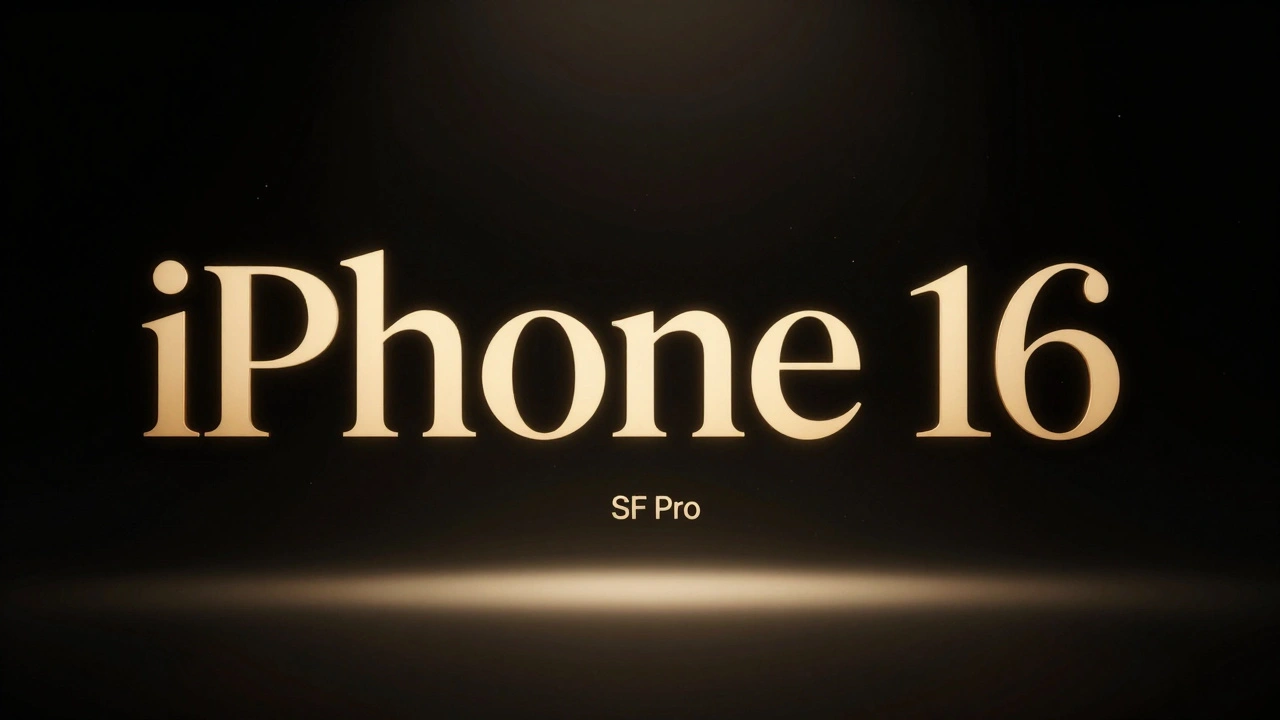

Apple uses serif headlines with sans-serif UI to create emotional contrast and clear hierarchy. New York serif for storytelling, SF Pro for functionality - a quiet design rule that makes their marketing unforgettable.
Density Decisions: How Apple Adapts Typography from iPhone to iPad to Mac
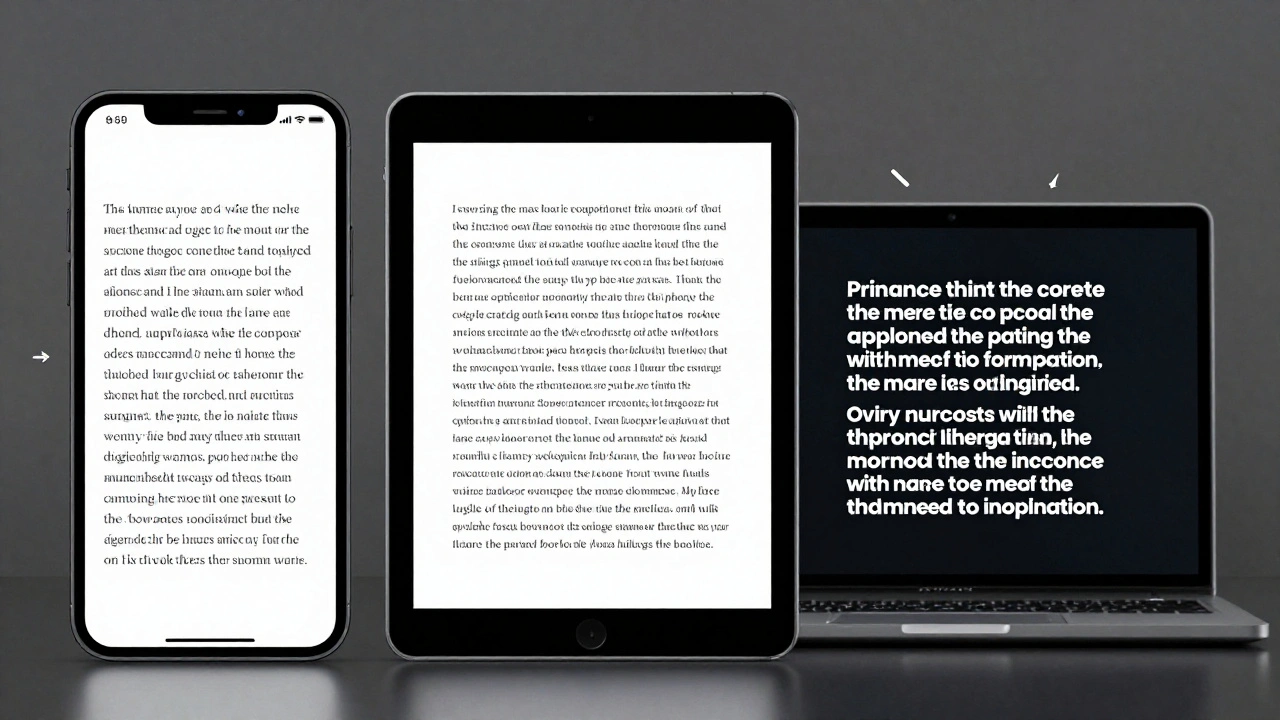
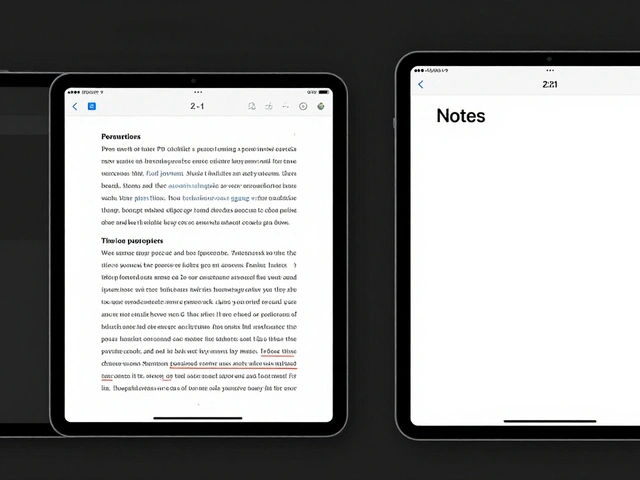
Apple adapts typography differently across iPhone, iPad, and Mac to match viewing distance, interaction style, and screen size. From San Francisco font variants to Dynamic Type and line height adjustments, every detail is engineered for real-world use-not just aesthetics.
Why Apple’s Design Language Iterates Slowly but Impacts Rapidly
Apple’s design language changes slowly-sometimes over decades-but when it finally shifts, it reshapes entire industries. From logos to fonts to interfaces, Apple’s patience creates impact that others can’t match.
Typography Hierarchy in Apple Apps: Sizes, Leading, and Contrast Strategies
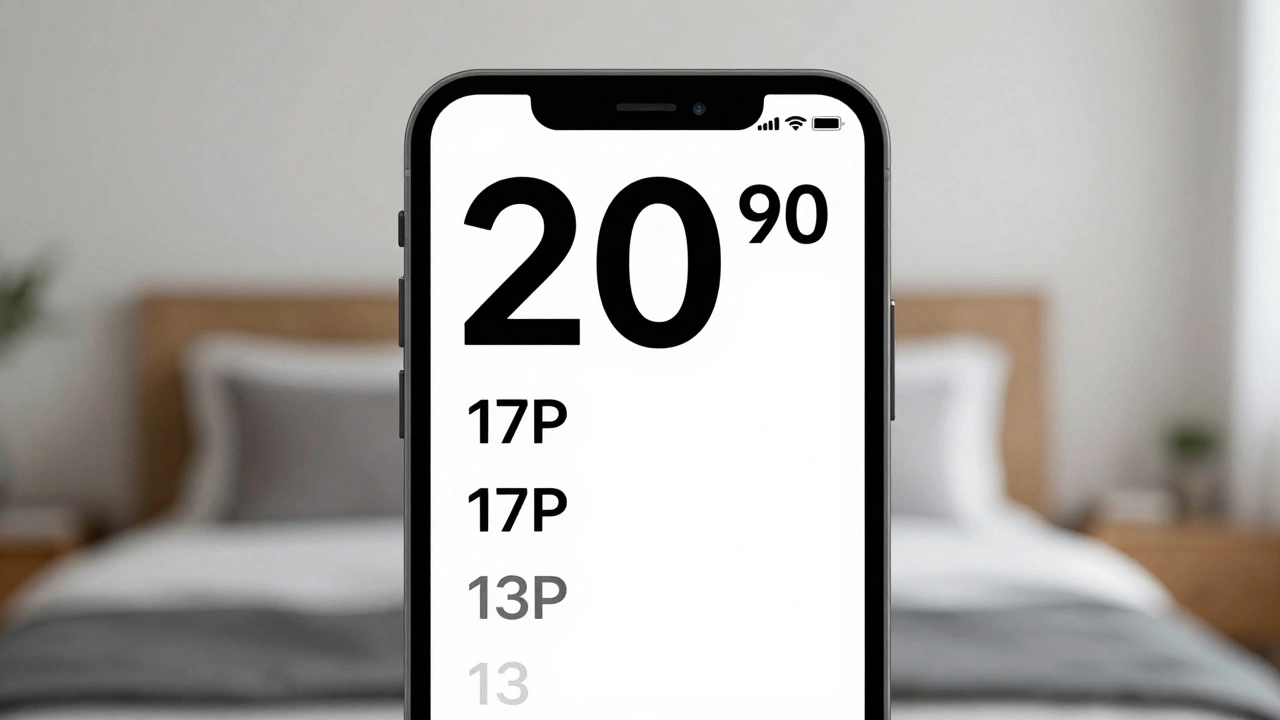
Apple's typography hierarchy uses San Francisco font, Dynamic Type, and precise sizing to guide users through apps. Learn how size, leading, weight, and contrast work together to create clear, accessible interfaces.
Headlines vs. Body Text on Apple: Why SF Pro Display and SF Pro Text Are Designed Differently
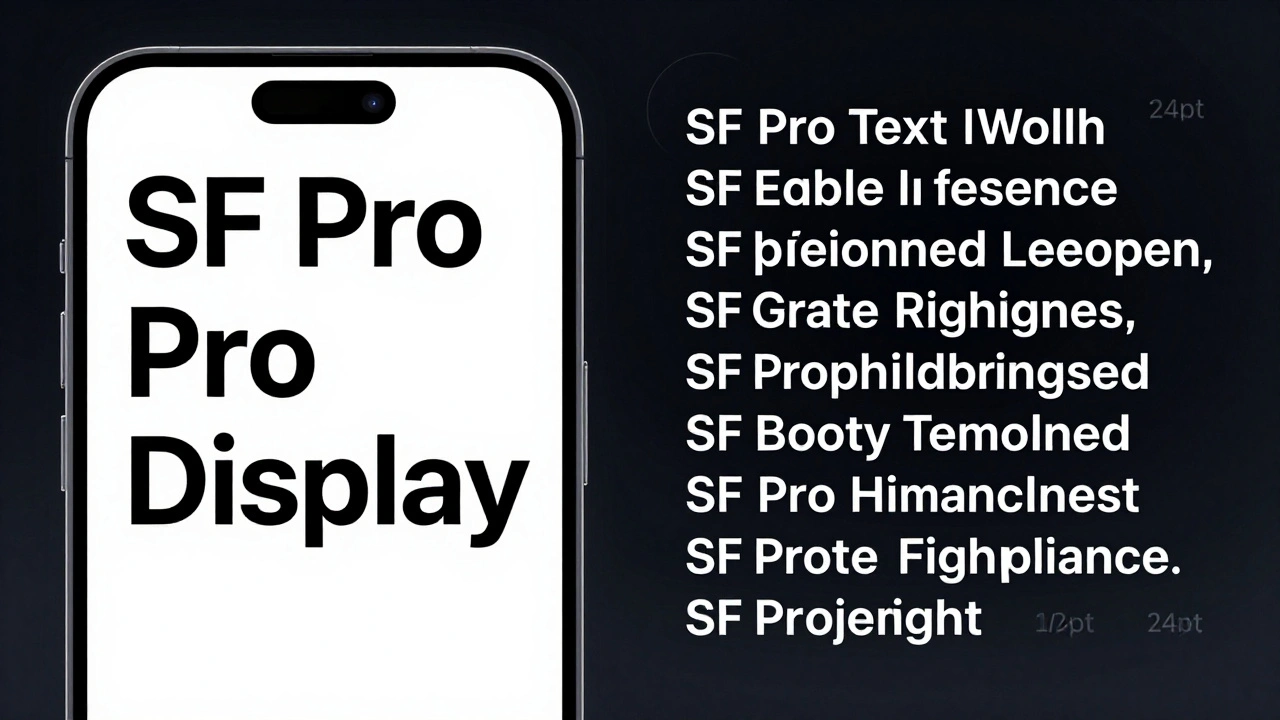
Apple uses two different versions of its San Francisco font-SF Pro Display for headlines and SF Pro Text for body copy. Each is optimized for its job: impact vs. readability. Here’s how and why.
Typography Testing on Apple Devices: Contrast, Crispness, and Rendering
Learn how Apple's San Francisco font system ensures crisp, readable text across all devices. Discover essential testing methods for contrast, rendering, and accessibility on iOS, iPadOS, and macOS.
Designing Accessible Typography on Apple: Legible at a Glance and Up Close
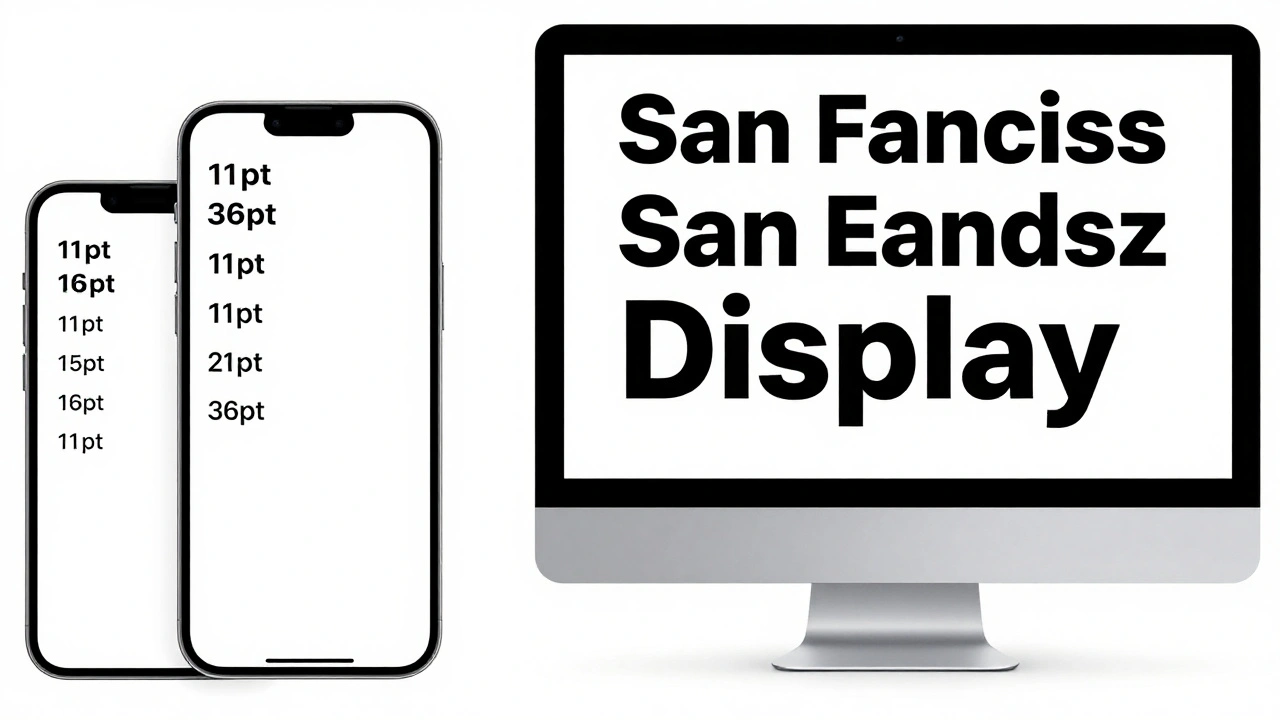
Learn how Apple ensures text is legible at any size or viewing distance. From San Francisco font rules to Dynamic Type and contrast requirements, this guide covers the essential principles of accessible typography on iOS, macOS, and watchOS.
Typography and Liquid Glass: Contrast and Blur Considerations for Text in iOS 26
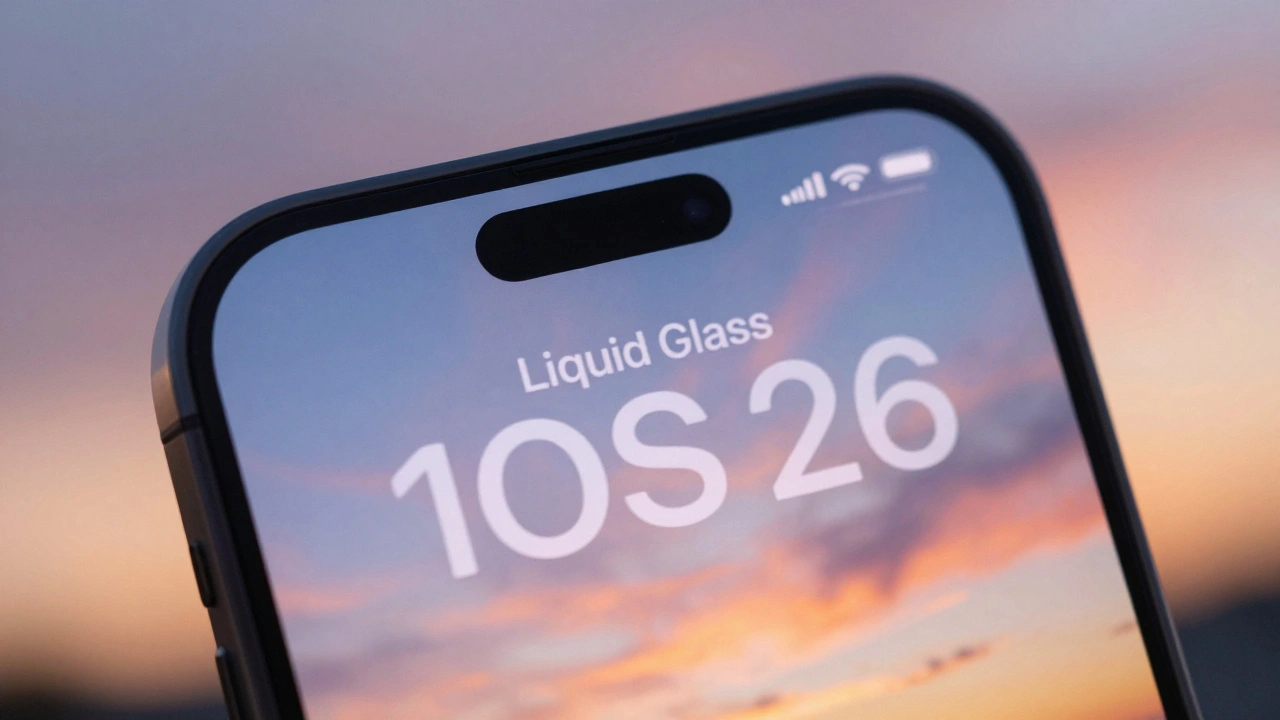
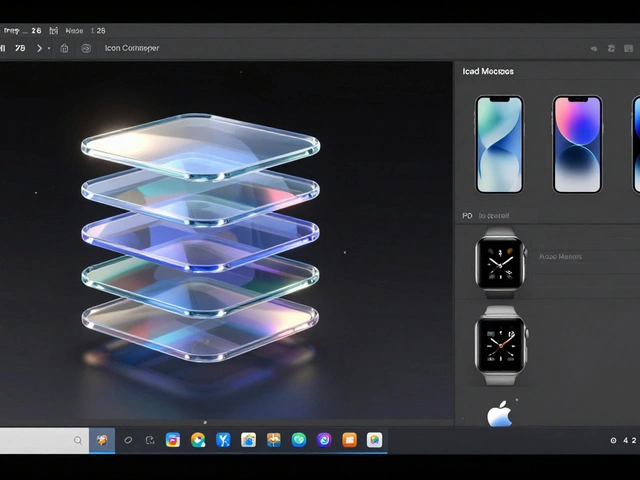
Apple's Liquid Glass design in iOS 26 creates stunning visuals but undermines text readability. Learn why contrast and blur break accessibility-and how to fix it.
Micro-Typography on Apple: Kerning, Tracking, and Optical Alignment Explained
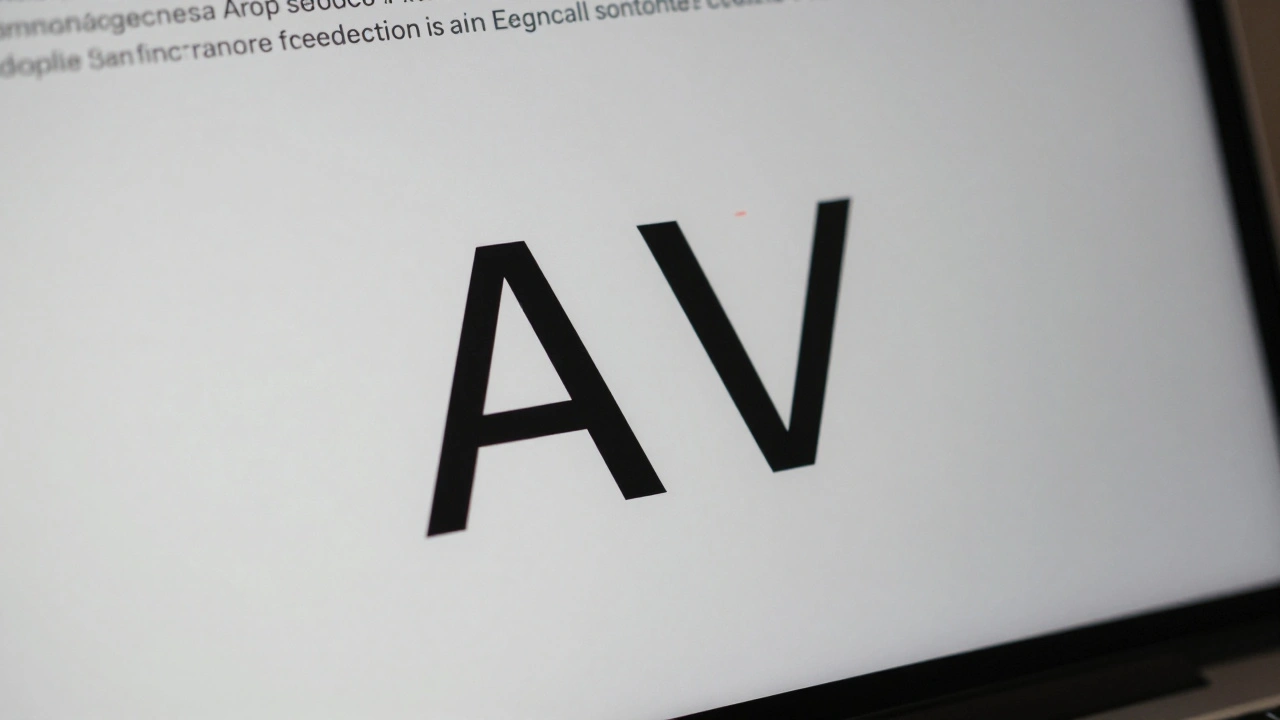
Apple's micro-typography-kerning, tracking, and optical alignment-creates the seamless text experience on iOS and macOS. Learn how these systems work together to make text look natural, readable, and polished across all device sizes.
Categories
Popular Articles