
You plug in your charger, and suddenly you can’t connect your external monitor. You try to transfer files from an SD card, but there’s nowhere to put it. This is the MacBook port dilemma that has plagued users since Apple stripped away everything except USB-C back in 2015. It wasn’t just a technical change; it was a bold design statement that forced us to rethink how we interact with our computers. Today, in late 2026, the debate hasn’t died down. In fact, with the latest MacBook Pro models balancing thinness with connectivity, the tension between minimalism and usability is sharper than ever.
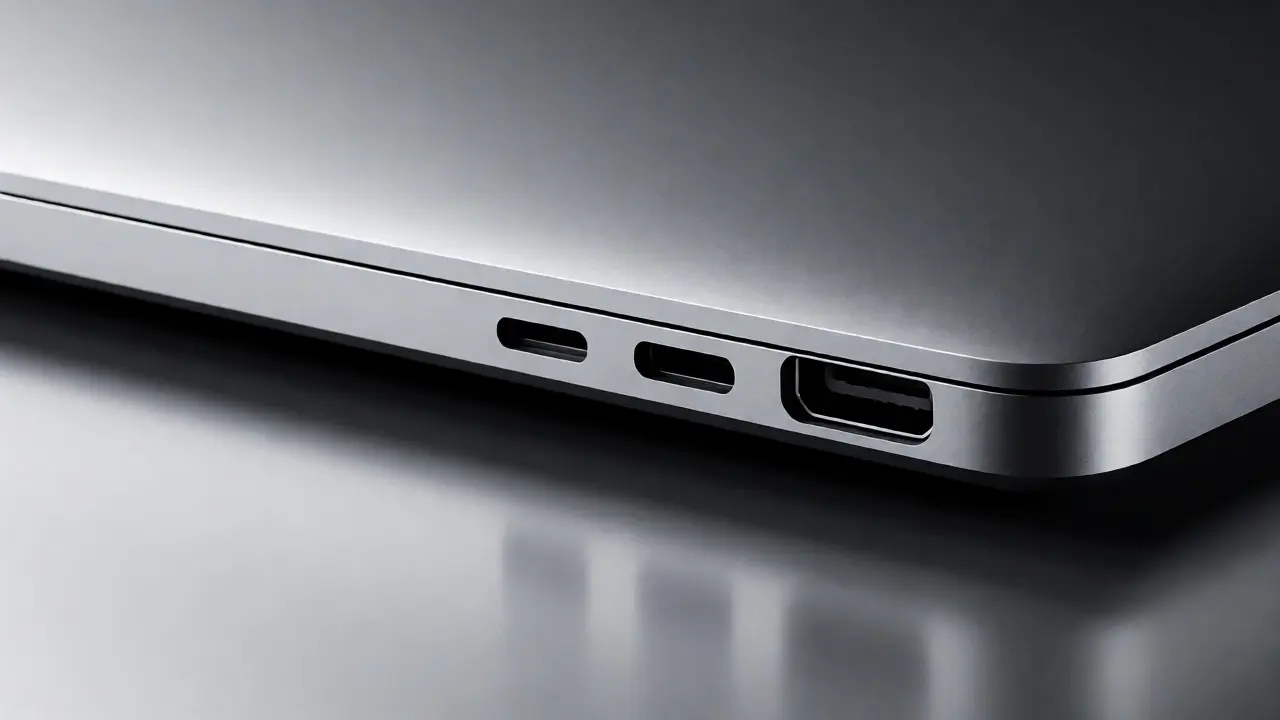
The core of this issue lies in Apple’s design philosophy, which prioritizes sleek aesthetics and internal space efficiency over legacy compatibility. This approach treats ports as clutter that disrupts the clean lines of aluminum unibody chassis. But for creative professionals, developers, and everyday users, ports are functional necessities, not decorative elements. Understanding why Apple made these decisions-and what they cost you-requires looking at both the engineering constraints and the accessory ecosystem that emerged to fill the gaps.
The Evolution of Connectivity
To understand where we are, look at where we started. The original MacBook Air (2008) featured a single USB-A port, a micro-DVI video out, and headphone jack. By 2015, the 12-inch MacBook introduced a radical shift: one USB-C port for everything. No MagSafe, no USB-A, no HDMI. This was Thunderbolt 3 being marketed as a universal solution. The promise was simple: one cable for power, data, and video. Reality? It meant carrying a bag full of adapters.
Apple eventually walked back some of this extreme minimalism. The 2016 MacBook Pro brought back two or four Thunderbolt 3 ports and kept the headphone jack. Then came the 2021 redesign, which reintroduced HDMI, SDXC card slots, and MagSafe 3. Why the reversal? User feedback. Professional photographers couldn’t wait for card readers. Video editors needed direct HDMI connections without daisy-chaining hubs. Apple listened, but they didn’t abandon their core principle: every port must justify its existence through high-value utility.
Why Minimalism Wins on Paper
From an industrial design perspective, fewer ports mean more room for battery cells, better thermal management, and thinner profiles. When engineers remove a rectangular USB-A port, they reclaim millimeters of depth and width. That space often goes into larger batteries or improved cooling systems. For instance, the M-series chips generate less heat than Intel processors did, allowing Apple to use smaller fans or passive cooling in some models. This directly supports the minimalist aesthetic because less mechanical complexity means cleaner internal layouts.
Moreover, standardizing on USB-C simplifies manufacturing. One connector type reduces inventory costs and streamlines supply chains. It also aligns with broader industry trends toward sustainability. Fewer proprietary cables mean less electronic waste over time. While critics argue this shifts burden to consumers who must buy accessories, Apple positions it as a long-term environmental win.
The Usability Tax: Dongles and Hubs
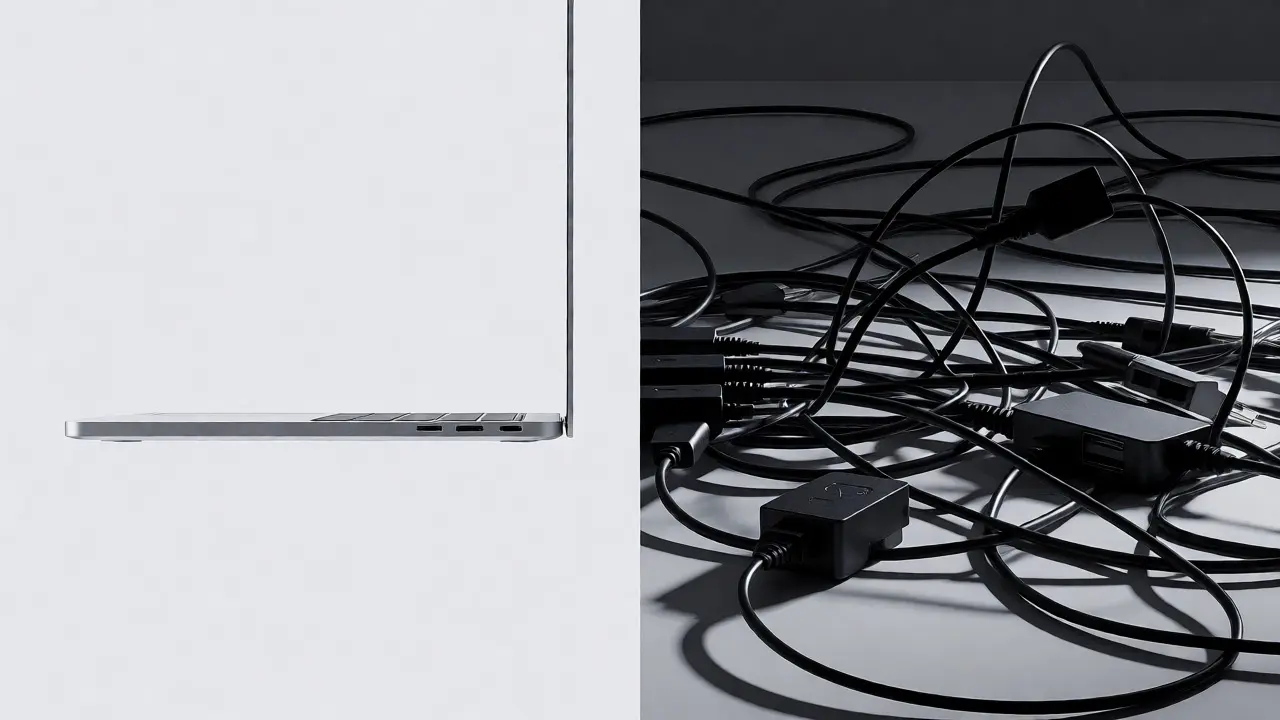
Here’s the catch: minimalism transfers cost and inconvenience to the user. If you need to connect multiple peripherals simultaneously, you’re buying a hub. These aren’t cheap. A quality multi-port adapter with HDMI, USB-A, and Ethernet can cost $50-$100. And if it fails, your entire workflow halts. Unlike built-in ports, hubs introduce another point of failure.
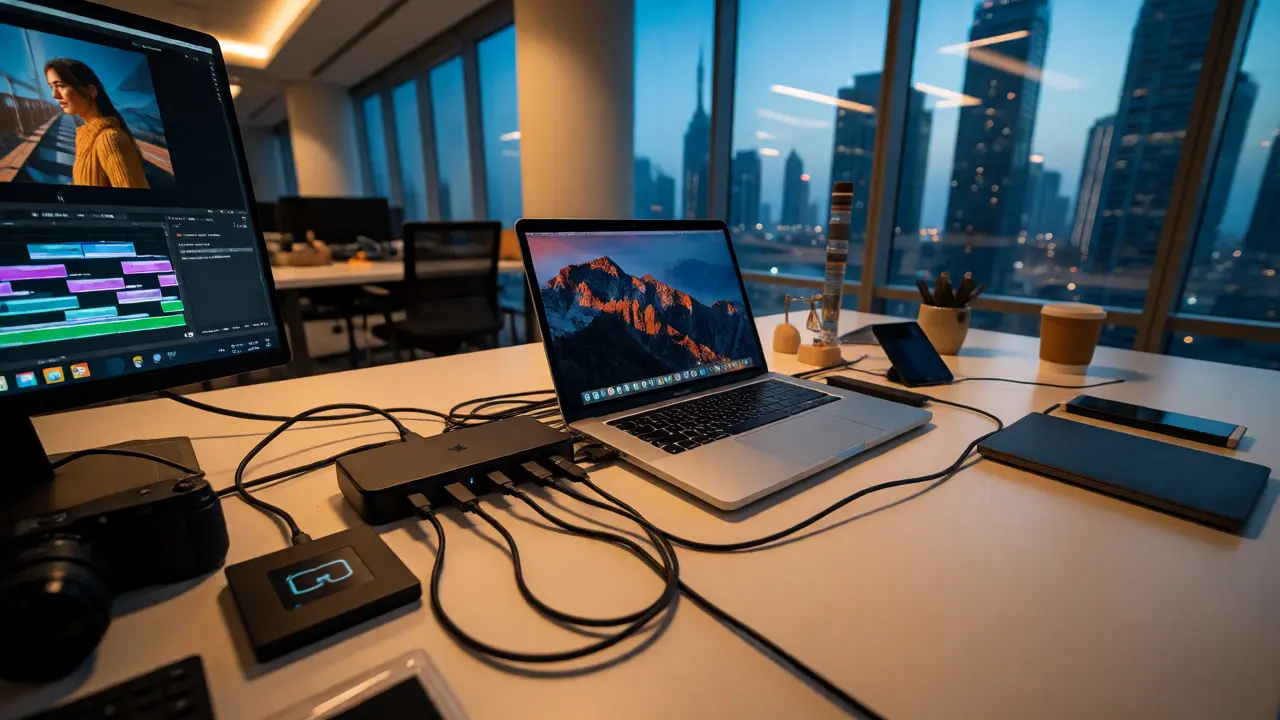
Consider a typical scenario: you’re editing video on a MacBook Pro while connected to an external SSD via USB-C, charging via MagSafe, and outputting to a monitor via HDMI. Without sufficient native ports, you rely on a dock. Now add latency concerns. Some cheaper hubs throttle data speeds or cause display flickering under load. Professionals know this pain intimately. They don’t want “clean desk” aesthetics if it means troubleshooting connection issues mid-presentation.
| Feature | MacBook Air (M3/M4) | MacBook Pro (M3/M4 Pro/Max) |
|---|---|---|
| MagSafe Charging | Yes (dedicated port) | Yes (dedicated port) |
| Thunderbolt Ports | 2x Thunderbolt 4 | 3x Thunderbolt 4 (Pro) / 3x Thunderbolt 5 (Max) |
| HDMI Output | No | Yes (HDMI 2.1) |
| SD Card Slot | No | Yes (UHS-II) |
| Headphone Jack | Yes (High-impedance support) | Yes (High-impedance support) |
The Accessory Ecosystem Boom
Because Apple standardized on USB-C and Thunderbolt, third-party manufacturers jumped in. Companies like Anker, Belkin, and CalDigit created robust docking stations that turn a single cable into a workstation setup. These docks often include DisplayPort, Ethernet, extra USB-A ports, and even audio jacks. For many users, this actually improves usability compared to older laptops with scattered, inconsistent ports.
But here’s the nuance: not all hubs are equal. Look for Thunderbolt-certified devices if you need consistent performance across monitors and storage drives. USB-C hubs vary wildly in bandwidth allocation. Some split 40Gbps among all ports; others prioritize specific functions. Always check specifications before purchasing. Your experience depends heavily on choosing compatible hardware.
Another emerging trend is wireless dependency. With Wi-Fi 7 becoming common in 2026 MacBooks, some users opt out of physical connections entirely. Cloud-based workflows reduce reliance on external drives. Yet, latency-sensitive tasks like live streaming or real-time collaboration still benefit from wired stability. So while wireless options expand, they haven’t replaced the need for reliable ports completely.
Making the Right Choice for Your Workflow
So, should you care about port count? It depends on your daily routine. Ask yourself three questions:
- Do you frequently connect legacy devices? If you use old mice, keyboards, or flash drives with USB-A connectors, you’ll need either built-in ports or a permanent adapter.
- Are you mobile-first? Travelers might prefer fewer cables. A slim MacBook Air with two Thunderbolt ports encourages simplicity. But if you travel with heavy gear, consider whether you’d rather carry a hub or a heavier laptop with more native inputs.
- What’s your budget tolerance for accessories? Saving $200 on a base-model MacBook might cost you $100+ in essential adapters within months. Factor total cost of ownership when comparing models.
For most people today, the sweet spot remains the MacBook Pro. Its inclusion of HDMI and SD slots removes friction for creators. Meanwhile, the MacBook Air appeals to students and general users who rarely leave home without cloud sync enabled. Neither choice is objectively wrong-it’s about matching tool to task.
Frequently Asked Questions
Why did Apple remove so many ports from MacBooks?
Apple removed traditional ports to achieve thinner designs, improve battery life by freeing up internal space, and push industry-wide adoption of versatile standards like USB-C and Thunderbolt. They believed future-proofing outweighed short-term convenience.
Is it worth buying a MacBook Pro just for extra ports?
If you regularly use HDMI displays, SD cards, or multiple USB-A peripherals, yes. The integrated ports save hassle and potential reliability issues associated with third-party hubs. For casual users, a MacBook Air plus a good dock may suffice.
Can I charge my MacBook through any USB-C port?
Yes, modern MacBooks support charging via any Thunderbolt/USB-C port. However, using MagSafe prevents accidental disconnections and frees up a data-capable port for other uses, which is especially useful on models with only two USB-C ports.
Do all USB-C hubs work equally well with MacBooks?
No. Performance varies significantly based on chipset quality and protocol support. Thunderbolt-certified hubs offer guaranteed bandwidth and compatibility, whereas generic USB-C hubs may struggle with dual 4K monitors or fast SSD transfers.
Will Apple bring back USB-A ports in the future?
Unlikely for mainstream consumer models. Apple continues phasing out legacy interfaces across products. However, specialized enterprise editions or ruggedized variants might retain them longer due to workplace compatibility requirements.