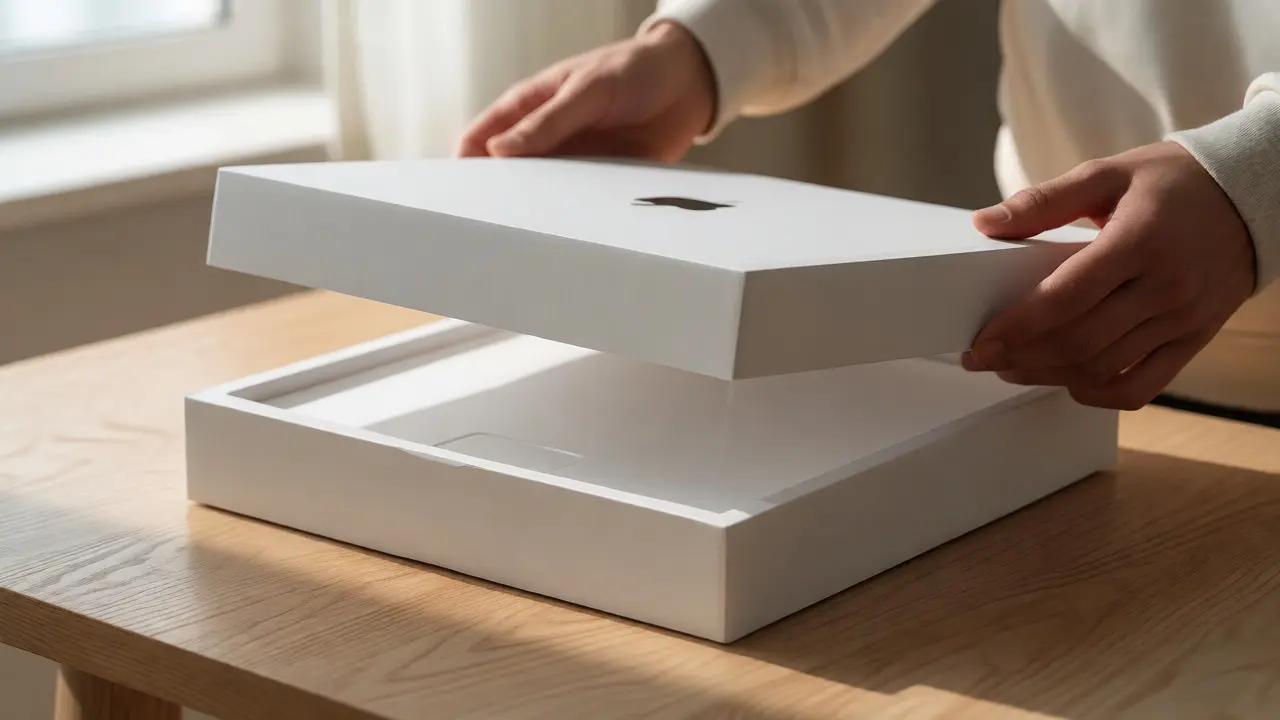

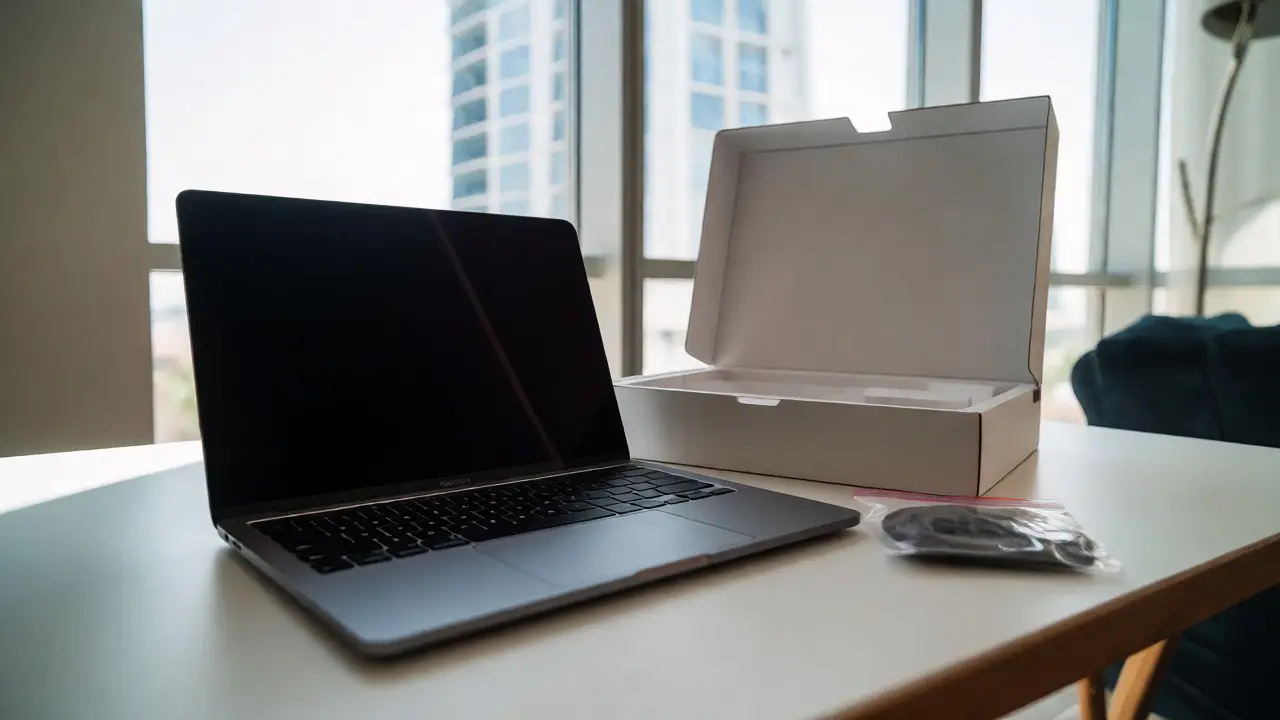
You know that feeling when you lift the lid off a new MacBook box? It’s not just about getting your hands on the laptop. It’s a ritual. A carefully choreographed sequence of friction, resistance, and reveal that tells you, before you even turn it on, that this object matters. If you’ve ever wondered why Apple spends so much energy on cardboard and paper, you’re asking the right question. The packaging is the first physical interaction with the brand, and for many users, it sets the tone for the entire ownership experience.
This isn’t just fluff. In an era where hardware specs are converging across competitors, the tactile experience of unboxing has become a key differentiator. We’re going to break down exactly how Apple engineers this moment, what you should expect from the latest models in 2026, and how you can replicate some of that satisfaction if you’re designing products yourself or just want to appreciate the craft behind the box.
The Science Behind the Slow Reveal
Apple doesn’t just put a laptop in a box. They engineer the opening mechanism. Have you ever noticed how the top of a MacBook Pro box lifts slowly, almost defiantly, against the vacuum seal? That’s intentional. Engineers at Apple have calculated the exact amount of air pressure needed to create that "suction" effect. It forces you to pause. You can’t yank the lid off. You have to engage with it.
This delay serves a psychological purpose. It builds anticipation. By slowing down the process, Apple shifts your brain from a transactional mode (buying a tool) to an experiential mode (receiving a gift). Studies in consumer psychology suggest that perceived value increases when there is effort involved in obtaining an item. The slight resistance you feel when lifting the lid is a subtle cue that says, "This is heavy. This is solid. This is worth protecting."
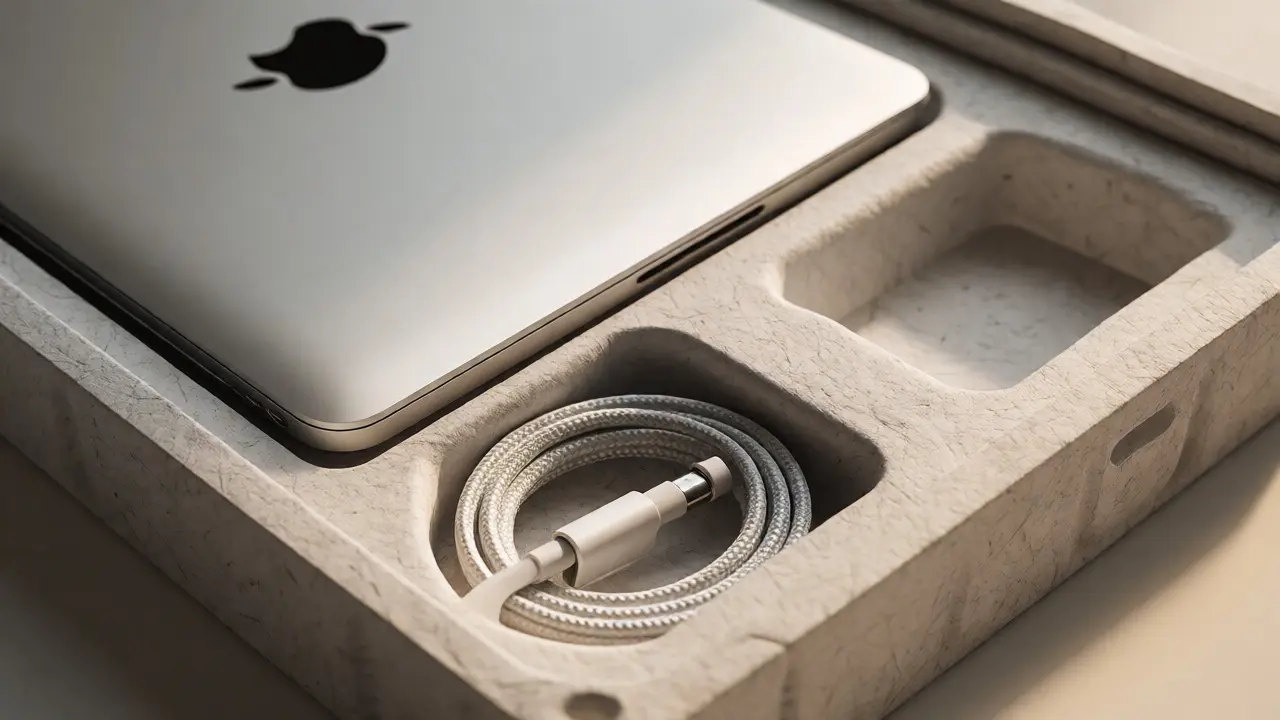
Compare this to cheaper electronics. Open a budget Android phone or a generic Chromebook, and the box often feels flimsy. The contents slide around. There’s no ceremony. With a MacBook, every layer is fitted. The laptop sits snugly in its molded tray. The accessories are tucked into precise compartments. Nothing rattles. This precision eliminates the cognitive dissonance of paying a premium price for something that feels cheap inside.
Material Choices: Sustainability Meets Luxury
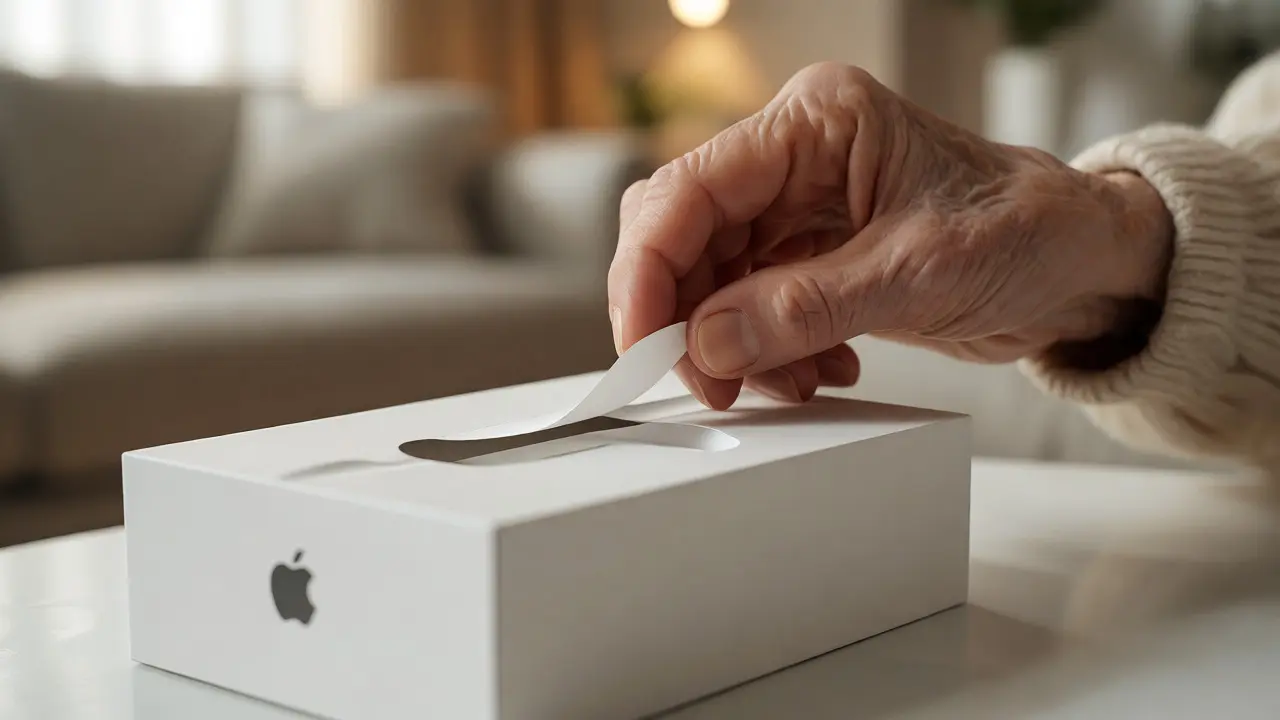
In recent years, Apple has aggressively shifted away from plastic. If you look closely at the current MacBook Air packaging, you’ll see zero plastic wrap. No shrink wrap sealing the box. Instead, they use a paper-based tear strip. This change wasn’t just for environmental points; it changed the tactile feel of the unboxing.
| Component | Old Standard (Pre-2018) | Current Standard (2026) | User Impact |
|---|---|---|---|
| Outer Wrap | Plastic Shrink Film | Paper Tear Strip | Easier to open, eco-friendly feel |
| Inner Tray | Molded Plastic | Fiber-Based Molded Pulp | Matte texture, recyclable, sturdy |
| Accessories Box | Separate Plastic Bag | Nested Paper Compartment | Reduced waste, cleaner organization |
| Documentation | Multiple Booklets | Single Fold-Out Guide | Less clutter, faster setup |
The move to fiber-based materials also affects how the box handles weight. The molded pulp trays are surprisingly rigid. They protect the device during shipping but feel soft and organic to the touch. This contrast-hard aluminum laptop versus soft, matte paper-is a deliberate sensory play. It makes the metal of the MacBook feel cooler and more precious by comparison.
Some critics argue that removing plastic reduces protection. But Apple’s testing suggests that the new fiber structures offer superior shock absorption for the specific stress points of modern thin laptops. Plus, the lack of plastic means you don’t need scissors. You pull the tab, and the box opens. It’s a seamless start to the day.
The Layered Experience: What’s Inside?
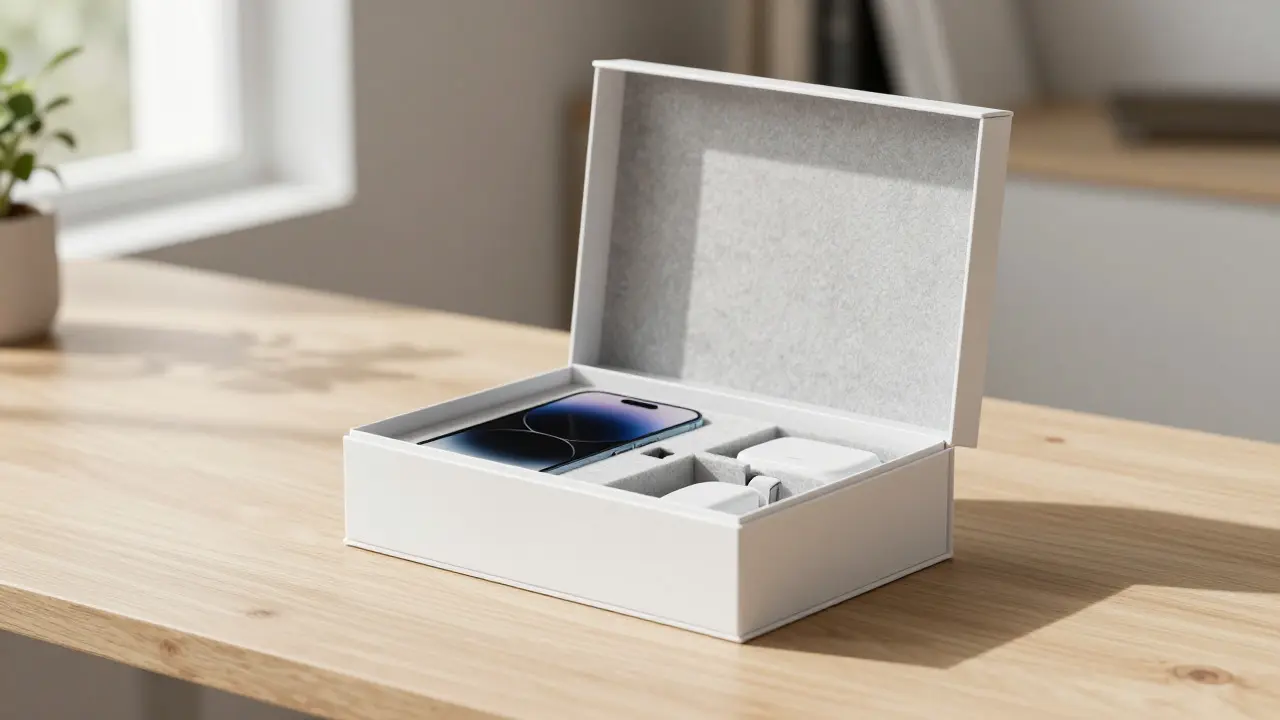
Once you lift the lid, you’re greeted by the laptop itself. But wait-there’s another layer. Underneath the computer lies a shallow compartment containing your power adapter and cable. For the MacBook Pro, this might also include extra ports or dongles depending on the configuration. The layout is always consistent. Once you’ve opened one MacBook box, you know exactly where everything is in the next one. This predictability reduces decision fatigue.
Notice the absence of a traditional manual. Apple knows most people won’t read a 50-page booklet. Instead, they provide a small, high-quality card with QR codes linking to setup videos and support pages. It’s minimal, respectful of your time, and fits perfectly with the minimalist aesthetic of the device. If you’re looking for deep technical specs, you go online. The box stays clean.
What about the accessories? The MagSafe charger, if included, is coiled tightly with a Velcro strap. No twist ties. No loose cables tangling together. The braided USB-C cables (on newer models) are durable and pleasant to handle. Every element inside the box reinforces the idea that details matter. Even the way the cable is wound speaks to quality control.
Why Does This Matter for Buyers?
You might think, "It’s just a box. I’m buying a computer." But consider the resale market. A well-preserved original box adds significant value when you sell your used MacBook. Collectors and careful buyers pay more for devices that come in their original, undamaged packaging. Why? Because it signals care. It proves the owner treated the device as a premium object from day one.
Furthermore, the unboxing experience impacts your initial perception of performance. If the device arrives scratched or the box is crushed, you subconsciously doubt the reliability of the product. Conversely, a pristine unboxing primes you to expect excellence. When you finally press the power button, you’re already inclined to believe the machine will work flawlessly. It’s a placebo effect, sure, but it’s a powerful one in consumer electronics.
For businesses, this lesson translates directly to customer retention. If you’re sending out software licenses or hardware kits, the presentation matters. A sloppy email attachment feels less valuable than a well-designed PDF report. A messy package feels less reliable than a neatly sealed envelope. Invest in the container, and you invest in the content’s perceived worth.
Tips for Preserving the Magic
If you plan to keep your MacBook for years, here’s how to handle the packaging like a pro:
- Don’t rip the tear strip. Pull it slowly. Keep the outer sleeve intact.
- Save the inner tray. Don’t crush the molded pulp. It’s the best storage solution for moving or selling later.
- Keep the accessories separate. Put the charger and cables in a small ziplock bag within the box to prevent scratches on the laptop surface.
- Avoid sunlight. Cardboard yellows over time. Store the box in a closet, not on top of a sunlit shelf.
These small steps ensure that if you ever decide to upgrade, your old MacBook looks like new when you list it online. Buyers notice these details. They check photos of the box. A damaged box raises red flags about how the device was stored.
Final Thoughts on Premium Presentation
The MacBook unboxing isn’t marketing hype. It’s a masterclass in industrial design extending beyond the product itself. Apple understands that we buy with our senses, not just our logic. The weight of the box, the resistance of the lid, the smell of fresh paper-all these elements combine to create a memorable first impression.
As technology becomes more invisible, embedded in glass and metal, the physical wrapper becomes the last tangible connection to the brand. Next time you receive a new gadget, take a second to appreciate the engineering behind the cardboard. It’s doing more work than you think.
Does the MacBook box affect resale value?
Yes, significantly. Listings that include the original, undamaged packaging typically sell for 5-10% more than those without. It assures buyers that the device was cared for and hasn't been subjected to rough handling.
Why is there no plastic wrap on new MacBooks?
Apple removed plastic shrink wrap to meet sustainability goals. They replaced it with a paper-based tear strip that provides tamper evidence while reducing single-use plastic waste. This aligns with their commitment to be carbon neutral across their supply chain.
Can I reuse the MacBook box for shipping?
Absolutely. The molded fiber trays are designed to withstand shipping stresses. However, for long-distance shipping, place the inner box inside a larger corrugated cardboard box to prevent damage to the retail packaging itself.
Is the unboxing experience different for refurbished MacBooks?
Refurbished units from Apple Certified Refurbished programs come in similar white boxes, though sometimes slightly simpler. Third-party sellers may use generic brown boxes, which diminishes the premium feel and resale potential.
How does Apple packaging compare to other brands?
Most competitors focus on cost-efficiency, using thinner cardboard and plastic bags. Apple prioritizes user experience, investing in heavier stock, custom molds, and slower-opening mechanisms. This creates a distinct brand signature that competitors struggle to replicate authentically.