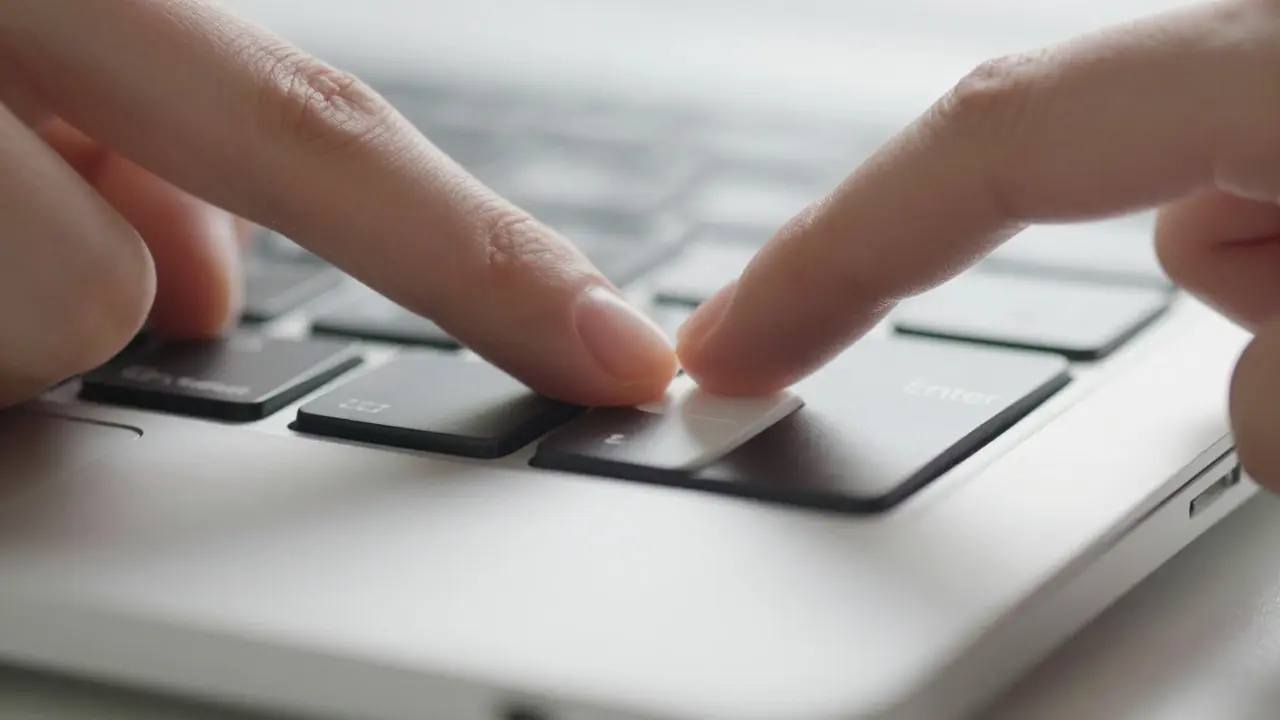

There is a specific feeling when your finger hits the 'Enter' key on a MacBook. It’s not just a click; it’s a confirmation. For years, Apple has obsessed over this micro-interaction, trying to make sure that whether you are typing in Final Cut Pro or browsing the web in Safari, the physical response feels identical. This consistency isn't accidental. It is the result of decades of engineering trade-offs between thickness, battery life, and the human need for sensory feedback.
The core problem designers face is simple but difficult: how do you make a device thin enough to be portable while keeping the input mechanisms responsive enough to feel premium? The answer lies in the evolution from mechanical switches to solid-state haptics. Understanding this shift explains why your current MacBook feels different from the one you used five years ago, and why the trackpad now feels like a piece of glass rather than a plastic button.
The Evolution of the Keyboard Mechanism
To understand modern MacBook keyboard design, we have to look at what came before. The original laptops used scissor-switch mechanisms. These were reliable but required significant vertical travel-about 1.5 millimeters-to actuate. As Apple pushed for thinner chassis starting with the unibody aluminum designs in 2008, that space became a luxury they couldn't afford.
In 2015, Apple introduced the Butterfly mechanism. It was a radical departure. Instead of a spring-loaded switch, it used a tiny metal leaf that snapped into place. This allowed for a much shallower profile, reducing the key travel to roughly 1 millimeter. The goal was uniformity. Every key should feel exactly the same, regardless of where it sat on the board. Early versions had issues with dust and debris getting trapped under the leaves, leading to sticky keys. But the design intent was clear: eliminate the variance between keystrokes.
By 2019, after years of user feedback regarding reliability, Apple reverted to a Magic Keyboard design based on a scissor mechanism but with a refined magnetic dampening system. This hybrid approach offered the best of both worlds. You get the familiar, deeper press of a traditional laptop key, but with the consistent resistance curve that the Butterfly tried to achieve. The keycap itself is made of a rigid polymer, ensuring that the force you apply translates directly to the sensor below without flexing the cap itself.
Haptic Feedback: The Illusion of Depth
If the keyboard relies on mechanical movement, the trackpad relies on illusion. The Force Touch trackpad is a prime example of using technology to mimic physics. When you tap or press down on the glass surface, there is no actual mechanical button moving. Instead, an array of capacitive sensors detects the pressure applied by your finger.
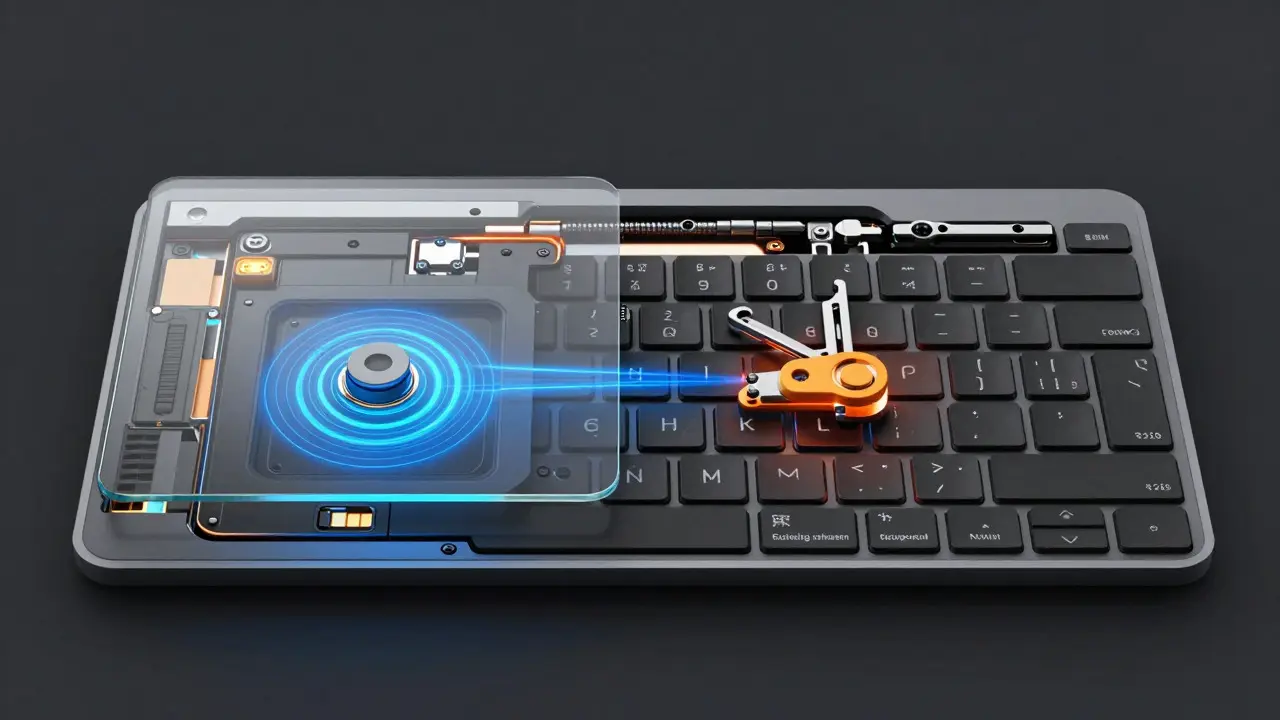
This data is sent to a Taptic Engine, which uses linear resonant actuators (LRAs) to vibrate the glass surface. The vibration is so precise and quick that your brain interprets it as a physical click. This is known as haptic feedback. The beauty of this system is that it allows for variable force. A light tap produces a subtle tick, while a firm press produces a deeper, more satisfying thud. This consistency is maintained because the engine is digital. There is no wear and tear on a physical hinge or spring that could degrade over time.
The haptic system also enables multi-touch gestures that wouldn't be possible with a mechanical pad. Because the entire surface is active, you can perform three-finger swipes, pinch-to-zoom, and smart zooms anywhere on the glass. The tactile boundary is invisible, creating a seamless canvas for interaction.
Material Science and Acoustic Engineering
Tactile consistency isn't just about the mechanism; it's about the materials surrounding it. The aluminum unibody construction plays a crucial role here. Aluminum is stiff, which means it doesn't flex easily. If the chassis were flexible, pressing a key would cause the whole laptop to bend slightly, introducing noise and inconsistency. By using a single piece of CNC-machined aluminum, Apple ensures that the structural integrity remains constant across the device's lifespan.
Sound is another critical component of tactile perception. We often judge the quality of a keyboard by its sound. A cheap laptop sounds hollow and clacky. A high-end MacBook sounds dense and muted. This is achieved through acoustic damping materials placed between the keyboard deck and the main chassis. These layers absorb unwanted vibrations, ensuring that the only sound you hear is the intended click of the key or the hum of the fan. This acoustic tuning is part of the "tactile" experience because our brains process sound and touch simultaneously. If the sound is inconsistent, the touch feels inconsistent, even if the mechanical force is identical.
Software Integration and Driver Precision
Hardware alone doesn't create consistency; software completes the loop. The drivers for the keyboard and trackpad must interpret analog signals into digital commands with minimal latency. In macOS, the input latency is kept below 10 milliseconds, which is faster than the human eye can perceive a delay. This speed is essential for gaming, audio production, and fast typing. If there were a lag between your finger hitting the key and the character appearing on screen, the tactile feedback would feel disconnected from the visual result.
Furthermore, macOS includes features like Key Repeat Delay and Key Repeat Rate settings that allow users to customize the software side of the tactile experience. While these don't change the physical feel, they change the perceived rhythm of typing. For professional writers, a faster repeat rate can make long-form writing feel smoother, whereas a slower rate might prevent accidental double-typing during casual use. The ability to tune these parameters adds a layer of personalization to the hardware's inherent consistency.
Comparing Input Mechanisms Across Generations
Looking at the progression of Apple's input devices reveals a clear trend toward minimizing mechanical complexity while maximizing sensory fidelity. The table below compares the key attributes of the major keyboard and trackpad technologies used in recent MacBooks.
| Feature | Scissor Switch (Pre-2015) | Butterfly Mechanism (2015-2018) | Magic Keyboard (2019-Present) | Force Touch Trackpad |
|---|---|---|---|---|
| Key Travel Distance | ~1.5 mm | ~1.0 mm | ~1.3 mm | N/A (Haptic) |
| Actuation Force | Medium | Low | Medium-High | Variable (Digital) |
| Reliability Issues | Dust accumulation | Sticky keys, double typing | Minimal | Sensor drift (rare) |
| Consistency Score | Good | Excellent (if clean) | Excellent | Superior |
| Thickness Impact | High | Low | Medium | Very Low |
The data shows that while the Butterfly mechanism achieved superior consistency in terms of uniformity, it sacrificed reliability. The Magic Keyboard strikes a balance, offering a tactile feel that most users prefer while maintaining the durability needed for daily carry. The trackpad, meanwhile, has moved beyond mechanical limits entirely, relying on digital precision to provide a consistent experience that never degrades with age.
Challenges in Maintaining Consistency
Achieving tactile consistency is easier to maintain than to achieve. Environmental factors like temperature and humidity can affect the viscosity of lubricants in mechanical keyboards. In extreme cold, springs may become stiffer, changing the actuation force. Apple mitigates this by using synthetic lubricants that remain stable across a wide range of temperatures. Additionally, manufacturing tolerances play a huge role. Even a deviation of 0.05 millimeters in the keycap alignment can result in a noticeable difference in how the key feels compared to its neighbors. Quality control processes involve testing thousands of units to ensure that the variance in actuation force stays within a tight window, typically less than 5% difference between any two keys.
User habits also impact perceived consistency. Typists who strike keys hard may wear down the stabilizers on larger keys like Spacebar and Shift more quickly than those who type lightly. This is why the design of the stabilizer bars is critical. They must be robust enough to handle heavy use while remaining smooth enough to prevent rattling. Over time, if a stabilizer becomes loose, the large key will feel wobbly compared to the small keys, breaking the tactile harmony of the entire board.
The Future of Tactile Interfaces
Where does this go from here? The next frontier is likely adaptive haptics. Imagine a keyboard that changes its resistance based on the context. When you are typing code, the keys might feel lighter and snappier to encourage speed. When you are editing text, they might offer more resistance to prevent accidental deletions. This level of dynamic adjustment requires advanced machine learning models running locally on the chip to predict user intent in real-time.
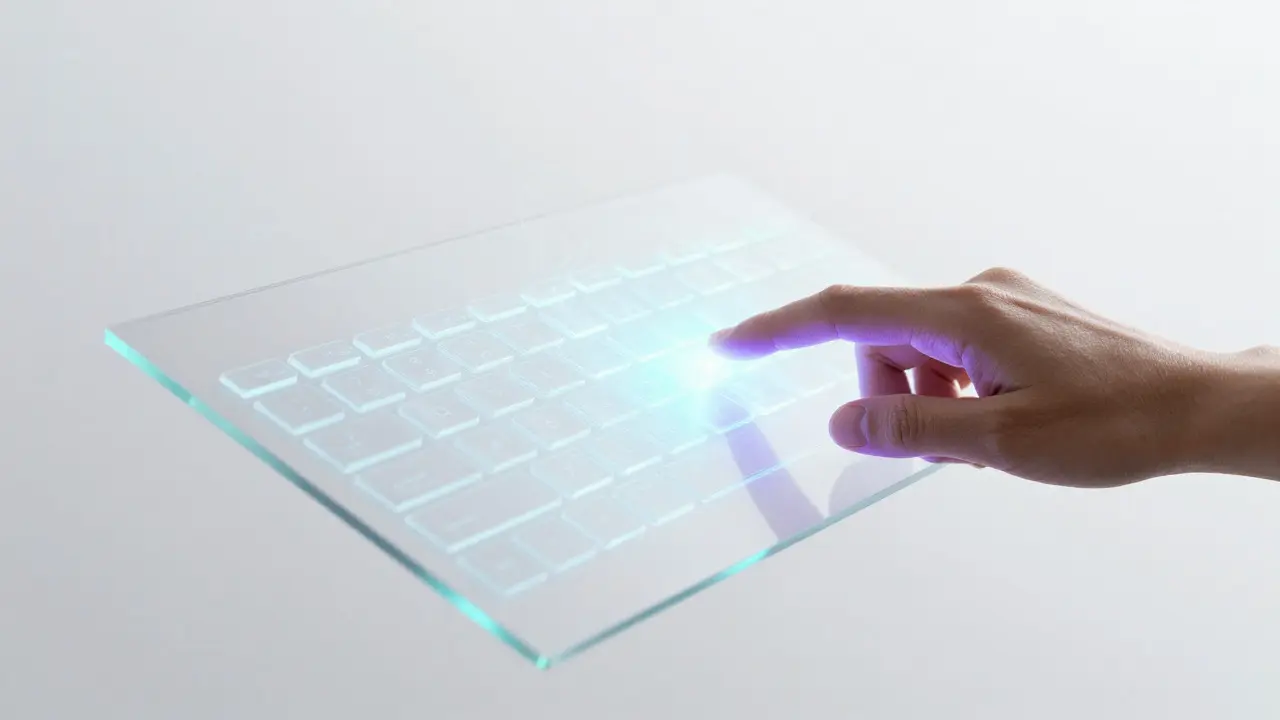
We are also seeing the rise of electro-haptic surfaces, which could replace physical keys entirely. These surfaces use electric fields to create the sensation of texture and depth. While still experimental, this technology could lead to a future where the MacBook keyboard is just a flat glass panel that transforms into a virtual keyboard with full tactile fidelity. Until then, the combination of refined mechanical switches and powerful haptic engines remains the gold standard for tactile consistency in personal computing.
Why did Apple move away from the Butterfly keyboard?
The Butterfly mechanism was prone to failure due to dust and debris getting trapped under the tiny metal leaves, causing keys to stick or double-type. Although it offered excellent consistency when new, its long-term reliability was poor compared to the newer Magic Keyboard design.
Is the MacBook trackpad actually clicking?
No, the trackpad does not have a physical button. It uses a Taptic Engine to vibrate the glass surface, creating a haptic illusion of a click. This allows for variable force sensitivity and eliminates mechanical wear.
How does temperature affect MacBook keyboard feel?
Cold temperatures can make mechanical springs and lubricants stiffer, potentially increasing the actuation force required. Apple uses synthetic lubricants designed to remain stable across various temperatures to minimize this effect.
What is the key travel distance on a modern MacBook?
Modern MacBooks with the Magic Keyboard feature a key travel distance of approximately 1.3 millimeters, which is deeper than the Butterfly mechanism but shallower than older scissor-switch designs.
Can I adjust the tactile feel of my MacBook keyboard in software?
You cannot change the physical resistance, but you can adjust the Key Repeat Delay and Rate in System Settings. This changes how quickly keys register when held down, affecting the rhythm and feel of typing for different tasks.