
Have you ever deleted an app just because it sent too many irrelevant alerts? You are not alone. In the Apple ecosystem is a closed loop of devices where every interaction feels personal. When a notification pops up on your iPhone, iPad, or Mac, it interrupts your flow. If it does not matter to you at that exact moment, it becomes noise. Designing effective notifications for this platform requires balancing three critical factors: relevance, timing, and privacy.
The goal is simple but hard to achieve. You want the user to feel informed, not spammed. This means moving away from generic broadcast messages toward context-aware communication. Let’s break down how to get this right in 2026, where user expectations are higher than ever.
Why Relevance Is the Foundation
Relevance is the first filter. If a message does not match what the user cares about right now, they will swipe it away. In the Apple environment, this is amplified by features like Focus Modes and Notification Summaries. Users actively curate which apps can interrupt them. If your app fails to provide immediate value, it risks being muted permanently.
To ensure relevance, consider these core principles:
- Personalization over Generalization: Instead of "New Sale!" try "Your size 10 sneakers are back in stock." Specificity wins attention.
- Actionable Content: Every notification should lead to a clear next step. Use deep links that take users directly to the relevant screen, not the home page.
- Frequency Capping: Limit non-critical alerts. For most consumer apps, more than two non-urgent notifications per day leads to fatigue.
Think about the difference between a transactional alert (like a delivery update) and a promotional one. Transactional alerts have high inherent relevance because the user expects them. Promotional alerts require careful timing and personalization to avoid feeling intrusive.
Mastering Timing and Context
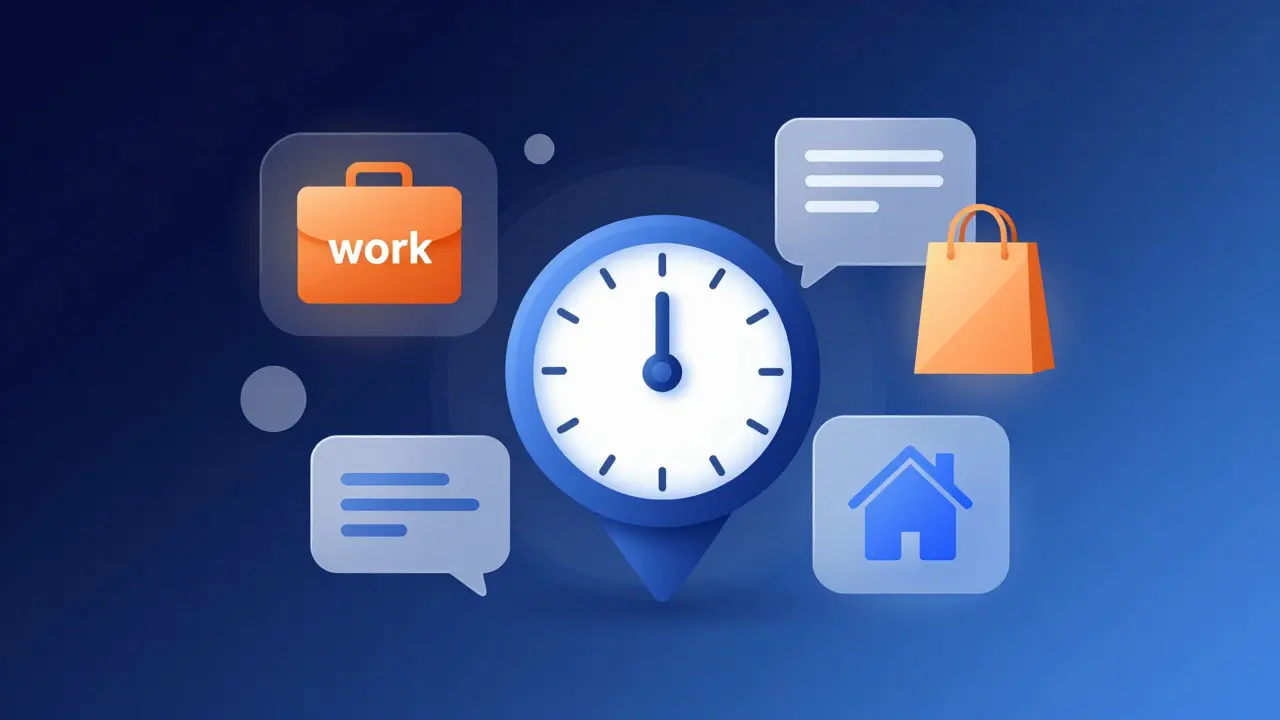
Timing determines whether a notification is helpful or annoying. The same message sent at 9 AM might be welcome, while the same message at 11 PM is likely to trigger a mute. Apple provides tools like Time Sensitive Notifications are a powerful feature that allows urgent alerts to bypass Do Not Disturb modes. However, misuse here is costly. If you mark a marketing email as time-sensitive, users will lose trust in your future alerts.
Context matters just as much as the clock. Consider the user's current activity:
- Location-Based Triggers: If a user enters a store, a nearby offer makes sense. But if they are at work, a shopping reminder does not.
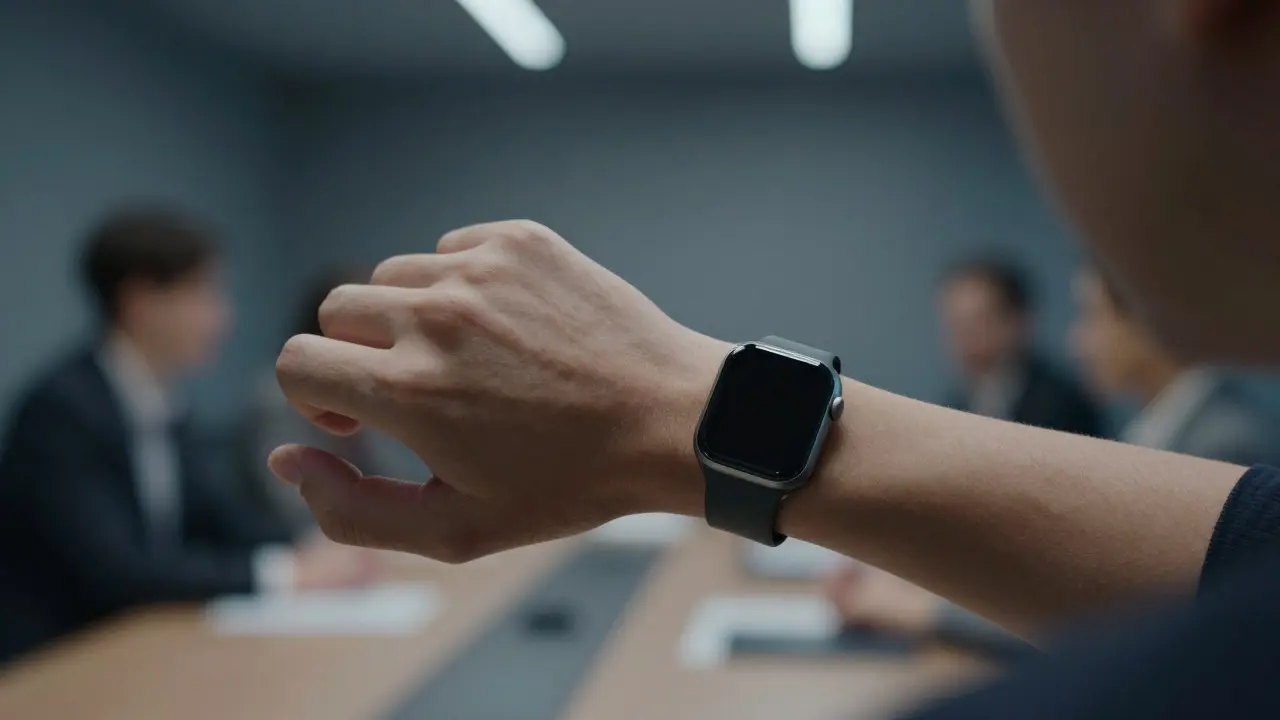
- Device State: A notification on a Watch should be brief and glanceable. A notification on a Mac can contain more detail since the user is likely sitting down.
- App Usage Patterns: Send updates when the user has historically opened the app. Data shows that engagement drops significantly if you send alerts during periods of low usage.
Use local time zones correctly. Many developers forget that a server-side timestamp does not equal user-local time. Always convert timestamps to the device's local time before scheduling sends.
Privacy: The New Non-Negotiable
In recent years, privacy has shifted from a legal checkbox to a core design constraint. With iOS tracking changes and strict data protection laws, users are wary of apps that seem to know too much. Your notification strategy must respect this boundary.
Here is how to design with privacy in mind:
- Transparent Data Usage: Be clear about what data triggers a notification. If you use location data, mention it subtly in the copy or ensure the permission request explains why it helps them.
- Minimal Data Collection: Only collect the data necessary for the specific notification. If you only need a city-level location for weather alerts, do not ask for precise GPS coordinates.
- On-Device Processing: Where possible, process logic on the device using frameworks like Core ML. This reduces server dependency and increases user confidence that their data isn't being shared broadly.
Trust is fragile. One overly invasive notification can lead to app deletion. Design for transparency, and users will reward you with continued access.
Technical Implementation Best Practices
Good design falls apart without solid technical execution. The Apple ecosystem offers robust APIs, but they come with specific constraints.
First, understand the difference between Local and Remote notifications. Local notifications are scheduled on the device itself. They are reliable even if the app is not running, but they cannot be updated once set. Remote notifications are sent via Apple Push Notification Service (APNs). They allow for dynamic content and rich media but depend on network connectivity.
When implementing APNs, pay attention to payload size limits. Keep payloads under 4KB to ensure fast delivery. Use JSON keys carefully to map to the correct UI elements. For example, the `sound` key should reference a file bundled with the app, while `body` contains the main text.
Also, leverage Notification Service Extensions to modify notifications before they appear. This allows you to fetch remote images or update text dynamically based on real-time data. Just keep the extension under 30 seconds to avoid timeouts.
Measuring Success Without Overwhelming Users
How do you know if your notification strategy is working? Track the right metrics. Open rate is a good starting point, but it tells you little about long-term value. Look at:
- Click-Through Rate (CTR): Percentage of users who tap the notification and complete the intended action.
- Mute Rate: Percentage of users who turn off notifications for your app within 7 days of receiving a specific campaign.
- Retention Impact: Compare retention rates of users who receive personalized notifications versus those who do not.
A high open rate with a low CTR suggests your headline is catchy but the content doesn't deliver. A high mute rate indicates you are sending too much or too often. Use A/B testing to refine your approach. Test different times, copy lengths, and media types. Small tweaks can yield significant improvements in engagement.
| Type | Best For | Key Constraint | User Expectation |
|---|---|---|---|
| Transactional | Orders, Updates, Alerts | Must be accurate and timely | High; User expects these |
| Promotional | Sales, Features, News | Frequency limits | Low; Must be highly relevant |
| Time-Sensitive | Urgent, Time-Bound Actions | Bypasses DND; High risk if misused | Very High; Must act immediately |
| Rich Media | Visual Content, Interactive Cards | Larger payload size | Medium; Engaging but distracting |
Common Pitfalls to Avoid
Even experienced teams make mistakes. Here are the most common traps:
- Ignoring Time Zones: Sending a "Good Morning" message at midnight because the server is in a different zone.
- Vague Copy: Using "You have a new message" instead of "John replied to your comment."
- Overusing Sound: Playing a custom sound for every notification. Save unique sounds for critical alerts only.
- Broken Deep Links: Sending a notification that opens the wrong screen or crashes the app.
Test your notifications on multiple devices. An iPhone SE has less screen space than an iPhone Pro Max. Ensure your text truncates gracefully and your buttons remain tappable.
Future-Proofing Your Strategy
The landscape is evolving. With the rise of spatial computing and AI-driven personalization, notifications will become even more contextual. Imagine a notification that appears only when your smart glasses detect you looking at a product in a store. Or an AI assistant that summarizes five minor alerts into one digestive card.
To stay ahead, focus on modularity. Design your notification system so it can adapt to new channels easily. Whether it’s a watch complication, a car dashboard, or a future wearable, the core message should remain consistent while the presentation adapts to the device.
Ultimately, the best notification is the one the user never notices until they need it. It blends into the background, ready to assist when called upon. By prioritizing relevance, respecting timing, and safeguarding privacy, you create a seamless experience that builds loyalty rather than friction.
What is the optimal frequency for promotional notifications?
For most consumer apps, limit promotional notifications to no more than two per week. Daily promotions tend to increase mute rates significantly. Adjust based on your specific user engagement data.
How do I handle time-sensitive notifications correctly?
Only use time-sensitive notifications for actions that expire within minutes or hours, such as flash sales or time-limited offers. Misusing this feature for general marketing will cause users to disable the permission entirely.
Does location data improve notification relevance?
Yes, but only if used sparingly. Location-based triggers can boost click-through rates by 20-30% for retail and food apps. However, always request broad location access unless precise GPS is strictly necessary.
What is the maximum payload size for APNs?
The maximum payload size for Apple Push Notification Service is 4KB. Keeping payloads smaller ensures faster delivery and reduces the risk of rejection due to size limits.
How can I measure the impact of notifications on retention?
Segment your user base into groups that received personalized notifications and those that did not. Compare their 30-day and 90-day retention rates. A positive delta indicates that your notification strategy is contributing to long-term user value.