
You’ve probably felt it. That moment when you’re deep in a design flow on your MacBook Pro or iPad Pro, and an AI suggestion pops up that feels less like a helpful assistant and more like a random number generator with a grudge against your aesthetic choices. The promise of generative AI is speed, but the reality for many creatives on Apple devices has been a lack of control. You click "Generate," and suddenly your carefully crafted mood board is replaced by something generic, and undoing it feels impossible.
But things are shifting. As we move through late 2026, the integration of Apple Intelligence into creative workflows isn't just about adding a button that says "AI." It’s about rethinking how we interact with machines during the messy, iterative process of creation. The core value proposition here isn’t raw power-it’s control, preview, and reversibility. If you can’t see what the AI is doing before it commits to a change, and if you can’t easily step back from a bad decision, the tool becomes a liability rather than an asset.
The Death of the Black Box Generation
Early AI tools were black boxes. You typed a prompt, waited, and got a result. If you didn’t like it, you started over. This binary outcome-success or failure-doesn’t fit the way designers actually work. We tweak. We adjust opacity. We mask edges. We blend layers. Modern creative tools on Apple silicon have moved away from this all-or-nothing approach toward granular control.
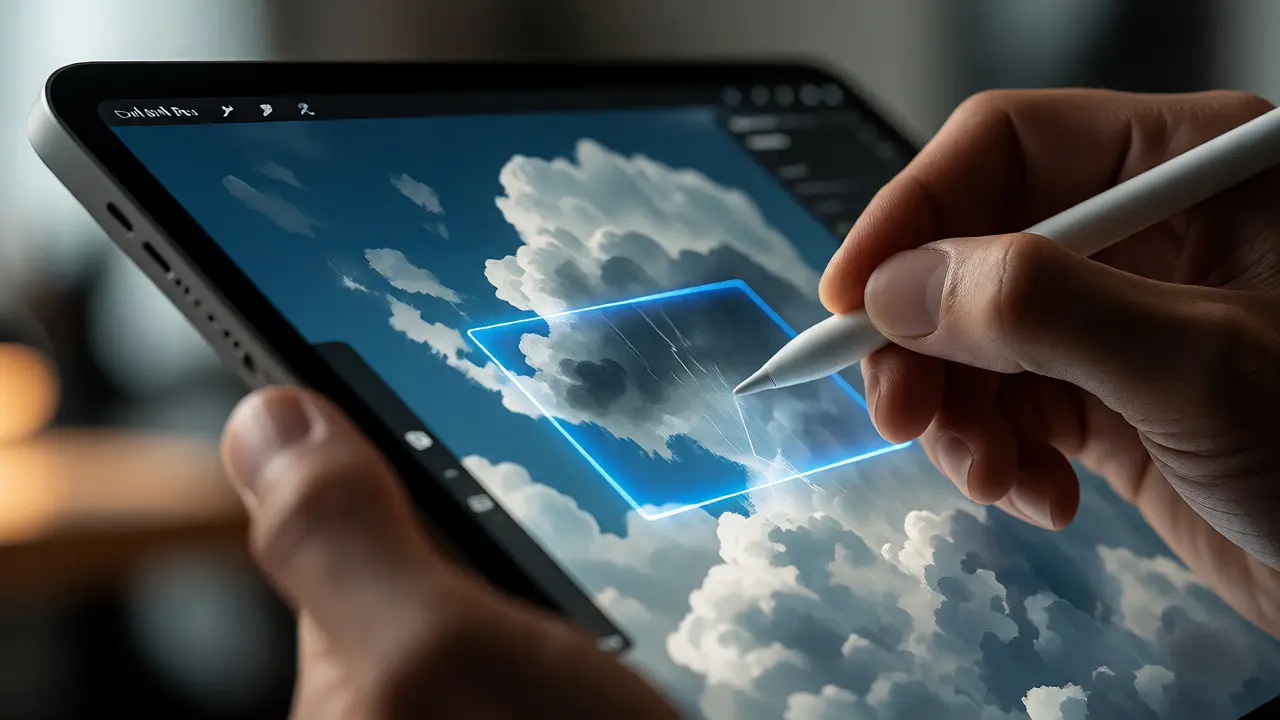
Take Procreate, for example. Its recent updates don’t just generate images; they allow you to define the *area* of influence. You aren’t asking the AI to repaint your entire canvas. You’re drawing a rough shape around a cloud and telling the model, "Make this look like storm clouds, but keep the lighting consistent with my reference photo." This spatial awareness is crucial. It turns the AI from a replacement artist into a specialized brush engine.
This shift requires hardware support. The Neural Engine in the M-series chips (M3, M4, and the latest M5 variants) allows these models to run locally. Why does this matter? Latency. When you adjust a slider to increase the "fluffiness" of those clouds, the preview needs to update in milliseconds, not seconds. Cloud-based processing introduces lag that breaks the creative flow. Local execution means the feedback loop is tight enough to feel intuitive.
Preview Before Committing
The most dangerous part of AI integration is the commitment problem. In traditional software, if you paint a stroke wrong, you hit Cmd+Z. But with generative fill, the underlying pixels might be completely reconstructed. Hitting undo once might revert you to the original state, losing ten minutes of other manual adjustments you made in between. Or worse, it might leave artifacts behind.
Apple’s ecosystem has responded with robust preview mechanisms. In apps like Affinity Photo 2 or Pixelmator Pro, AI actions are now often treated as separate layers or smart objects. You can toggle the visibility of the AI-generated layer to compare it instantly with the original. This side-by-side comparison is vital for maintaining quality standards.
| Feature | Legacy Generative Fill | Modern Apple-Native AI |
|---|---|---|
| Commitment Model | Destructive (pixels overwritten) | Non-destructive (layer-based/masked) |
| Preview Capability | None (final output only) | Real-time slider adjustment |
| Reversibility | Limited Undo History | Full Layer Stack Integrity |
| Processing Location | Cloud Server | On-Device Neural Engine |
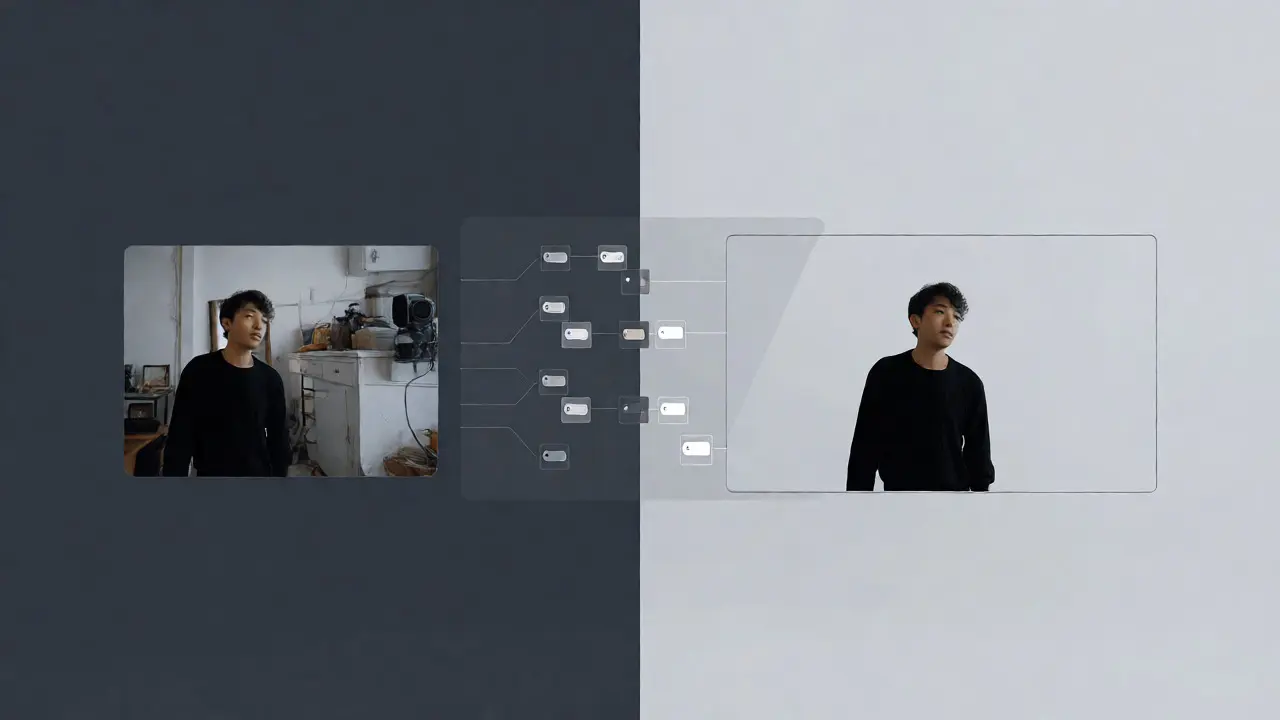
This non-destructive workflow is where the real magic happens. Imagine you’re using Final Cut Pro for video editing. You want to remove a background actor. Instead of rotoscoping every frame manually, you use the AI subject removal tool. But instead of baking the removal into the clip, the app creates a mask layer. You can then refine that mask, feather the edges, and even adjust the AI’s confidence threshold. If the removal looks glitchy in one scene, you can disable that specific keyframe without affecting the rest of the timeline. This level of granularity was previously available only to VFX artists with expensive plugins. Now, it’s standard.
Reversibility as a Design Principle
If preview helps you decide, reversibility saves you from disaster. In complex projects, the ability to step back is non-negotiable. Apple’s unified memory architecture plays a huge role here. Because the CPU, GPU, and Neural Engine share the same pool of high-speed memory, applications can store multiple versions of AI-generated states without choking the system.
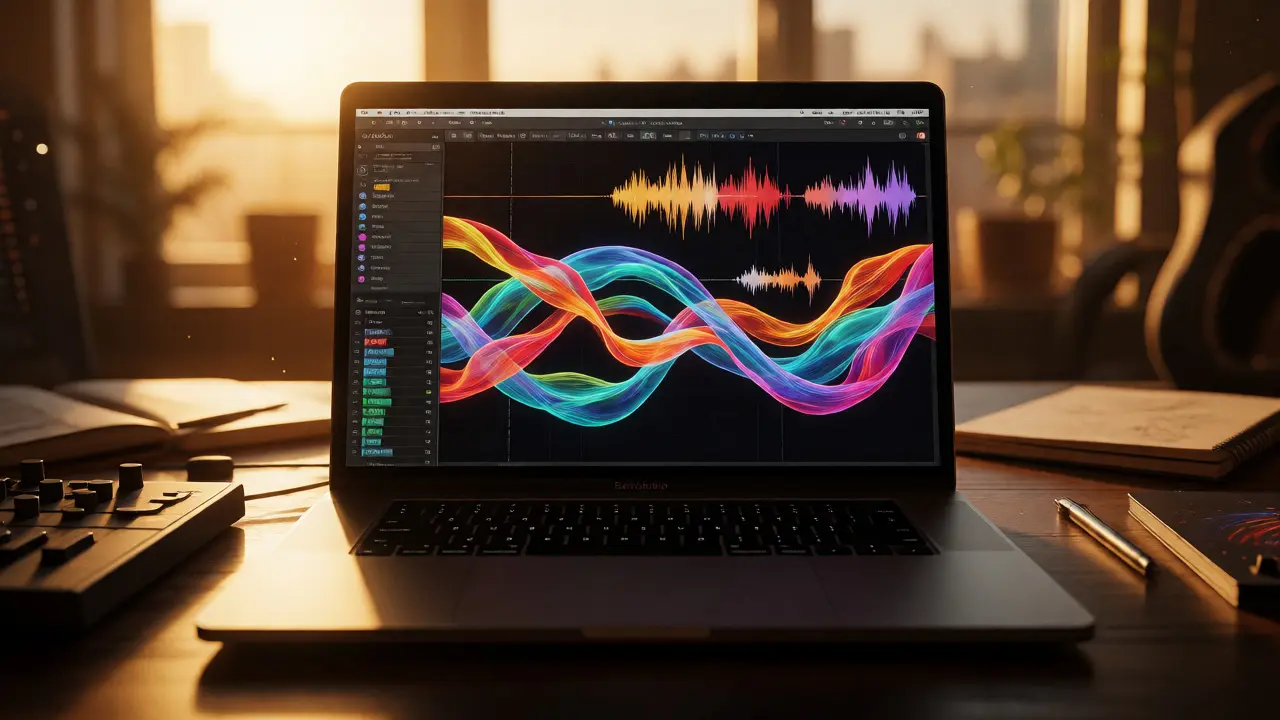
Consider Logic Pro for music production. The new stem separation features allow you to isolate vocals or drums from a mixed track. Previously, this was a destructive export process. Once you exported the isolated vocal, you couldn’t easily tweak the algorithm’s parameters without starting over. Now, these separations exist as editable elements within the project file. You can try different isolation models, switch between them, and blend them. If the drum isolation sounds too thin, you can dial it back or combine it with a synthetic drum layer generated by the AI. The history is preserved. You can always return to the source mix.
This principle extends to text generation in Pages or Notes. When Apple Intelligence suggests a rewrite, it doesn’t just replace your paragraph. It offers options in a sidebar. You can accept, reject, or edit the suggestion inline. Crucially, the original text remains accessible until you explicitly commit to the change. This reduces the anxiety of letting AI touch your writing. You’re not handing over the pen; you’re having a conversation with a very fast editor.
The Role of On-Device Processing in Privacy and Speed
Why insist on local processing? Two reasons: privacy and latency. For designers working on unreleased brand campaigns, sending assets to a cloud server is a security risk. NDA violations can happen when a third-party server stores your proprietary images. By keeping the inference on-device, your data never leaves the secure enclave of your Mac or iPad.
Speed is equally critical. A designer won’t wait five seconds for a preview update while tweaking a color palette. They’ll lose their train of thought. The Apple Silicon advantage here is tangible. Benchmarks show that tasks like image upscaling or noise reduction run 30-50% faster on-device compared to network-dependent solutions, especially when dealing with batch operations. This efficiency allows for rapid iteration. You can generate ten variations of a logo concept in the time it used to take to generate two.
Practical Workflows: Where Control Meets Creativity
So, how do you actually use this in your daily grind? Let’s look at three common scenarios where control, preview, and reversibility shine.
- Concept Art Iteration: Use Adobe Firefly integrated into Photoshop on Mac. Start with a sketch. Use generative fill to add textures, but keep each texture on its own layer. Adjust the "reference strength" slider to blend the AI texture with your hand-drawn strokes. If one variation clashes, hide the layer. No damage done.
- Product Photography Cleanup: Shoot a product on a messy set. Use the AI object remover in Capture One. Apply the removal as a mask. Zoom in to check edge integrity. If the AI hallucinates a pattern on the floor, paint out the mask in that area. The original pixels remain untouched underneath.
- Video Color Grading: In DaVinci Resolve (which leverages Metal acceleration), use AI-powered face refinement. Apply it to a node tree. You can adjust the intensity of the skin smoothing separately from the eye enhancement. Toggle the node off to see the raw footage. This modular approach lets you fine-tune the look without locking yourself into a single preset.
Avoiding the Homogenization Trap
There’s a fear that AI will make everything look the same. Smooth skin, perfect gradients, symmetrical compositions. This happens when users rely on default settings. The antidote is manual intervention. The best results come from hybrid workflows. Let the AI handle the tedious parts-removing dust spots, extending backgrounds, isolating subjects-but keep the artistic decisions in human hands.
Use the AI as a starting point, not the finish line. For instance, let AI generate a background pattern, but then apply your own custom brushes over it. Add grain. Adjust the curves. Break the symmetry. These small imperfections are what give digital art soul. The tools now allow you to inject these imperfections easily because the AI layer is separate and adjustable.
Future-Proofing Your Toolkit
As we look toward 2027, expect deeper integration between apps. Imagine copying a selection in Freeform and pasting it into Blender with metadata intact, ready for AI-assisted 3D modeling. The focus will continue to be on reducing friction. Less clicking, more creating.
For now, evaluate your current stack. Are your AI features destructive? Do they offer previews? Can you undo them cleanly? If not, it might be time to upgrade. The goal isn’t to automate creativity away. It’s to remove the technical barriers that slow down your imagination. With the right tools, AI becomes invisible-a silent partner that handles the grunt work so you can focus on the vision.
Does Apple Intelligence require an internet connection for creative tasks?
No, most core creative features powered by Apple Intelligence, such as image cleanup, subject isolation, and basic text rewriting, run entirely on-device using the Neural Engine. This ensures functionality even when offline and protects user privacy. However, some advanced generative tasks may optionally offload to the cloud for higher fidelity if enabled.
How does non-destructive AI editing differ from traditional layers?
Traditional layers contain static pixel data. Non-destructive AI editing treats the AI action as a dynamic instruction or mask applied to the underlying layer. You can change the parameters of the AI action (like strength or type) after applying it, and the underlying pixels remain unchanged until you flatten the image.
Which Mac models are best suited for heavy AI creative workflows in 2026?
Macs equipped with M3 Max, M4 Max, or newer chips are ideal. These models feature larger unified memory pools (32GB+) and more powerful Neural Engines, which significantly reduce latency when running large language models or diffusion models locally for tasks like video upscaling or complex image generation.
Can I customize the AI's style in apps like Procreate?
Yes, modern versions of Procreate and similar iPad apps allow you to upload reference images or select style presets. You can also adjust sliders for "creativity" versus "accuracy," allowing you to balance how much the AI deviates from your initial sketch or prompt.
Is AI-generated content copyright-safe when created on Apple devices?
Copyright laws regarding AI are still evolving globally. Generally, purely AI-generated images may not qualify for copyright protection unless there is significant human authorship. Using AI as a tool within a broader creative process (e.g., modifying, compositing, directing) strengthens the claim to human authorship. Always check the terms of service of the specific app you are using.
Categories
Popular Articles