
You know that sinking feeling? You're halfway through a presentation or deep in a coding sprint, and your laptop screams for an outlet. For years, this was just "the price of power." But if you've used a modern MacBook recently, you've likely noticed something different. The anxiety is gone. You leave the house without a charger, not out of recklessness, but because you trust the machine. This isn't just about bigger batteries. It's about a fundamental shift in how Apple designs hardware around energy consumption. They stopped treating battery life as a spec sheet number and started treating it as a core user experience feature.
The Shift from Raw Power to Intelligent Efficiency
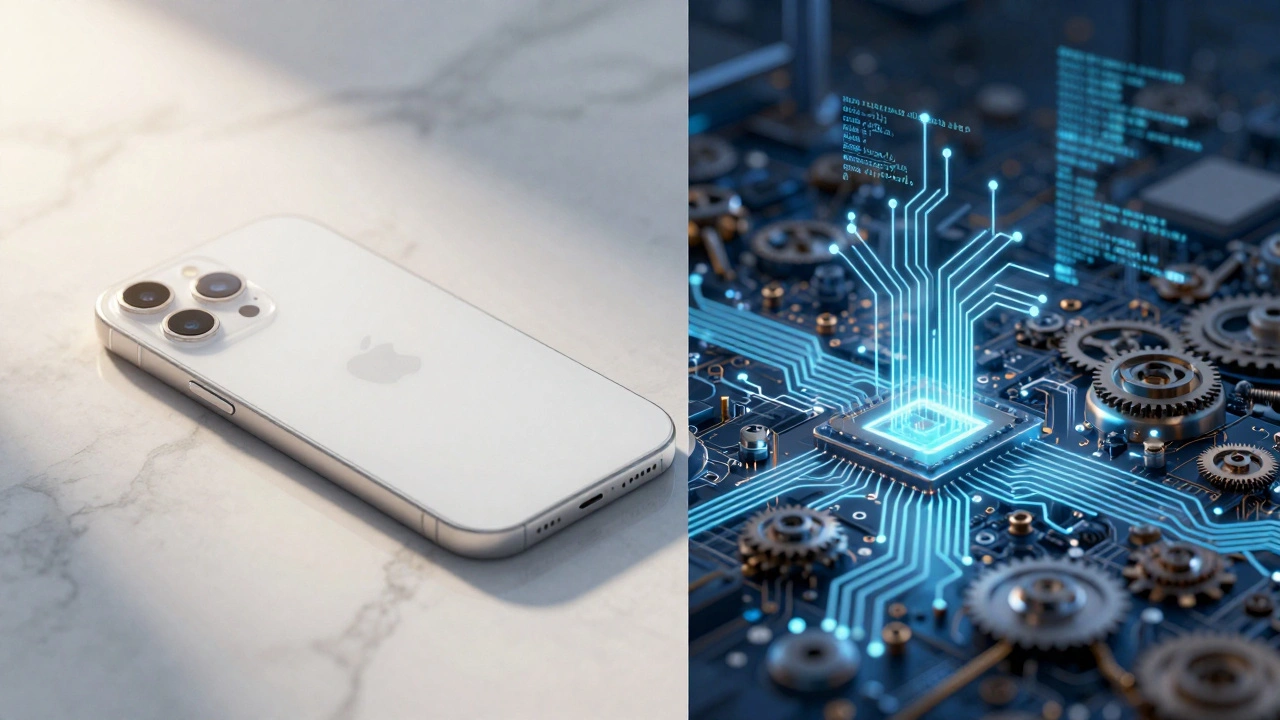
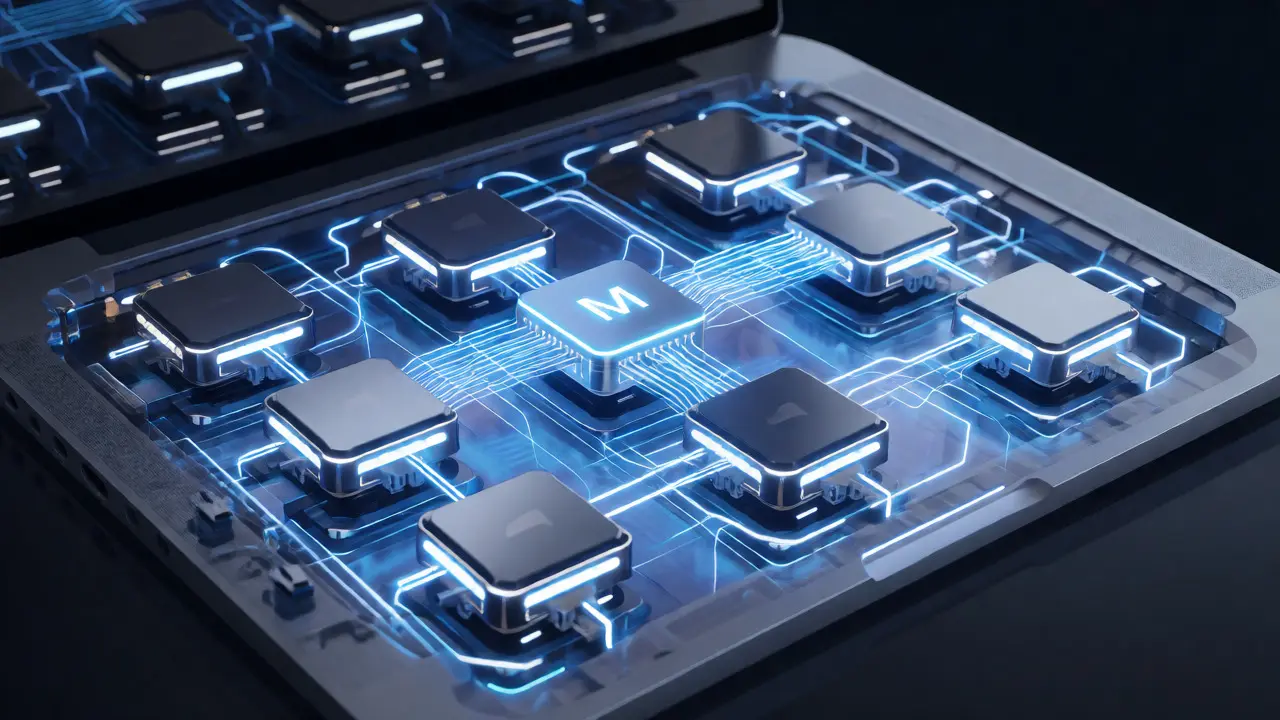
For over a decade, the laptop industry chased one metric: performance per watt wasn't the goal; raw speed was. Intel-based MacBooks were powerful, sure, but they ran hot and drained juice fast. Then came Apple Silicon, specifically the M-series chips. This transition didn't just change the processor architecture; it changed the entire thermal and power envelope of the device.
Here’s the reality check: An M1 chip delivers performance comparable to previous Intel i7s while consuming significantly less energy. Why does this matter for design? Because when you don't need massive cooling fans and thick heat sinks, you can make the device thinner, lighter, and quieter. But more importantly, you can optimize how the software talks to the hardware. The operating system, macOS, knows exactly which cores to wake up and which to sleep. It’s not brute force; it’s surgical precision.
| Feature | Traditional x86 Laptops | Modern Apple Silicon MacBooks |
|---|---|---|
| Core Architecture | Uniform high-power cores | Hybrid (Performance + Efficiency cores) |
| Thermal Design | Active cooling required under load | Fanless options available; passive cooling often sufficient |
| Idle Power Draw | High (background tasks keep CPU active) | Extremely Low (Efficiency cores handle background tasks) |
| User Experience Impact | Frequent charging needed; fan noise common | All-day usage; silent operation during light tasks |
Hardware-Software Synergy: The Real Secret Sauce
Anyone can buy a big battery. Not everyone can make it last 15 hours. The magic lies in the tight integration between macOS and the silicon. On Windows machines, drivers are often written by third parties who don't know the exact nuances of the specific motherboard revision. On a MacBook, Apple writes the drivers, the OS, and the firmware.
This means the system can aggressively throttle non-essential processes. When you’re just typing a document, the high-performance cores stay asleep. Only when you open Xcode or export a video do they kick in. This dynamic scaling prevents energy waste. Think of it like driving a hybrid car. If you only use the gas engine for highway speeds and rely on electric for city driving, you save fuel. Your MacBook does the same with electricity.
Consider the display. The Liquid Retina XDR display on Pro models uses mini-LED backlighting. Unlike traditional LCDs where the whole backlight stays on, mini-LED allows for local dimming. Black pixels turn off their LEDs entirely. If you’re editing code in dark mode, you’re literally saving power pixel-by-pixel.
Design Choices That Save Watts
Physical design plays a huge role here too. Have you ever wondered why the chassis feels so solid yet light? Aluminum has excellent thermal conductivity. Instead of using heavy copper heat pipes everywhere, Apple uses the case itself to dissipate heat. Less mass moving air means less energy spent on cooling.
Then there’s the SSD. Apple’s custom storage controllers are optimized for low latency and low power. In older laptops, accessing files could spike power usage noticeably. Now, data retrieval is nearly instantaneous and draws minimal current. These small savings add up. Ten milliwatts saved here, twenty there-it compounds into hours of extra runtime.
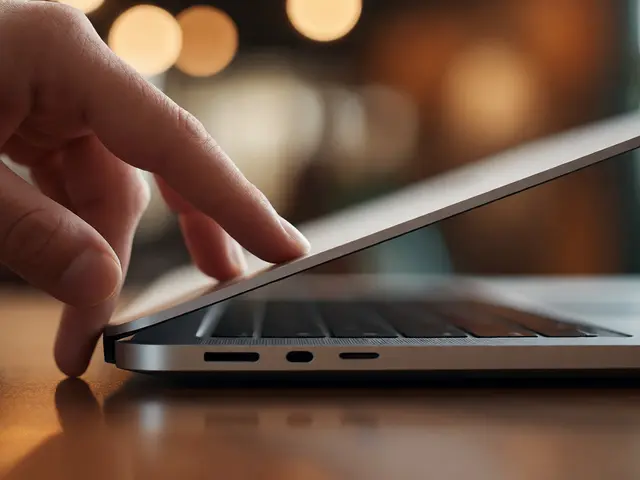
Port selection also reflects this philosophy. By limiting ports to Thunderbolt/USB-C, Apple reduces the complexity of internal circuitry. Fewer discrete controllers mean fewer components drawing standby power. It’s a controversial choice for users who love dongles, but from an engineering standpoint, it streamlines the power delivery network.
Battery Health Management: Protecting the Asset
A battery isn’t just a component; it’s a consumable. Apple knows that if your battery degrades quickly, your user experience tanks. Enter Optimized Battery Charging. This feature learns your daily routine. If you plug in your MacBook every night at 10 PM and unplug it at 7 AM, the system waits to charge past 80% until shortly before you wake up.
Why stop at 80%? Lithium-ion batteries stress most when held at full capacity. By keeping the charge lower during idle periods, the chemical degradation slows down. You get two benefits: longer overall lifespan for the battery, and consistent peak performance later in the device’s life. It’s a subtle UX touch-you barely notice it happening, but you feel the difference after two years when your battery health still reads above 90%.

The Psychological Impact of Long Battery Life
Let’s talk about behavior. When you have a laptop that lasts all day, you change how you work. You stop tethering yourself to desks near outlets. You take meetings in coffee shops without hunting for plugs. You edit videos on trains. This freedom is a direct result of efficient design.
In contrast, poor battery life creates cognitive load. Every time you see the percentage drop below 20%, your brain shifts from "creative mode" to "logistics mode." You start planning your exit strategy. Efficient design removes this friction. It lets you focus on the task, not the tool. That’s the definition of good UX: making the technology invisible so the human can shine.
What This Means for Other Devices
Apple isn’t alone in chasing efficiency, but they’ve set a new benchmark. Competitors are scrambling to adopt ARM architectures and improve driver optimization. We’re seeing similar trends in smartphones and tablets, but laptops lag behind due to higher performance demands.
If you’re designing any portable electronic device, look at the MacBook playbook. Don’t just throw more battery at the problem. Ask: How can we reduce the energy demand? Can we optimize the software-hardware handshake? Can we use materials that help with thermal management passively? Efficiency isn’t just about green credentials; it’s about respecting the user’s time and attention.
Does closing apps actually save battery on a MacBook?
Not necessarily. macOS is very good at suspending inactive apps. Closing them manually often forces the system to reload them from disk next time, which uses more energy than leaving them suspended in RAM. Only close apps that are actively misbehaving or using excessive CPU cycles.
Is it bad to leave my MacBook plugged in all the time?
Thanks to Optimized Battery Charging, it’s generally safe. The system manages the charge level to prevent long-term stress. However, occasionally letting the battery drain to around 20% and then recharging helps calibrate the battery gauge and keeps the lithium ions active.
Why do some websites drain my battery faster than others?
Heavy JavaScript execution, auto-playing videos, and constant animations require the GPU and CPU to stay active. Sites optimized for performance will pause these elements when the tab is in the background. Safari is particularly good at managing this compared to other browsers, contributing to better battery life during web browsing.
How does screen brightness affect battery life?
It’s one of the biggest drains. The display consumes a significant portion of total power. Using Auto-Brightness can help, but manually lowering brightness when possible yields immediate gains. Dark Mode further reduces power consumption on OLED and mini-LED displays by turning off black pixels.
Can I replace the battery myself?
Technically yes, but it’s difficult. Modern MacBooks use strong adhesives and proprietary pentalobe screws. Apple recommends professional service. Attempting DIY replacement risks damaging the trackpad or logic board, and you may lose warranty coverage.