
You probably don't think about the microphone in your iPhone until you're trying to record a voice memo in a windy park or join a Zoom call from a noisy coffee shop. That moment of frustration-when the audio sounds muddy or distant-is exactly what Apple tries to solve before you even buy the device. It’s not just about slapping a speaker on a phone; it’s about how the hardware, the software, and the physical space interact. When you hold an iPhone to your ear, the proximity sensor doesn't just turn off the screen; it tells the audio system to switch to a specific equalization profile optimized for close-range listening. This level of integration is where Apple’s design philosophy shines brightest.
The Hardware-Software Handshake
Most companies treat audio as an afterthought. They pick a supplier for speakers, integrate them into the chassis, and hope for the best. Apple flips this script. The audio subsystem isn't just a component; it's a tightly coupled system involving custom silicon, precise acoustic engineering, and real-time processing. Take the A17 Pro chip found in recent iPhones. It includes dedicated audio processing units that handle noise cancellation and spatial rendering with minimal latency. Why does this matter? Because when you watch a movie on your phone, the sound needs to move around your head instantly as you tilt the device. If the processor had to send data to a generic audio chip and back, you’d notice lag. With Apple Silicon, the calculation happens locally, fast enough to trick your brain into believing the sound is coming from outside the device.
This integration extends to the microphones. Your Mac Studio Display, for example, uses three-microphone arrays to isolate voices. But it’s not just about having more mics; it’s about beamforming algorithms that know exactly where you are sitting relative to the screen. If you lean left, the audio focus shifts. This dynamic adjustment relies on sensors working in concert with the operating system, creating a seamless experience that feels almost magical because you never see the gears turning.
Spatial Audio and Head Tracking
Spatial audio used to be a gimmick reserved for high-end home theater setups. Now, it’s standard fare on AirPods Pro and other Apple-compatible headphones. But let’s be clear: not all spatial audio is created equal. There’s static spatial audio, which creates a fixed stage in front of you, and dynamic spatial audio, which uses gyroscopes and accelerometers to track your head movements.
| Feature | Static Spatial Audio | Dynamic Spatial Audio |
|---|---|---|
| Head Movement | Sound stays fixed in front of you | Sound anchors to the device/screen |
| Best For | Music, podcasts | Movies, immersive games |
| Hardware Required | Any stereo headphones | AirPods with H-chip or Beats Fit Pro |
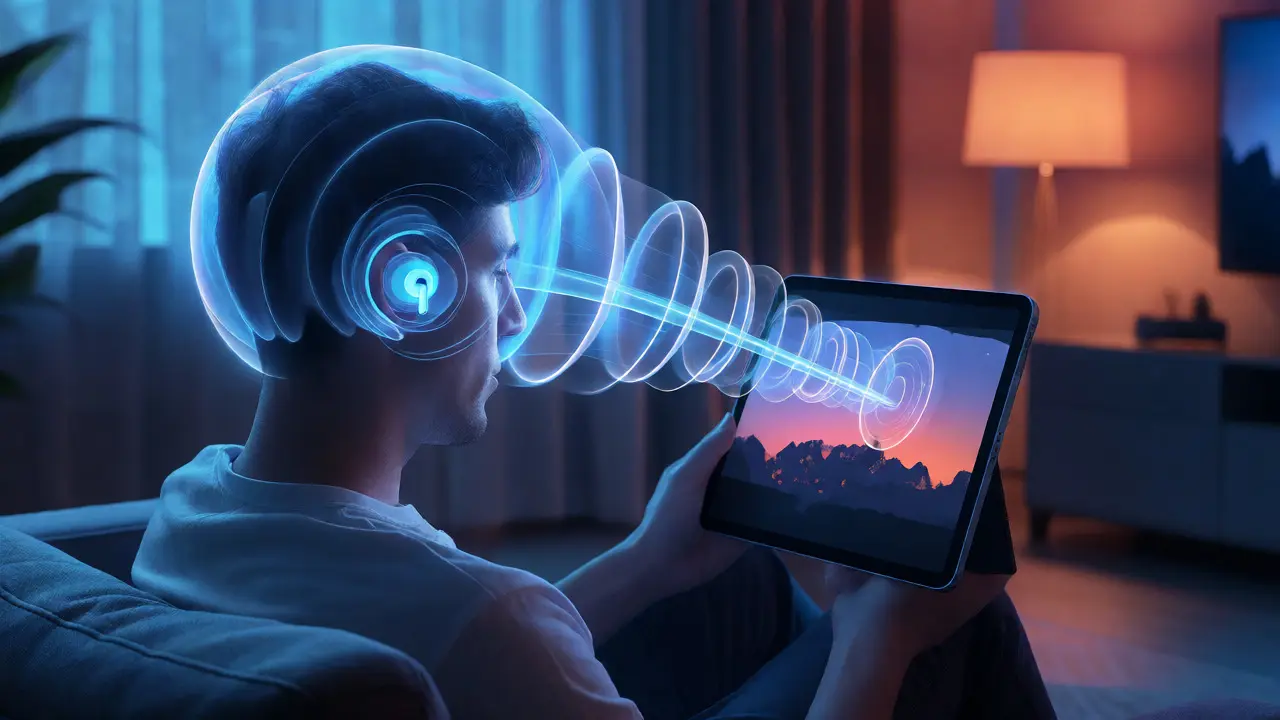
When you enable dynamic spatial audio while watching a film on an iPad, the soundstage remains anchored to the tablet. If you turn your head to the left, the dialogue from the center character moves to your right ear. This mimics how we hear in real life. In a theater, if you look away from the screen, the sound doesn’t follow your eyes; it stays with the source. Apple replicates this physics-based behavior using sensor fusion. The gyroscope detects rotation, the accelerometer detects translation, and the software blends these inputs to render the audio field in real time. It’s a subtle detail, but once you get used to it, going back to standard stereo feels flat and disconnected.
Microphone Arrays and Voice Isolation
Have you ever tried to take a call while cooking? The sizzle of onions can drown out your voice. Standard noise cancellation often fails here because it treats all background noise equally. Apple’s approach, particularly on newer devices running iOS 15 and later, introduces Voice Isolation a mode that prioritizes human speech frequencies while suppressing non-speech sounds. This isn’t just filtering; it’s machine learning at work. The neural engine analyzes the incoming audio stream, identifies patterns typical of human vocal cords, and boosts those signals while attenuating others.
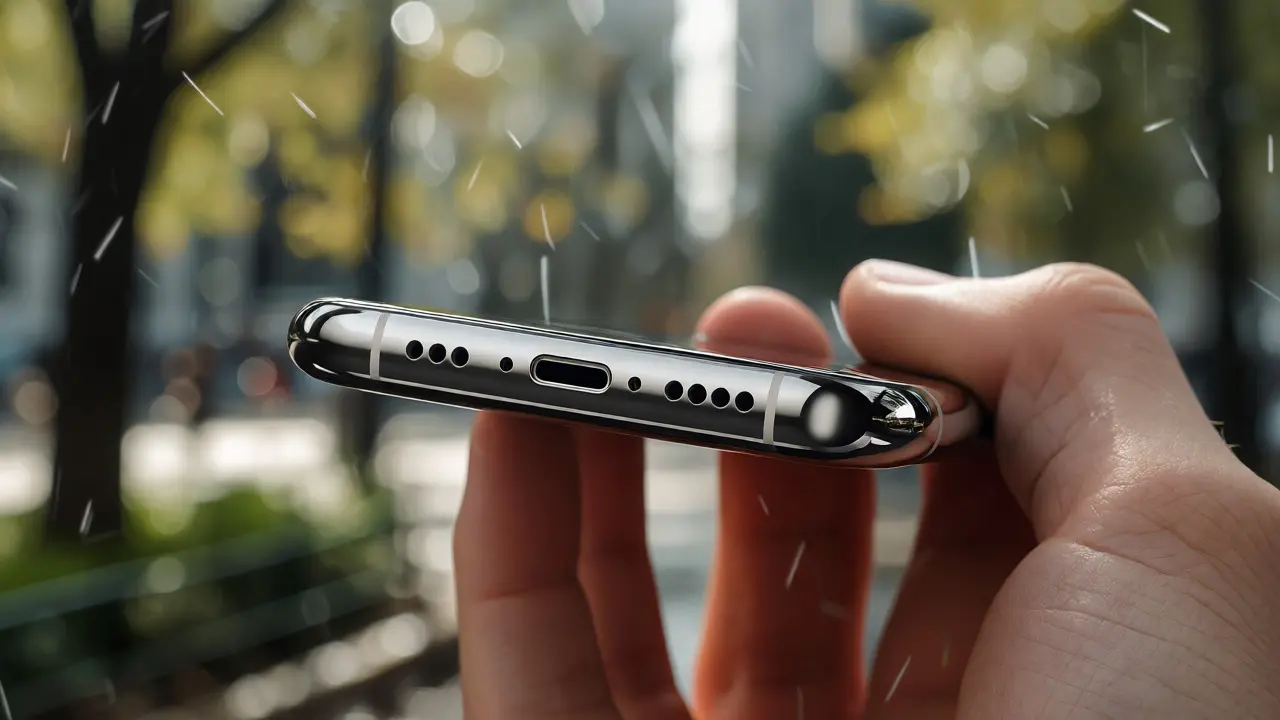
The placement of microphones also plays a crucial role. On the iPhone, you’ll find microphones at the bottom, top, and near the camera module. This triangulation allows the device to determine the direction of the sound source. When you’re recording video, the audio follows the action. If you pan the camera to the left, the sound pans too. This directional awareness is baked into the hardware layout. Engineers didn’t just place mics where they fit; they placed them where they could capture phase differences accurately, allowing the software to reconstruct a 3D audio image.
Acoustic Design and Material Science
Think about the last time you held a MacBook Air. You might have noticed the grilles along the hinge. Those aren’t just holes; they’re part of a complex acoustic chamber. Apple designs the internal volume of its laptops specifically to enhance bass response without adding bulk. The materials matter, too. Aluminum chassis reflect sound differently than plastic. A rigid aluminum body minimizes vibration resonance, ensuring that the speakers produce clean, distortion-free audio even at high volumes.
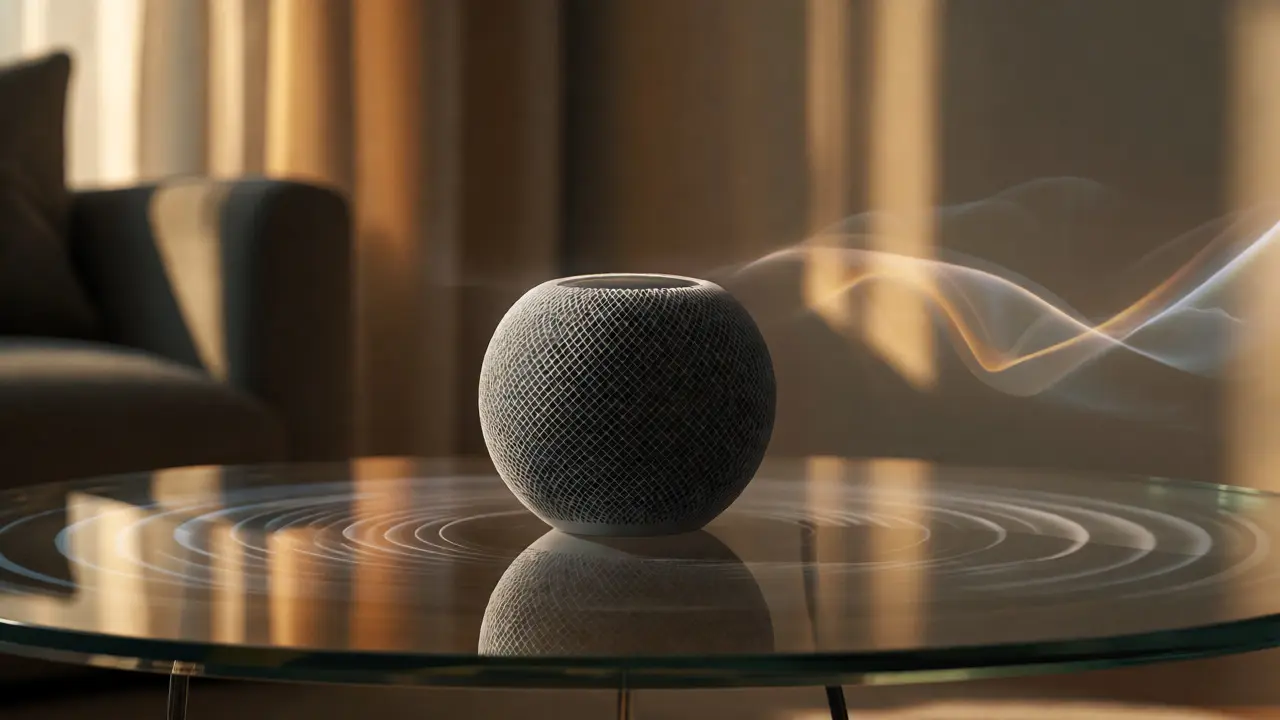
In the HomePod mini Apple utilizes a computational audio system that adjusts output based on room acoustics. Using built-in microphones, the HomePod listens to its own sound reflections off walls and furniture. If you place it in a corner, it detects the boost in low frequencies and compensates by reducing bass. If you put it on a glass table, it might adjust mid-range clarity. This self-calibration means you don’t need to be an audiophile to get good sound. The device adapts to your environment, making the “best” sound setting different for every user. It’s a prime example of integrated design solving a problem users didn’t know they had.
The Role of Connectivity and Latency
Wireless audio has always suffered from latency-the delay between seeing a lip move and hearing the word. Bluetooth codecs like AAC (Advanced Audio Coding) help, but they still introduce some lag. Apple mitigates this through proprietary optimizations in its W1, H1, and H2 chips. These chips allow for faster pairing and lower power consumption, but their real magic lies in synchronization. When you use two AirPods, the master earbud sends timing signals to the slave earbud, ensuring both play the exact same sample at the exact same millisecond. Without this tight sync, you’d hear echo or phasing issues.
Furthermore, Apple’s ecosystem allows for seamless handoff. Start listening to music on your iPhone, walk into your living room, and tap your AirPods. The audio switches to your Apple TV or HomePod automatically. This continuity relies on iCloud syncing and local network discovery protocols. It’s not just convenient; it reduces cognitive load. You don’t have to open apps or change settings. The system anticipates your intent based on location and device proximity.
Practical Tips for Optimizing Your Setup
If you want to get the most out of this ecosystem, there are a few things you should check. First, ensure your firmware is up to date. Apple frequently releases updates that improve spatial audio accuracy and microphone performance. Second, experiment with Accessibility settings. Under Audio/Visual, you can adjust balance and mono audio, which can be helpful if one earbud sits differently in your ear than the other.
- Check Mic Placement: Avoid covering the bottom microphone on your iPhone with your finger during calls. It’s easy to do accidentally.
- Use Voice Isolation Wisely: Turn it on only when necessary. In quiet rooms, standard mode provides richer audio quality.
- Calibrate Spatial Audio: Go to Settings > Accessibility > Audio/Visual > Headphone Accommodations. Run the calibration test to tailor sound to your unique hearing profile.
Another pro tip: keep your devices charged. Low battery modes sometimes reduce the performance of background audio processing, which can subtly degrade spatial effects. If you’re doing critical audio work, like mixing a podcast, plug in your Mac. Power delivery ensures the audio engine runs at full capacity.
Frequently Asked Questions
Does spatial audio work with any pair of headphones?
No, dynamic spatial audio requires specific hardware. You need AirPods with an H1, H2, or newer chip, or Beats products with similar chips. Other Bluetooth headphones can support static spatial audio, but they lack the head-tracking capability needed for the immersive, anchored experience.
Why does my microphone sound muffled on FaceTime?
This is often due to case interference or dirt blocking the mic grille. Try removing your phone case and cleaning the mesh gently with a soft brush. Also, check if "Voice Isolation" is enabled in the Control Center during the call, as it aggressively filters background noise which can sometimes affect voice naturalness.
Can I use spatial audio on non-Apple devices?
Yes, but with limitations. Some Android phones support Dolby Atmos, which is similar but not identical. However, the seamless switching and head-tracking precision are best experienced within the Apple ecosystem due to the deep integration between the OS, the chips, and the content apps.
How does the HomePod know how to tune itself?
The HomePod uses its built-in microphones to listen to the sound reflecting off nearby surfaces. It calculates the distance to walls and objects and adjusts the frequency response accordingly. This process happens continuously, so if you move the HomePod, it will re-tune itself within seconds.
Is wired audio better than wireless for gaming?
For competitive gaming, wired is still superior due to zero latency. While Apple’s H-series chips have reduced wireless latency significantly, even a few milliseconds can matter in fast-paced shooters. For casual gaming or single-player narratives, the convenience of wireless AirPods usually outweighs the slight delay.