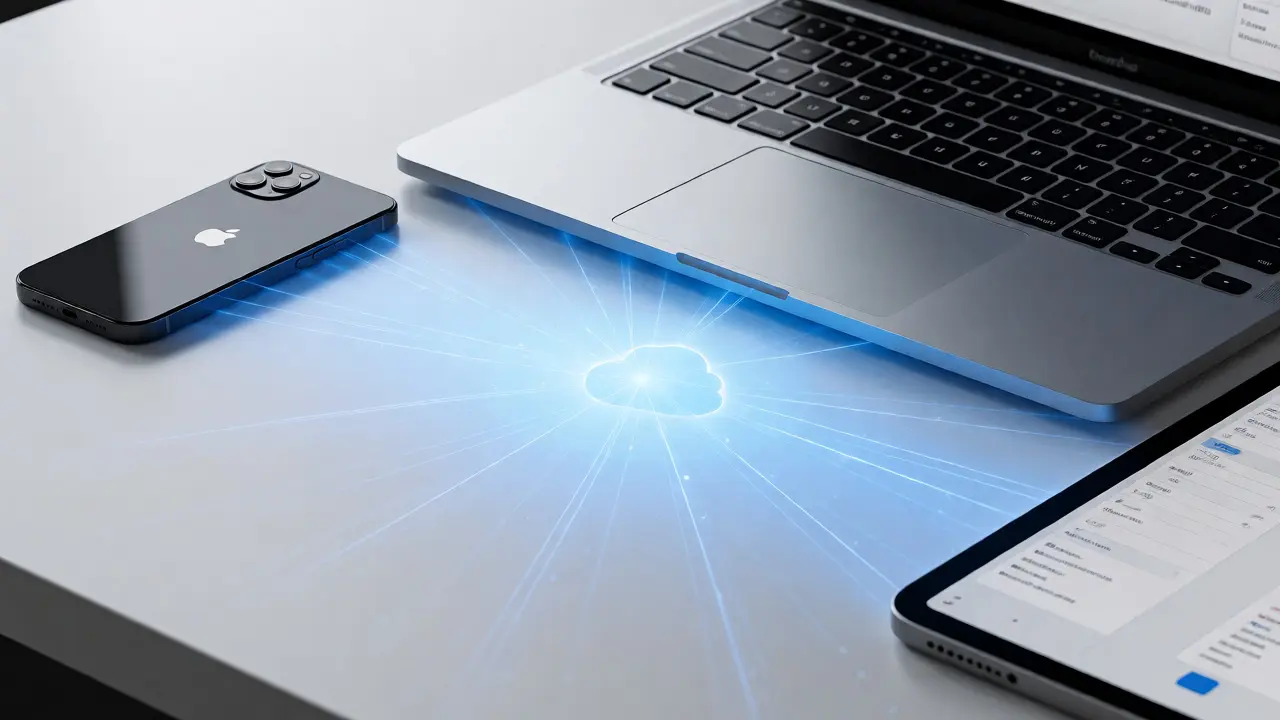

You buy a new iPhone. You turn it on, scan a QR code with your old phone, and within minutes, your photos, messages, and apps are there. No cables. No manual backups. Just... continuity. That magic isn't just hardware; it's iCloud acting as the invisible glue for your digital identity.
For most users, iCloud is just "the place where my photos go." But for designers and product thinkers, it represents a radical shift in how we handle user identity. It moves us away from fragmented logins toward a unified, persistent self that travels across devices. This article breaks down why treating account management as a core design element-not an afterthought-is what makes the Apple experience feel so cohesive.
The Problem with Fragmented Identities
Before ubiquitous cloud accounts, every device was an island. Your work laptop had one set of bookmarks. Your home PC had another. Your phone had a third. If you wanted to share a file, you emailed it to yourself or plugged in a USB drive. The friction was constant.
Traditional authentication models rely on silos. You have a Gmail account, a Microsoft account, and maybe a proprietary app login. Each has its own password, its own two-factor setup, and its own data storage rules. This fragmentation creates cognitive load. Users forget which credentials belong to which service. They lose trust because they can't easily verify who has access to their data.
Apple solved this by making the Apple ID a single sign-on credential that authenticates users across all Apple services and devices the central pillar of the experience. It’s not just a login; it’s the root key to your entire digital life. When you change your name in Settings, it updates everywhere. When you enable Two-Factor Authentication, it protects everything. This consistency reduces anxiety and builds confidence.
Continuity: The Core Value Proposition
Why does this matter? Because people don't think in terms of devices. They think in terms of tasks. "I want to finish writing this email I started on my Mac." "I want to see the photo I took on my iPhone on my iPad."
Handoff an Apple feature that allows users to start a task on one device and continue it on another nearby device is the most visible manifestation of this philosophy. But Handoff only works because the underlying state is synced via iCloud. Without that background synchronization, Handoff would be a broken promise.
Consider Universal Clipboard. You copy text on your MacBook Pro. You paste it on your iPhone X. There is no explicit "save" action. The system assumes you want that clipboard content available instantly. This requires low-latency syncing and robust conflict resolution. If both devices modify the same note simultaneously, iCloud merges changes intelligently rather than overwriting them. This subtle engineering detail preserves user intent without requiring user intervention.
Privacy as a Design Constraint
In many tech ecosystems, convenience comes at the cost of privacy. You trade your data for ease of use. Apple flipped this script. By designing iCloud around end-to-end encryption for sensitive categories like Health, HomeKit, and Messages (when enabled), they made privacy a default setting, not an opt-in checkbox buried in menus.
This approach influences UX directly. When you delete a photo from your iPhone, it disappears from iCloud Drive and your Mac immediately. There is no ambiguity about where the data lives. You don't need to manage local copies versus cloud copies. The mental model is simple: "There is one version of truth, and it is always up to date."
However, this simplicity hides complexity. Developers building apps must respect these boundaries. An app cannot simply dump raw data into iCloud if it wants to maintain performance. It needs to leverage CloudKit APIs properly, handling offline states and partial syncs gracefully. Poor implementation leads to the "spinner of death"-where the UI waits indefinitely for network responses. Good design anticipates latency and provides optimistic updates.

Key Components of the Identity Layer
To understand how iCloud functions as glue, we need to look at its specific components. These aren't just features; they are infrastructure layers that support identity persistence.
| Service | Primary Function | User Impact | Technical Basis |
|---|---|---|---|
| iCloud Drive | File storage and sharing | Access documents from any device; automatic backup | Object-based storage with versioning |
| iCloud Keychain | Password and passkey management | Auto-fill credentials; secure notes | End-to-end encrypted database |
| Find My | Device location and tracking | Locate lost devices; family sharing locations | Bluetooth mesh network + GPS |
| iCloud Photos | Media library synchronization | Unified album view across all devices | Optimized image streaming and deduplication |
| Passkeys | Phishing-resistant authentication | No passwords required for supported sites | FIDO2/WebAuthn standard integration |
Notice how each service reinforces the others. Passkeys rely on iCloud Keychain. Find My relies on the same device registry that powers AirDrop proximity detection. This interdependency is intentional. It creates a moat around the user experience. Switching away from Apple means losing this integrated context, not just individual apps.
Challenges in Implementation
It’s not all smooth sailing. The biggest complaint about iCloud is reliability during transition periods. When you first set up a new device, the initial sync can take hours or even days for large libraries. During this time, the UX feels degraded. Apps may show placeholder images instead of actual photos. Documents might open slowly.
Designers must mitigate this perception. Showing progress bars helps, but managing expectations is harder. Users expect instant gratification. If a video takes ten seconds to stream from iCloud instead of loading locally, it feels like a bug, even if it’s working as designed.
Another challenge is storage limits. The free tier offers 5GB, which fills up quickly with modern high-resolution photos. This forces a commercial decision: upgrade or delete. From a UX perspective, hitting a storage wall disrupts flow. Notifications pop up constantly, urging you to manage space. This introduces friction into an otherwise seamless experience.
Developers also face hurdles. Integrating CloudKit correctly requires understanding schema design and query optimization. A poorly indexed database can slow down sync speeds significantly. Moreover, testing offline behavior is complex. Simulating network drops and ensuring data integrity upon reconnection demands rigorous QA processes.
Best Practices for Designers and Developers
If you’re building within the Apple ecosystem, treat identity as a first-class citizen. Don’t bolt on login screens as an afterthought. Here are actionable steps:
- Leverage Sign in with Apple: Reduce friction by allowing users to authenticate using their existing Apple ID. Avoid asking for new usernames and passwords whenever possible.
- Design for Offline First: Assume the network will fail. Cache critical data locally. Allow users to make changes offline and sync when connectivity returns. Use visual cues to indicate pending syncs.
- Respect Privacy Defaults: Do not request more permissions than necessary. If you don’t need camera access, don’t ask for it. Transparency builds trust.
- Handle Conflicts Gracefully: When two devices edit the same record, provide clear options for resolution. Don’t silently overwrite user data.
- Optimize Initial Load Times: Prioritize essential assets. Lazy-load non-critical resources. Keep the interface responsive even while background sync occurs.
The Future of Identity: Beyond Passwords
We are moving toward a post-password era. Passkeys a new authentication method that replaces passwords with cryptographic keys stored in iCloud Keychain are already gaining traction. Major websites like GitHub, PayPal, and Reddit now support them. For users, logging in becomes a biometric scan or a simple tap. No typing. No remembering complex strings.
This shift simplifies UX dramatically. It eliminates common pain points like forgotten passwords, reset emails, and security questions. For developers, it reduces support tickets related to login issues. However, it raises new questions about recovery. If you lose your device, how do you regain access? Apple addresses this with trusted contacts and recovery codes, but the mental model still needs refinement.
As biometrics improve and device interoperability expands, the role of iCloud will likely expand further. We might see deeper integration with AR/VR environments, where your avatar and preferences follow you across virtual spaces. The foundation remains the same: a persistent, secure, and private identity anchored by the cloud.
What happens to my data if I cancel iCloud?
If you stop paying for additional iCloud storage, your account reverts to the free 5GB tier. If your data exceeds this limit, syncing stops for new content. Existing data remains accessible, but you won't be able to upload new photos, back up devices, or save new files until you delete some data or resubscribe. Your documents and photos already in the cloud stay safe, but the experience degrades significantly.
Is iCloud the same as iCloud+
No. iCloud is the foundational service included with every Apple device, offering 5GB of storage for basic backups and sync. iCloud+ is a paid subscription plan that increases storage capacity (e.g., 50GB, 200TB) and adds premium features like Hide My Email, HomeKit Secure Video, and custom email domains. You can use iCloud without iCloud+, but you'll be limited by the free storage cap.
How does iCloud handle conflicting edits between devices?
iCloud uses conflict resolution strategies depending on the app type. For structured data like Notes or Contacts, it often merges changes automatically. For files in iCloud Drive, it may create duplicate versions labeled with timestamps (e.g., "Document.conflict-20261029"). Some apps allow users to manually resolve conflicts, but many prioritize keeping the latest version to avoid blocking workflow. Always check specific app documentation for their sync behavior.
Can I use iCloud on Android or Windows?
Yes, partially. Apple offers iCloud for Windows, which syncs Photos, Contacts, Calendars, and iCloud Drive folders to your PC. On Android, you can access iCloud.com via a web browser to view mail, contacts, and calendars, but native app integration is limited compared to iOS/macOS. Full functionality, especially for Keychain and deep app sync, is best experienced on Apple devices.
What is Private Relay and how does it affect browsing?
Private Relay is an iCloud+ feature that acts like a privacy-focused proxy. It routes your Safari traffic through two separate internet relays. One knows your IP address but not your destination; the other knows your destination but not your IP. This prevents websites from tracking you based on your location and IP combination. It enhances privacy but may slightly increase page load times due to the extra routing hops.


Categories
Popular Articles